Buying Guides
TV Buying Guide 2026: How to Choose the Right TV

In the market for a new TV? Whether you’re looking for something simple to replace your family TV, need a TV that’s perfect for Gaming, or are after the latest and greatest in viewing technology, you’ll find a huge range of TVs available. With so many different models to choose from and an assortment of features and specifications to consider, we’ve created a TV buying guide to help make shopping simpler. Learn about what to look for when buying a new TV.



Jump to
When shopping for a new TV, you’ll find that the type of display technology used from model to model may vary and understanding the different types of TV can help to narrow your search. Here’s a breakdown of some of the most popular types of TV to help you work out which might work best for your home:
8K describes resolution rather than display technology. Lifestyle TVs and projectors are separate product types, so when considering what features to look for in a TV, they should be compared by purpose rather than grouped as display technologies.
TV TYPES COMPARED
| TV type | Best suited to | Practical benefit |
| LED/LCD | Everyday viewing and tighter budgets | Good value and versatile performance |
| OLED | Films and controlled lighting | Deep blacks, strong contrast and wide viewing angles |
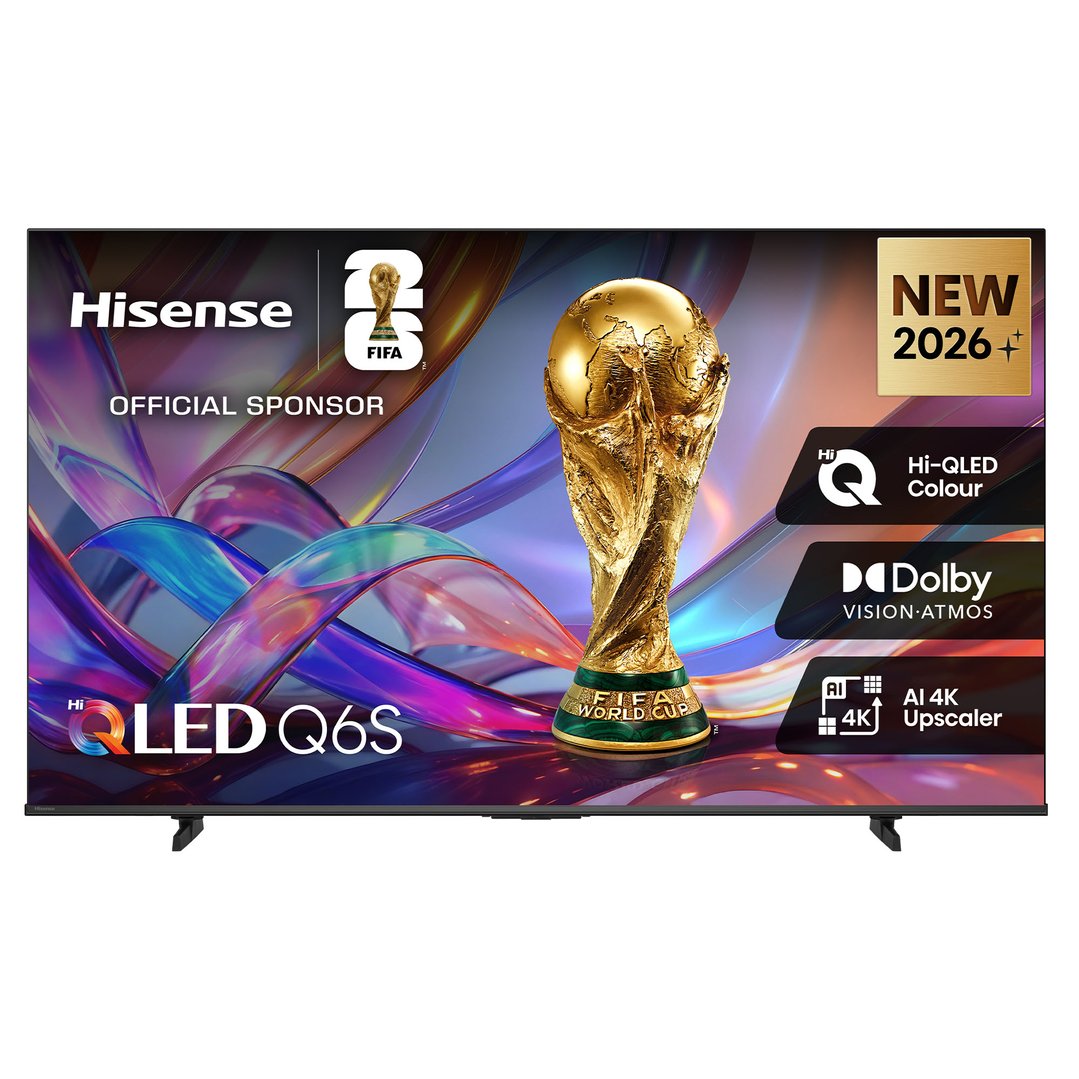
| QLED | Bright living areas | High brightness and vivid colour |
| Mini-LED | Bright rooms, sport and gaming | Improved backlight control and contrast |
LED TVS
The most affordable type of display technology, LED TVs use a combination of LED (light-emitting diode) backlighting and LCD (liquid-crystal display) technology to form a quality picture. While LED models may be thicker than other types of TVs, they perform well in most lighting situations and offer decent contrast.
LED TVs are typically quite energy efficient.
Cheaper to purchase than OLED TVs.
Often thicker in profile than OLED TVs.
May have limited viewing angles, depending on the model chosen.
Black areas may not have the same depth as provided by OLED TVs.
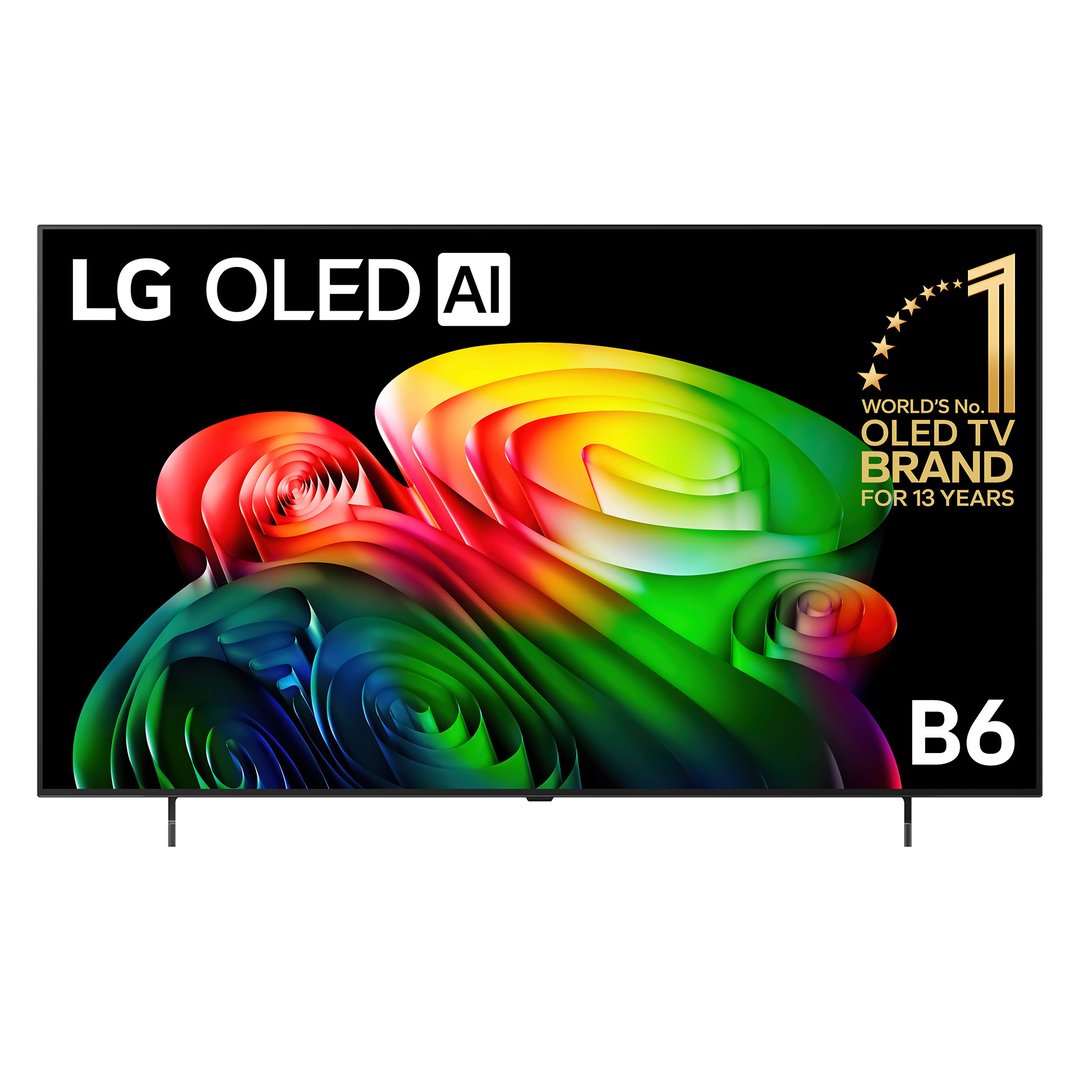
OLED TVS
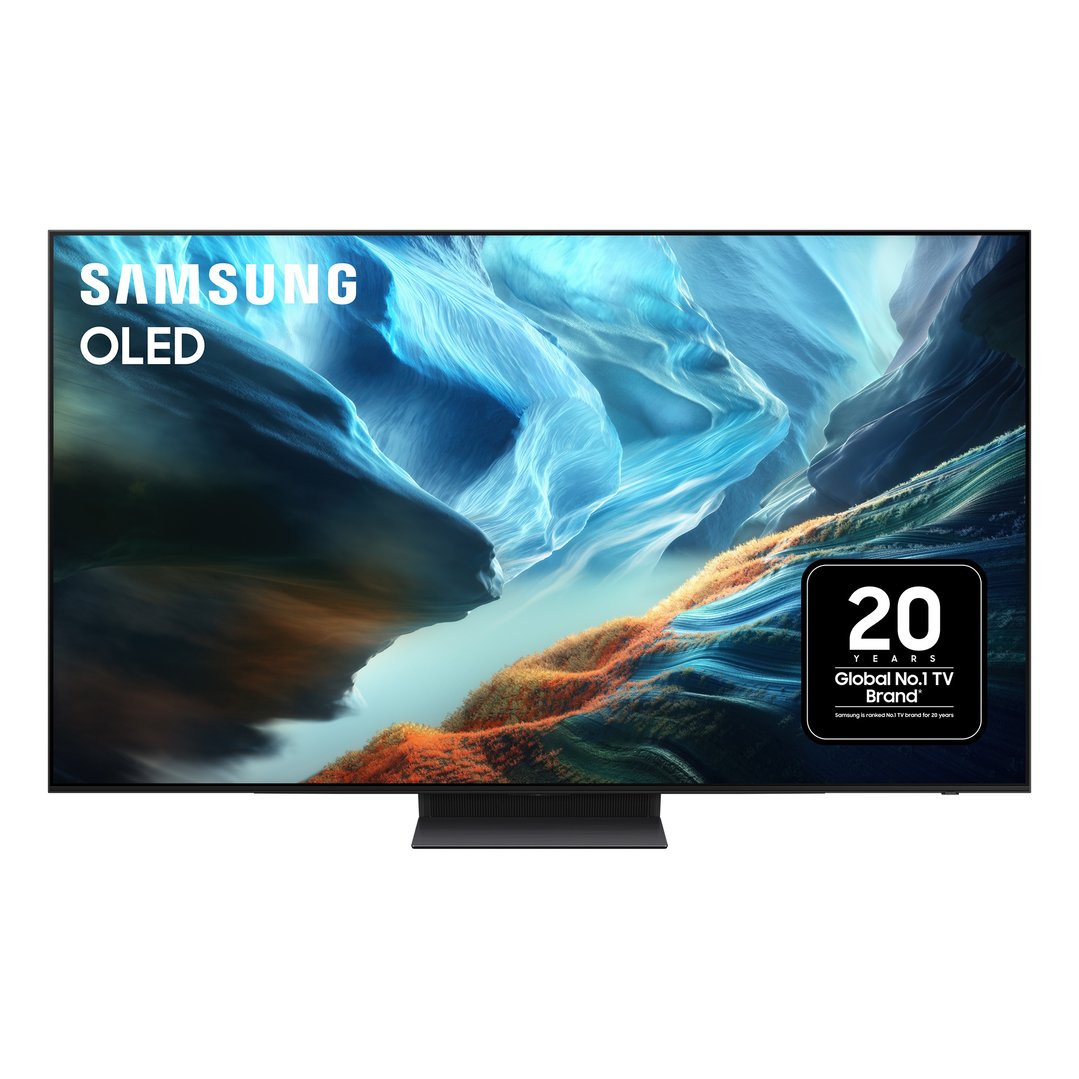
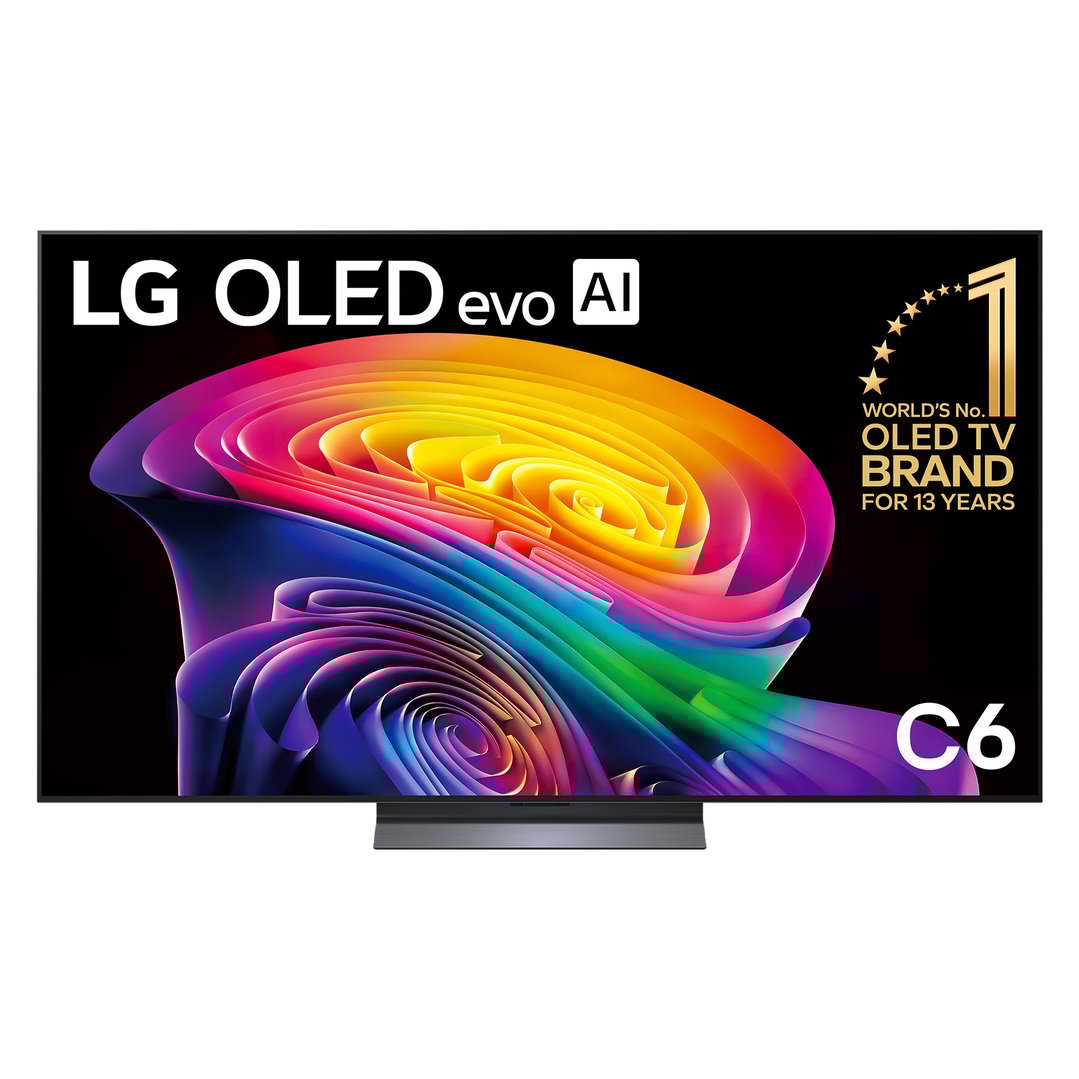
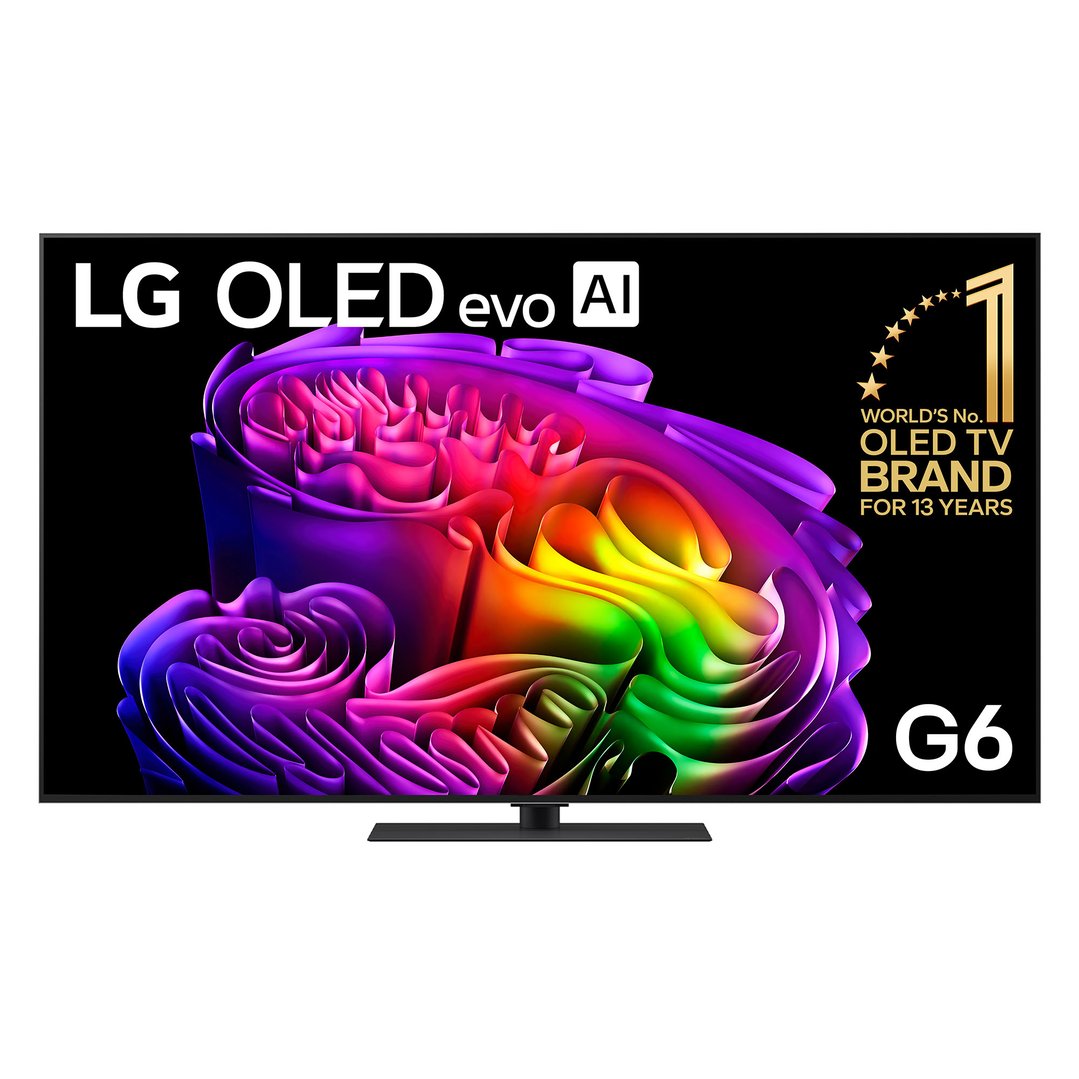
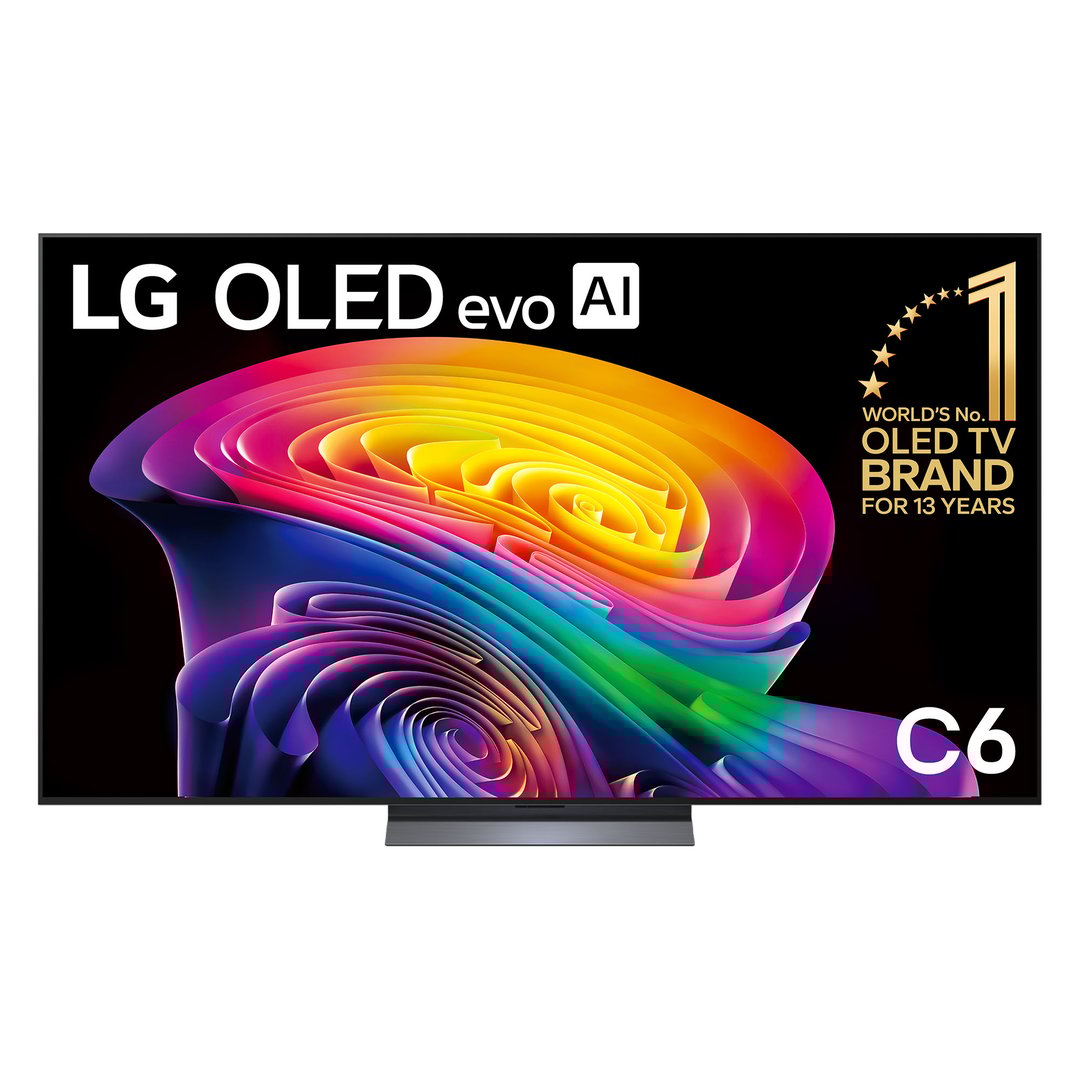
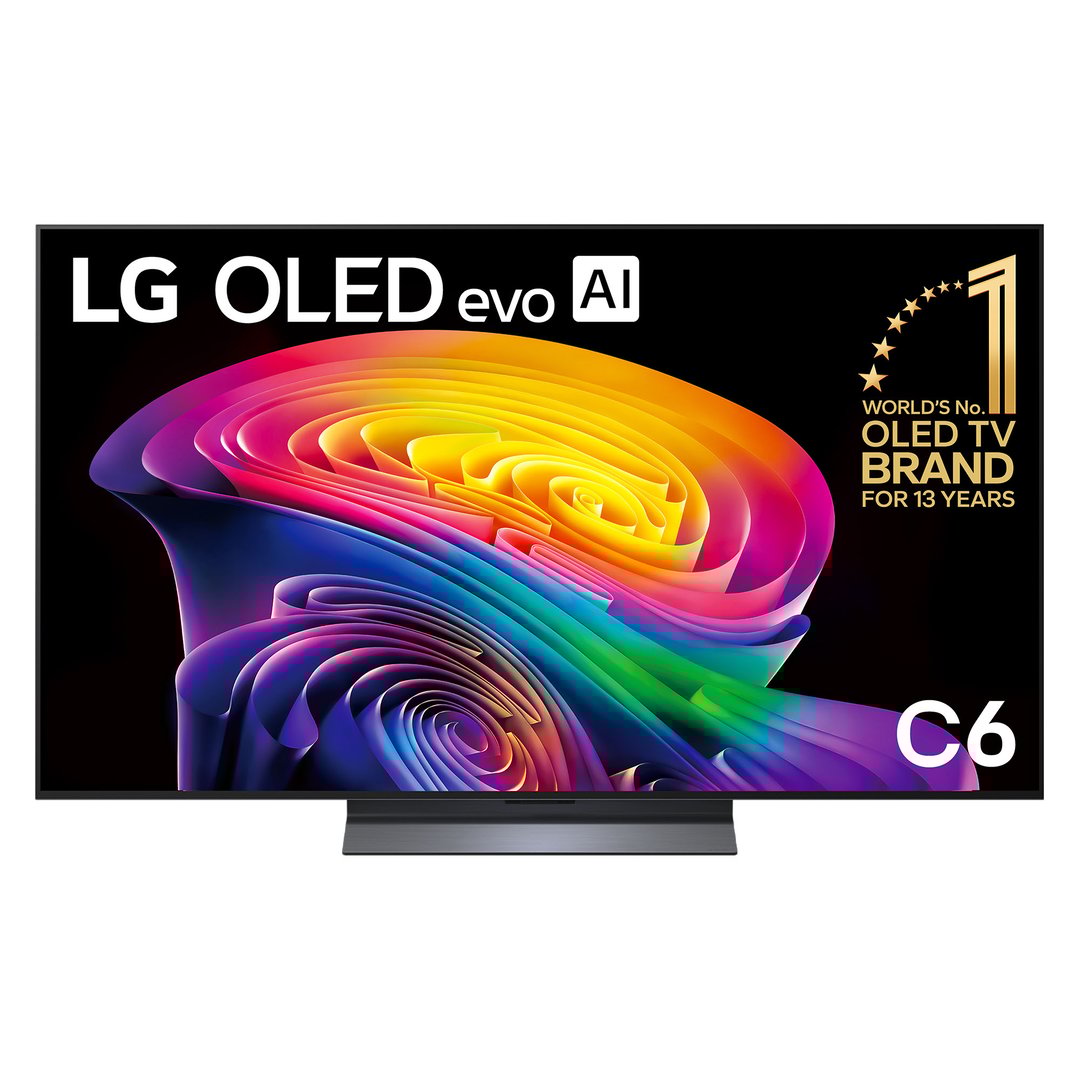
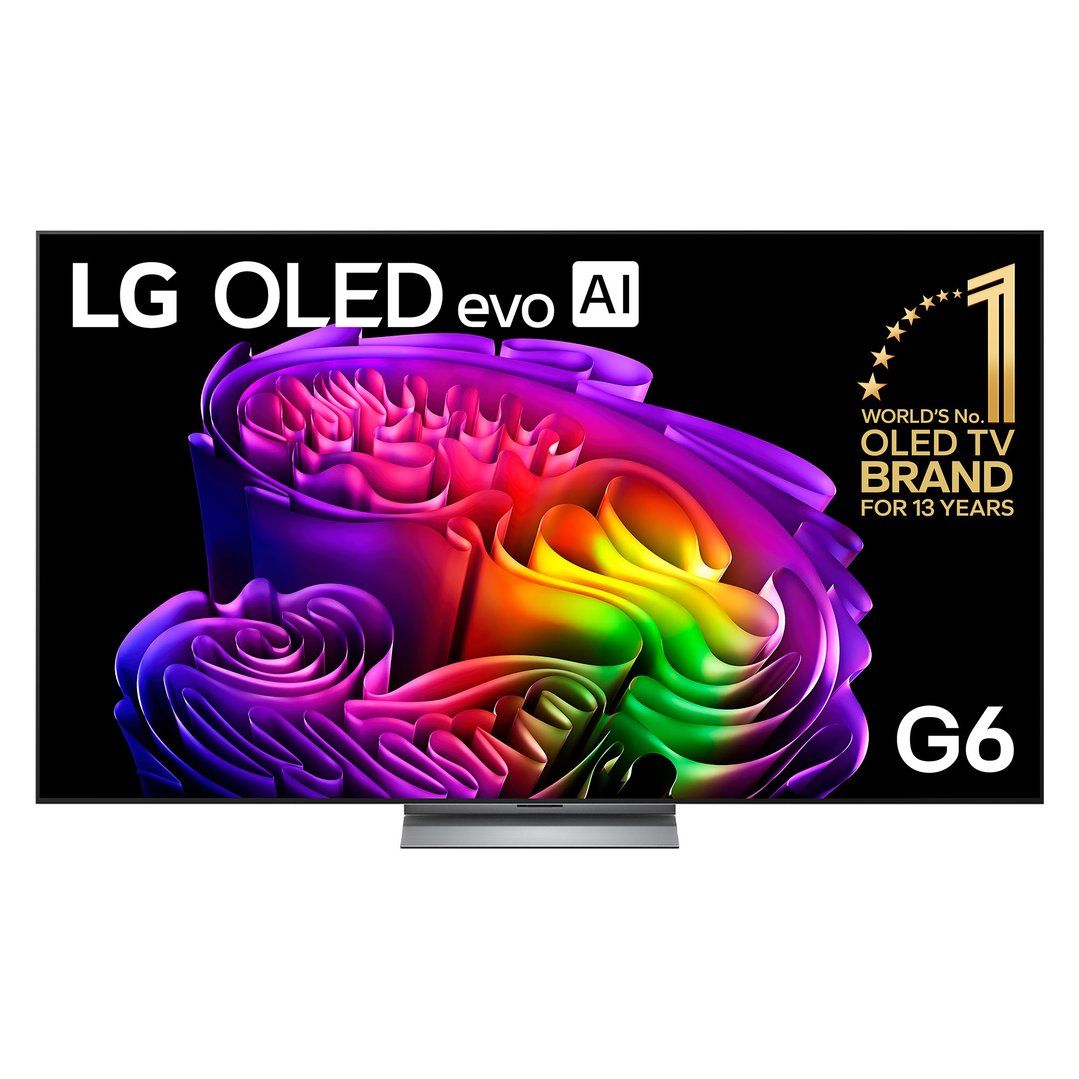
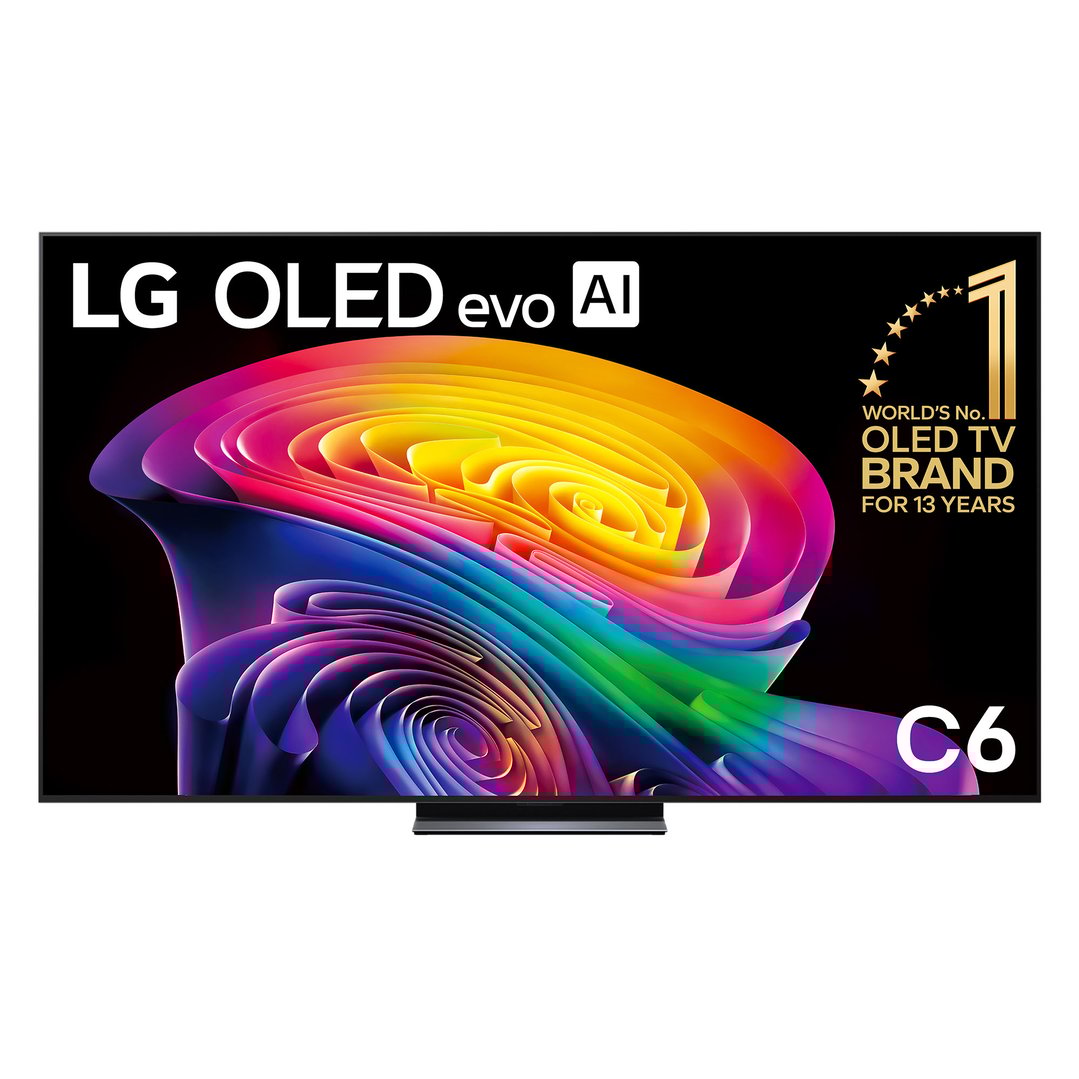
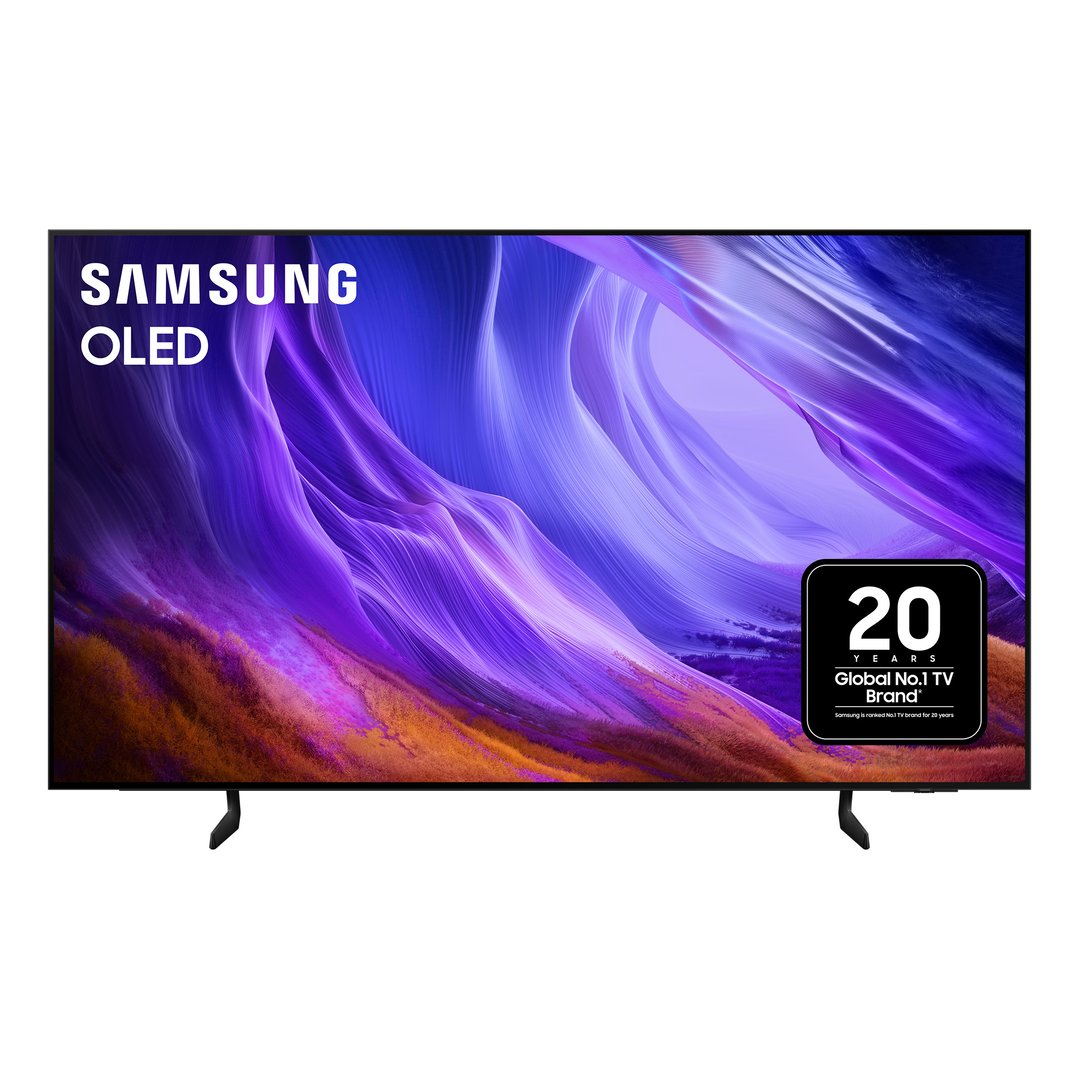
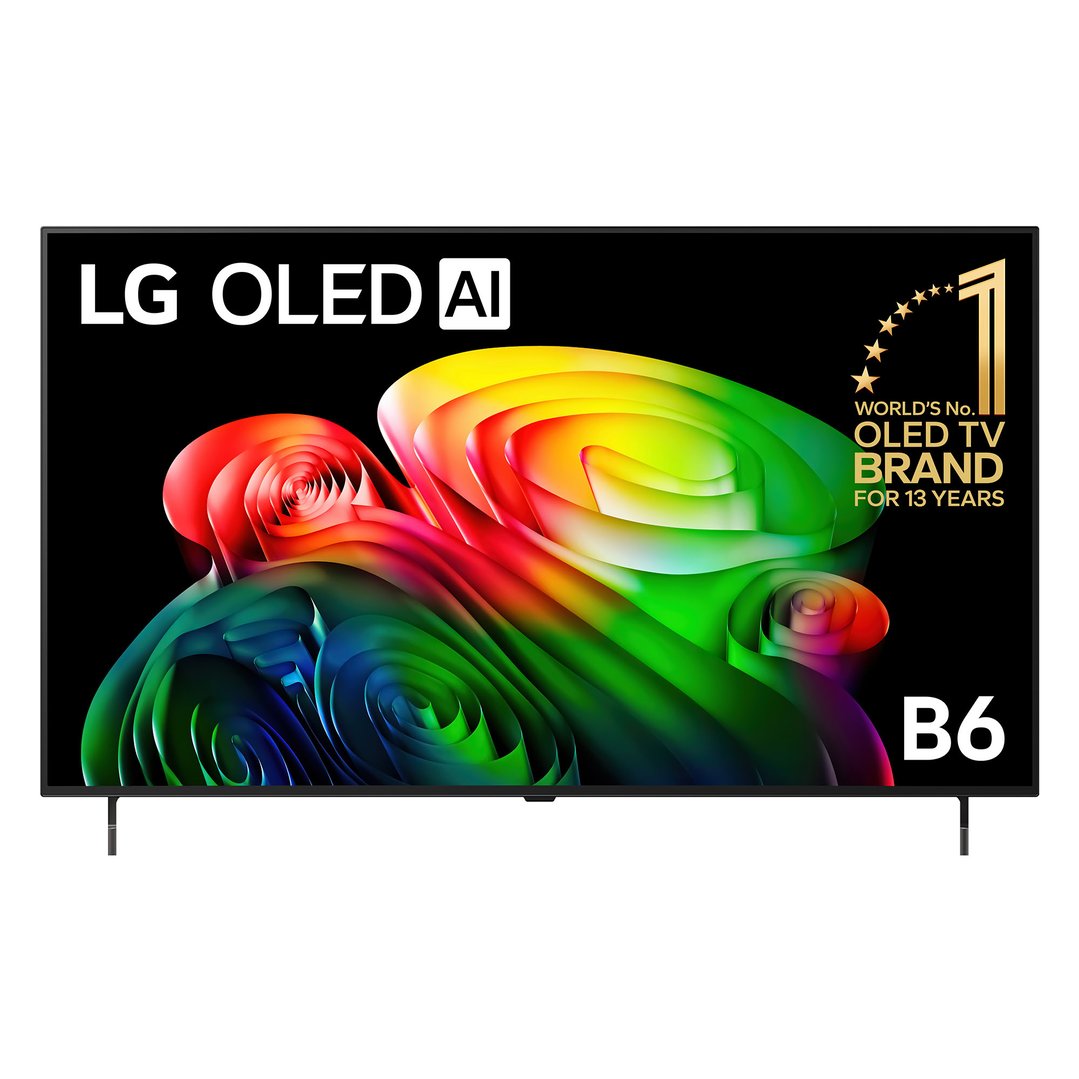
A newer type of display technology, OLED (organic light emitting diode) TVs are lit at the pixel level using an organic carbon-based material instead of traditional LED lighting. They often provide a better viewing experience than LED TVs, complete with rich colours, deeper blacks and better contrast.
Typically produce better colour and contrast than LED TVs.
Tend to be more expensive than LED models, although prices continue to drop.
The display colours black areas with greater depth than LED TVs.
Often thinner in profile than LED TVs.
Wider viewing angles than most LED TVs.
QLED TVS
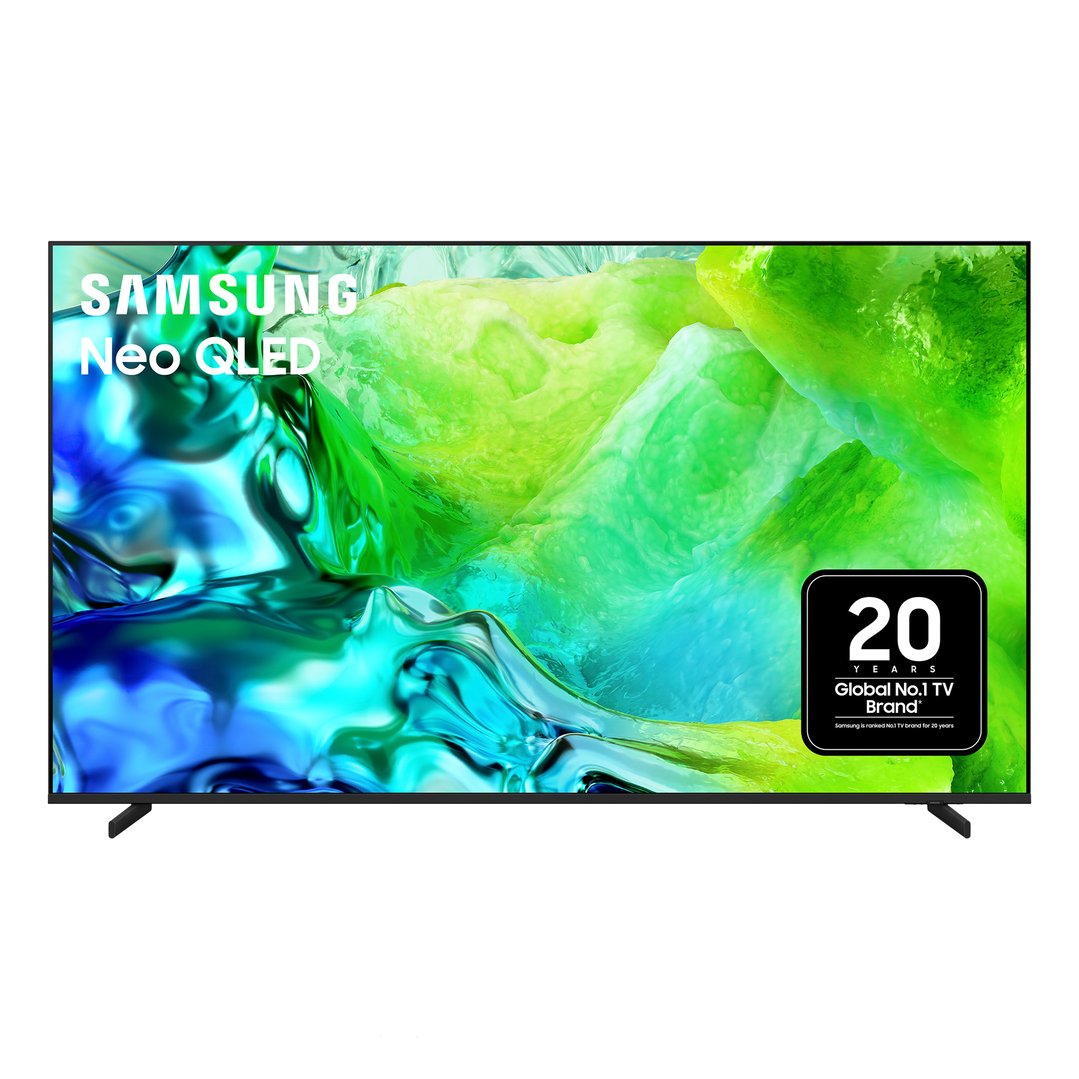
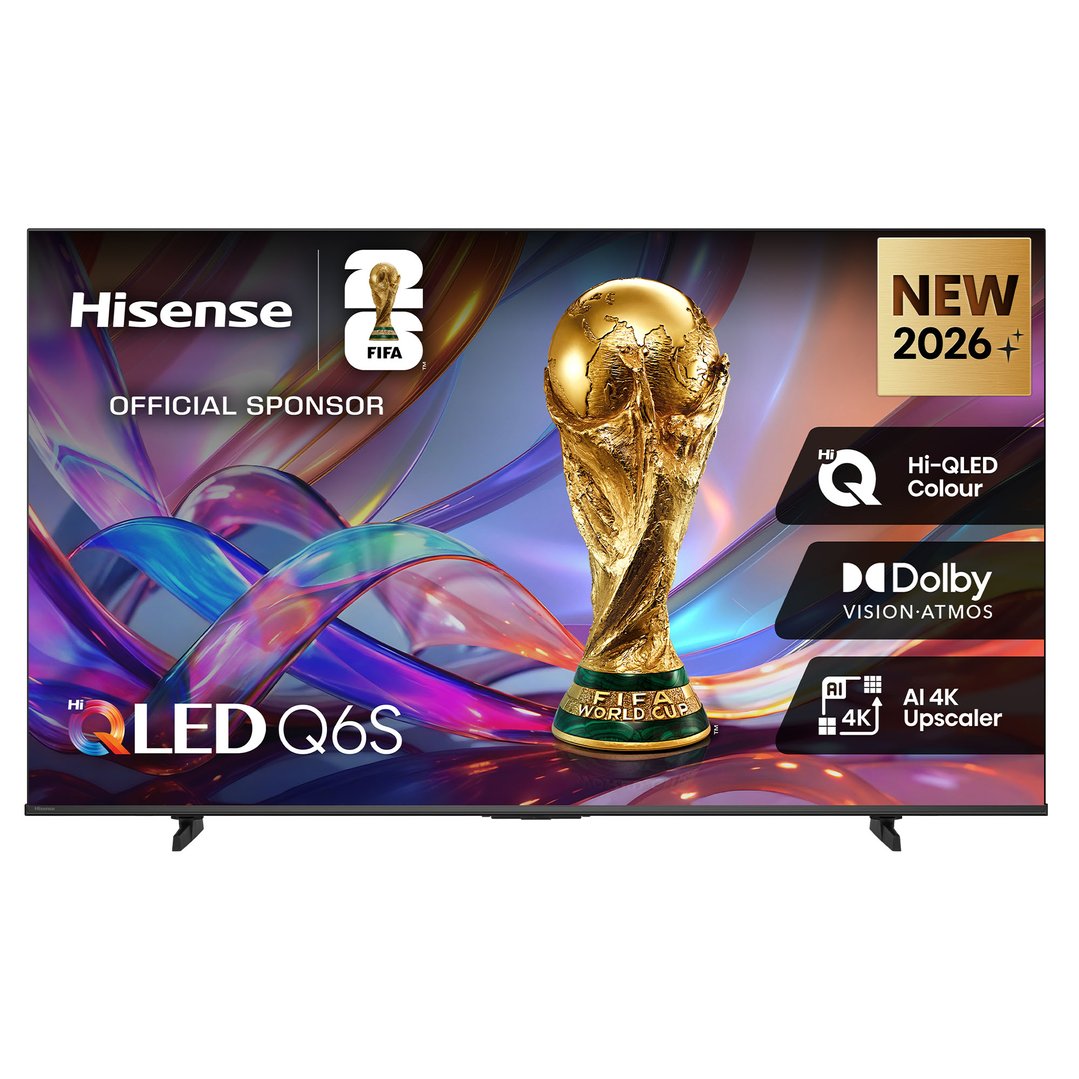
QLED TVs use quantum dots with an LED/LCD to produce high brightness and vivid colour. They can suit bright rooms, although performance varies between models.

Mini-LED
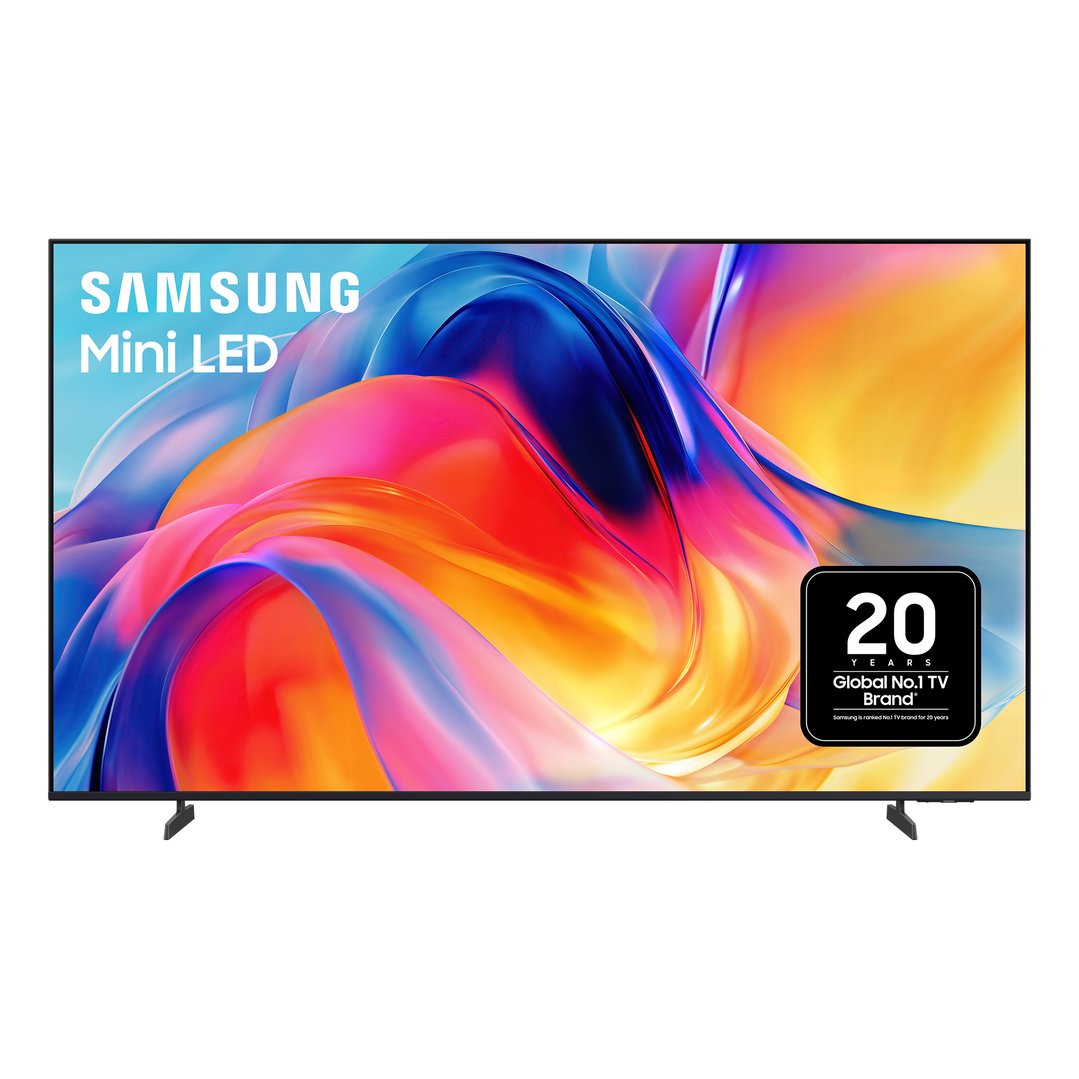
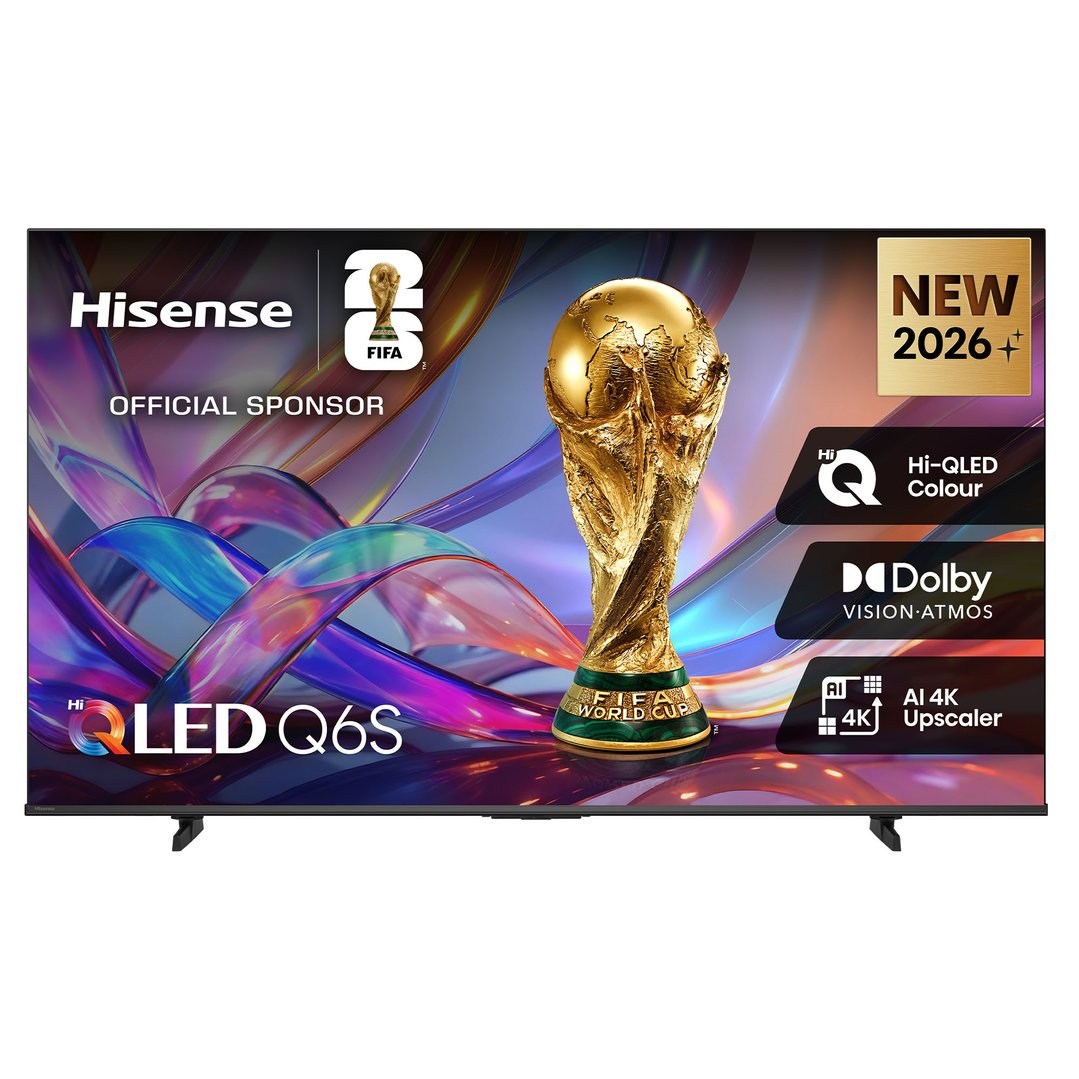
Mini-LED televisions are LCD TVs with smaller LEDs in the backlight. More dimming zones can provide precise brightness control, stronger contrast, and less unwanted light around bright objects. They typically suit sports, gaming, and daytime viewing.
Frame TVs
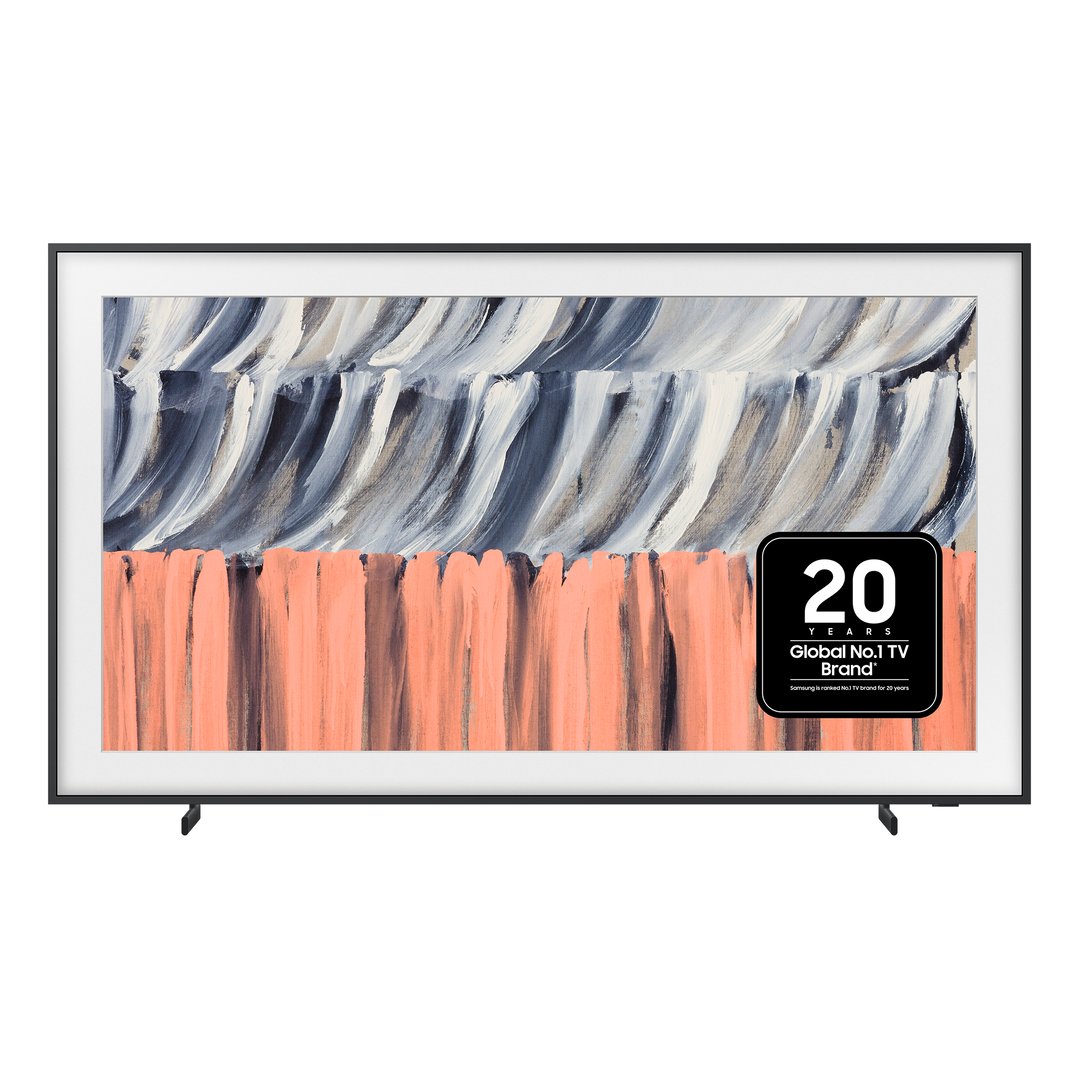
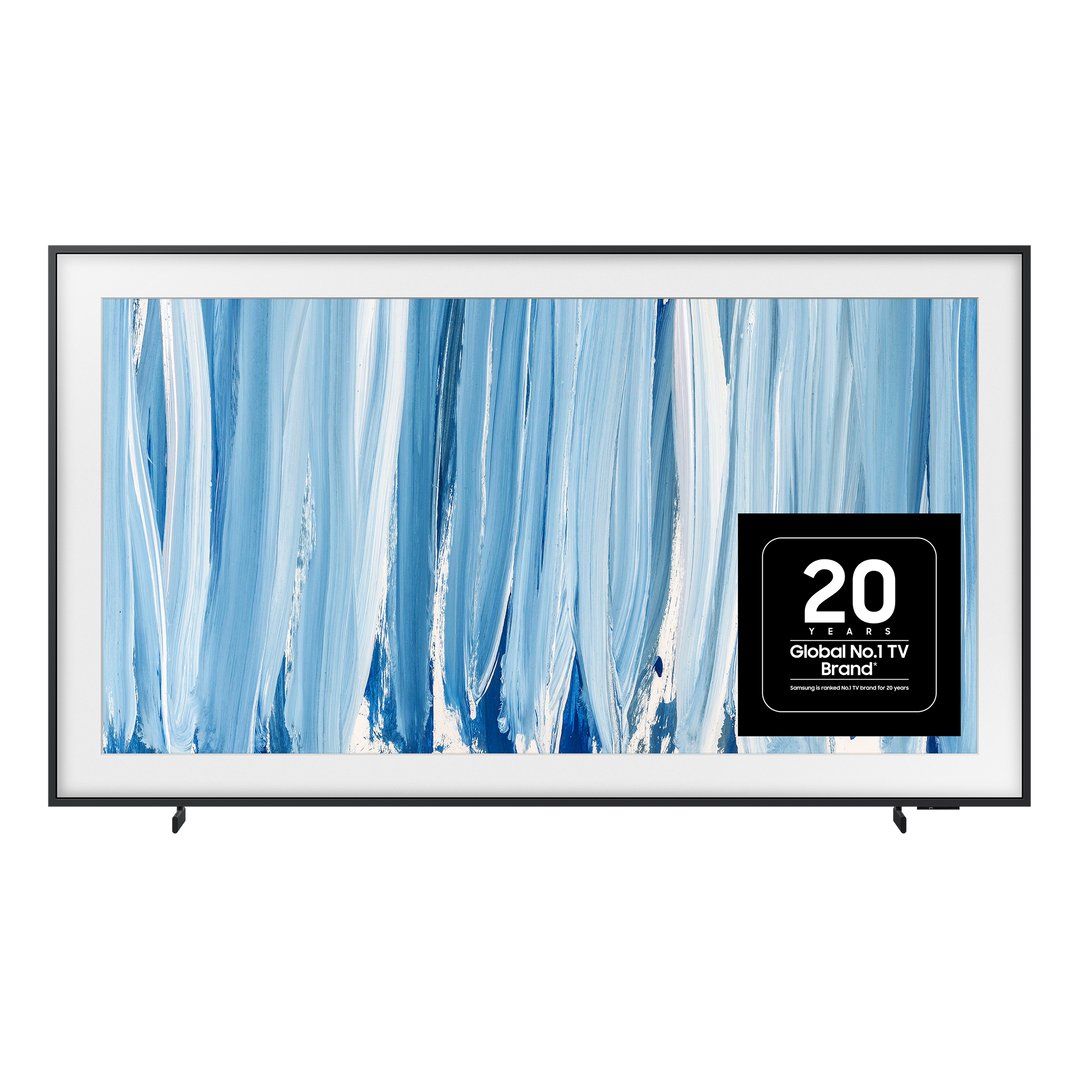
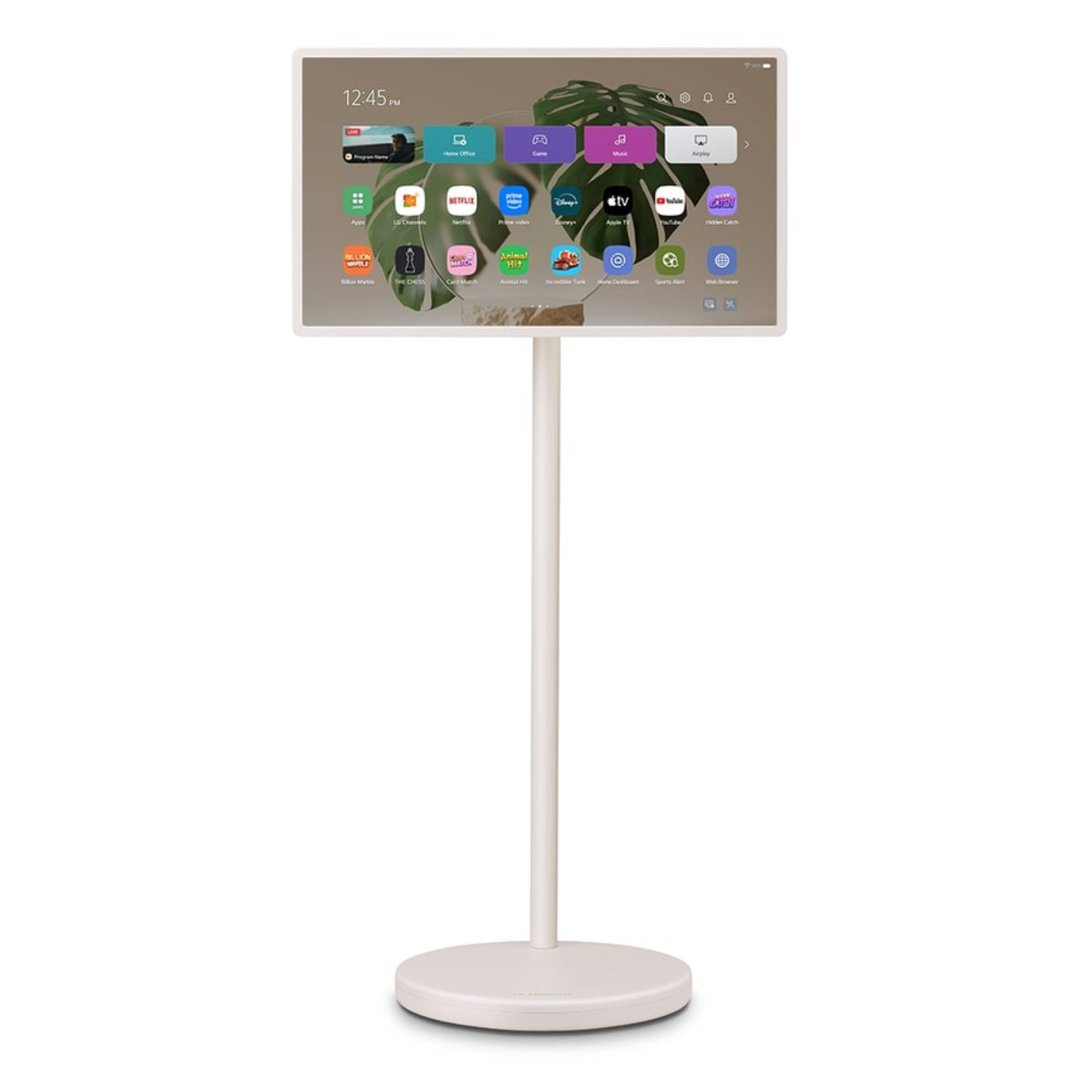
Frame TVs are increasing in popularity due to their ability to seamlessly blend into your living space. These artfully designed units complement and enhance the aesthetics of your home and are a great option for those who don’t want a large blank screen sitting in the corner of the room.
Products like the Samsung Frame TV transform their screen into a work of visual art when not in use. Choose from built-in artwork options, or access hundreds of world-renowned pieces available from the Samsung Art Store.
The frames of lifestyle TVs can also often be customised with different colours to suit the specific décor in your home and hang flush to the wall, completing the illusion of an original work.

Although it may sound as though it's something quite technical, screen resolution is actually just a numerical representation of the number of pixels shown on a TV screen. It is typically measured horizontally and vertically, giving you a measurement in a format similar to the following: 1920 x 1080. In this example, it indicates that the TV screen has 1920 pixels from left to right and 1080 pixels from top to bottom. In general, the higher the number of pixels, the better the resolution will be as the appearance of individual pixels on the screen is lessened, providing a crisper image.
| Resolution Type | Resolution | Total Pixels |
| Full HD | 1920 x 1080 | More than 2 million |
| 4K Ultra HD | 3840 x 2160 | More than 8 million |
| 8K Ultra HD | 7680 x 4320 | More than 33 million |
FULL HD
Sharper than a standard TV, Full HD displays are made up of more than 2 million individual pixels. With a 1920 x 1080 resolution, they’re great for watching high definition videos and television shows, with a great range of content available in Full HD. Full HD remains practical for some smaller screens and lower-cost televisions, while 4K is now the usual choice for medium and large screens.
4K ULTRA HD
With a resolution of 3840 x 2160, 4K Ultra HD has four times as many pixels as Full HD. It suits most Australian homes, particularly on medium- and large-screen TVs. Picture quality also depends on the following:
Source
Display technology
Processing
8K ULTRA HD
An 8K television has a resolution of 7680 x 4320 and four times as many pixels as the 4K version. Native 8K programmes and films remain limited, so most viewing relies on the television upscaling lower-resolution sources. Consider 8K primarily for very large, premium screens, and compare the visible benefits with the additional cost.
Popular 8K Ultra HD TV brands: Samsung
Although resolution is certainly important, the following features all play a role in the end result:
Refresh rate
HDR
Display technology
Processing
The quality of the source
WHAT ARE REFRESH RATES?
Refresh rate is the number of times the screen updates its image per second, measured in hertz. A higher native refresh rate is most beneficial for fast-moving sports and gaming (when the source supplies a suitable frame rate). It doesn’t automatically improve every programme or guarantee better overall picture quality.
What Are Response Time and Input Lag?
Response time describes how quickly pixels change, while input lag is the delay between an action on a controller and the result appearing on screen. Low input lag matters most for gaming. A television’s game mode can reduce processing delays, so gamers should compare tested performance rather than relying on response-time wording alone.
WHAT DOES HIGH-DYNAMIC RANGE (HDR) MEAN?
High-dynamic range can display a wider range between dark and bright areas when both the television and the content support a compatible HDR format. It can improve highlight detail, contrast, and colour, but HDR performance depends on the individual screen’s capabilities. HDR is separate from resolution and is not restricted to 4K TVs.
Which Connections and Gaming Features Matter?
Count the devices you intend to connect and check how many suitable HDMI inputs the television provides. Selected HDMI 2.1 features may include:
4K at 120Hz
Variable Refresh Rate (VRR) helps reduce screen tearing for smoother gaming.
Auto Low Latency Mode (ALLM) automatically switches the TV to a low-lag gaming mode when a compatible gaming device is detected.
Support may vary across models and individual ports. For more detail, see Bing Lee’s gaming TV buying guide.
IN-STORE TESTING
If you happen to be browsing for a new TV in-store, there are a few simple tests that can help you judge the quality of a TV’s picture quality:
Look at how skin tones are displayed on screen. Skin tones shouldn’t be tinted yellow or green and should have a life-like appearance. If any visible discolouration can’t be removed by adjusting the TV settings, it might be worth looking at another model.
Check the viewing angle. It’s quite normal that when you move away from the centre of a TV screen that the image may start to lose some contrast and colour. Test this out on any models you may be interested in, and, if the results are less than ideal, consider some of the other models available.
Cycle through each model’s settings. A TV’s picture quality can vary based on the picture settings in use. Trying out the different picture settings available, you’ll have a better idea of whether the picture is at its peak or simply on a sub-optimal setting.
TV SIZE GUIDE
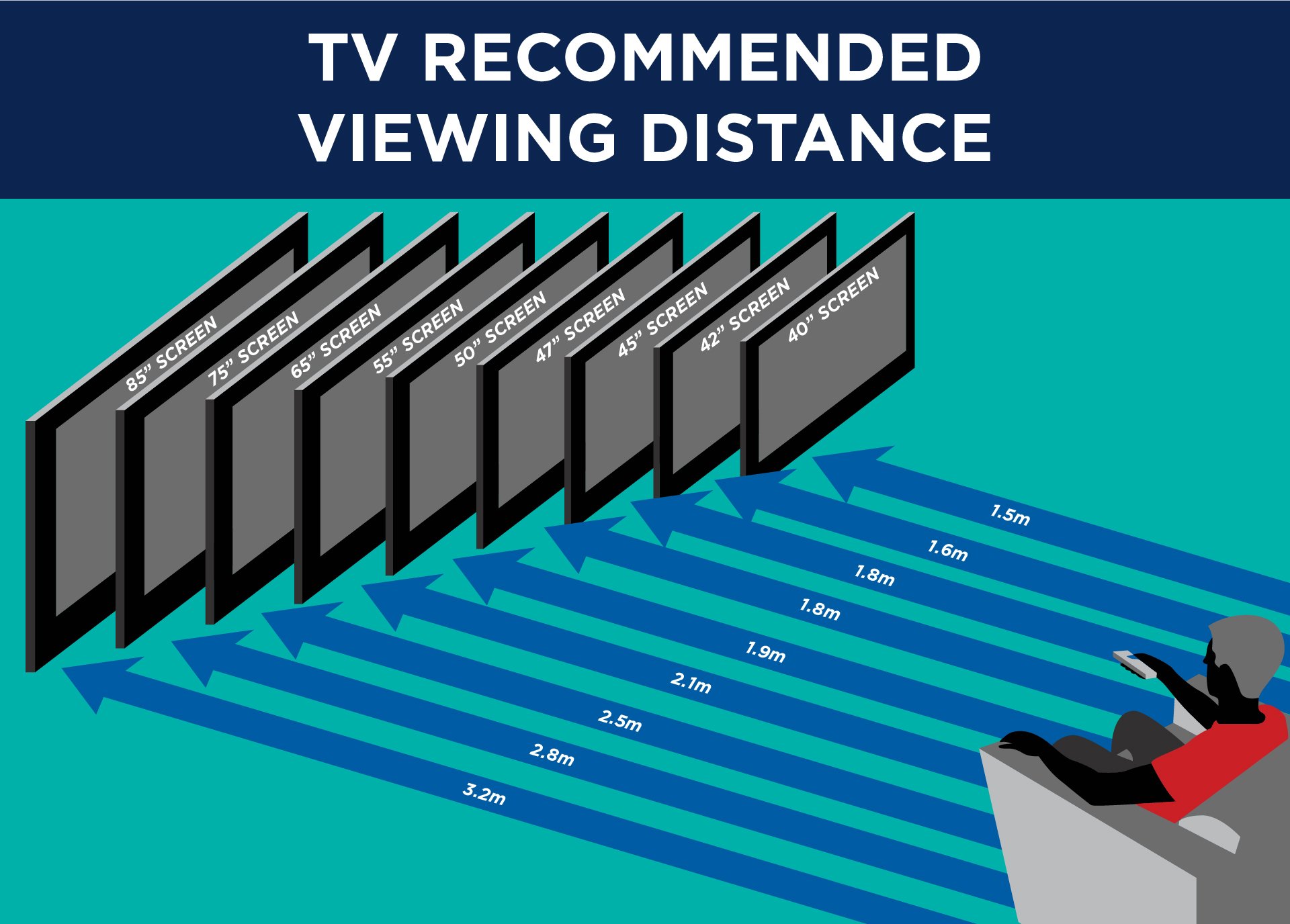
Screen size is measured diagonally, but the complete width, height, depth, and stand dimensions determine whether the television will fit. The following distances are broad starting points for 4K viewing, not fixed rules. Personal preference, room layout, and source quality may make different viewing positions more natural and comfortable.
| Screen size (measured diagonally) | Optimal viewing distance |
| 55 inches | 140cm to 210cm |
| 65 inches | 165cm to 250cm |
| 75 inches | 190cm to 285cm |
| Screen size (measured diagonally) | Optimal viewing distance |
| 55 inches | 210cm to 350cm |
| 65 inches | 250cm to 415cm |
| 75 inches | 285cm to 475cm |
Modern TVs are sleek and stylish – but that often comes at the cost of sound quality. Not to worry though, there are plenty of ways to ensure you have a fantastic sound experience with your new TV. Learn more about the different sound options available and check out our top tips to elevate your audio experience:
Built-In TV Speakers
Great for casual viewing or secondary rooms, built-in speakers are functional but often lack depth and bass.
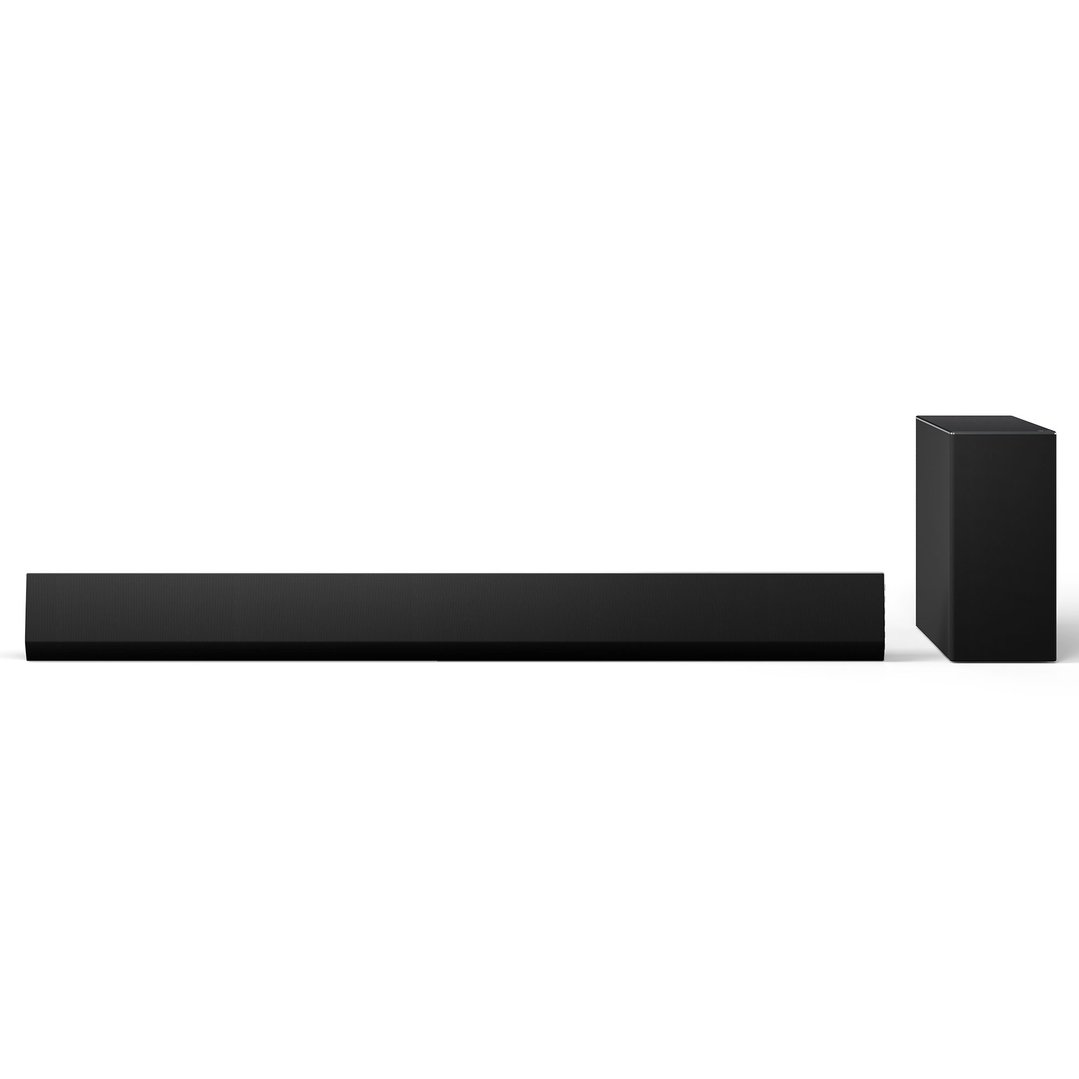
Soundbars
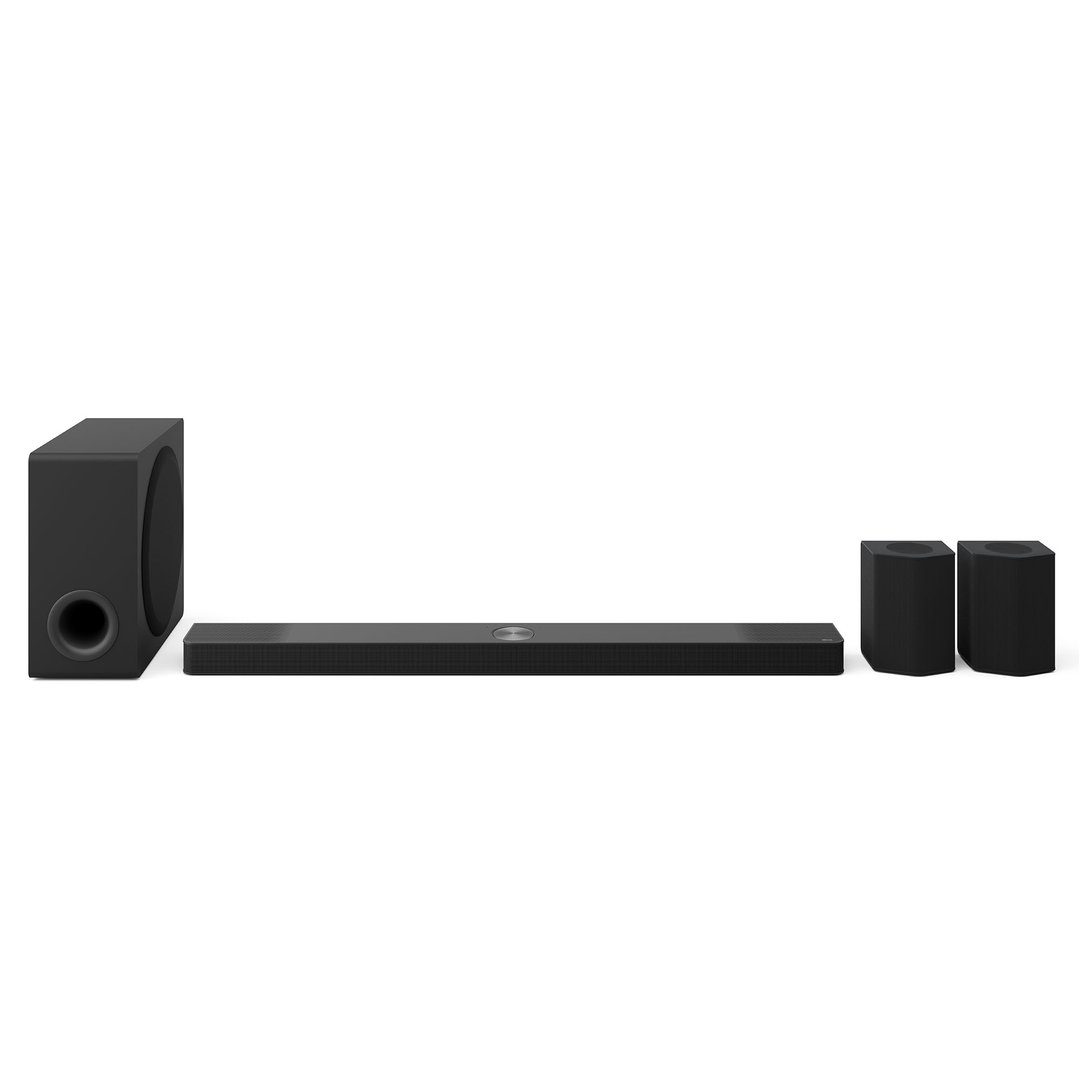
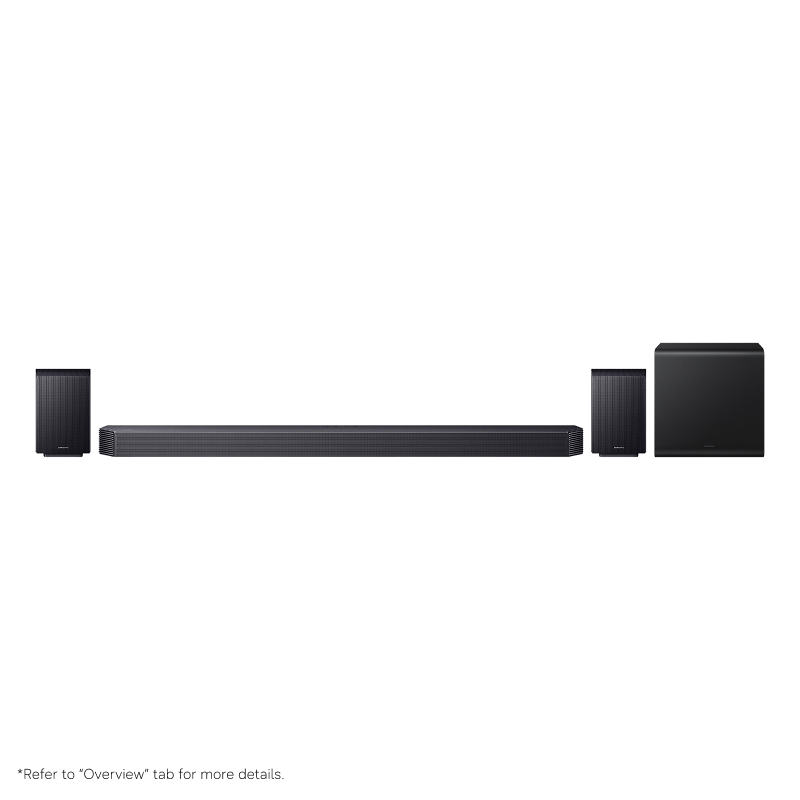
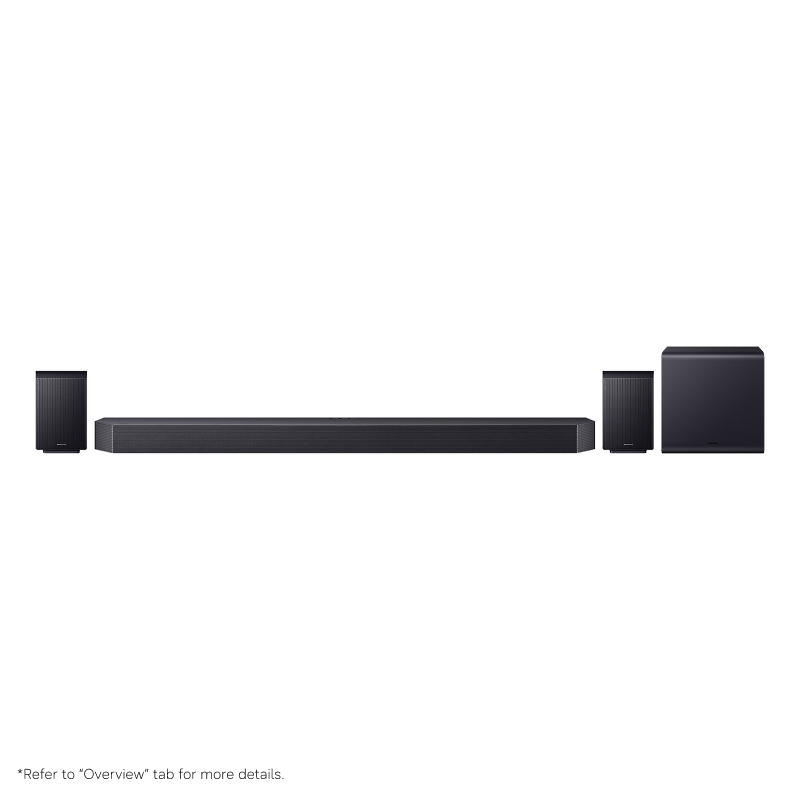
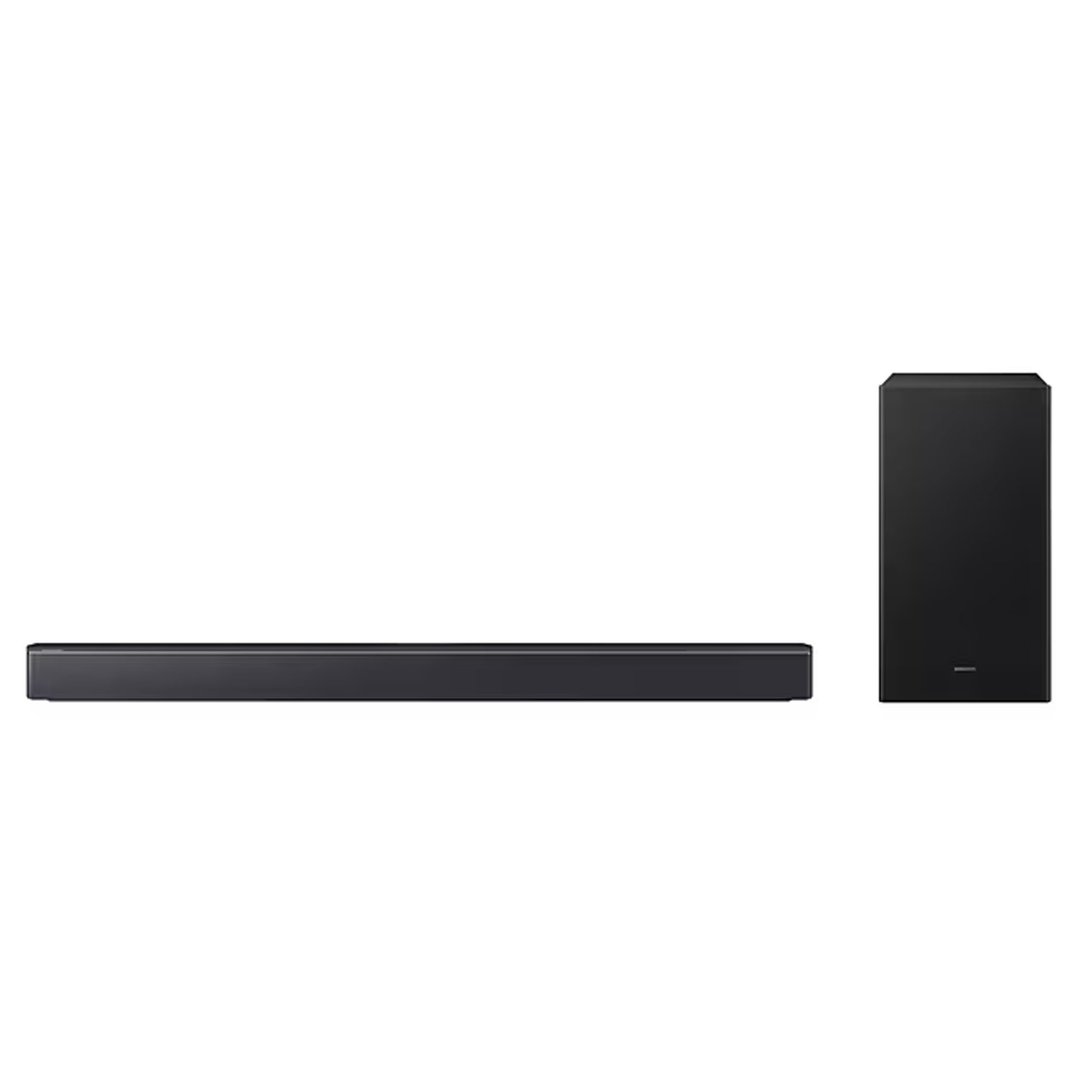
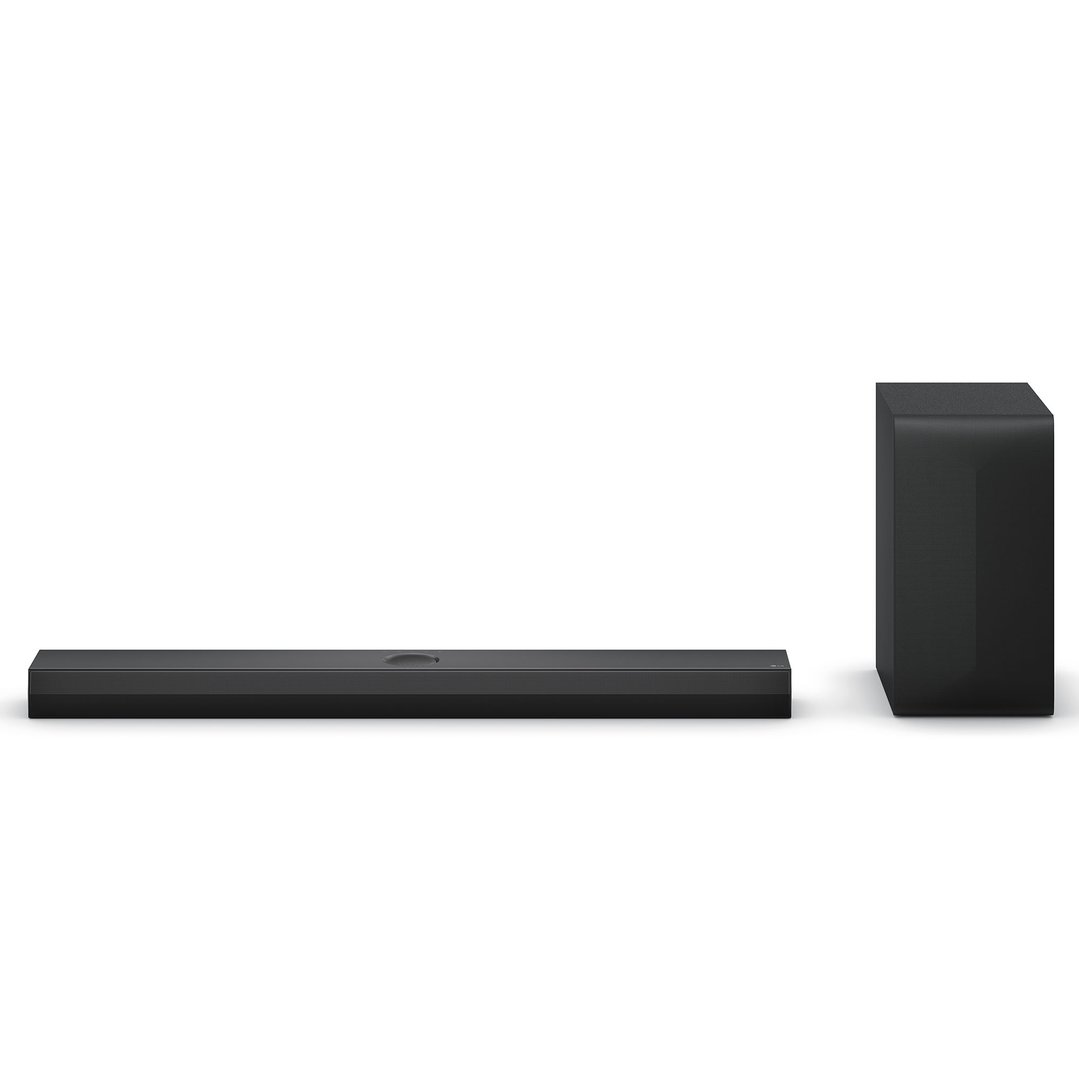
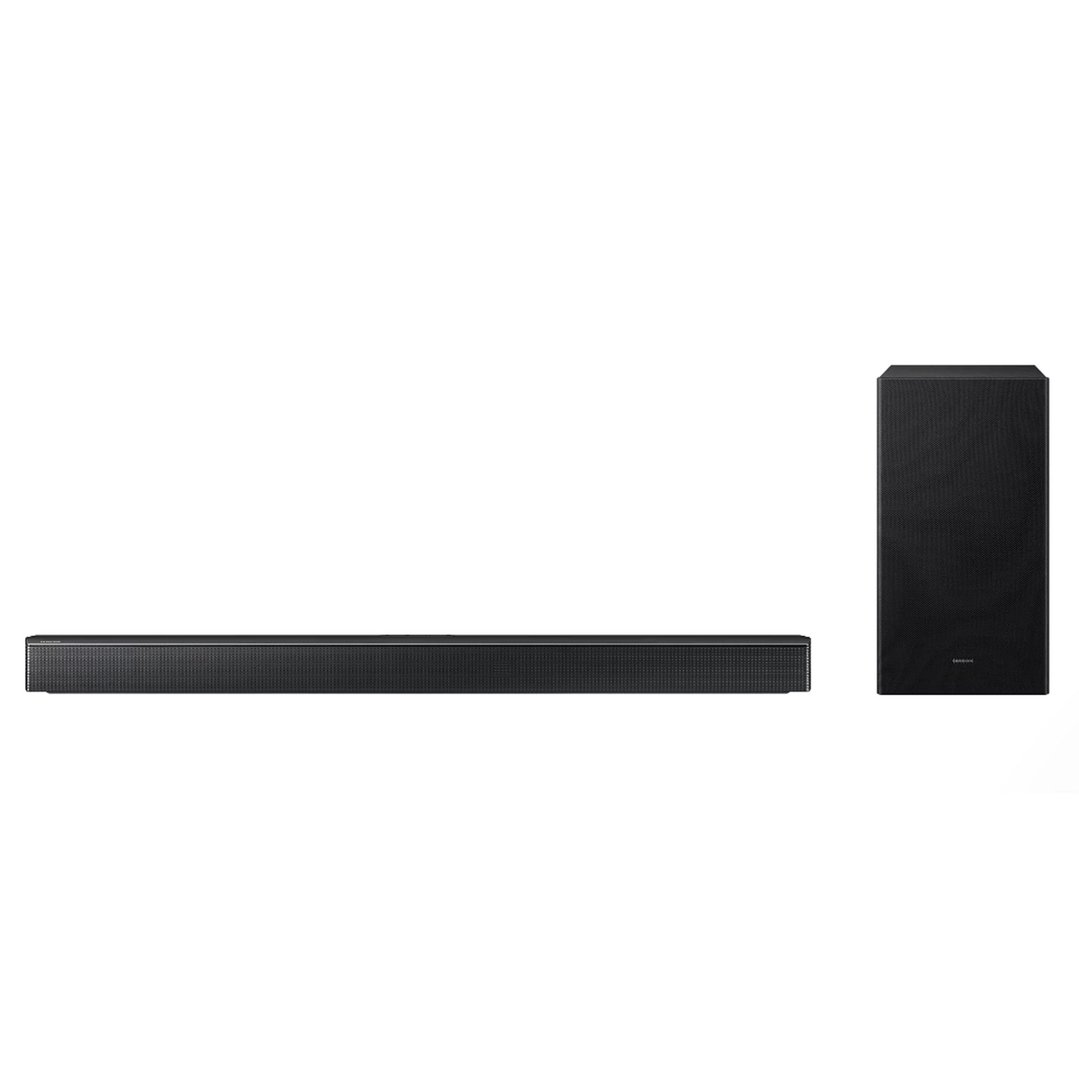
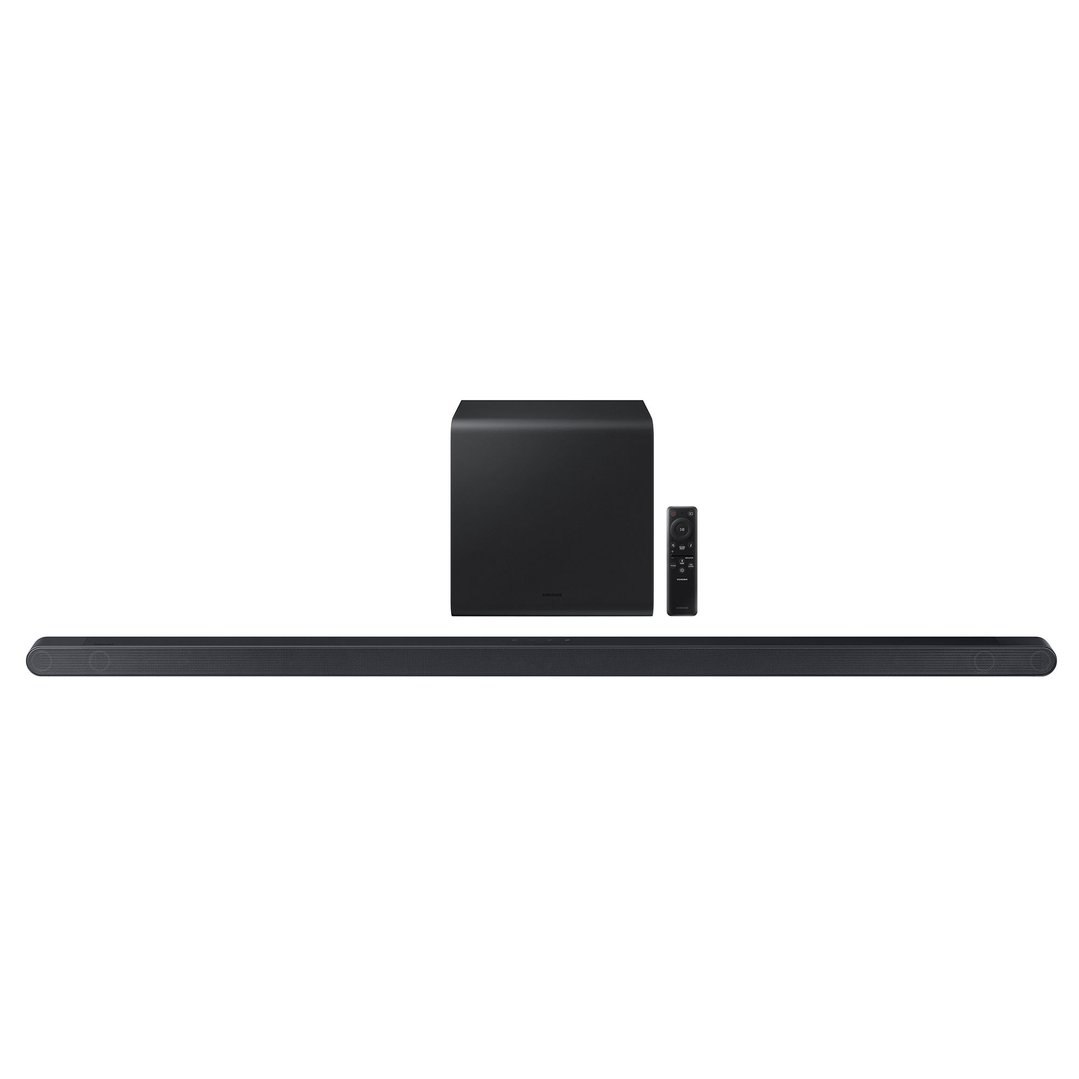
A popular choice for easy upgrades. Soundbars sit neatly under your TV and can pack a punch. Some come with subwoofers or even rear speakers for virtual surround sound.
Recommended for: Everyday users, apartments, renters.
Surround Sound Systems & Home Theatres
Want cinema-quality sound at home? A 5.1 or 7.1 channel setup creates full immersion with front, centre, and rear speakers.
Recommended for: Movie buffs, gamers, and home theatre setups.
| Audio Option | Benefit |
| Built-in speakers | Fine for casual use |
| Soundbar | Better clarity and volume, compact |
| Soundbar + subwoofer | Rich bass and room-filling sound |
| 5.1/7.1 surround | Cinematic, directional audio |
Still not sure which audio option will suit you best? Check out our Home Theatre Buying Guide to learn more.
Audio quality. While picture quality is often considered to be one of the most important things to look out for when buying a TV, it’s a good idea to also think about audio quality. Quality may vary from model to model, so be sure to test out your shortlist of TVs when you head in-store.
Remote control. It’s important that your remote control is simple to use and that all the important functions, such as the volume controls and channel selector, can be found easily. If you find that you tend to lose your TV remote around the house, a model with good inbuilt controls may be worth considering.
Device connections. If you have an older Blu-ray player, DVD player or gaming console, you’ll need to investigate what kind of device connections you’ll need and if they are compatible with the models you’re considering. Many modern TVs only come with HDMI connections, so you may need to research connector convertors to make your existing technology compatible.
Smart TV capability. Connecting to your home internet network and offering the added option to stream content from Netflix, Stan, free-to-air channel apps, YouTube and more, smart TVs are becoming increasingly common. If smart TV capability is important to you, be sure to check if the models you have interest in have the feature built in.
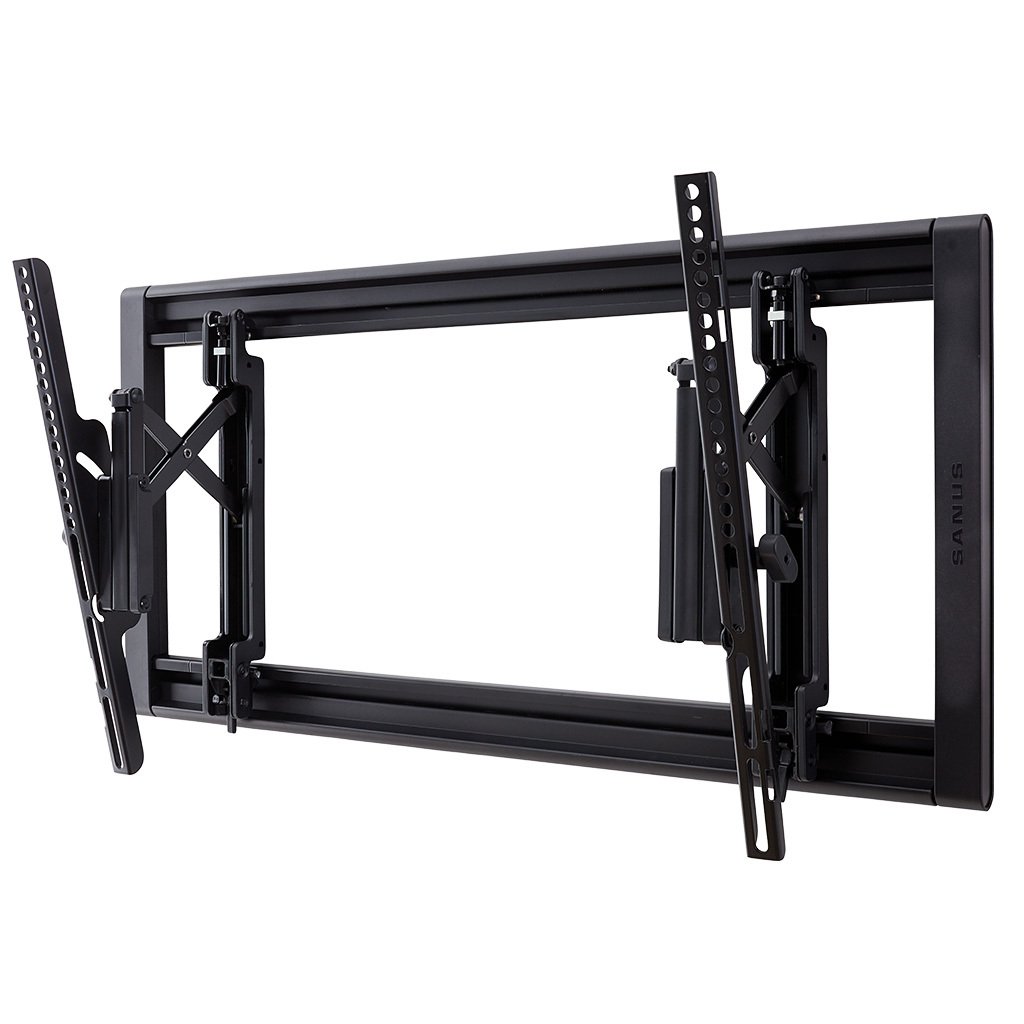
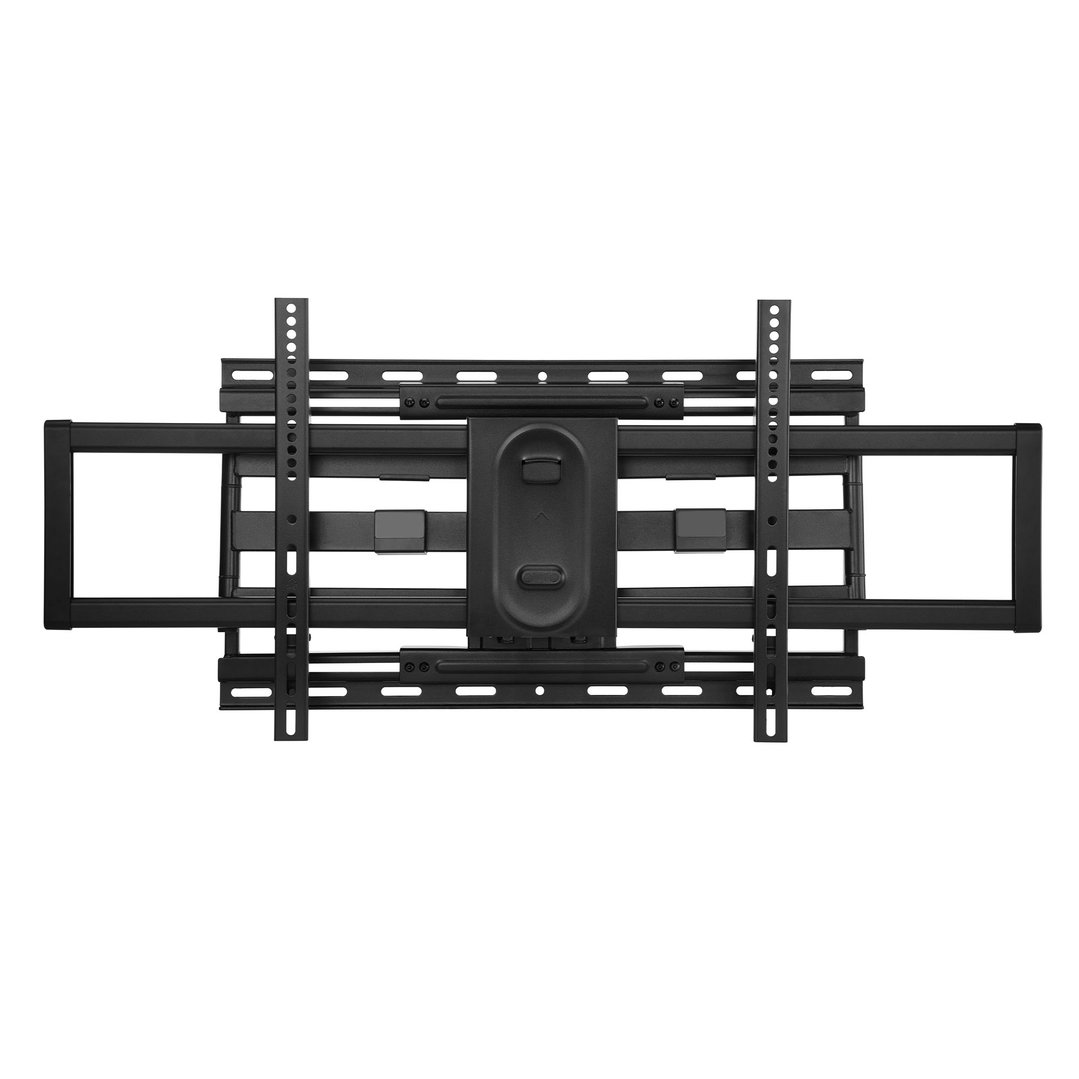
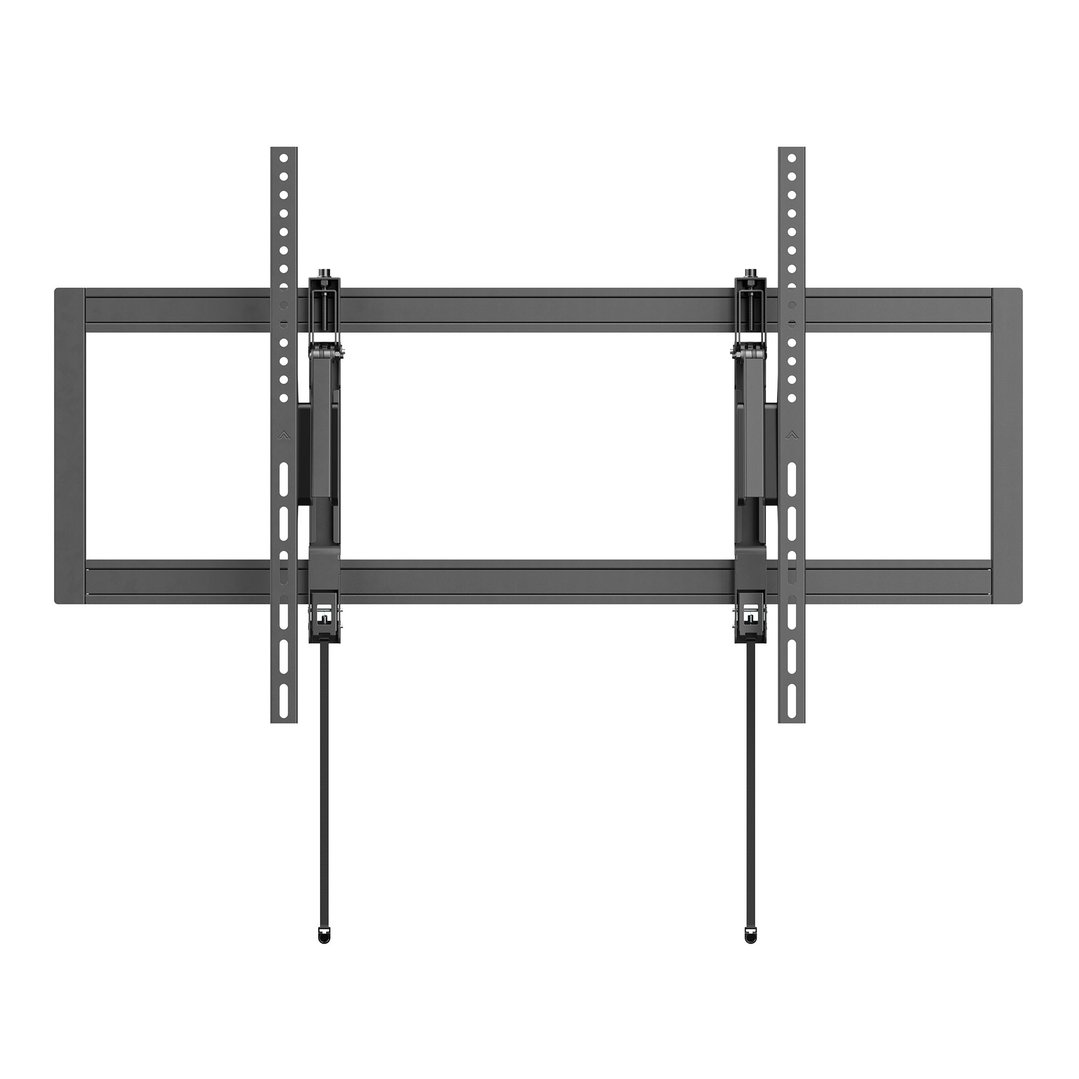
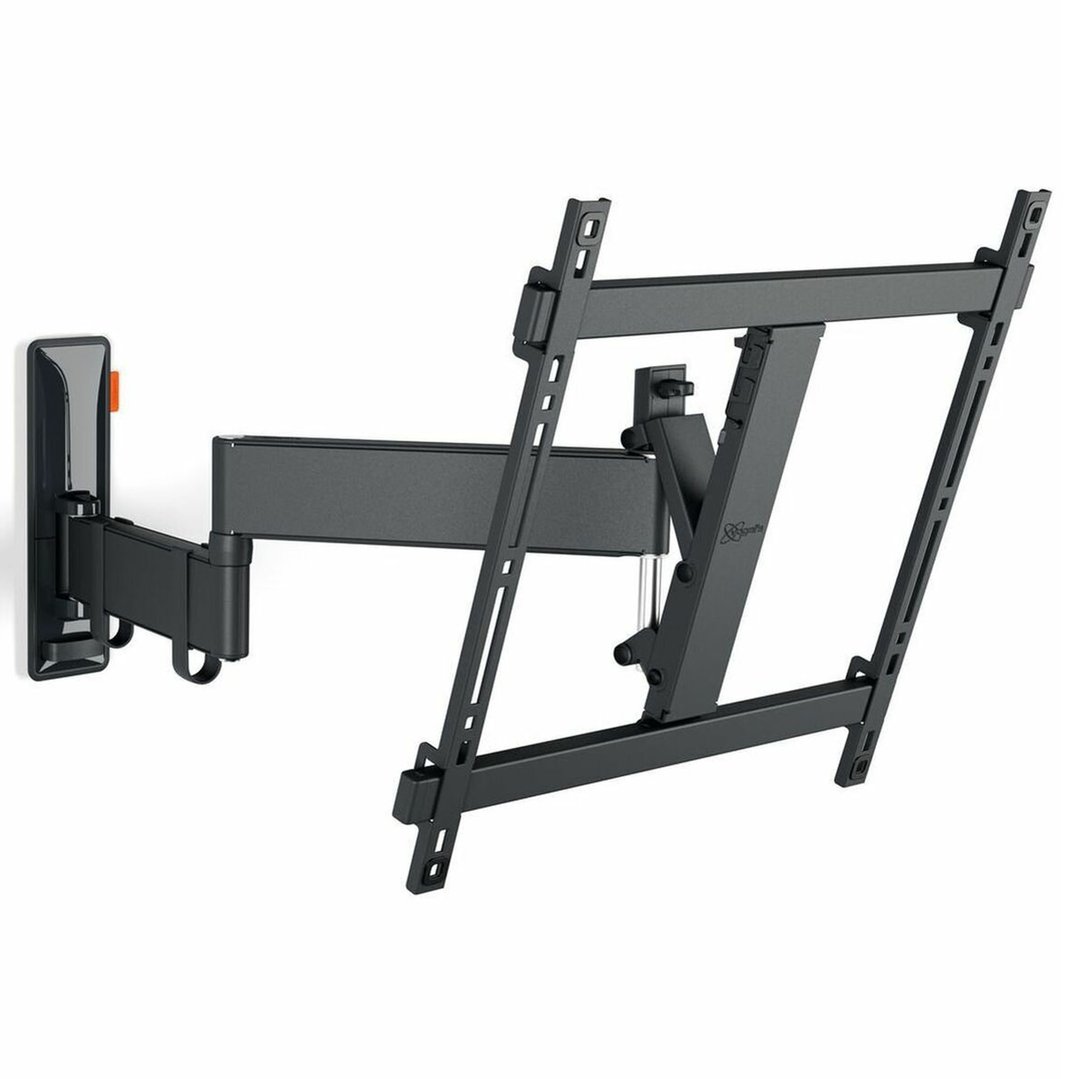
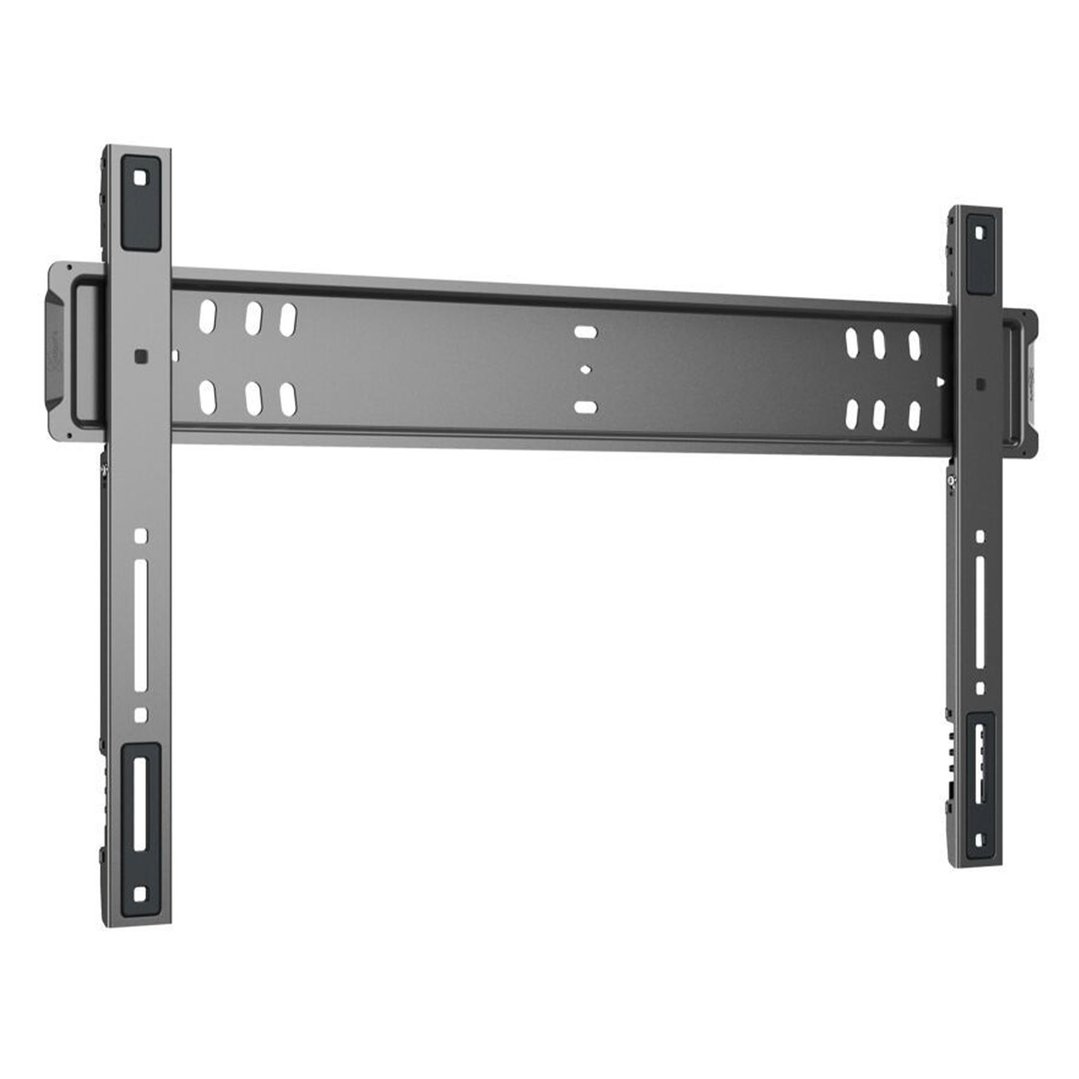
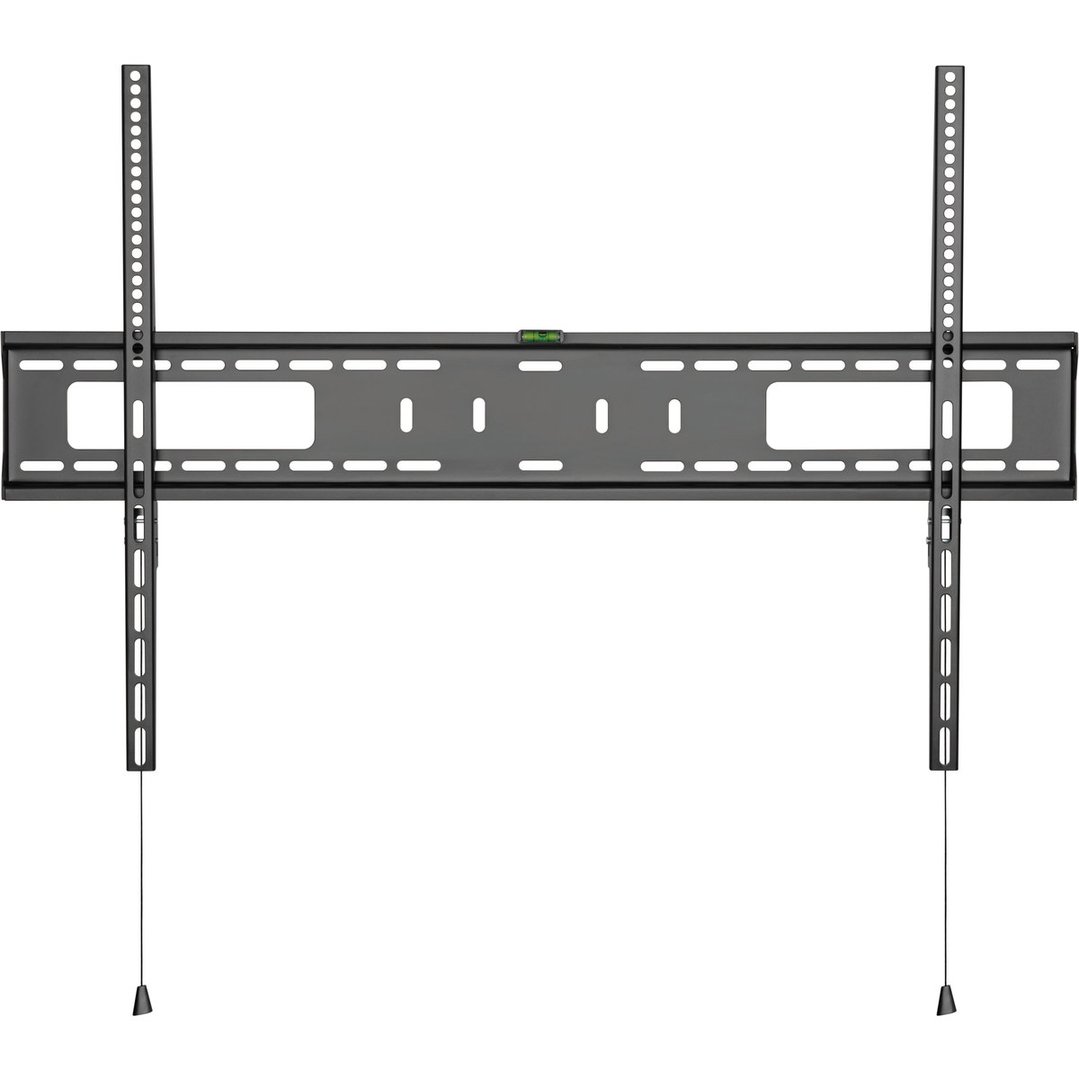
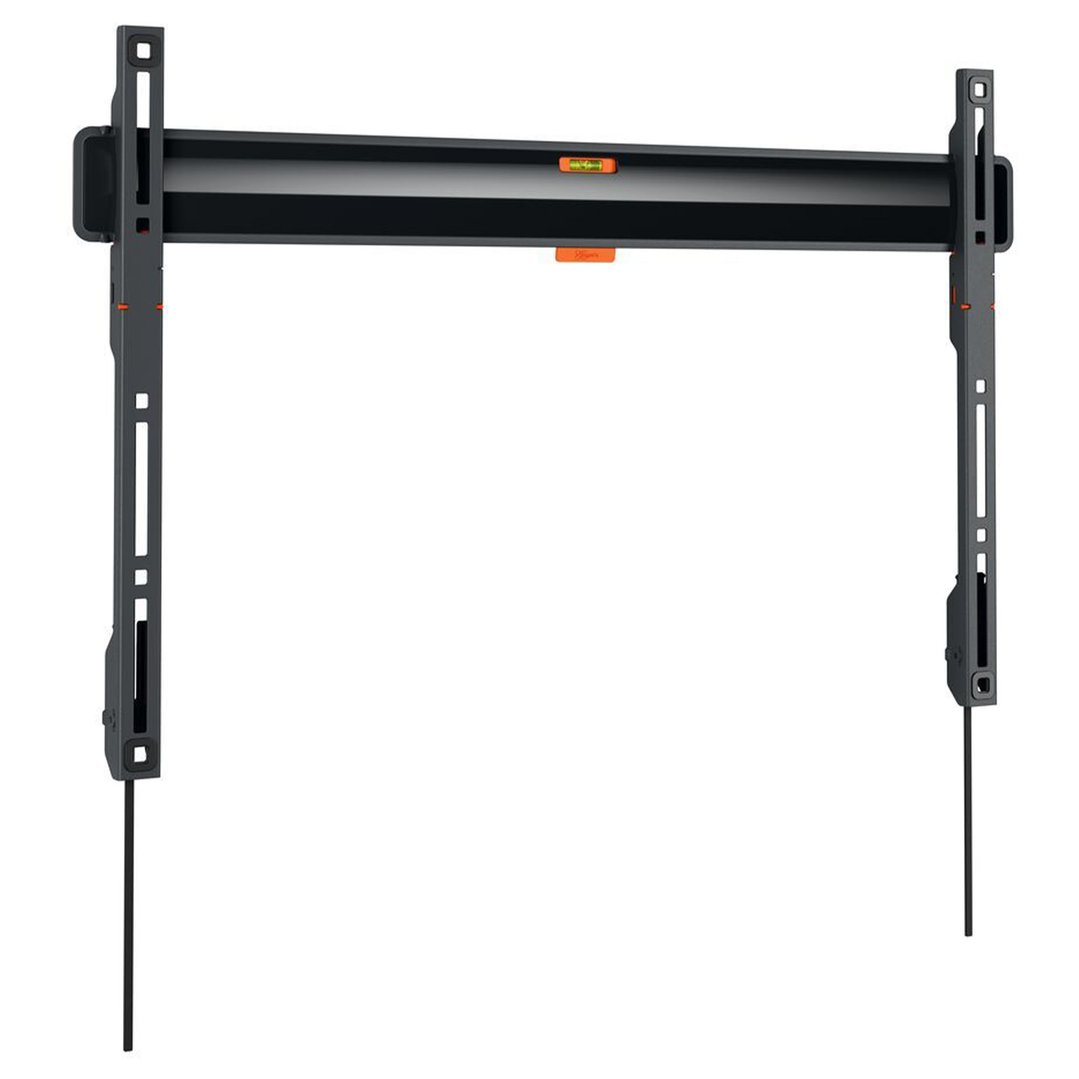
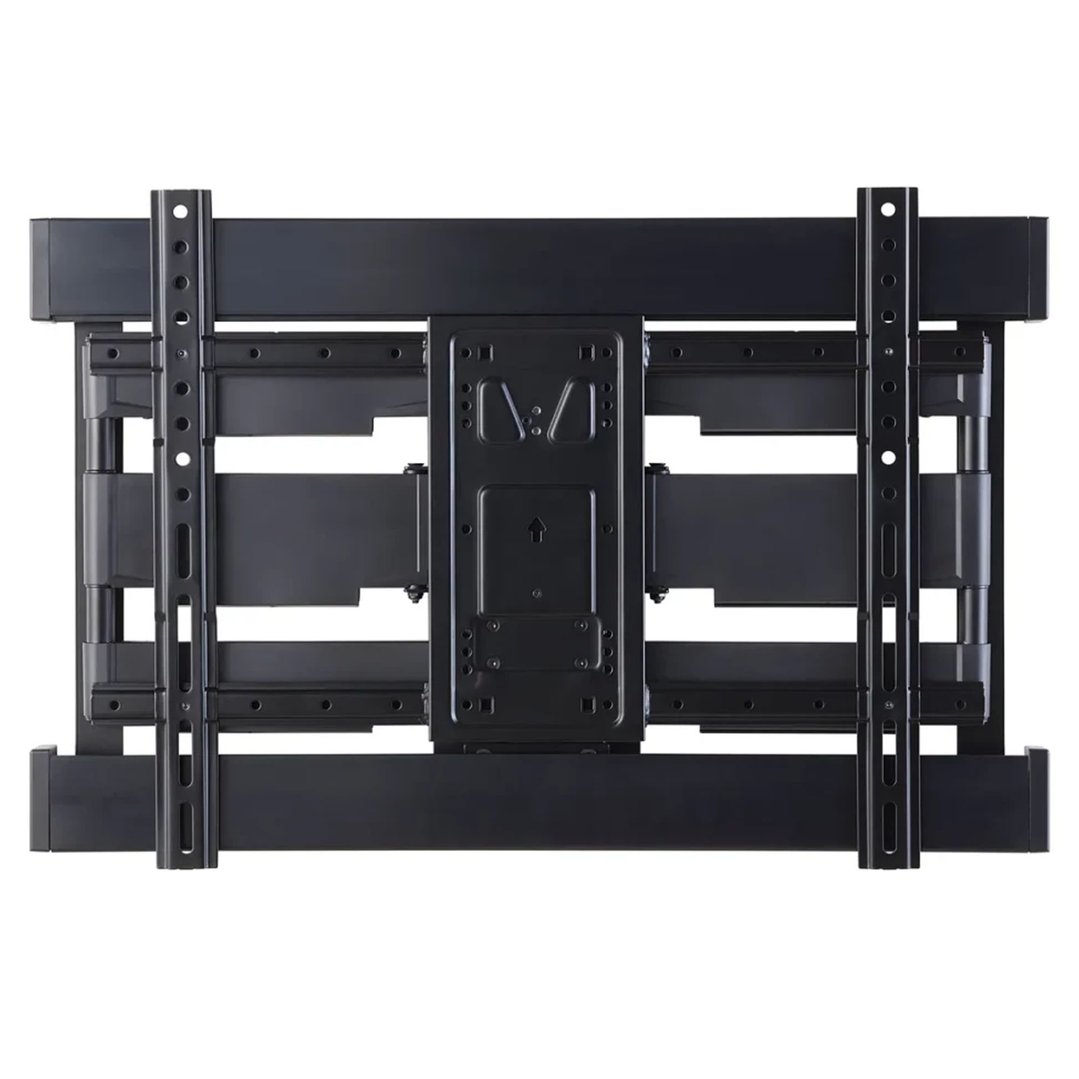
Wall-mounted or table top. TVs can generally either be mounted on a wall or sat on a table top stand. Using a table top stand is easier and doesn’t require any additional installation, but may not be the best choice if you have small children. Wall mounting can be a good option if you are tight on space, but be aware that the viewing angle should be carefully considered to avoid discomfort when in use. Additional installation is also required.
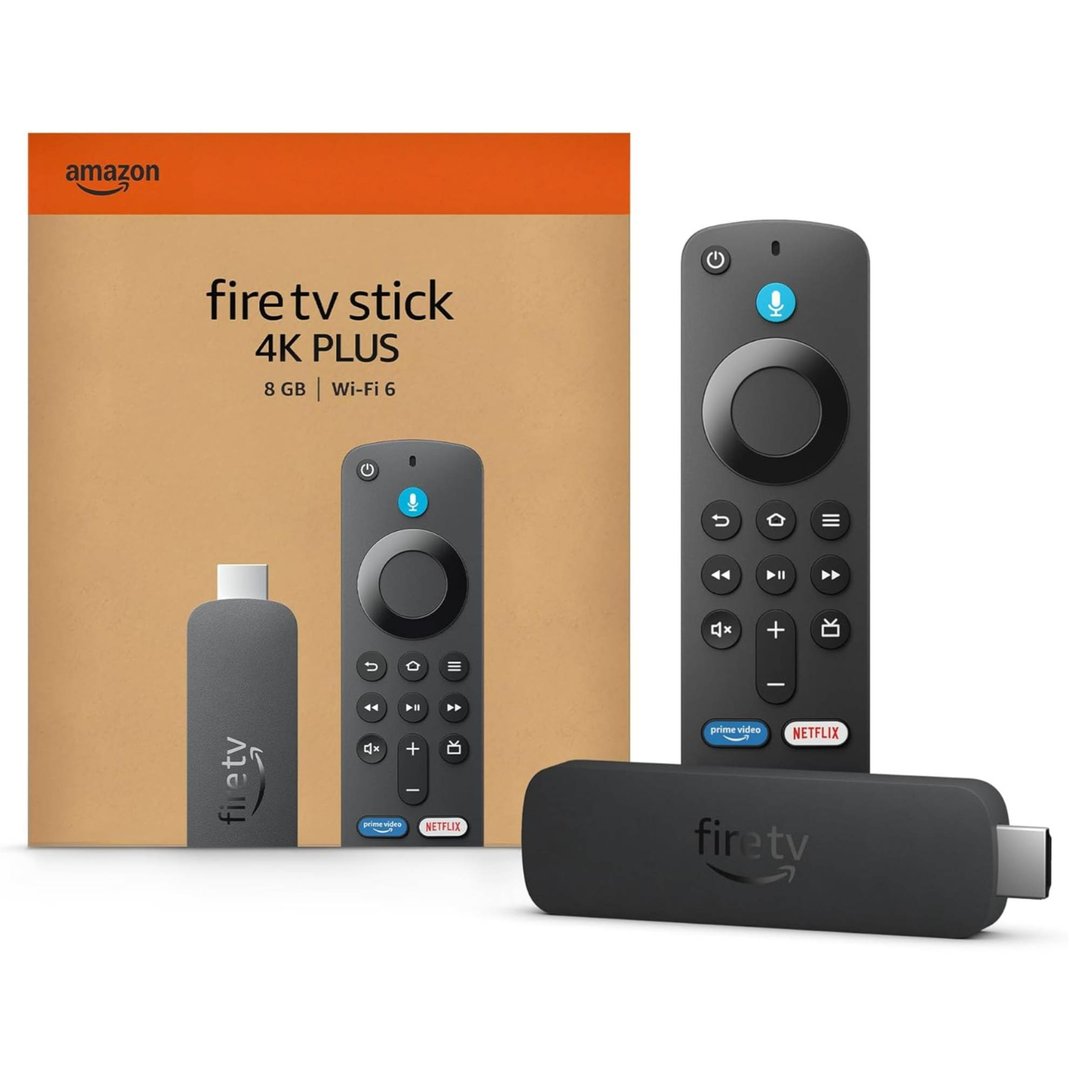
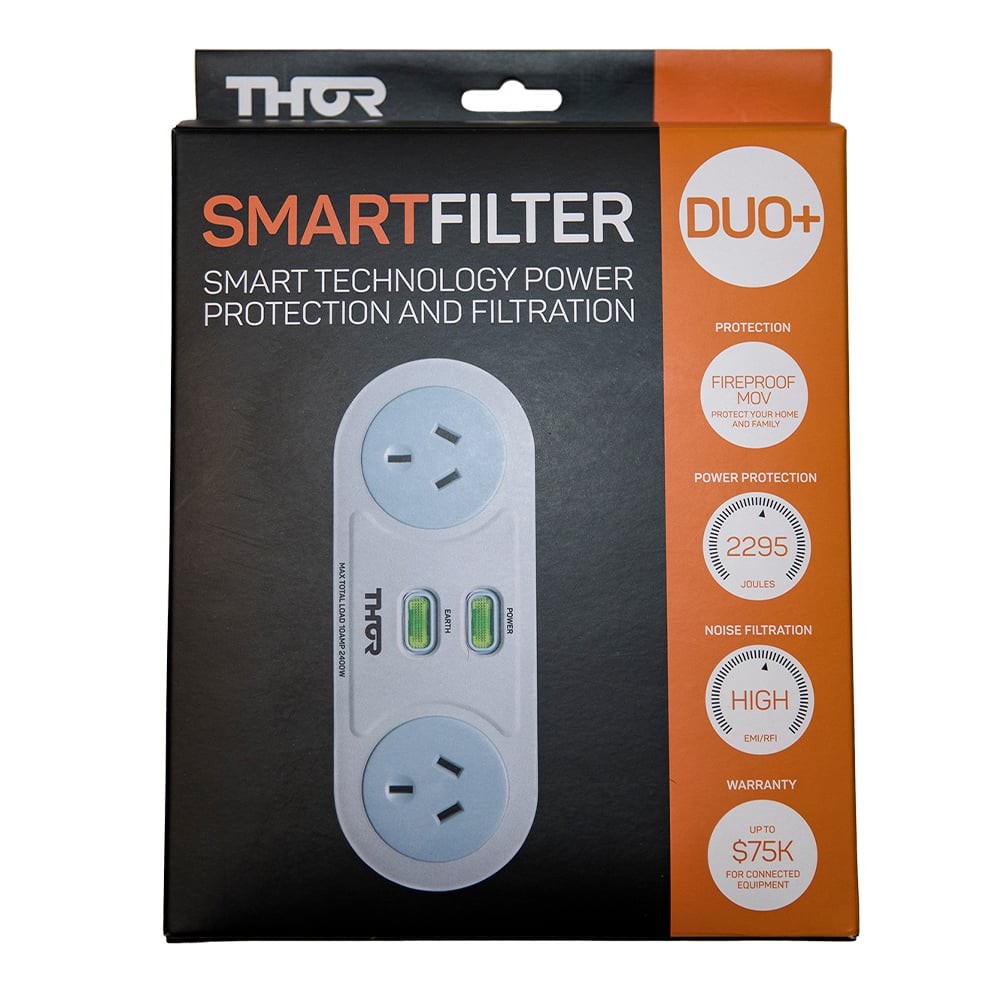
Get the most out of your TV with the right accessories and enhancements. From superior sound quality with soundbars to must-have TV accessories like wall mounts and HDMI cables, these essentials will transform your TV into the centerpiece of your home entertainment setup, providing exceptional viewing quality and comfort.
Soundbars & Home Entertainment


TV Accessories






Discover Bing Lee’s top TVs from trusted brands like Samsung, LG, and Sony. Our selection features advanced technology, vibrant displays, and options tailored to every type of viewer. As your go-to destination for home entertainment, Bing Lee is here to help you find the ideal TV for a superior viewing experience.







Q: What are the best TV brands?
At Bing Lee, we stock a range of different TV brands, including Samsung, LG, Sony, Hisense, TCL and CHiQ. Each brand has its own unique features and benefits to suit various needs and preferences. You can explore customer reviews on each product page to find the perfect TV for you.
Q: How are TVs measured?
TVs are measured diagonally from one corner of the screen to the opposite corner. This measurement is typically given in inches and refers only to the screen size, not the frame or the entire unit. To find the best fit for your space, consider both the diagonal measurement and the TV's overall dimensions, including its height and width.
Q: How to clean a TV screen?
To clean a TV screen, first turn off the TV and unplug it. Use a soft, dry microfiber cloth to gently wipe the screen in a circular motion. For stubborn spots, lightly dampen the cloth with distilled water or a screen-safe cleaning solution. Avoid using paper towels, abrasive materials, or cleaning solutions containing alcohol or ammonia, as these can damage the screen.
Q: Do I need a soundbar with my new TV?
While most TVs come with built-in speakers, a soundbar can significantly improve audio quality by providing clearer dialogue, deeper bass, and a more immersive sound experience. Our range of Soundbars from top brands like Samsung, JBL, LG and more help take your TV viewing experience to the next level.
Page last updated: 10th June 2026 | Information provided by the experts at Bing Lee.