Tech & Gaming
Unlock Superior Gaming: Find Your Ideal TV

For gamers, your TV is more than just a screen – it’s your portal into amazing new worlds, grand adventures and epic battles. But with so many options on the market, choosing the right TV can sometimes feel a little overwhelming. But fear not because Bing Lee has all the information you need to wade through a sea of specs and land on the perfect TV for your gaming setup.
So, what TV is good for gaming? Whether you're a casual gamer or a hardcore enthusiast, our gaming TV buying guide will show you what to look for in a TV for gaming, the best sizes, refresh rates and more.



Jump to
What To Look For In A TV For Gaming
Not all TVs are created equal – and that goes double if you’re buying a TV for gaming. Here are the key features to consider:
Resolution: Higher resolution means sharper images. For the best gaming experience, look for a 4K TV, at minimum, especially if you have a next-gen console like the PS5 or Xbox Series X.
Refresh rate: A higher refresh rate, particularly 120Hz, will ensure smooth gameplay. It also greatly reduces motion blur and gives you a much more responsive (and immersive) experience.
Input lag: Low input lag is crucial for gaming, especially if you’re playing online. It measures the delay between pressing a button on your controller and seeing the action on the screen. Aim for TVs with an input lag of 20ms or lower.
HDR (high dynamic range): HDR boosts contrast and colour range, making your games look more realistic. Make sure your TV supports HDR10+ or Dolby Vision for the best results.
If you’ve been wondering what is the best size TV for gaming, first consider the size of your room and how far away you’ll be sitting from the screen. For a truly immersive experience, try the following:
For small rooms, a 40-50-inch TV is ideal.
A larger 55-65-inch TV will work perfectly for medium-sized rooms.
If you want to game in style or have a large room to furnish, go big with a 70-85-inch TV (or more!).
But remember that bigger isn’t always better. If you're sitting too close, it can cause eye strain and make it harder to see the entire screen, which will ultimately affect your gaming.
If you’re still on the fence about refresh rates and how they might affect your gaming, here’s a quick breakdown:
60Hz: Standard for most TVs and suitable for casual gaming.
120Hz: Provides a smoother range of motion and is perfect for fast-paced games and multiplayer/competitive gaming.
240Hz: Still quite rare in TVs, this rate is mostly found in high-end monitors. While it definitely delivers the smoothest experience, it’s generally considered overkill for most gamers.
Choosing between OLED and QLED can be tricky. Here’s a quick comparison:
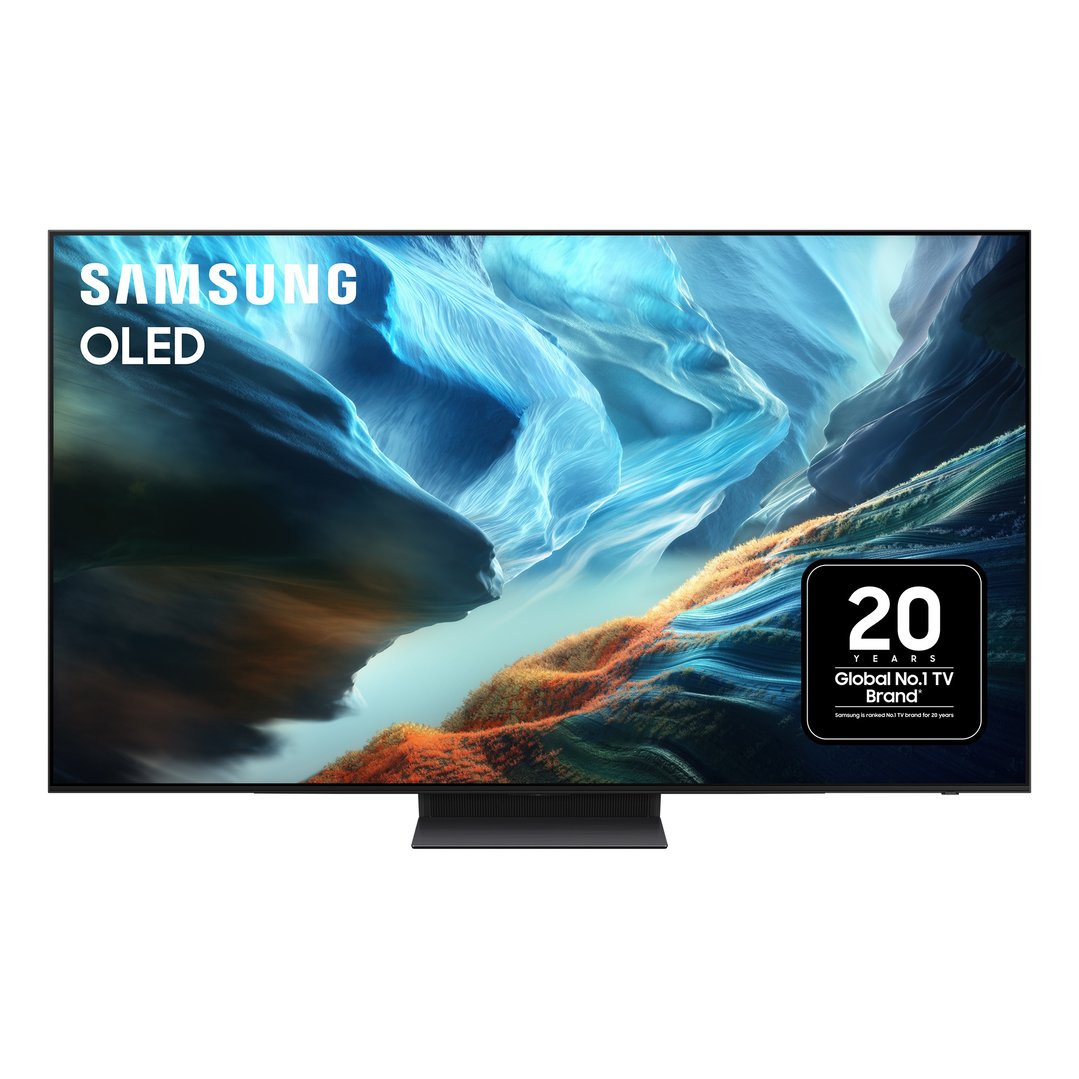
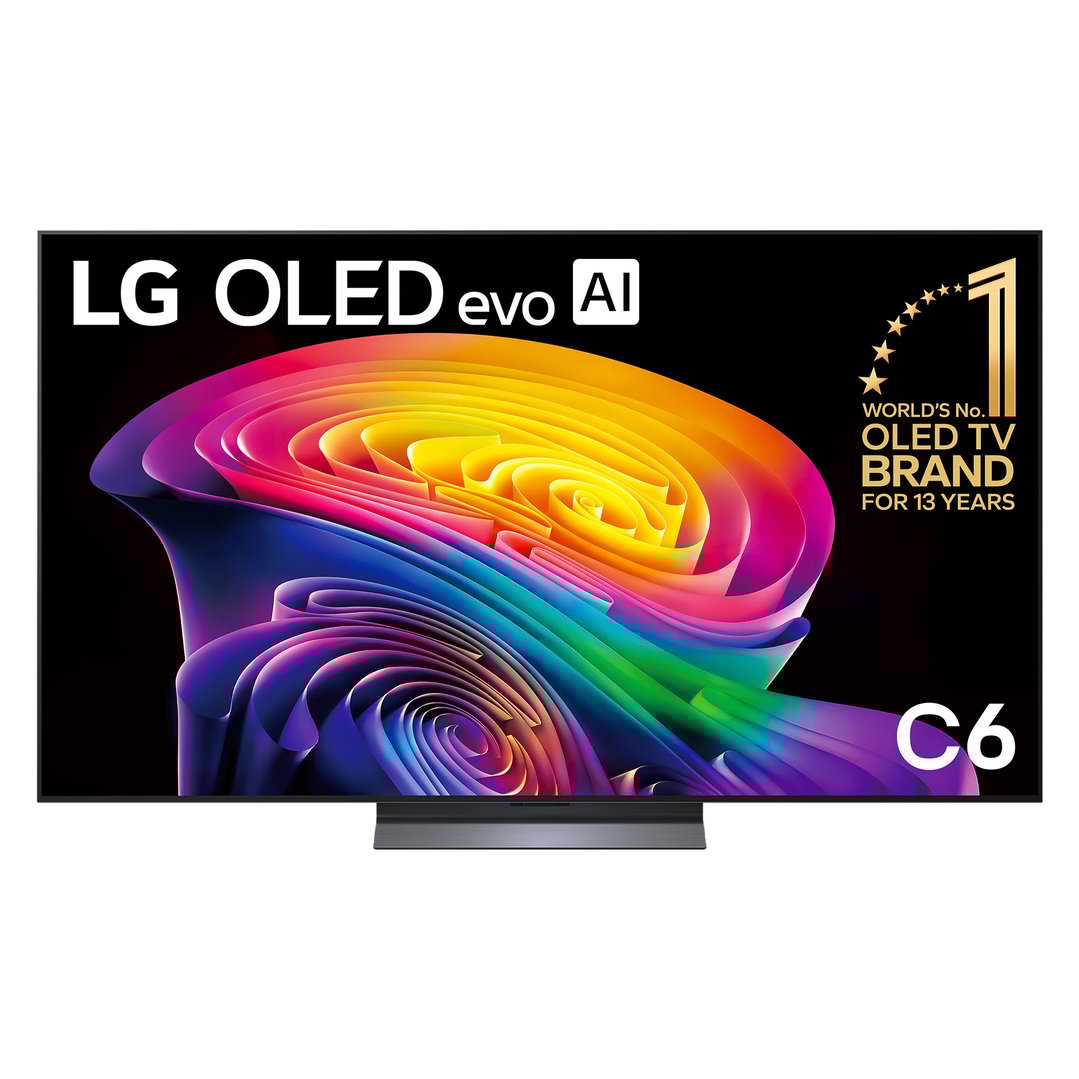
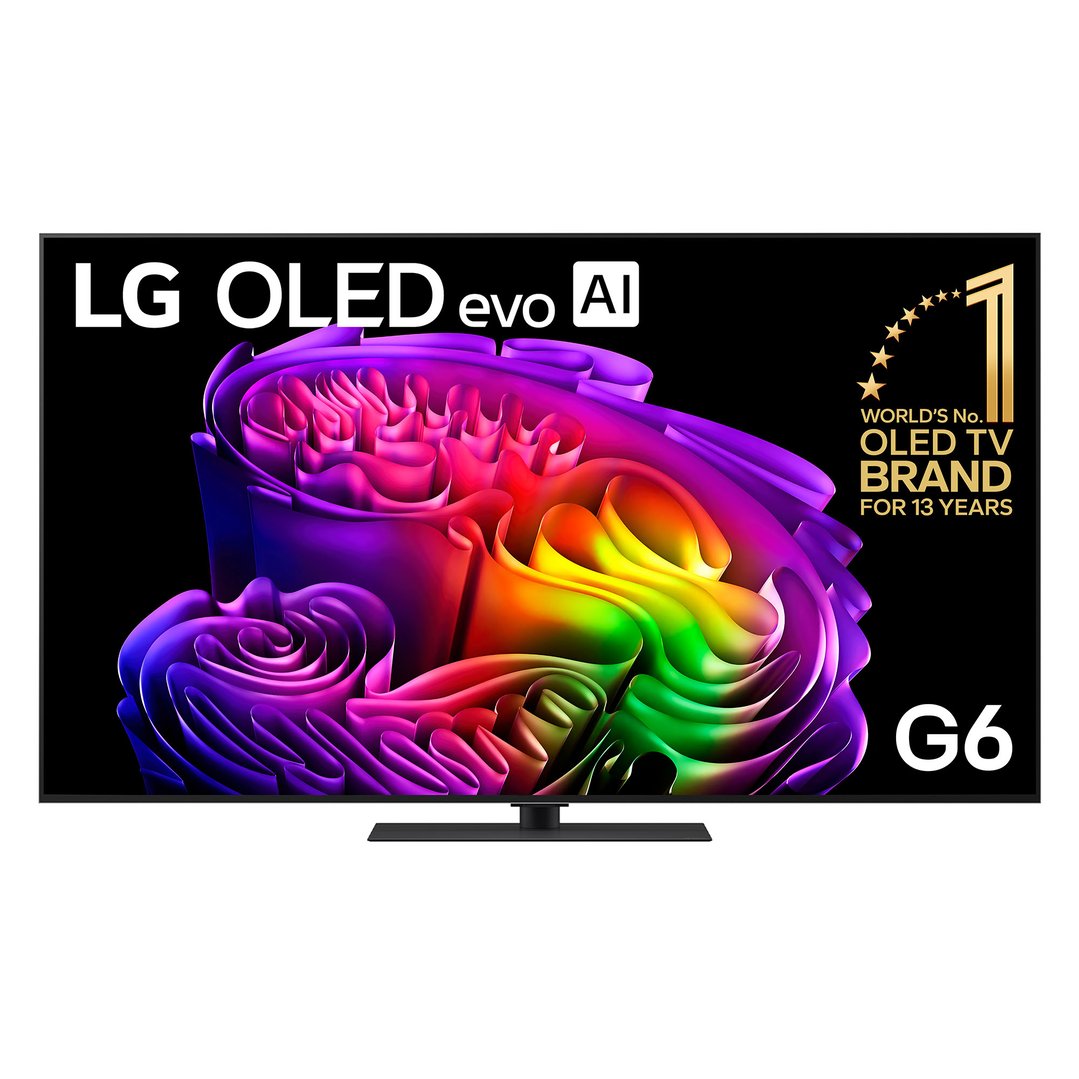
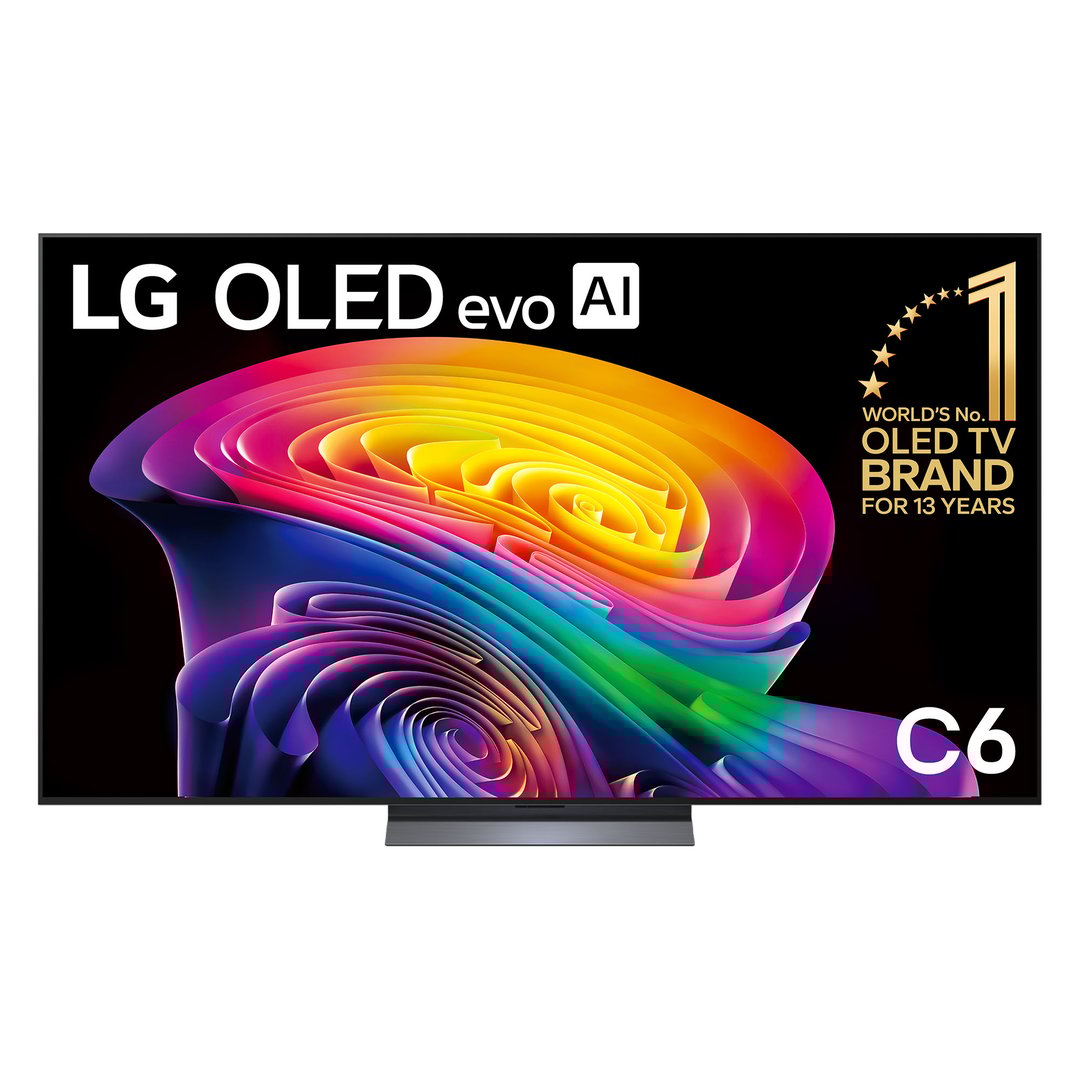
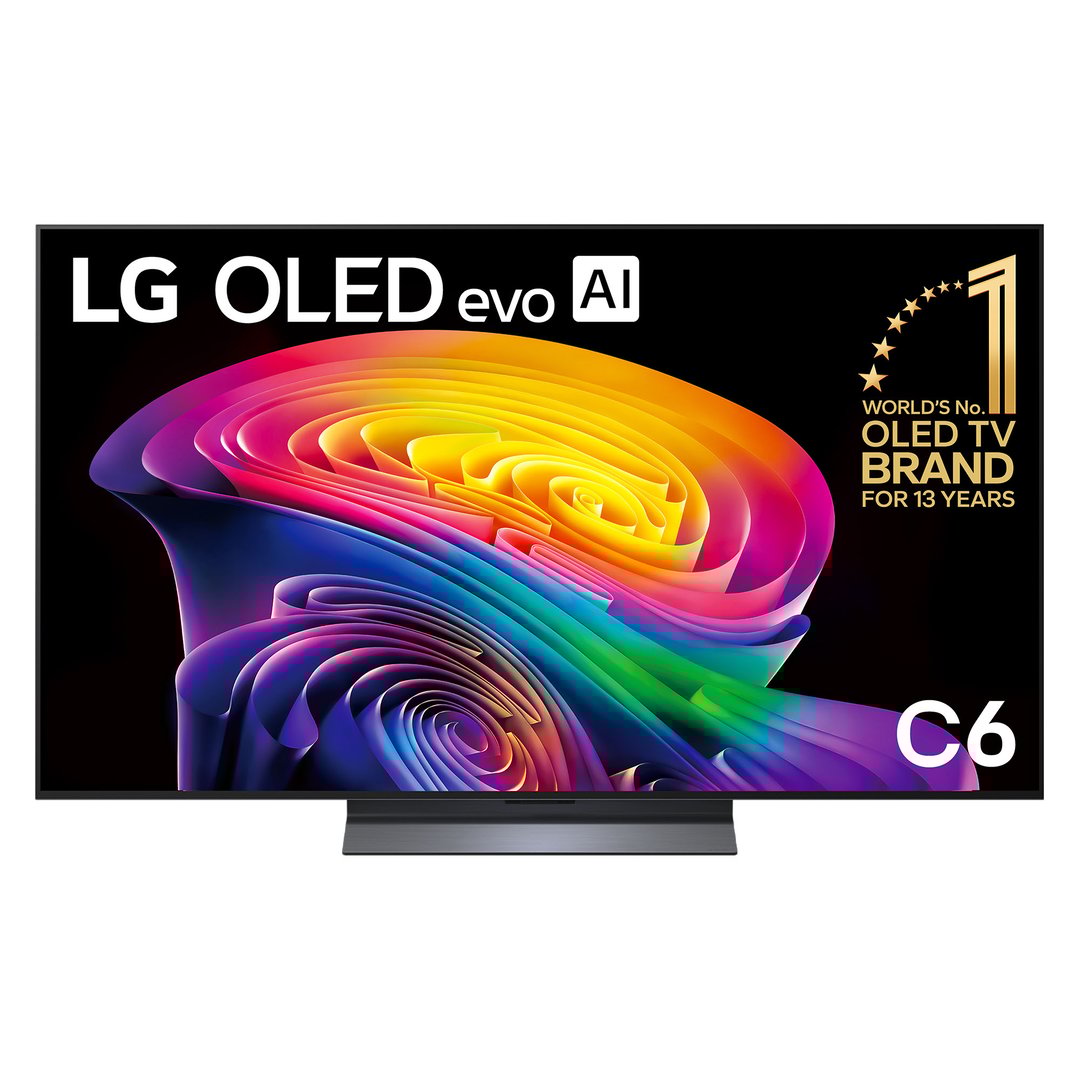
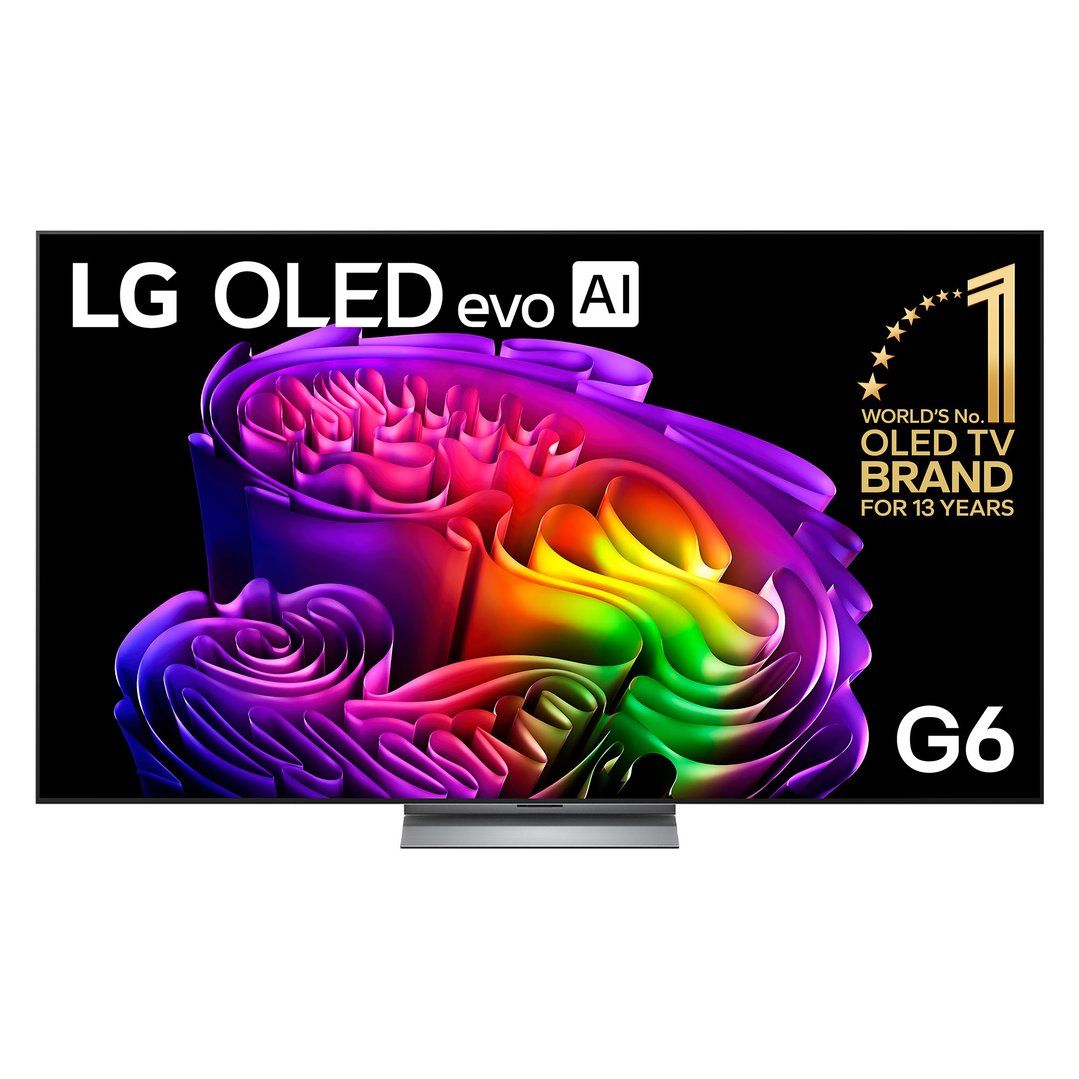
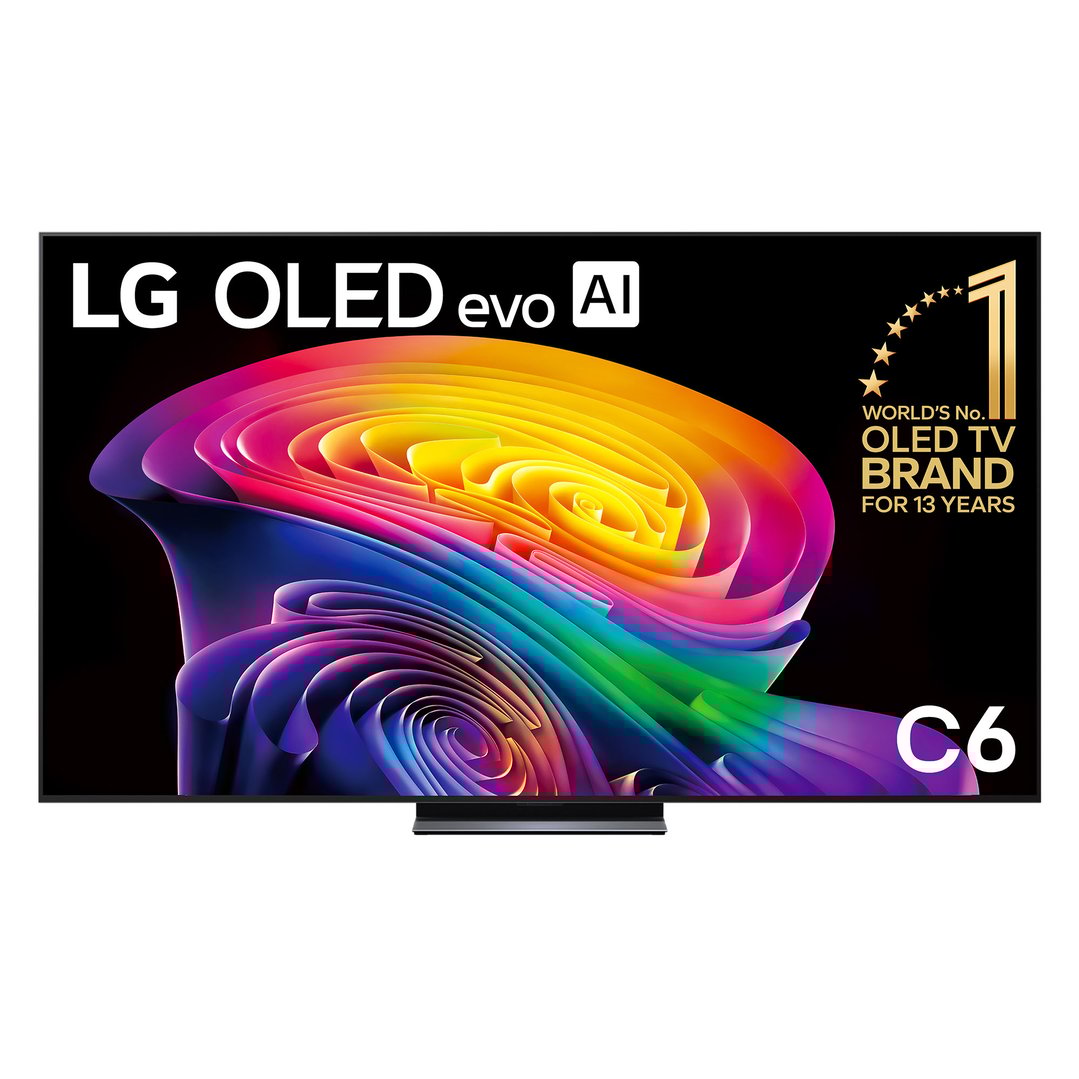
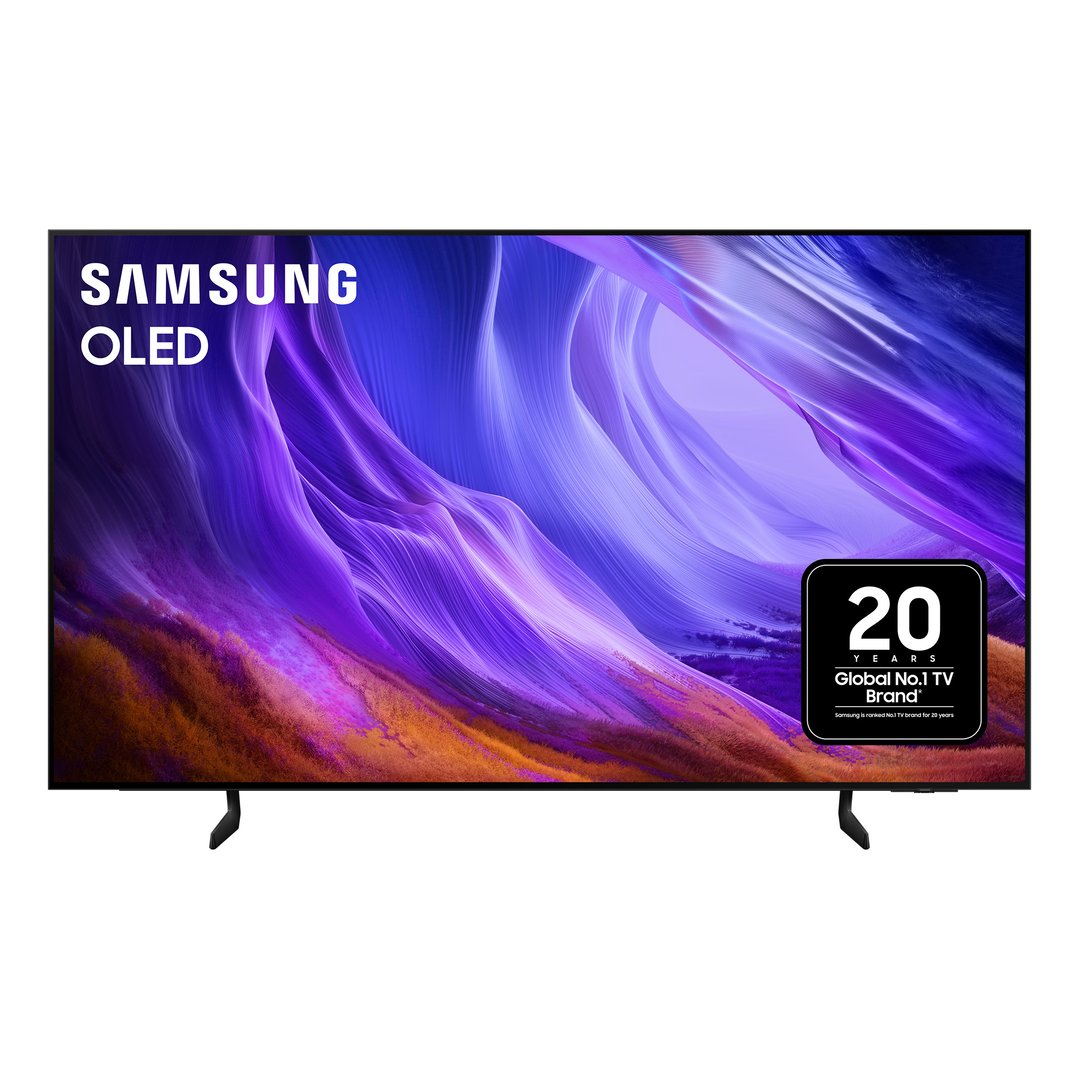
OLED TVs: Lauded for deep blacks and an incredible spectrum of vibrant colours, OLED TVs have excellent picture quality and wide viewing angles. They’re particularly good for dark rooms and give you a super-immersive gaming experience. However, they can be more expensive and more susceptible to burn-in.
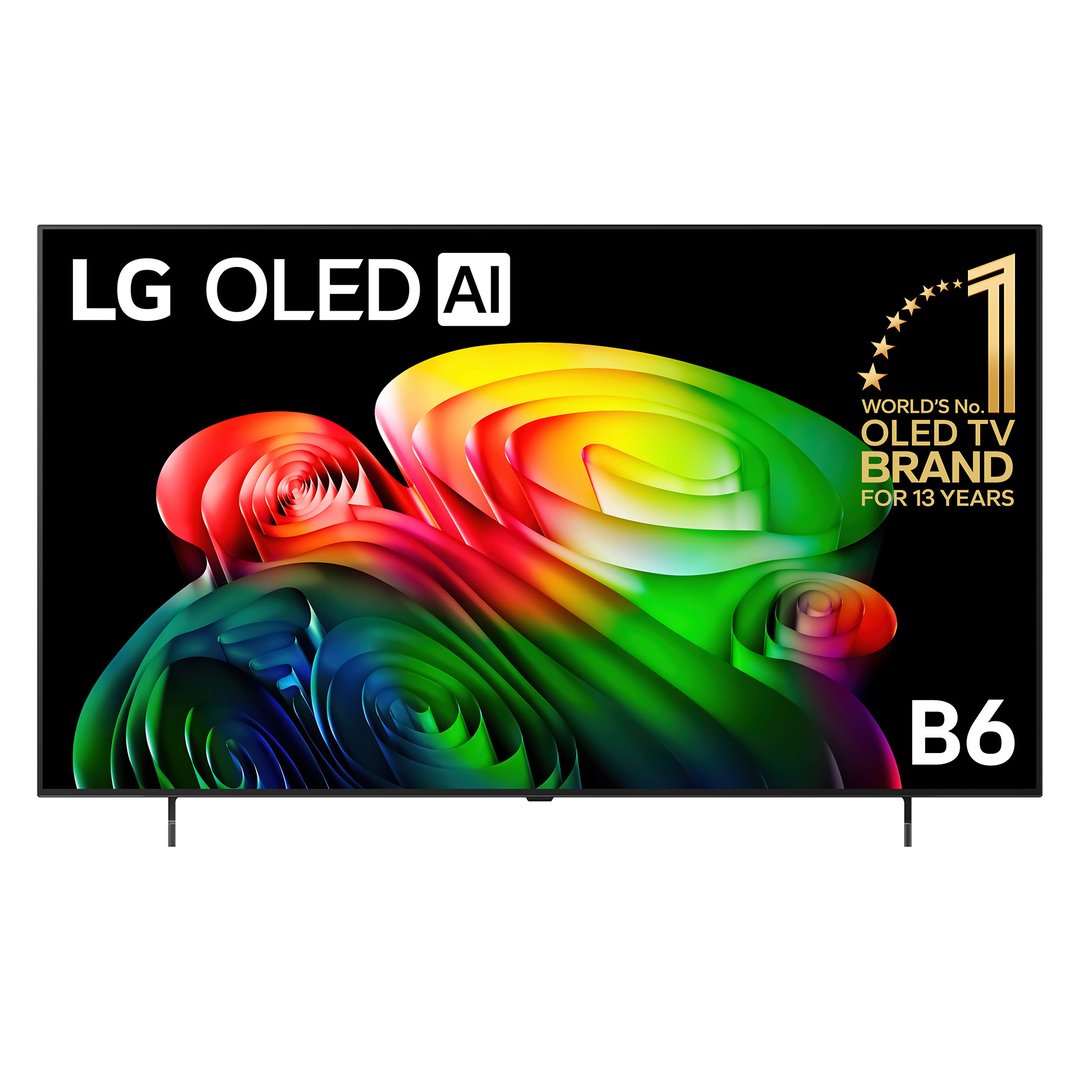
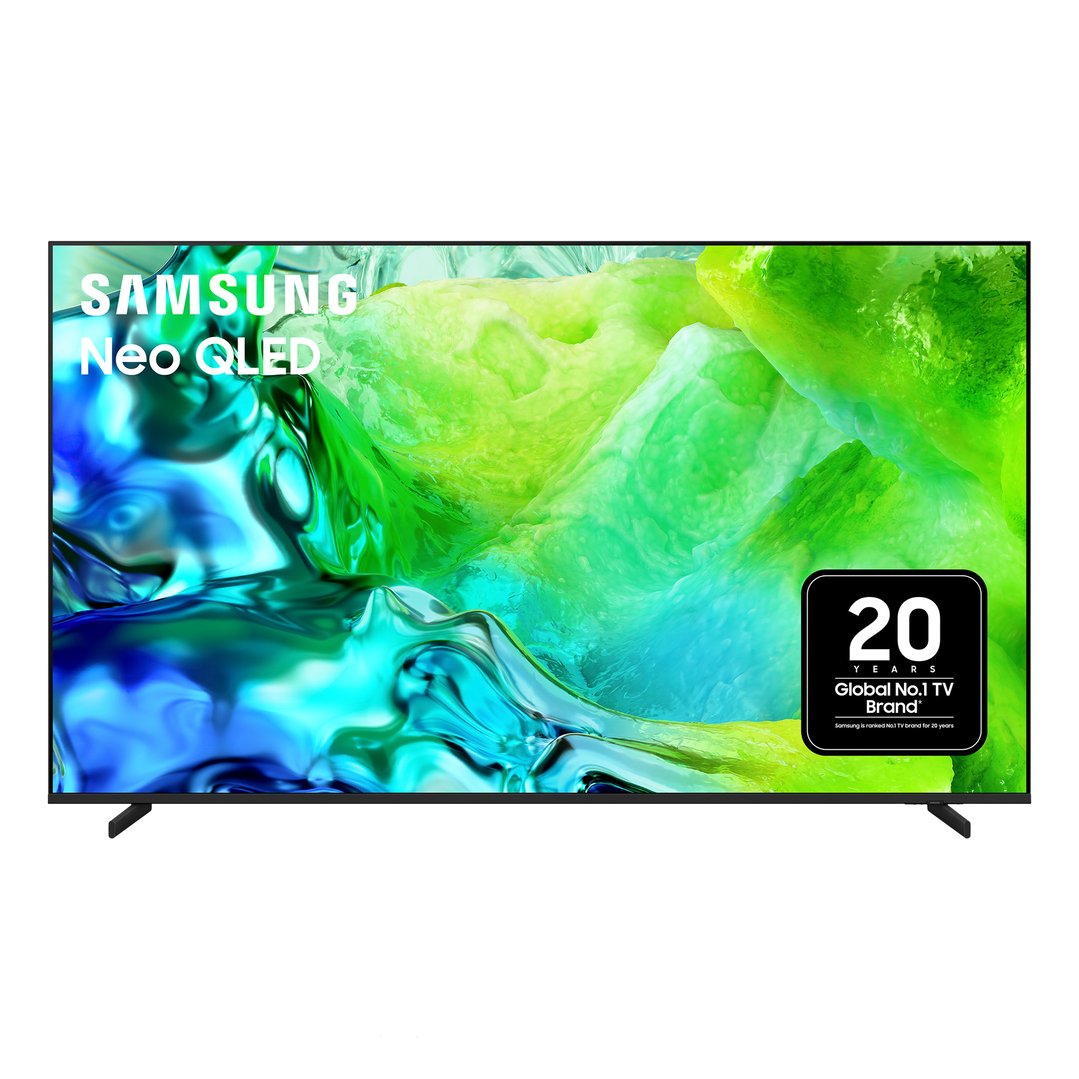
QLED TVs: You might have heard rumblings about these, but are QLED TVs good for gaming? The answer is a resounding yes! QLED TVs use quantum dots to improve brightness and colour. They work well in bright rooms and are generally more affordable than OLEDs.

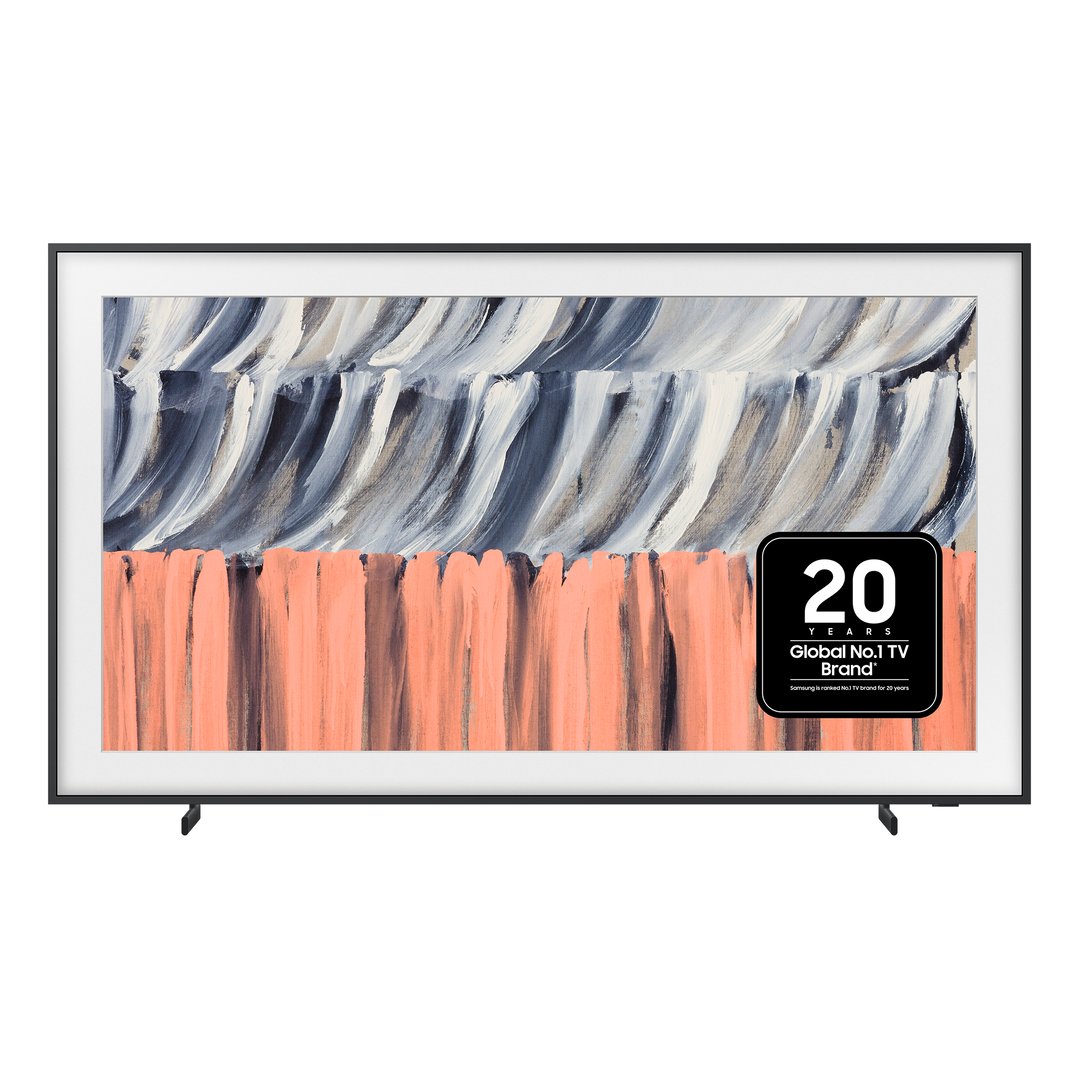
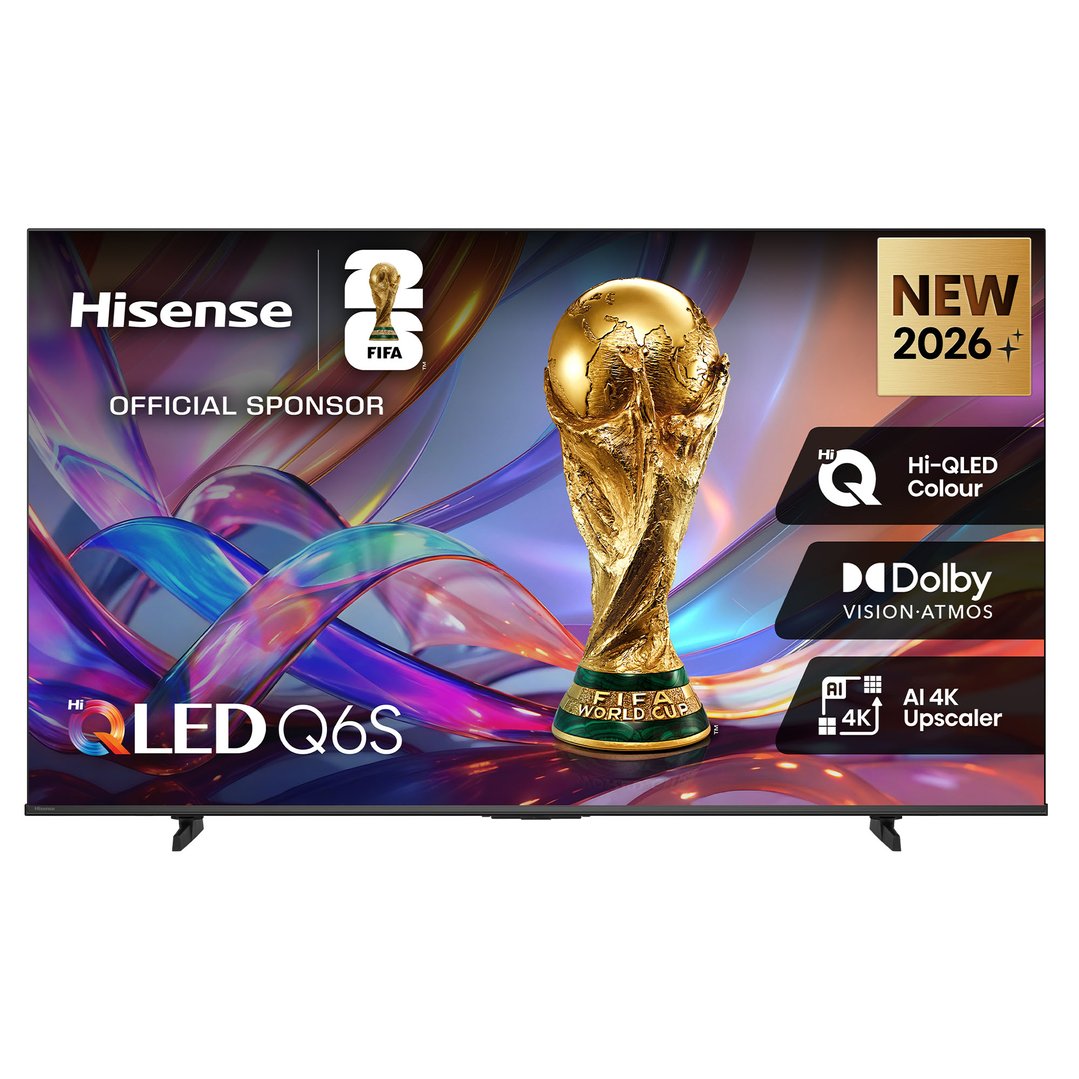
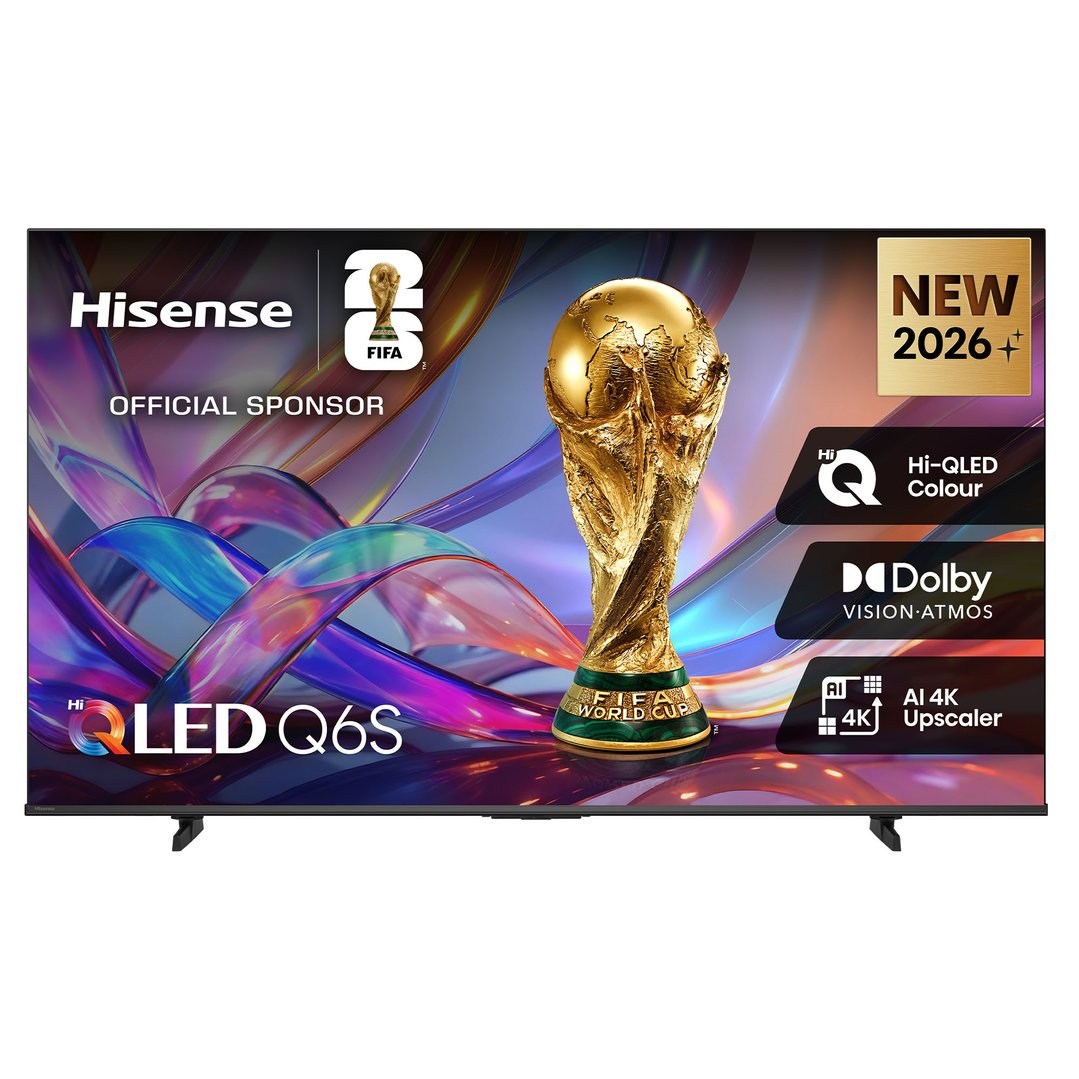
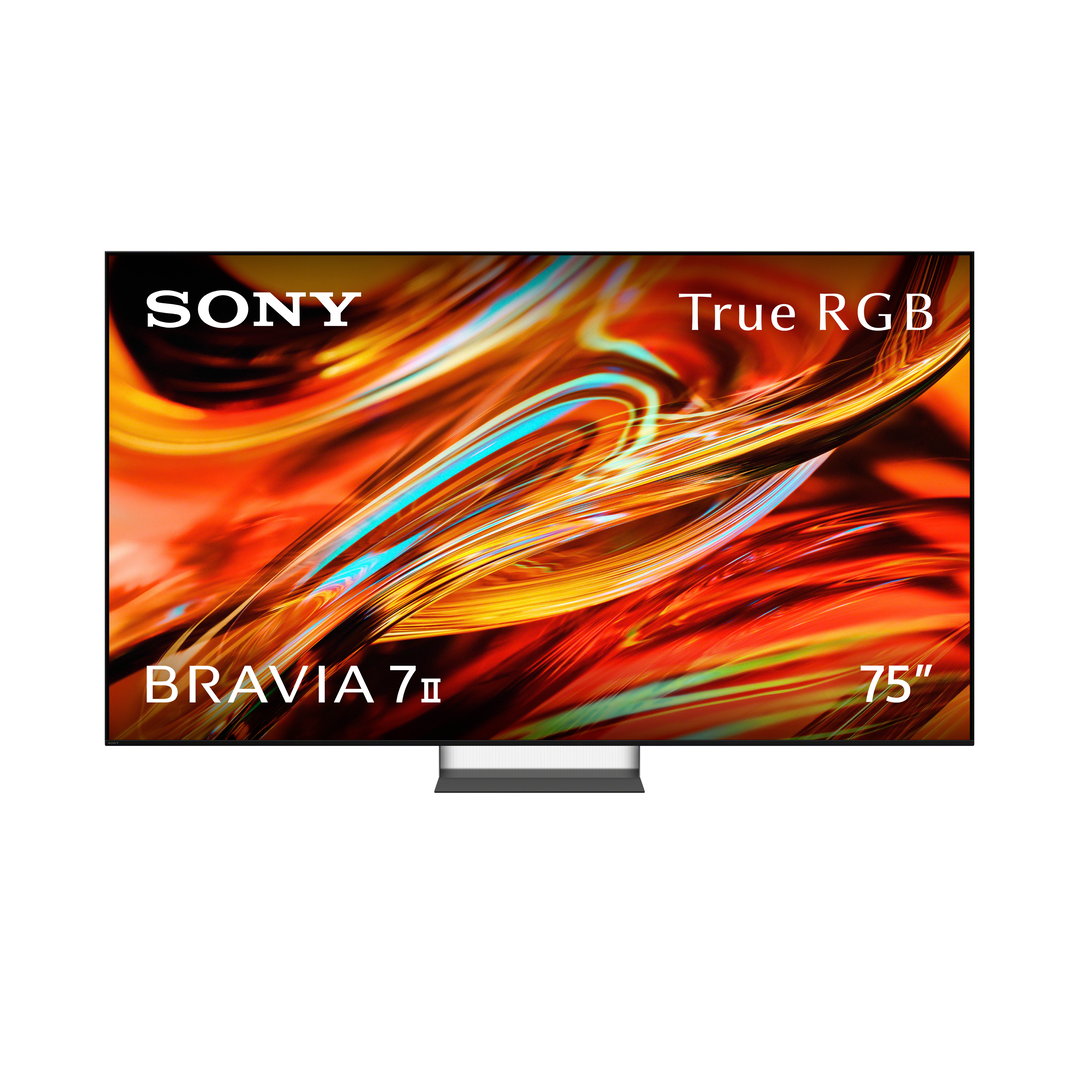
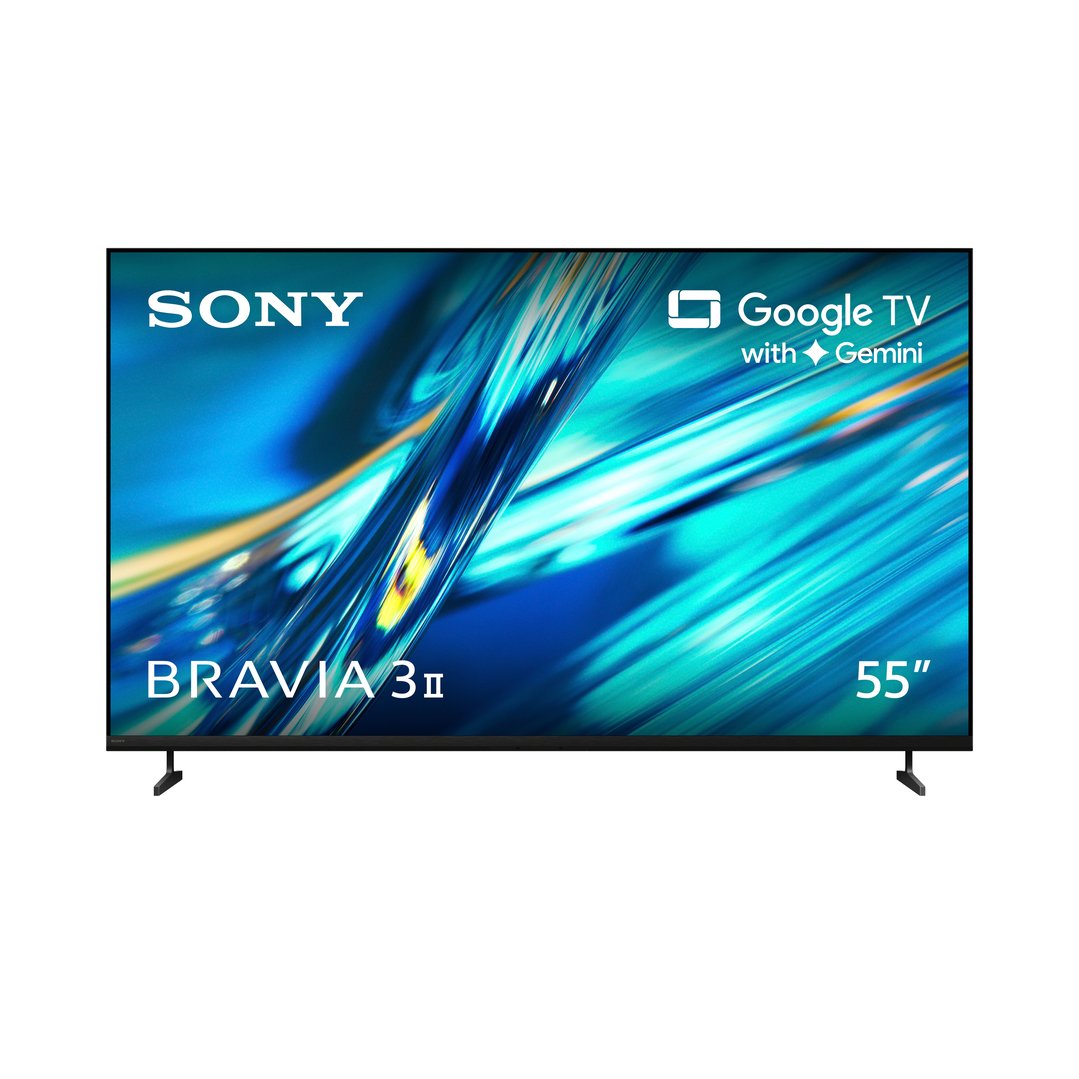
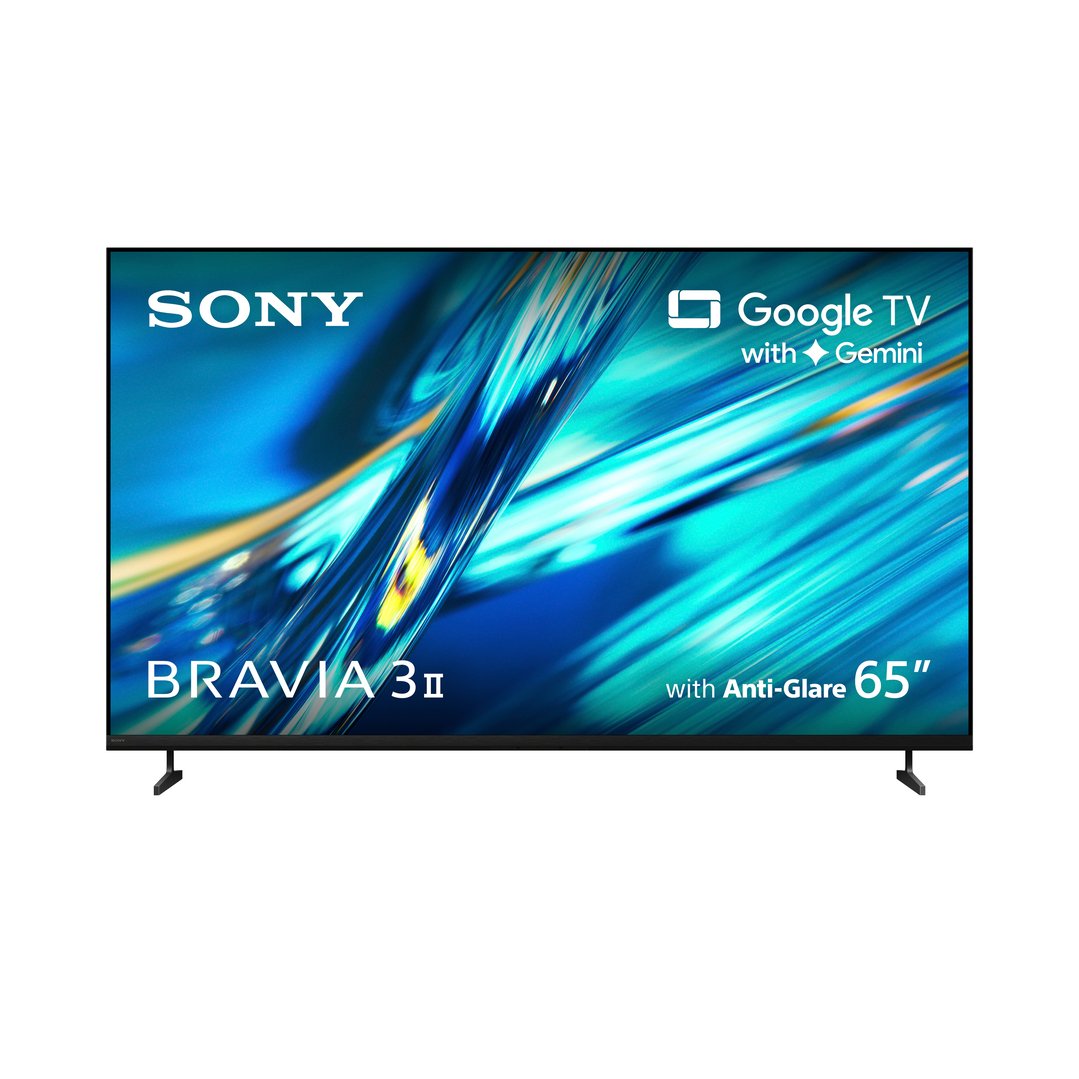
Several TV brands make models specifically for gaming. Here are a few top picks:
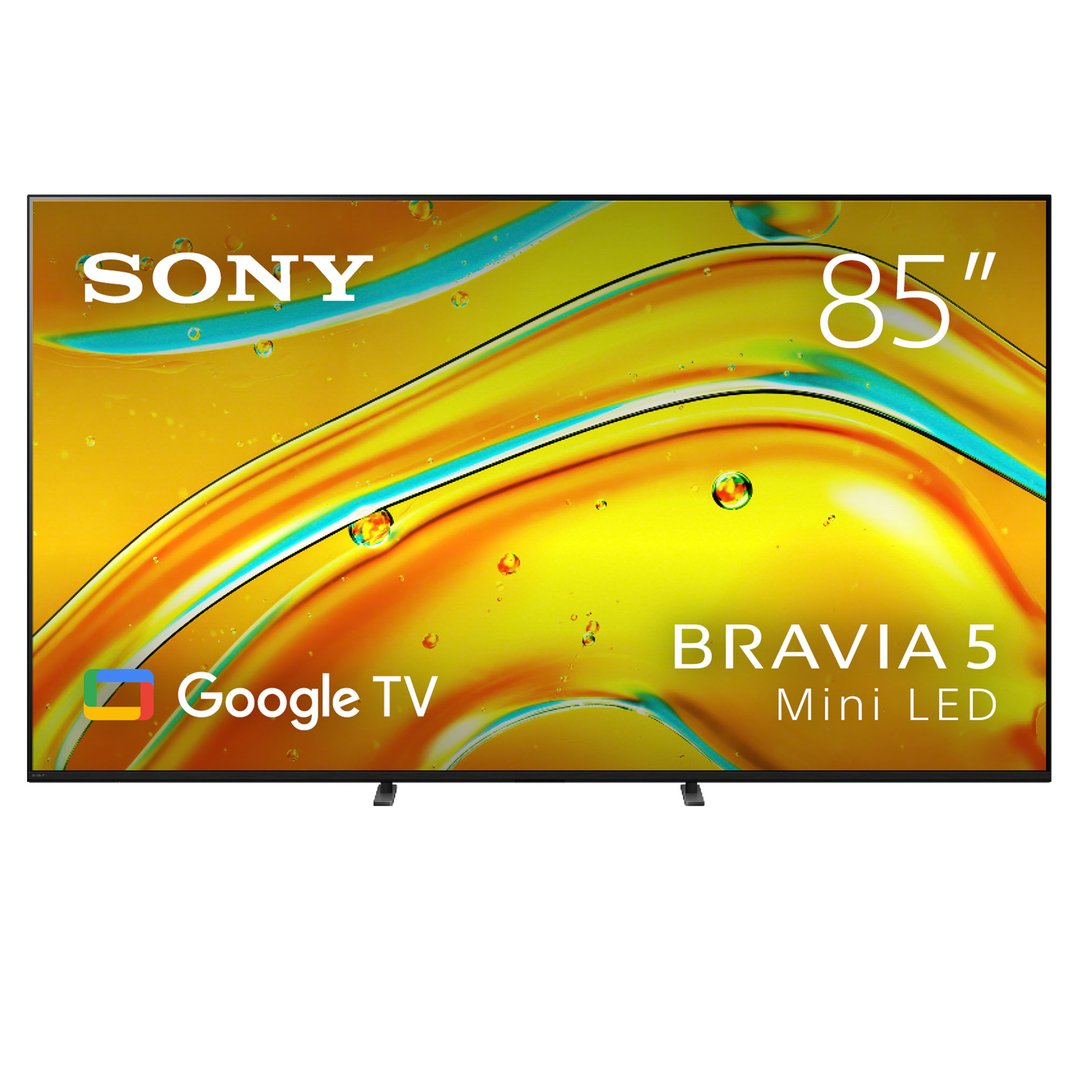
Sony: Perfect for PS5 owners, many TVs in the Sony BRAVIA series have low input lag and excellent HDR performance.
Samsung: Known for their QLED technology, Samsung TVs deliver stunning visuals perfect for gaming.
LG: The LG OLED models have exceptional picture quality and high refresh rates, which makes them a favourite among gamers.
For the ultimate PS5 experience, look no further than the Sony X90L BRAVIA XR Full Array LED 4K HDR Smart Google TV. With its Auto HDR Tone Mapping, 4K resolution and direct full array LED display performance, this TV is designed to get the most out of your PS5.


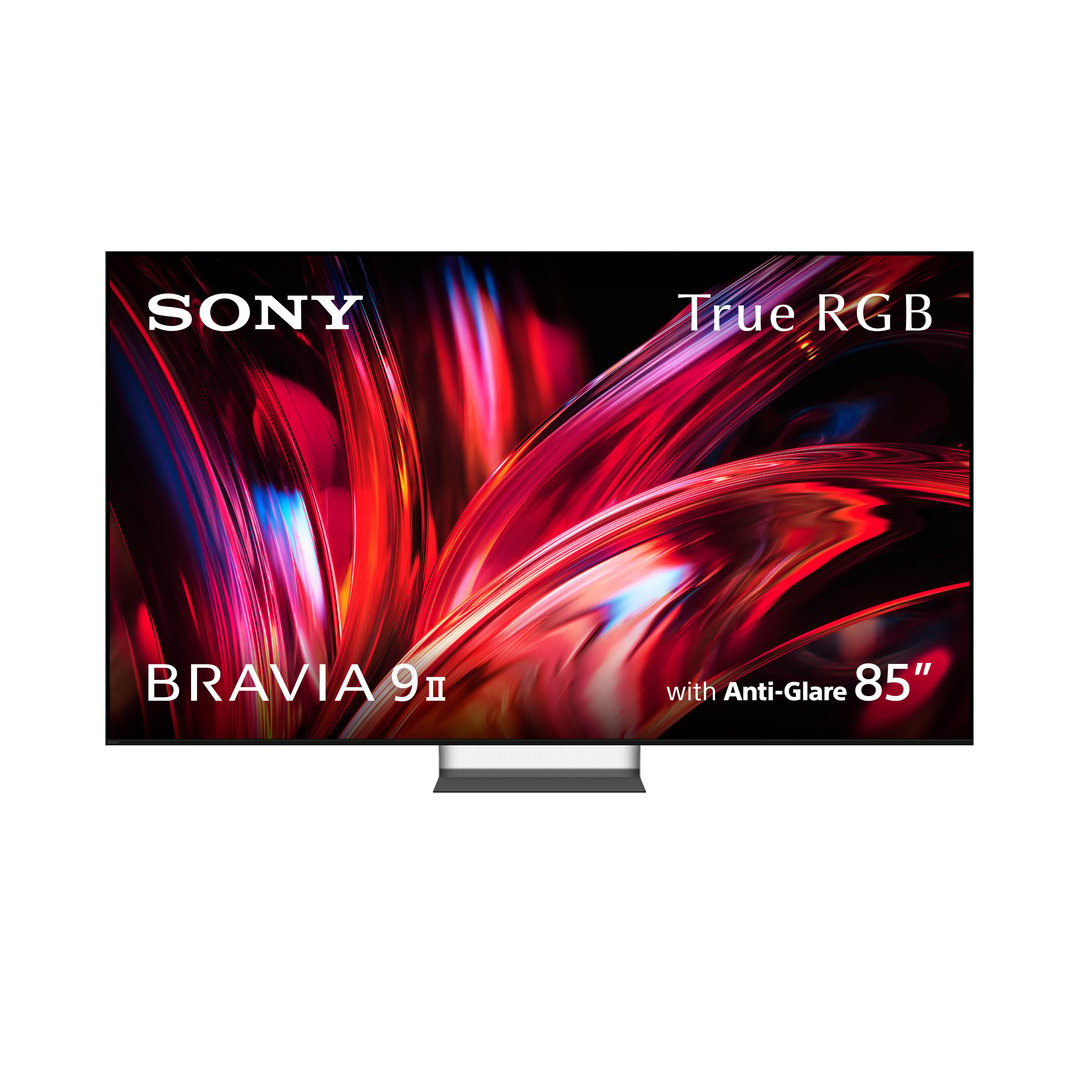
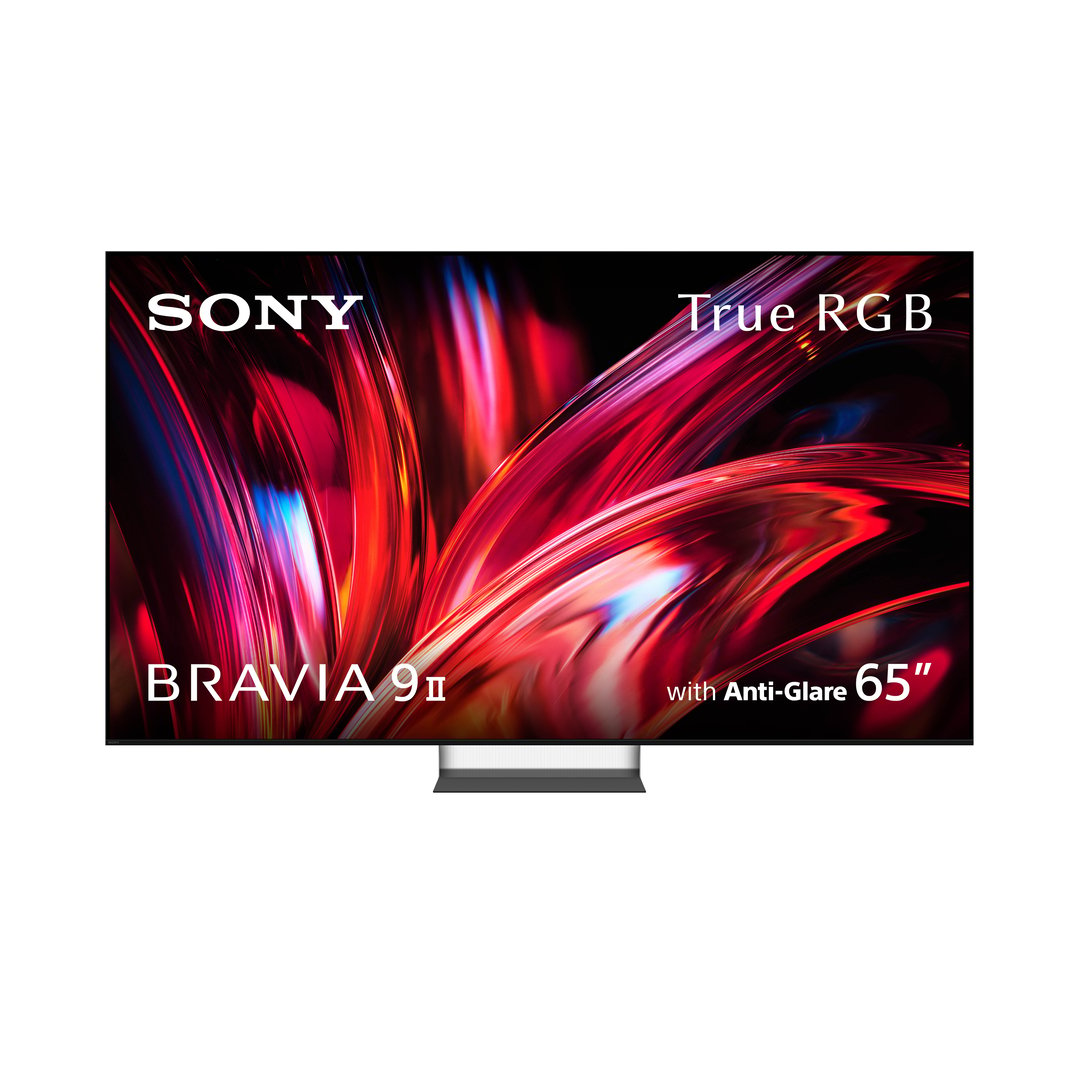
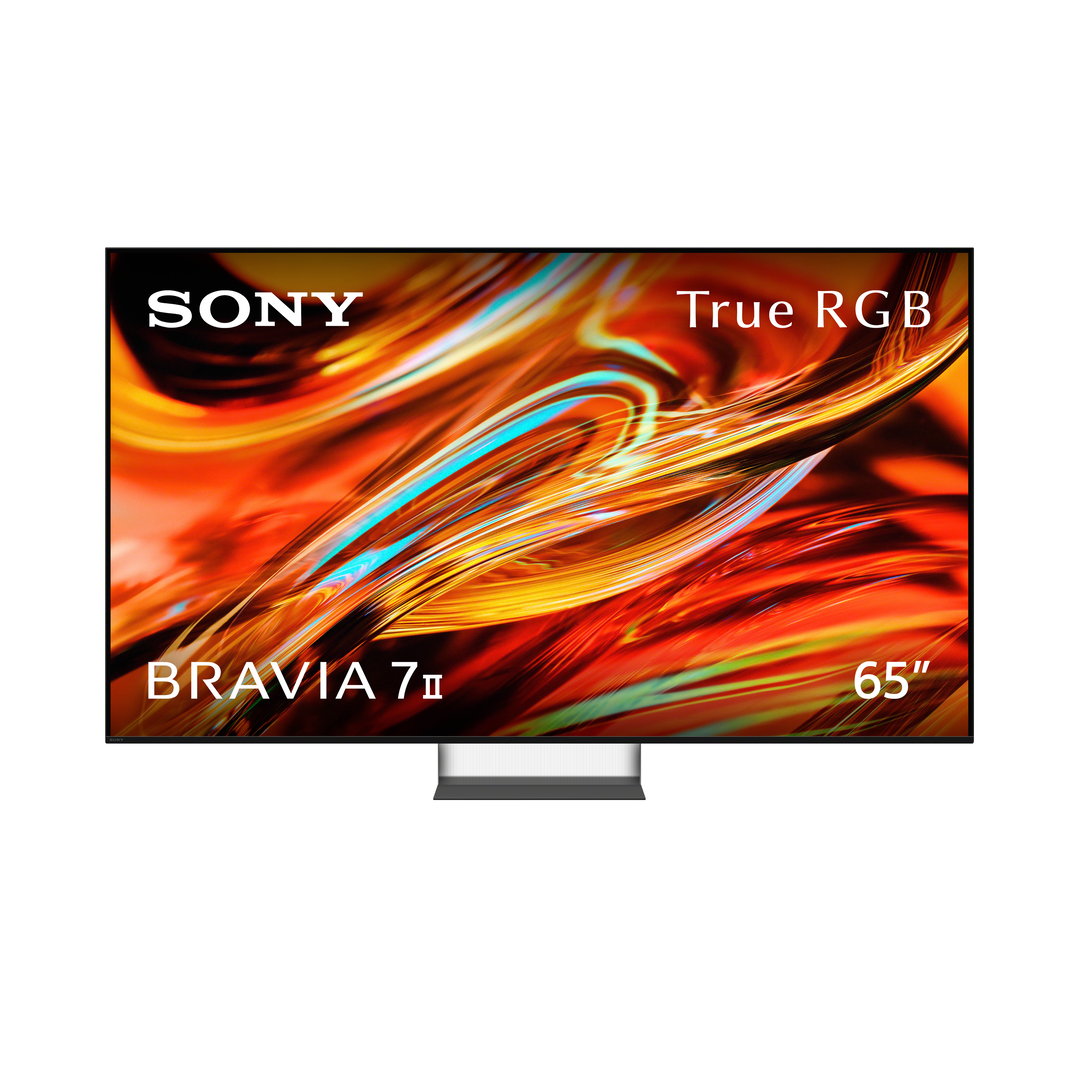
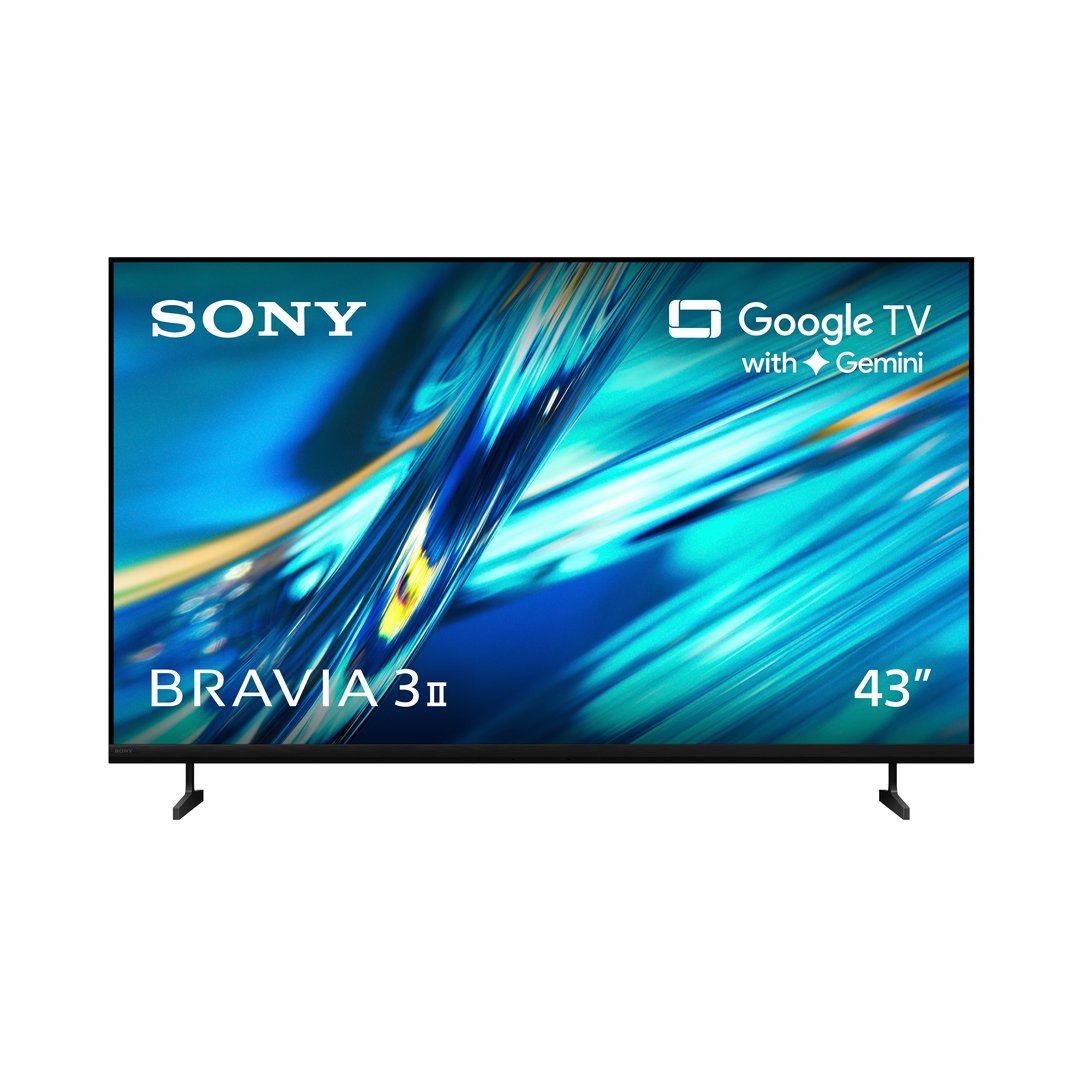
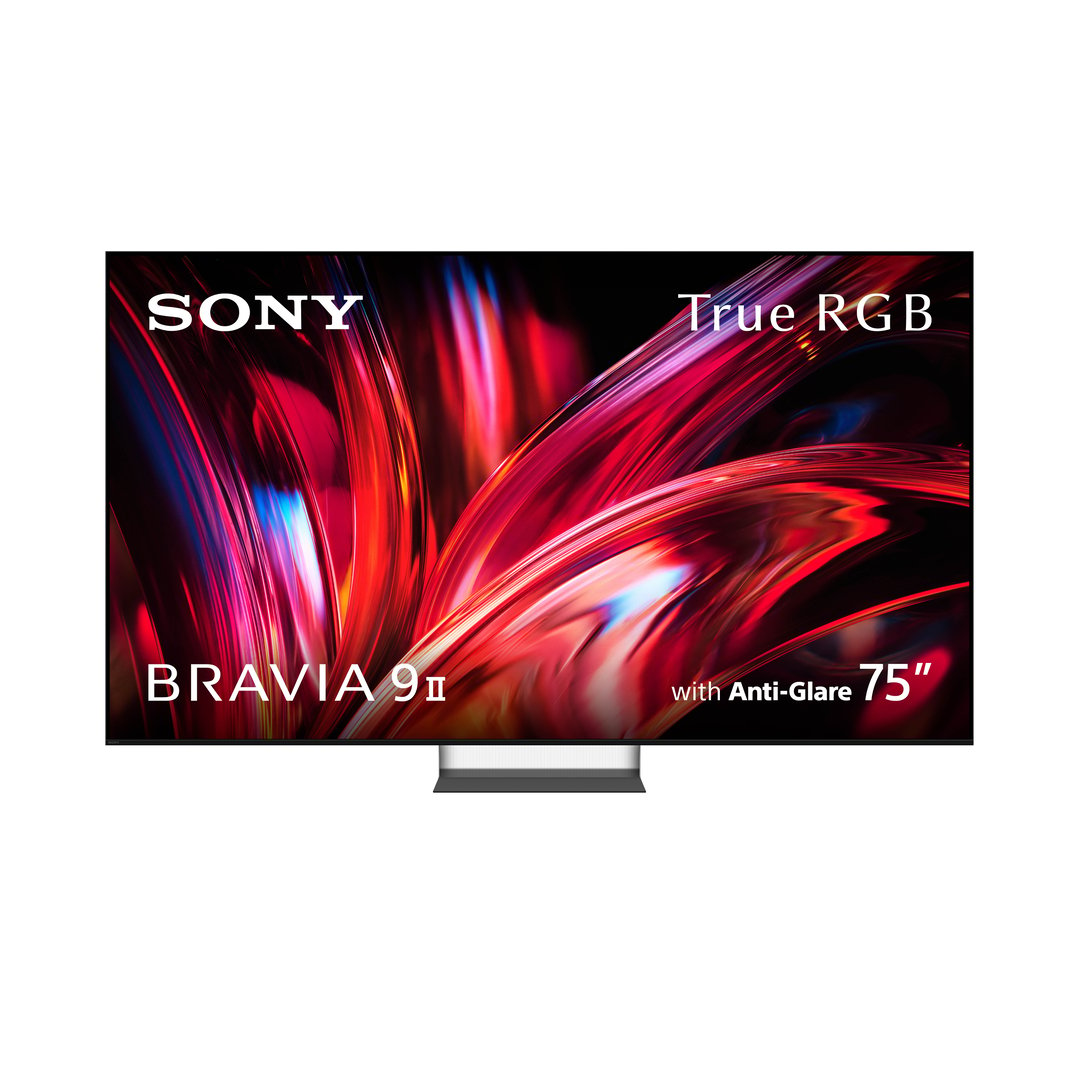
The Samsung S90D OLED 4K Smart TV is a top choice for Xbox Series X users. It’s built for gaming and supports ultra-smooth motion with 4K 144Hz VRR. It also delivers stunning picture quality with its HDR OLED+ display.
Smart features: You’ll want your TV to have a user-friendly interface and to support your favourite streaming apps.
Connectivity: Look for multiple HDMI ports, including HDMI 2.1 for next-gen consoles.
Sound quality: While built-in speakers are convenient, investing in a good sound system or soundbar can greatly enhance your gaming experience.
Keeping your TV screen clean is something you’ll want to stay on top of to always have a clear picture when gaming. Here’s a quick guide on how to clean flat-screen TVs:
Turn off the TV: Always turn off and unplug your TV before cleaning it.
Dust gently: Use a microfiber cloth to gently remove dust from the screen and frame.
Spot-clean: For smudges and fingerprints, slightly dampen the cloth with a mixture of water and a small amount of dish soap (making sure it’s gentle, not harsh). Wipe gently, and don’t press down too hard.
Dry completely: Use a dry microfiber cloth to remove any lingering moisture.
Choosing the perfect TV for gaming doesn’t have to be overwhelming. Hopefully, our gaming TV buying guide has clarified all the most important considerations, from size to resolution, refresh rates and more.
It doesn’t matter whether you’re a PS5 fanatic or an Xbox Series X enthusiast; Bing Lee has a huge choice of gaming TVs to suit your needs.