Tech & Gaming
How to Transform Your Bedroom Into the Ultimate Gaming Room
No matter how much space you have, what your budget is or what type of gamer you are, creating a gaming room at home isn’t as difficult as it may seem. In fact, it’s all about getting the right pieces of equipment and furniture, and knowing where to place them so it all looks and works seamlessly together.
Discover our top tips on how to change your room into a gaming room and bring your dream gaming experience to life:
Map out the space you have
Not everyone has an entire room they can transform into a gaming station, and that’s okay! Even if all you’re working with is a corner of your bedroom, if properly planned out, your gaming setup can be amazing.
Consider how much space you have and prioritise the gaming furniture and equipment you purchase accordingly. If you’re decorating a full-fledged game room, you may be able to include not only a gaming console and accessories but also a shelving unit for all your games or even a larger entertainment centre with multiple types of consoles.
If you don’t have as much space, investing in a high-quality computer desk and chair, and creating your bedroom gaming setup around those two pieces of furniture may be a better idea. Remember, as well, to use our tech storage tips to further optimise your space.
Consider your lighting
The right ambient lighting can take your gaming experience to the next level, especially if you match it to the type of games you usually play. Smart LED lights are excellent for gaming rooms, as you can easily adjust them to the pace of each game.
The most important thing is that the lights in your gaming room are dim and comfortable to the eye, providing enough illumination to avoid eye strains and headaches, but avoiding sudden flashes.
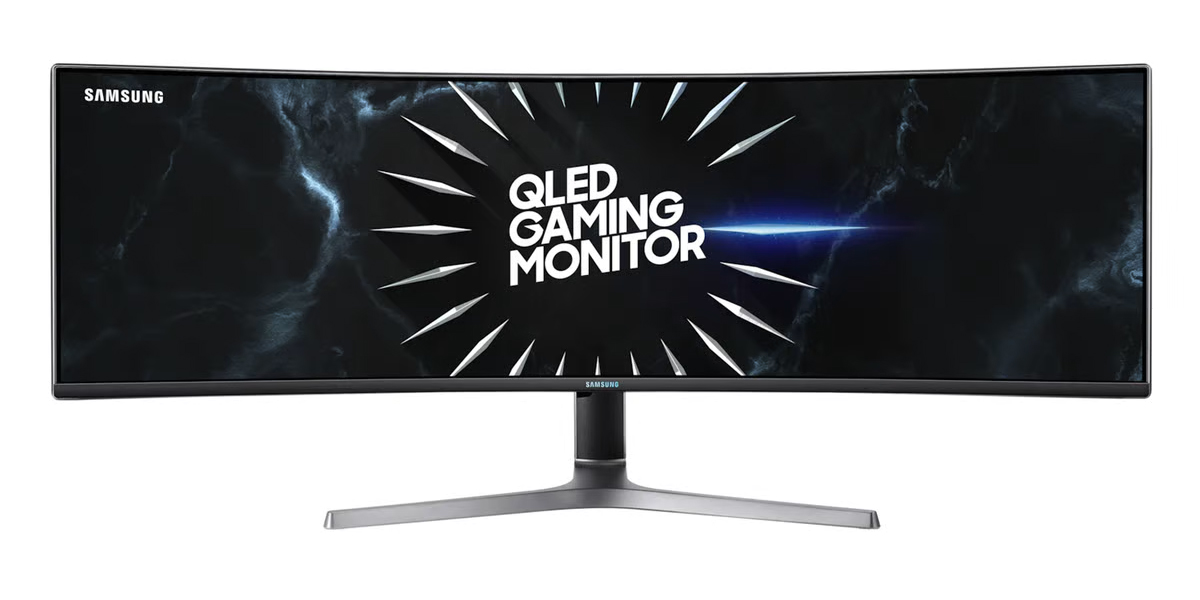
As for where to place your lights, it all depends on how you arrange your station. You can put them behind your gaming monitor or under your desk for a subtle glow all around your setup. These are both great options for small bedroom gaming setups as they don’t take up any additional space. You can also get desk lamps and put them on your desk or opt for wall-mounted lights for a more immersive gaming decor.
Consider the console you want to use
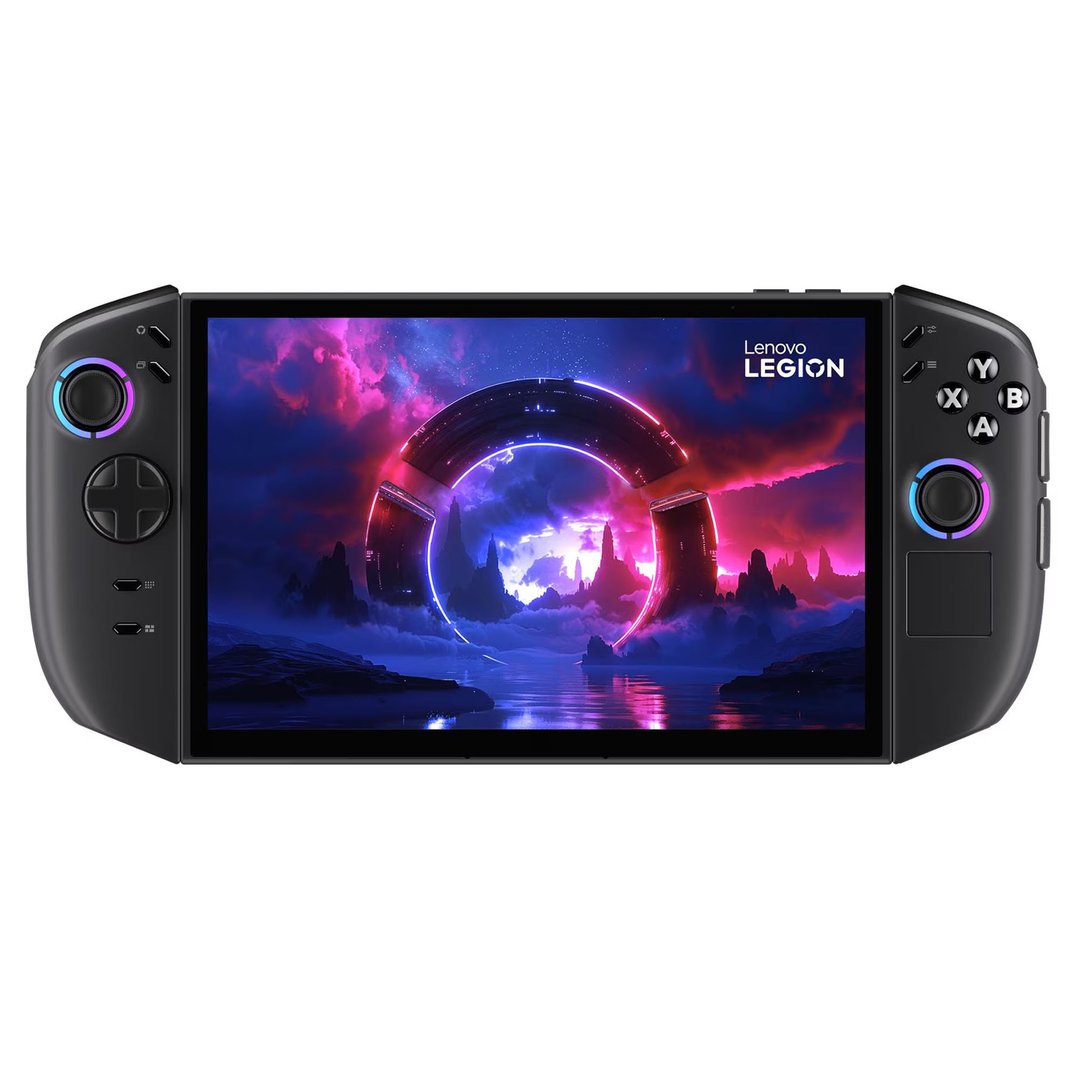
Any avid gamer knows just how many different consoles there are in the market. From PlayStation to Switch, Microsoft Xbox, Wii and, of course, gaming computers: the options are endless. Choosing the right one for you comes down to five key considerations:
Price. How much much are you willing to spend on your gaming console or computer?
Features. Are you happy with the baseline features most consoles offer or are you looking for something more advanced?
Game library. Which specific games or gaming genres do you want the console’s library to have?
Comfort. Which controller or gaming mouse feels most comfortable in your hand?
Aesthetics. What colours and design will best suit your new gaming station?
Depending on your budget and how much space you have available, you can have several different consoles in your gaming room. Just be sure to get an entertainment centre where you can store all your equipment safely, protecting it from dust, dirt and accidental scratches.
Choose the right sound system
Your bedroom gaming setup isn’t complete without a sound system to fully immerse you in the action of the game. There are a couple of things to keep in mind when choosing your gaming speakers. One is the size of your room: for smaller spaces, stereo speakers are enough, whereas those with a bigger room can opt for 5.1 surround speakers or even 7.1.
Another thing to consider is your gaming computer or console and which speakers it can handle. There’s no point in buying the most advanced sound system if your equipment doesn’t have the proper ports or sound card for it.
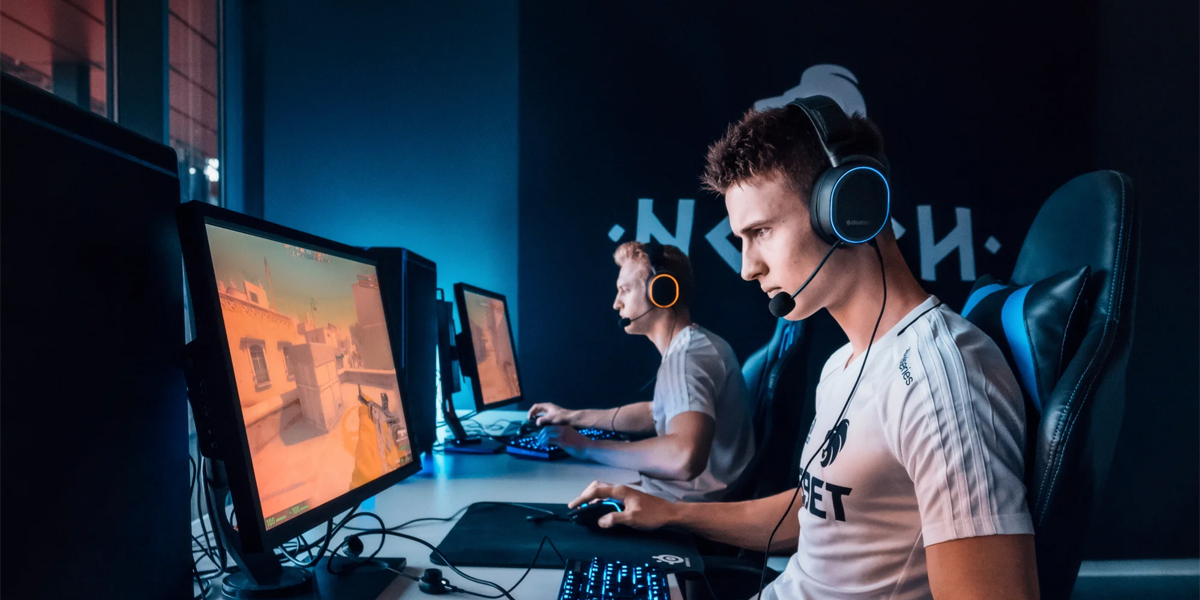
Alternatively, you can buy a gaming headset. This is a great option if you typically play online games where you interact with other players, or if you’re sharing your bedroom with a partner who’s not as into gaming as you are. It’s also more affordable and convenient, as you can take your headset with you anywhere you go.
Consider a fan or air-con to keep your space cool
Gaming for hours in a hot, muggy room is less than ideal. Not only is it uncomfortable for you, but the high heat can also end up damaging your equipment. However, that’s where a fan or A/C system can come in handy.
Using a fan is an affordable, easy way to cool down your bedroom gaming setup and you can choose between a floor or a desk fan. Again, thinking about how big your room is and how much space you need to keep cool is a good idea.
If you’re willing to spend a bit more, you can also get an air conditioner. Choose a portable one so you can cool down just the gaming room, rather than your entire home, and save on your bills at the end of the month.
Choose the best seating arrangement
We’ve mentioned comfort a couple of times before and when it comes to the seating arrangements in your gaming setup, being comfortable even during your marathon gaming sessions is key.
Opt for a swivelling gaming chair for solo or online gaming or buy a big sofa where you and your mates can play with each other. Whichever one you choose, look for ergonomic features that will help you avoid aches and pains in your neck and back.
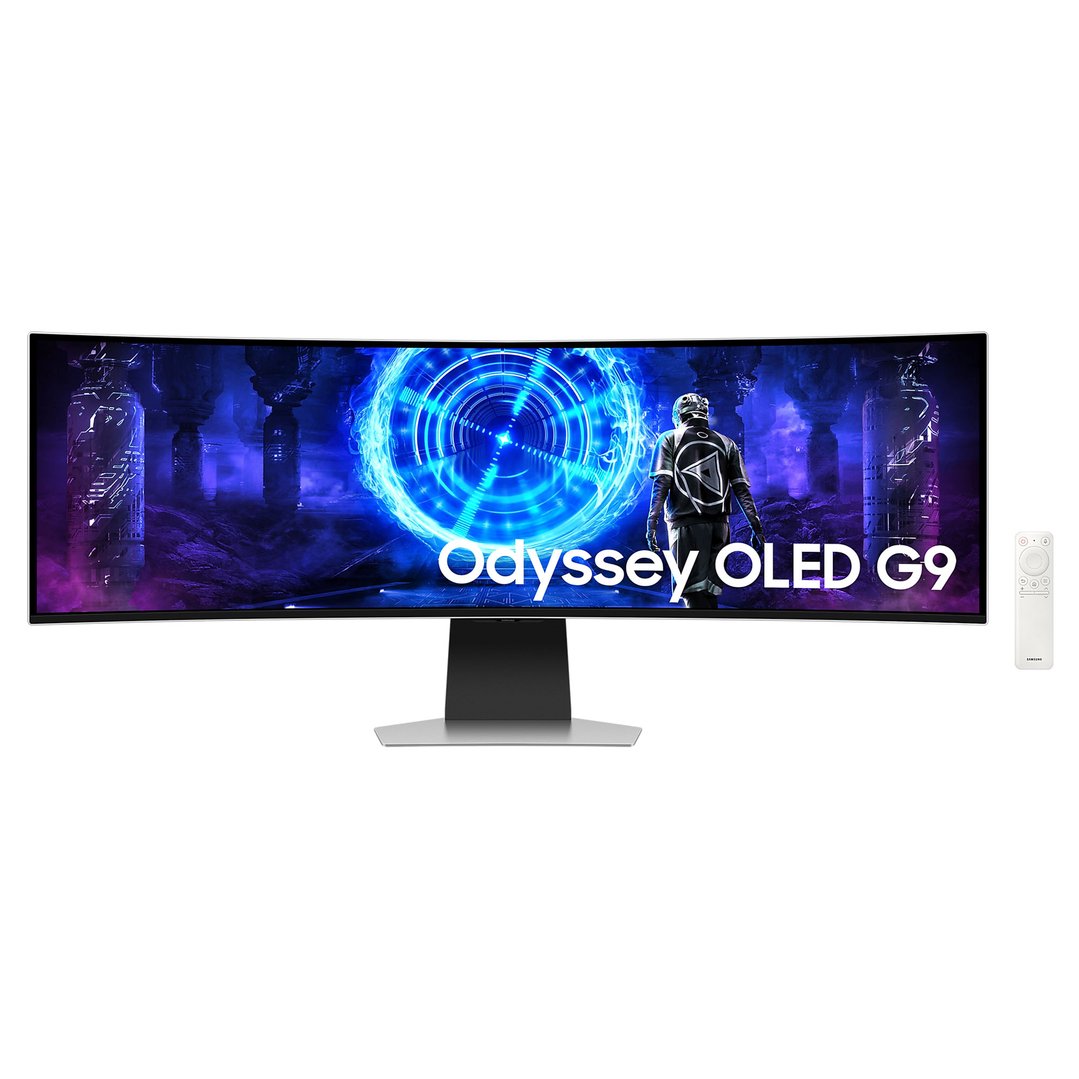
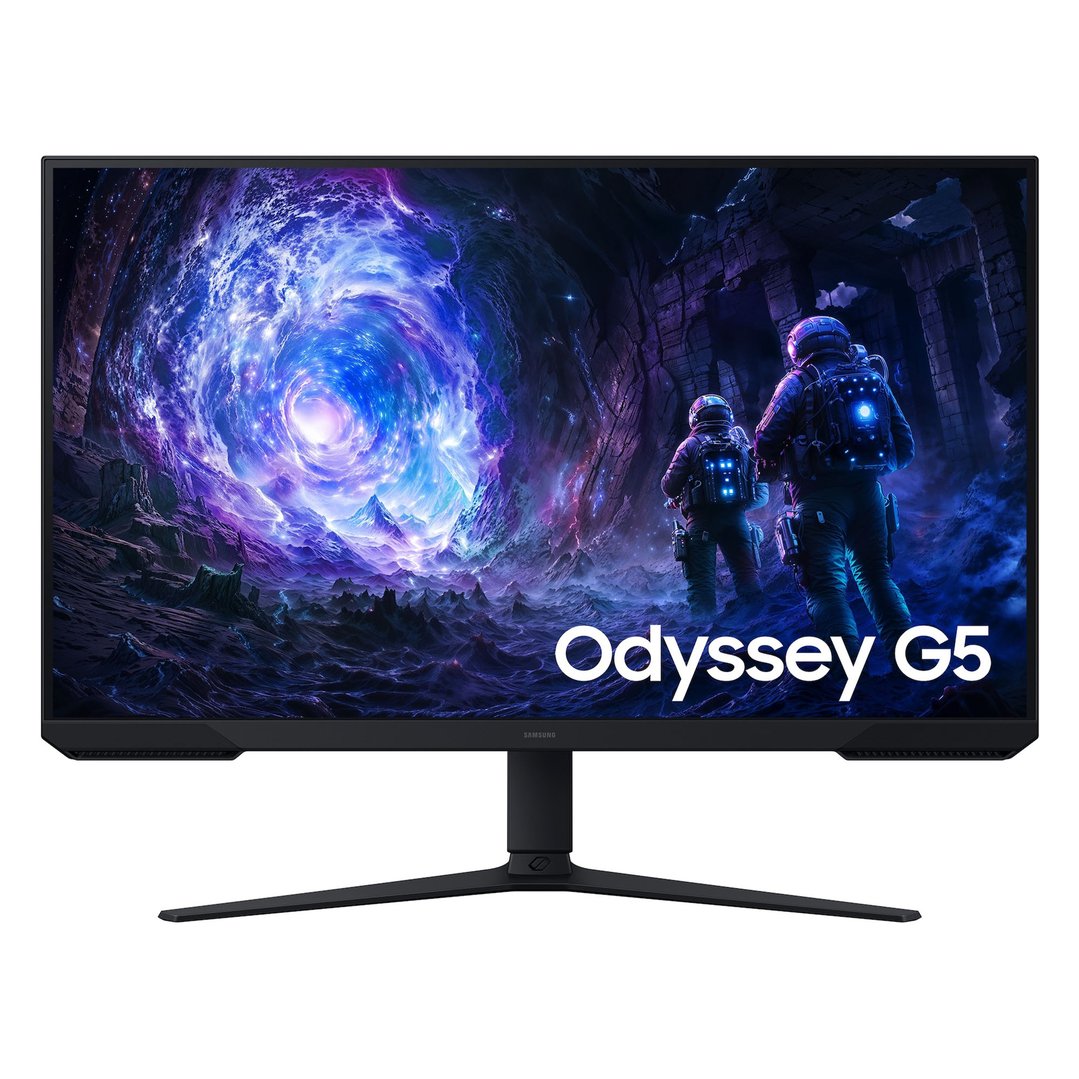
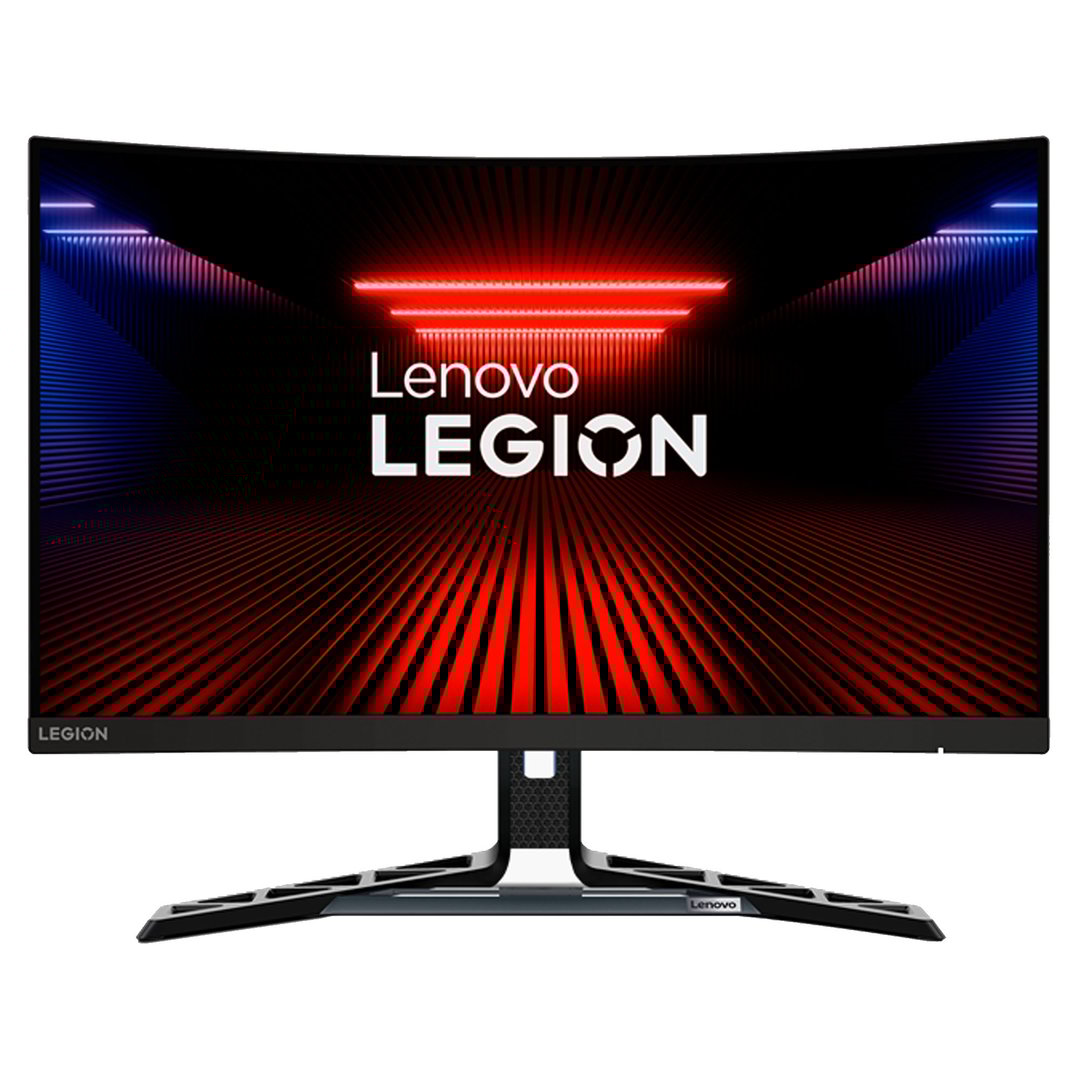
Now that you know the essentials of how to make a gaming room at home, it’s time to start shopping. Have a look at our gaming range and find all the best computers, mice, headsets and more.


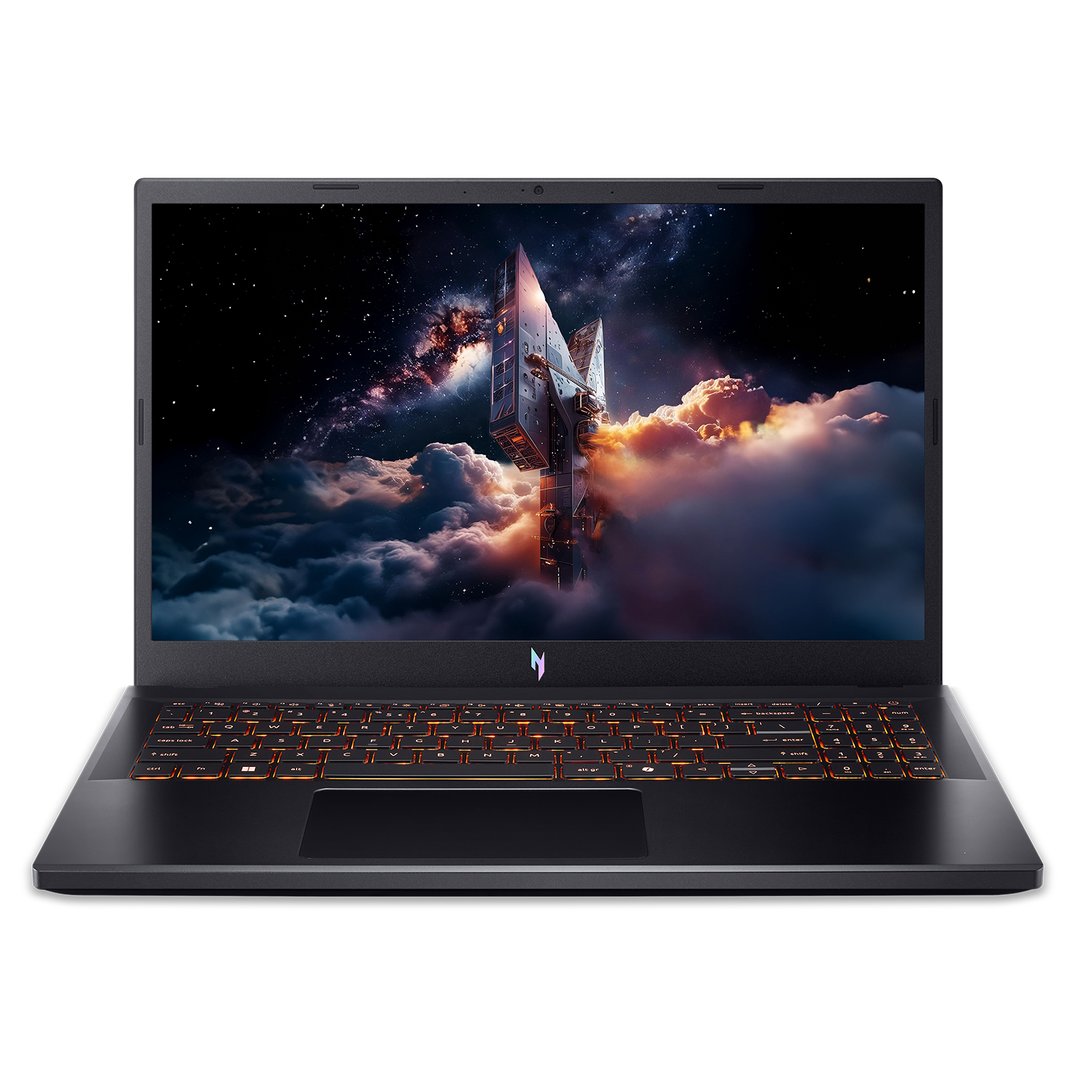




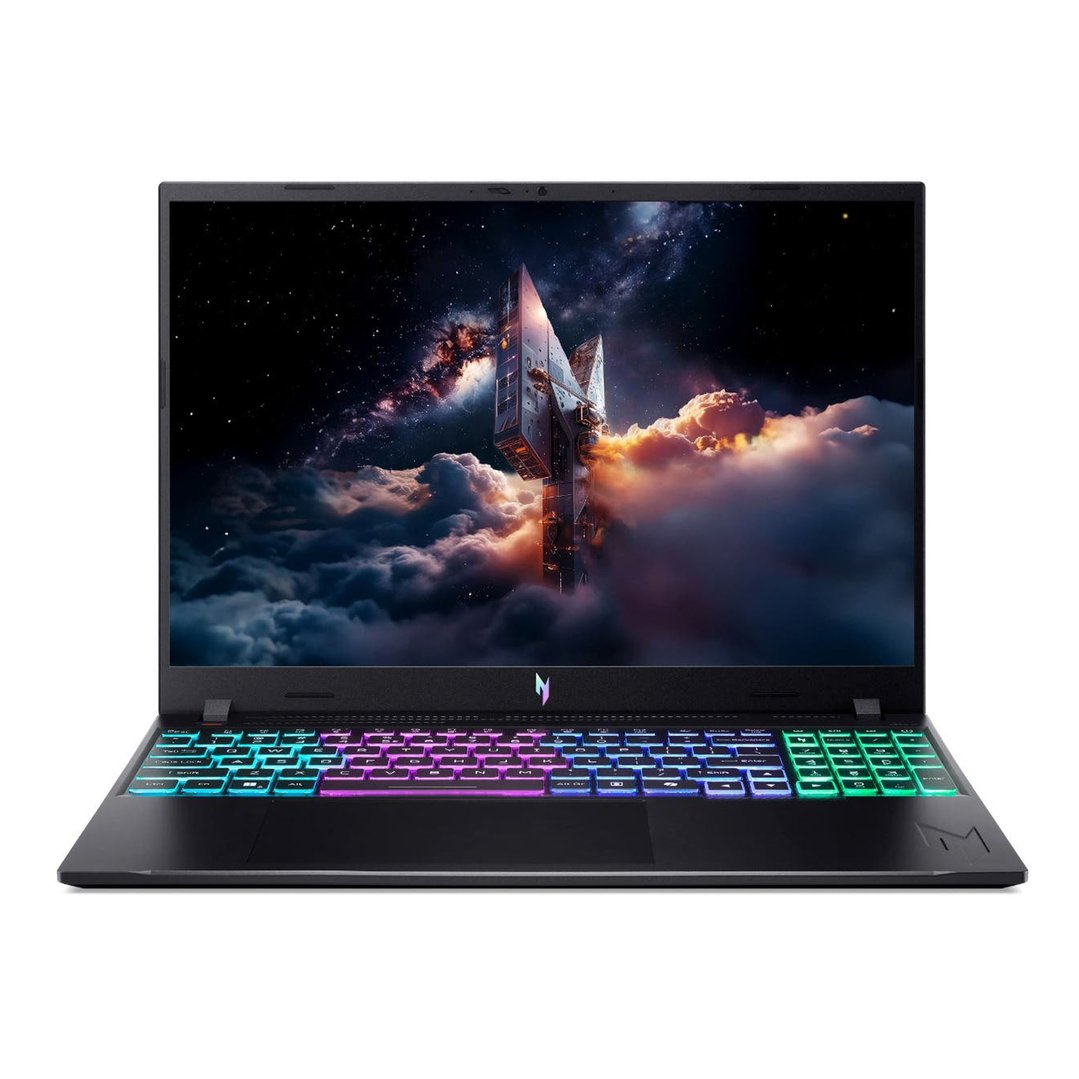

Torn between a gaming PC or a laptop? Read our buying guide today.