Tech & Gaming
5 Space Saving Storage Ideas For Your Tech

Most of our homes are full of gadgets that although make our lives a lot easier, can also lead to unwanted clutter. Whether we’re talking about work gadgets in your office, entertainment equipment in your TV cabinet storage or gaming technology in your setup, there are many ways to organise your devices.
Read on as we dive into five simple tips for better tech storage in your home:
1. Label & Zip Tie Your Cables
We’ve all been there: we look under our desk searching for one specific cable only to find an entanglement of wires that we know will take way too long to detangle.
Besides being a huge headache, all the bending and twisting can end up damaging the cables and you may find yourself replacing them sooner than you were expecting.
The good news is that you can easily prevent this from happening through a simple, two-step cord organisation process of labelling and zip-tying.
Go through all your cables and, using small pieces of washi tape, write down which device each cable is for: laptop, iPad, phone and so on. Alternatively, you can colour code your cables using different colour tape or ribbons.
Once all your cables are detangled and labelled, it’s time to roll them up and zip-tie them so they all stay organised under your desk. Repeat the process in your living room to organise your TV storage cabinet and anywhere else where you have several cables.
For smaller cords, like phone chargers or USB cables, you can use zip lock bags, write down what each one is for and store them all in the same box, drawer or cord organiser.
2. Declutter Your Desk With Drawers
Working in a cluttered area does nothing for your productivity. In fact, studies have shown that having clutter in your workspace can make it harder to focus and process information, and easier to procrastinate.
With the right office storage equipment, keeping your desk organised becomes easier than ever and drawers are a simple, yet effective solution for this.
To have everything readily accessible, categorise each drawer and label them accordingly. You can have one for cables, as we mentioned before, but also for manuals, computer accessories, cameras… whatever your at-home office essentials are.
The same logic applies to your TV cabinet. If it has built-in drawers, you know what to do. In case it doesn’t, you can get individual boxes or plastic baskets that fit into the cabinet and use each for a different type of gadget.
3. Put Hooks Under Your Desk For Easy Storage
Hooks make for great storage for smaller spaces because they don’t take up a lot of room. They can be used to hang office gadgets like headphones and small remote controls, as well as other supplies like scissors or mugs with pens and pencils.
You can place these hooks under your desk if prefer to have them hidden or hang them on a metal bar over your desk. Either way, using hooks as tech storage means you’ll always know where everything is.
A similar solution is to get a pegboard. Not only is this an affordable, space-efficient way to store small gadgets and supplies, but it can also add a unique touch to your office decor. Pop some plants and small drawings or photos on your pegboard, and who knew tech storage could be so aesthetically pleasing?
4. Use Bluetooth Products Where Possible
Using Bluetooth products means you don’t need as many cables and cords, and as we know by now, that can go a long way when it comes to tech storage. A few gadgets to consider are:
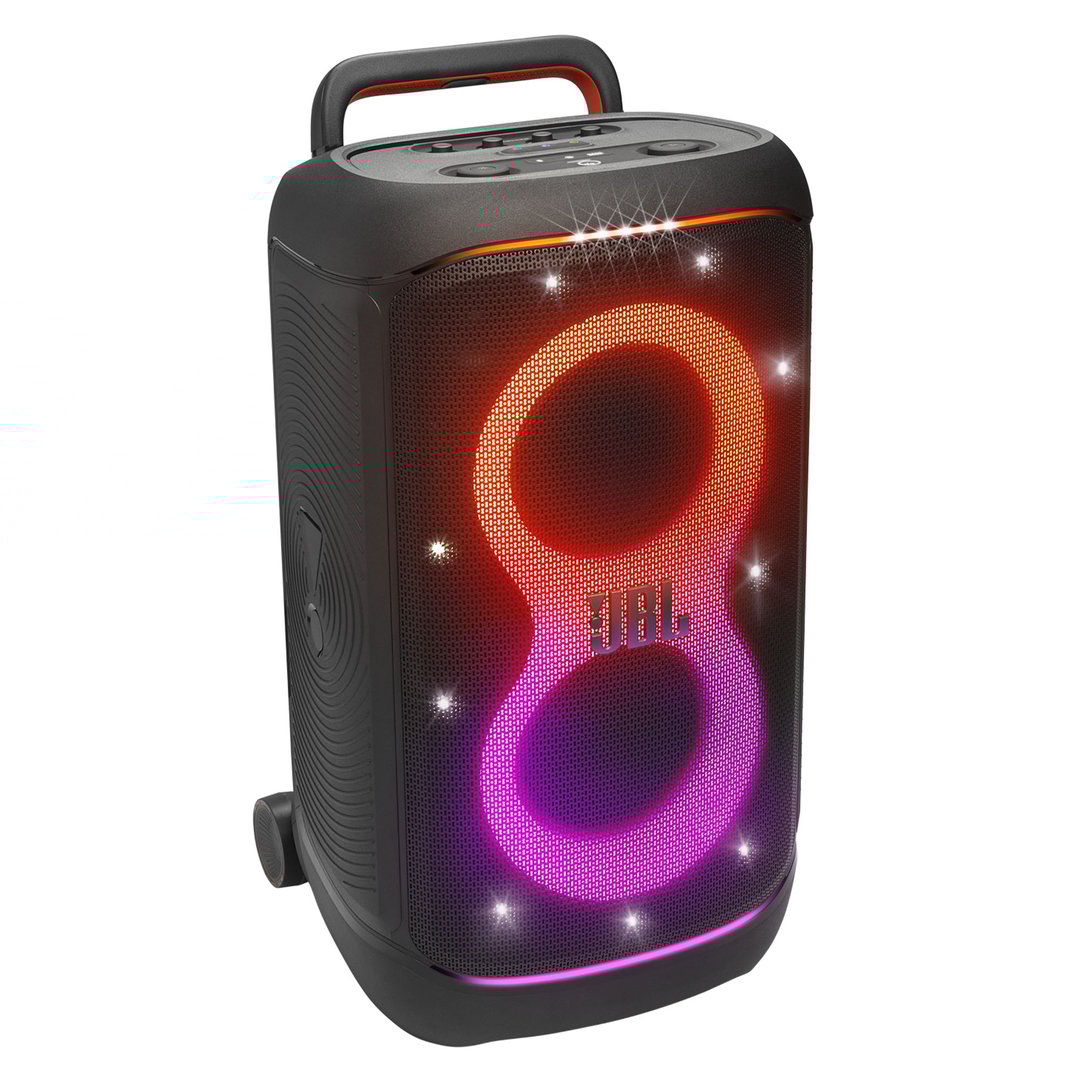
Bluetooth Speaker
Whether you want to save space in your TV cabinet storage or your gaming station, using wireless speakers can be incredibly convenient. You can easily connect them to any device, take them from room to room as wanted, and never have to worry about tangled cables.
Bluetooth mouse and keyboard
An excellent solution for those wanting to declutter their desk, wireless computer accessories take up less space and are easily portable in and out of your home.
Bluetooth projector
Some people turn to projectors as an alternative to TVs, especially when their living room space is limited, and for good reason: projectors are smaller and cheaper, while still creating a good viewing experience. Considering how much space a wireless projector takes up, this is the ultimate solution for improving your TV cabinet storage.
Bluetooth headphones
It’s true that headphones don’t take up much space, but if you think about it, it’s one less cord you’ll have to label, zip tie and store away. You can opt for over-the-ear headphones and hang them on your hooks or pegboard, or choose in-ear earbuds to keep in one of your new drawers.
5. Create a Charging Station
From phones and laptops to headphones and smartwatches, most of us typically have multiple devices charging simultaneously, either in one corner with - you guessed it - a bunch of tangled-up cords, or in random spots around the house, whether that is the kitchen, the living room or even the bathroom.
For better organisation, you can easily create a charging station at home. There are charging stations for sale, but you can also make your own or simply choose an area where all your chargers will be, using, of course, the labelling and zip-tying cord organisation method.
If you’re looking for more tech tips and hacks, be sure to check out more of our articles here. Shopping for a TV, speaker system or computer instead? Our TVs & Technology range has it all.
Our Most Popular TVs & Tech

CLEARANCE now
only $897