HDMI, TV Cables & More
20 products

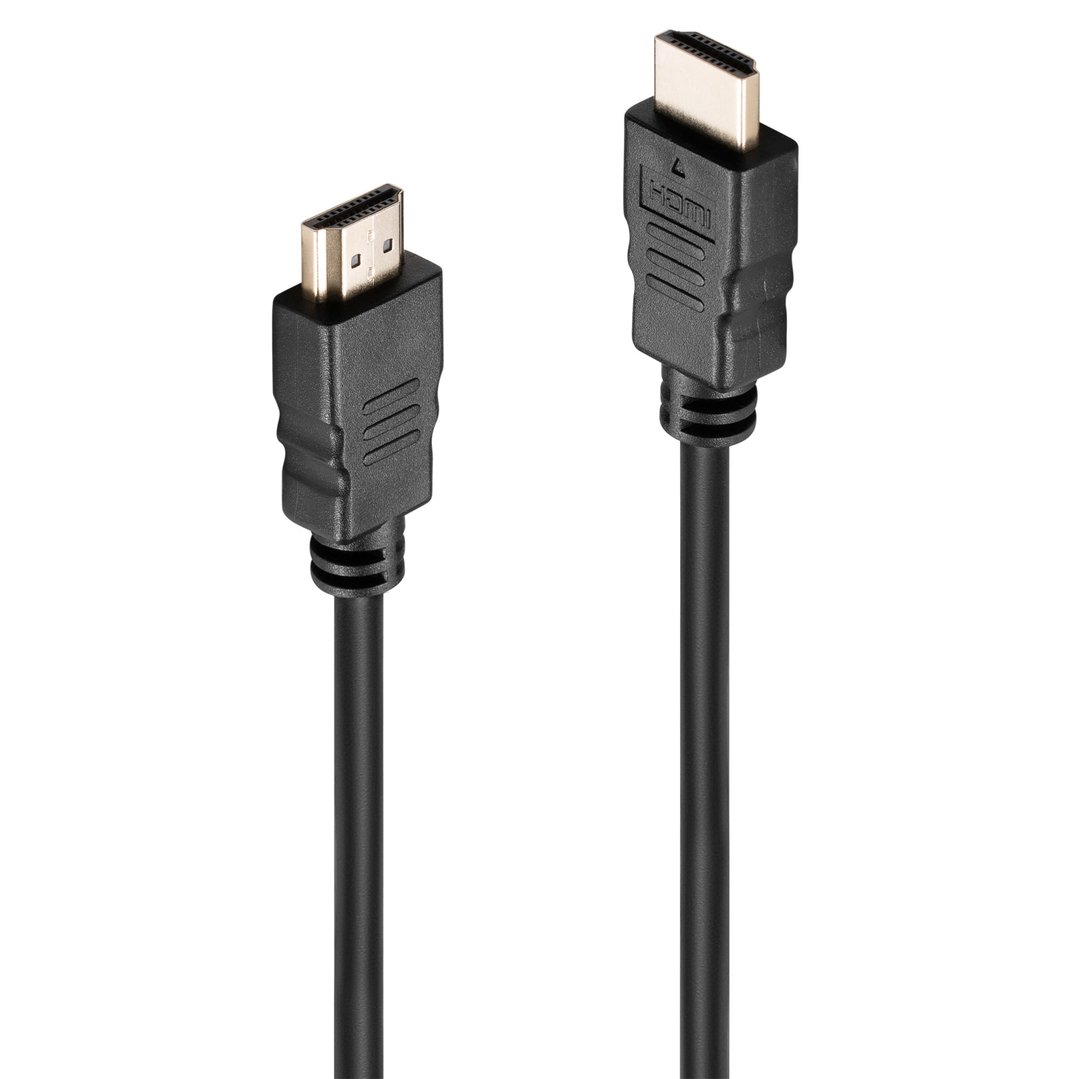
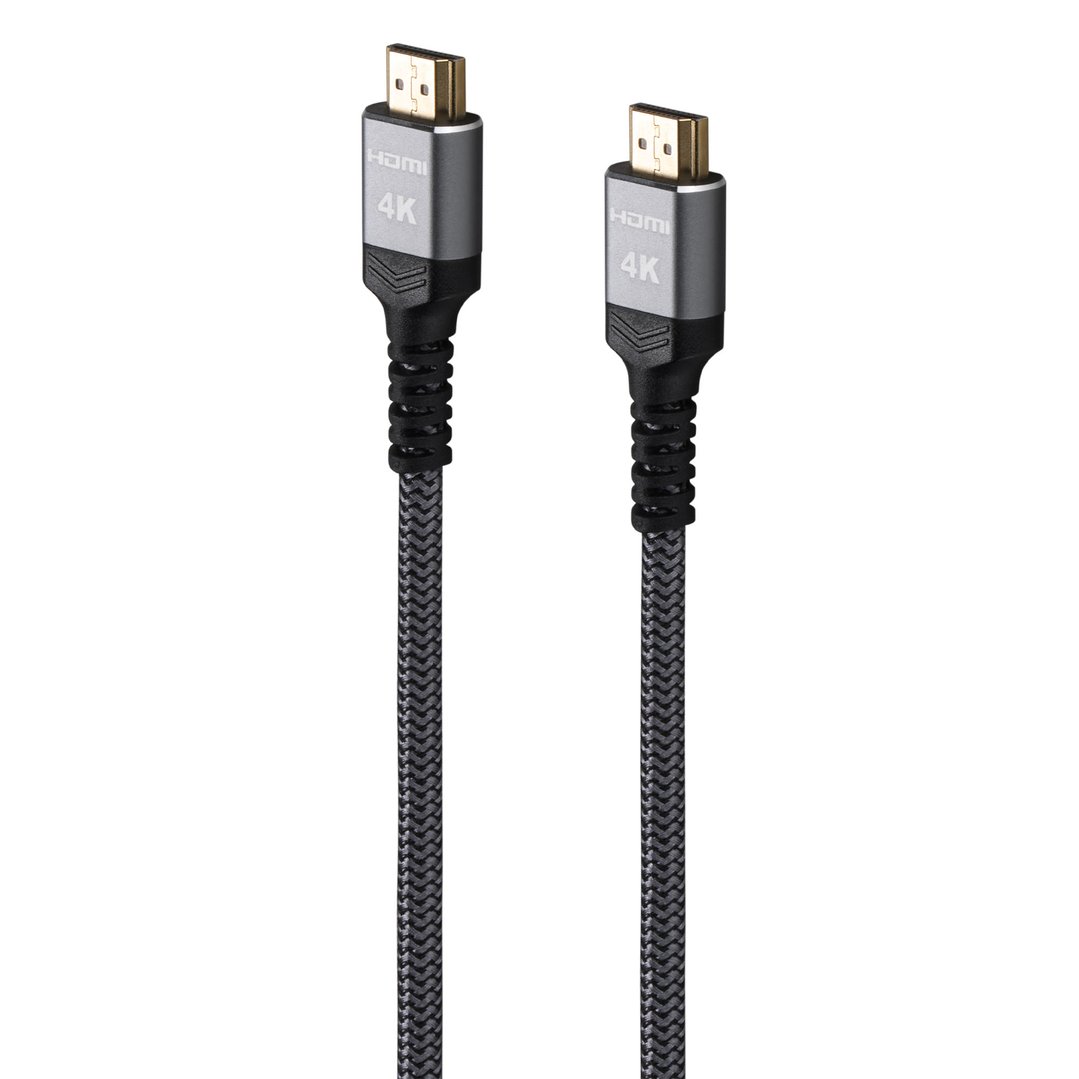

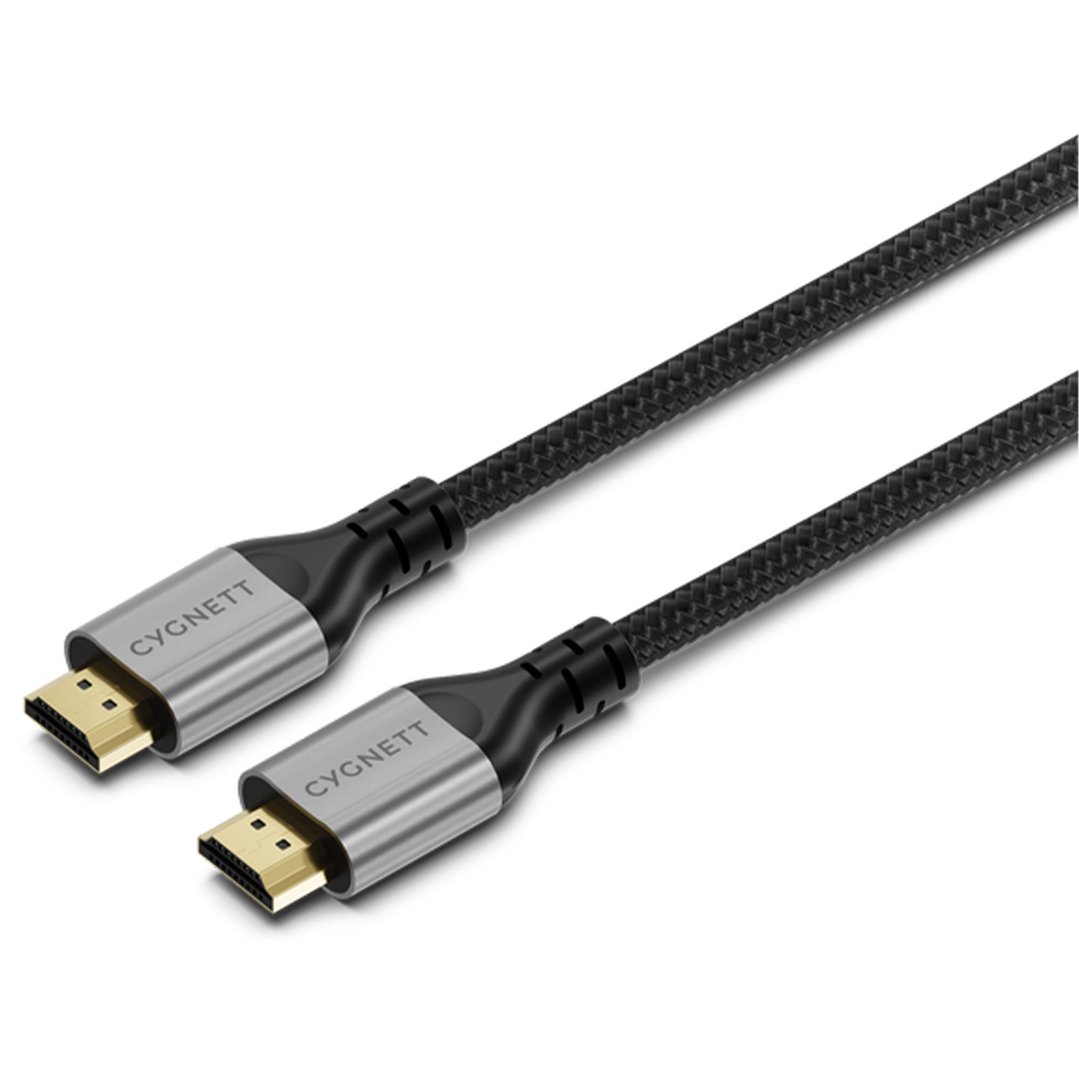
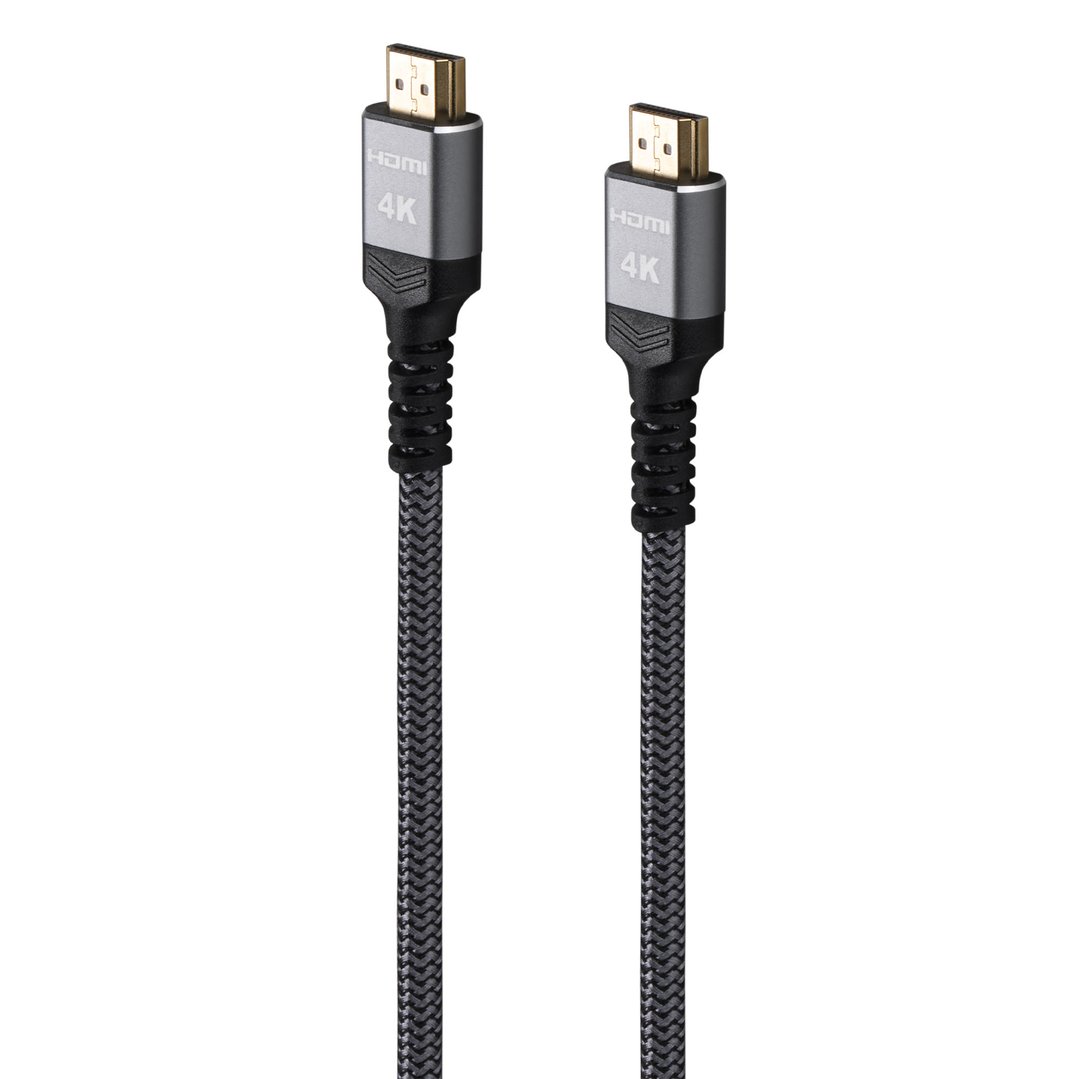
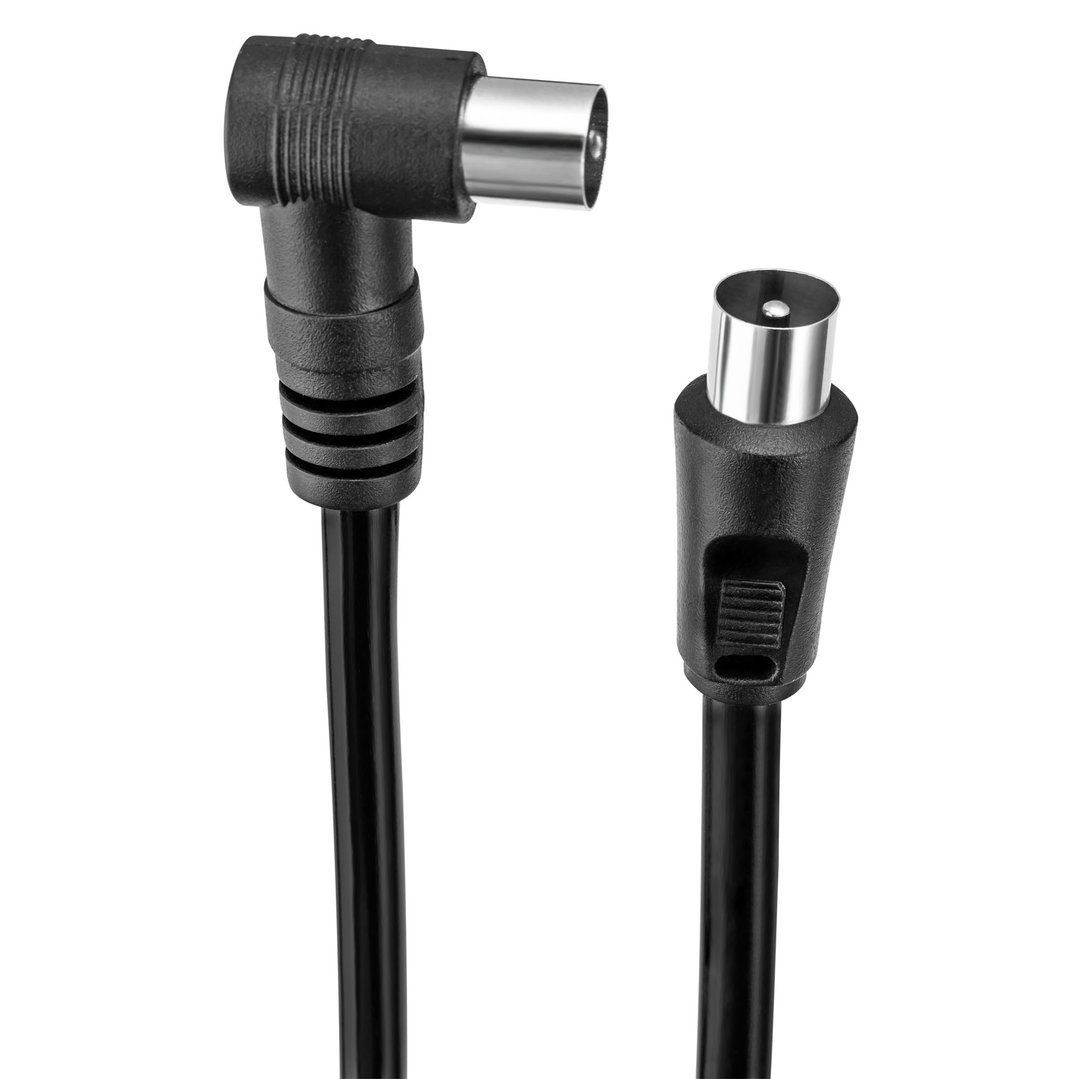
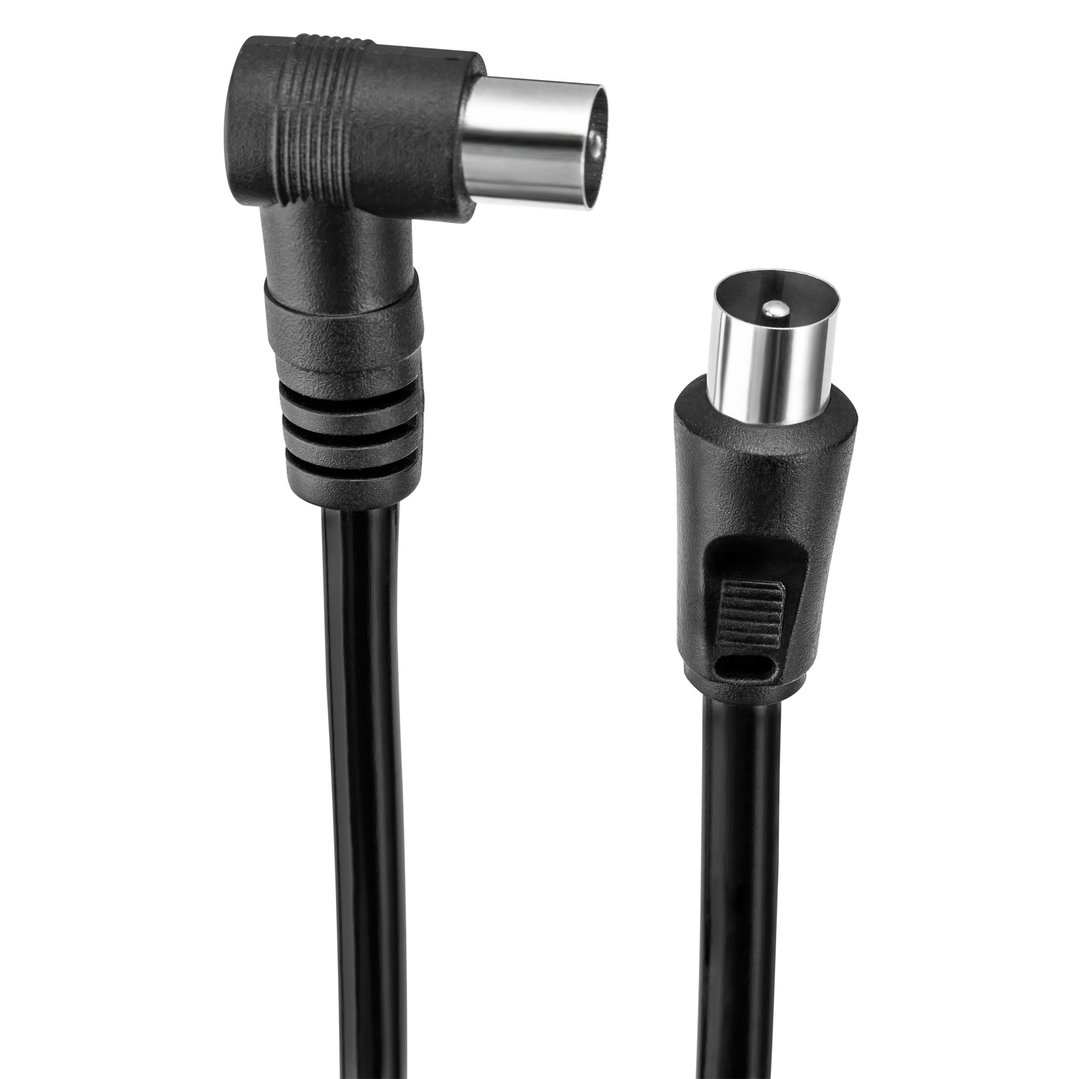
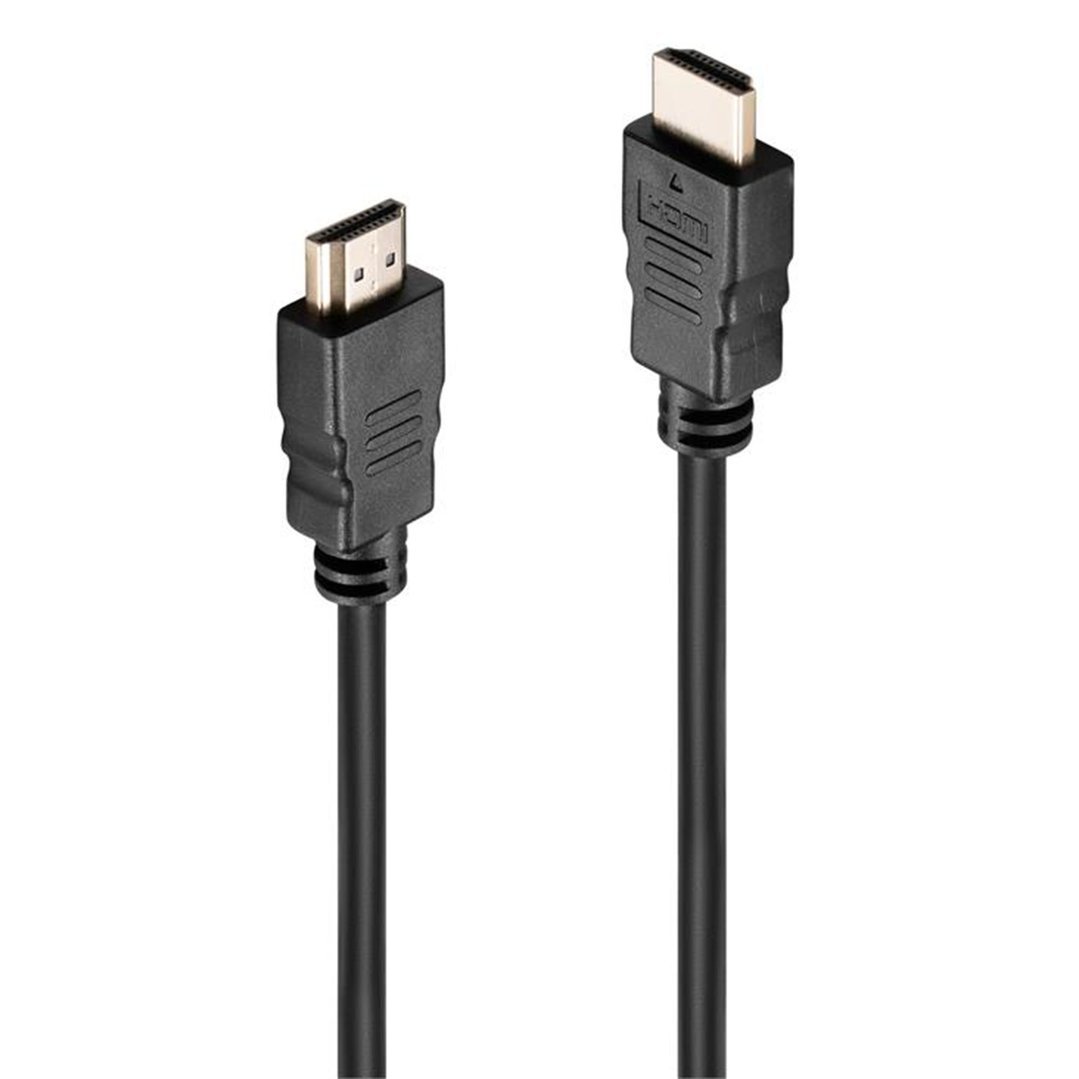
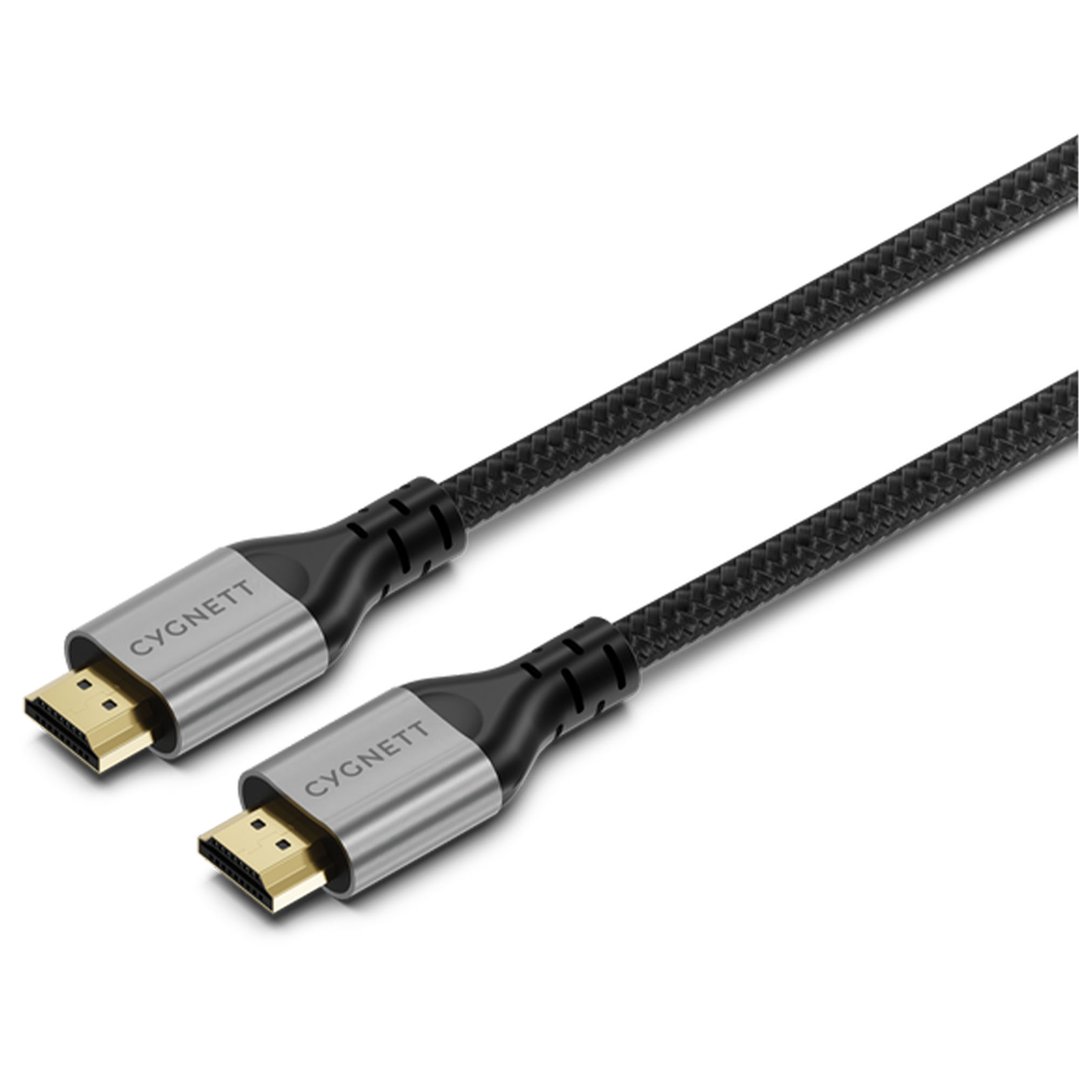




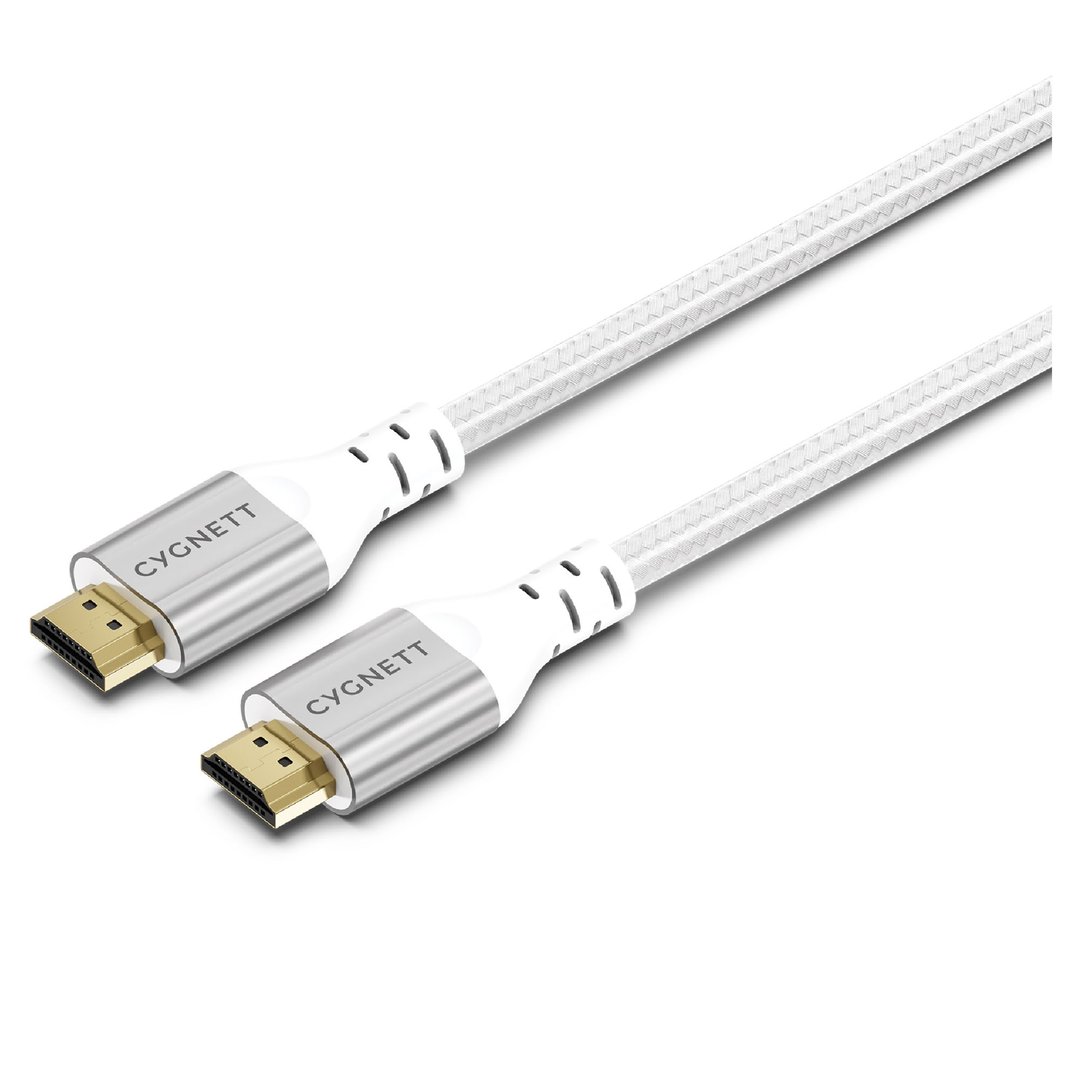

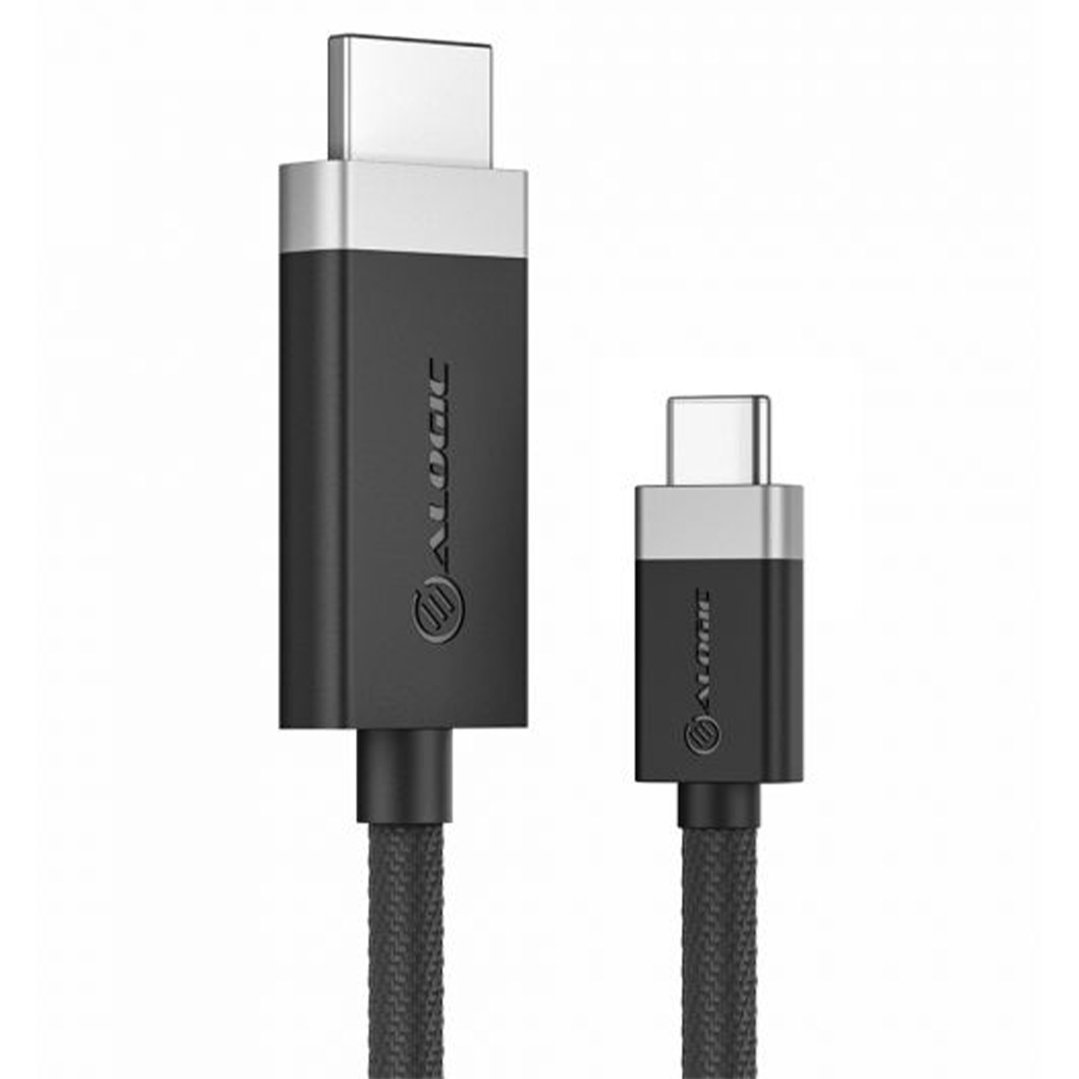
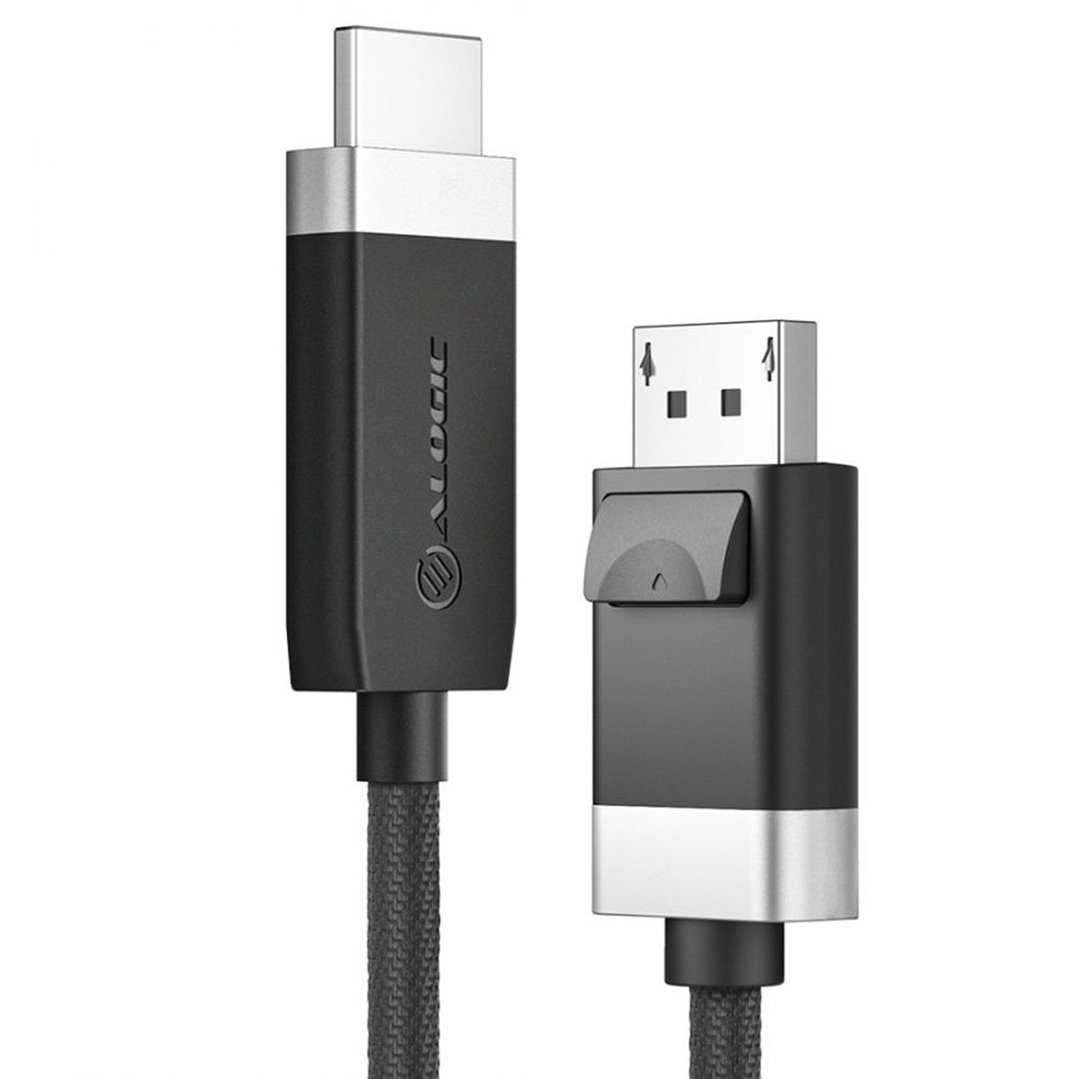
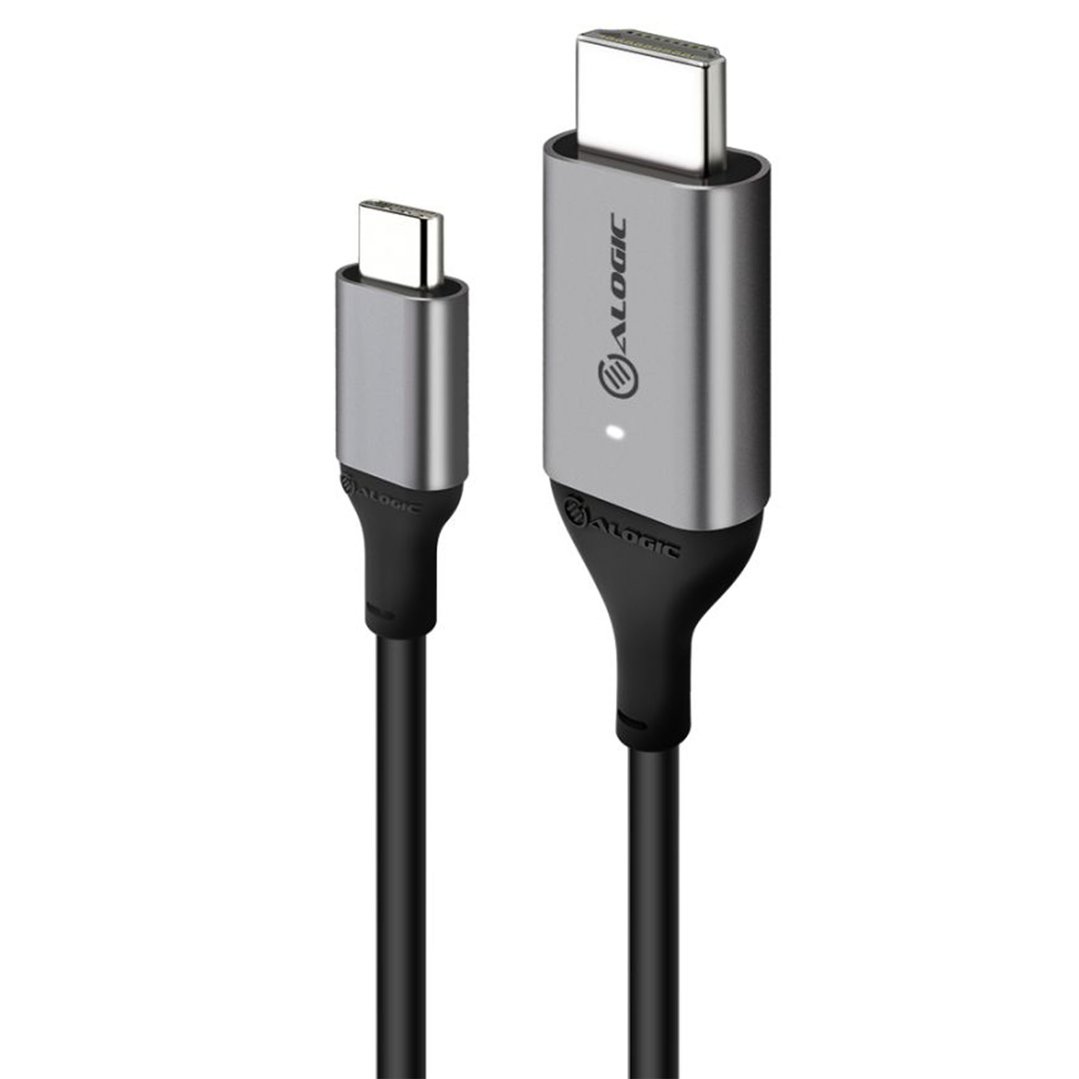
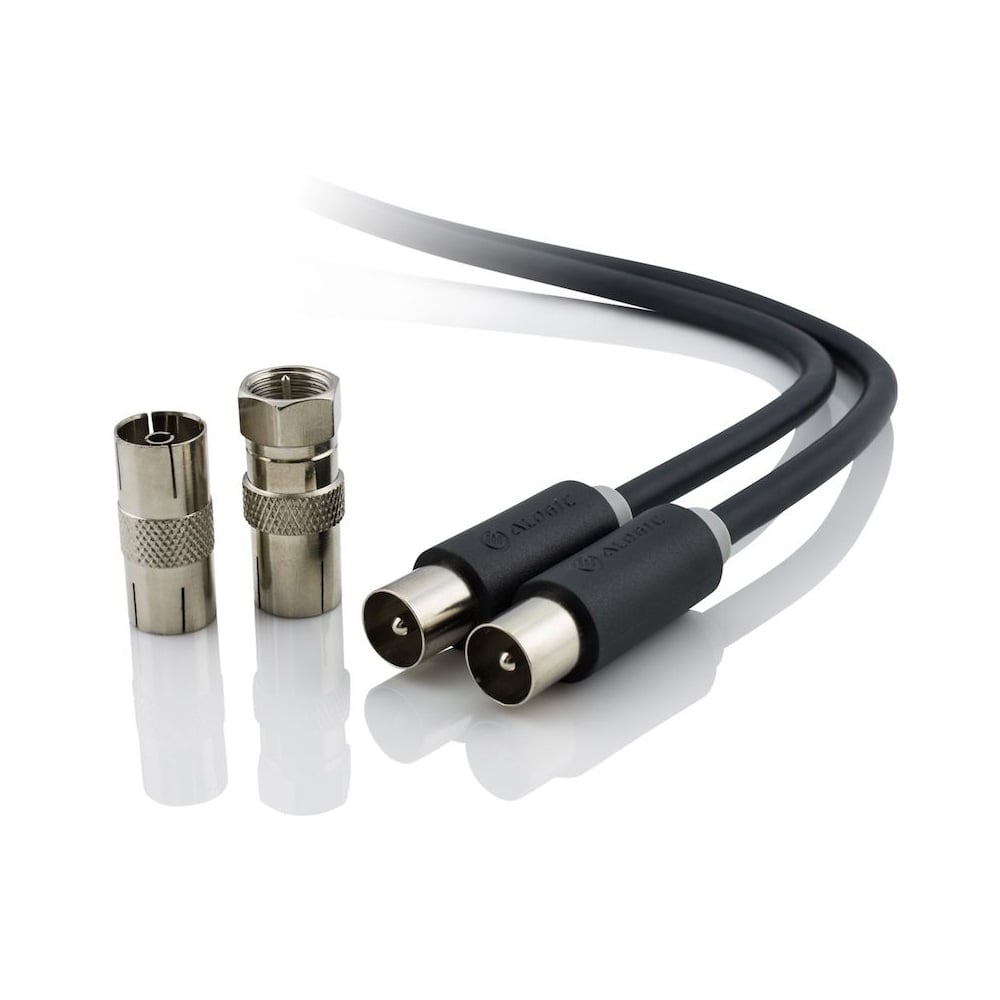
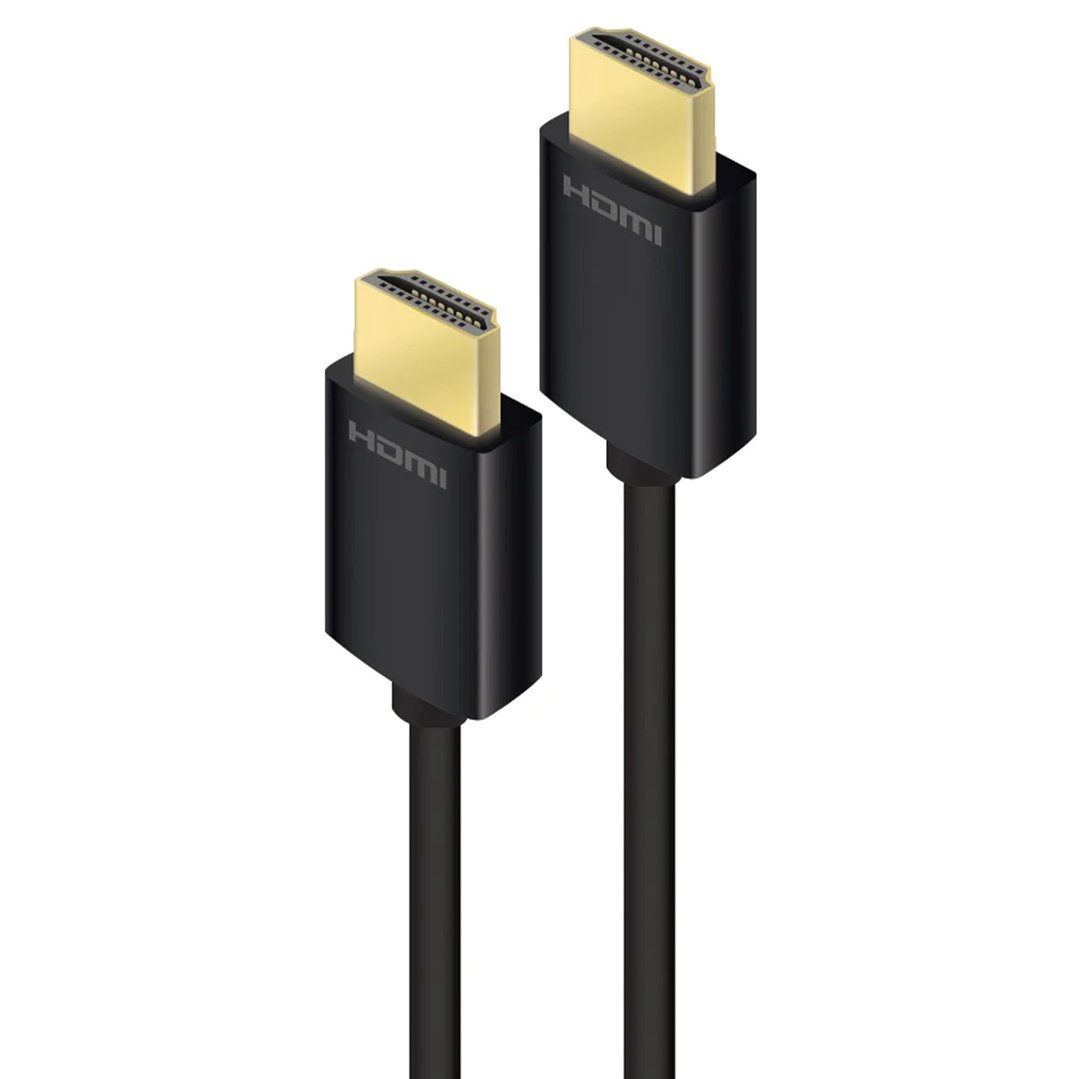

Get connected with our comprehensive range of cables and adapters. Whether you are setting up a new 4K TV, connecting a gaming console, or trying to run a signal across the room, having the right cabling is just as important as the devices themselves. From high-speed HDMI cords to essential converters and antenna leads, our selection ensures you get the best possible picture and sound quality from your home entertainment system.
FAQs
1. What is the difference between a normal HDMI cable and a 4K HDMI cable?
While they look the same, the difference lies in the speed they can handle. A "normal" or older hdmi cord might struggle to send the massive amount of data required for a sharp 4K picture, leading to flickering or a black screen. A 4k hdmi cable is built to carry more data faster, ensuring you get the full resolution, smoother motion for sports, and richer colours (HDR) that your new TV is capable of displaying.
2. Does the length of the HDMI cable affect the quality?
It can if the cable is too long. Standard hdmi cable signals can start to degrade after about 5 to 7 metres, which might cause the picture to sparkle or cut out completely. If you need to run a connection across a large room or through a ceiling, you should look for a specifically designed long hdmi cable (often called an "active" cable). These have built-in chips to boost the signal over long distances without losing any picture quality.
3. How do I connect an old device to a new TV?
Modern TVs often lack the old red, white, and yellow plugs (AV inputs) used by older DVD players and retro game consoles. To fix this, you can use an hdmi converter. This small box takes the signal from your old device and converts it into a digital HDMI signal, allowing you to plug your classic gear into a modern screen easily.
4. Why is my TV signal breaking up or pixelating?
If your TV picture is glitching, it is often due to interference rather than a broken antenna. Thin or cheap antenna leads can pick up "noise" from mobile phones and power cords. Upgrading to a high-quality, quad-shielded tv antenna cable protects the signal from this interference, ensuring a stable, clear picture from the wall socket to your television.
5. Do I need a special HDMI cable for my soundbar?
If you want to control your soundbar volume with your TV remote or send high-quality surround sound (like Dolby Atmos) from your TV apps to your speakers, you need a cable that supports ARC or eARC. Most modern 4k hdmi cable options support this automatically. Just make sure you plug it into the port labelled "ARC" or "eARC" on both your TV and your soundbar to get it working correctly.