HDMI
13 products

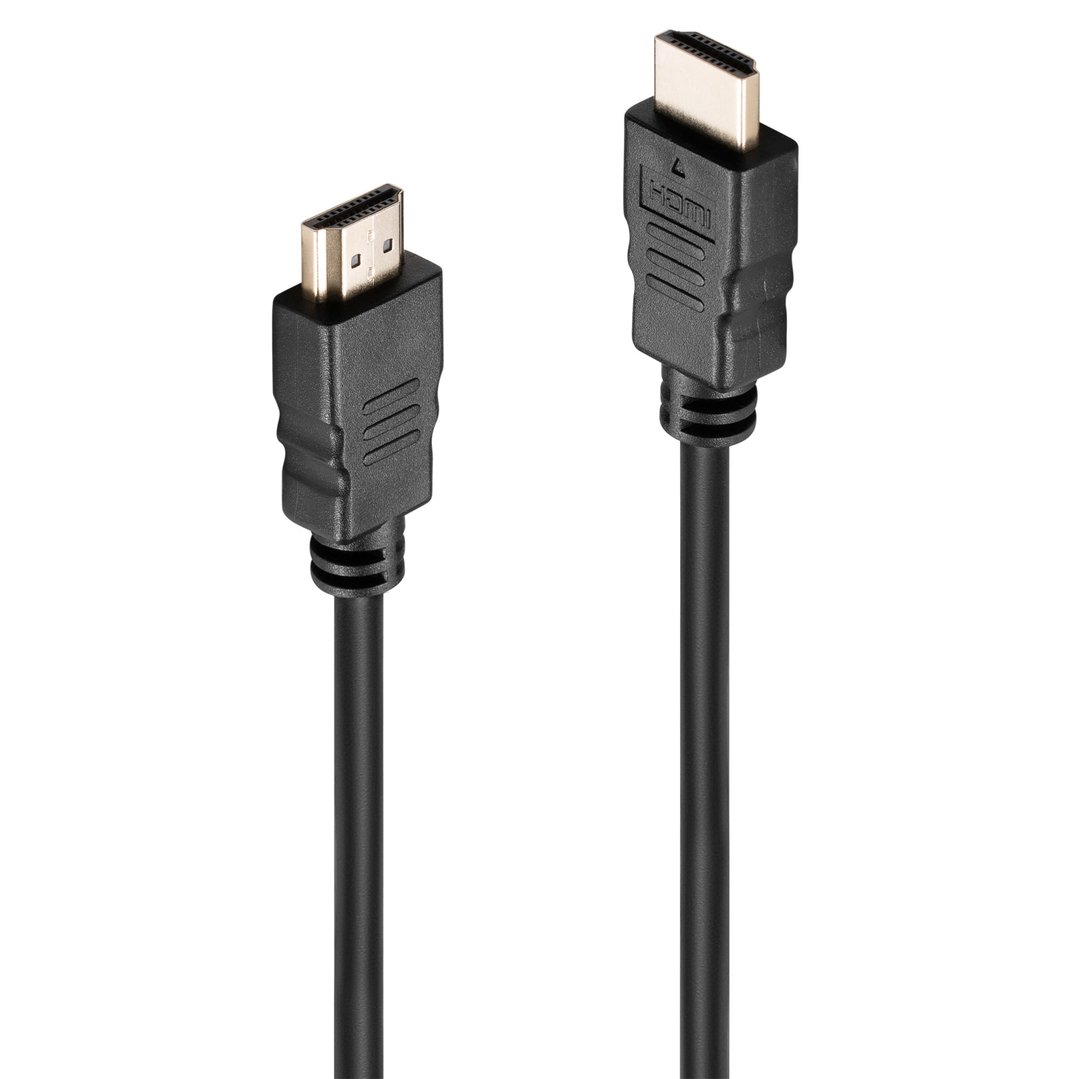
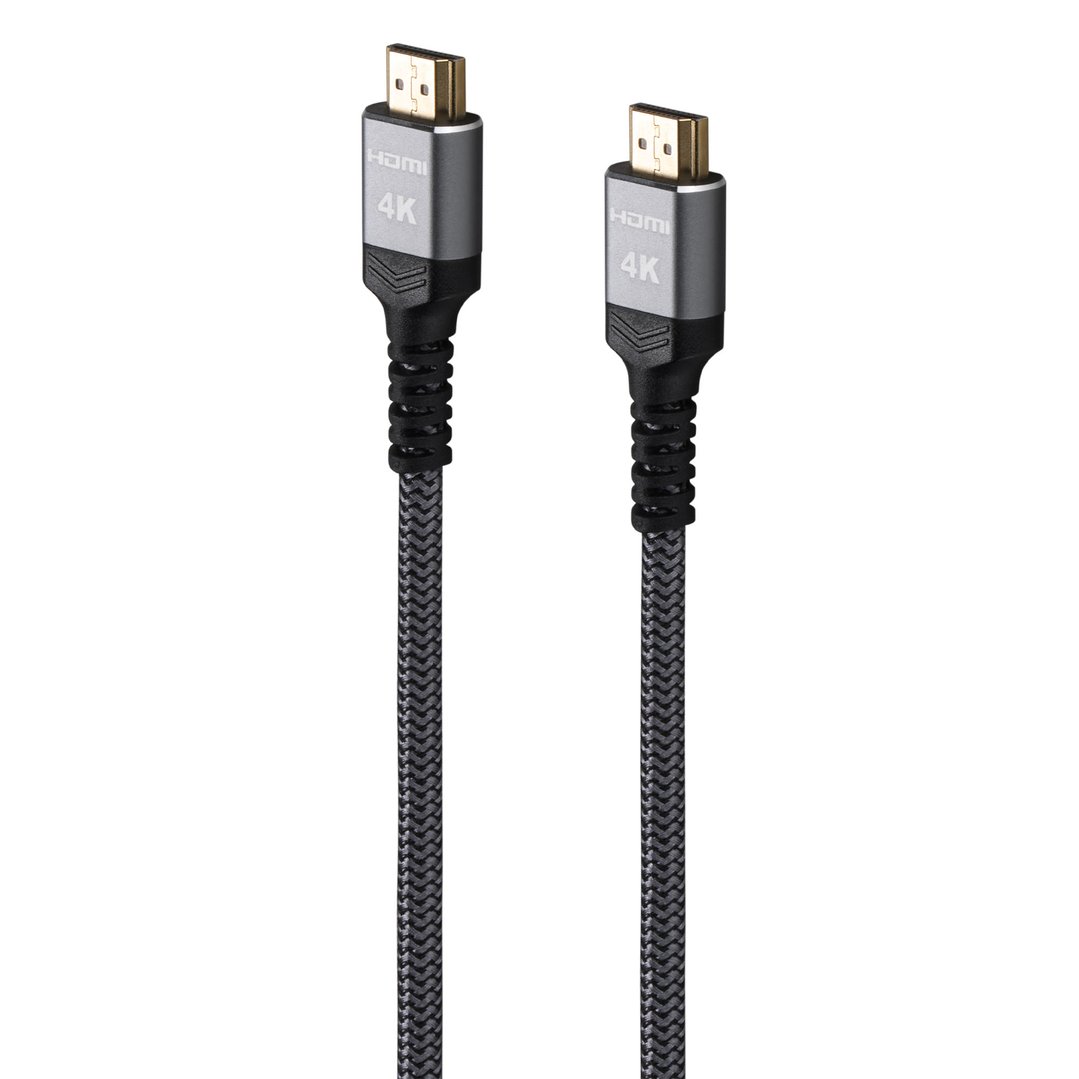
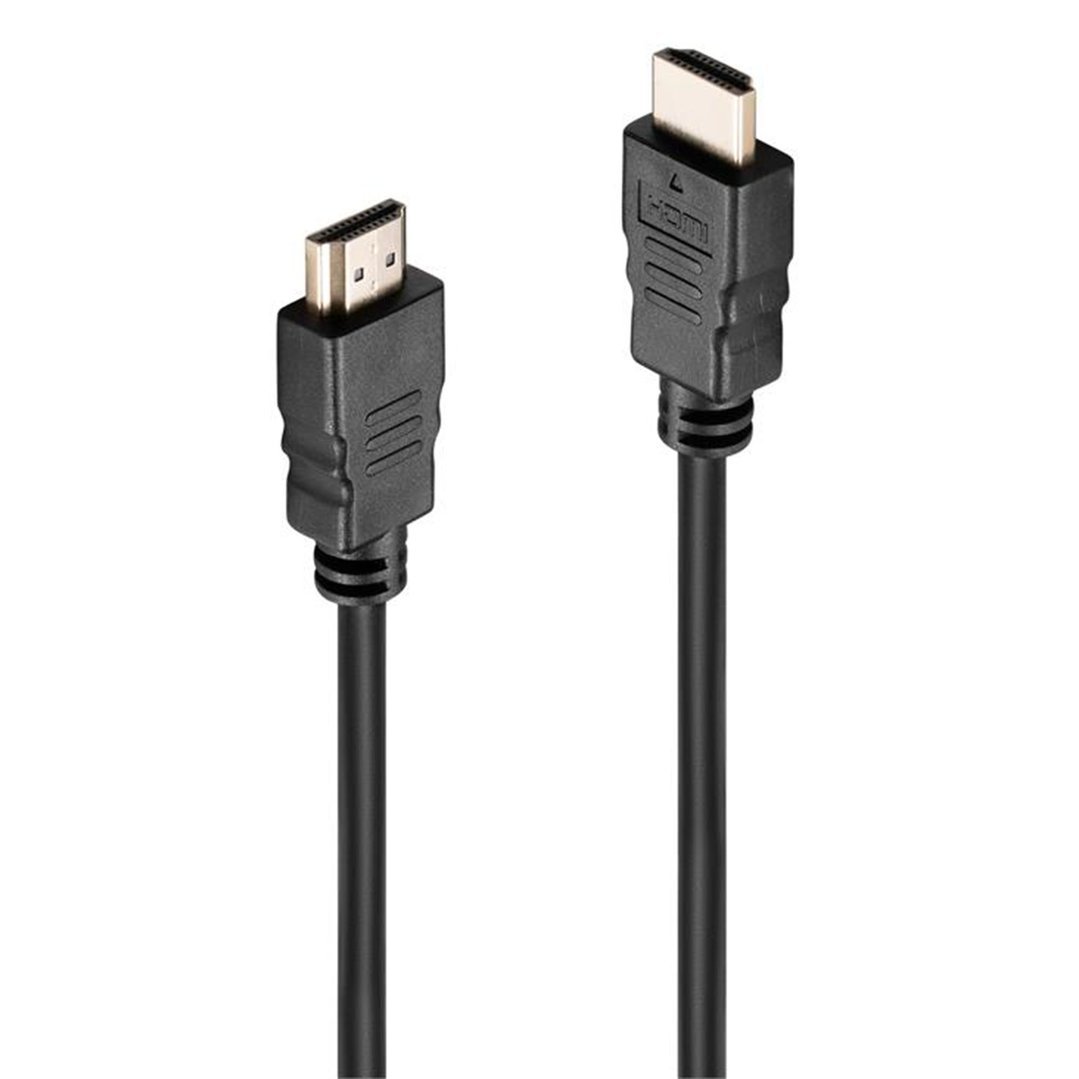

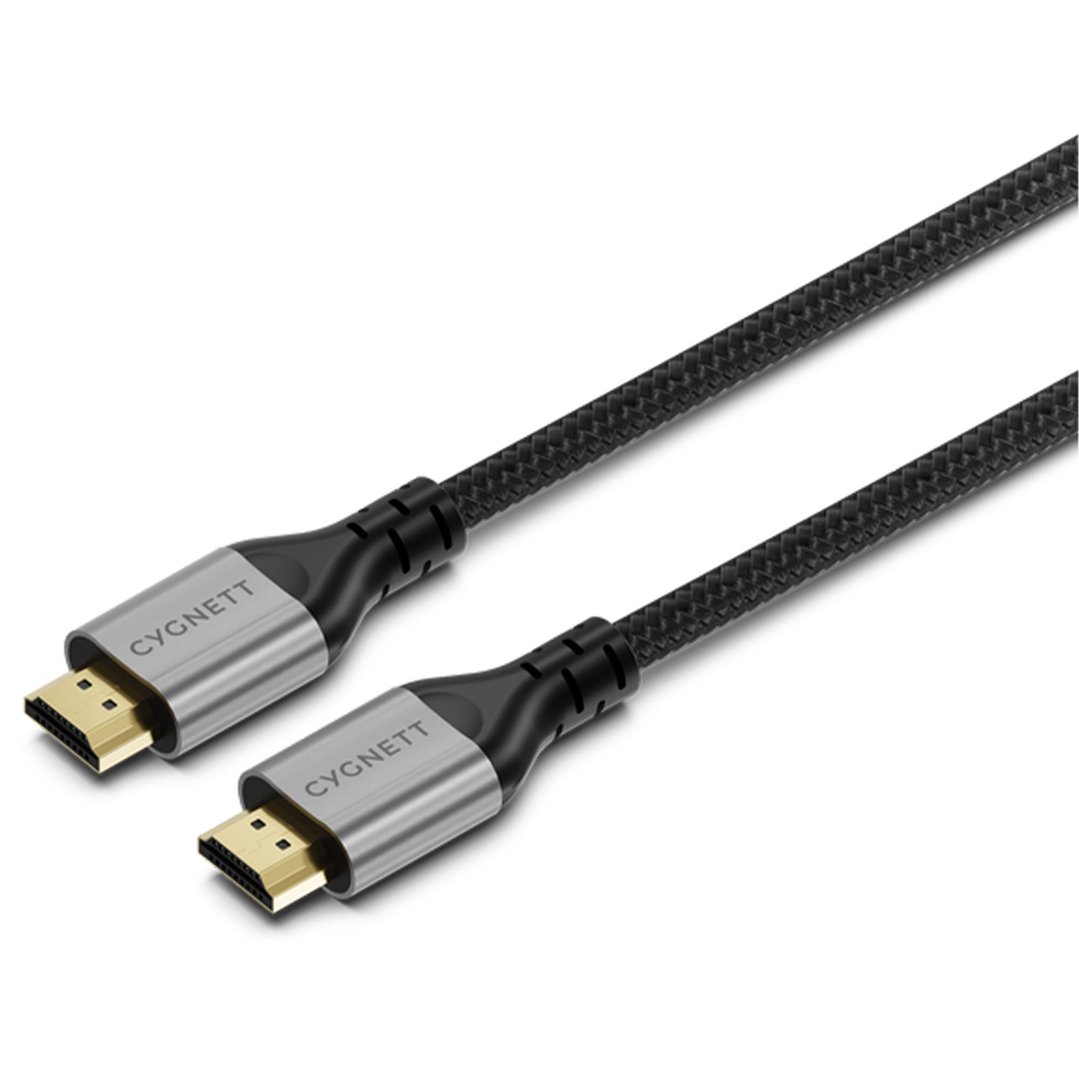
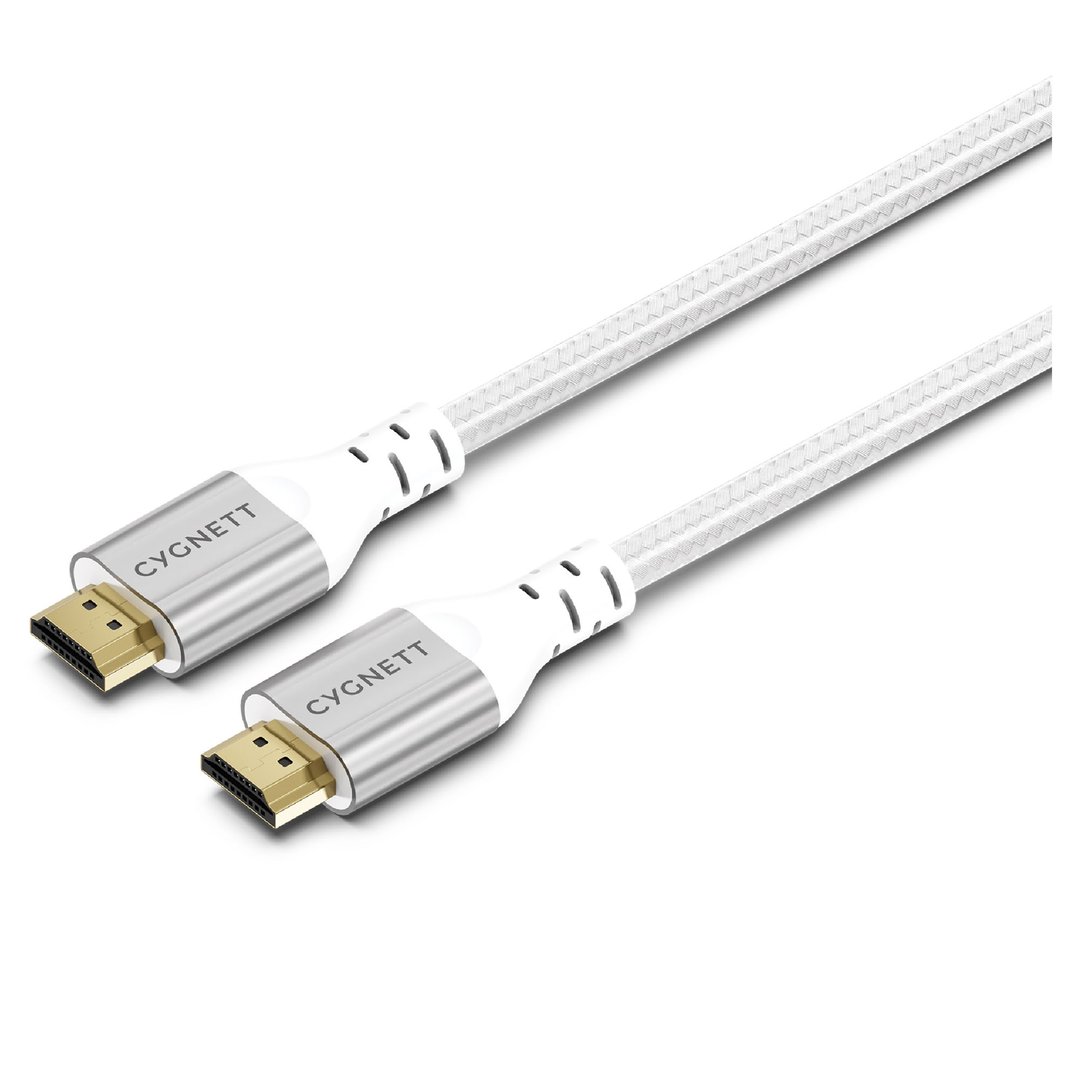

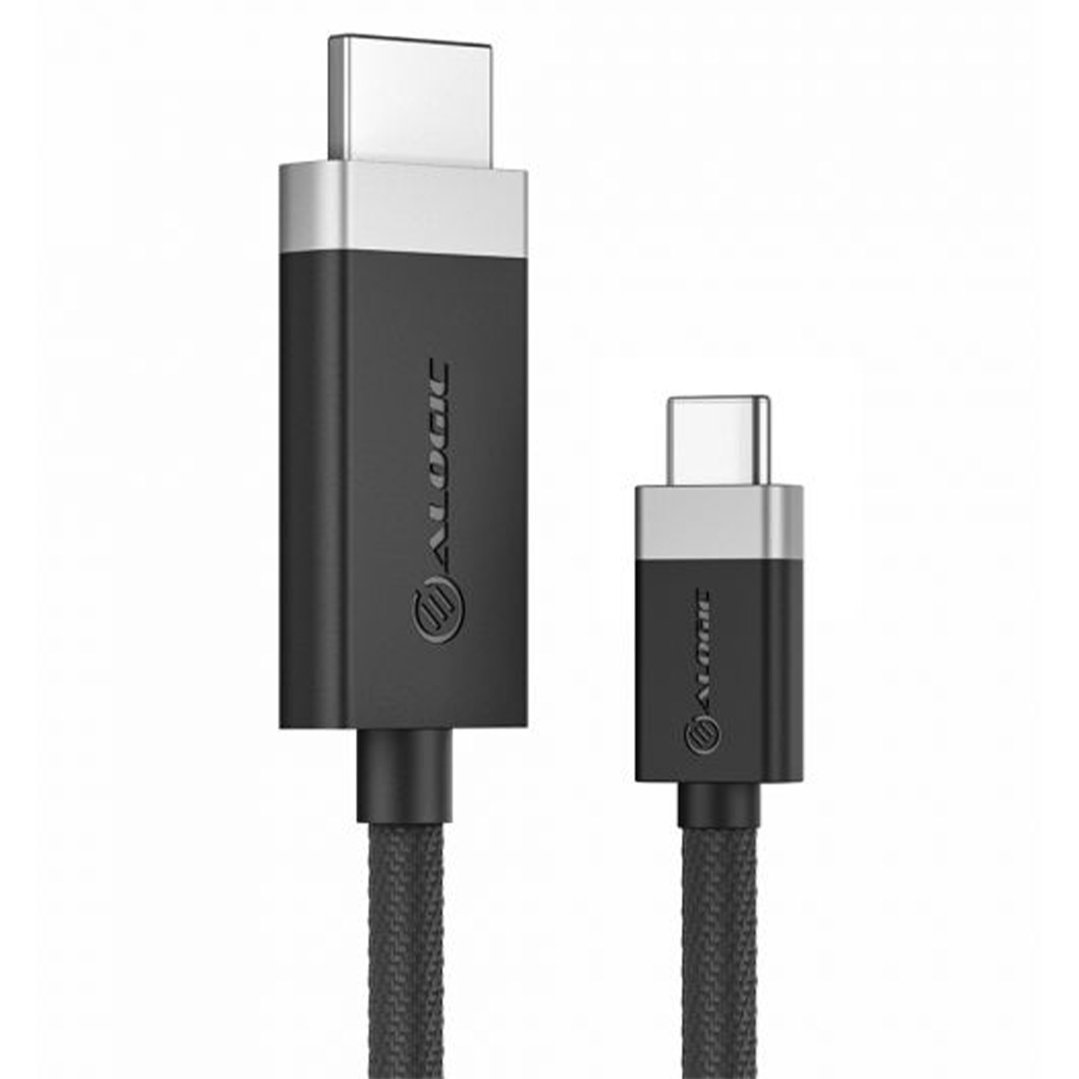
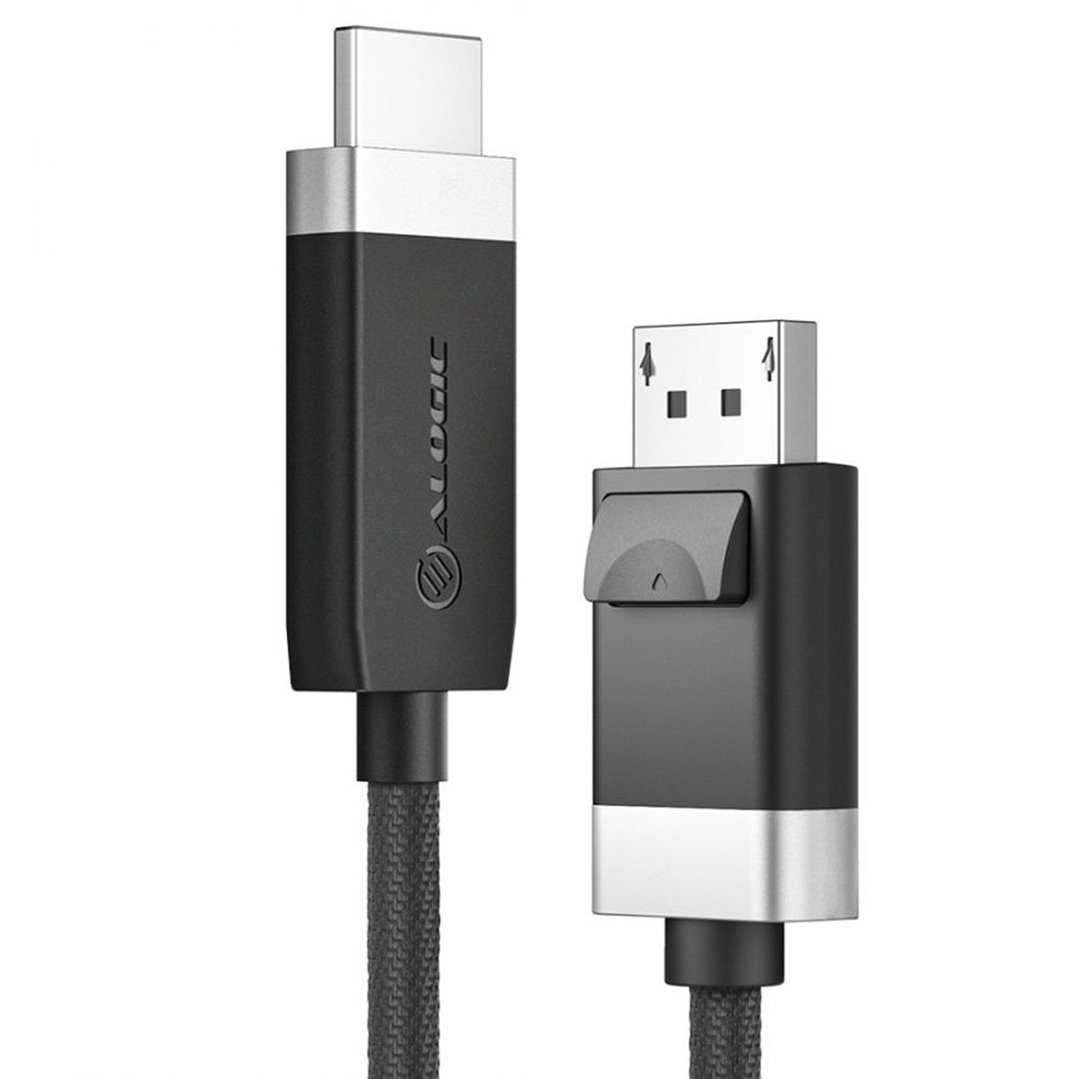
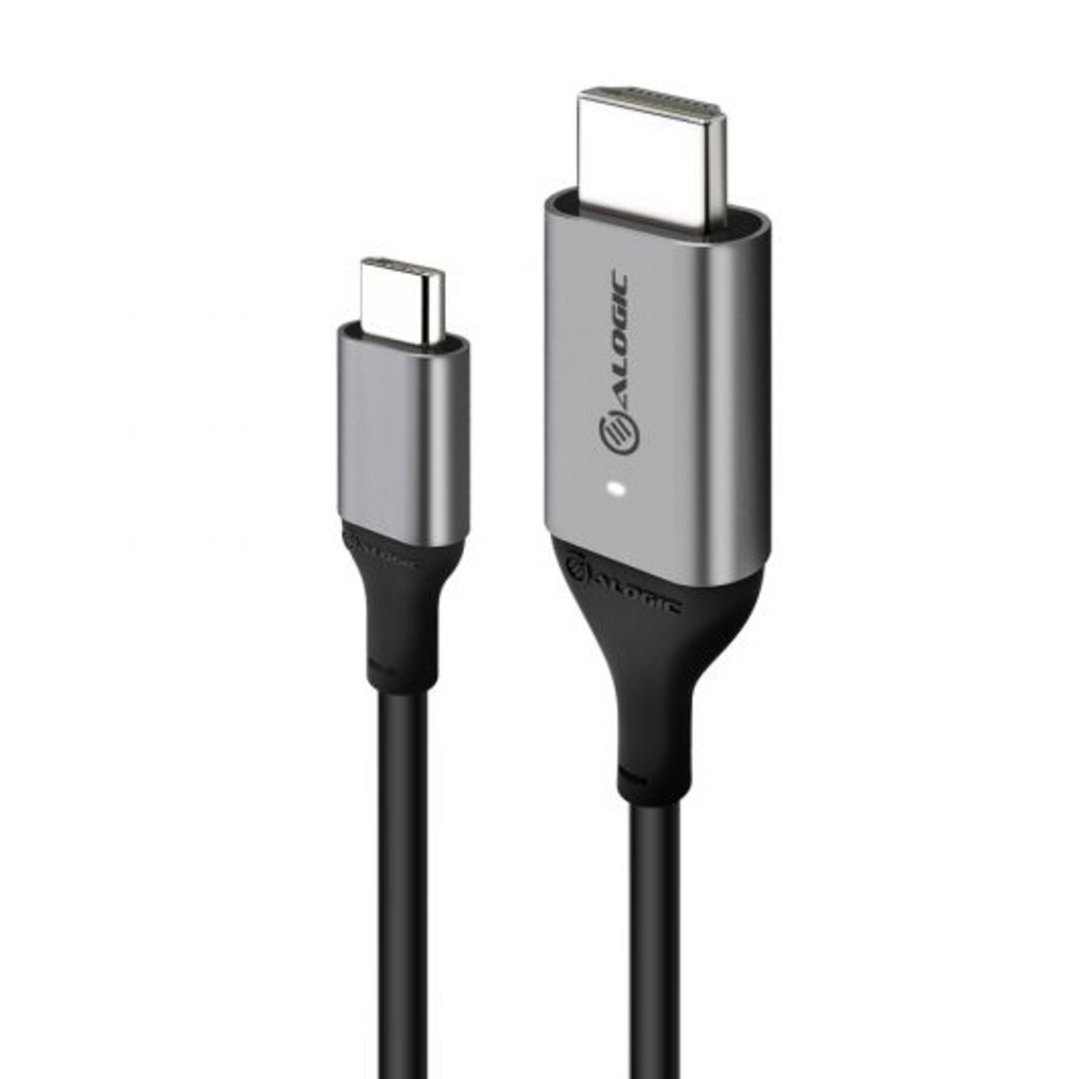
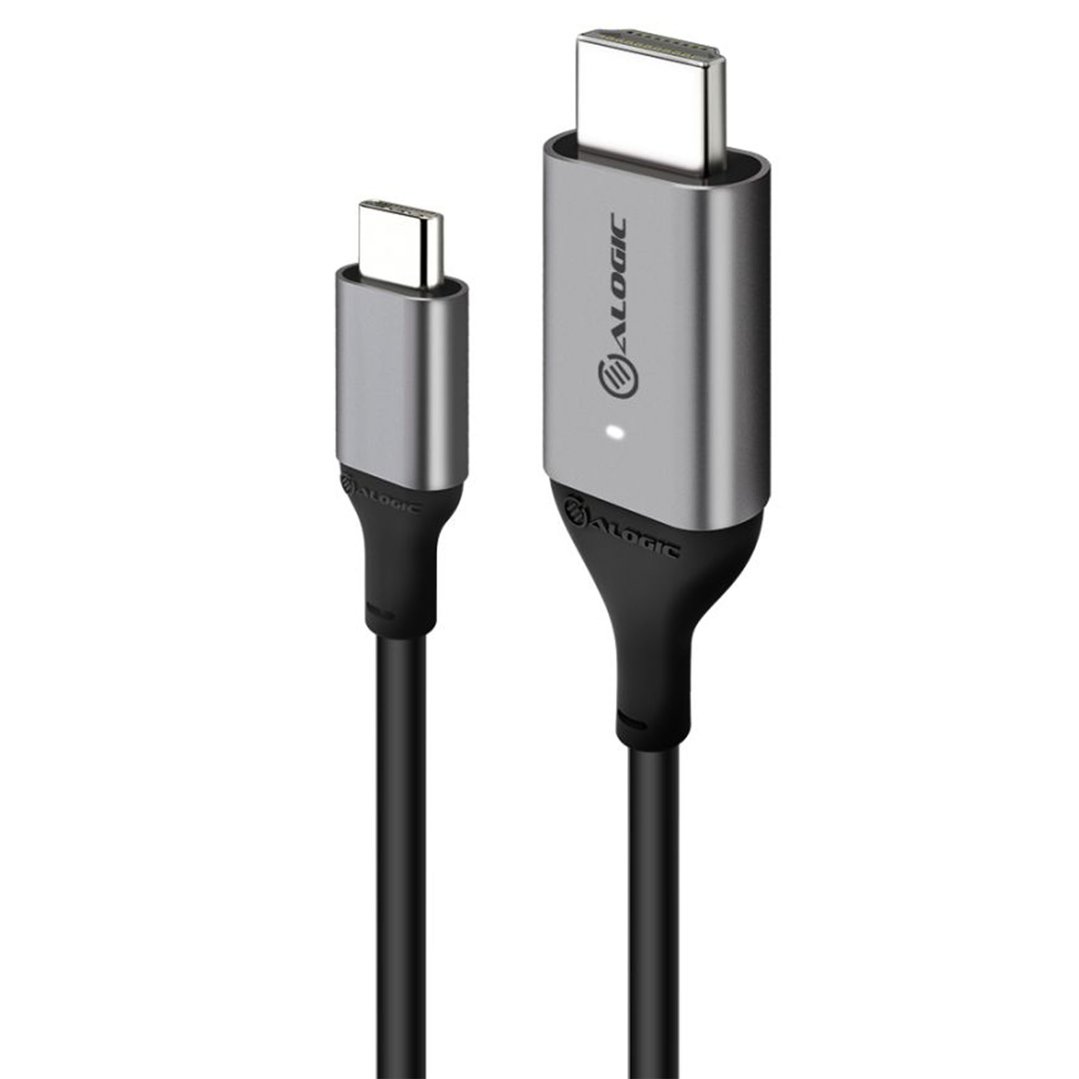
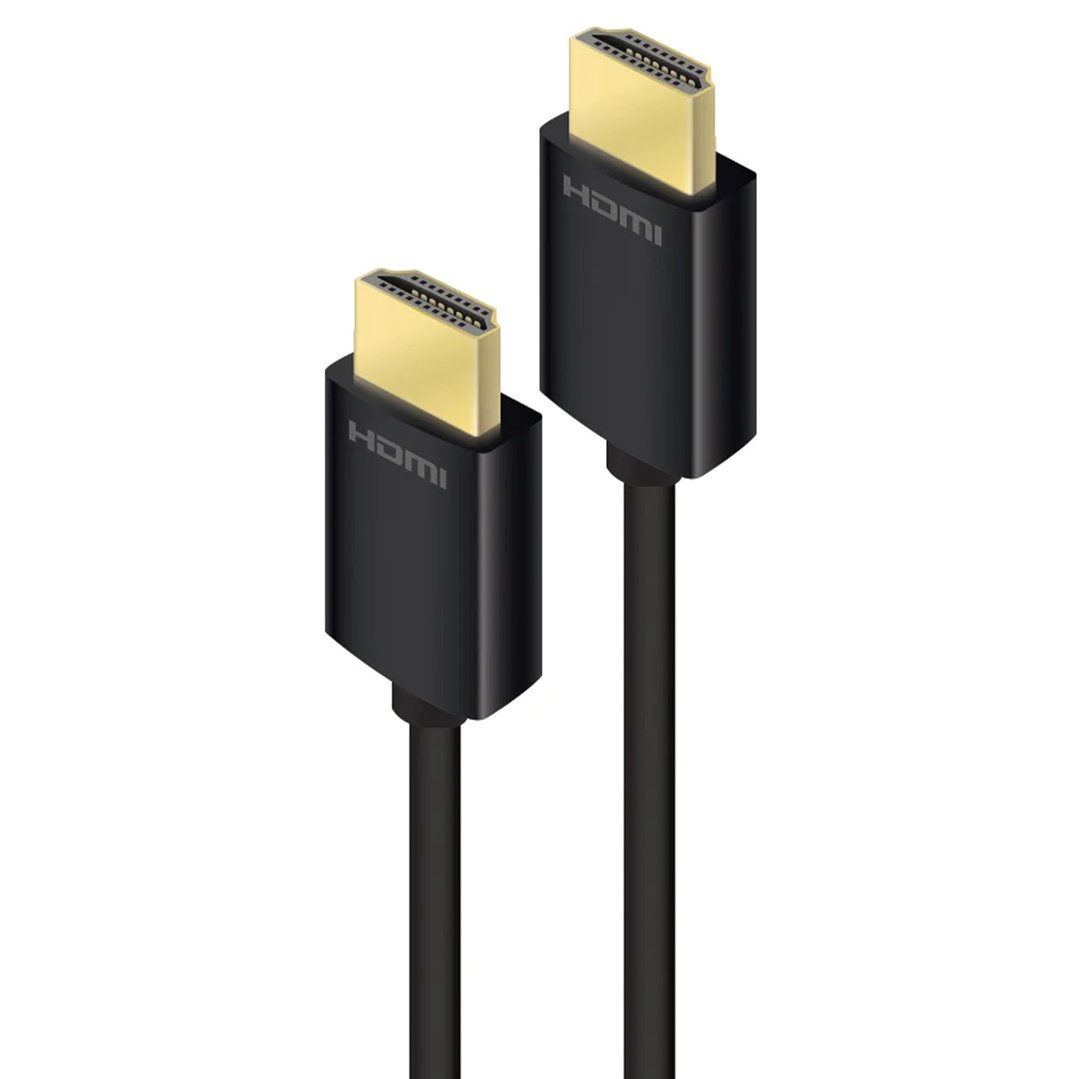

Don't let an old cable hold back your new TV. Whether you've just bought a 4K TV, a new gaming console, or a soundbar, using the right HDMI cable is the only way to get the best possible picture and sound. We stock a wide range of options, from short cords for tidy cabinets to long cables for projectors, ensuring you can connect everything easily and reliably. Our HDMI cables work with any OLED, QLED or Smart TV.
FAQs
1. Do I really need a "4K" HDMI cable?
If you have a 4K TV, yes. While an older hdmi cable might still show a picture, it often can't handle the speed required for sharp 4K resolution or HDR (High Dynamic Range) colour. A dedicated 4k hdmi cable ensures you get the full quality your TV was built to display, without flickering or dropouts.
2. Does the length of the cable affect the picture quality?
It can. For most setups, a standard cable under 5 metres is perfect. However, if you need a long hdmi cable (over 7 metres) to reach a projector or run through a wall, the signal can get weak. For these longer distances, we recommend an "active" cable or an optical HDMI cable, which boosts the signal to ensure the picture stays perfect from end to end.
3. Will my old HDMI cord work on a new TV?
Your old hdmi cord will likely fit the port and give you a picture, but it might limit what your new TV can do. Old cords often can't handle modern features like 4K streaming or high-speed gaming. If you notice the picture isn't as clear as it should be, or the sound cuts out, it is definitely time to upgrade to a modern cable.
4. Which cable is best for a PS5 or Xbox Series X?
To get the most out of these consoles, you need an "Ultra High Speed" hdmi cable (HDMI 2.1). These allow for super-smooth gameplay at 120 frames per second (120Hz) and reduce lag. Using a standard cable might lock you to a lower frame rate or lower resolution, meaning you miss out on the smooth motion these consoles are famous for.
5. My TV channels are pixelated; is it the HDMI cable?
No, pixelated TV channels (free-to-air) are usually caused by signal interference, not your hdmi cable. This is often due to a poor-quality or damaged tv antenna cable connecting the wall socket to your TV. We recommend checking that cable first and upgrading to a quad-shielded antenna flylead to stop interference from mobile phones and other electronics. Check out or range of antennas if you are looking to upgrade.