Buying Guides
What Is a Smart Home & How Do I Make One?
Your Friendly Guide to Smart Home Technology in Australia

Jump to
Convenience: Control lights, appliances, security and more from your phone or with your voice.
Efficiency: Automate your home to save energy and reduce bills.
Security: Monitor your home through connected cameras and smart locks.
Comfort: Customise your environment with lighting, sound, temperature, and more.
From smart home lights that greet you at the door to smart speakers that play your morning playlist, the possibilities are endless..
Our Top Smart Home Picks:


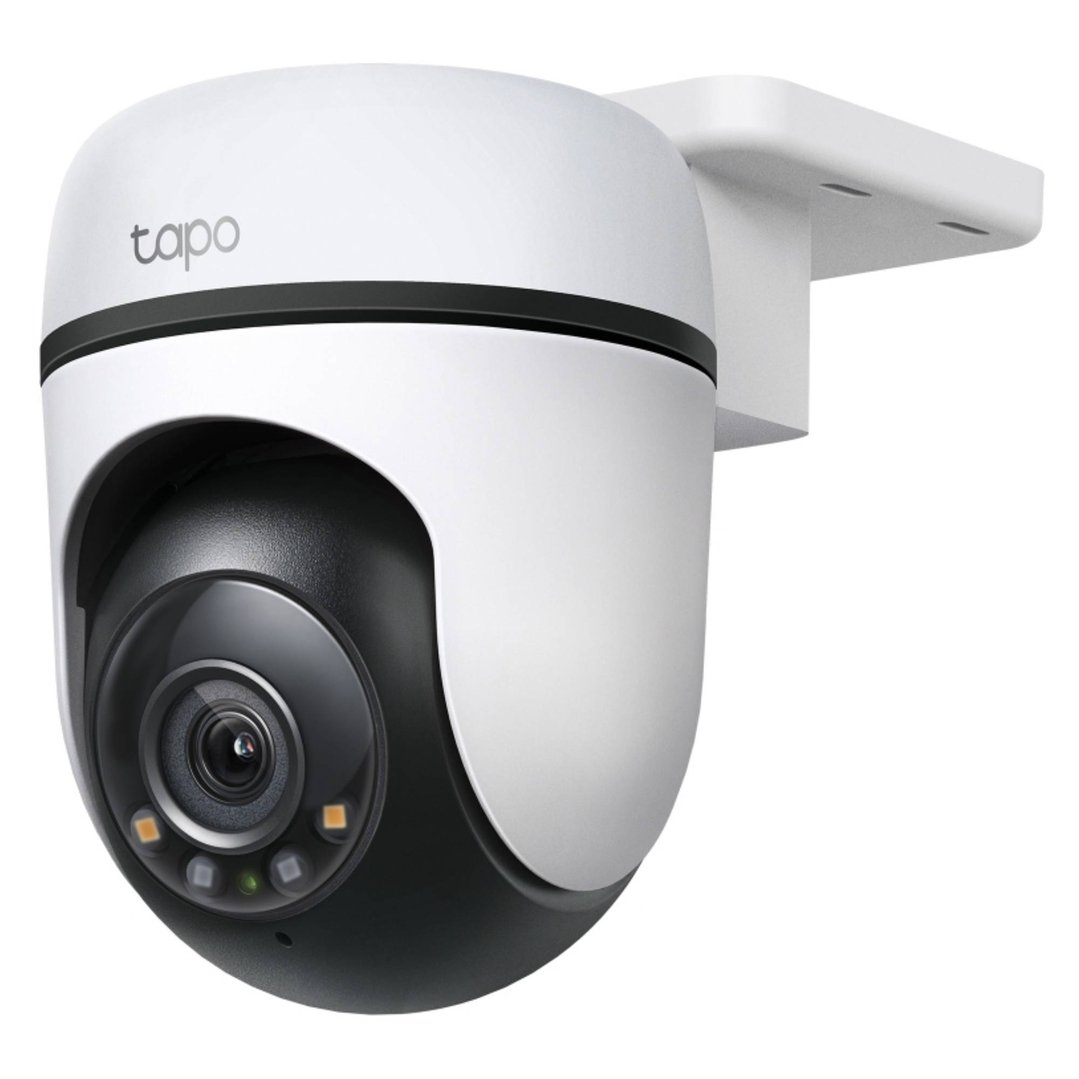


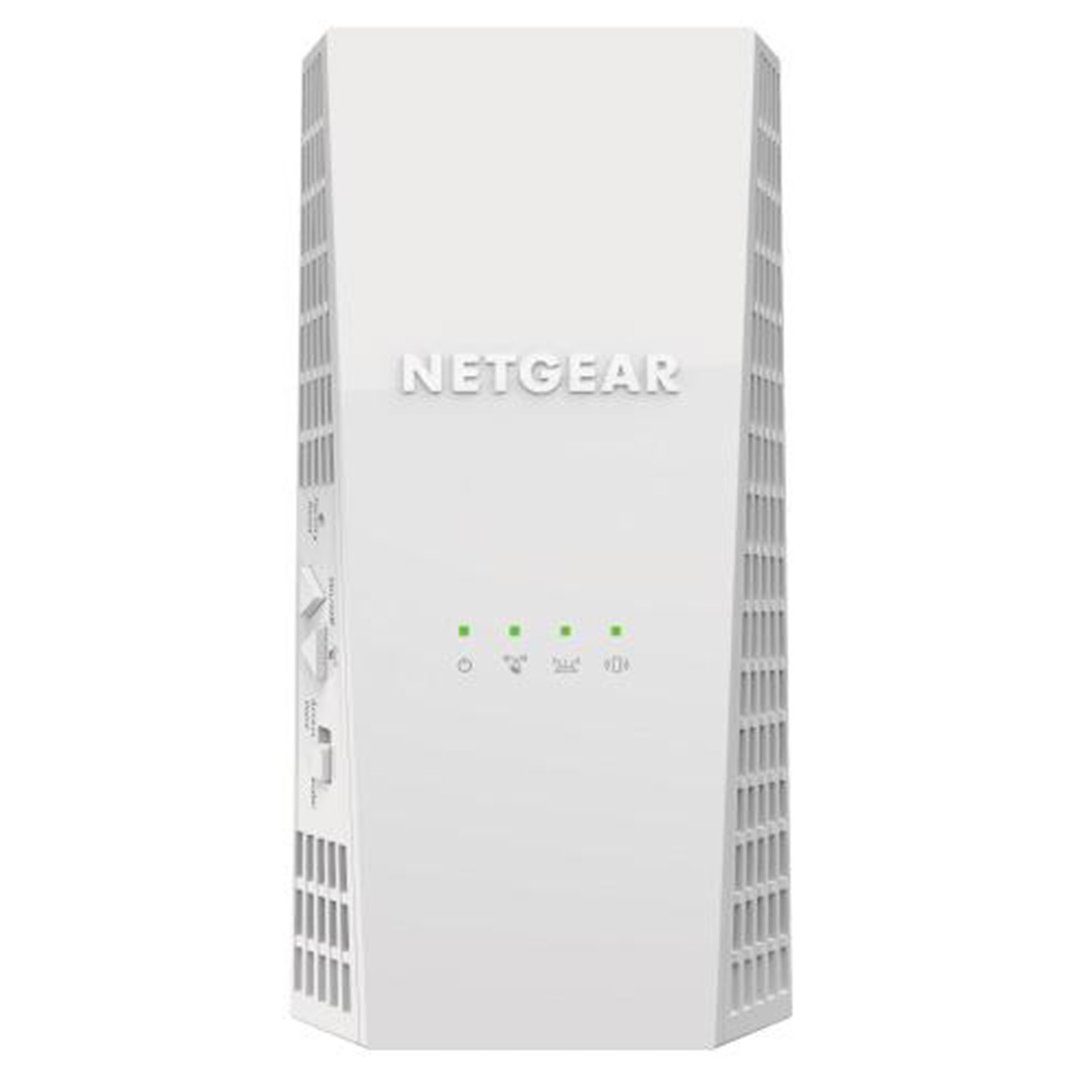
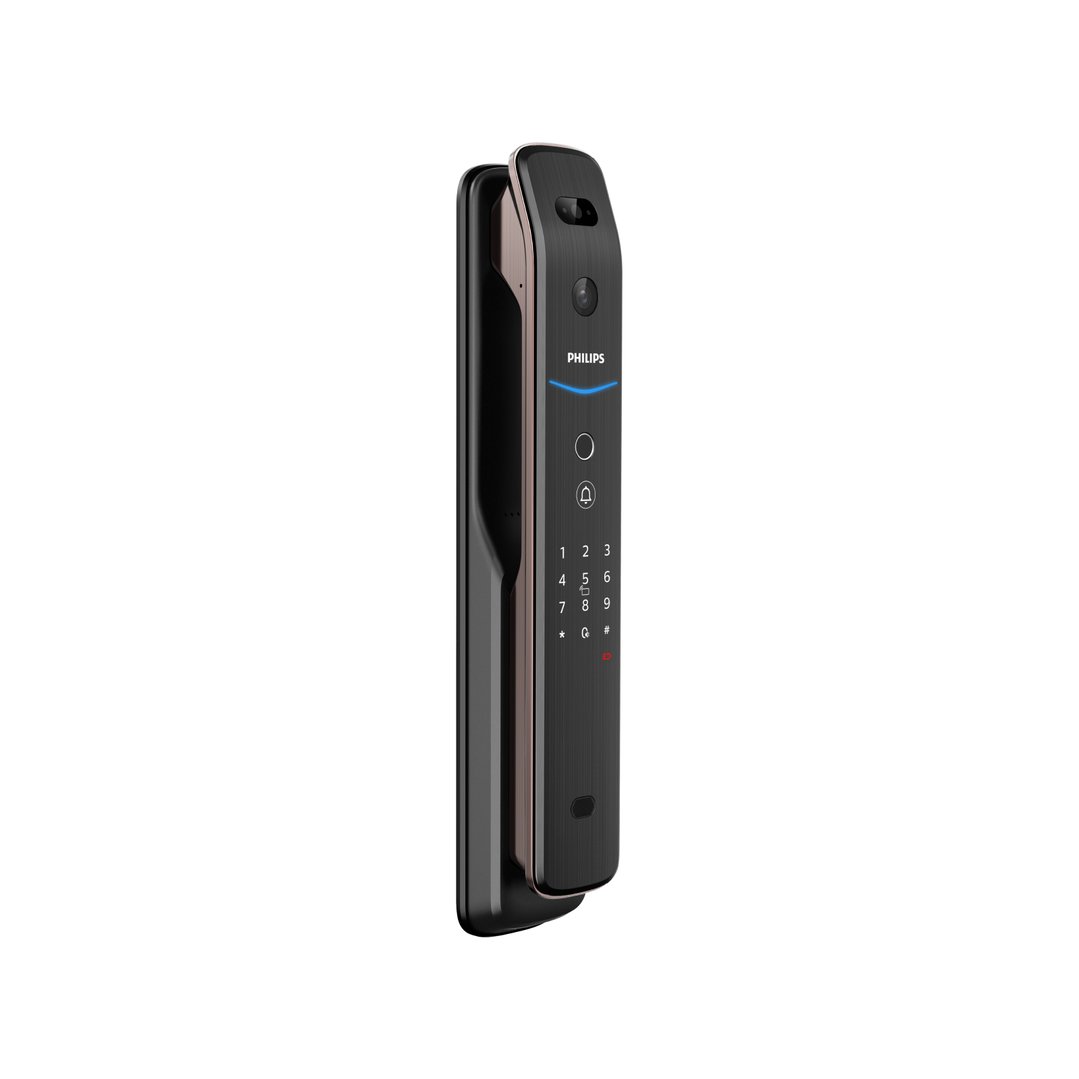

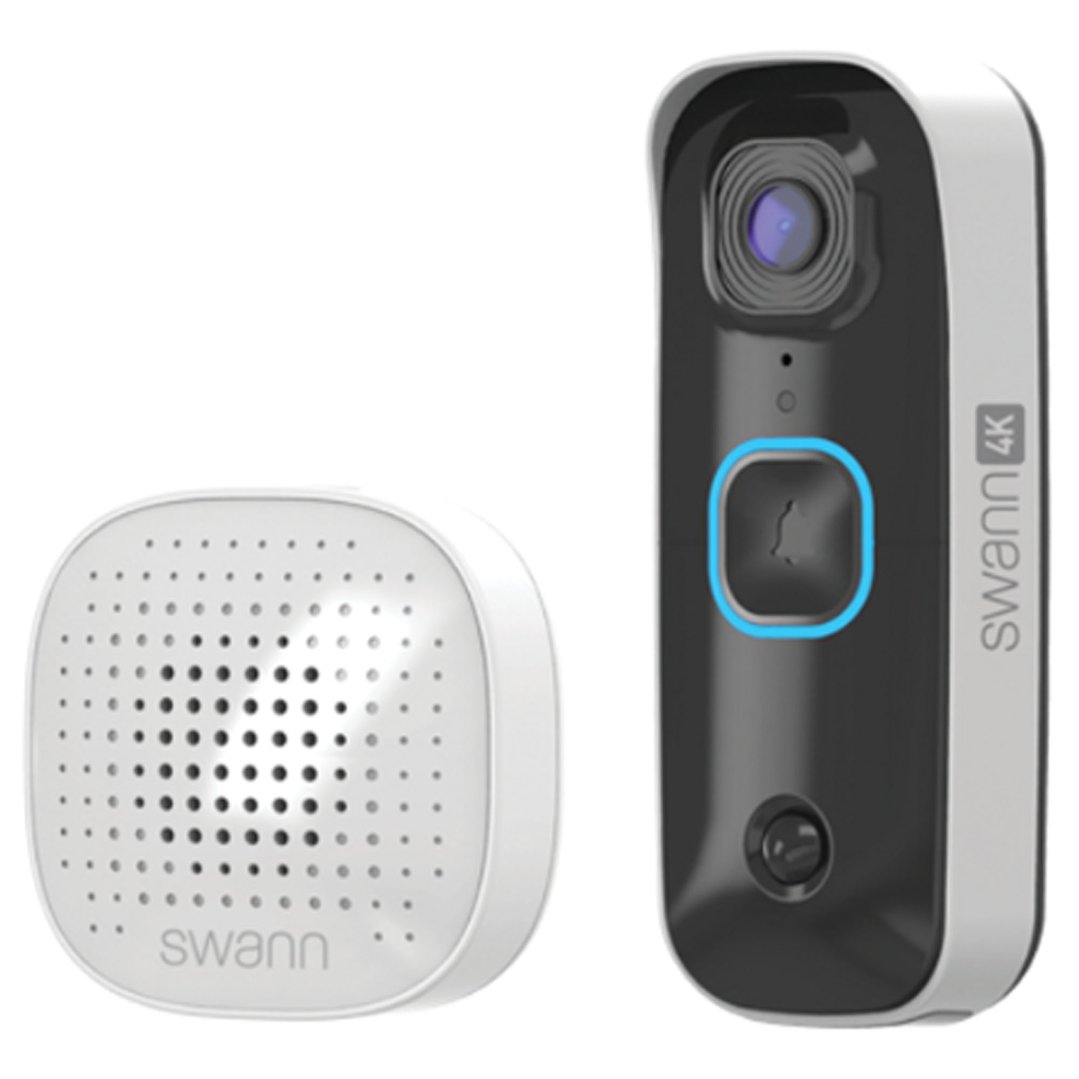
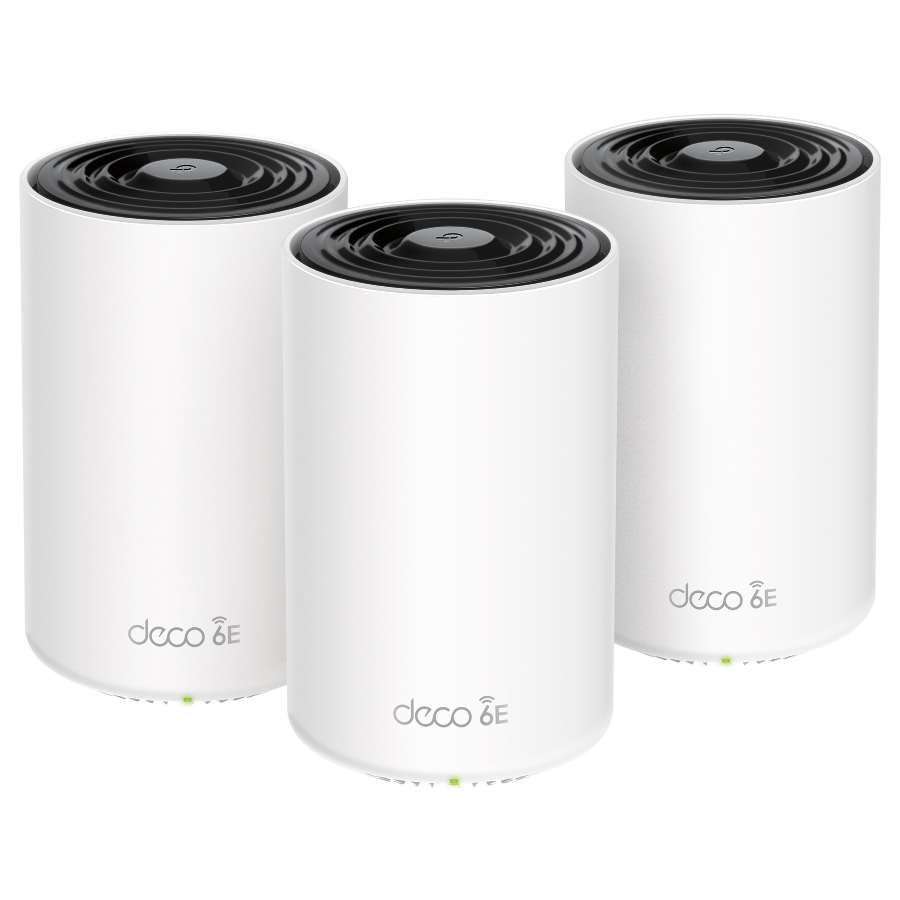
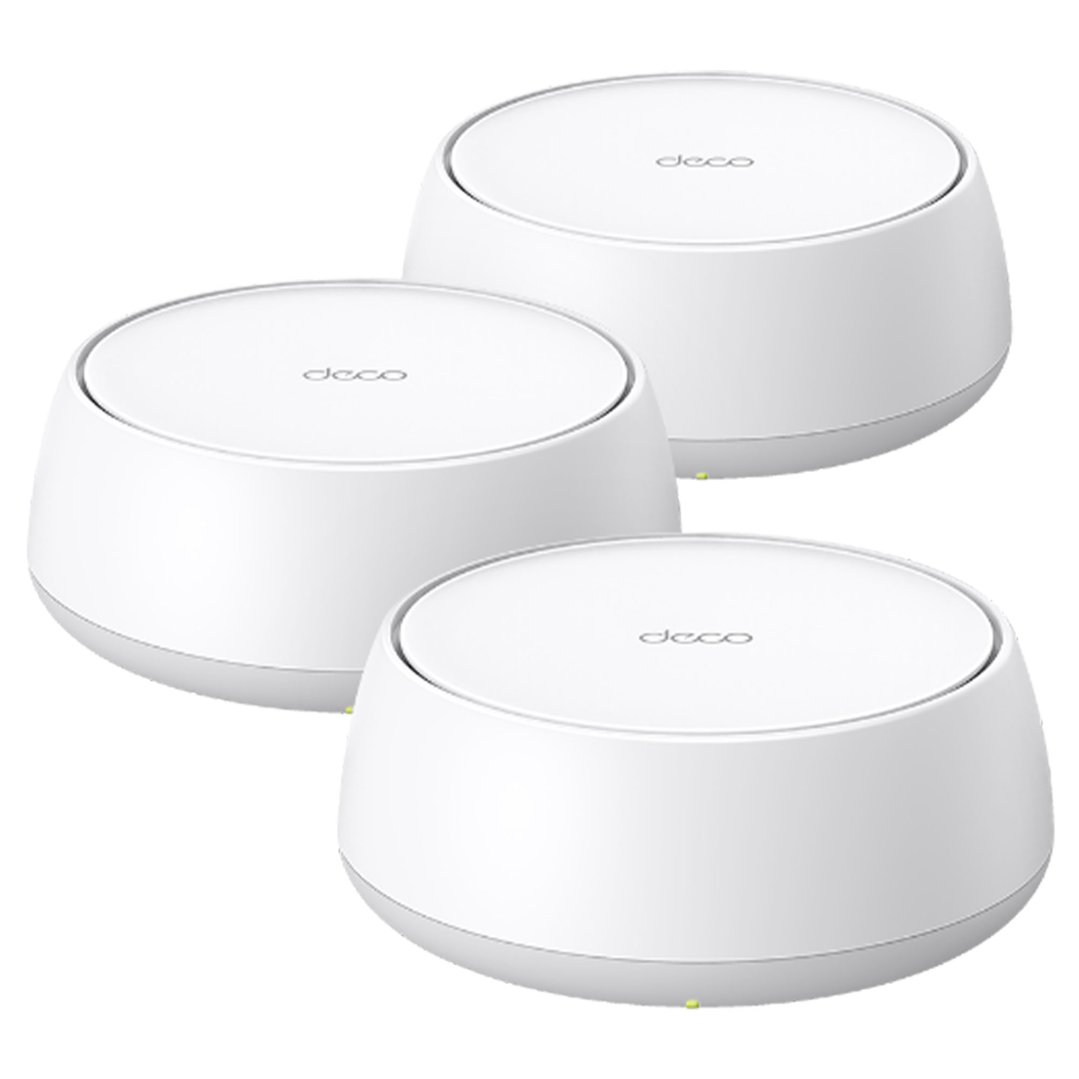

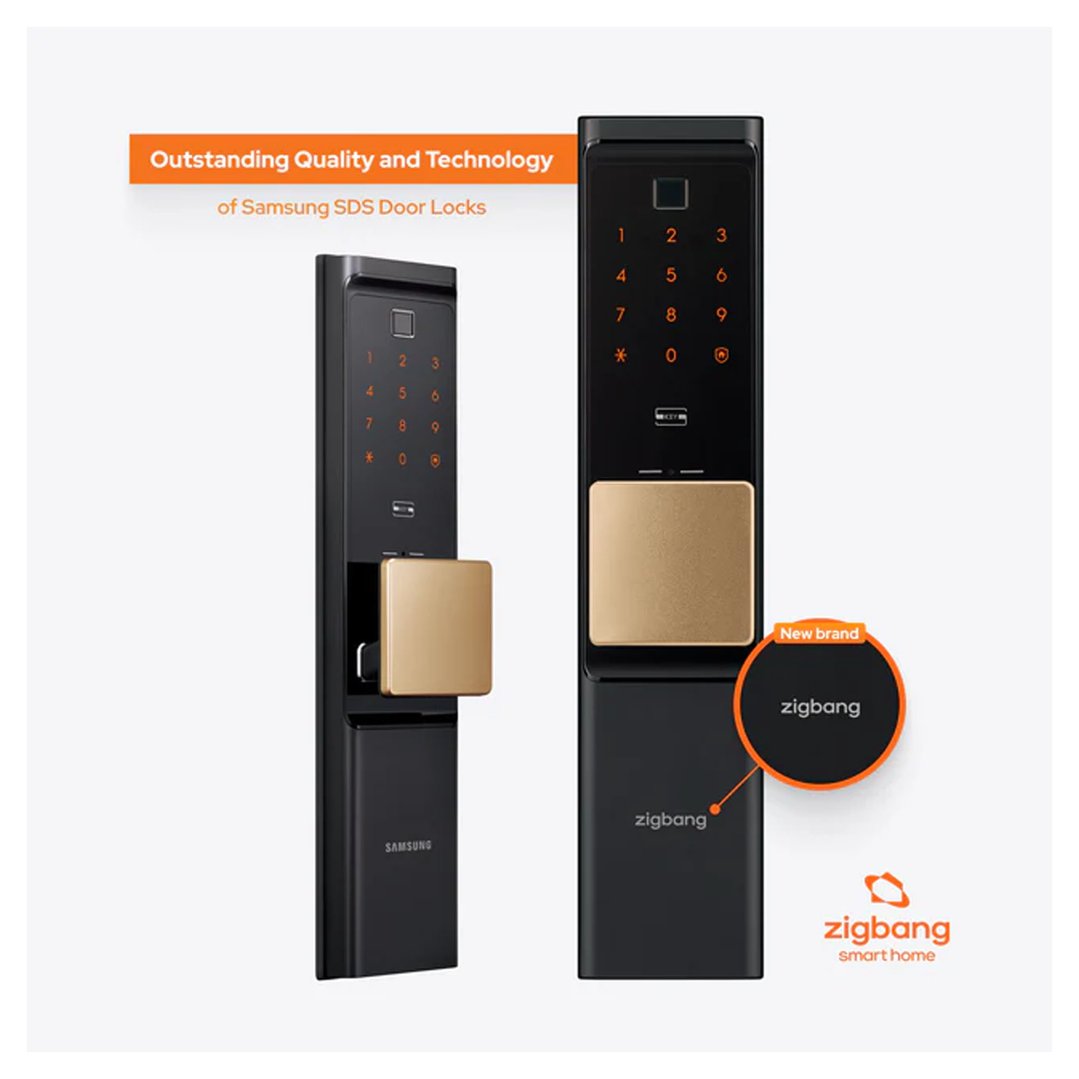
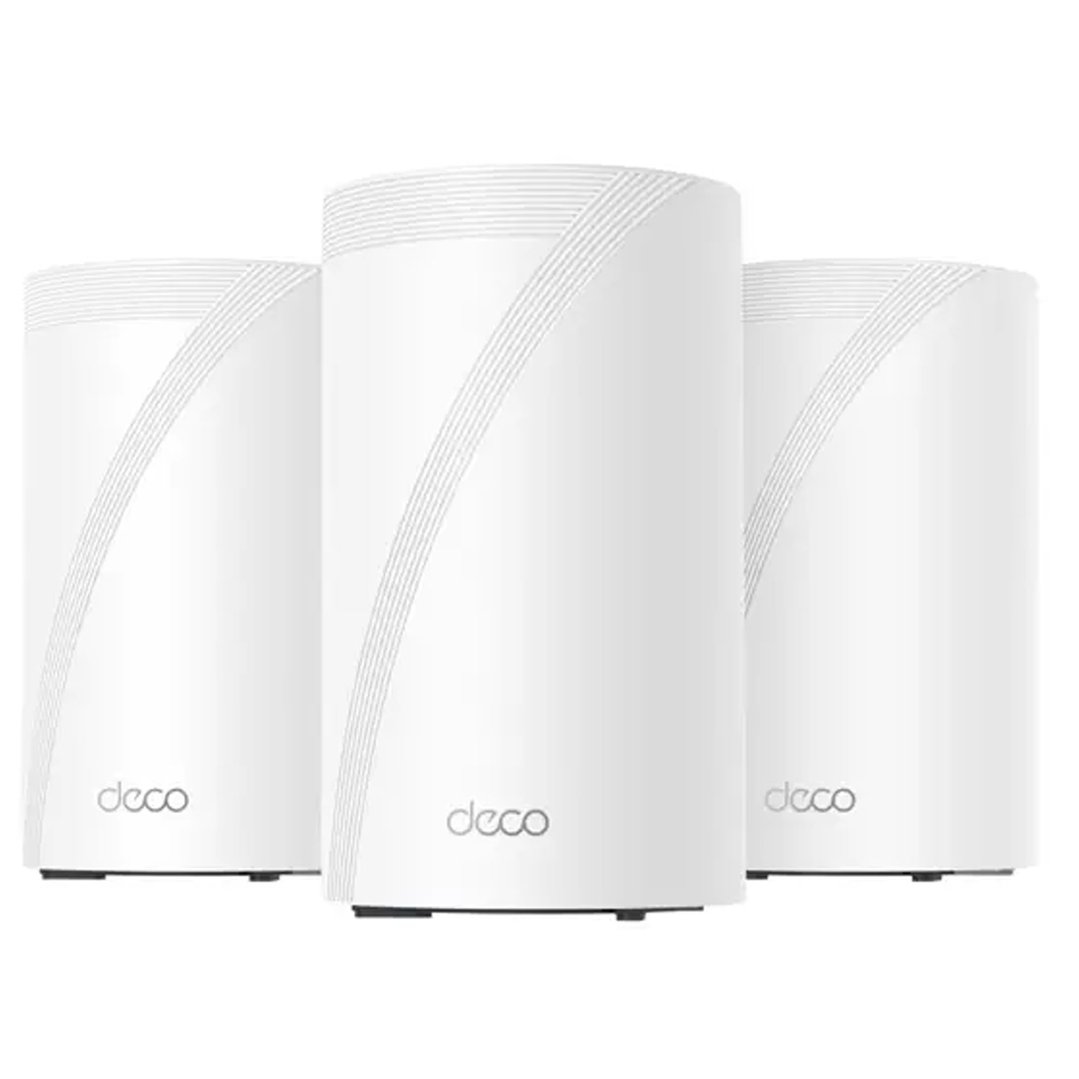
Getting started with smart home automation in Australia is easier than ever. Here’s a simple 3-step process:
Step 1: Choose a Hub or Ecosystem
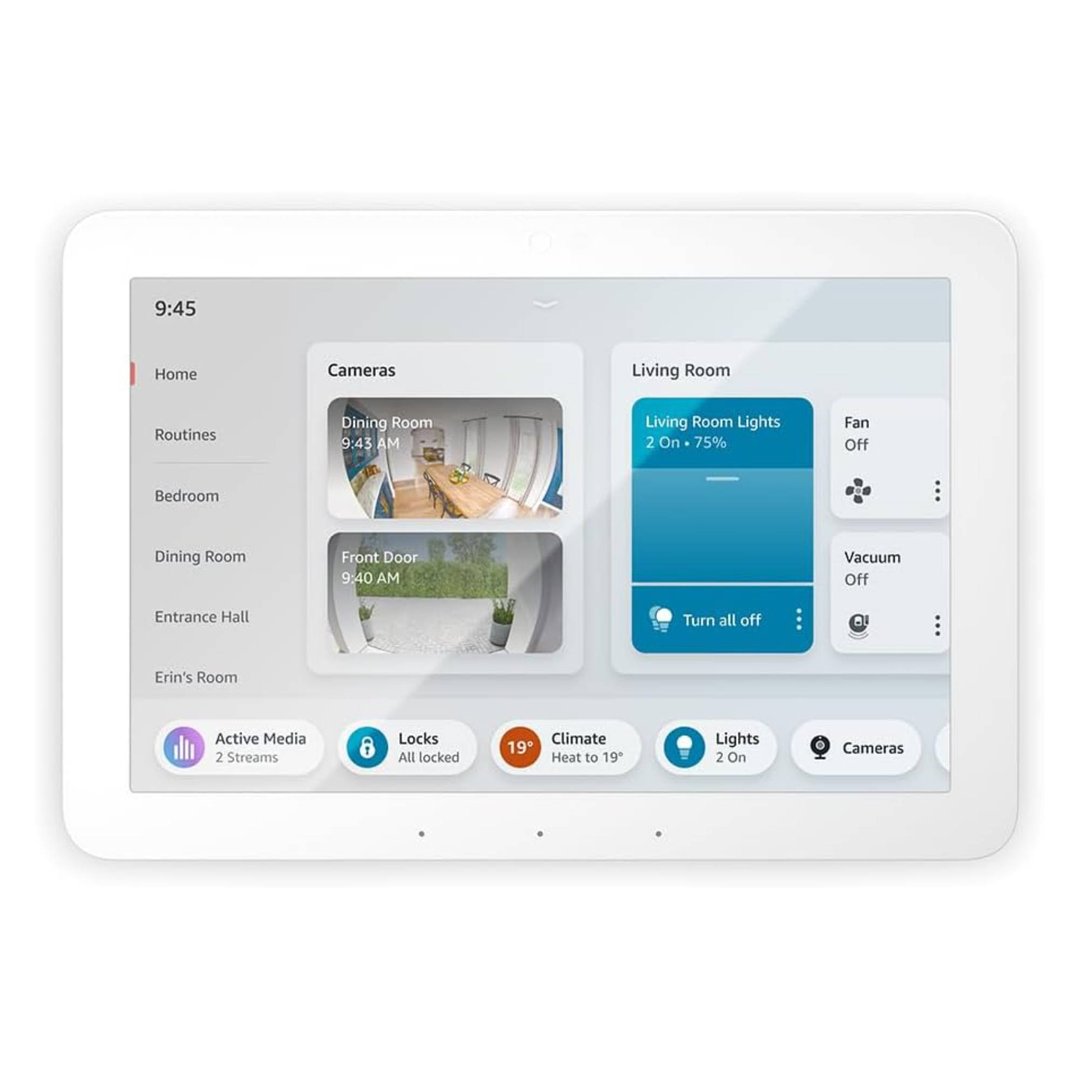
A hub is the control centre of your smart home. It allows different devices to work together and lets you manage them in one place.
Popular Smart Home Hubs:
Google Nest Hub: Works well with Google Assistant and Android devices.
Apple HomePod: Best if you're an iPhone user and want privacy-focused control.
Amazon Echo Show: Great for Alexa users and wide device compatibility.
If you’re not ready for a hub, many devices can still work independently through apps. But for full automation and voice control, a hub is the way to go.
Step 2: Pick Your First Smart Devices
We recommend starting with one or two easy-to-use items:
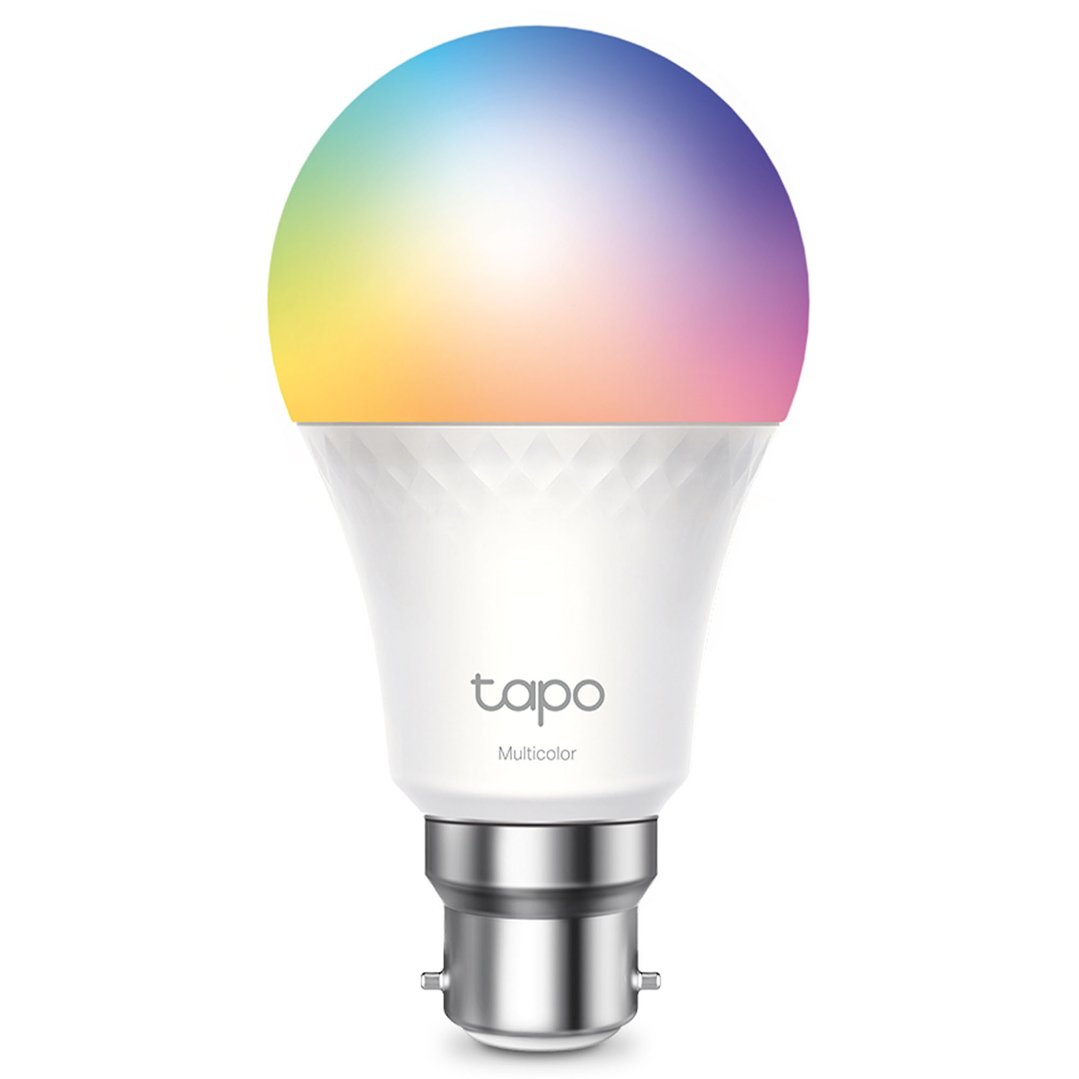
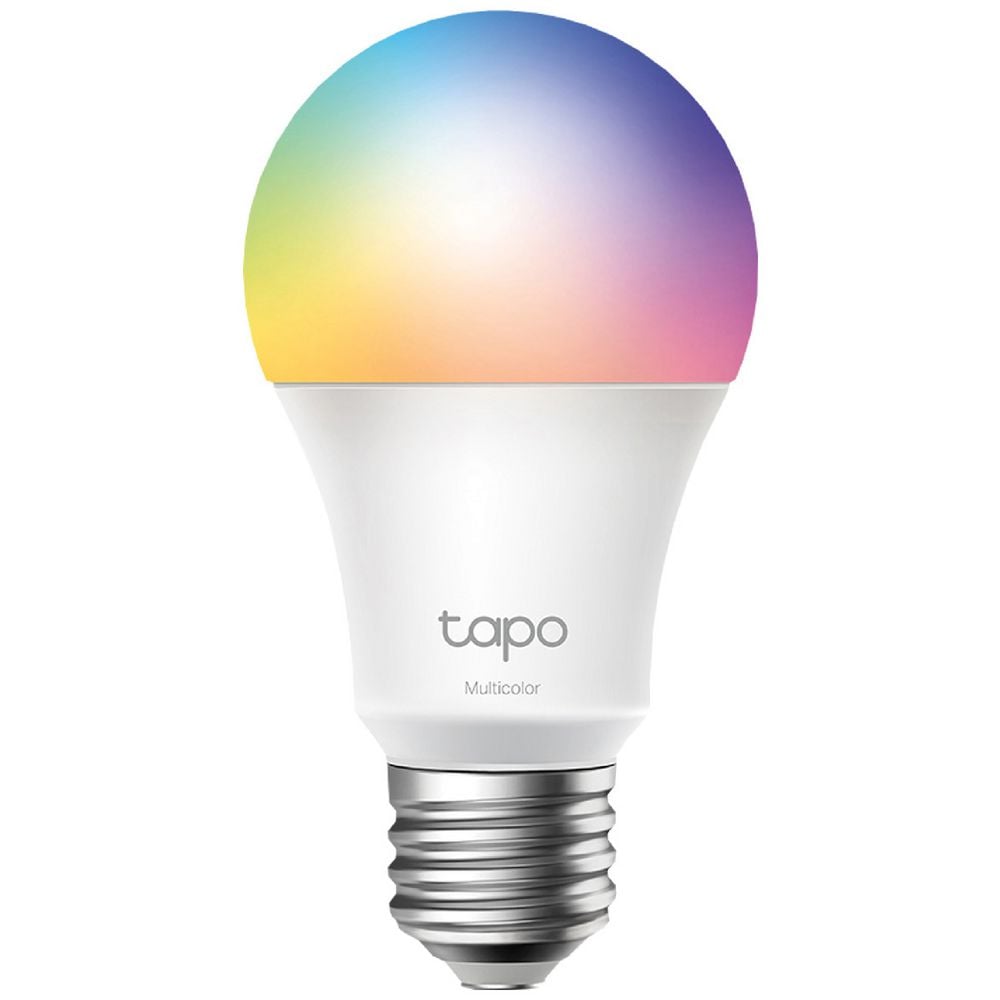
Smart lights: Change brightness, colour and schedule from your phone.
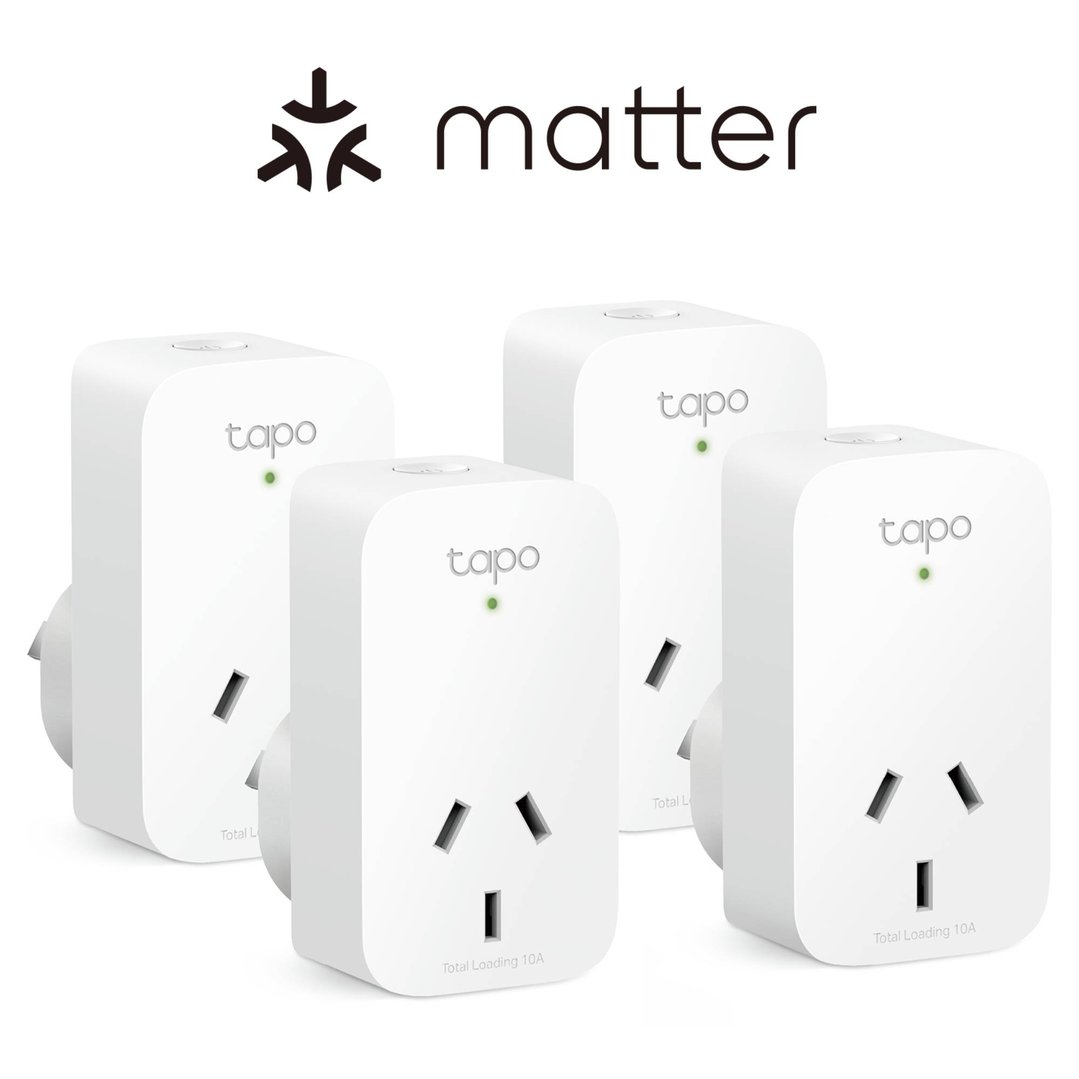
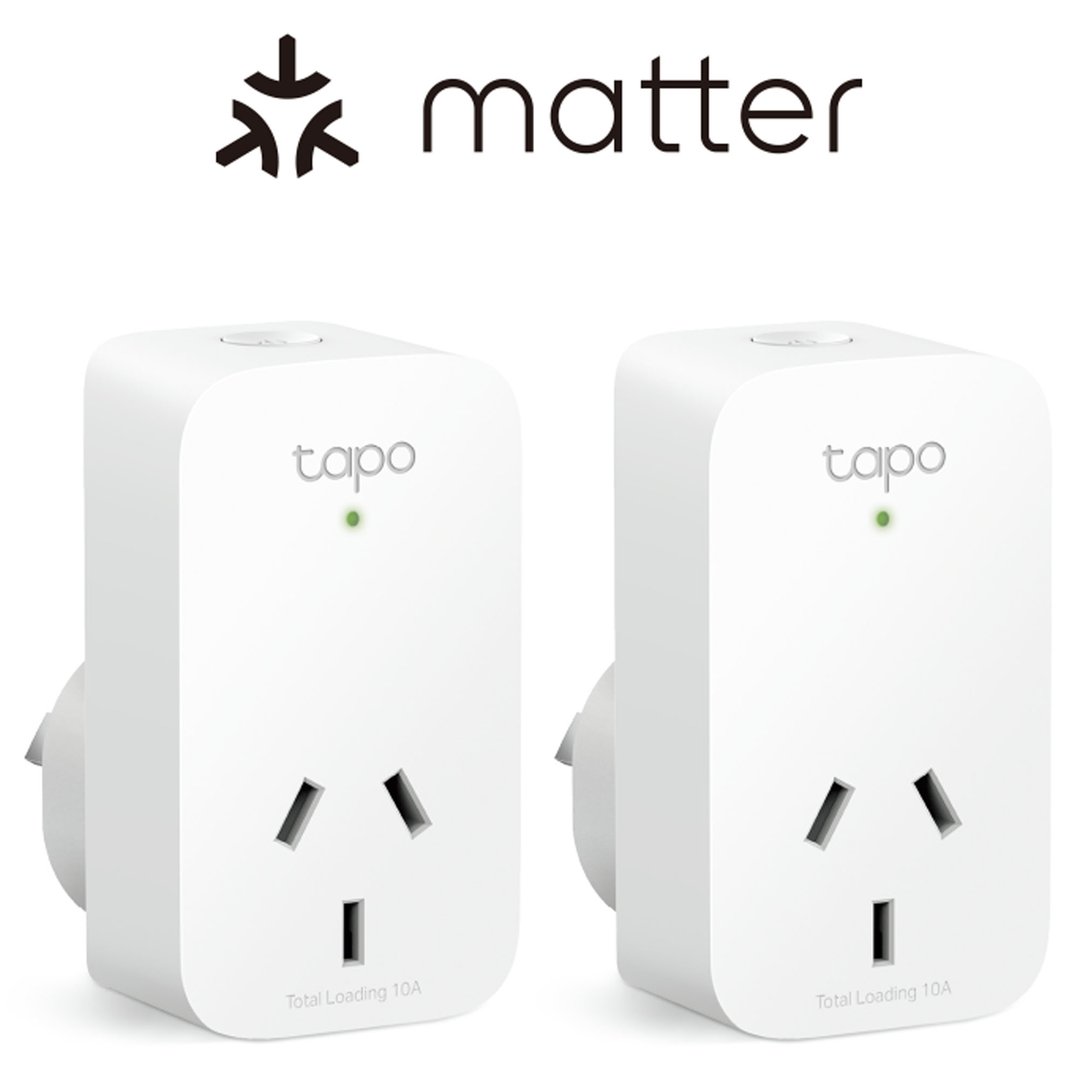
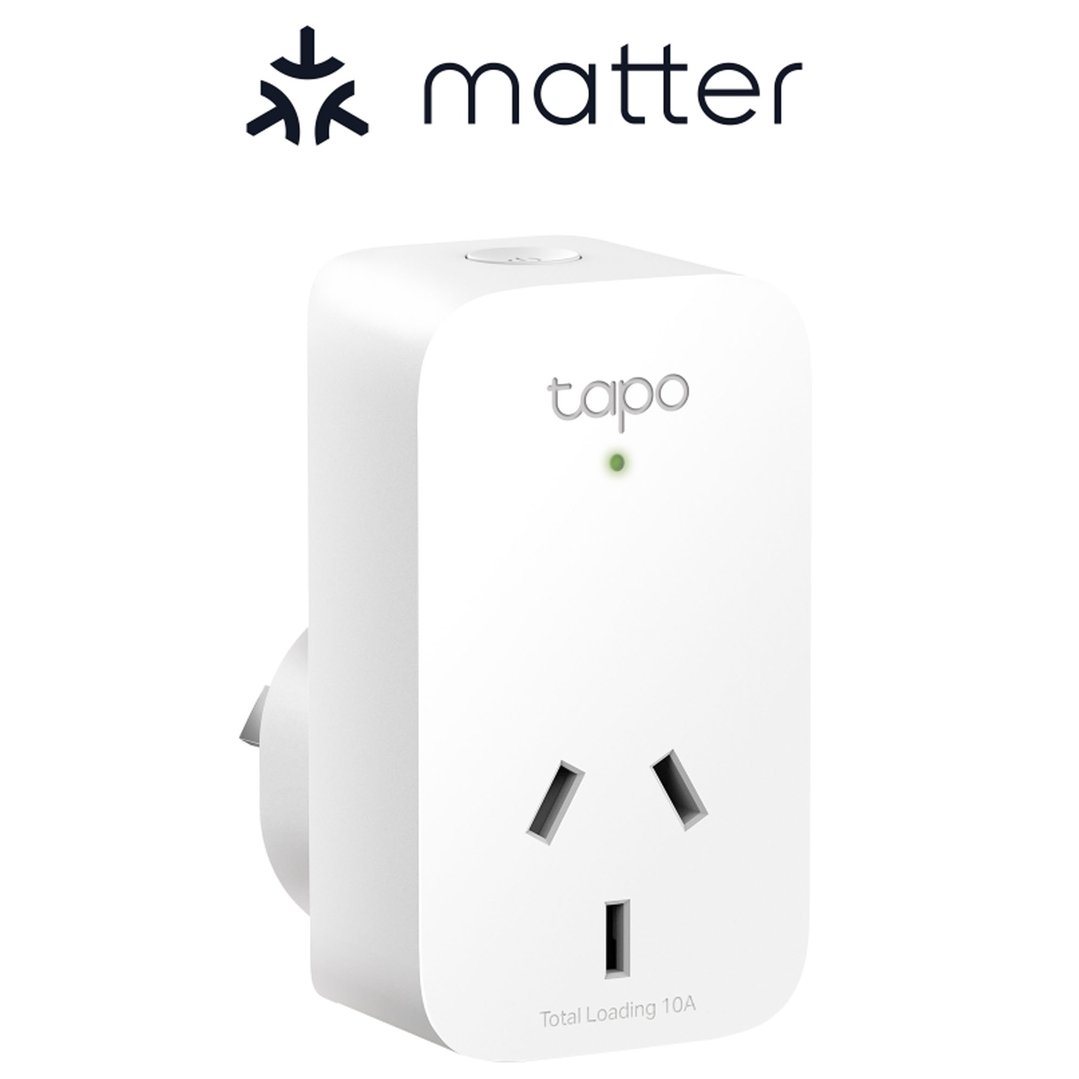
Smart plugs: Turn any device into a smart one.
Smart home switches: Replace traditional switches for app/voice control.
Smart speakers: Control devices and play music with your voice.
Step 3: Set Up & Connect
Plug in your device and download the brand’s app (e.g. Google Home, Apple Home, or Alexa).
Follow the prompts to connect via Wi-Fi.
If using a hub, add devices through the hub’s app.
Create routines like “Good Morning” (turn on lights, play news, start coffee machine).
Smart home automation means your devices work together without needing your input every time.
Examples of smart home automations you might like to setup include:
Turning the lights off when you leave home
Heating adjustments based on outdoor temperature
Curtains closing automatically at sunset
Automation is created using your hub’s app or your smartphone. You can set rules, schedules, or use triggers like motion sensors or voice commands.
Smart devices use different methods to communicate. Here's what you need to know:
| Protocol | What It Does | Best For |
| Wi-Fi | Connects via your home internet | Most standard smart home gadgets |
| Bluetooth | Short-range communication | Wearables, locks, and simple controls |
| Zigbee | Low-power mesh network for multiple devices | Larger home setups |
| Z-Wave | Similar to Zigbee, slightly less common in Australia | Smart lighting and security |
| Matter | New universal standard for better compatibility | Future-proofing your setup |
Pro tip: Choose devices that support Matter or Zigbee if you're planning to expand your smart home.
Looking for the best smart home devices to upgrade your setup? Here are a few of our top picks:
| Category | Why You'll Love Them |
| Smart Speakers | Hands-free control, great sound |
| Smart Lights | Dimmable, colour control, app or voice |
| Smart Plugs | Schedule appliances, energy savings |
| Smart Switches | Wall-mounted control with app backup |
| Smart Home Hubs | Control centre for your ecosystem |
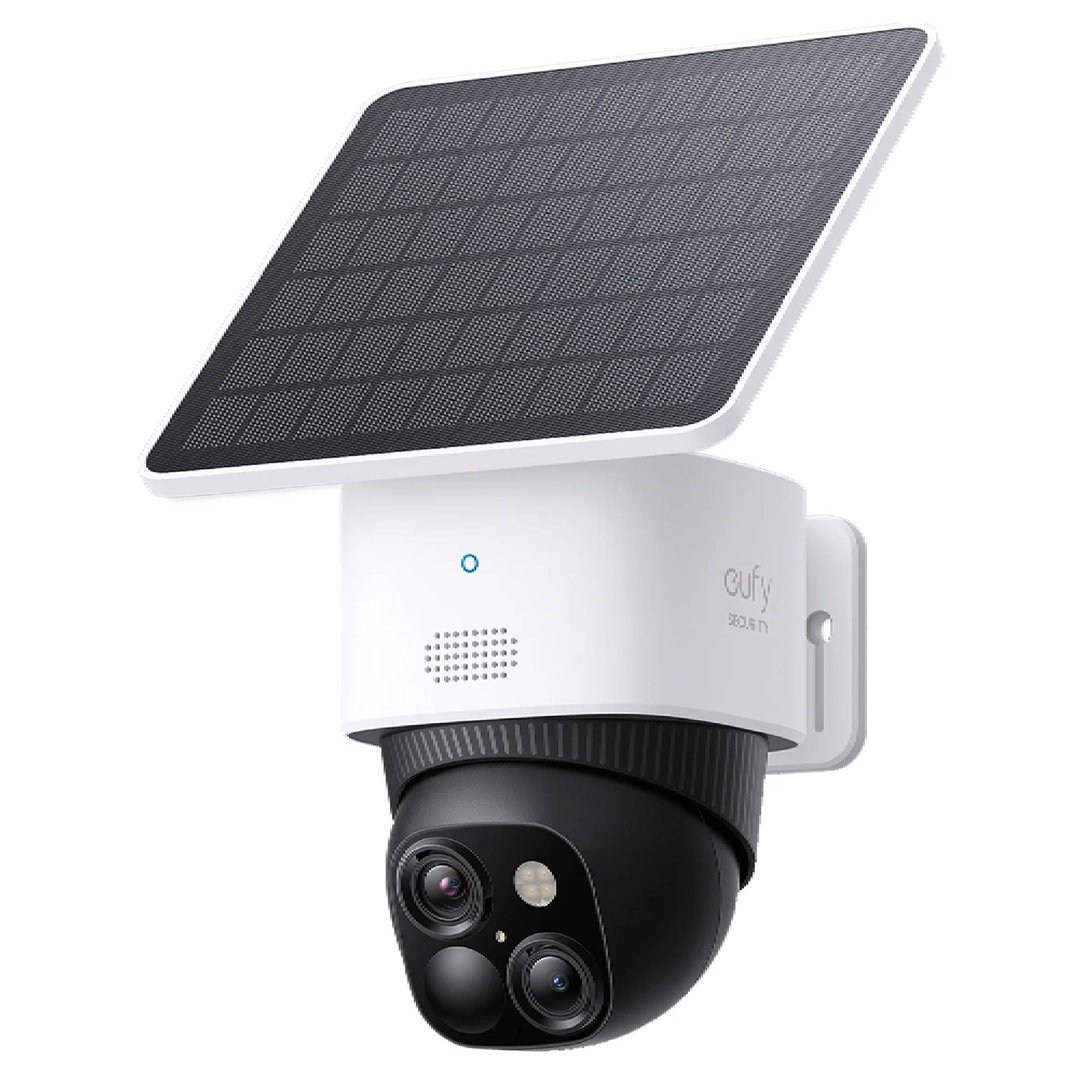
| Smart Cameras/Alarms | Peace of mind while you're out |
Pro tip: Choose devices that support Matter or Zigbee if you're planning to expand your smart home.
Kitchen:
Voice-controlled timers and recipe assistants
Smart ovens that preheat via your phone and recommend cooking times
Smart dishwashers that let you start or schedule cycles from your phone
Smart fridges with internal cameras, touchscreen controls, shopping list management, and remote temperature monitoring
Living Room:
Smart blinds that adjust with sunlight
A smart home speaker to control music, lights, and TV
Smart air purifiers that monitor air quality in real-time
Smart TVs that integrate with voice assistants and allow app control




Bedroom:
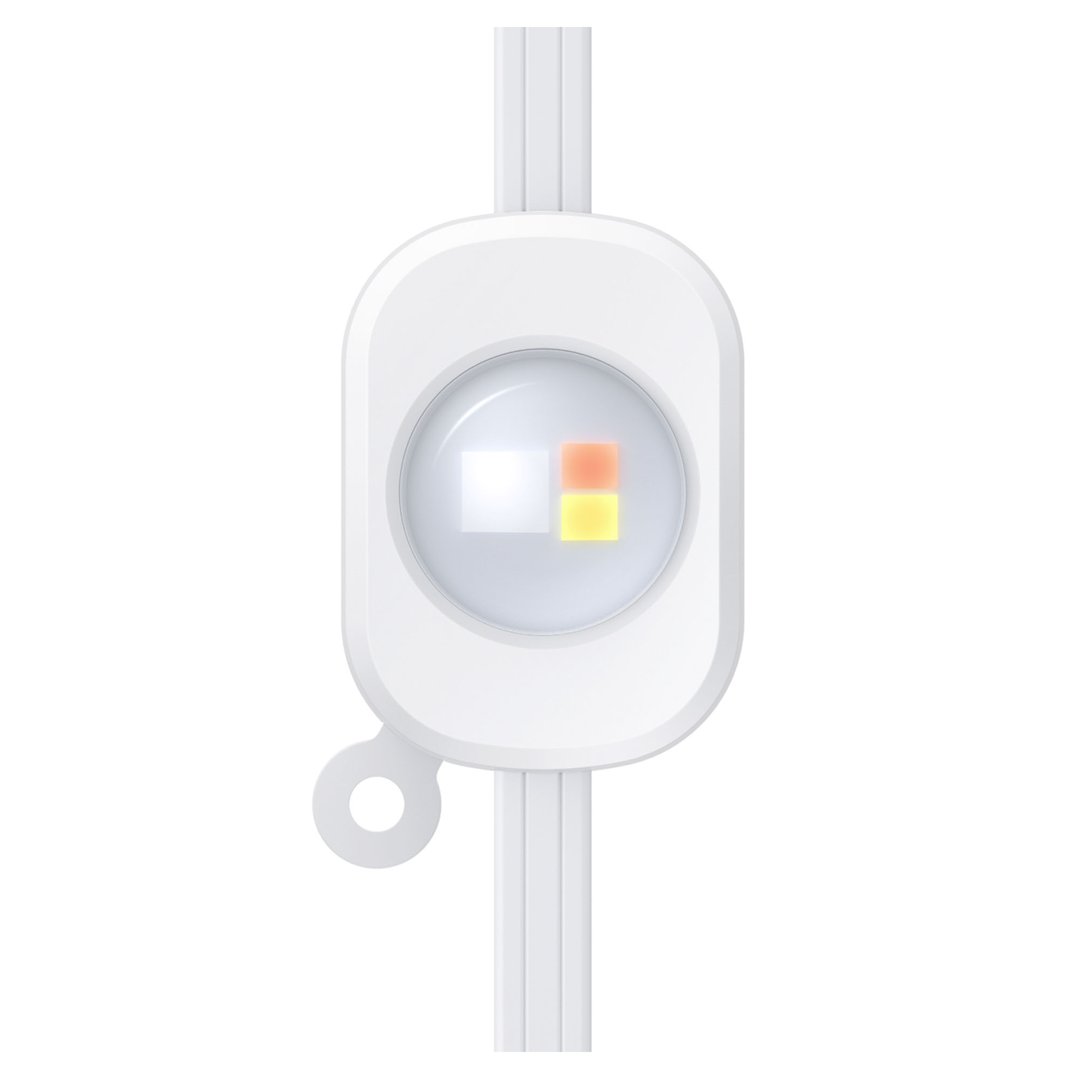
Wake-up lights that simulate sunrise
Smart plugs for heaters or fans
Air conditioning units you can schedule or turn on before bed via an app
Laundry:
Smart washing machines and dryers that notify you when cycles are complete
App control to start, pause or schedule loads remotely
Auto-dosing for optimal detergent use
Outdoors:
Smart garden lighting on a schedule
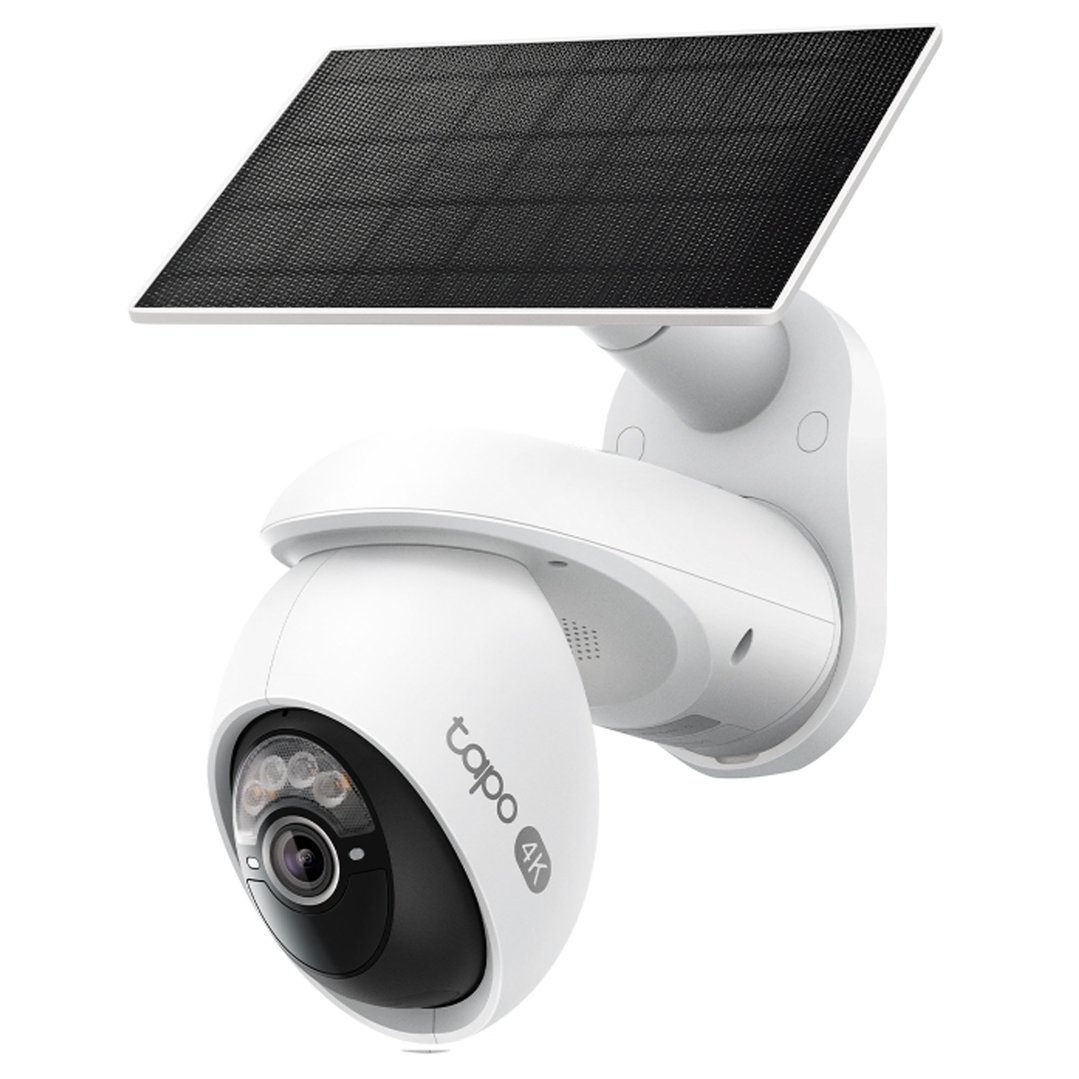
Smart doorbells with two-way talk
Smart irrigation systems that adjust watering based on weather forecasts


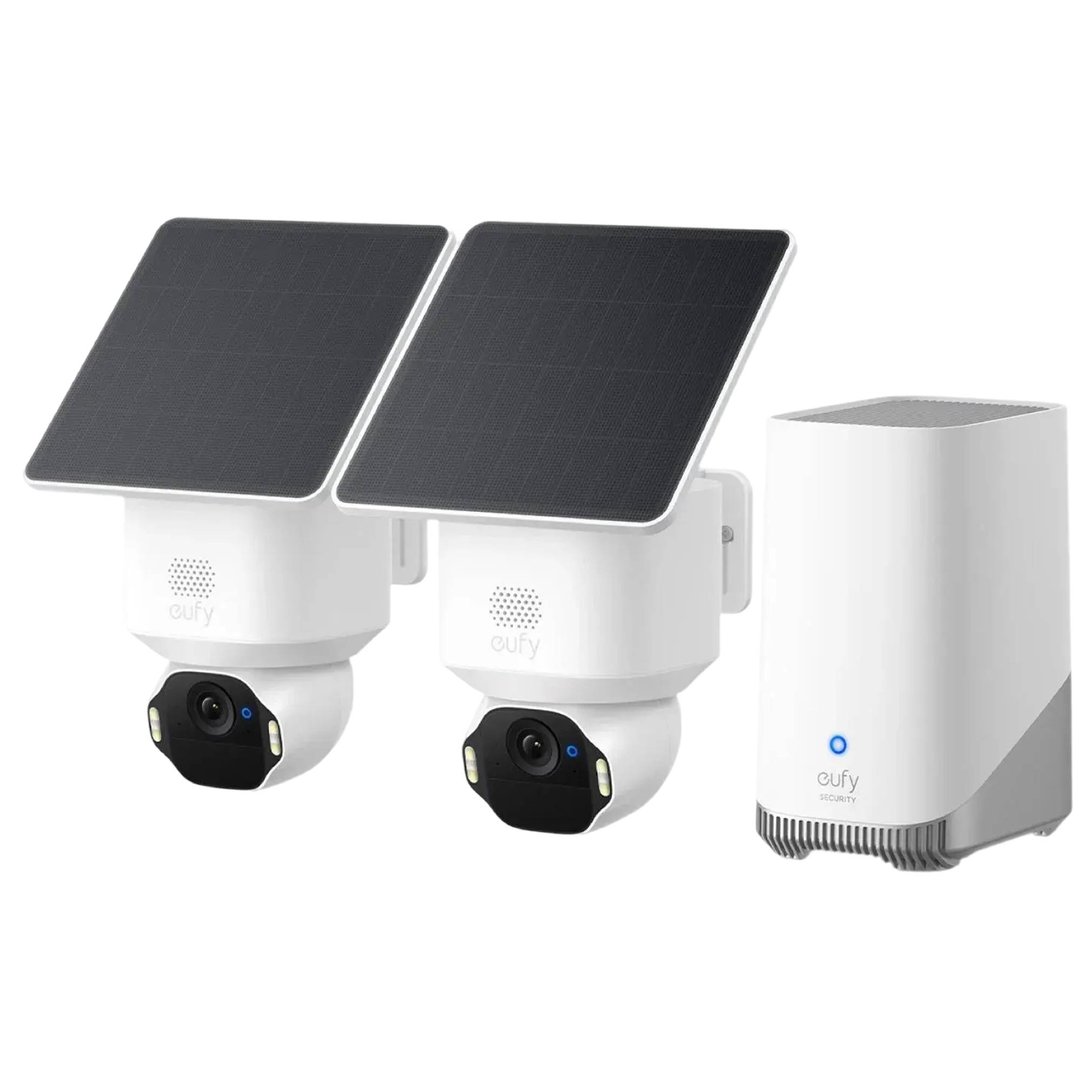
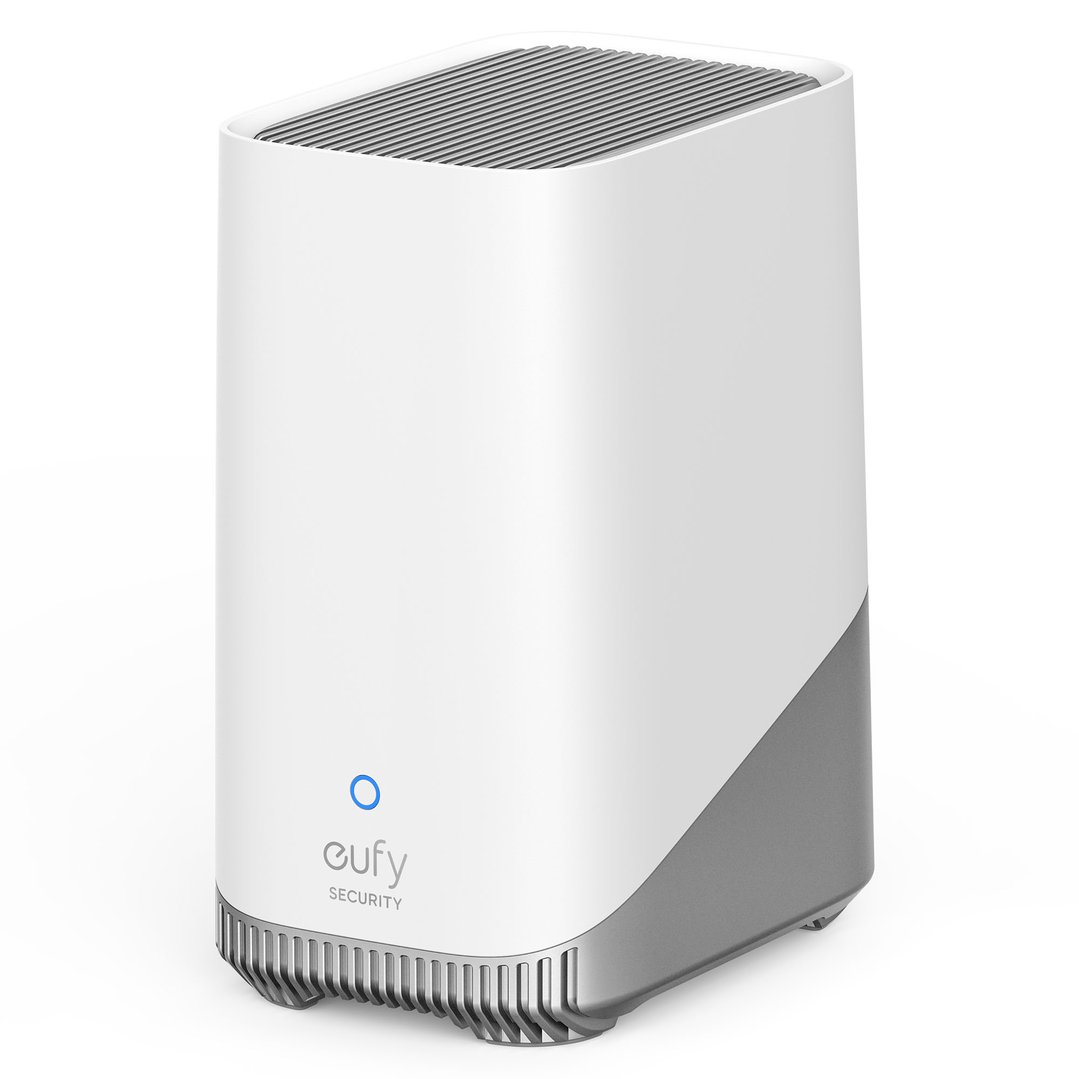
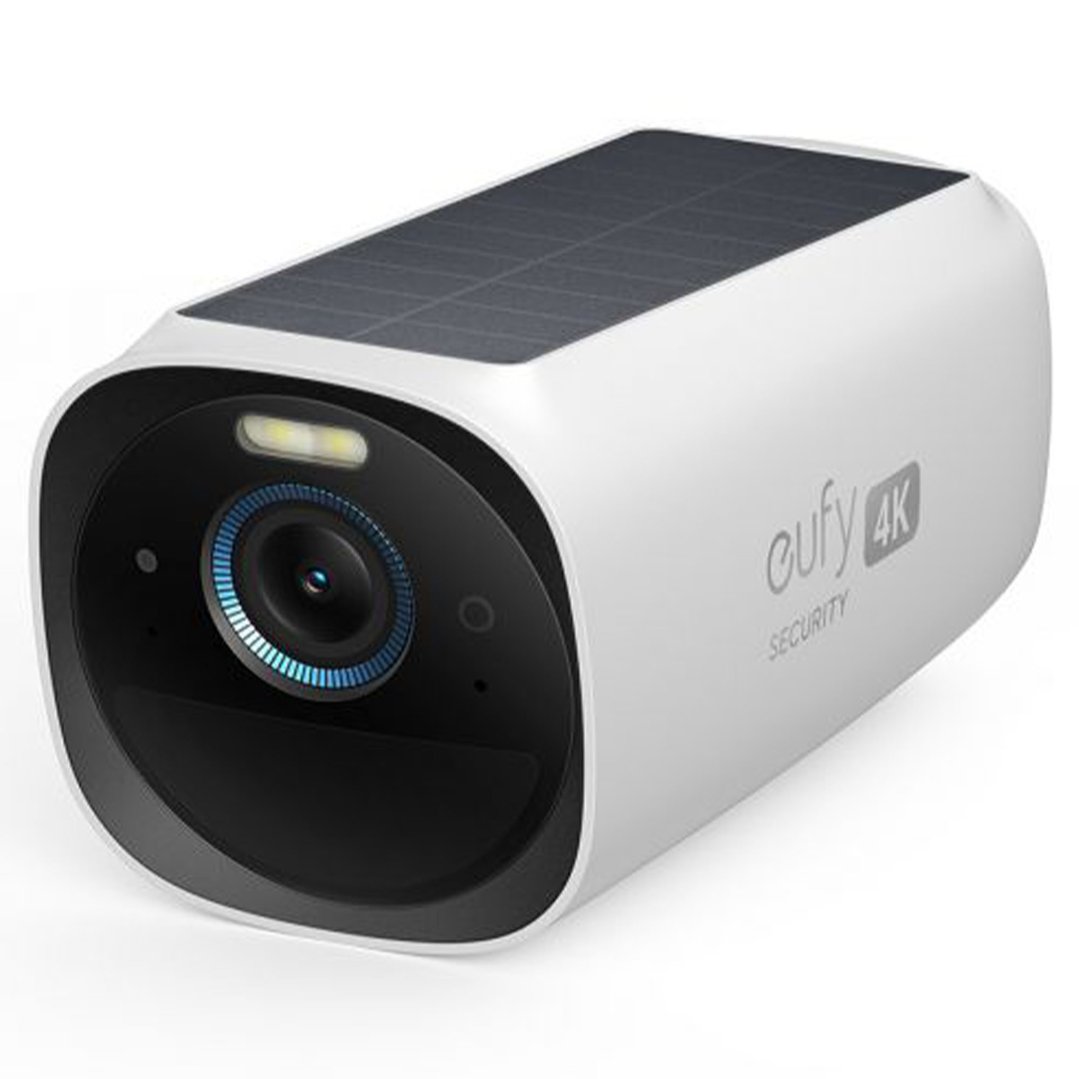
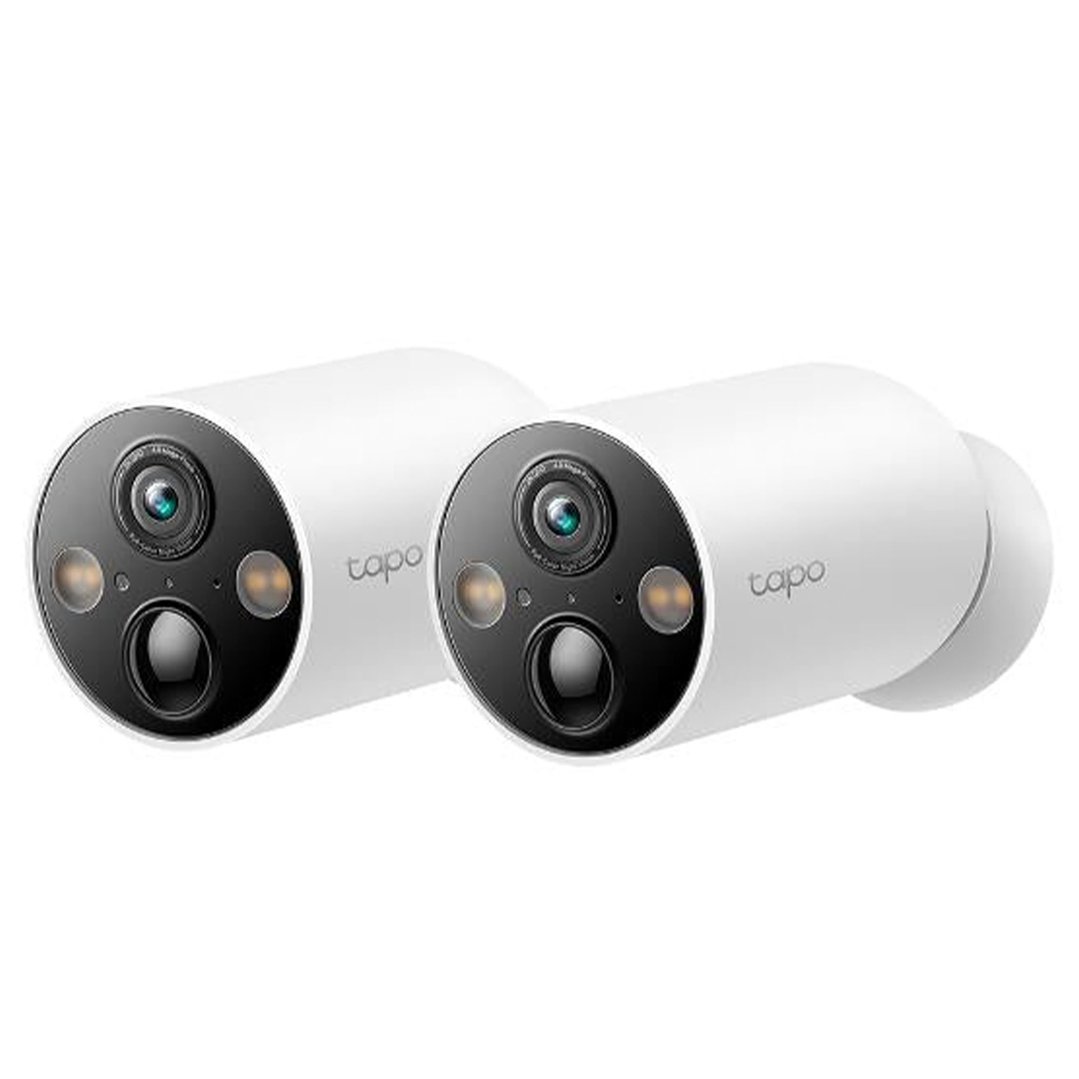
These smart home gadgets will take your setup from functional to futuristic:
Smart pet feeders (feed your dog from your phone!)
Smart door locks (keyless entry)
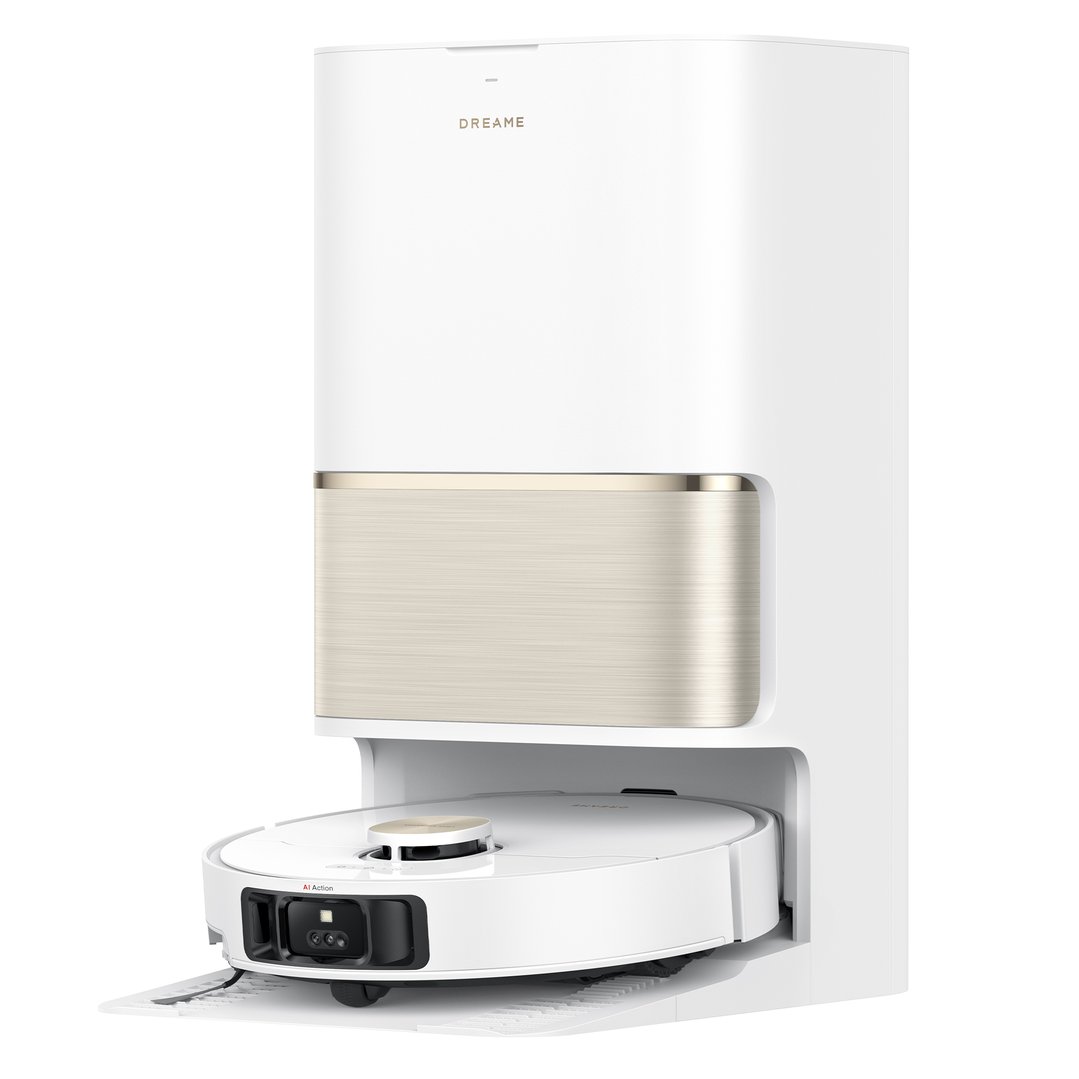
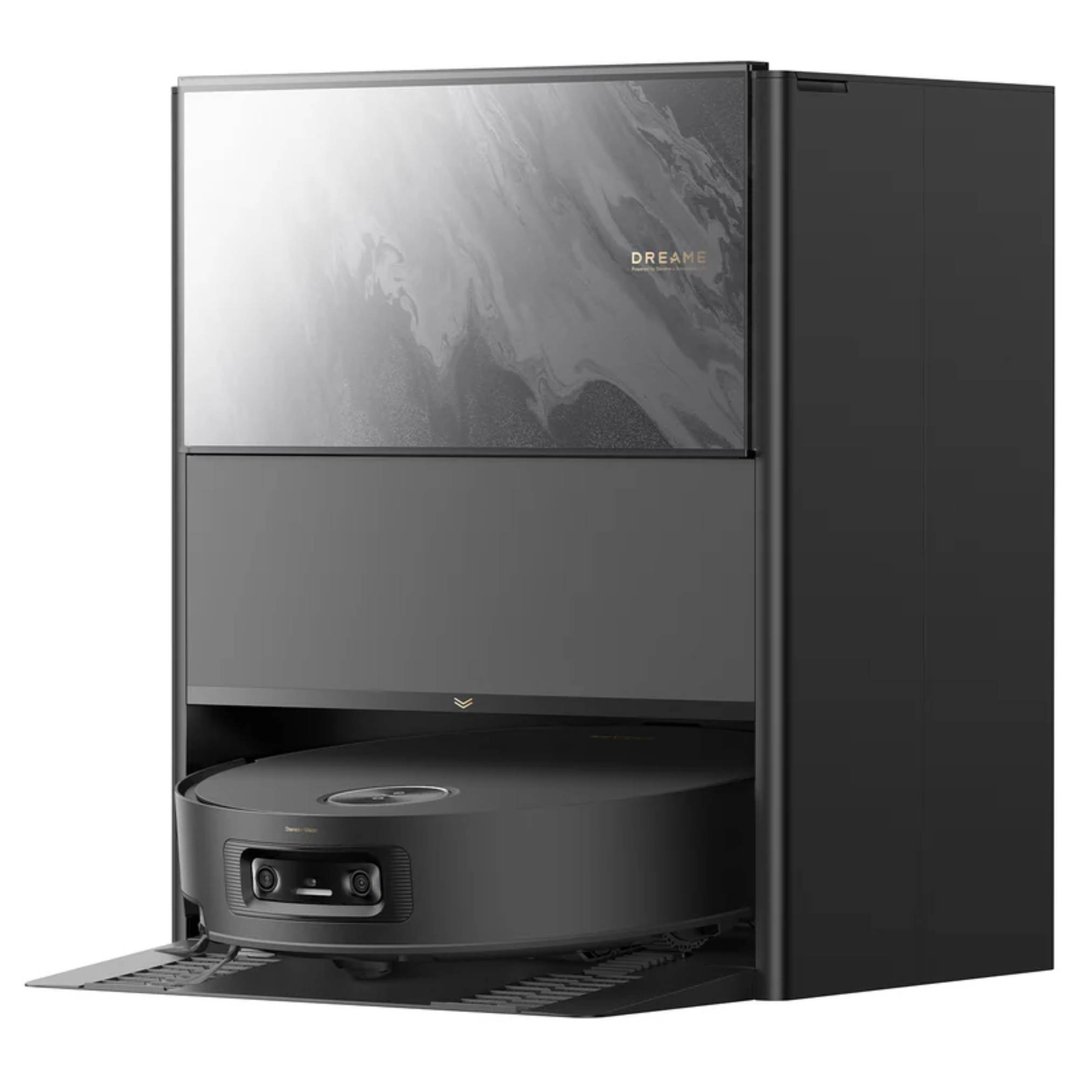
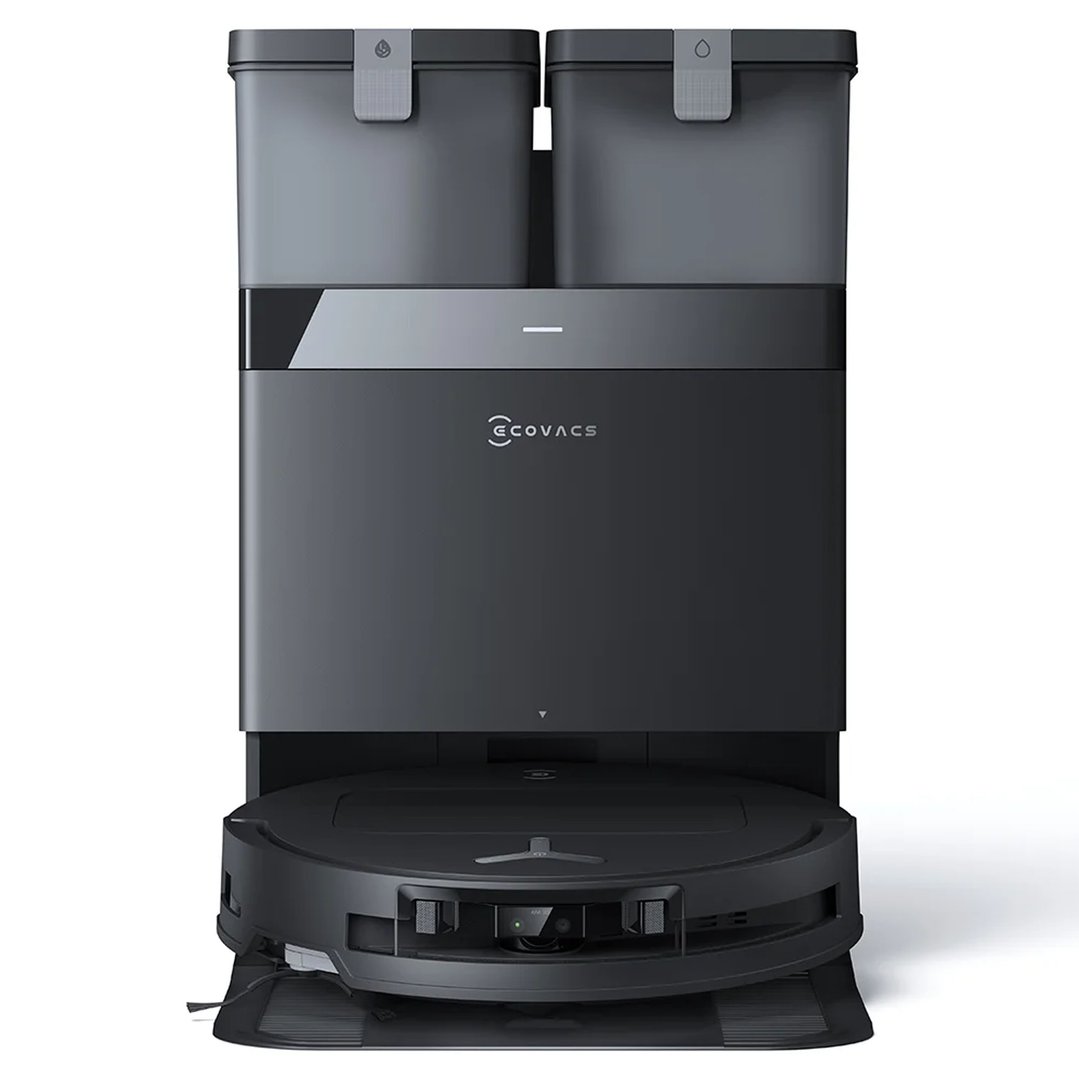
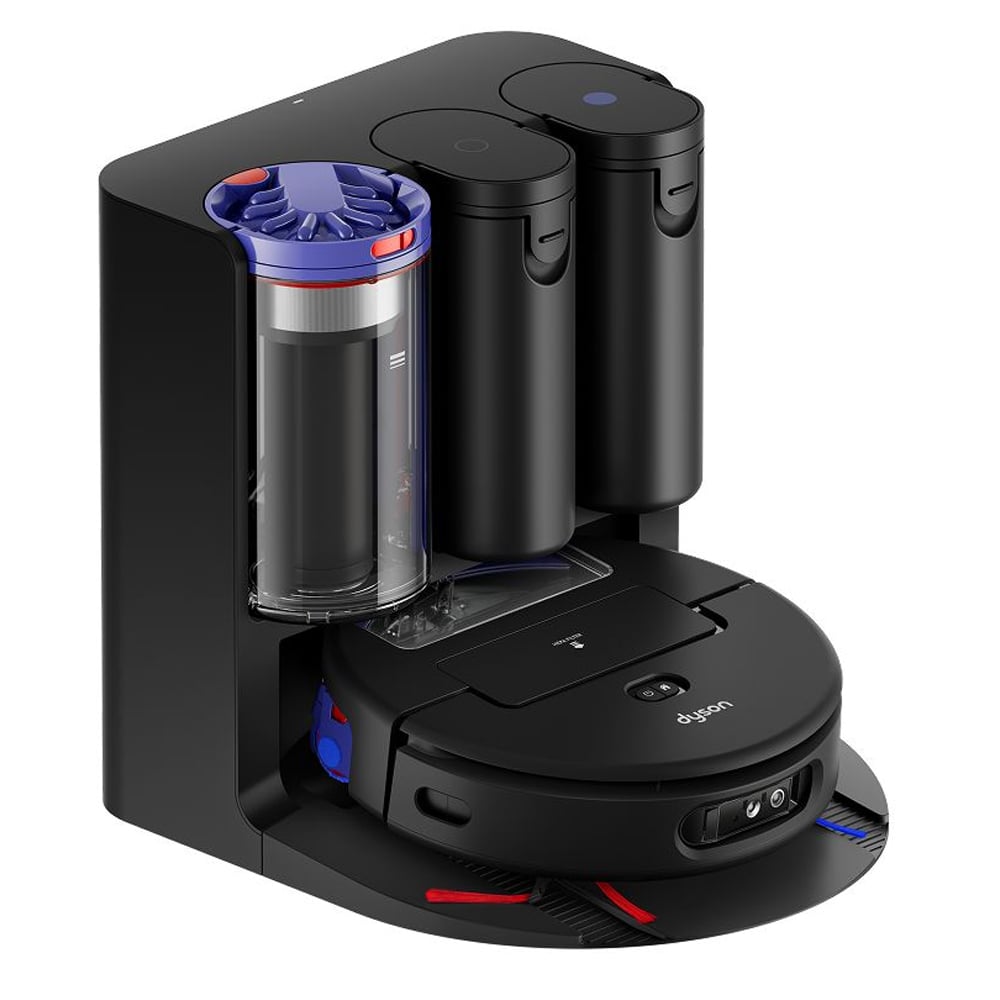
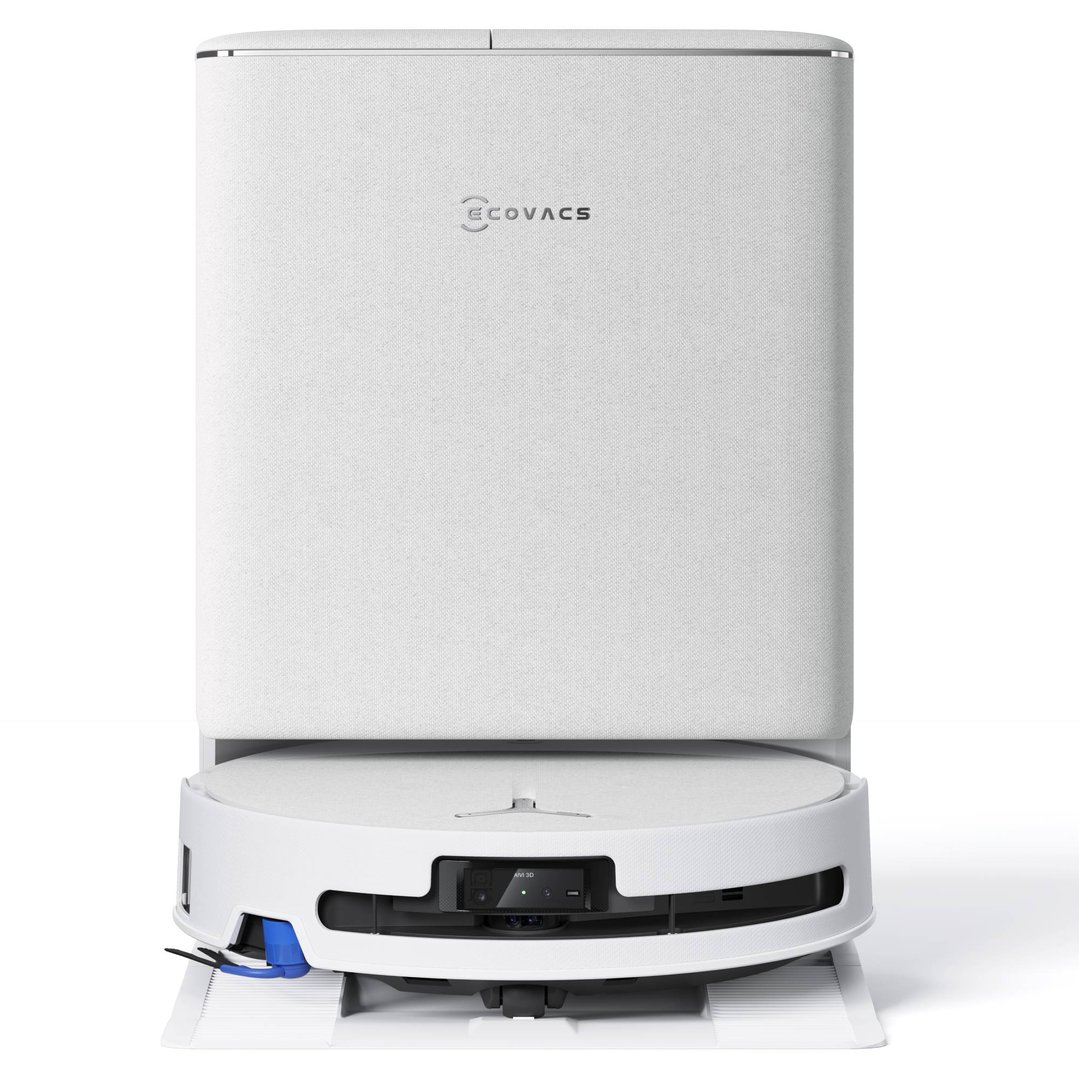
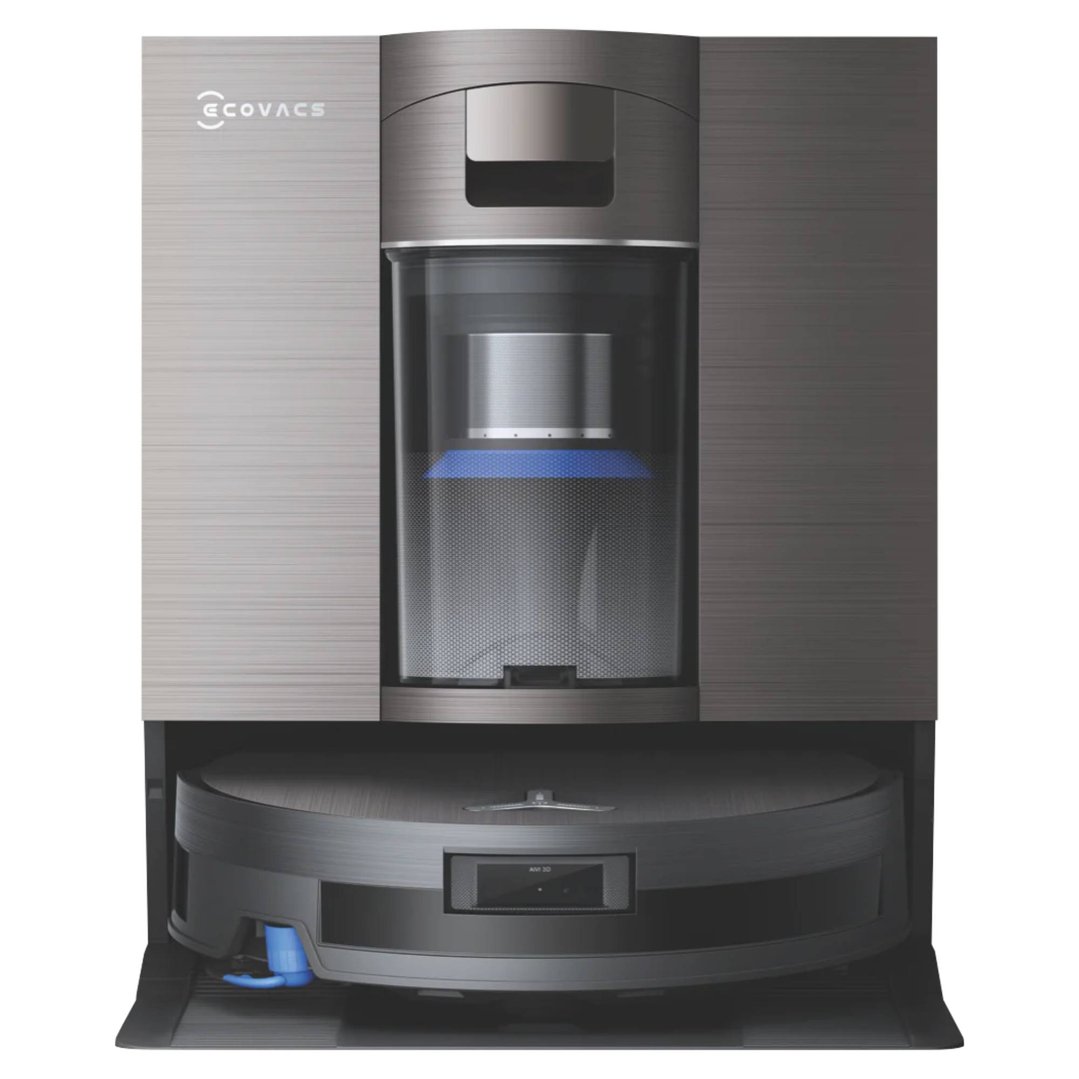
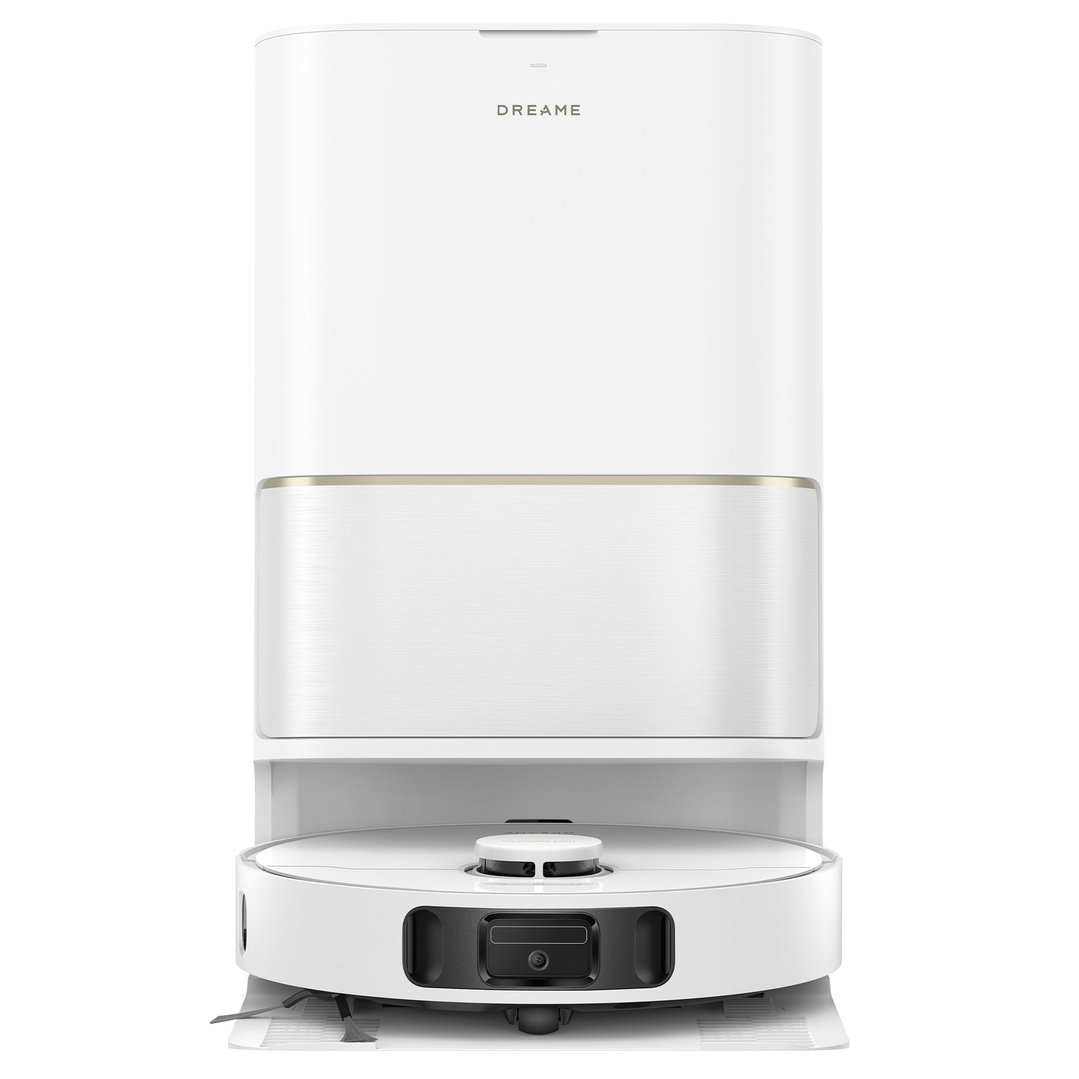
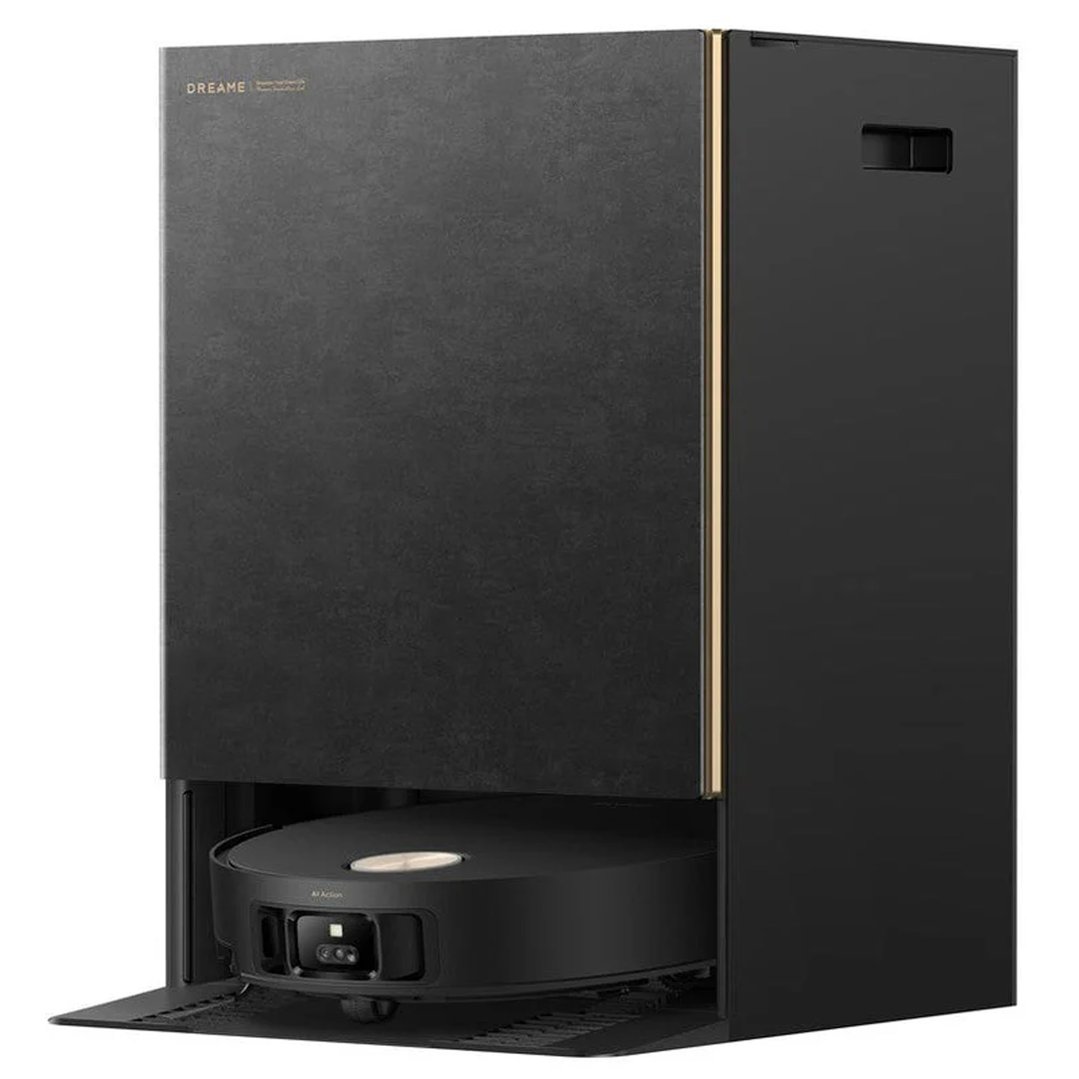
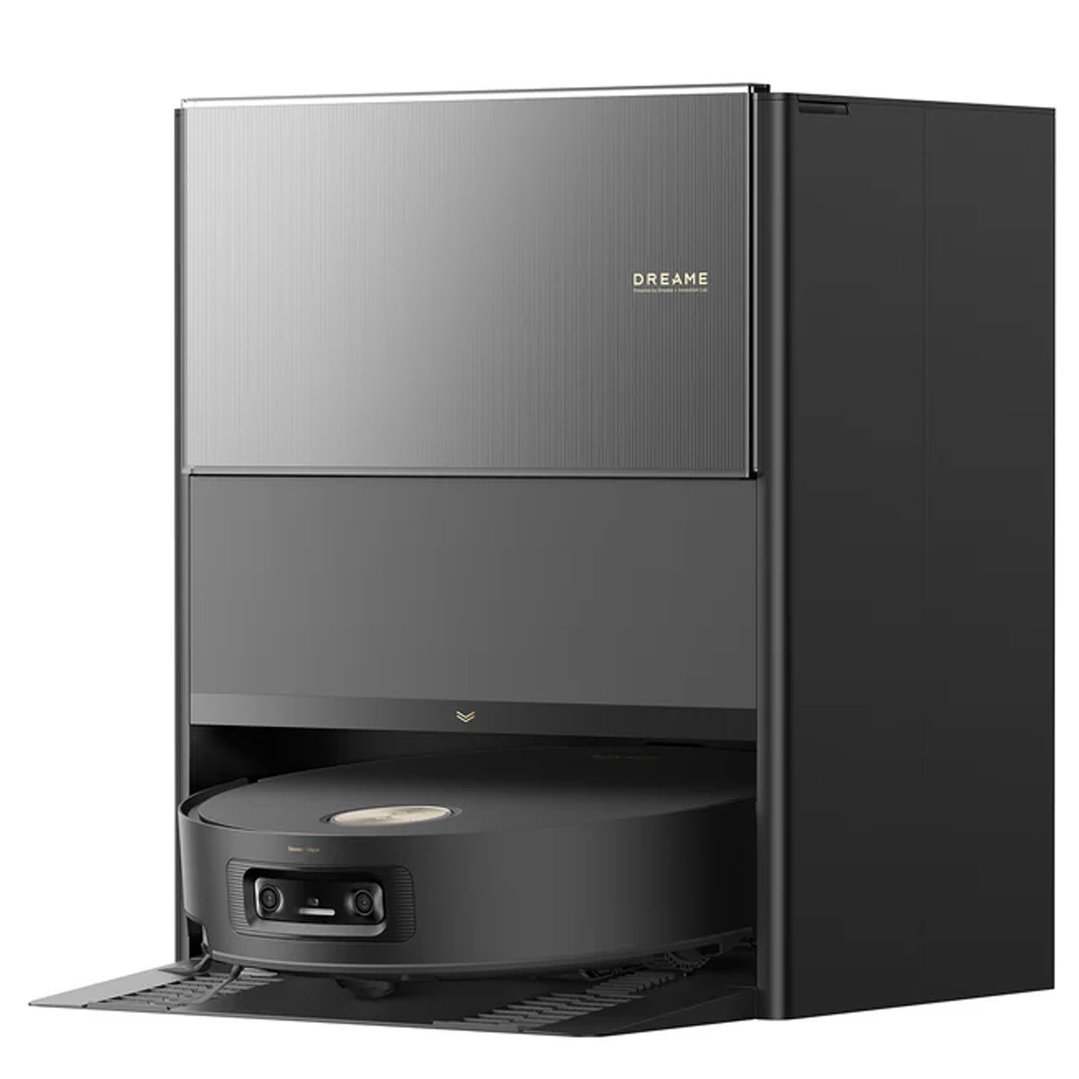
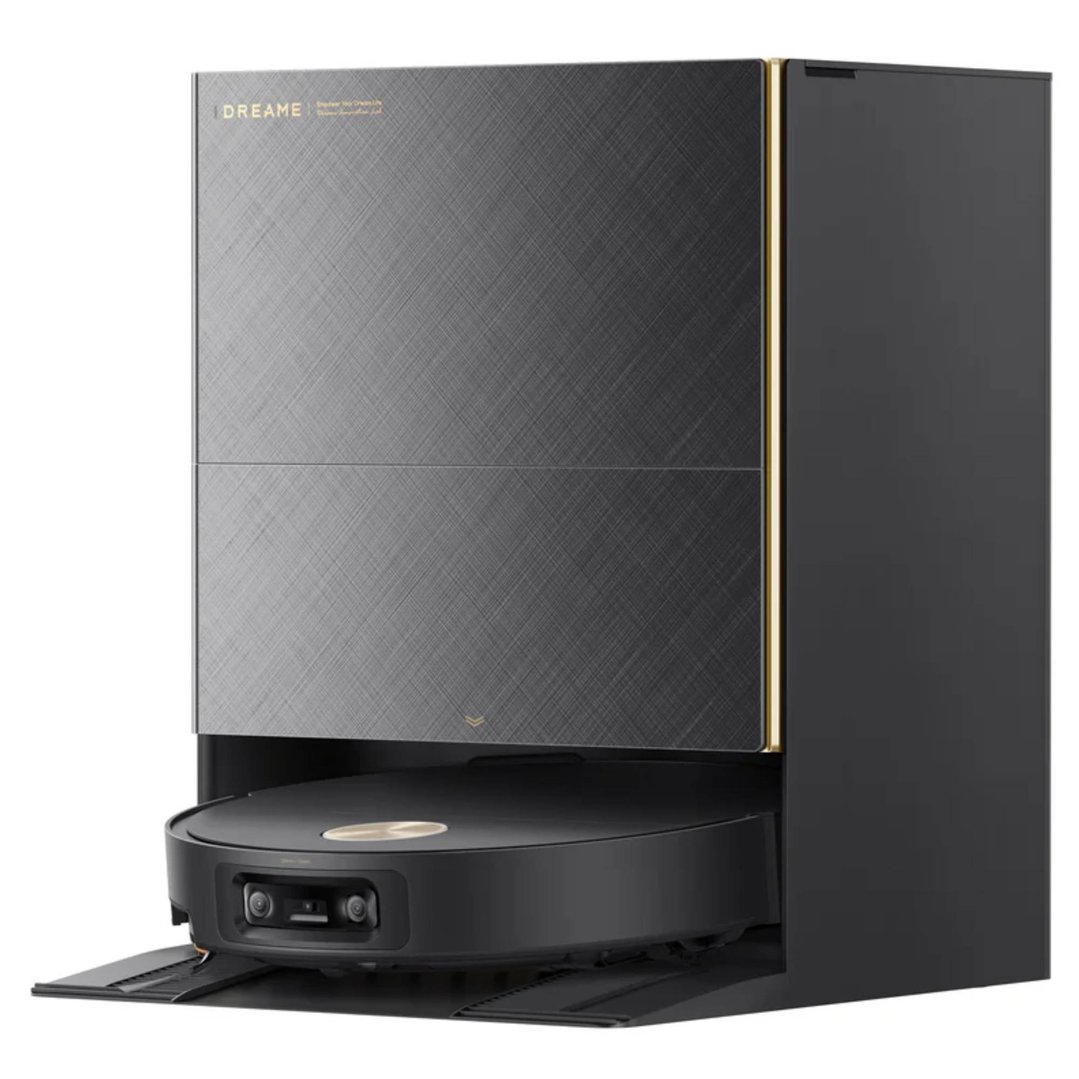
Robot vacuums (clean while you work or relax)
We’re always adding new cool smart home devices to our range at Bing Lee.



Smart home with Google: Best if you use Android or Google Nest devices.
Smart home with Apple: Choose HomeKit-compatible products. Privacy-first and ideal for iPhone users.
Smart home with Alexa: Amazon Echo devices work with a huge range of gadgets.
Always check compatibility on product pages and packaging.
Q: What is a smart home?
A smart home is a home fitted with connected devices like lights, thermostats, and locks that can be controlled remotely or automatically.
Q: How to make a smart home?
Start with one device like a smart light or speaker, choose a hub (Google, Apple, or Alexa), and build from there.
Q: What is the best smart home hub?
Popular options include the Google Nest Hub, Apple HomePod, and Amazon Echo Show.
Q: What if I rent or live in an apartment?
Start with plug-in devices like smart bulbs and speakers. No wiring required!
Q: Are smart homes expensive?
You can start small and grow over time. Many entry-level smart home gadgets are very affordable.
Q: Do smart home devices work in Australia?
Yes! Bing Lee stocks a huge range of smart home compatible devices for your homes across
Page last updated: 2nd May 2025 | Information provided by the experts at Bing Lee.