Buying Guides
iPads and Tablets Buying Guide

Thinking about buying a tablet? Whether you’re searching for a device perfect for use at work or one that’s the right fit for your family, you’ll find a great range of tablets and iPads to choose from. With so many different models to consider, we’ve developed a handy buying guide to help make finding the right tablet easier. Find out more about the different tablet operating systems available, what features to look out for and more.
WHAT IS A TABLET?
Smaller than a laptop, yet larger than a smartphone, tablets are a type of handheld computer that are designed to be very portable and user friendly. They typically have a touchscreen and are often wirelessly connected to both the internet and other accessories. With a larger screen size and a variety of downloadable apps and programs, they offer a functionality that sits somewhere between your smartphone and your home computer. They have become a popular device among kids and families, students and professionals alike.


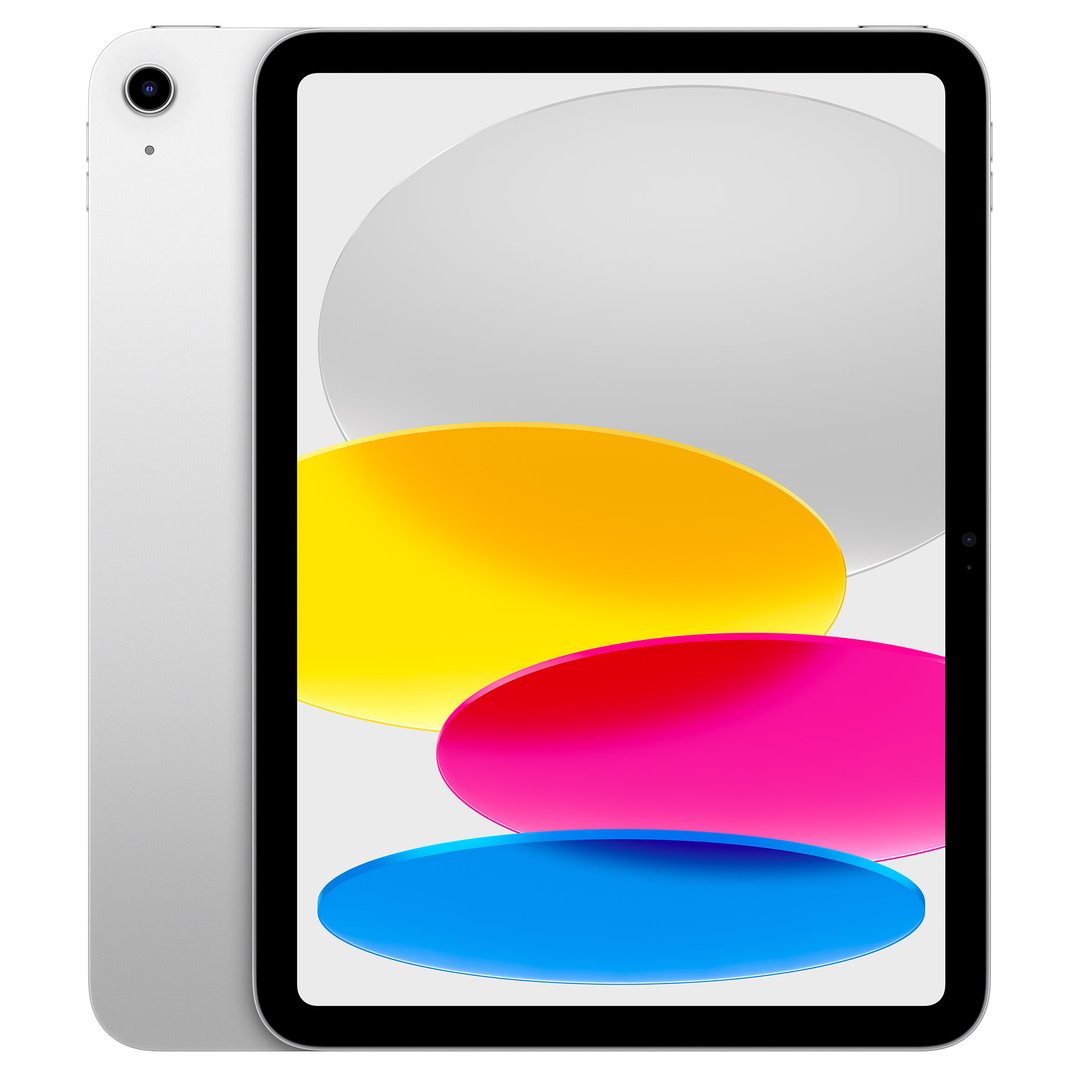

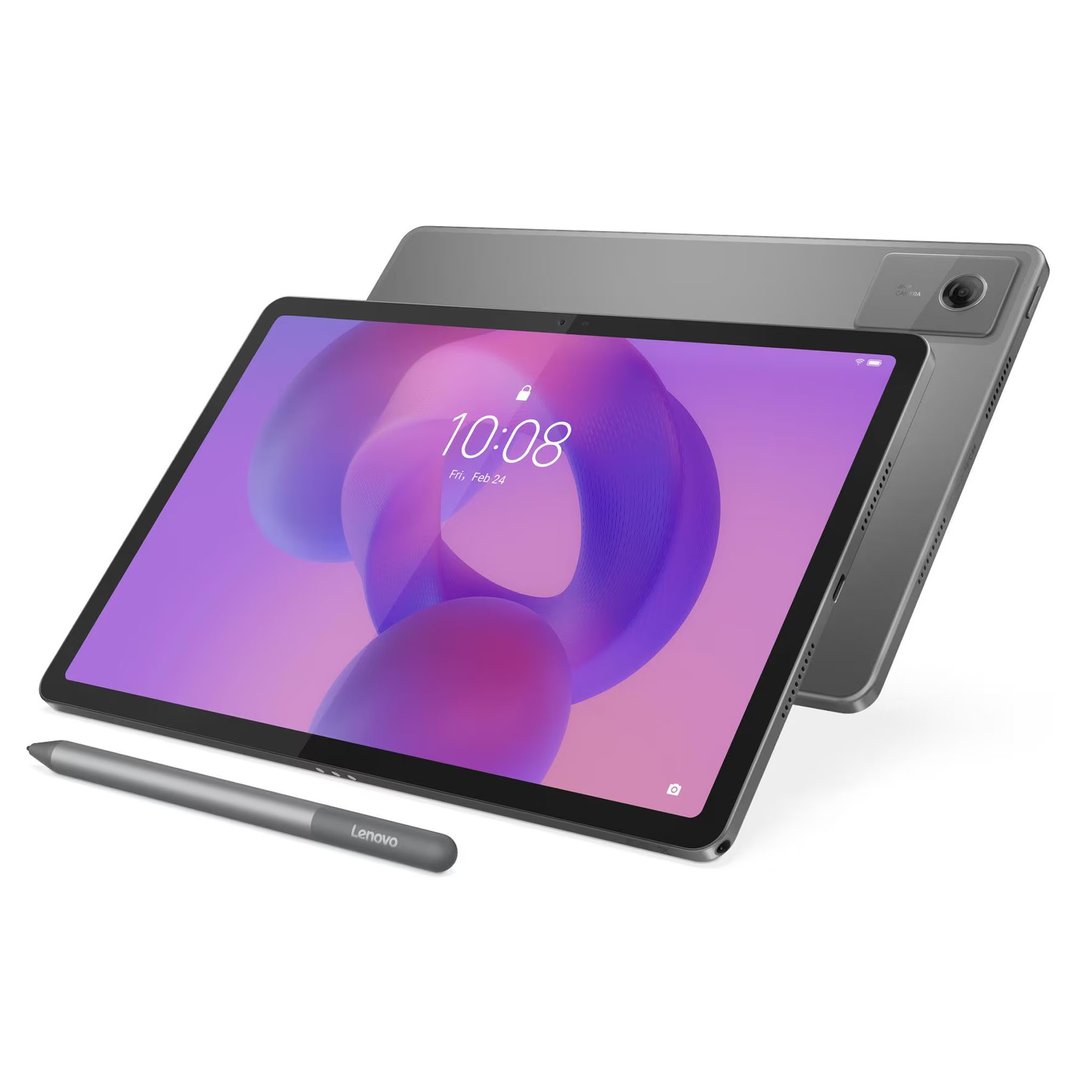
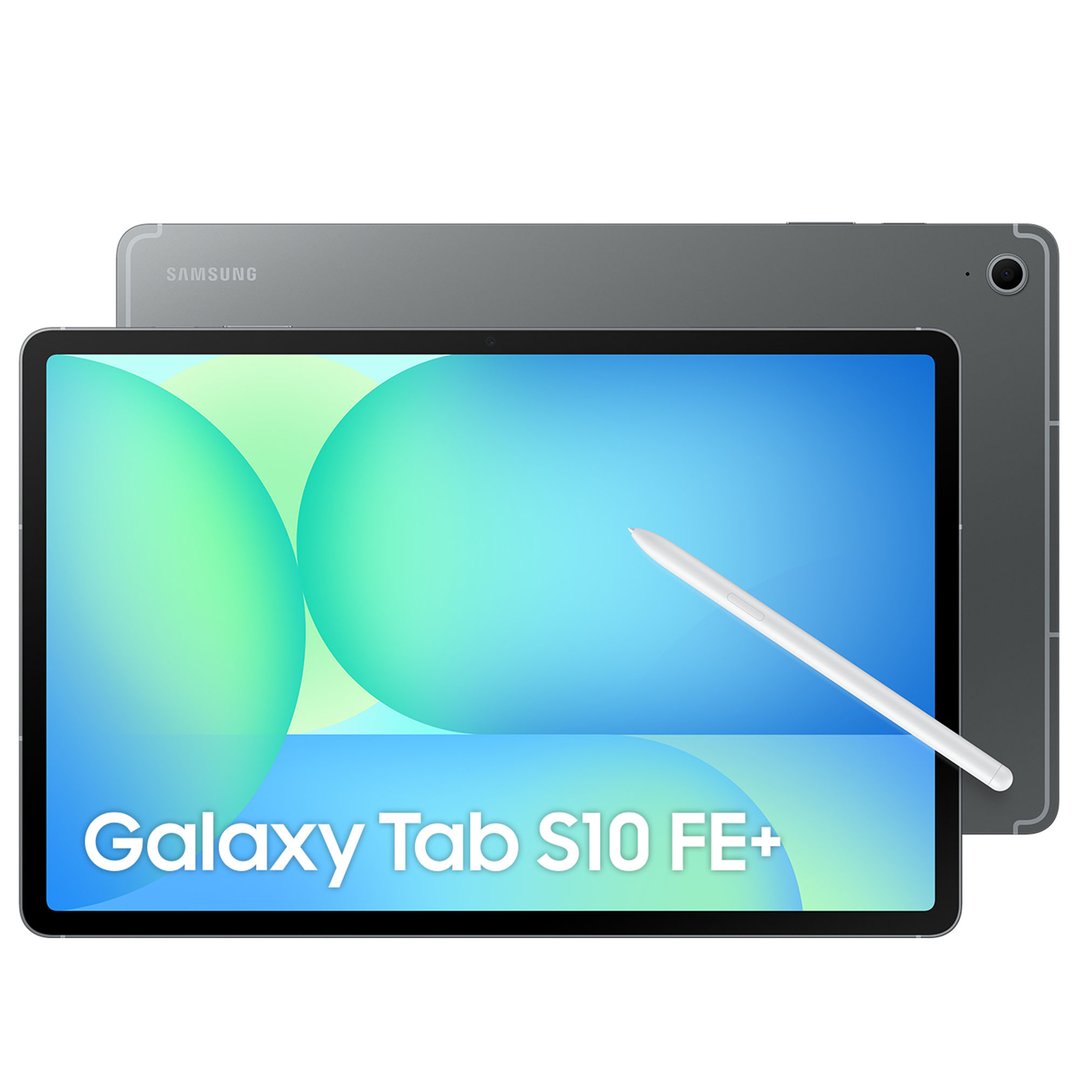

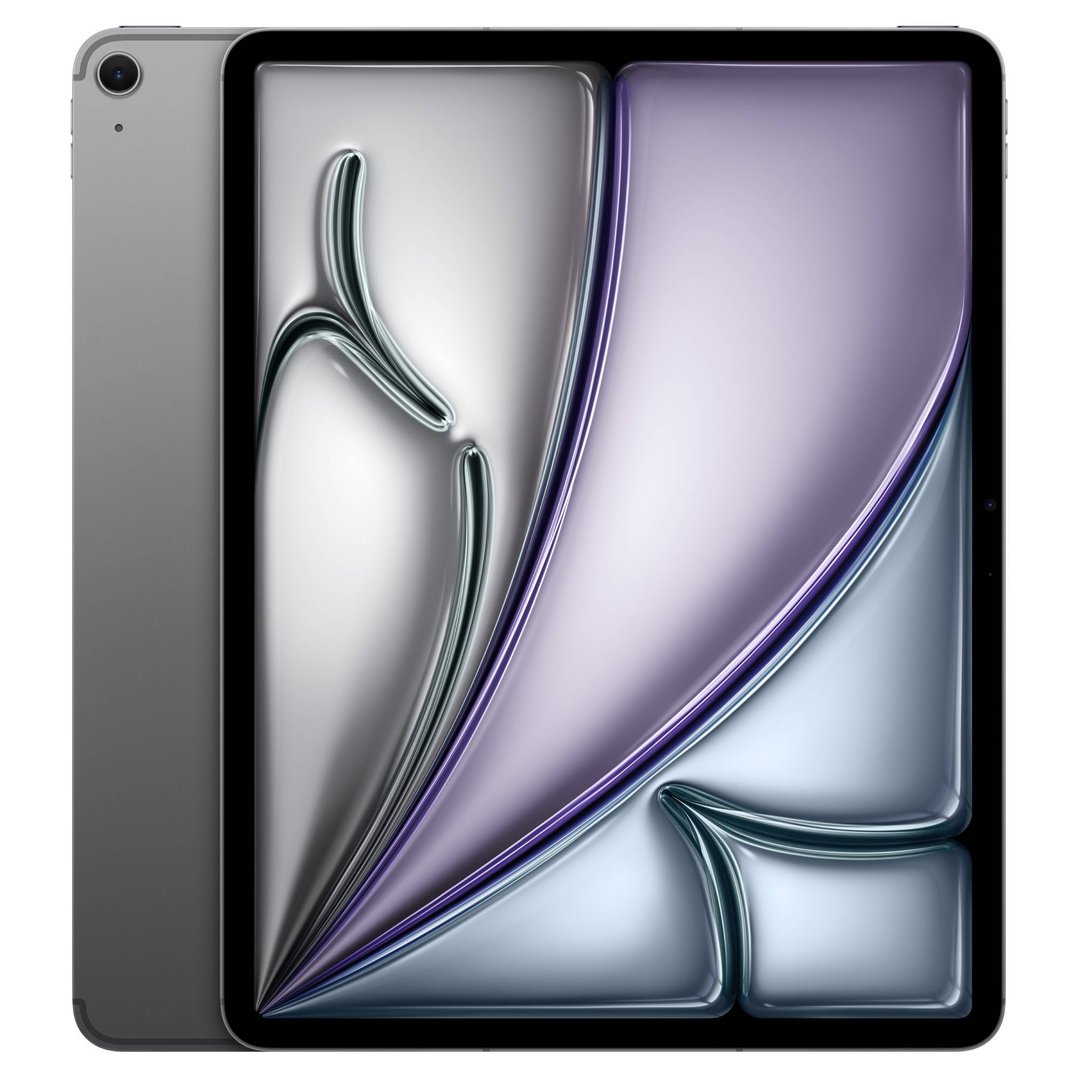
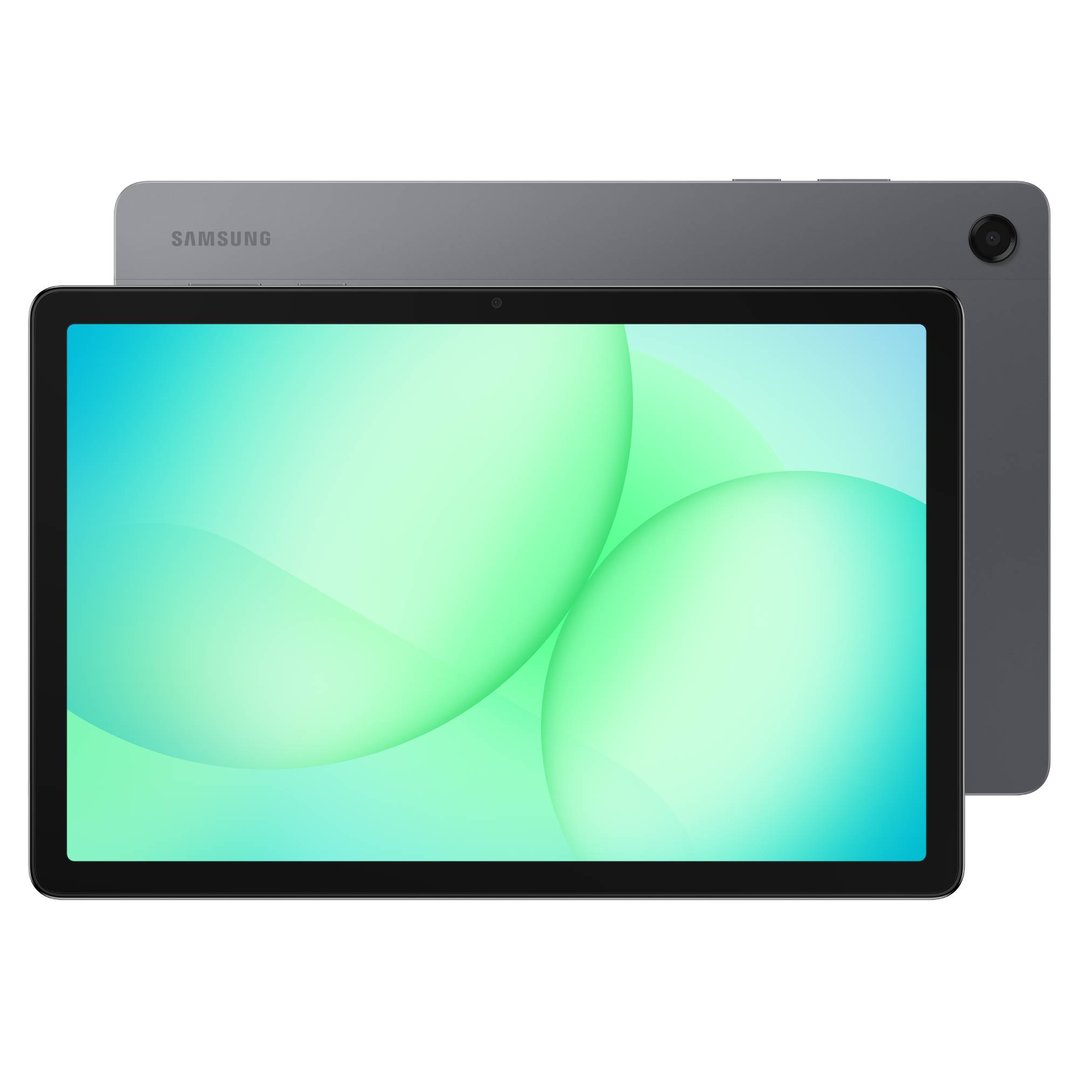
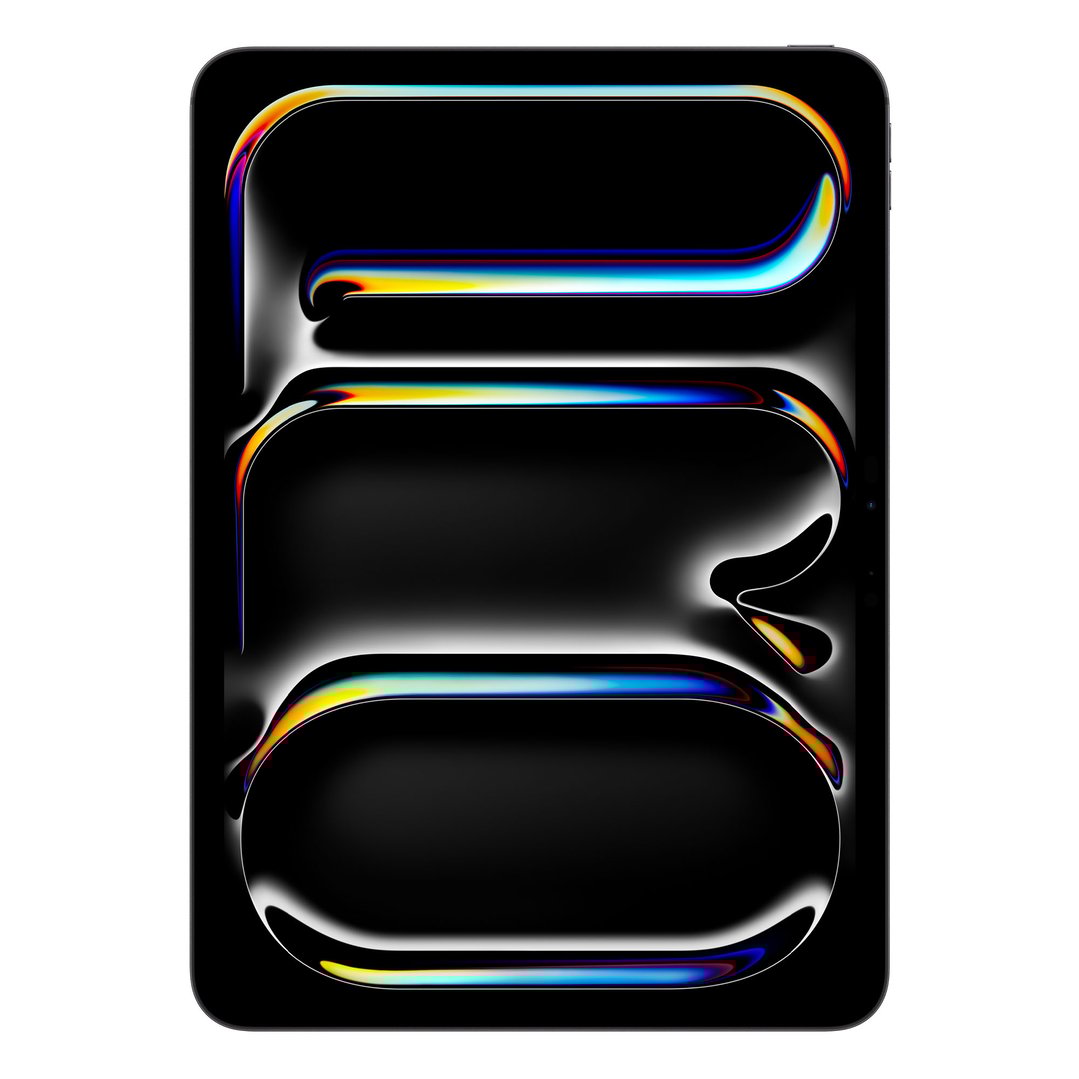
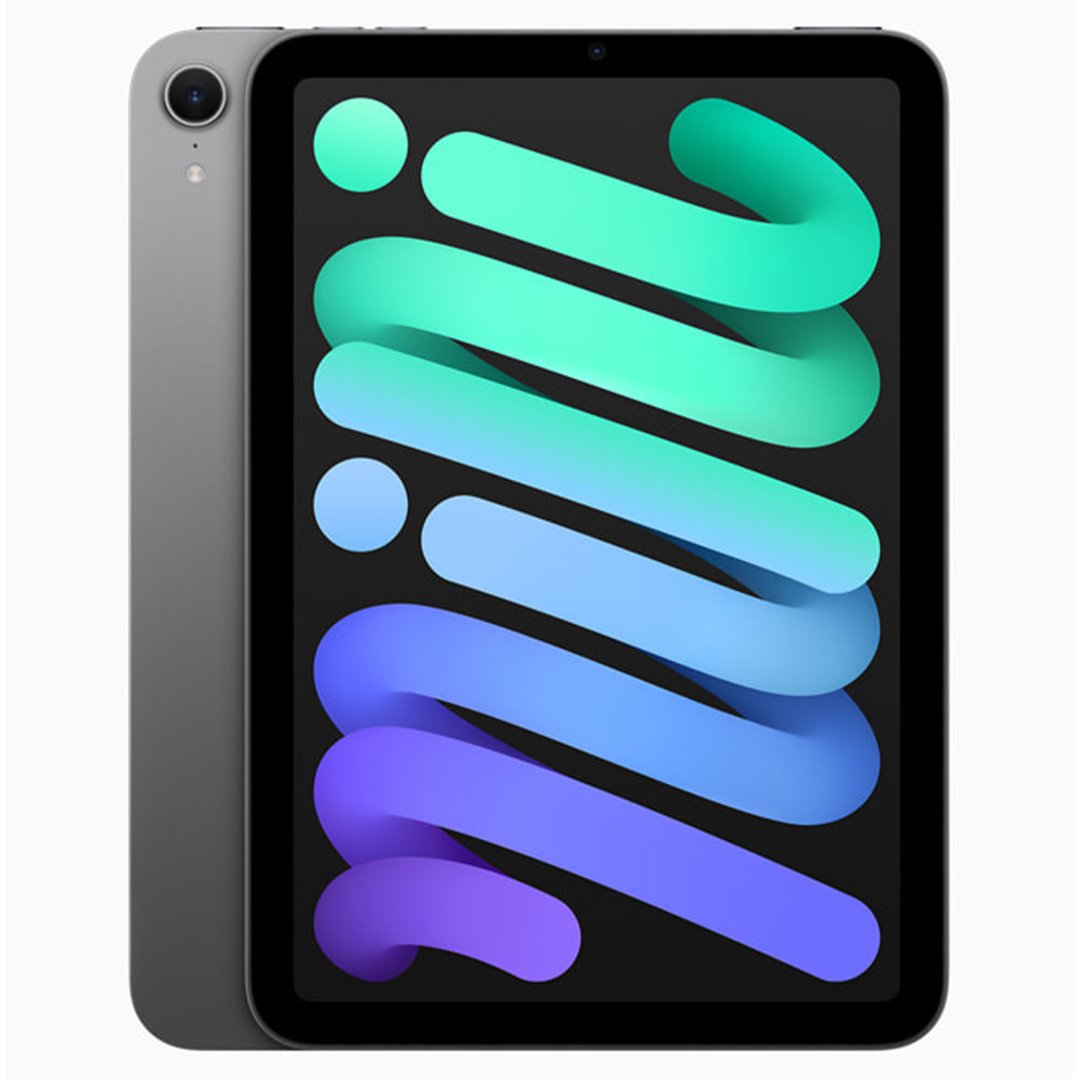
TABLET OPERATING SYSTEMS
Not all tablets use the same operating system. Although it may not be crucial for your needs, it’s a good idea to check which operating system your other devices, such as your smartphone and home computer, use to help avoid any compatibility issues down the line. Not all apps and programs work across all operating systems, so it’s a good thing to keep in mind when buying a new tablet.
The most popular tablet operating systems include:
APPLE IOS
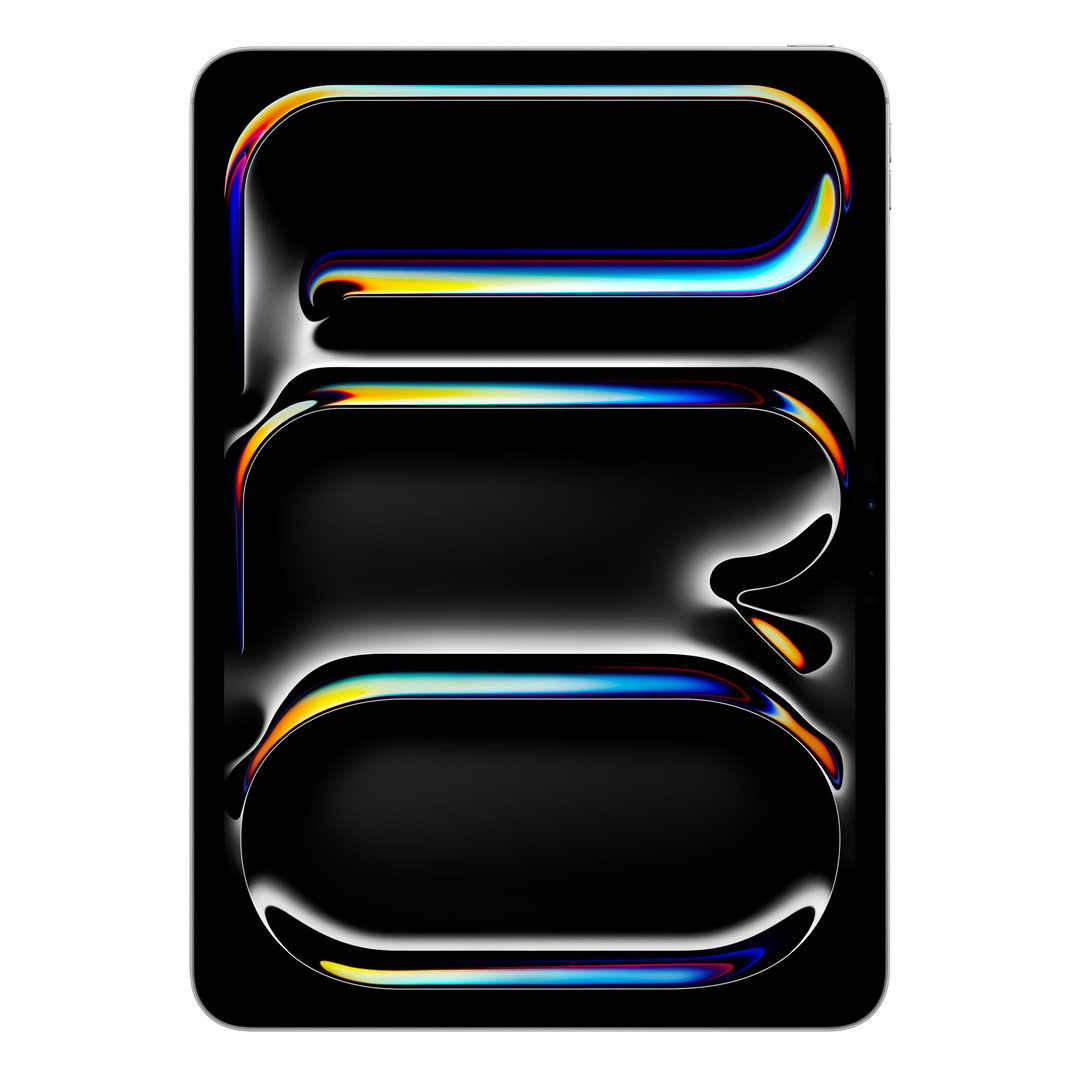
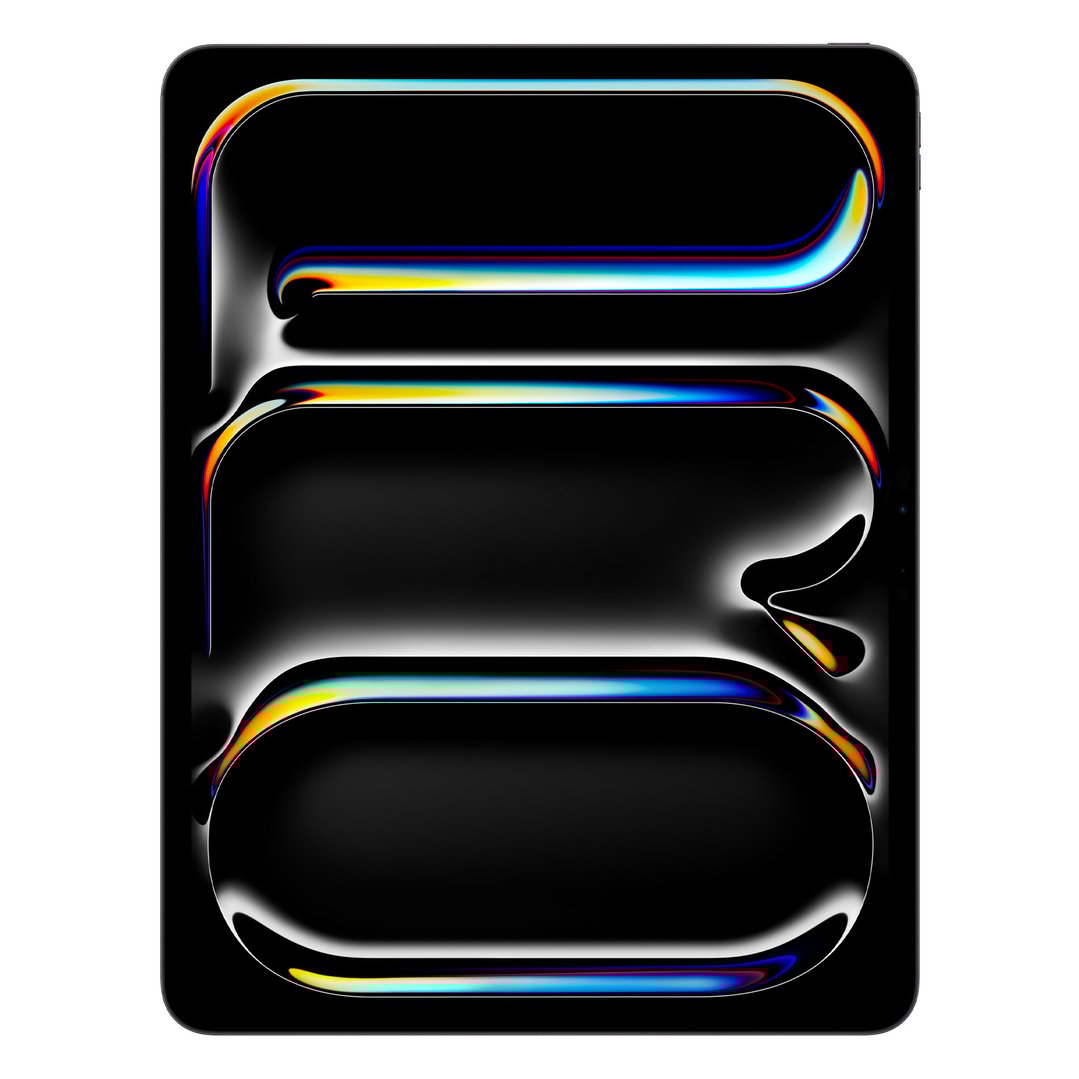
Used across all Apple iPad models, including the iPad Pro and the iPad Air, Apple iOS has become a popular operating system thanks to its clean design and intuitive navigation. It is a good choice if you already own Apple products, such as an iPhone, as it allows you to easily sync your App Store purchases and existing apps, while the App Store itself gives you access to over a million apps designed specifically for Apple iOS. It’s good to note, however, that Apple iOS isn’t known for its versatility. If you are wanting to be able to customise your tablet to your needs, you may be better off considering another operating system.
WINDOWS 10
Used by a variety of different tablet brands, Windows 10 is considered to be quite customisable, making it a good choice if you’re wanting to be able to tailor your device to your needs. It can also be a good choice if you already have other devices that use Windows, such as a laptop or desktop computer, and are wanting to use the same programs. Although the number of downloadable apps available with Windows 10 may be fewer than those offered by Android and Apple iOS devices, the operating system can support more full programs, such as Photoshop.
ANDROID
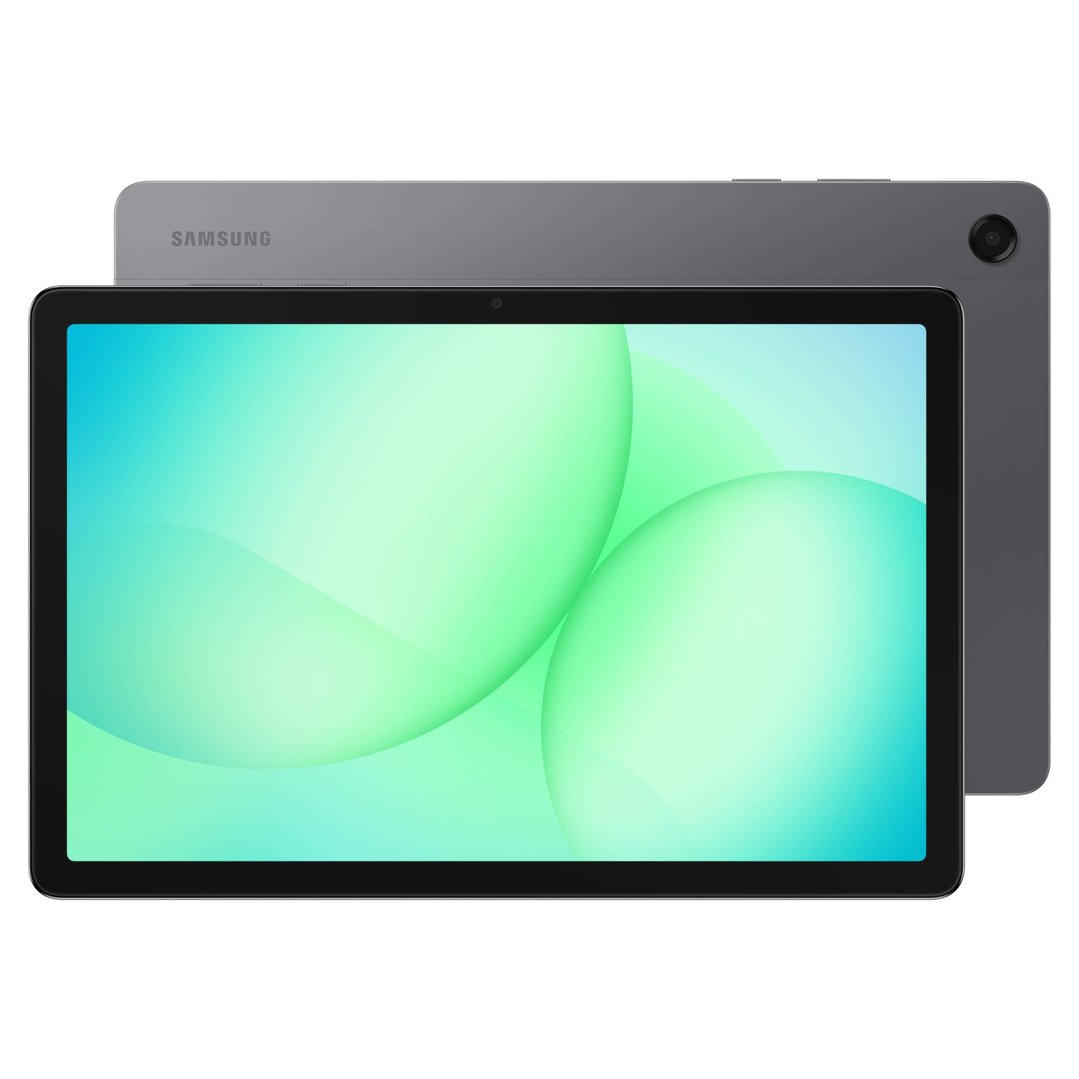
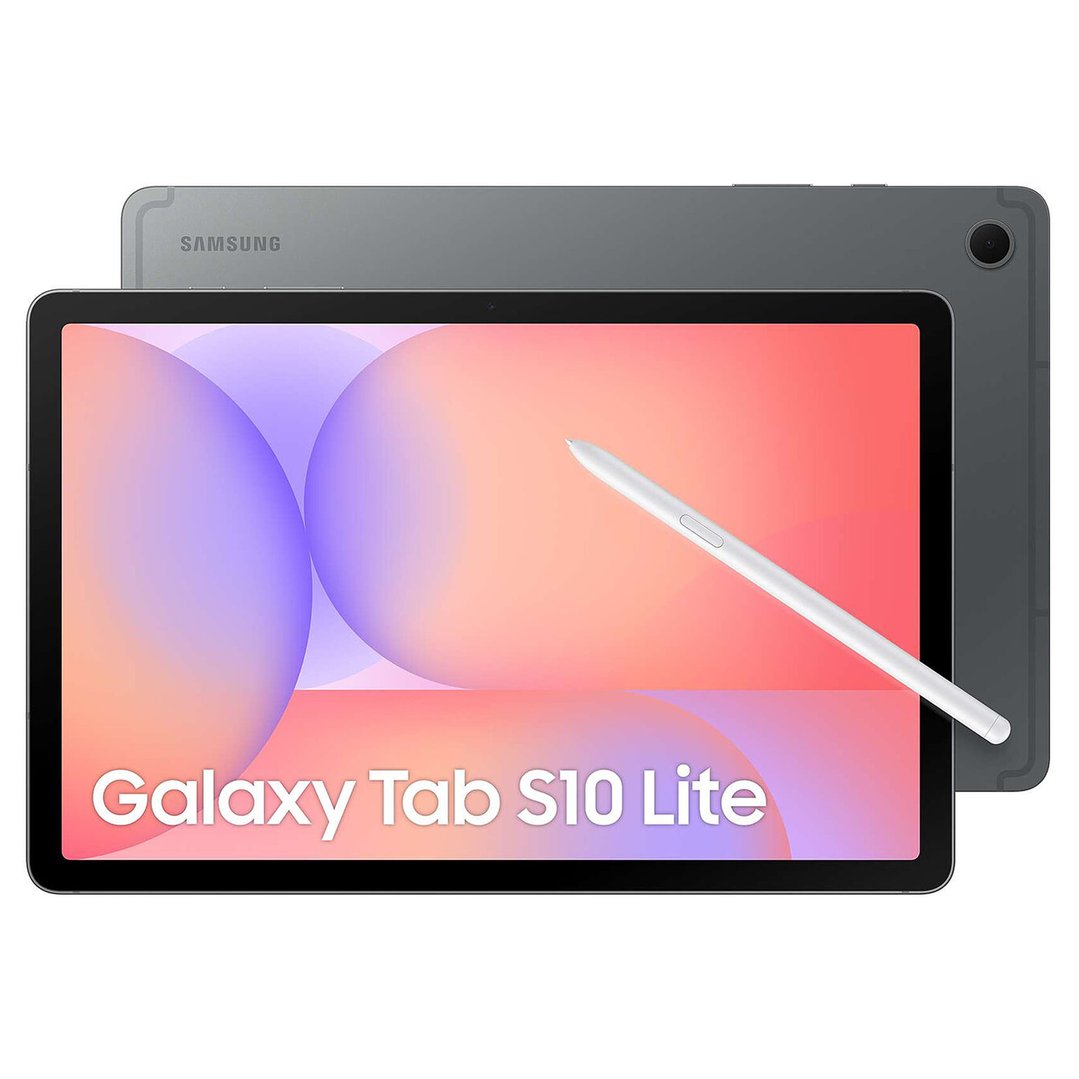
Intuitive and easy to use, Android is another popular operating system used by a variety of tablet manufacturers. Developed by Google, the operating system provides seamless integration with Google-owned apps, such as Gmail, YouTube and Google Docs, and offers access to more than a million apps in the Play Store. Android tablets are worth considering if you already own other Android devices, or want control over how your tablet is set up and how it displays the information you need when in use.
FEATURES TO LOOK OUT FOR
Battery life. The battery life that’s best for your needs will vary depending on what you intend to use your tablet for. As a general rule of thumb, watching videos and playing games will deplete your battery life far quicker than checking your emails and the news.
Processing power. If you plan to use your tablet for general web surfing and app use, processing power isn’t particularly important and you should be fine with a dual-core or quad-core processor. If, however, you intend to use heavy software or perform specialist tasks, you may benefit from greater processing power, such as that provided by an octa-core processor.
Internet access. Depending on where and when you plan to use your tablet, how you can access the internet may be important. Many models provide WiFi connectivity as standard, but if you need to stay connected on the go, you may want to consider a tablet with a SIM card, allowing you to use mobile data and enjoy 4G connectivity.
Storage space. Storage capacity does vary between tablet models, with some offering just 16GB of storage and others providing upwards of 128GB. When thinking about how much storage space you’ll need, it’s good to note that the apps and programs that you download will take up some space too. To help future-proof your device, it can be a good idea to buy a tablet with a larger storage space than you currently need to avoid having to upgrade your device anytime soon.
Screen size. Tablet sizes do vary greatly between models. Measured diagonally, tablet screens may be as small as 5 inches or measure more than 11 inches. Small tablets generally measure between 5 inches and 8 inches, medium tablets are greater than 8 inches and up to 11 inches, while large tablets measure larger than 11 inches. If you intend to use your tablet for work, watching videos or gaming, a larger screen size may be better for your needs. If the portability of the device is your primary concern, look for a model with a smaller screen.
Screen resolution. The resolution of tablet screens is measured in pixels per inch (PPI). The higher the resolution of the screen, the clearer the display will be. A lower resolution will be fine for general internet use, but a higher resolution can be a good idea if you intend to watch films or spend time editing photos and videos. Although a higher resolution screen can produce a better picture, it may consume more power than their lower resolution counterparts.
Camera. Many tablets have front and rear facing cameras, allowing you to take photos and make video calls. If you’re wanting to make a lot of video calls, it can be a good idea to check if the front facing camera on tablets you’re considering have an HD camera or better. This can help to ensure you have a nice, clear picture. As for the rear facing camera, any model with 7 megapixels or more will allow you to take a decent photo.
Connectivity. Depending on which tablet you choose, your connectivity options may be limited. Although most tablets allow you to share files via WiFi or Bluetooth, only some have USB ports, HDMI connections and memory card slots. If you need to connect peripherals, such as a keyboard or mouse, to your tablet, or are wanting to use external memory devices, it’s best to check if their connectivity is supported before committing to a specific tablet model.
Responsiveness. The degree of responsiveness that tablet touch screens offer does vary between models. The best way to check if a tablet is responsive enough for your needs is to head in-store and try out the different models you’re considering.