Buying Guides
What Laptop Should I Buy? Your Ultimate Guide

Wanting to upgrade your laptop? Whether you're a student, business user or casual browser, our laptop buying guide will help you find the right fit. Learn what to look for when buying a laptop from processor power to portability, and compare popular types like 2-in-1s and Chromebooks.
Quick Laptop Buying Checklist
Determine Your Budget: How much are you willing to spend? (e.g., Under $800, $800-$1500, Over $1500)
Identify Your Primary Use: What will you mostly use the laptop for? (e.g., Basic tasks, School/University, Professional work, Gaming, Content creation)
Prioritise Key Features: Which components are most important? (e.g., Performance, Portability, Screen Quality, Battery Life, Storage)
UNDERSTANDING LAPTOP TYPES
NOTEBOOKS
Offer similar functionality to desktop computers.
Designed to be very portable.
Available with a variety of screen sizes and storage capacities.
Can be used for everything from simple browsing to more complex applications.
Prices vary depending on specifications.
Typically run on the Windows operating system.
MACBOOKS
Manufactured by Apple.
Available in a number of different models with varying specifications.
Generally more expensive than other standard notebooks.
Run on the OS X operating system.
CHROMEBOOKS
2-IN-1 LAPTOPS (convertible)
Function as both a laptop and a tablet.
Have a touchscreen.
Users can quickly switch between the laptop and tablet functions.
2-in-1 laptops transform using a variety of different mechanisms that vary by make and model, from sliding and twisting to the popular fold-back method.
ULTRAPORTABLE LAPTOPS
Designed, as the name suggests, to be extremely portable.
Generally very thin and the lightest laptop variety on the market.
To ensure their small footprint, some features, such as additional connection ports, may be reduced or excluded.
GAMING LAPTOPS
BUSINESS LAPTOPS
Prioritise security, battery life and performance
Often come with larger SSDs and extended warranties
Key Specifications: What Do They Mean for You?
Understanding these core laptop components will help you make an informed decision:
PROCESSORS (CPU)
The CPU is the "brain" of your laptop, determining its overall speed and ability to handle multiple tasks.
Intel Core i3 / AMD Ryzen 3: Best for basic tasks like web Browse, email, and word processing.
Intel Core i5 / AMD Ryzen 5: Ideal for everyday multitasking, light photo editing, and more demanding applications. This is the sweet spot for most users.
Intel Core i7 / AMD Ryzen 7: Excellent for demanding tasks such as video editing, graphic design, and moderate gaming.
Intel Core i9 / AMD Ryzen 9: Top-tier performance for professional-grade content creation, heavy gaming, and scientific computing.
MEMORY (RAM)
RAM (Random Access Memory) is crucial for multitasking. More RAM means your laptop can handle more applications simultaneously without slowing down.
4GB RAM: Minimum for basic Browse and light tasks (not recommended for new purchases).
8GB RAM: Good for general use, multitasking, and most student/office work. This is a solid starting point.
16GB RAM: Recommended for graphic designers, video editors, serious gamers, and users who run many applications simultaneously.
32GB+ RAM: For professional workstations, high-end content creation, and extreme multitasking.
STORAGE (SSD vs. HDD)
Storage determines how much data your laptop can hold and how fast it can access it.
SSD (Solid State Drive): Much faster than HDDs, leading to quicker boot times, application loading, and overall responsiveness. Recommended for primary storage. Available in 256GB, 512GB, 1TB+.
HDD (Hard Disk Drive): Slower but offers larger capacities at a lower cost, suitable for storing large files like movies or backups. Usually paired with an SSD for the operating system.
GRAPHICS CARD (GPU)
The GPU handles visual processing.
Integrated Graphics: Built into the CPU, sufficient for daily tasks, streaming, and light photo editing. (e.g., Intel Iris Xe, AMD Radeon Graphics)
Dedicated Graphics: Separate powerful component, essential for gaming, video editing, and 3D rendering. (e.g., NVIDIA GeForce RTX/GTX, AMD Radeon RX)
SCREEN SIZE & DISPLAY QUALITY
The type of display you choose can impact the visuals displayed on your laptop, including the colour and brightness of the picture. It’s essential to consider what and how you’ll be using your laptop to find the perfect size and quality that will work best for your needs.
Sizes:
13-14 inch: highly portable size, lighter and great for carrying around
15-16 inch: balanced for both portability and use without a screen
17 inch+: desktop replacement
Resolution:
Full HD (1920x1080): is standard for computers, good for watching movies and TV shows
QHD/4K: offer sharper images, ideal for content creation, gaming and editing
Panel Type:
TN: the standard type of display used in most laptops and are best suited for basic use
IPS: provide better viewing angles and richer colours, great for gaming or editing photos
OLED: offer a wide scope of colours and better contrast than other types of display
OPERATING SYSTEMS
Windows: Most widely used, user-friendly, and offers broad software compatibility. Ideal for most users.
macOS: Designed for Apple devices, known for its clean design, security, and smooth performance. Popular among creative professionals.
Chrome OS: Lightweight, fast, and cloud-centric. Best for basic tasks, web applications, and users who prioritise simplicity and affordability.
ADDITIONAL FEATURES TO LOOK OUT FOR
Battery life. If you need to be able to use your laptop when you’re on the go, it’s a good idea to look for a model with a long battery life. Battery life will be influenced by the programs you use, whether you happen to be multitasking and the power of your laptop’s processor, so be sure to take these factors into consideration when comparing models.
Graphics. All laptops come with some kind of integrated graphics card. Although important to the way that your laptop displays images and videos, it’s generally not something that you need to worry about too much unless you plan to use your laptop for photo and video editing or for gaming. If you are an avid gamer or want to get more from your laptop, look for a model with a specialist graphics card and at least 1GB of dedicated memory.
Ports. If you intend to use a number of peripherals, such as monitors, printers, keyboards and mice, with your laptop, it’s a good idea to check if your chosen model has enough ports to support your devices. Check how many ports there are and whether they are compatible with your devices.
Weight. It’s important that when you need to travel with your laptop, whether it’s overseas or interstate, or simply during your daily commute, that it isn’t too heavy. If possible, head in-store to feel how heavy the models you are considering are to see if they are suitable for your needs. If weight is of particular importance to you, you may be able to find a small laptop if you are prepared to compromise on screen size and other features.
Sound card and speakers. Much like graphics cards, all laptops have inbuilt sound cards and speakers that allow you to enjoy music and other audio. The best way to check if the sound quality offered by a laptop is up to your standards is to test it out. If laptop speakers aren’t great quality, you do also have the option to use a set of external computer speakers that will plug directly into your laptop.
Which Laptop Is Best for You? Our Expert Recommendations:
Now you’ve learnt about the essential specifications to consider, you might have a better idea of what kind of laptop will suit your needs. To help you narrow down your choice, we’ve pulled together some of our top recommendations just for you!
The Best Laptop for Students
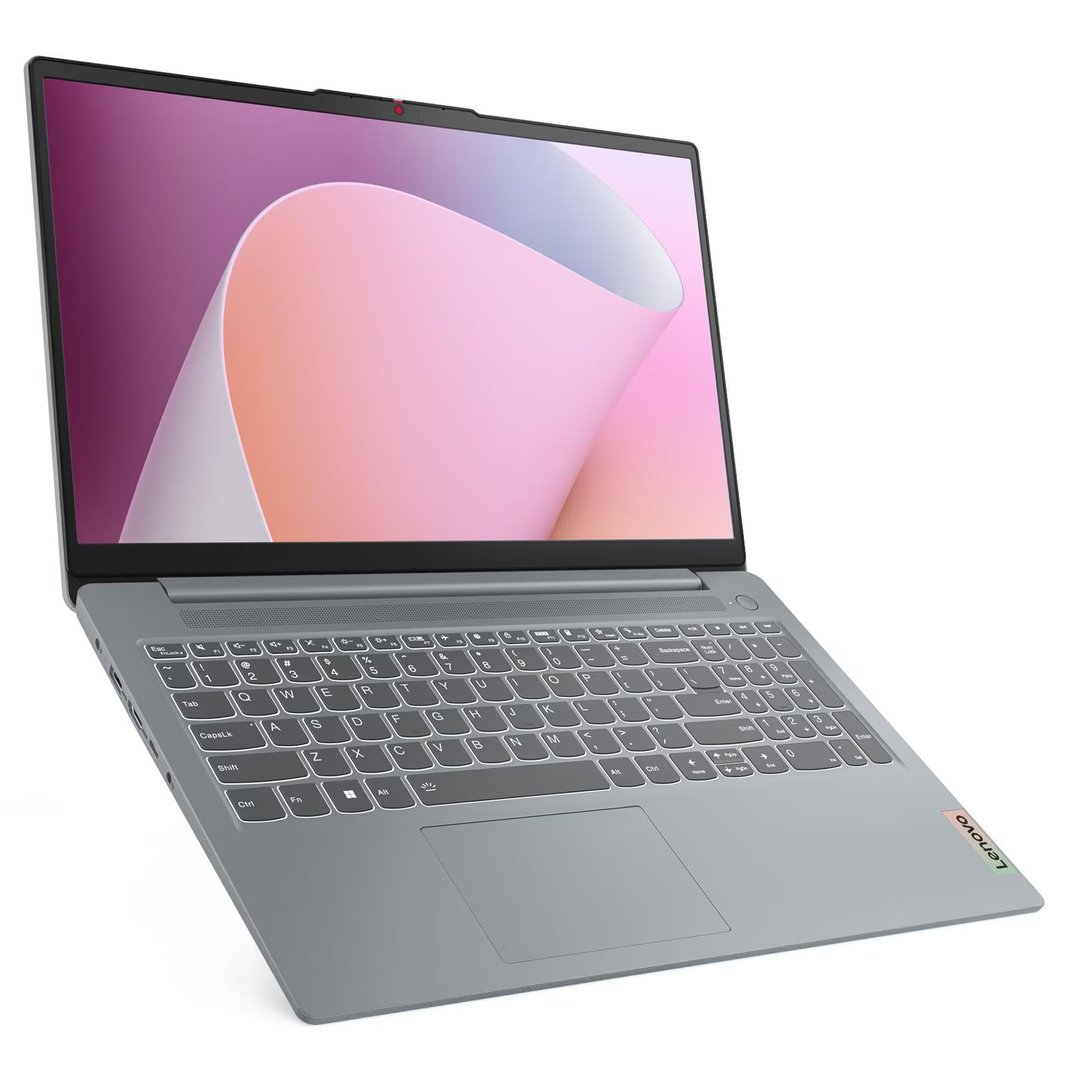
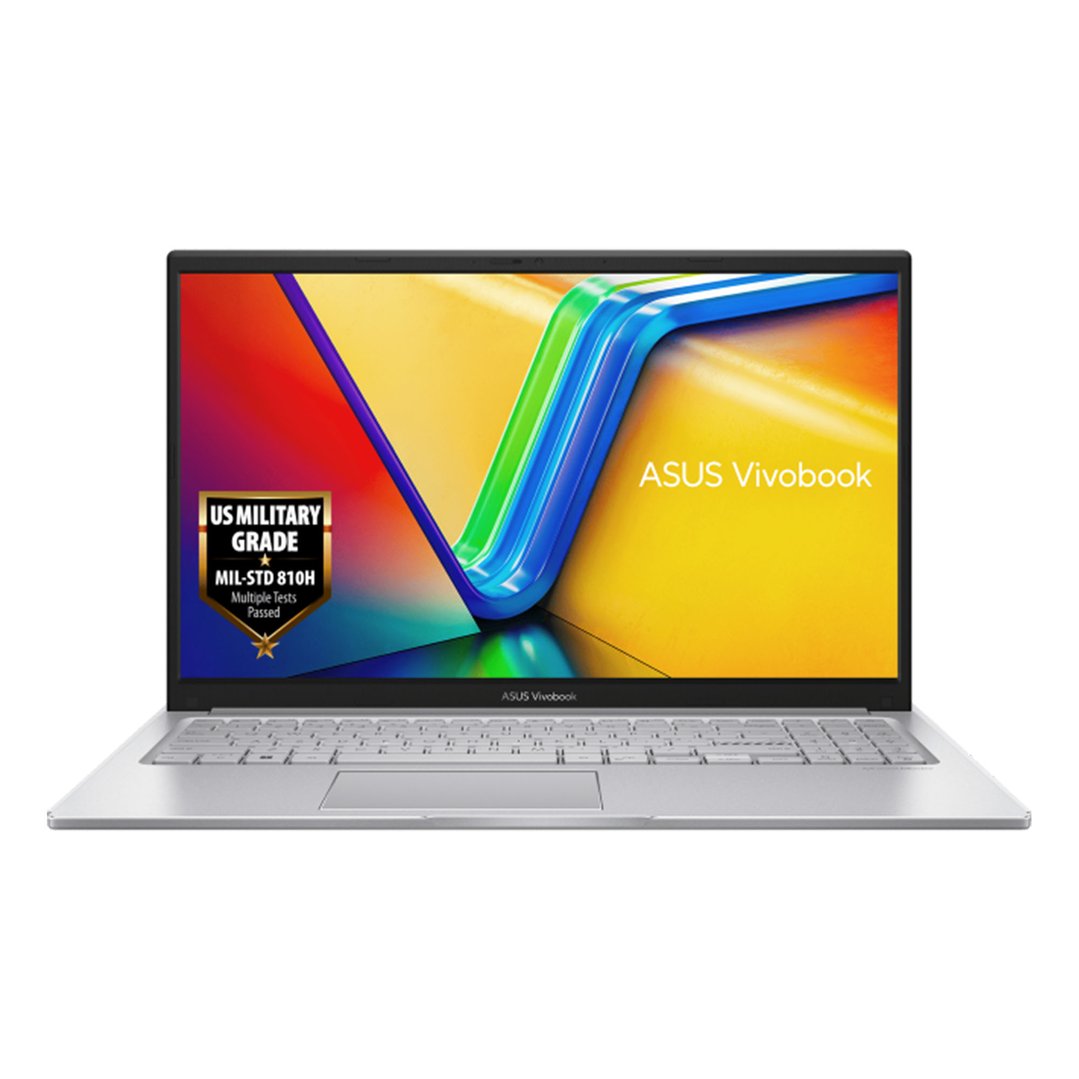
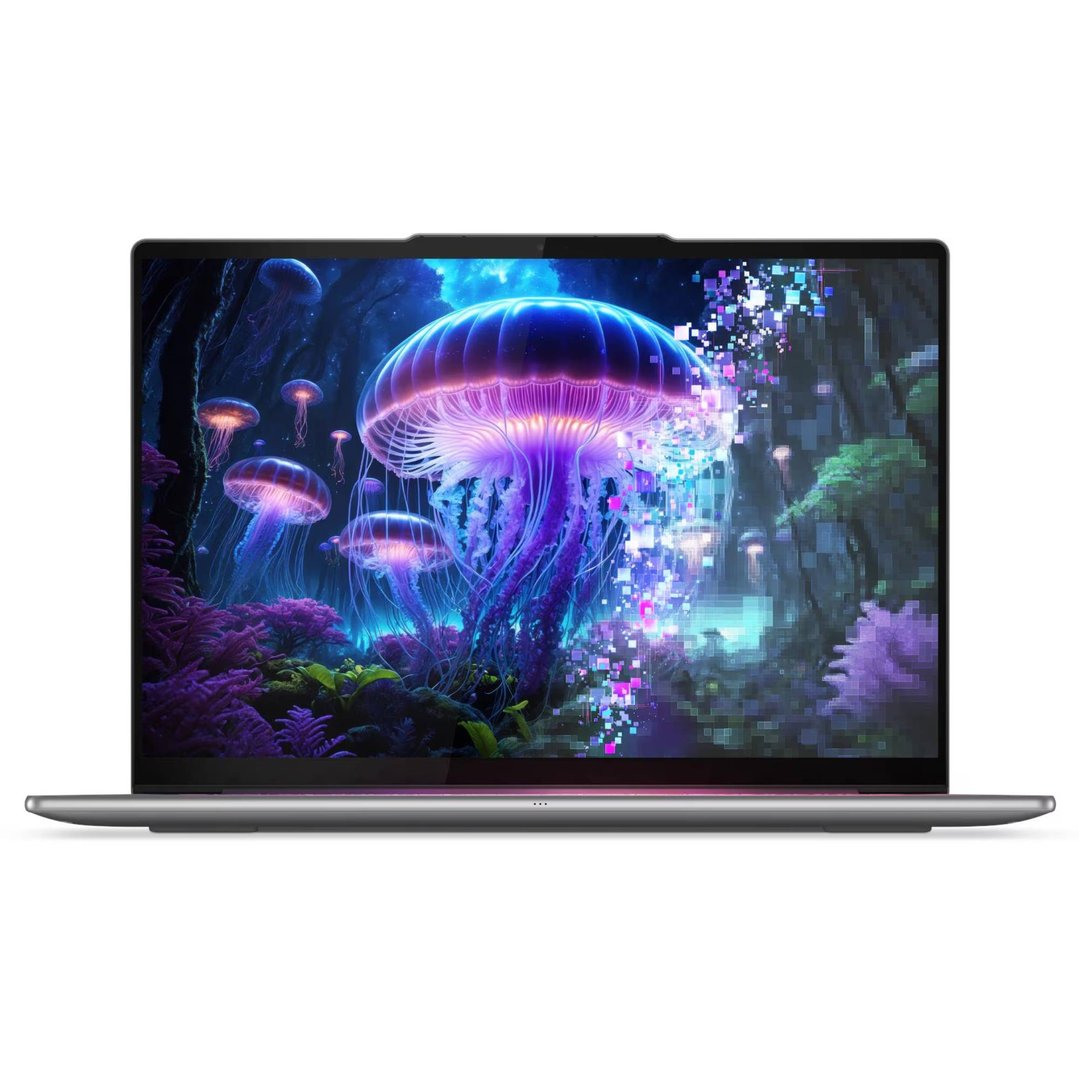
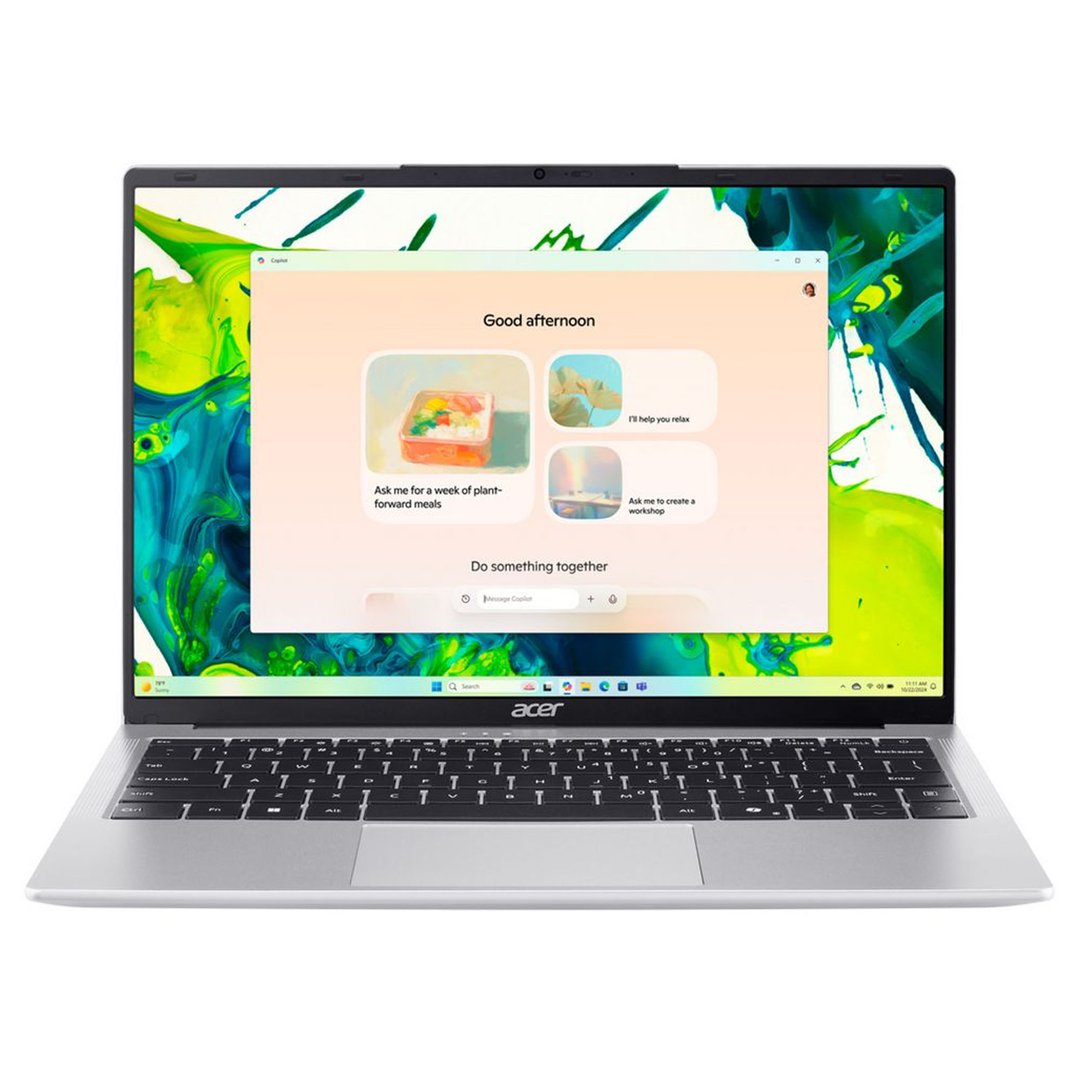
Students need a balance of portability, battery life, and affordability for note-taking, research, and online classes. Consider:
Type: An ultrabook or mid-range traditional laptop, sometimes a 2-in-1 for versatility.
CPU: Intel Core i3/i5 or AMD Ryzen 3/5.
RAM: 8GB is ideal.
Storage: 256GB SSD (minimum) for quick boot-up and application loading.
Portability: Lightweight (under 1.5kg) and compact.
Battery Life: 8+ hours.
Example Feature: Durable design, good keyboard for typing essays.

CLEARANCE now
only $897CLEARANCE now
only $1,497




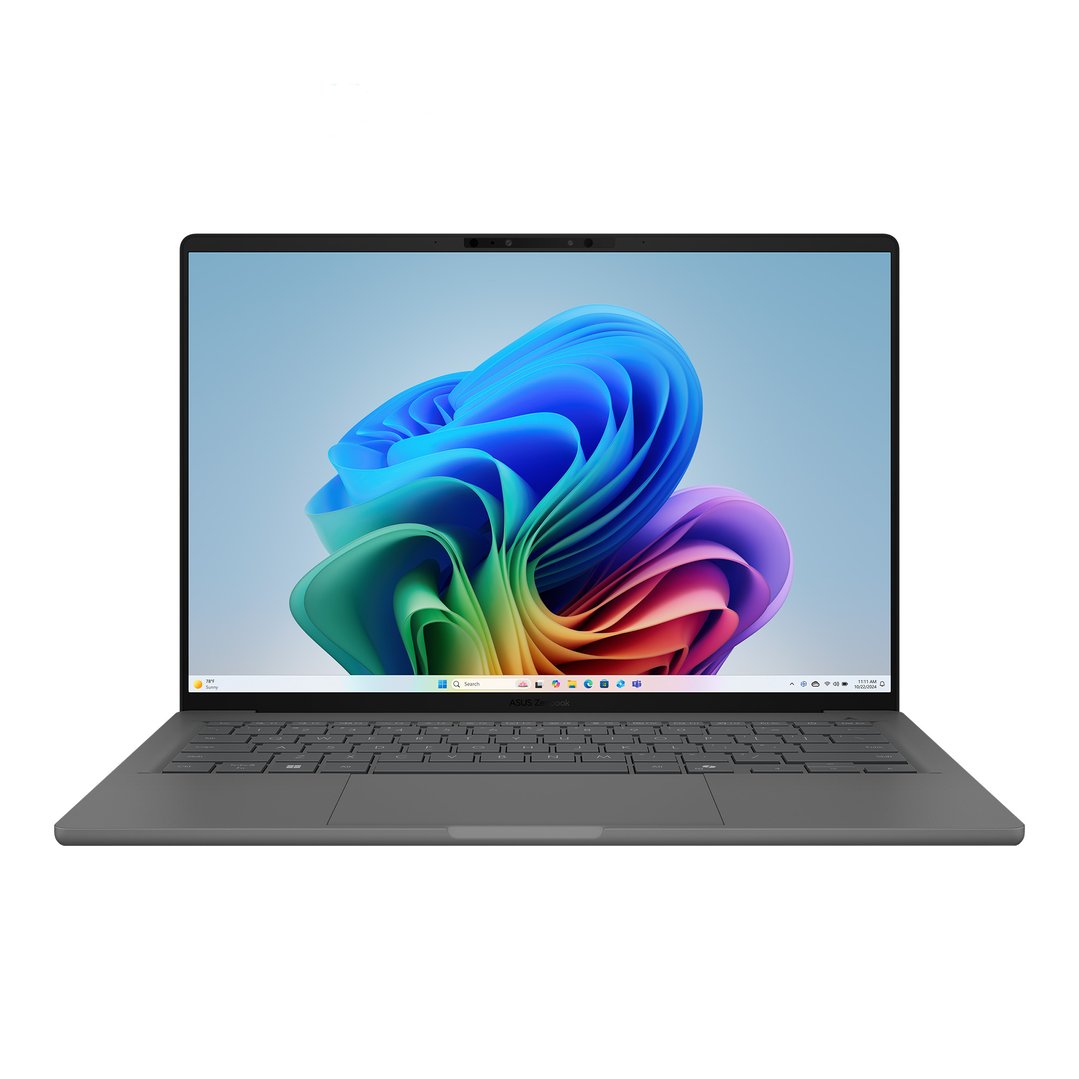
The Best Laptop for Gaming
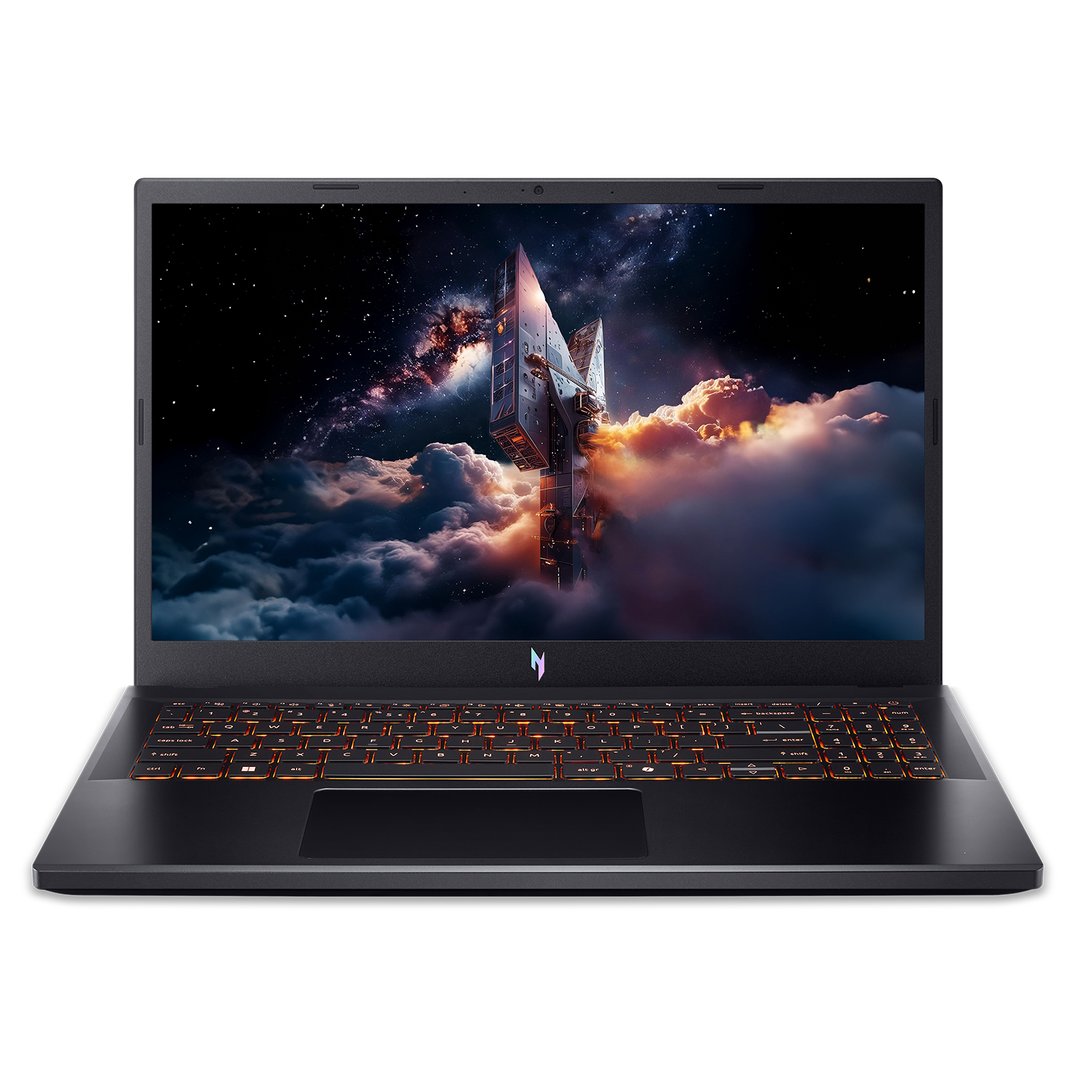
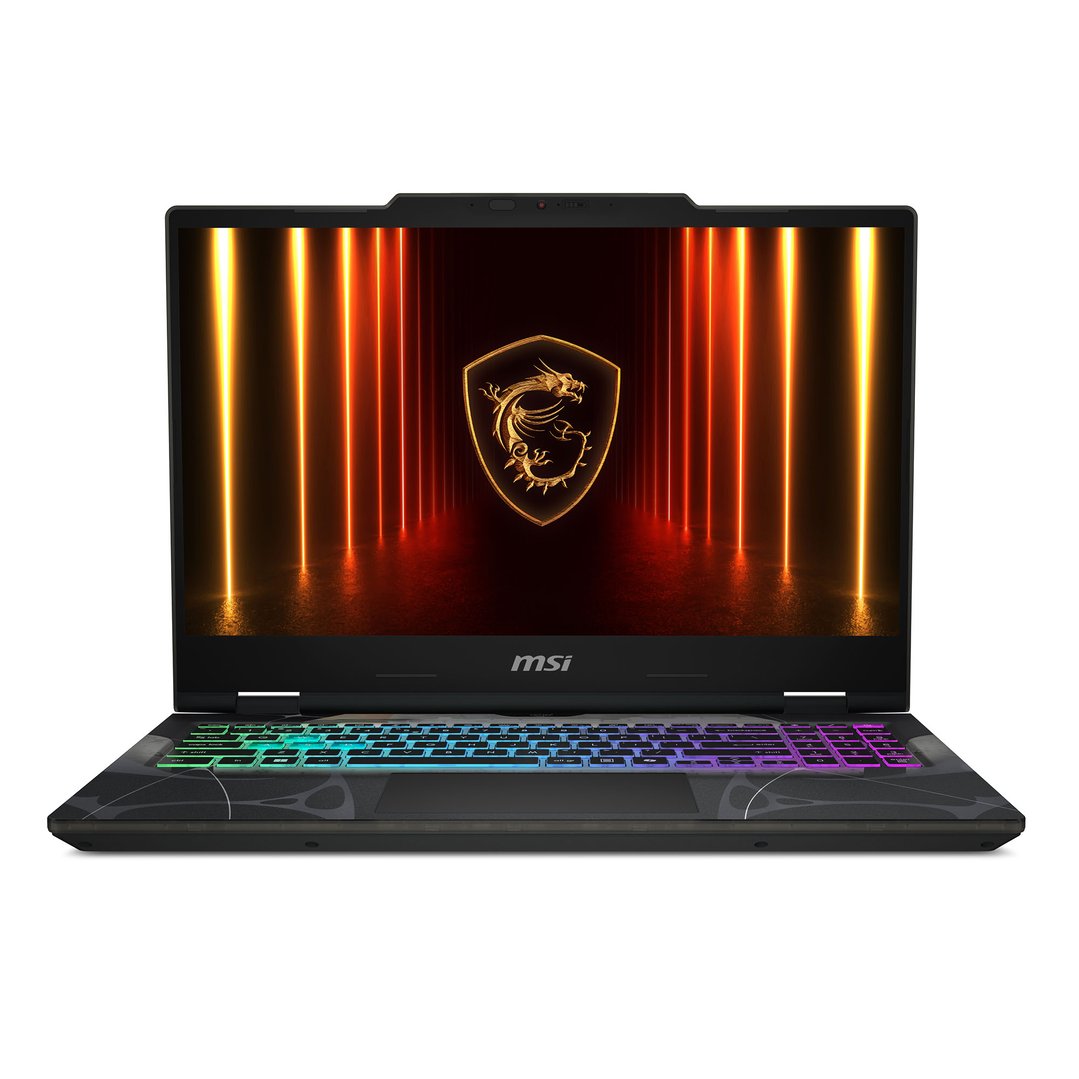
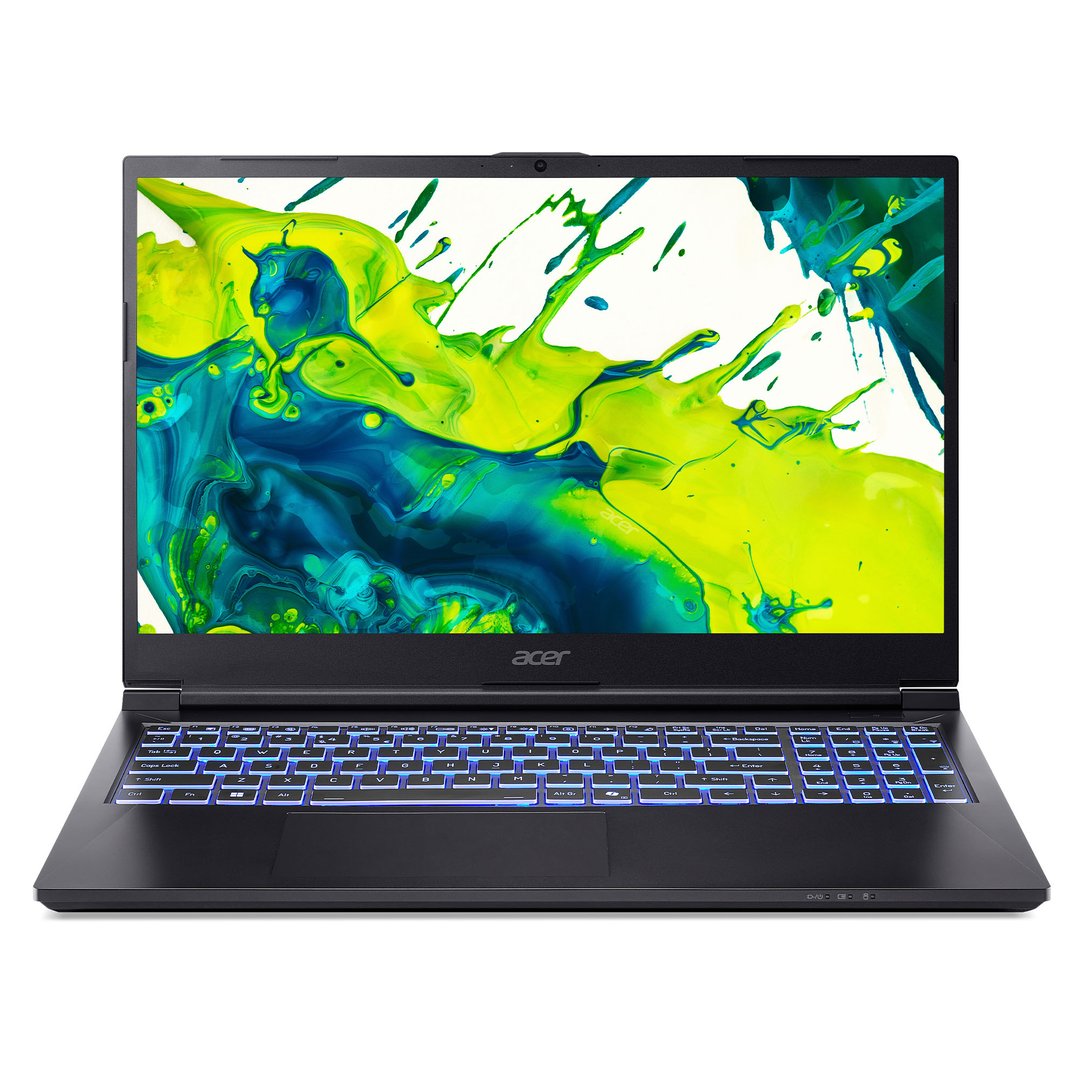
Gaming requires powerful components to run demanding titles smoothly. Look for:
Type: A Dedicated Gaming Laptop.
CPU: Intel Core i7/i9 or AMD Ryzen 7/9.
RAM: 16GB (minimum), 32GB recommended.
Storage: 512GB - 1TB NVMe SSD for fast game loading.
GPU: Dedicated NVIDIA GeForce RTX 30-series or 40-series, or AMD Radeon RX 6000-series or 7000-series.
Display: 15-inch or 17-inch, Full HD (1920x1080) or QHD (2560x1440) with 120Hz+ refresh rate.
Cooling: Efficient cooling system to prevent throttling.
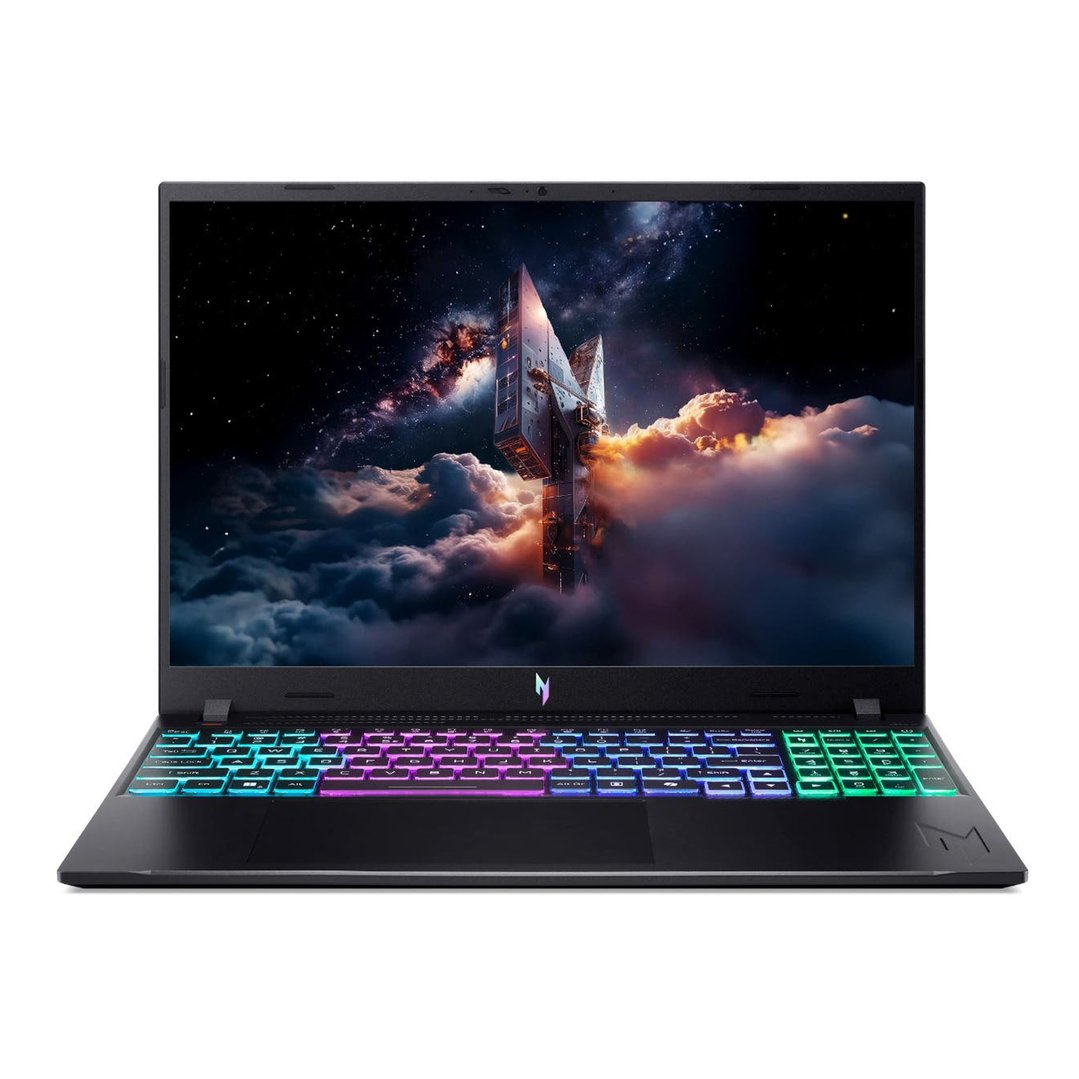
The Best Laptop for Professional Work & Business
Professionals need reliable performance, strong security, and often premium build quality for demanding applications and presentations. Consider:
Type: Ultrabook or Business Laptop.
CPU: Intel Core i5/i7 or AMD Ryzen 5/7.
RAM: 16GB recommended.
Storage: 512GB - 1TB SSD.
Security Features: Fingerprint reader, facial recognition, TPM chip.
Connectivity: Wide range of ports, strong Wi-Fi 6/6E.
Example Feature: Comfortable keyboard for long typing sessions.
CLEARANCE now
only $897CLEARANCE now
only $1,497
FAQs
Here are answers to common questions about buying a laptop:
Q. How much should I spend on a new laptop?
Under $800: Entry-level laptops, Chromebooks, suitable for basic tasks and students on a budget.
$800 - $1500: Mid-range, good balance of performance and features for most users, including everyday work and some creative tasks.
Over $1500: High-performance laptops for gaming, professional content creation, and users needing top-tier specs.
Q. Should I buy a new or refurbished laptop?
New laptops: Offer the latest technology, full warranty, and no prior wear and tear. Recommended for most users seeking reliability and peak performance.
Refurbished laptops: Can offer significant savings, but may have shorter warranties or minor cosmetic imperfections. Ensure you buy from a reputable seller with a clear returns policy.
Q. Laptop vs. Tablets or iPads: What's the difference?
Laptops: Primarily designed for productivity, typing, and running full desktop operating systems (Windows, macOS, Chrome OS). They offer powerful processors and physical keyboards for intensive tasks.
Tablets: Built for portability, touch-first interaction, and media consumption. They run mobile operating systems (like iPadOS or Android) and excel at browsing, streaming, and light creative work, often with optional keyboard accessories. The choice depends on whether you prioritise a full computing environment or a highly portable, app-centric experience.
Page last updated: 23 May 2025 | Information provided by the experts at Bing Lee.