Buying Guides
Dash Camera Buying Guide

Thinking about buying a dash camera? These handy devices can offer some much needed peace of mind when you’re out and about in your car, allowing you to record what’s happening around you as it happens. Before you commit to a specific make or model, be sure to browse through our handy dash camera buying guide to learn about the different types of dash cameras available, top features to look out for and more.

CLEARANCE now
only $215




TYPES OF DASH CAMERAS
SINGLE LENS DASH CAMERAS
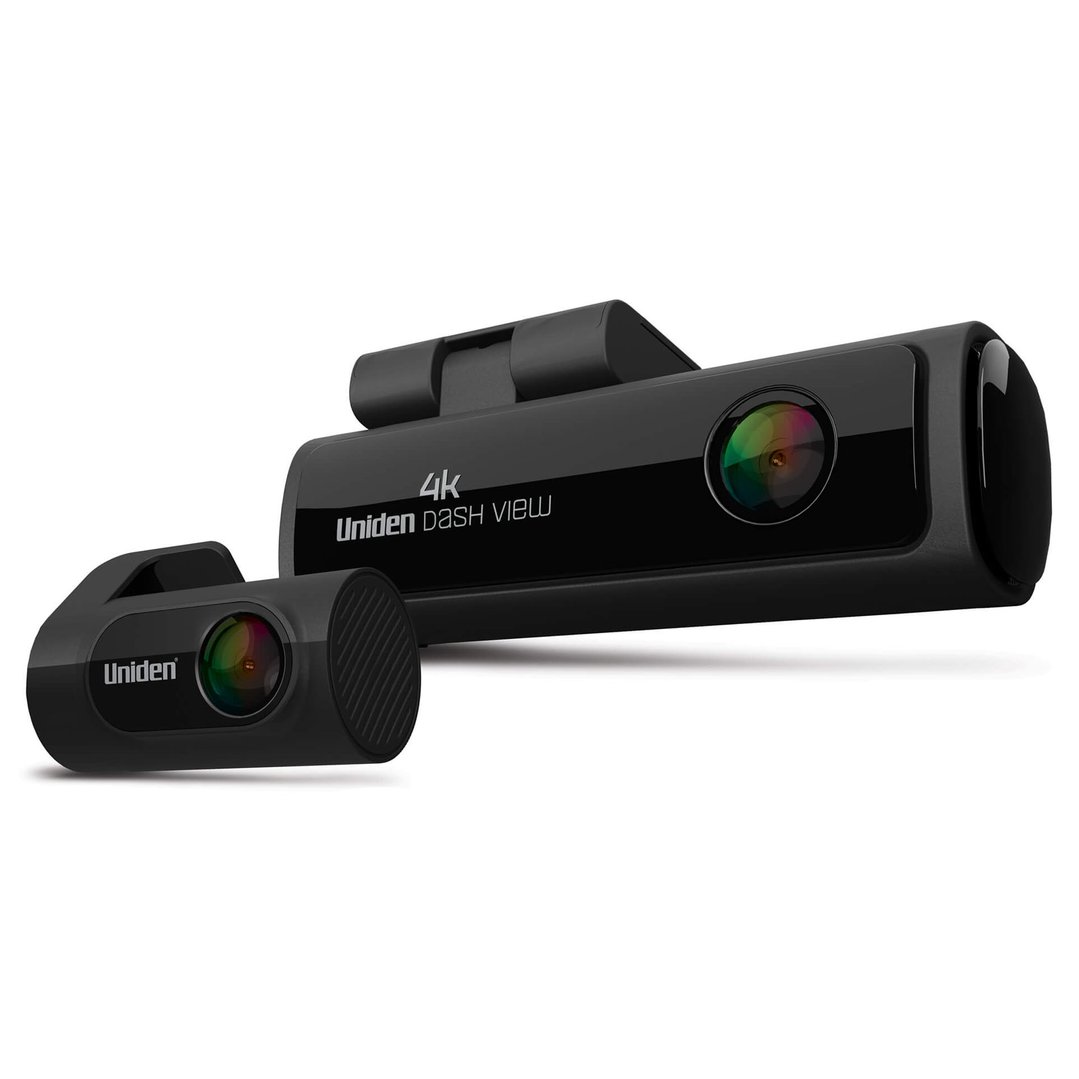
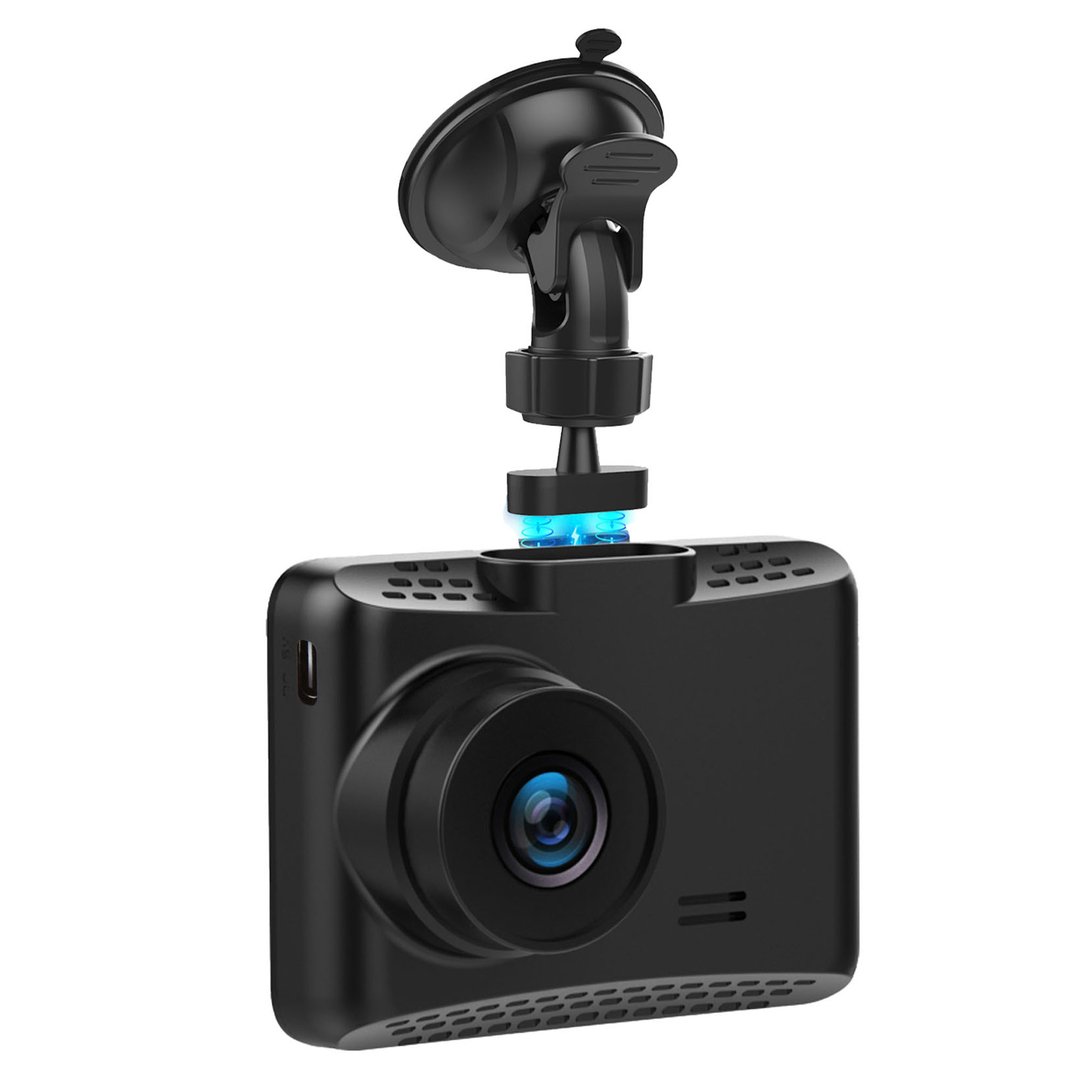
The most common type of dash camera on the market, single lens dash cameras record footage of what’s happening directly in front of the vehicle. Often easy to install and operate, they are typically the most affordable type of dash camera available.
Generally easy to install
Often easy to use
Typically cheaper than other types of dash cameras
Coverage is limited, only recording footage of what’s happening at the front of the vehicle
Popular brands of single lens dash cam: Garmin, Navman, Uniden
DUAL LENS DASH CAMERAS
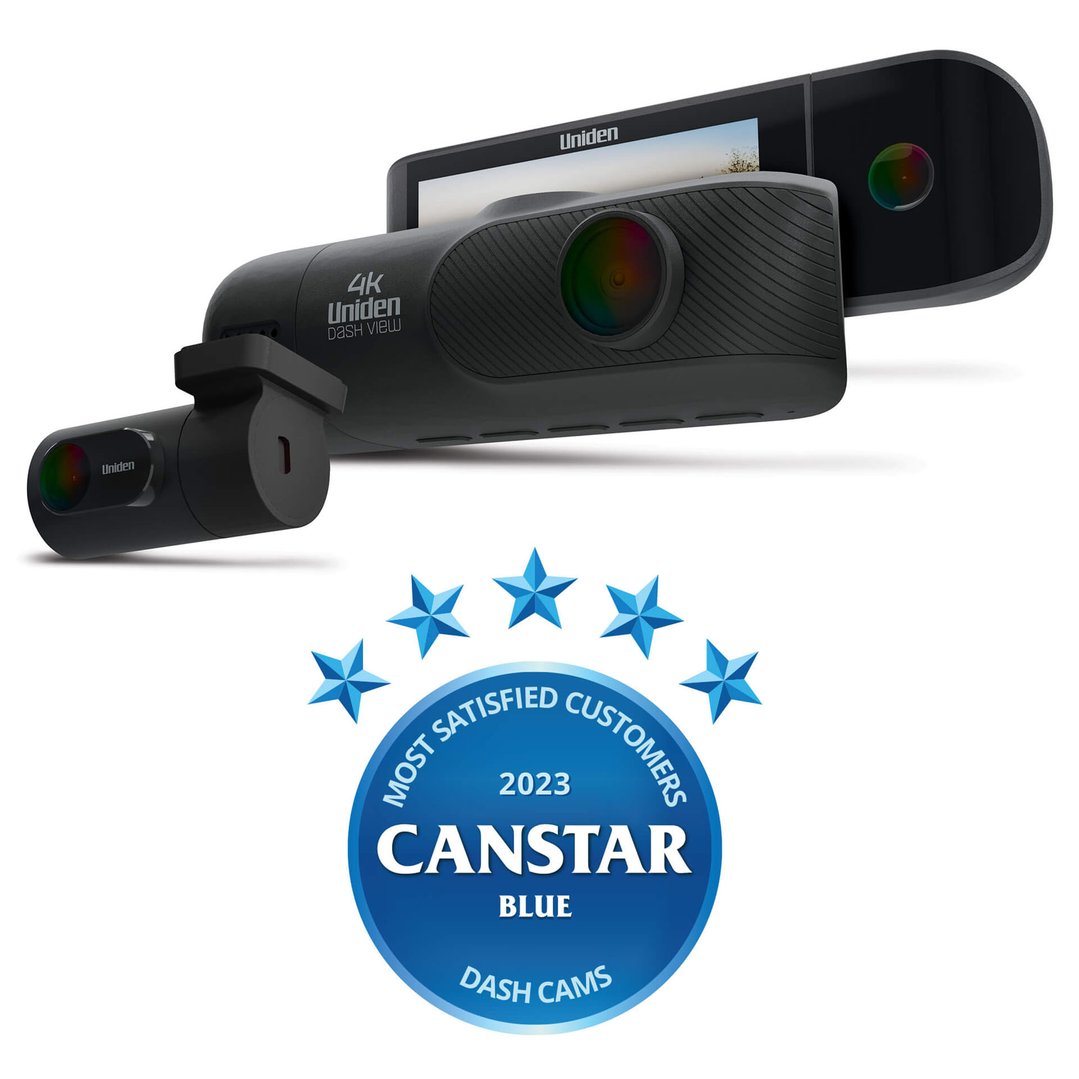
Providing greater coverage inside or outside the vehicle, dual lens dash cameras can be a good option for those looking to have all their bases covered.
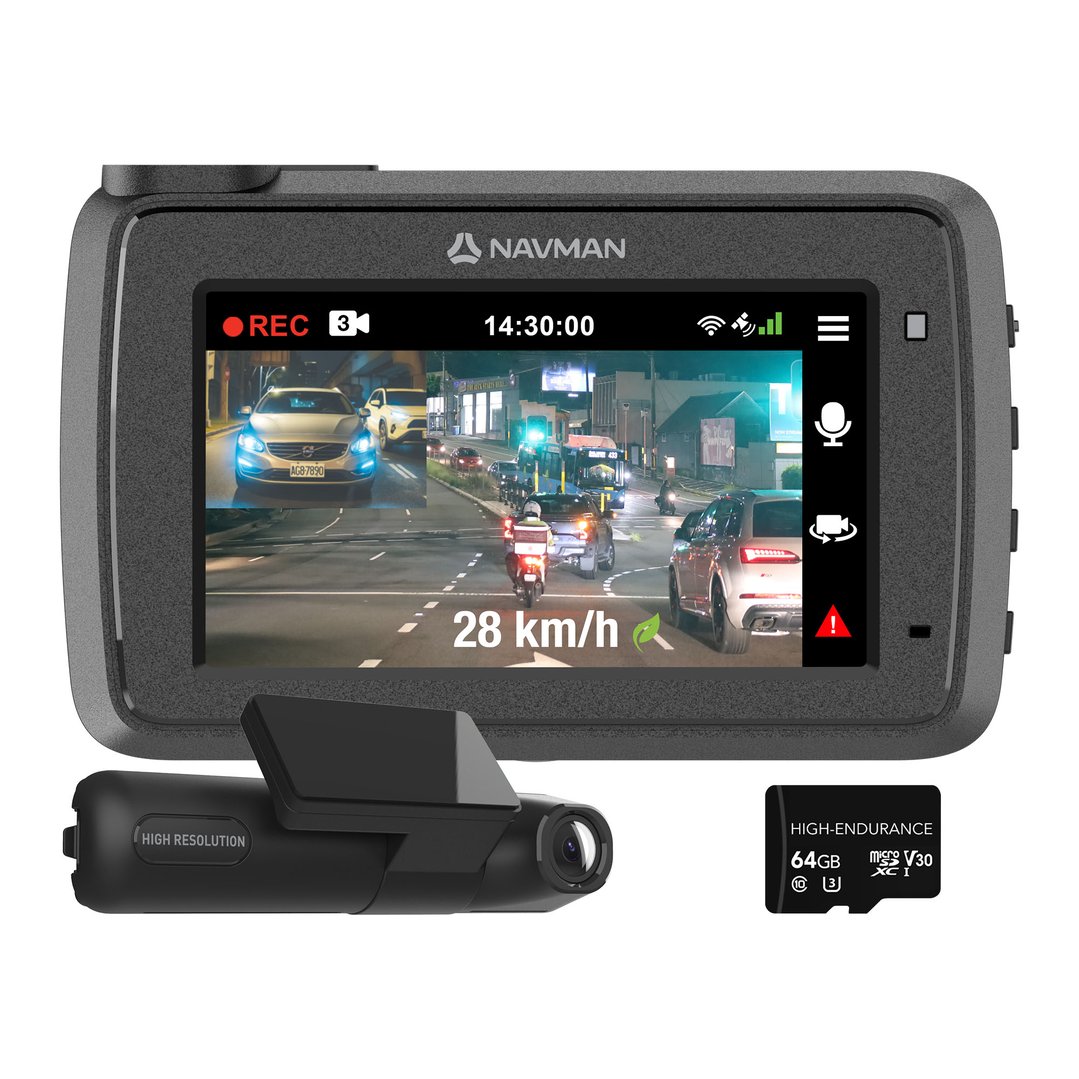
Records footage of the front and rear of the vehicle. Some models may allow you to record the side of the vehicle too.
May be an integrated device or consist of two or more separate units
Can be more difficult to install, especially if the device needs to be hardwired into the car
Typically more expensive than a single lens dash camera
Popular brands of dual lens dash cam: Navman
HYBRID DASH CAMERAS
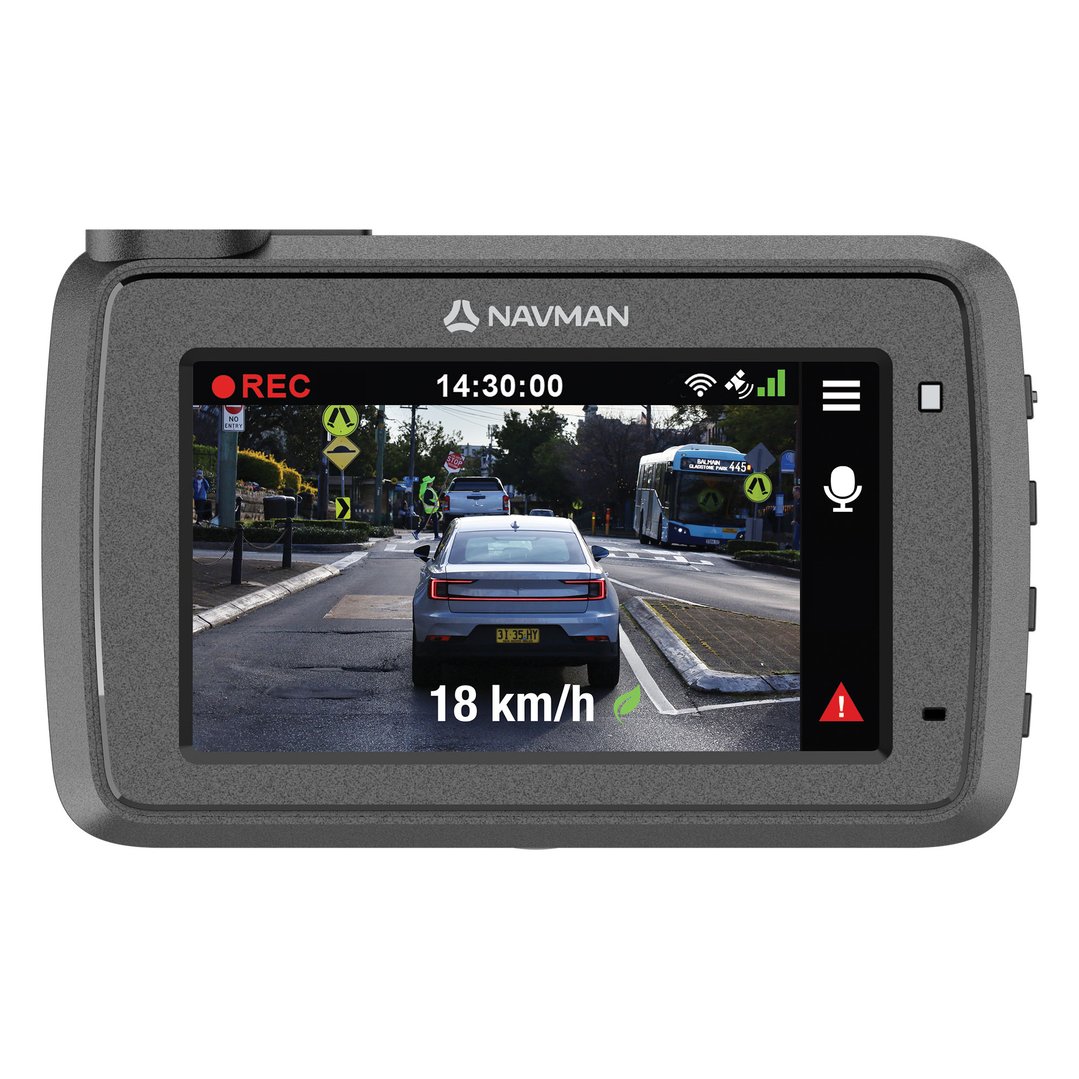
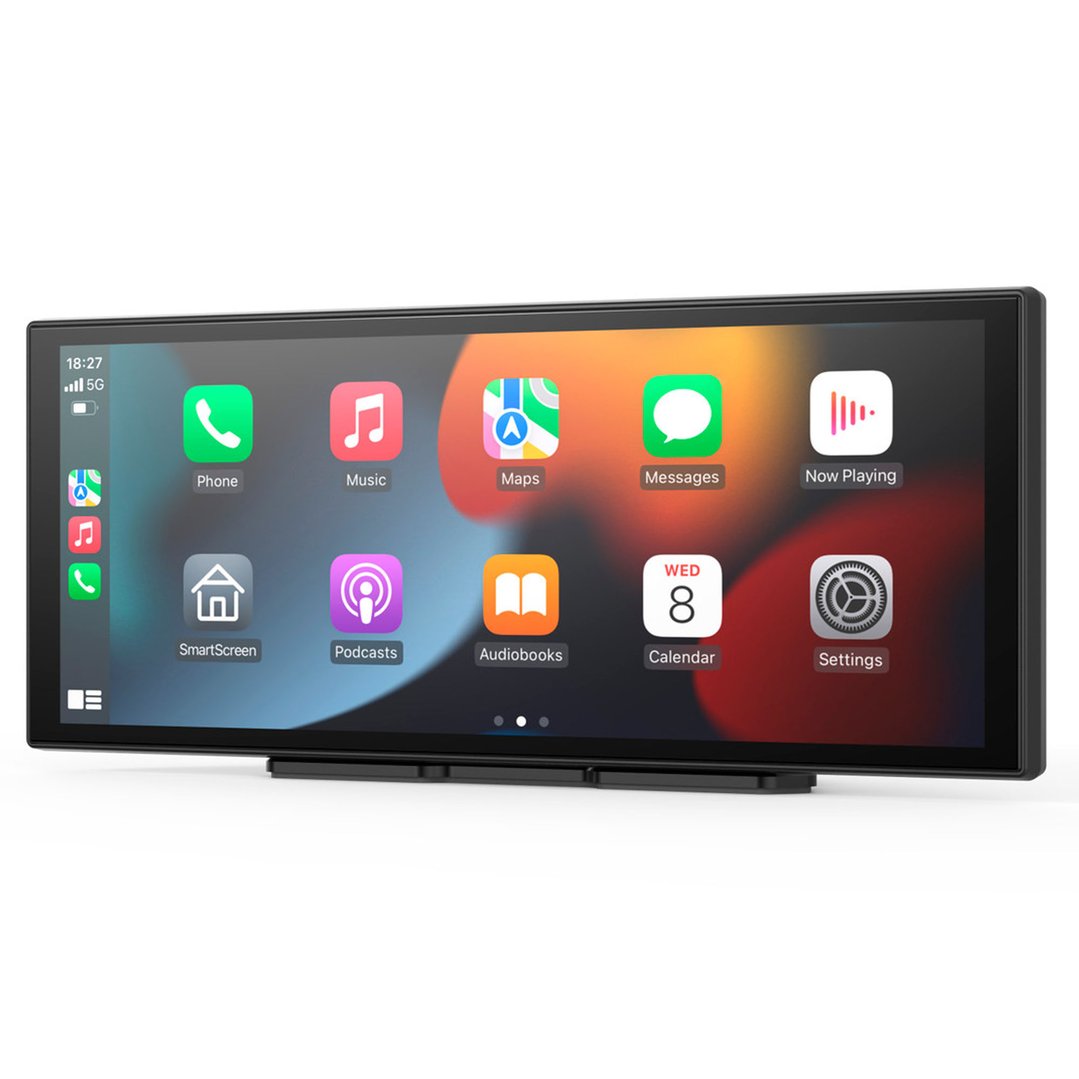
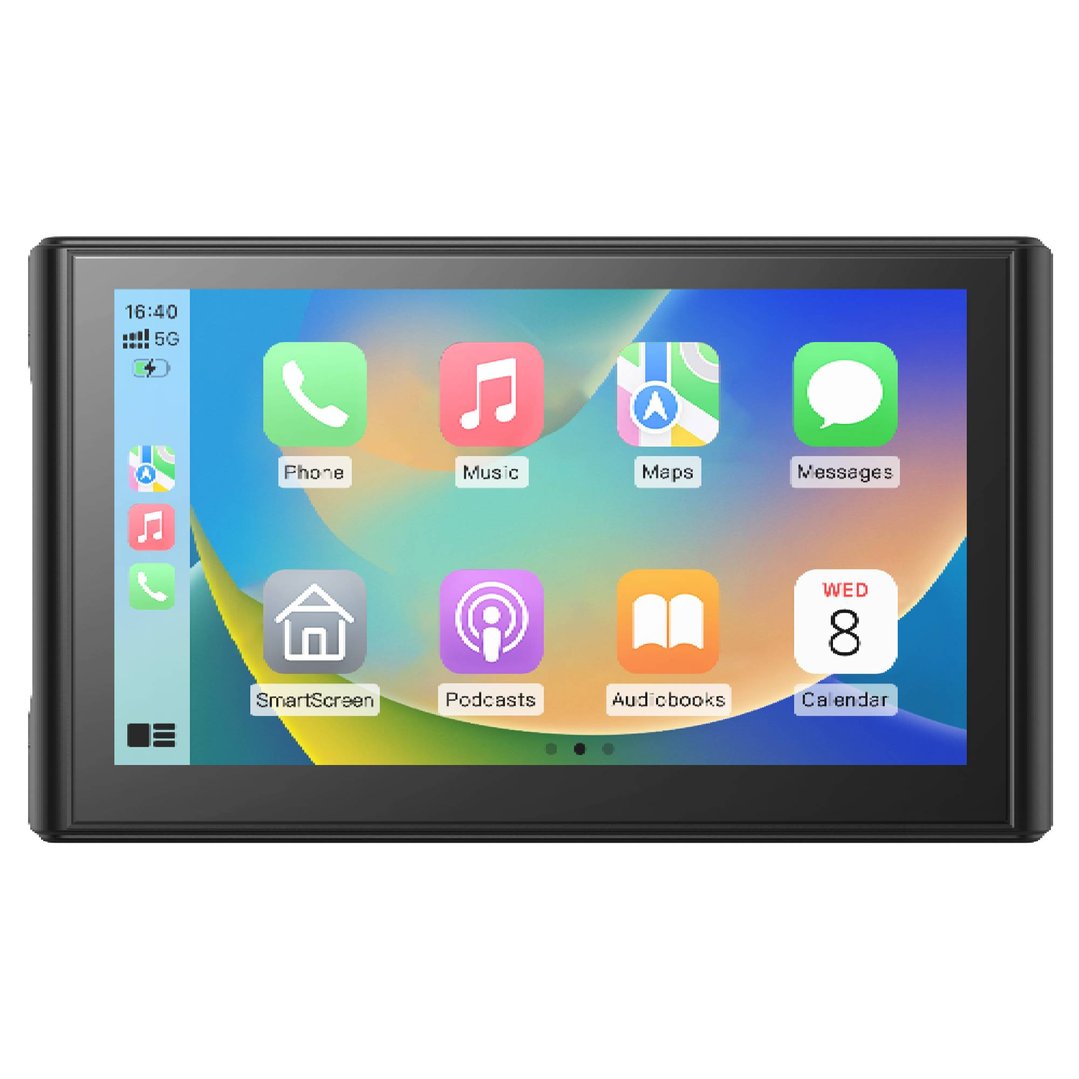
If you regularly use a GPS, a hybrid dash camera which combines the functionality of a dash camera with that of a standard GPS might be a good option for you. Instead of needing to find space for two devices, only a single device is needed.
Combines the functionality of two devices into one
Typically more expensive than a single lens dash camera
Saves space
Often have a single lens only
Popular brands of hybrid dash cam: Navman
CLEARANCE now
only $215
WHAT SHOULD YOU KNOW BEFORE BUYING A DASH CAMERA?
COVERAGE
Most dash cameras only record footage of what is happening in front of the vehicle. While this is fine for most motorists, others may prefer some additional coverage. Some dual lens dash camera models come with a secondary rear-facing camera that can be used to capture footage of what’s happening in the car, while others have a second camera that is mounted on the rear window, providing an external view. Each person’s needs are different, so consider what you’ll be using your dash camera for and choose the best model from there.
PLACEMENT WITHIN THE CAR
When choosing where you will mount your dash camera, it’s important to consider both the field of view of the camera lens and the field of view of the driver. First and foremost, the location of the dash camera shouldn’t distract the driver when the car is in motion. For this reason, behind or below the rear vision mirror may be the best option. This position also helps to prevent windscreen wipers and other parts of the car from disrupting the view of the camera.
PRIVACY
In most cases, it is legal to use a dash camera to record public roads. However, it is important to consider how you will use the footage that you record. Sharing footage with police and your insurance company is typically fine, but you may want to think twice about sharing video online or on social media.
FEATURES TO LOOK OUT FOR
Parking mode: This mode allows the dash cam to continue recording even after the car has been parked. This feature can be handy in some cases, recording any accidents that may occur when the car is left unattended. For the continuous recording of footage, the dash cam may need to be hardwired.
Storage space: Many dash cameras record footage directly to a memory card. The amount of storage space that you’ll require will vary on the resolution and frame rate of the model that you choose. In most cases, 32GB or 64GB will be sufficient, allowing you to store several hours of high resolution footage. It is important to note that some devices may have storage limits, so be sure to investigate this before purchasing a memory card.
Automatic recording: A common feature of most dash cams, automatic recording allows the camera to start recording as soon as the car is started, stopping a certain amount of time after the car is turned off.
Continuous loop recording: Allowing you to record footage without having to worry about running out of storage space, this feature allows the memory card to be filled and then, once at capacity, older footage will be deleted to make way for new footage. This is a standard feature of most models and ensures that you don’t miss out on recording footage just because your memory card reaches capacity.
Internal battery: Most dash cameras are powered by a 12 volt socket within your car but it can be a good idea to look for a model that also has an internal battery. Although most internal batteries do not offer an extensive battery life, many provide enough power to allow footage to be saved in the case of an accident or if the power connection to the device were to be cut.
Resolution: The resolution of a dash camera affects the quality of the footage captured. Most models capture high-definition (1080p) footage, while some others support 4K ultra-high definition video. You don’t necessarily need the highest resolution on the market, but it’s a good idea to choose a model with a resolution of 720p or higher. Higher resolution video tends to take up more storage space too, so be sure to take this into consideration.
Frame rate: Along with resolution, frame rate can also affect the quality of the footage recorded. If possible, look for models with a frame rate of 24 frames per second (fps) or higher. Footage filmed with a frame rate above 30fps tends to require more storage space, so be sure to keep this in mind when selecting a model that’s right for your needs.
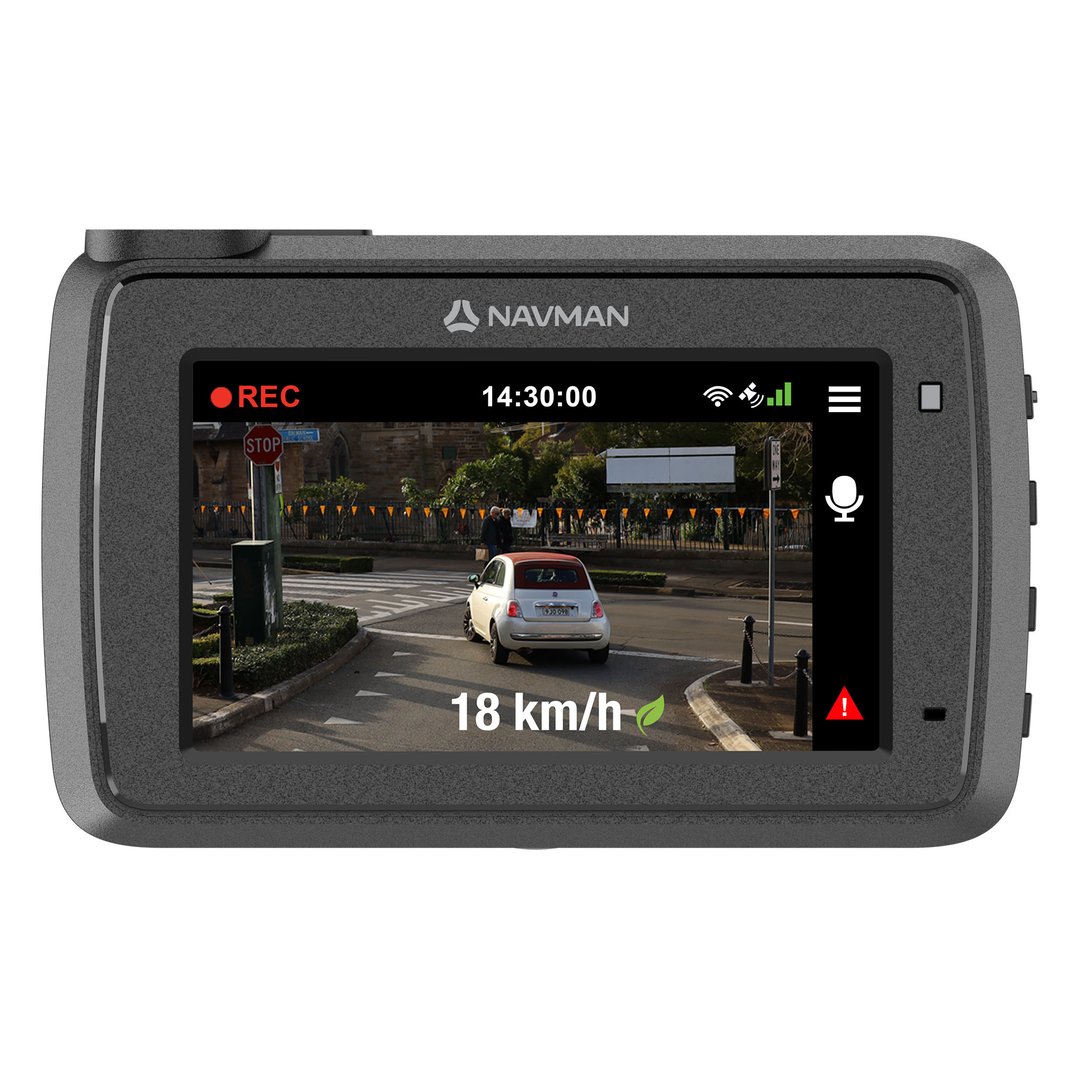
GPS overlay: GPS overlay can be handy for pinpointing where footage was captured and at what speed you were travelling. As you travel, your location and speed are automatically captured and linked to the footage that is being recorded. This can come in handy if you are in a crash and need to share the footage with the police or your insurance company.
Impact detection: This handy feature allows dash cams to record when a car is moved or bumped, or when someone attempts to enter the car. Some models record information about the direction of the impact, as well as the force involved.
Display screen: A built-in display screen can be helpful when setting up your dash camera, allowing you to quickly check that it is aligned correctly. This feature can also make reviewing footage simpler, allowing you to quickly check what has been recorded without the need for a computer.
Device size: Although this feature isn’t directly related to the operation of the device, the dash camera size that you choose is generally a personal preference. A smaller model may suit a compact vehicle better than a bulkier device, while larger devices may be easier for you to operate.
Installation methods: There are two main ways to install a dash camera: with a bracket or an adhesive fastening. A bracket with a suction cup is easy to use and remove, but may move out of place over time. A permanent adhesive fastening helps to ensure that your device won’t move out of place, but can be more difficult to remove down the line.