Buying Guides
Printer Buying Guide

HOW TO CHOOSE THE RIGHT PRINTER
Wanting to buy a new printer? With a wide variety of different makes and models available, choosing the right one for your needs can be difficult. To help make purchasing your new printer easier, we’ve put together a handy printer buying guide detailing what sets each type of printer apart, what features you should look out for, and more. Discover which type of printer is right for you before you head in store or start adding to your cart online.



TYPES OF PRINTERS
INKJET PRINTERS
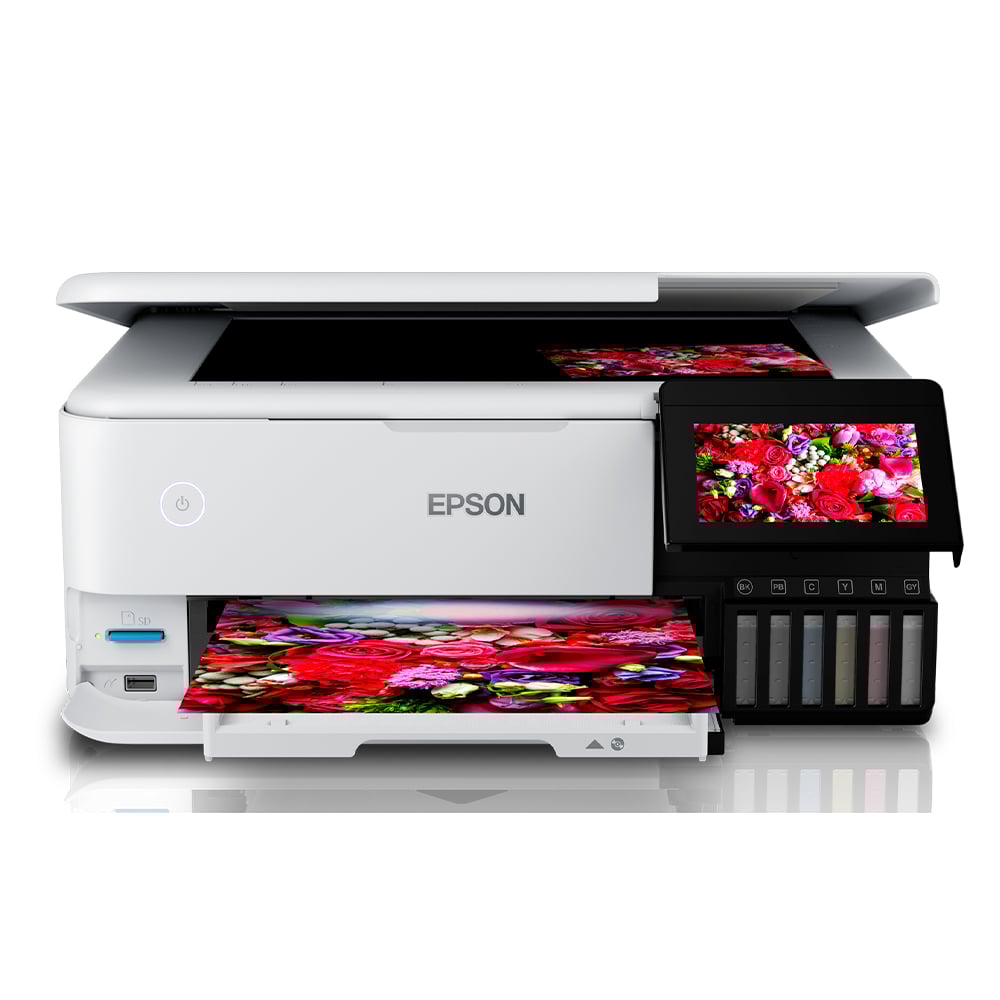
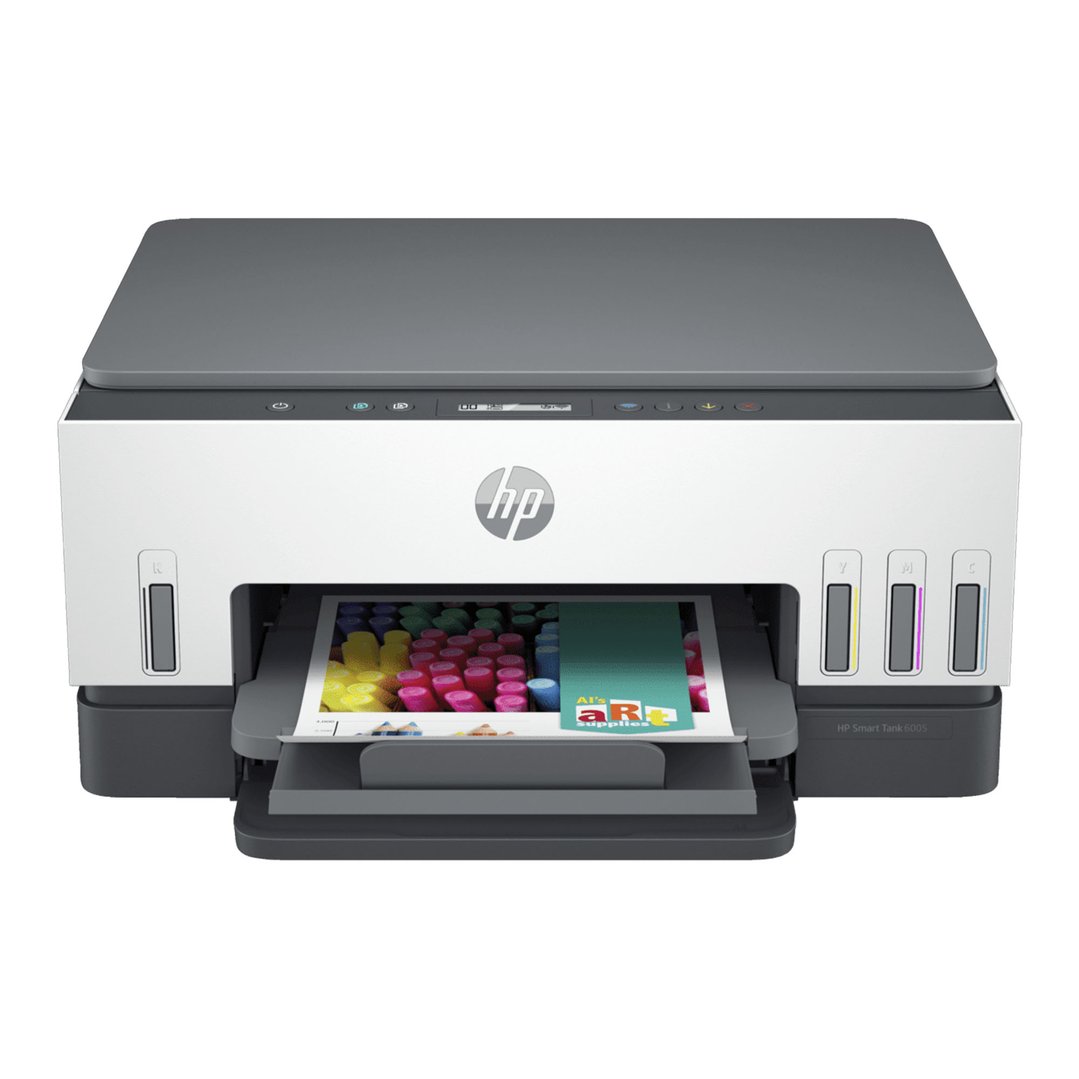
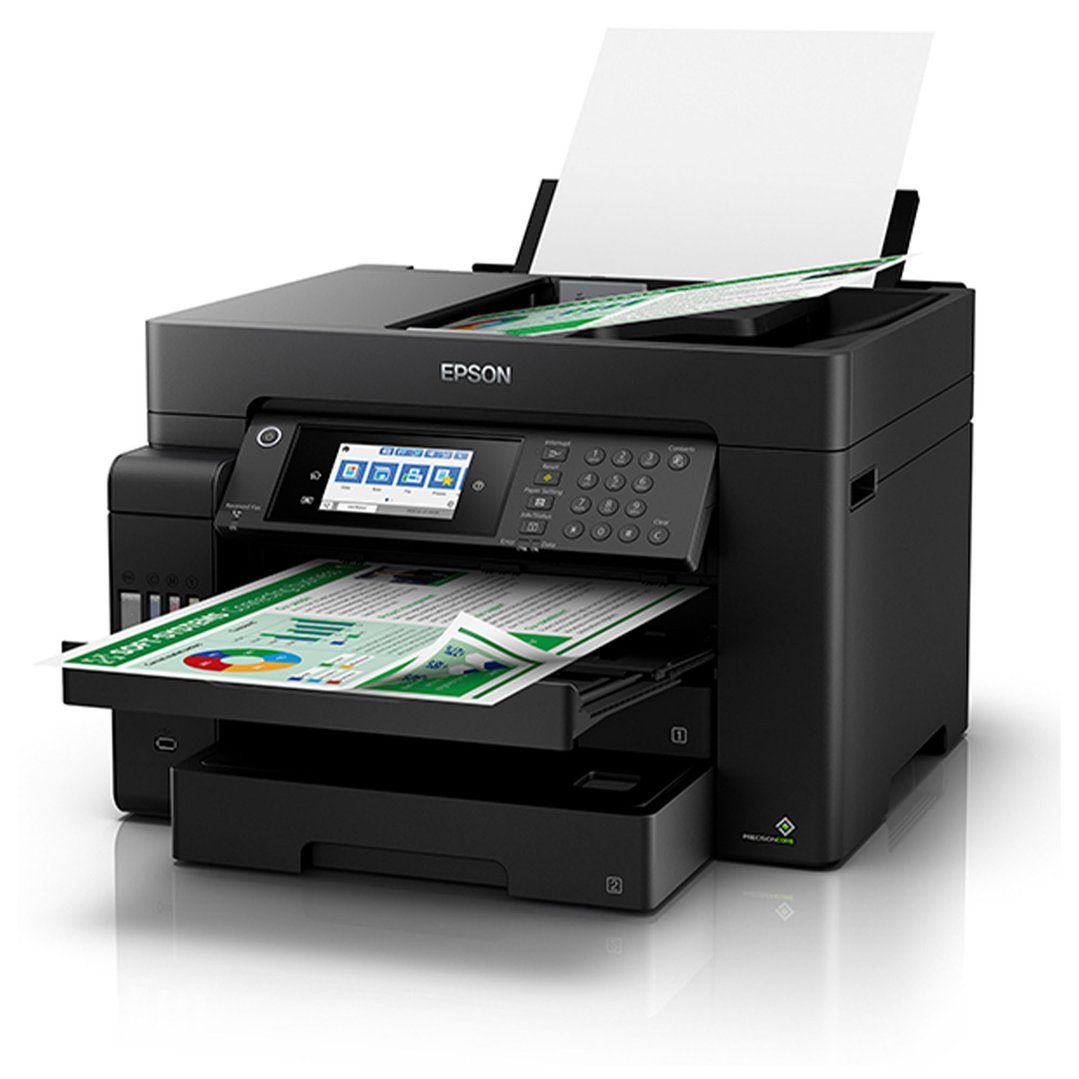
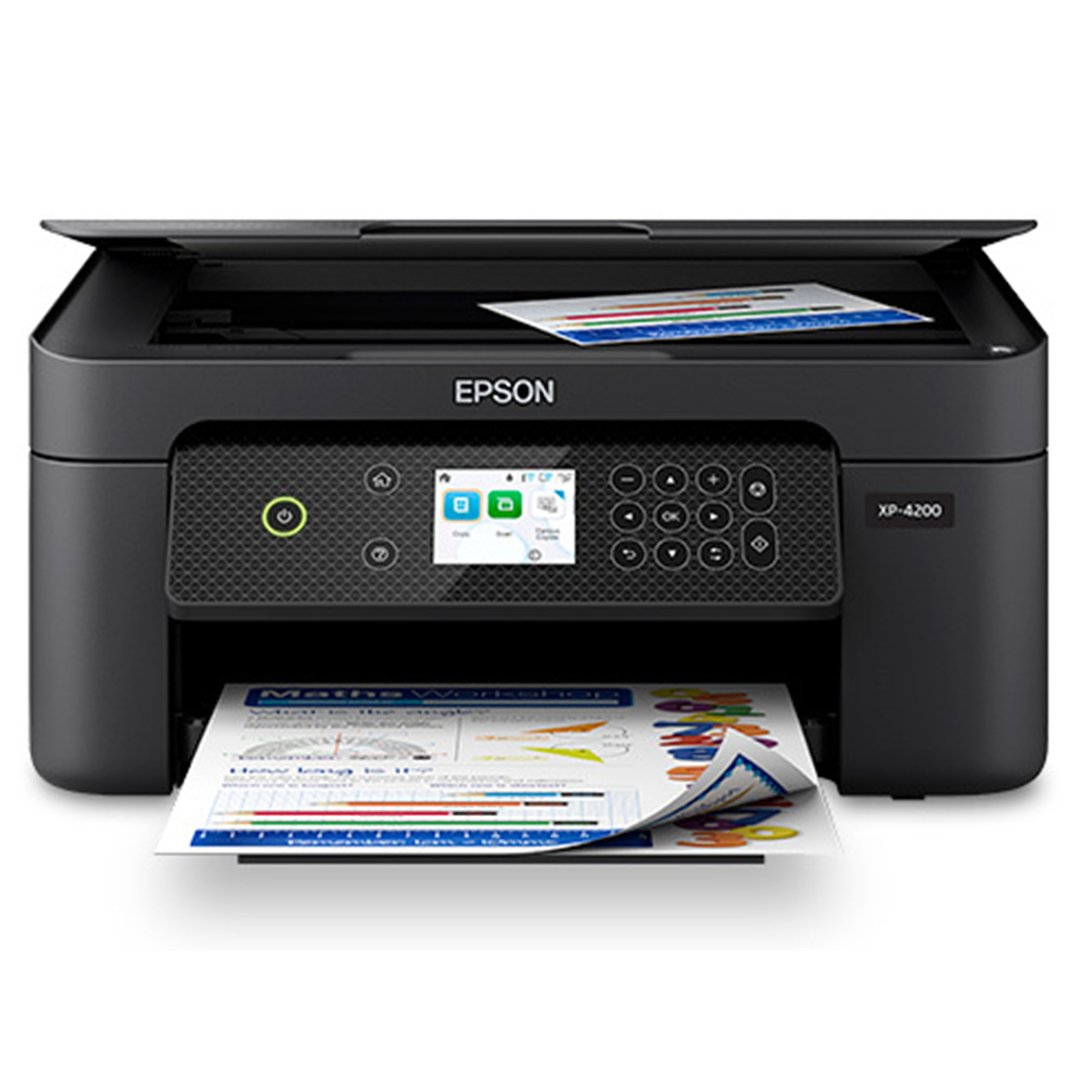
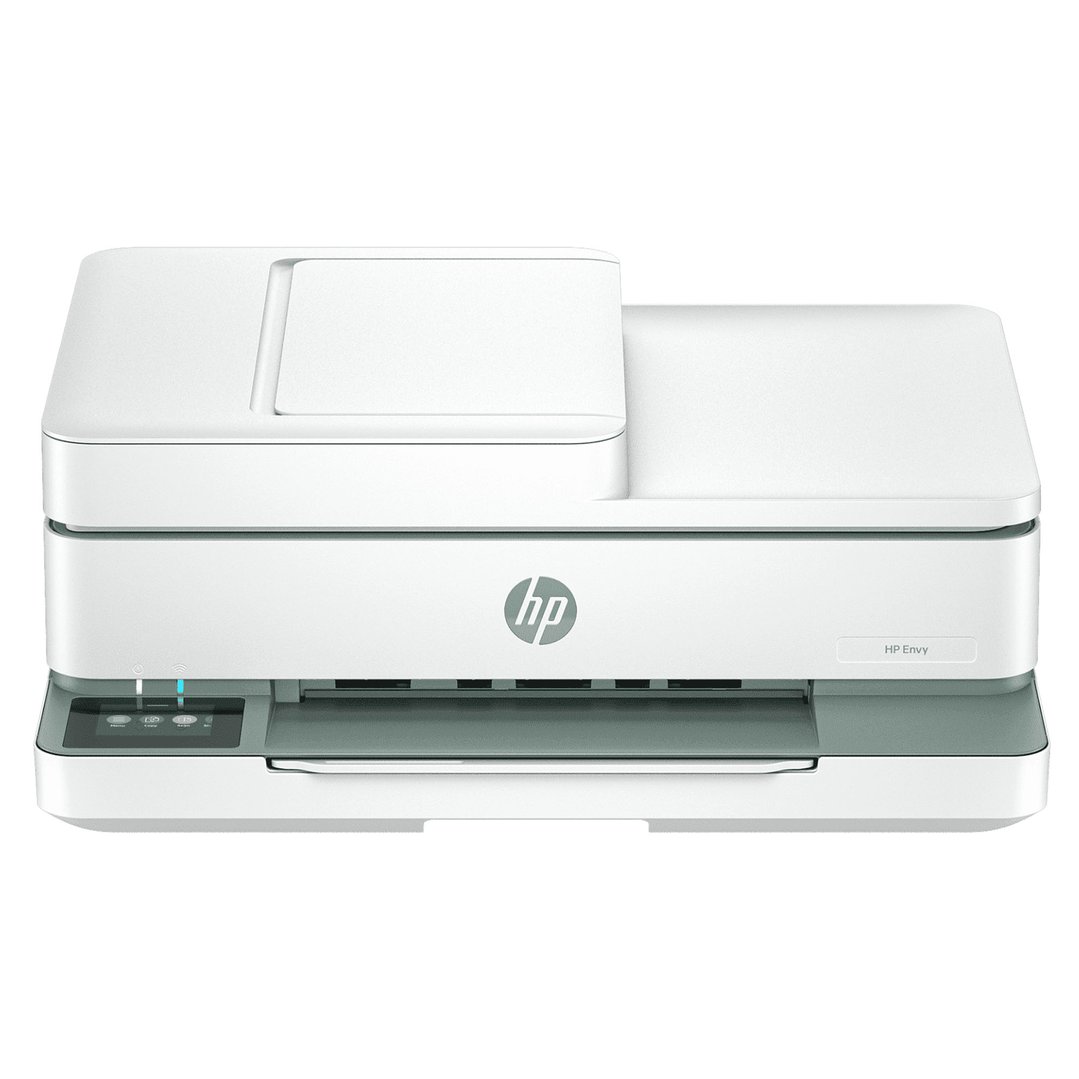
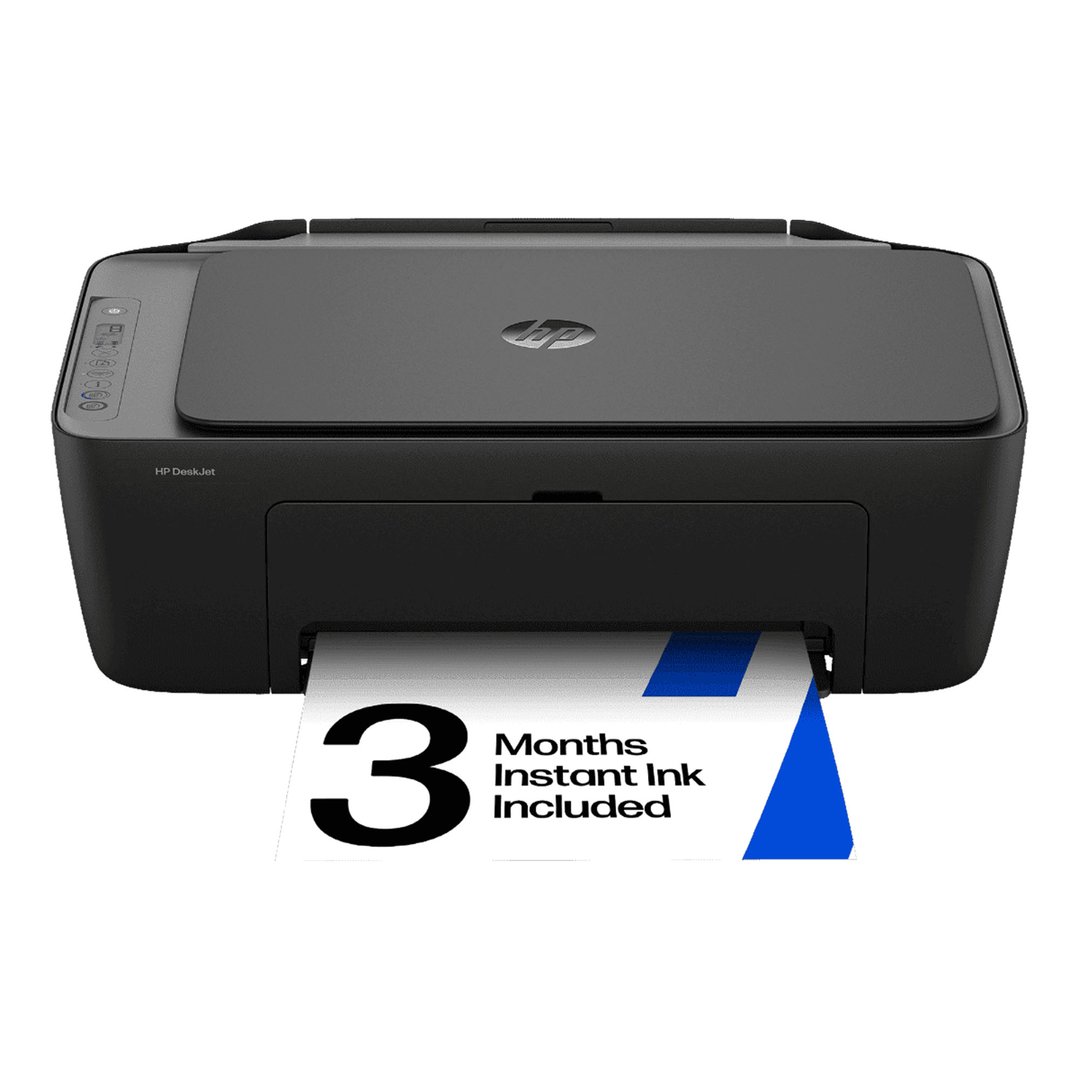
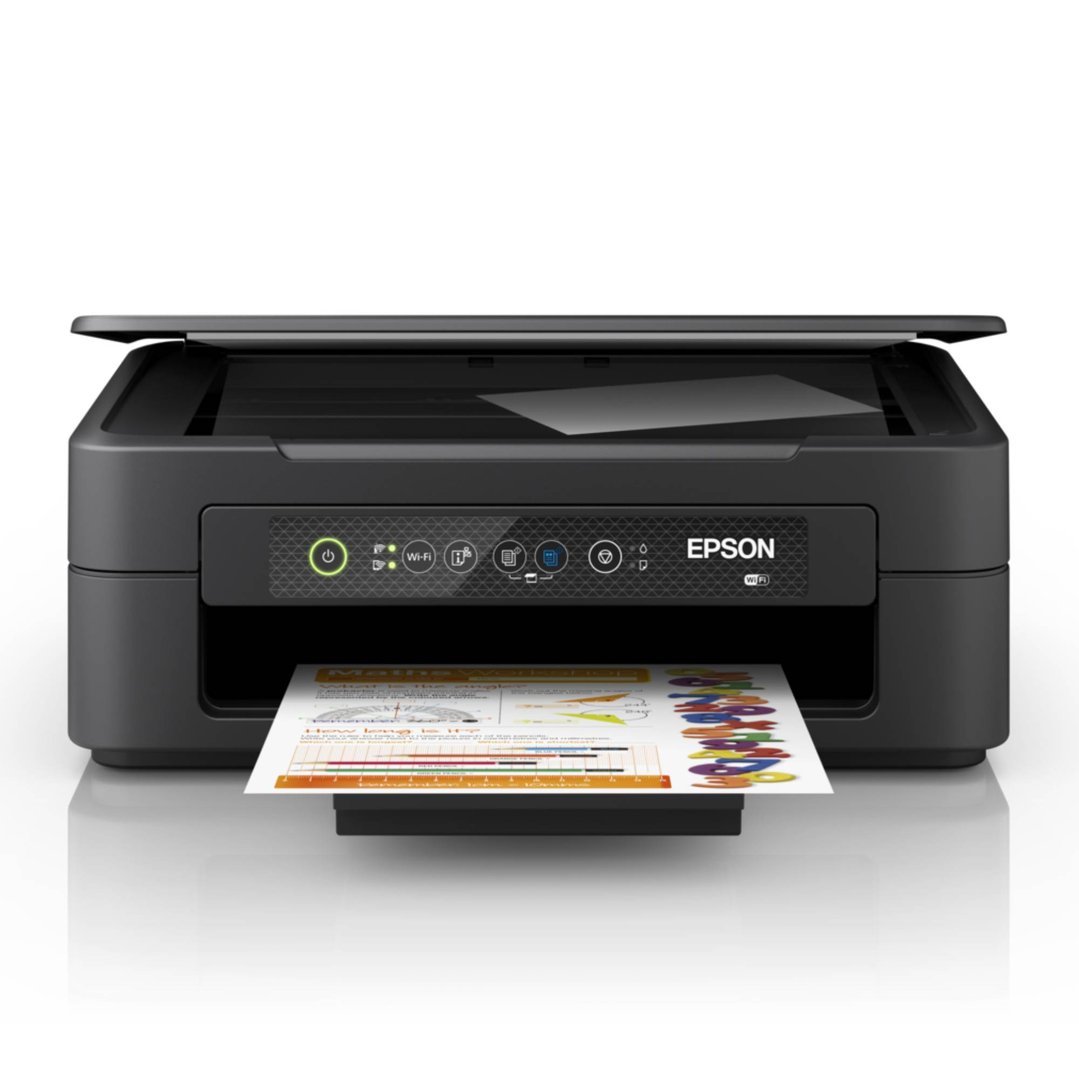
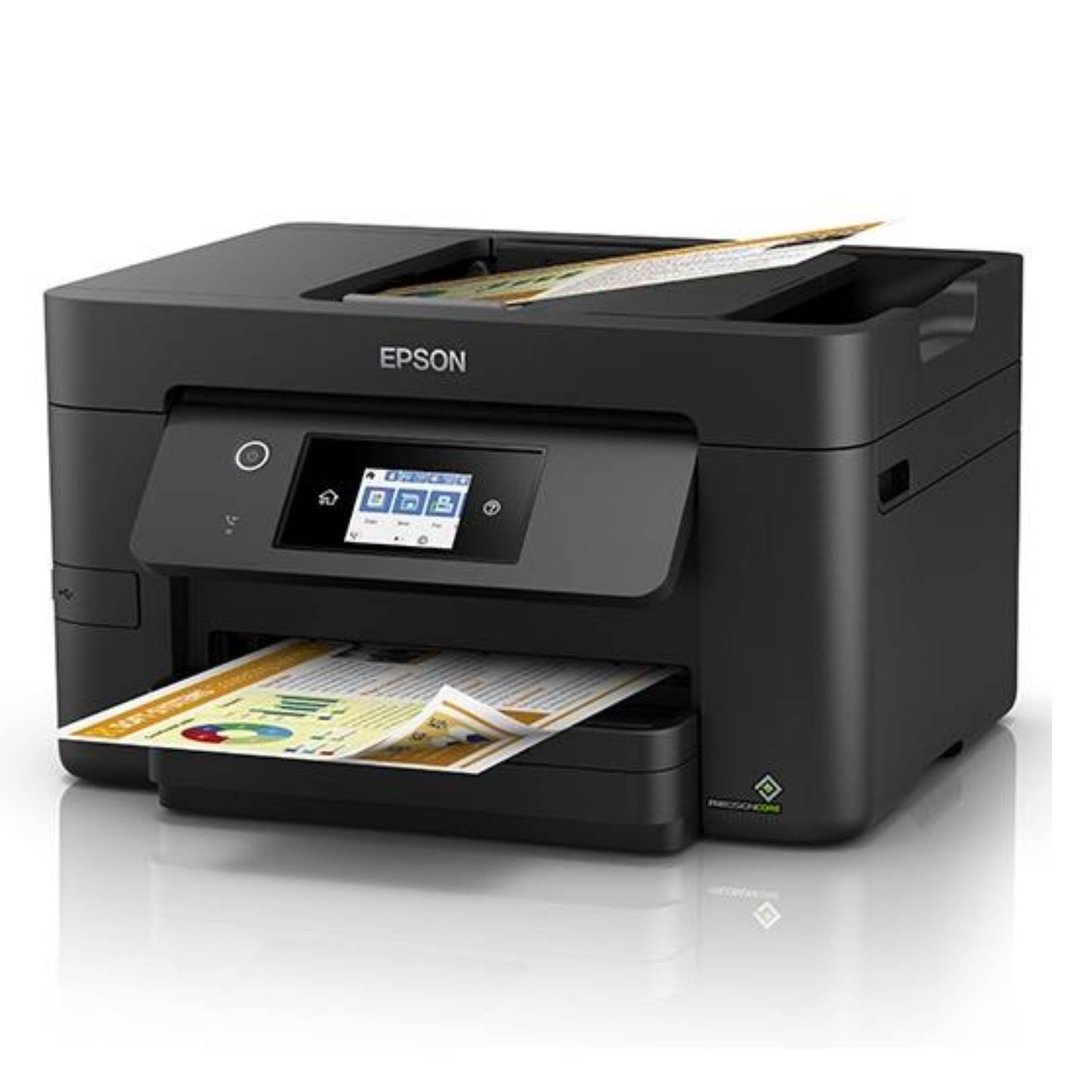
One of the most popular types of printers, inkjet printers spray small amounts of ink directly onto paper, resulting in vibrant, colourful images. They are often cheaper to purchase than laser printers and are good at printing on a variety of materials. Inkjet printers are a popular choice for home offices thanks to their compact size and versatility.
Cheap to purchase
Can print in colour or black and white
Can be used for a variety of applications, from printing documents to coloured photographs
Can be used with a wide range of materials, from standard paper to glossy photo paper, envelopes and more
Better suited to printing smaller workloads
Use ink cartridges, which can be expensive to replace
Some models use individual ink cartridges for each colour, while other use an all-in-one cartridge which needs to be replaced once one colour is depleted
Typically have a slower printing time than laser printers
LASER PRINTERS
Most commonly found in offices, laser printers work by fastening toner powder to paper with static electricity. They are often more expensive to purchase, but are typically quite economical if you’re needing to print in large quantities. Compared to inkjet printers, laser printers have a much higher print speed, making them ideal for business use.
Have a higher print speed than inkjet printers
Can print in colour or black and white
Can manage larger workloads with ease
Often have a lower printing cost per page than inkjet printers
Use toner, which can be expensive to replace
Often more expensive to purchase, but can be cheaper to operate in the long run
Can generally only print on standard printer paper, limiting their applications
MULTIFUNCTION PRINTERS
Also known as all-in-one printers, multifunction printers do more than just print. These devices also allow users to copy and scan documents and, in some cases, fax. They can be a handy addition to a home office, with both multifunction laser printers and multifunction inkjet printers available. Multifunction printers do vary greatly in price, with cheap, mid-range and higher end models available.
SHOULD YOU CHOOSE AN INKJET PRINTER OR A LASER PRINTER?
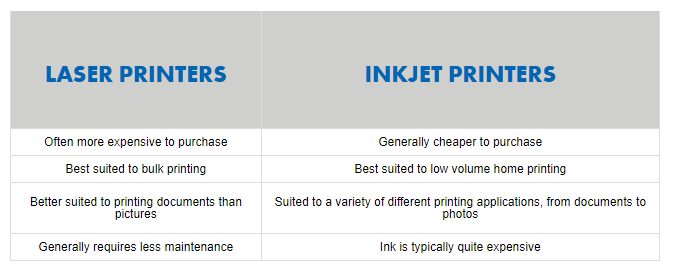
Choosing whether to buy an inkjet printer or a laser printer really comes down to your own needs. Each printer has its own pros and cons, so it’s important to weigh these up before deciding which model you’ll purchase. Discover some of the main differences between the two types of printers below:
FEATURES TO LOOK OUT FOR
Print speed. Measured in pages per minute (PPM), print speed indicates how many pages can be printed within 60 seconds. In general, the higher the PPM, the faster the print speed. On average, laser printers are able to print more pages per minute than their inkjet counterparts. A PPM of 12 is good if you need to print the occasional page or two at home, while a PPM of 20 is ideal for small businesses who print documents regularly.
Print resolution. Influencing the quality of images and text, print resolution is typically measured in dots per inch (DPI). Much like pixels on a TV screen, printed images are made up of small dots of ink or toner that are measured horizontally and vertically. The higher the DPI, the clearer the result will be. If you plan to solely print text, print resolution is often less important than if you were wanting to print photographs.
Sheet capacity. Although it doesn’t directly impact the quality of your printing, sheet capacity, also known as tray size, is a feature that focuses on convenience. Referring to the number of pieces of paper that can be placed in the printer at one time, a higher sheet capacity helps to reduce the number of times that you need to manually refill your printer. If you plan to use your printer in an office setting or find yourself printing regularly, this can be a good feature to look out for.
Paper formats. Although most printers can easily manage materials that are equal to or smaller than A4, some printers can handle A3 pages too. If you need to be able to print larger format items, be sure to check whether your chosen printer is capable of doing so.
Connectivity. More often than not, modern printers connect to computers via a USB connection, however, some wireless printer models are also available. A wireless printer can be a good choice if several people in a household need to be able to print and a corded connection simply isn’t practical. Wireless printers also make it possible to print from your smartphone or tablet with ease.
Memory card slots. A handy feature for when you’re on the go, memory card slots allow you to print directly from the memory card that you use within your digital camera.
Status panels. To help make using your printer simpler, look for models with easy to read status panels. Some may have LCD displays with text or icons, while others will only have indicator lights. Whichever model you choose, it’s good to have a clear status panel that will help you to diagnose any operational issues, such as a paper jam or low ink levels.
Automatic duplexing (double-sided printing). Although it’s not an essential feature, automatic duplexing, otherwise known as double-sided printing, allows you to get more from your printer by printing on both sides of a page. This feature can help you save money on paper over time by halving your usage.
Unit size. If you’re wanting to purchase a printer for your home office, it’s likely that the size of the unit will be an important consideration. Measure the amount of desk space you have available and compare it to each model in your price range. Some printers, especially multifunction models, have moving parts, such as scanner beds, that will require extra space, so be sure to factor this in too.
Ink and toner availability and cost. While your chosen printer model may be very affordable, you may find that the ink or toner it requires is difficult to find or more expensive than you’d like. When comparing printer models, it’s a good idea to find out where you can purchase replacement ink or toner, and just how much it will set you back. In some cases, a more expensive printer will work out cheaper in the long run when you consider the price of ink or toner.
Compatibility. Not all printers will be compatible with the devices you currently own. Be sure to do your homework before you commit to a specific model to avoid issues once you start setup..