
Epson EcoTank 4 Colour Multifunction Printer ET2810
ET2810




OUT OF STOCK
Pay in 4 interest-free payments of $66.50
Include a Back Up Plan?
Key Features
- High-capacity ink tanks for up to 4,500 black pages, saving on ink costs.
- Cartridge-free printing with easy-to-fill, supersized ink tanks for less waste.
- Wireless printing from tablets and smartphones via Epson Smart Panel app.
- Micro Piezo Heat-Free Technology delivers clear and sharp prints.
- Wi-Fi Direct for easy printing without a router, sharing with multiple PCs.
Epson EcoTank 4 Colour Multifunction Printer, ET2810
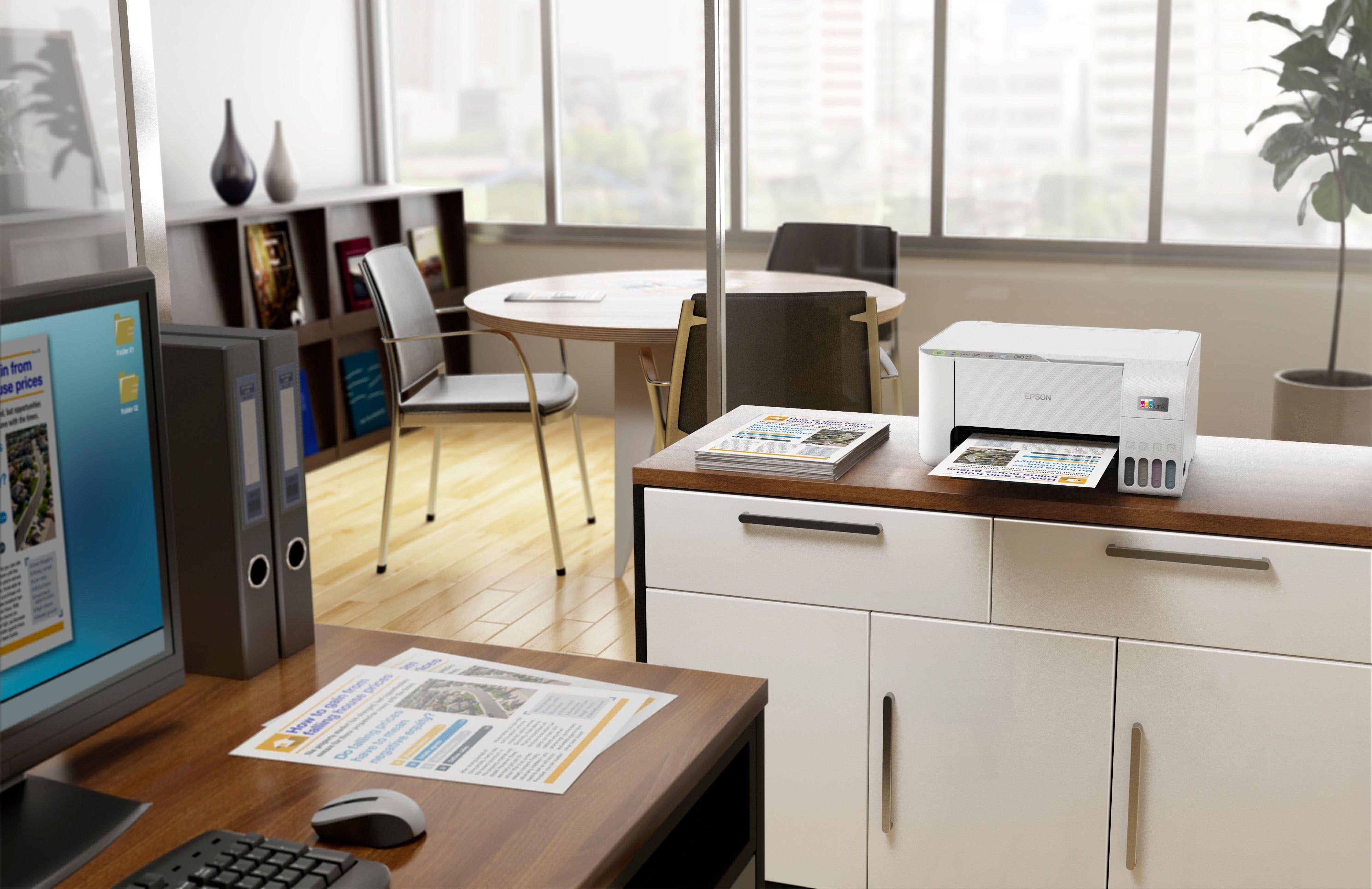
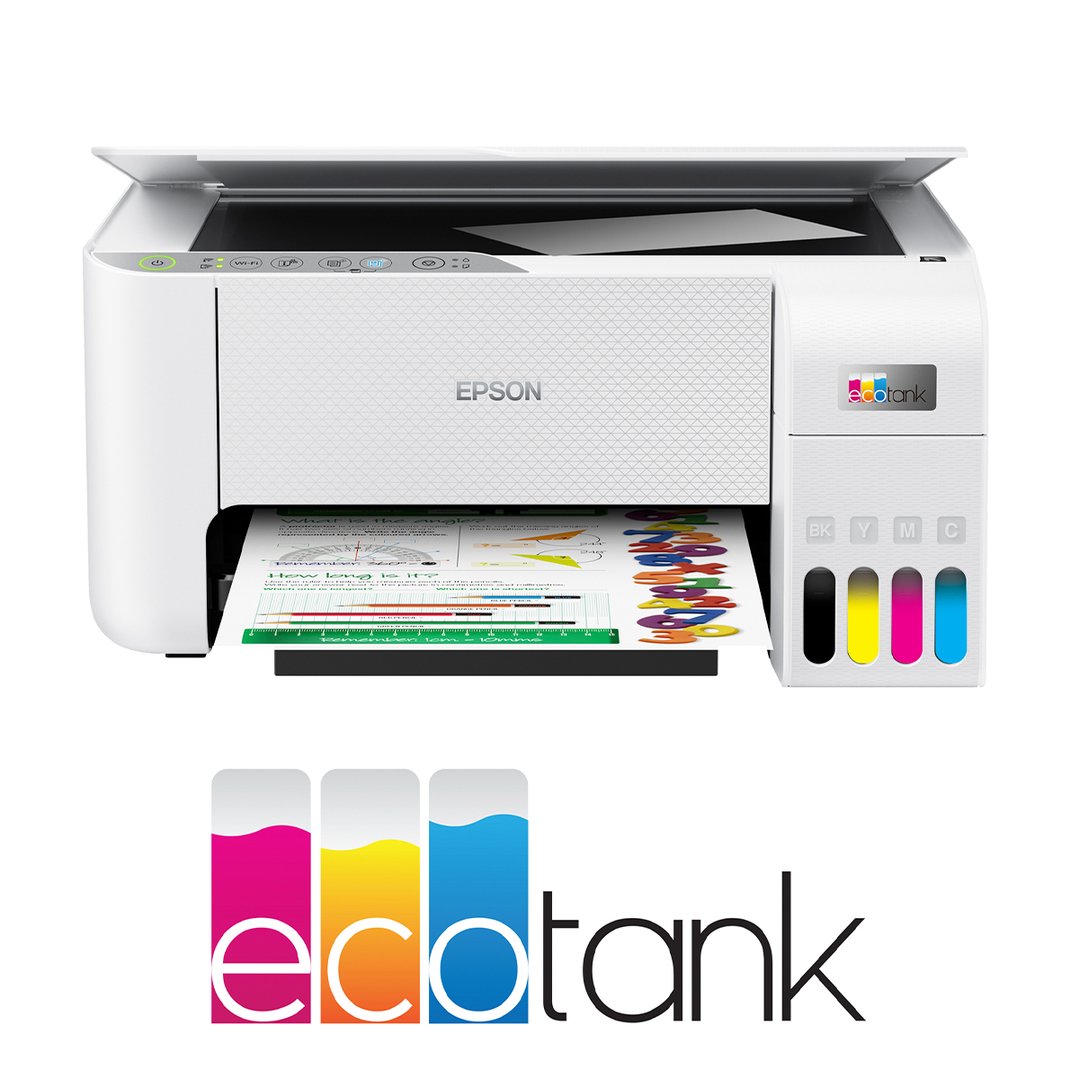
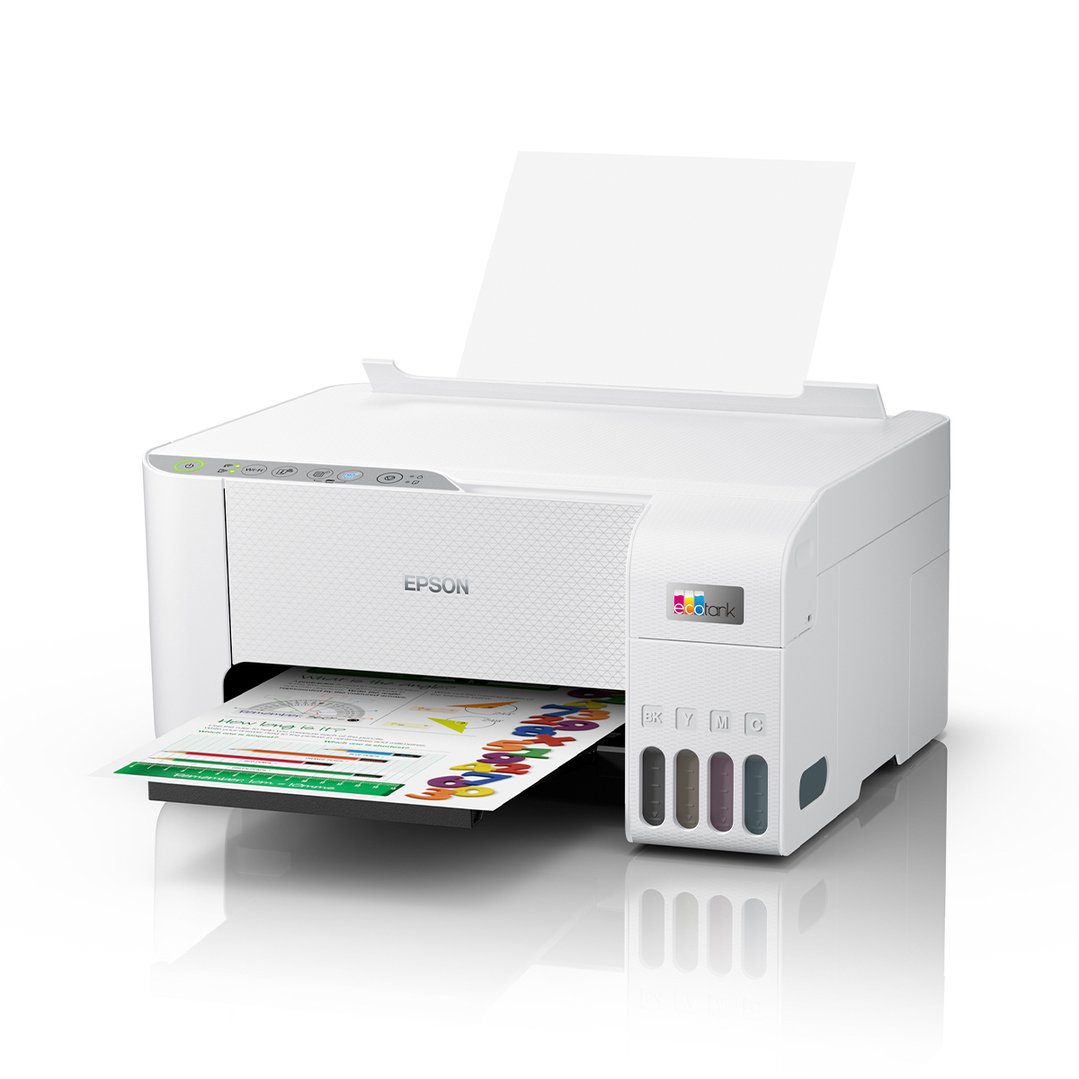
The Epson EcoTank ET-2810 wireless all-in-one printer offers cartridge-free printing with easy-to-fill, supersized ink tanks. Each replacement ink bottle set includes enough ink to print up to 4,500 pages1 – equivalent to about 203 individual cartridges2, that means less waste. Exclusive uniquely keyed EcoTank bottles make it easy to fill each colour tank. This premium printer also offers convenient wireless printing from tablets and smartphones3, plus a 2-year Return to Base Warranty with registration4.
Key Features:
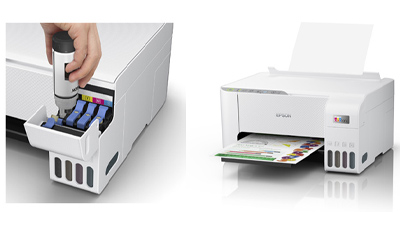
PRINTING FREEDOM
With an integrated high capacity ink tank system, the Epson EcoTank ET-2810 comes with enough ink in the box to print up to 3,600 pages in black / 6,500 pages in colour1 without worrying about ongoing ink replacement and costs.
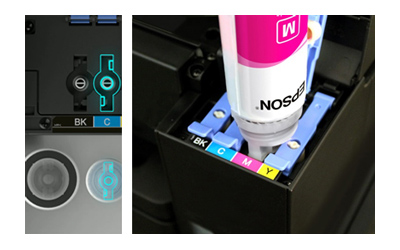
HIGH-VOLUME INK BOTTLES
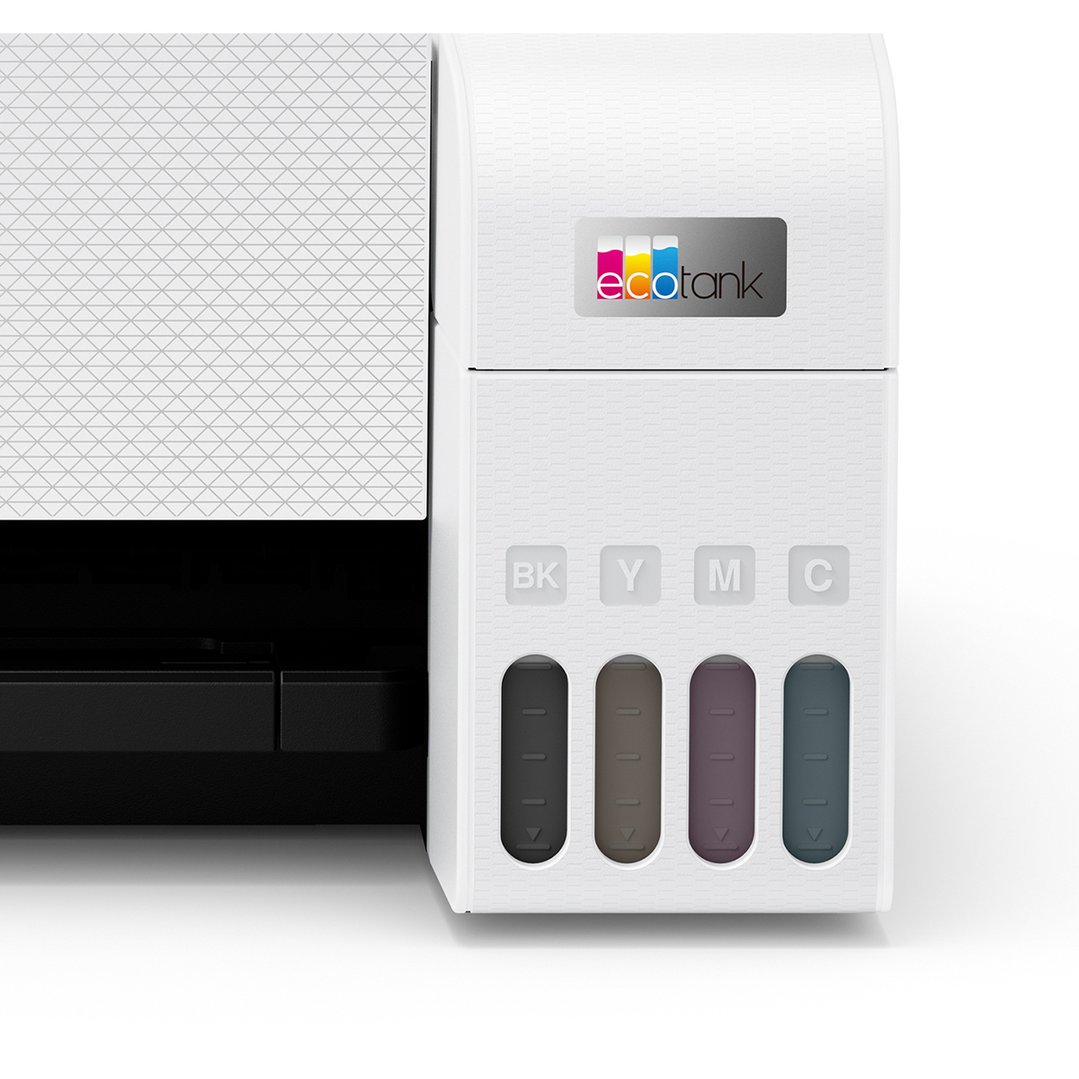
Additional low-cost ink can be bought in convenient high-volume bottles that have a drip-free nozzle and resealable cap for easy storage and refilling. We have redesigned our ink bottles to incorporate a unique key system. Each bottle is keyed so that it only fits into the corresponding ink tank on the printer, thus preventing mis-filling or spillage. Replacement bottles hold enough ink for a massive 4,500 pages in black / 7,500 pages in colour1.
POWERED BY HEAT-FREE TECHNOLOGY
The Epson EcoTank ET-2810 is powered by Epson Micro Piezo with Heat-Free Technology. Micro Piezo technology utilises piezo crystals that pulse when electrical signals are sent to them by the printer. It produces incredibly consistent droplets, both in shape and size, to deliver clear and sharp prints.

EPSON SMART-PANEL
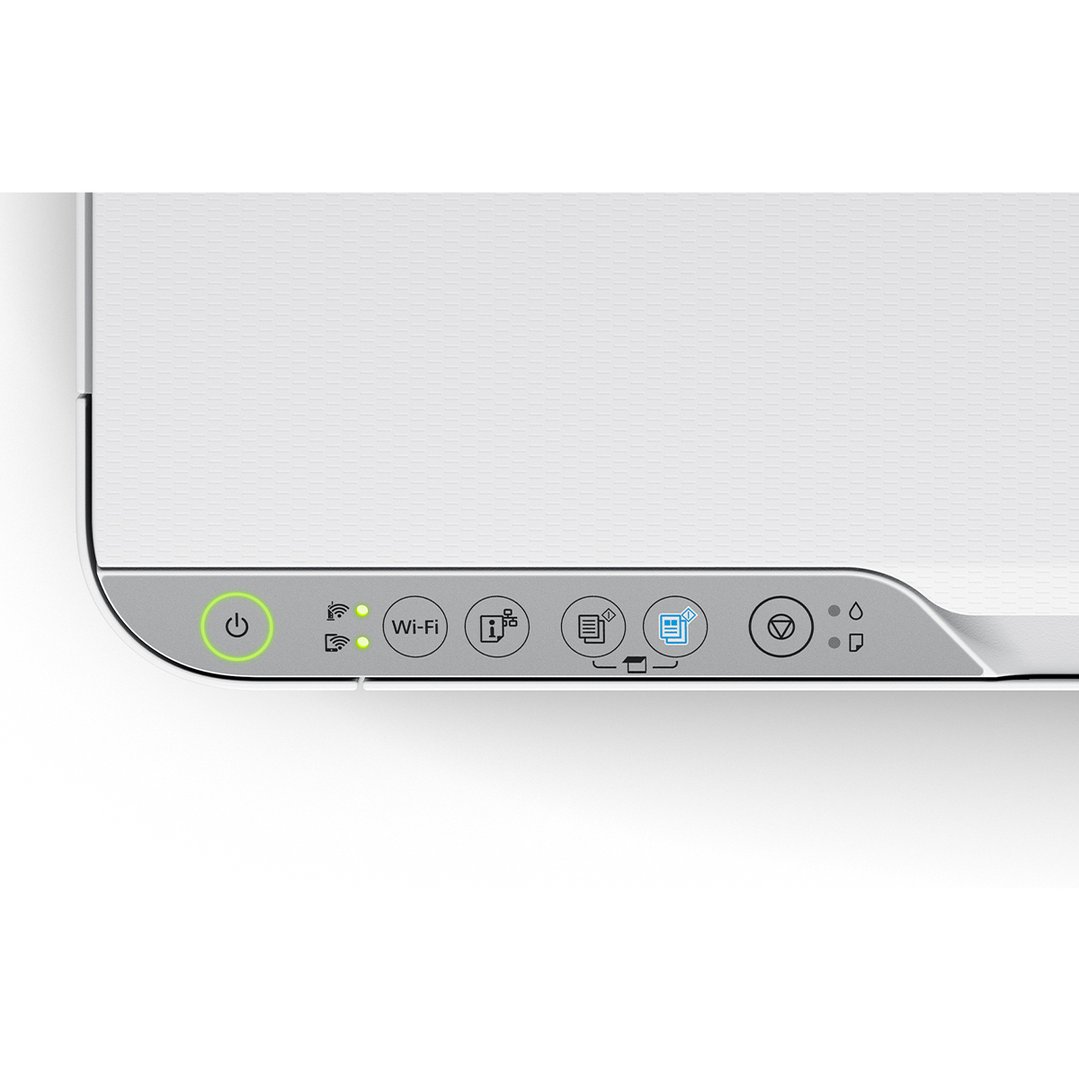
An innovative interface, the Epson Smart Panel app2 transforms your iOS® or Android™ mobile device3 into an intuitive control center for your Epson EcoTank ET-2810. This powerful tool makes it easy to set up, monitor, print, scan and more using your Epson printer, right from your hand-held device. With quick-configuration features, it offers easy product setup on your wireless network and automatically detects your printer. Customize the app to your own preferences and requirements.
Simple wireless connectivity
The Epson EcoTank ET-2810 supports the latest wireless standard, 802.11 b/g/n4 and includes Wi-Fi Direct®. Which means no router is required, providing users with greater coverage and faster speeds. You can use your EcoTank printer from anywhere in your home and share it with multiple PCs.
1 Yields based on the ISO/IEC 24712 pattern with Epsons methodology. Actual ink yields will vary considerably for reasons including images printed, print settings, temperature and humidity. Yields may be lower when printing infrequently or predominantly with one ink colour. All ink colours are used for printing and printer maintenance, and all colours must be available for printing so an additional black (K) bottle may be required to reach stated colour (C, M, Y) yields.
2 Requires Epson Smart Panel app download. Data usage fees may apply.
3 Compatible mobile device operating systems — for iOS: 11.0 or later; for iPadOS®: OS 13.1 or later; for Android: 5.0 or later.
4 Wi-Fi CERTIFIED™, level of performance subject to the range of the router being used. Wi-Fi Direct may require printer software.
Specifications
Global
- EAN:
- 9314020633430
- Printer Type:
- Multi-Function Printers
General
- Colour:
- White
- Copy Speed:
- Black: 7.7 ISO ppm, Colour: 3.8 ISO ppm
- Ink Cartridges/Toners:
- 522 Black, Cyan, Magenta, Yellow
- Ink Type:
- EcoTank Ink Bottles
- Paper Capacity:
- 100
- Print Speed:
- Black: 10 ISO ppm, Colour: 5 ISO ppm
- Scanner Type:
- Colour flatbed
- Print Resolution (Dpi):
- 5,760 x 1,440
Features
- App Connected:
- Yes
- Auto Duplex:
- No
- Borderless Prints:
- No
- Copy:
- Yes
- Dual Paper Feeder:
- No
- Fax:
- No
- Mobile Phone/Tablet Printing:
- Yes
- Print:
- Yes
- Quiet Mode:
- No
- Scan:
- Yes
Size
- Paper Size:
- Legal, Letter, 8.5" x 13", A4, B5, A5, A6, B6, user definable (182mm x 257mm – 215.9mm x 297mm")
Connectivity
- Bluetooth:
- No
- NFC:
- No
- Wi-Fi:
- Yes
Energy Specification/Power
- Frequency Response (Hz):
- 50-60
- Voltage (V):
- 100-240
Dimensions
- Depth:
- 347mm
- Height:
- 179mm
- Width:
- 375mm
Weight
- Weight (Kg):
- 3.9
In The Box & Warranty
- Included:
- Epson EcoTank ET-2810, Instruction manual, CD-ROM for product setup, Power cord, Initial ink bottles: 1 x 522 Black, 522 Cyan, 522 Magenta & 522 Yellow
- Warranty (Years):
- 1
Why Buy?
Print for years without buying another cartridge
The Epson EcoTank ET-2810 does away with pricey ink cartridges altogether, using refillable tanks that come filled with enough ink for up to 3,600 pages in black or 6,500 in colour before you need to top up.
Day to day, this all-in-one handles printing, copying and scanning with clear, sharp results thanks to Epson's heat-free print technology, so text stays crisp and photos come out looking true to colour. Setting it up on your home Wi-Fi is straightforward, and once connected you can send jobs to it from a laptop, phone or tablet without hunting for cables. The uniquely keyed ink bottles only fit their matching tank, so refilling is a clean, mistake-free job rather than a fiddly one.
At 375mm wide, this compact printer tucks into a home office, study nook or kitchen bench without dominating the space. The Epson Smart Panel app puts monitoring and printing controls in your hand, and a 2-year Return to Base warranty with registration backs it up for everyday reliability. It is a sensible fit for households after an ecotank printer that keeps running costs low over time.
Buy this if…
- You print often and want to stop buying replacement cartridges
- Your household needs printing, copying and scanning covered by one compact machine
- You want easy wireless printing from phones, tablets and laptops
- You are short on desk space and need a printer with a small footprint
- You would rather top up ink occasionally than manage ongoing cartridge costs