Tech & Gaming
Top Tech Items to Claim on Tax This EOFY 2026
Last updated: May 2026
If you've bought a new laptop, upgraded your home office setup, or invested in tech to make work easier, good news: you may be able to claim it on tax. Read on as we walk through the EOFY tax deductions Australians most commonly overlook - updated for 2026 and the latest ATO guidelines.
Disclaimer: This article is intended as general information only. Always consult a registered tax professional or accountant to confirm your eligibility before making a claim.
Jump to
You can claim electronics on tax if you use them for work-related purposes. This includes laptops, tablets, desktop PCs, mobile phones, monitors, printers, scanners, cameras, microphones, headphones, and more. If you use a device for both personal and work purposes, you can still claim the portion that directly relates to your work usage - you just need to be able to substantiate that split.
The ATO generally requires:
Receipts for all purchases
A record of work-related usage (a 4-week diary is the standard method for mixed-use devices)
Evidence the expense was incurred by you, not reimbursed by your employer
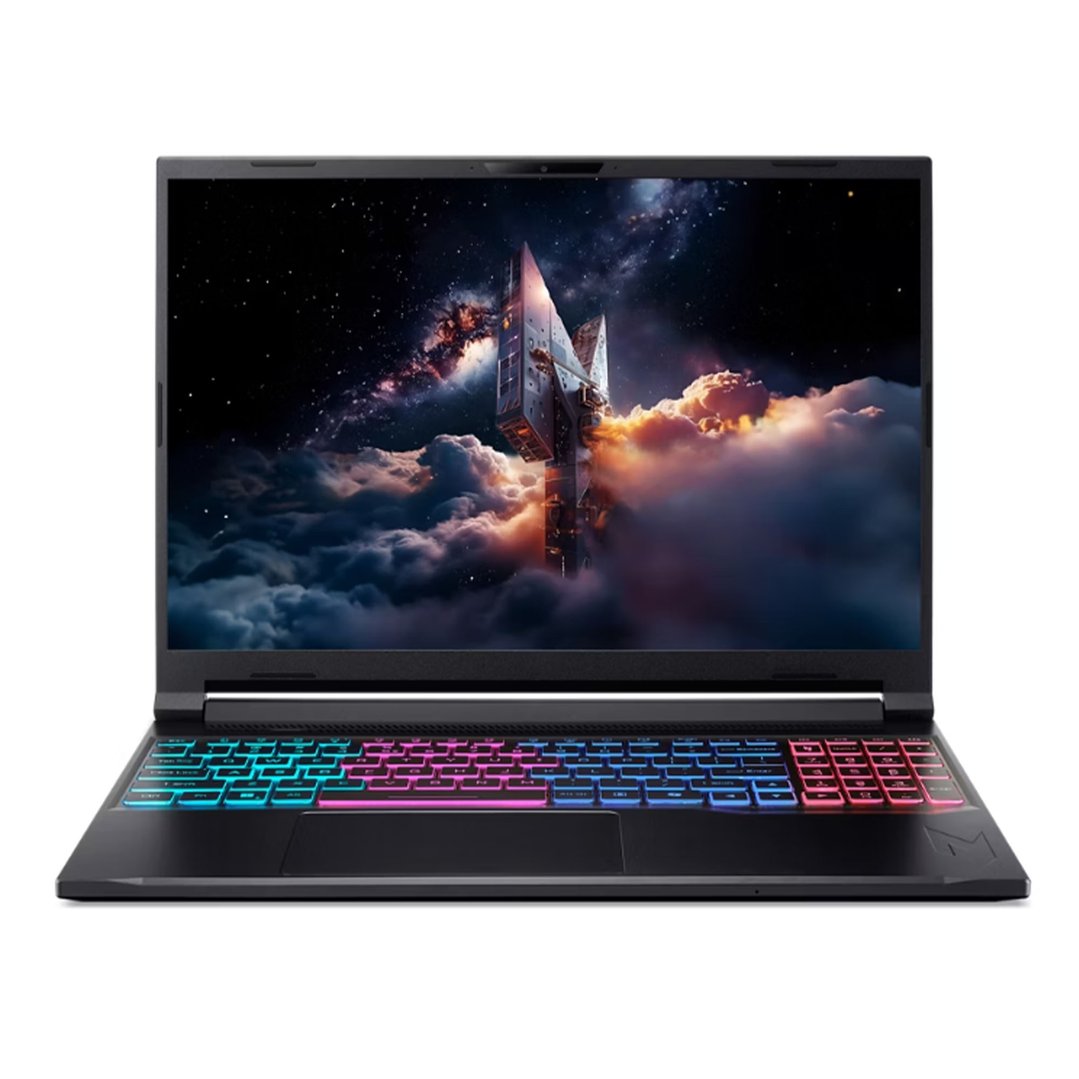
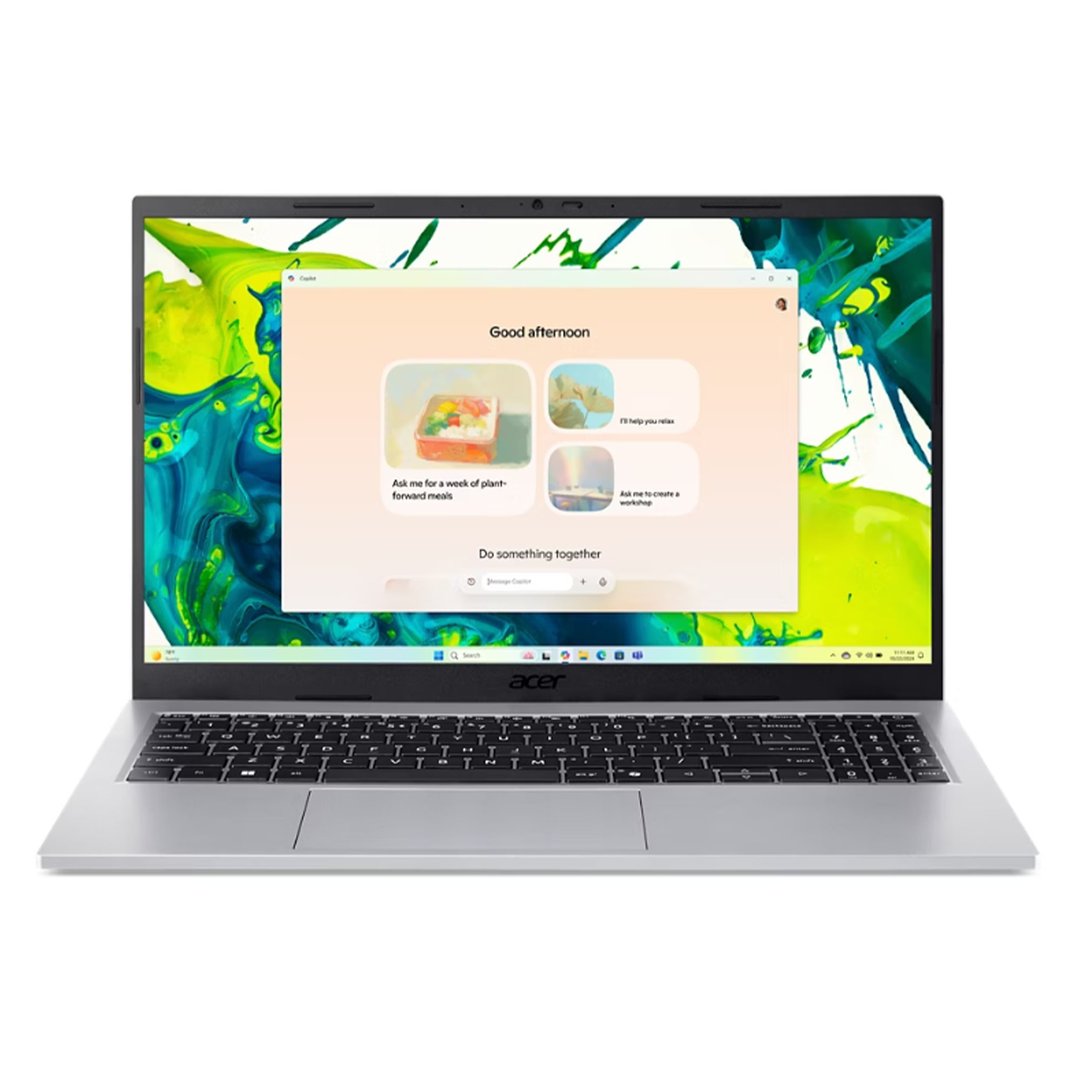
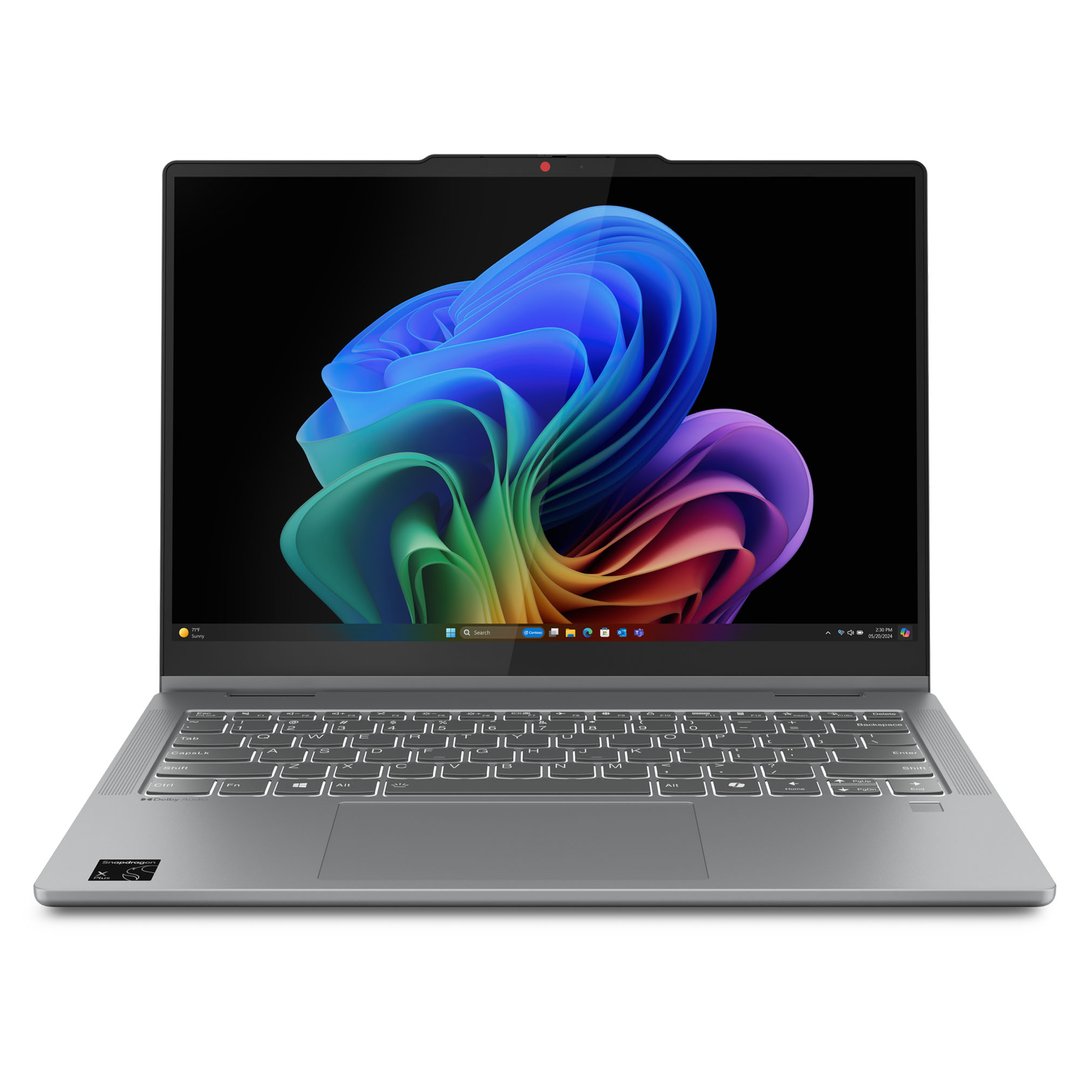
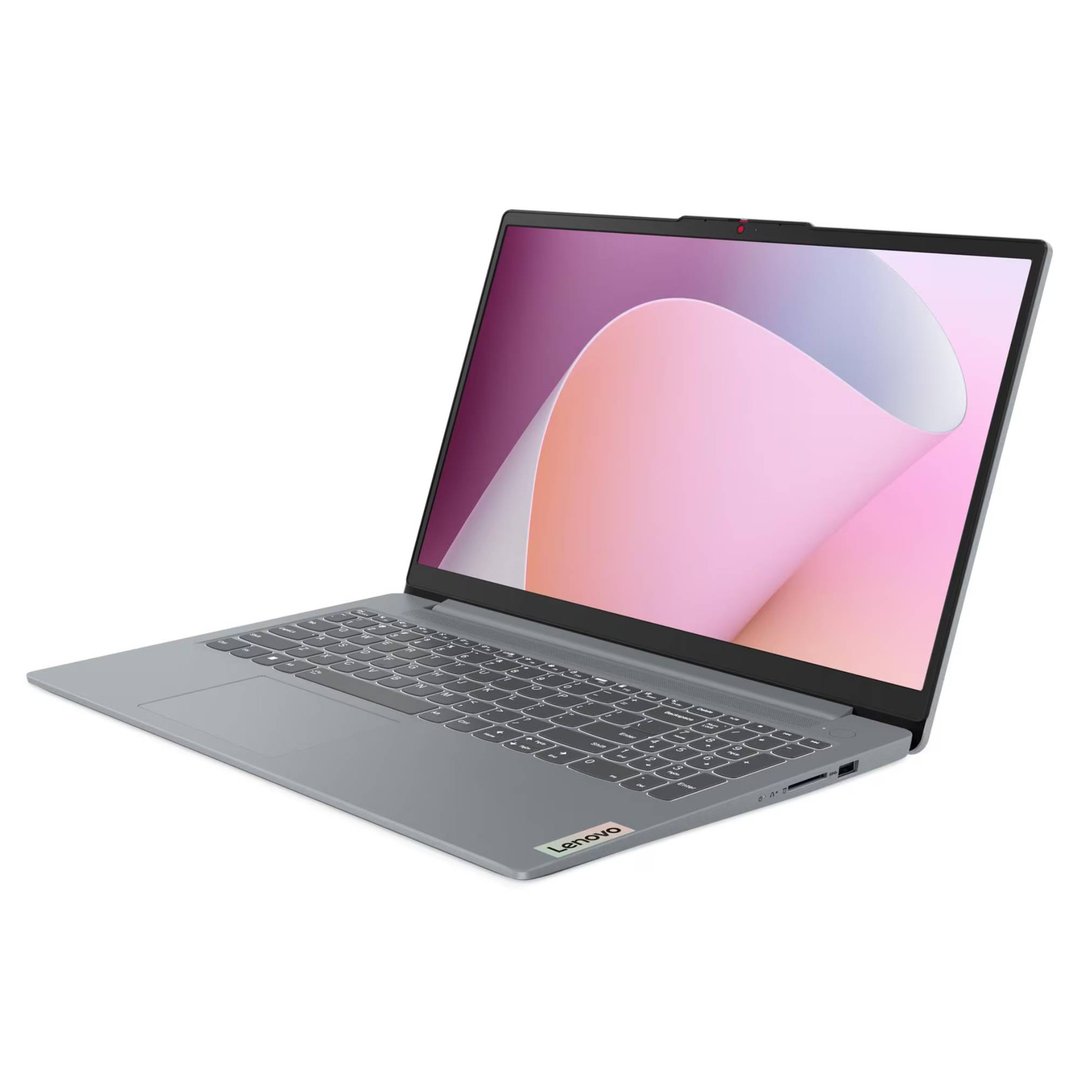
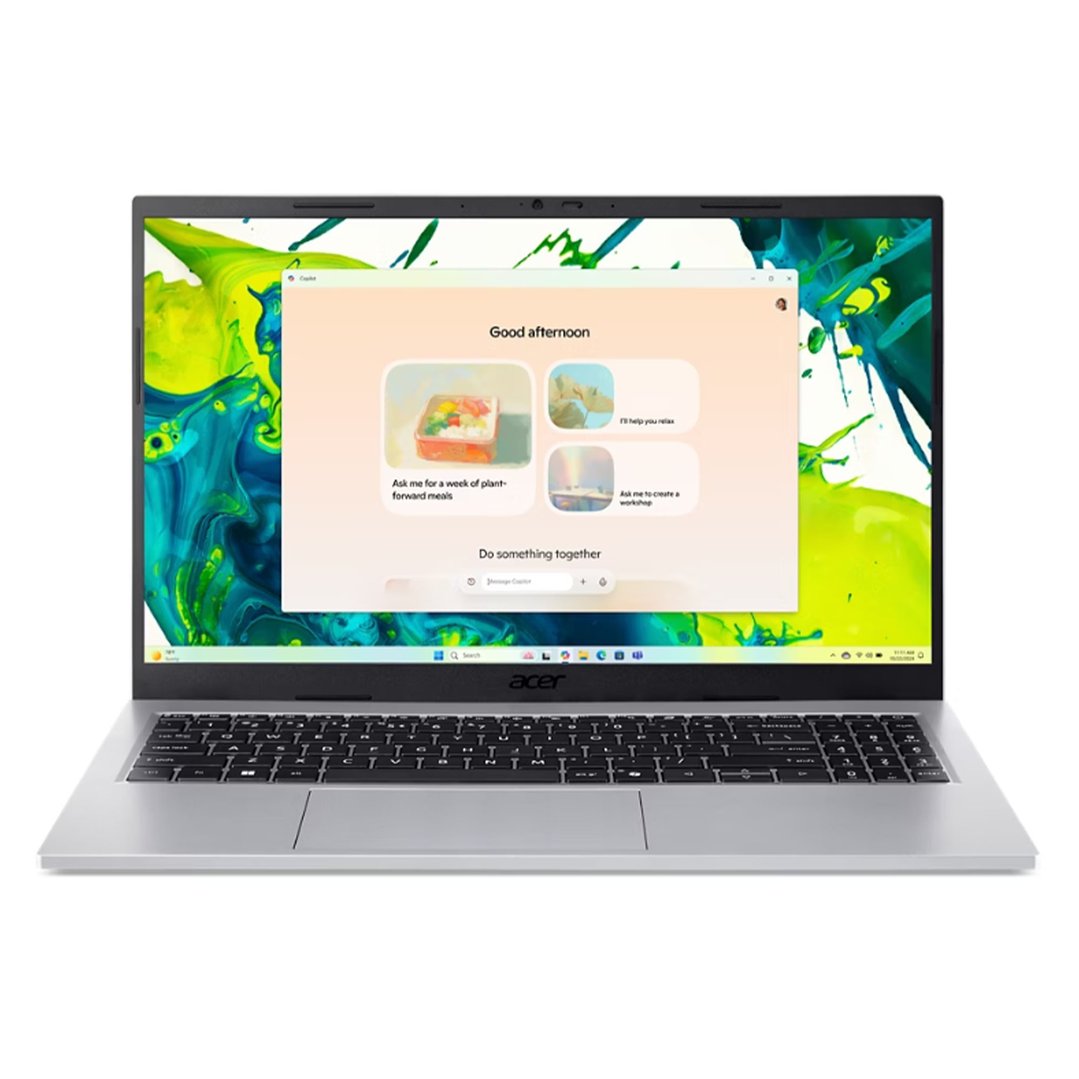
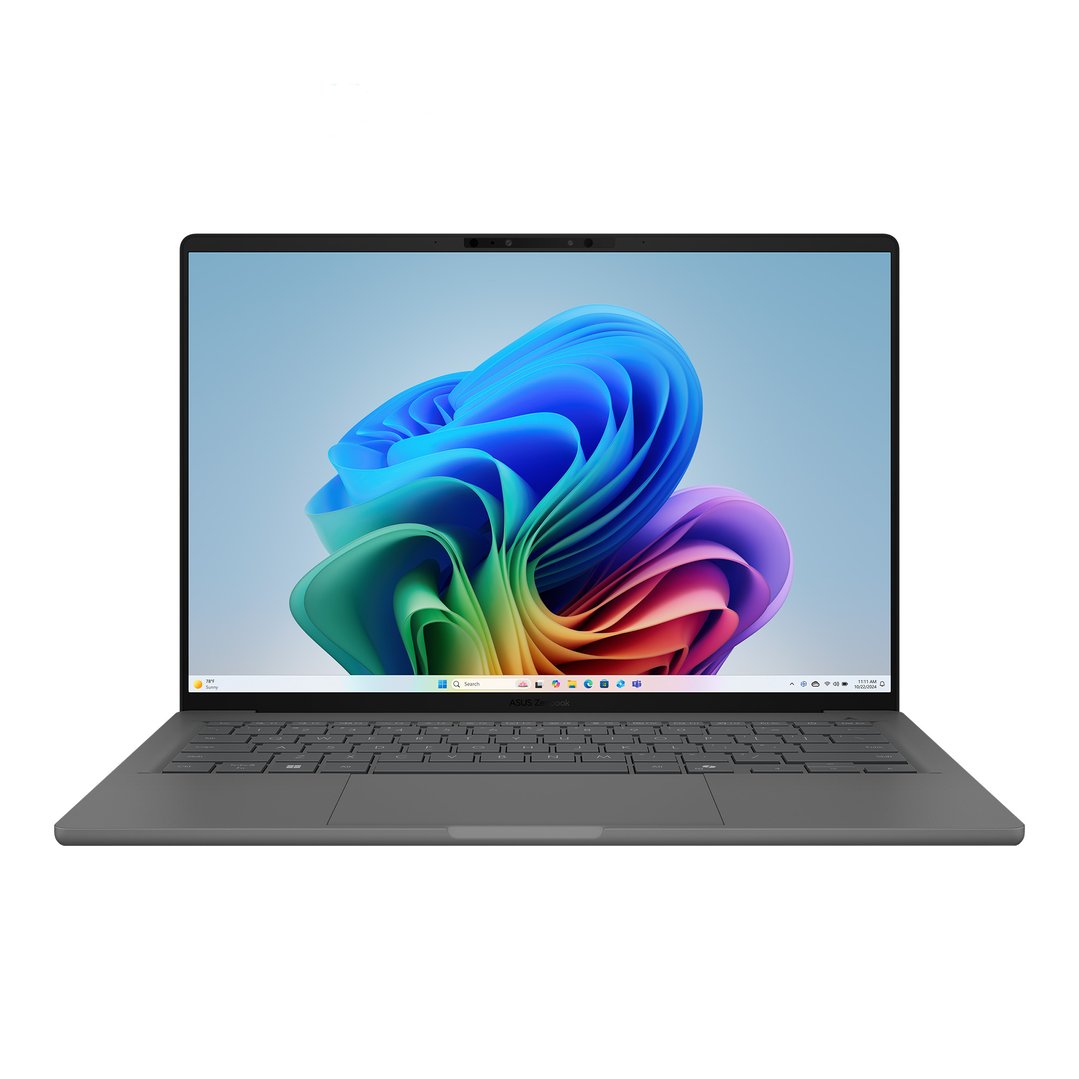
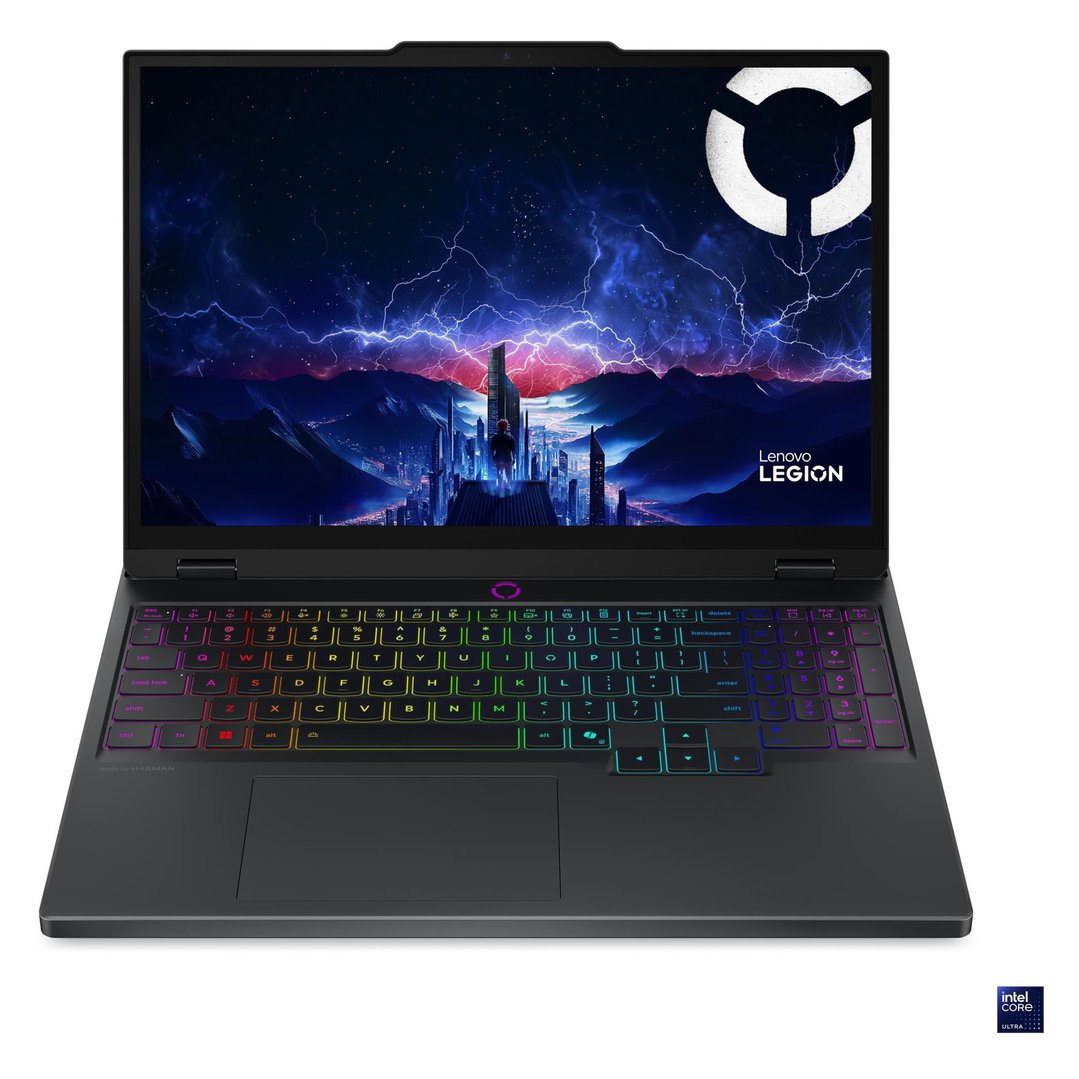
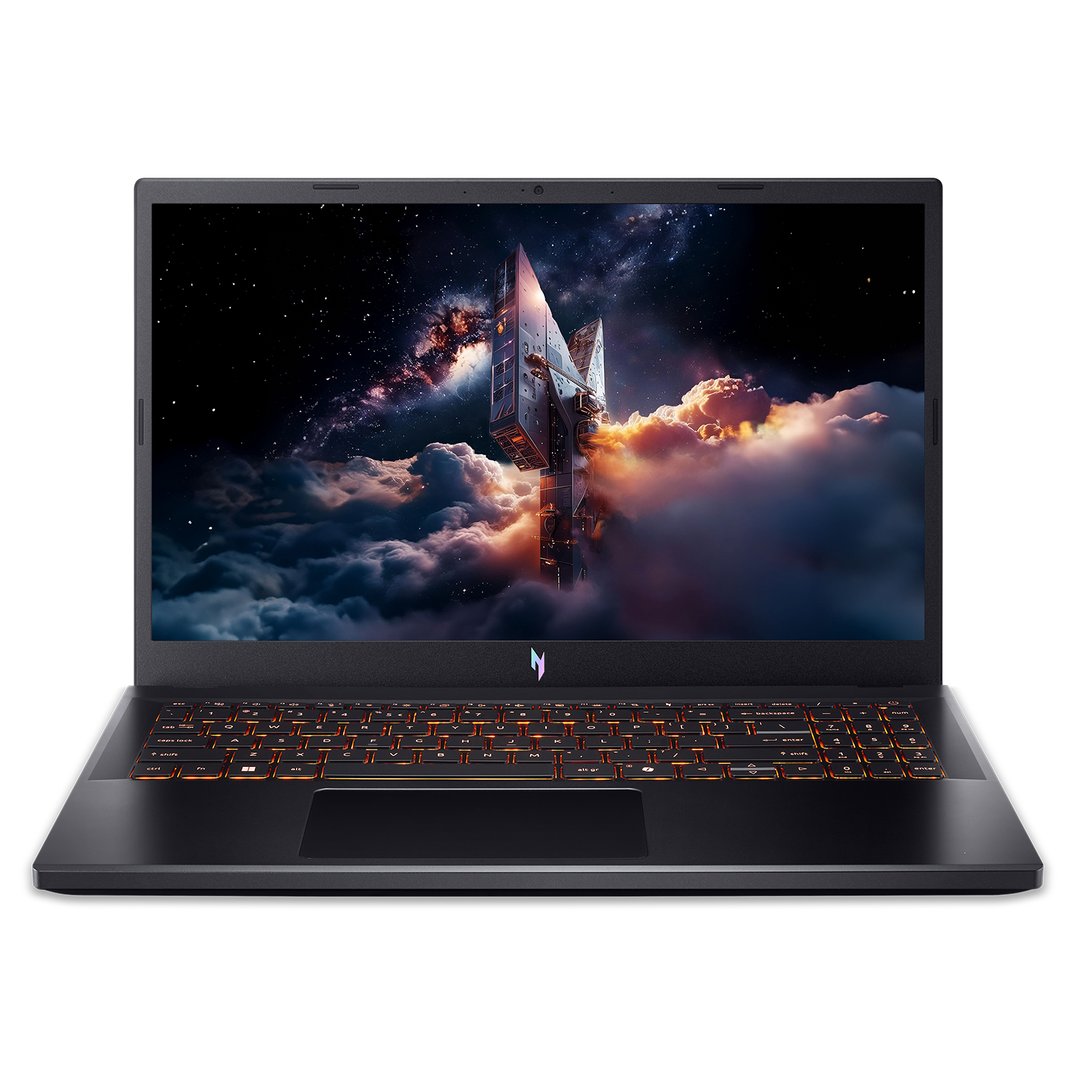
Yes - a laptop is one of the most commonly claimed work-related deductions in Australia, and for good reason. You can claim a laptop on tax if you incur the cost (meaning, an employer doesn’t reimburse it for you) and use it to perform your work duties.
The $300 rule: If a laptop costs $300 or less and you use it more than 50% of the time for work, you can claim the full amount immediately in the year of purchase. For laptops over $300, you claim a deduction for the decline in value (depreciation) over its effective life - typically 2 to 3 years for laptops under ATO guidelines.
The same applies to desktop PCs and external monitors used for work.
$1,897 you
pay $1,777Ends in
6 Days
$797 you
pay $747Ends in
6 DaysHot Price you
pay $897$1,474 you
pay $1,398Ends in
7 Days
CLEARANCE now
only $2,499
$2,496 you
pay $2,288Ends in
6 Days$1,097 you
pay $996Ends in
6 Days



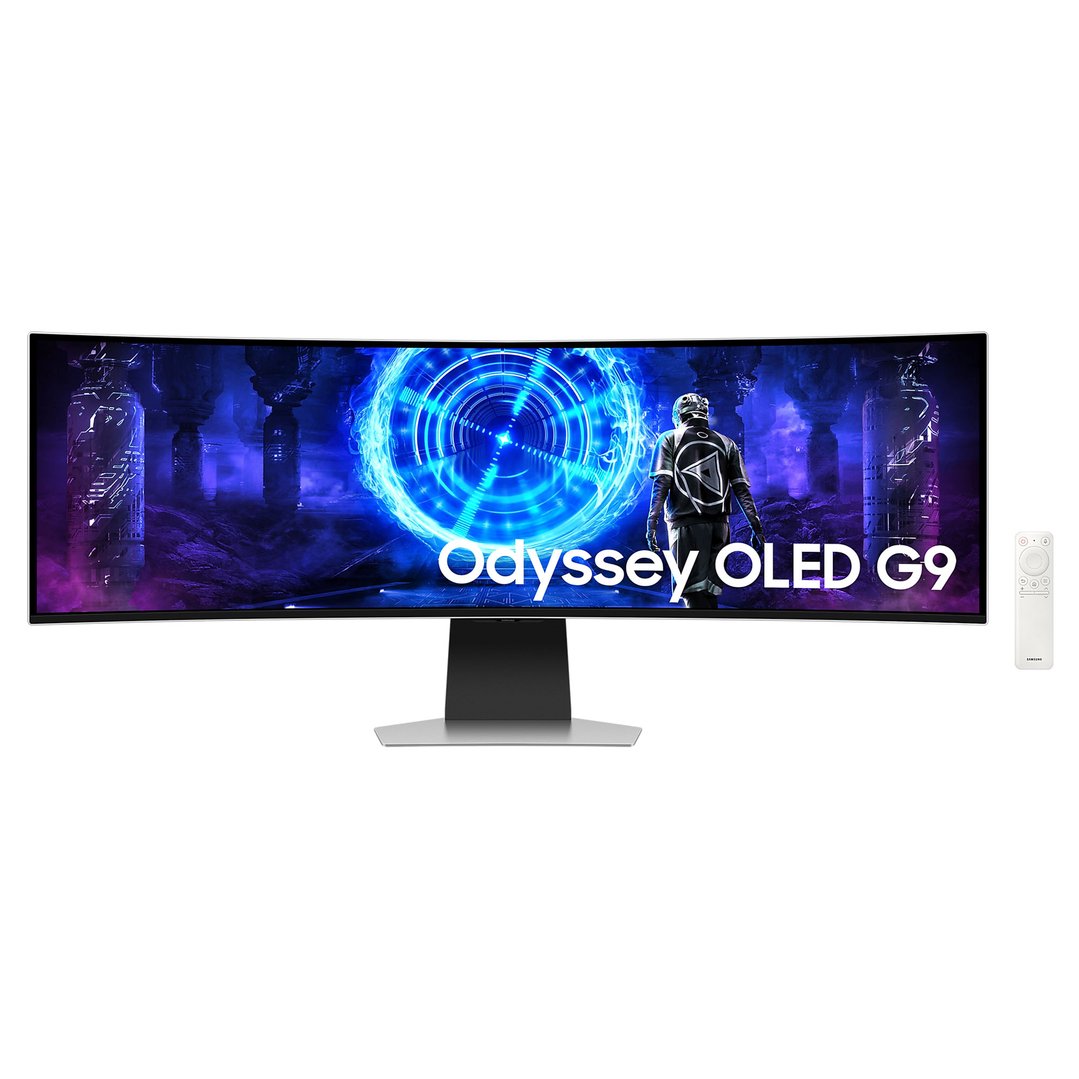
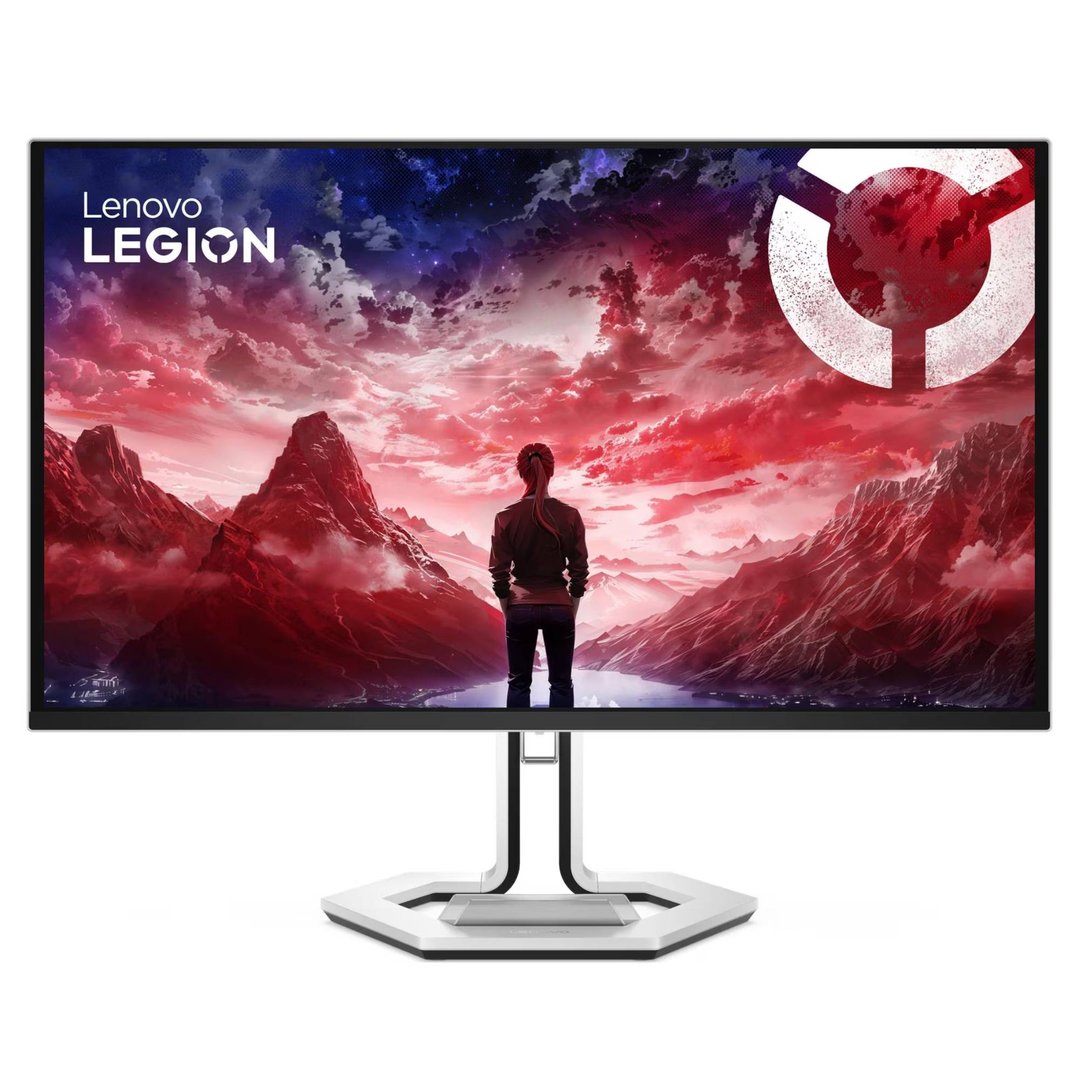
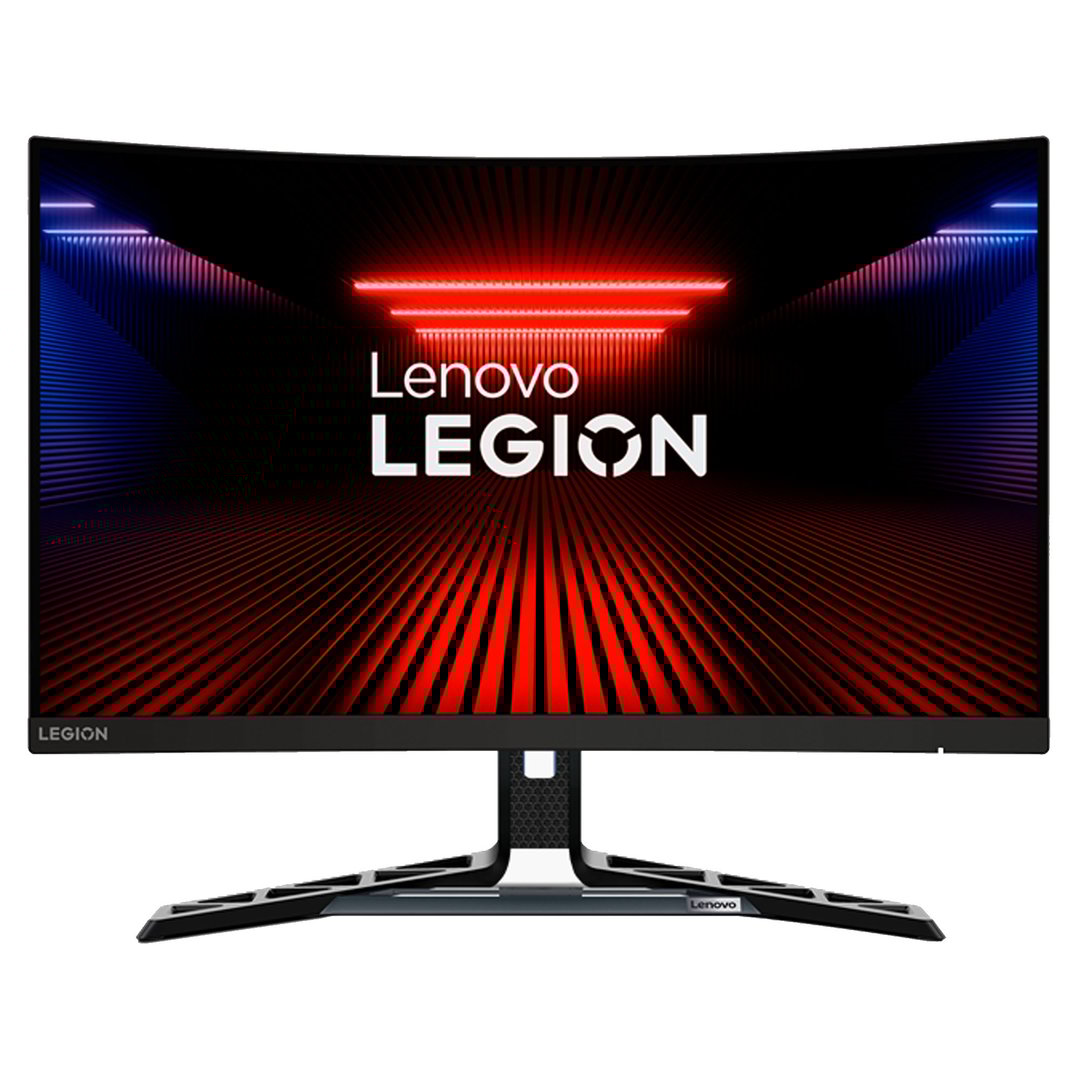
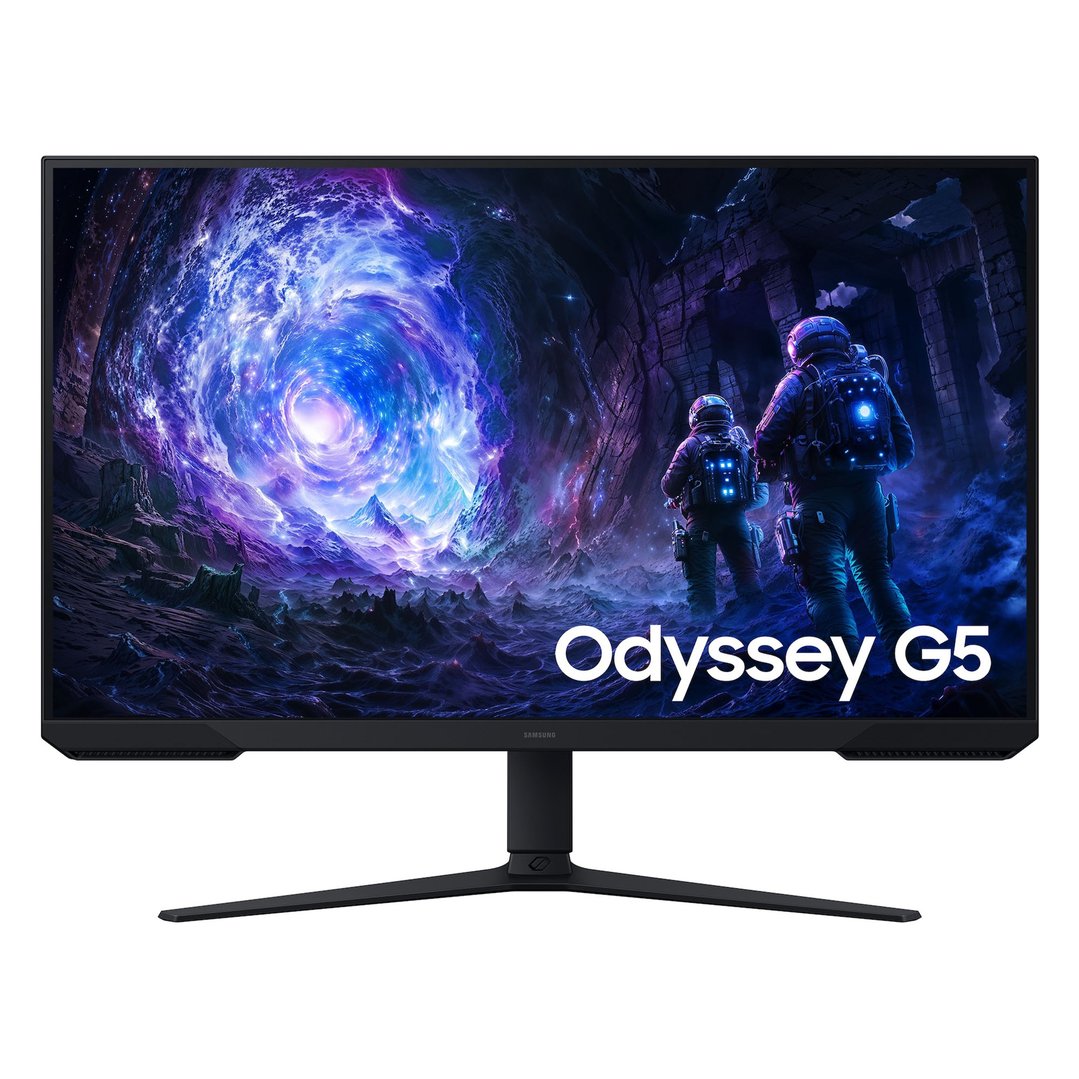
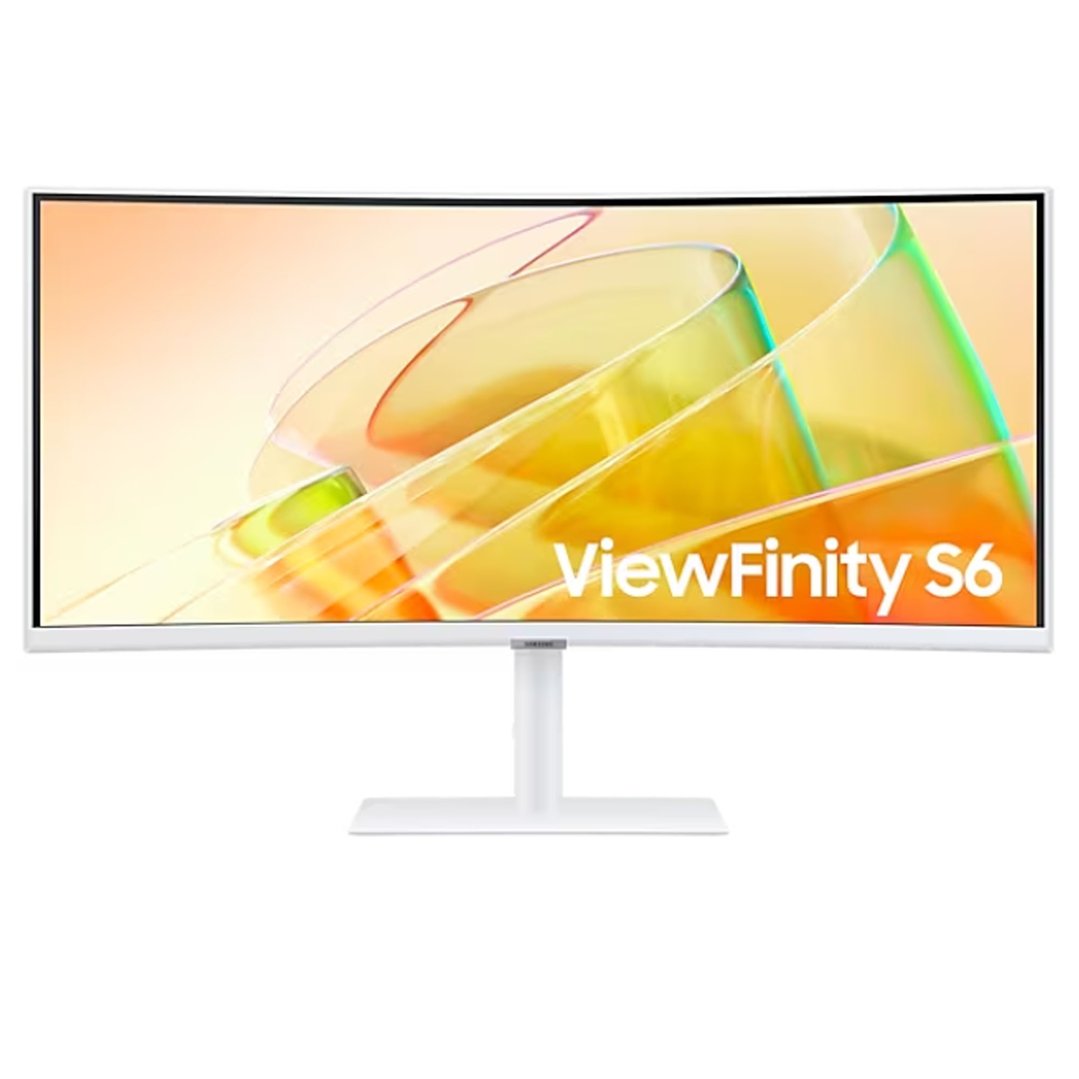
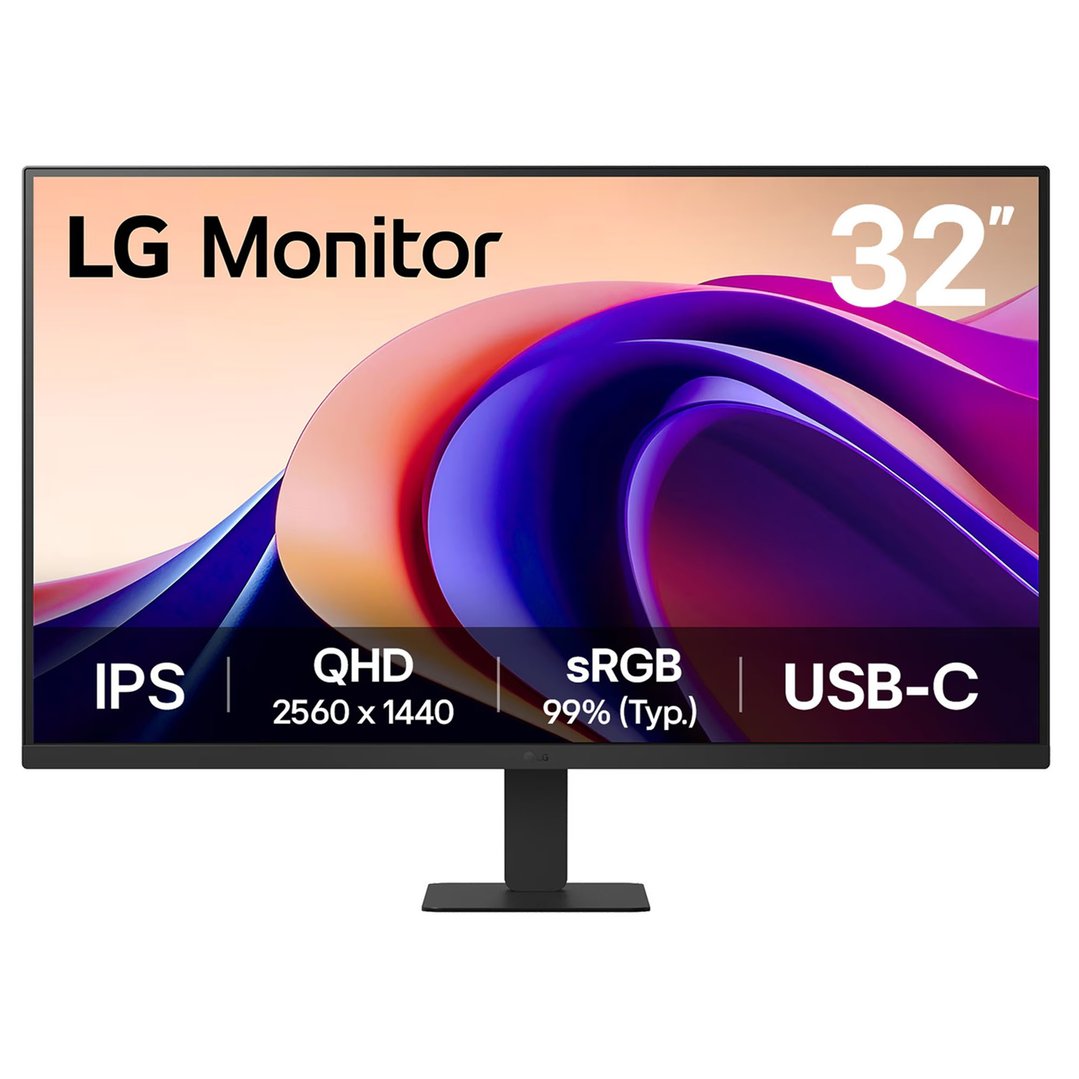
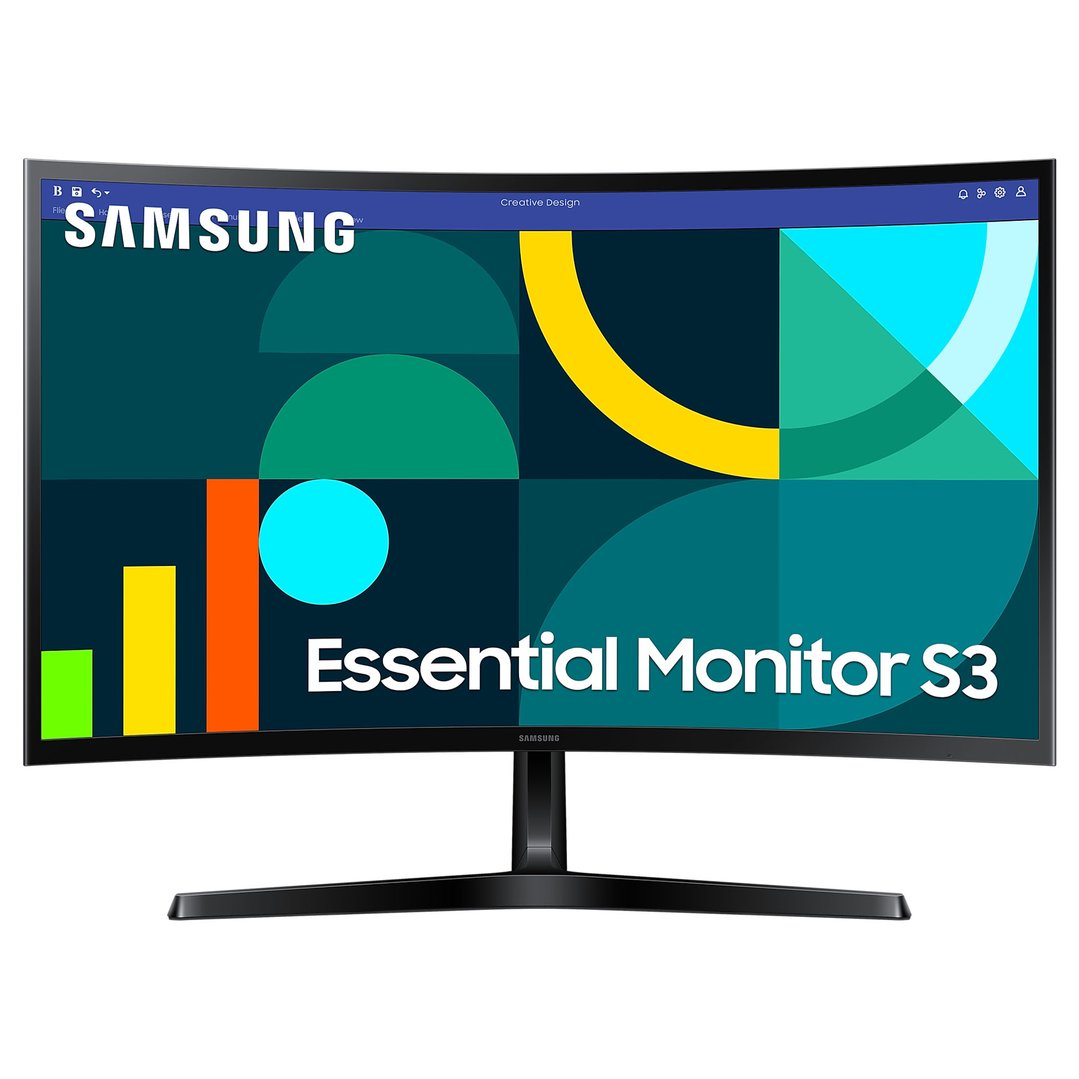
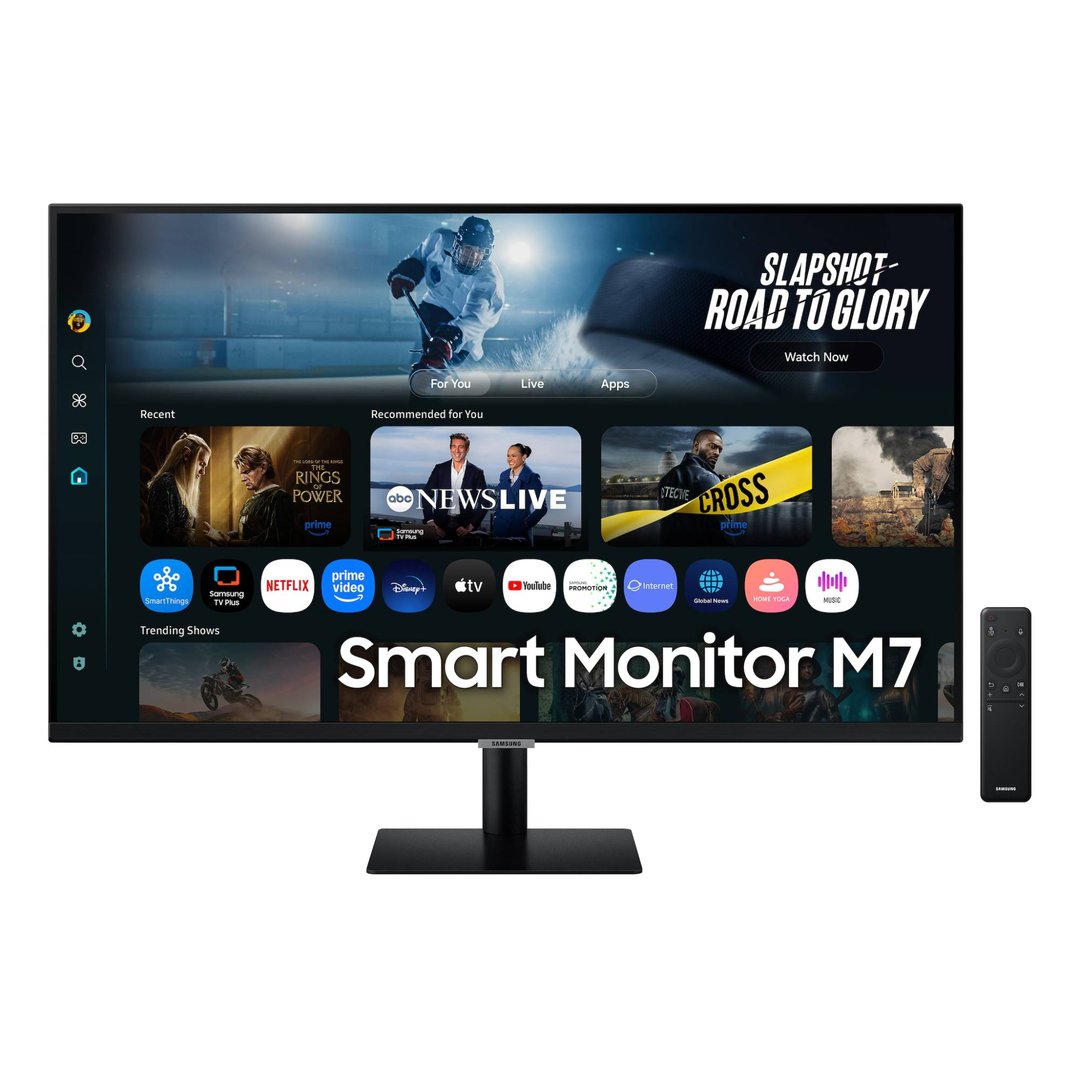
Yes - a computer monitor used for work is claimable under the same rules as a laptop. Given how many Australians now work from home either full-time or in a hybrid arrangement, a second monitor is one of the most practical (and frequently overlooked) work deductions.
As with all mixed-use items, if you use the monitor for both work and personal purposes, you'll need to calculate and claim only the work-related percentage.
$377 you
pay $197Ends in
6 Days



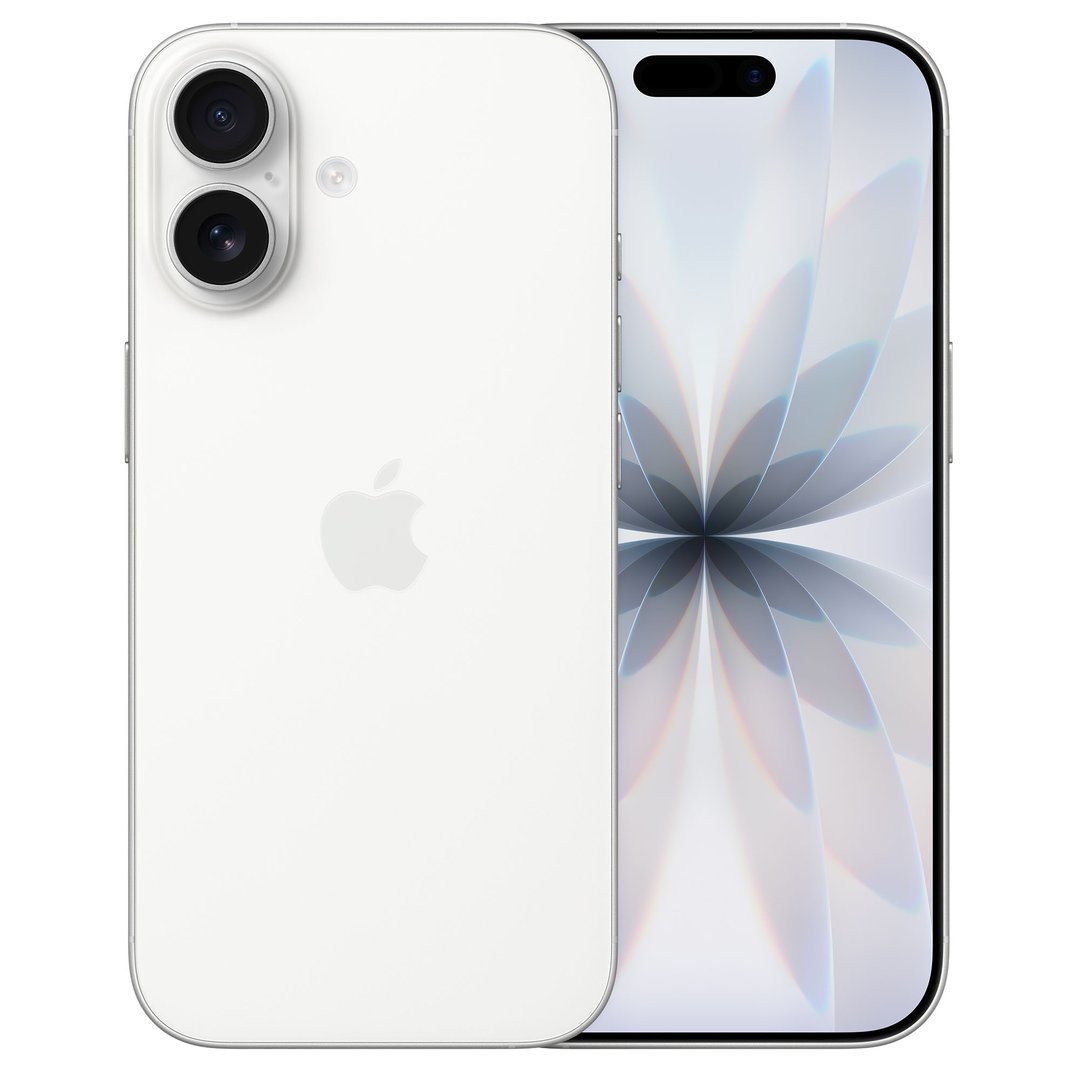
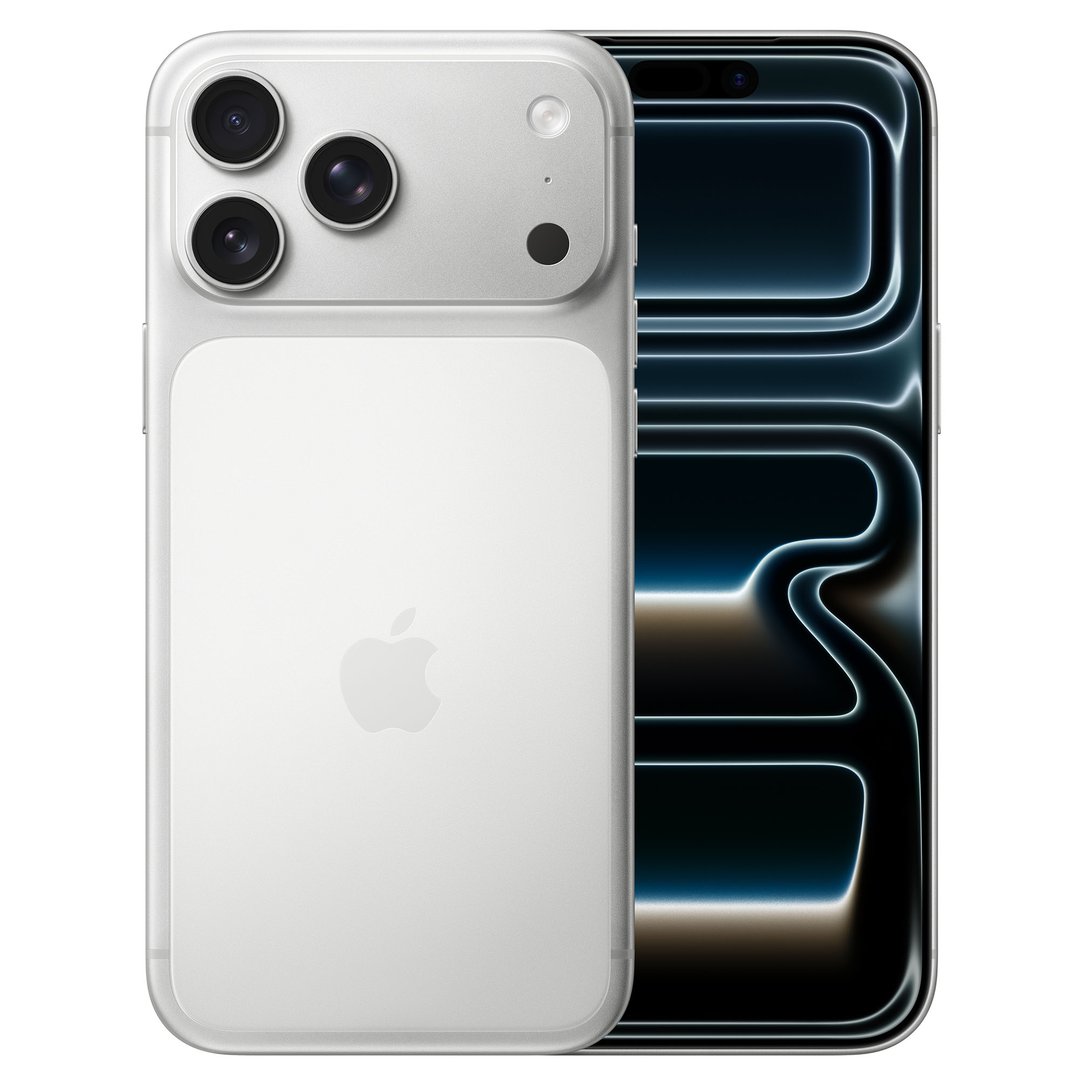
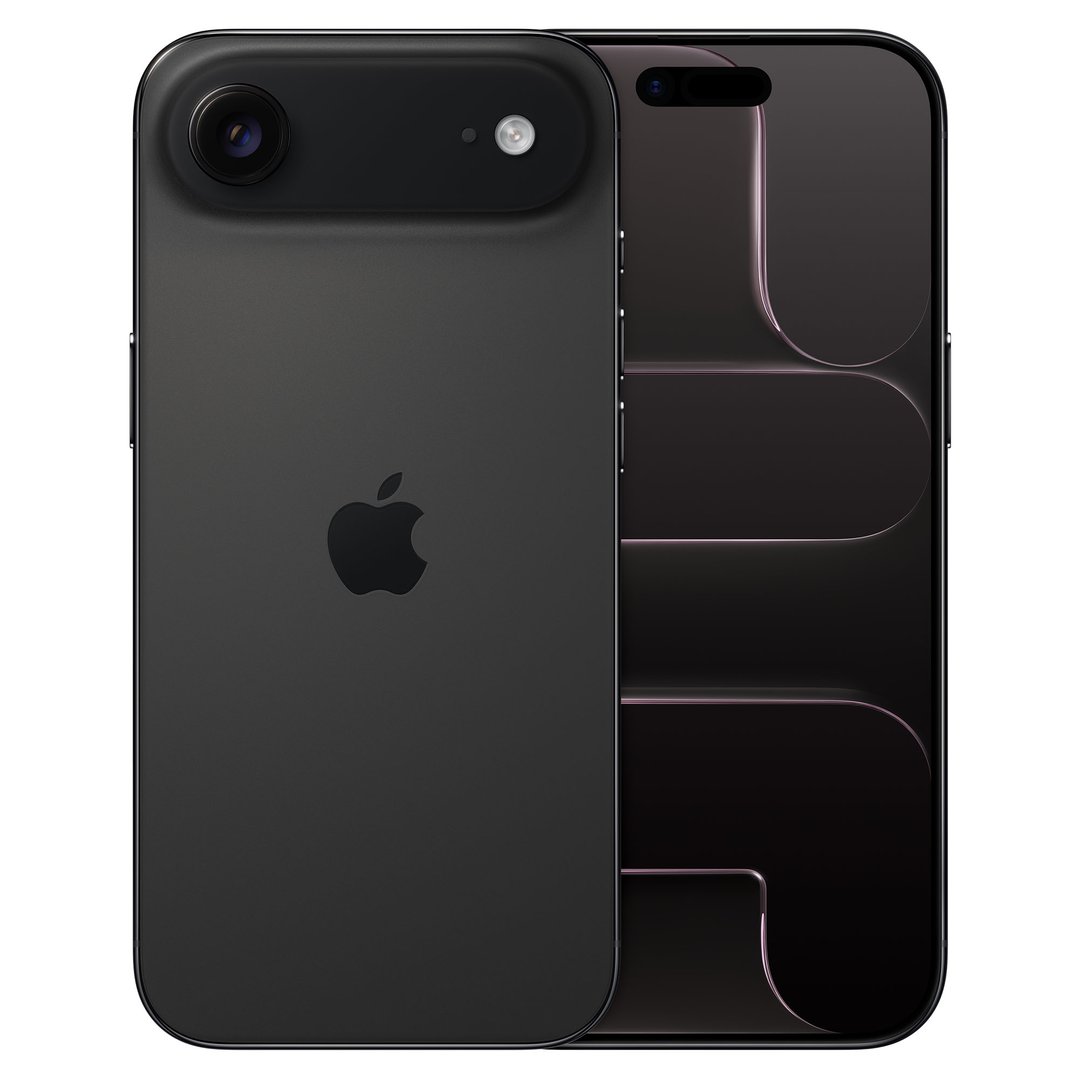
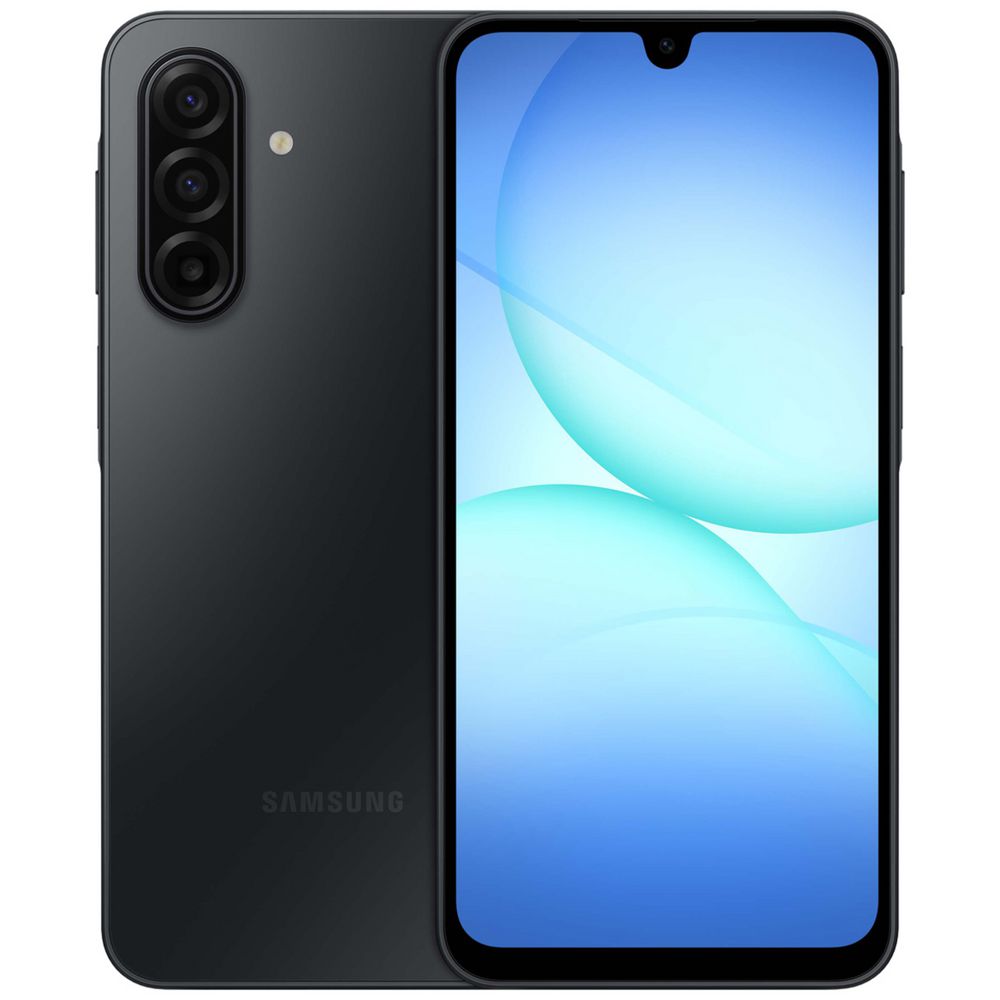
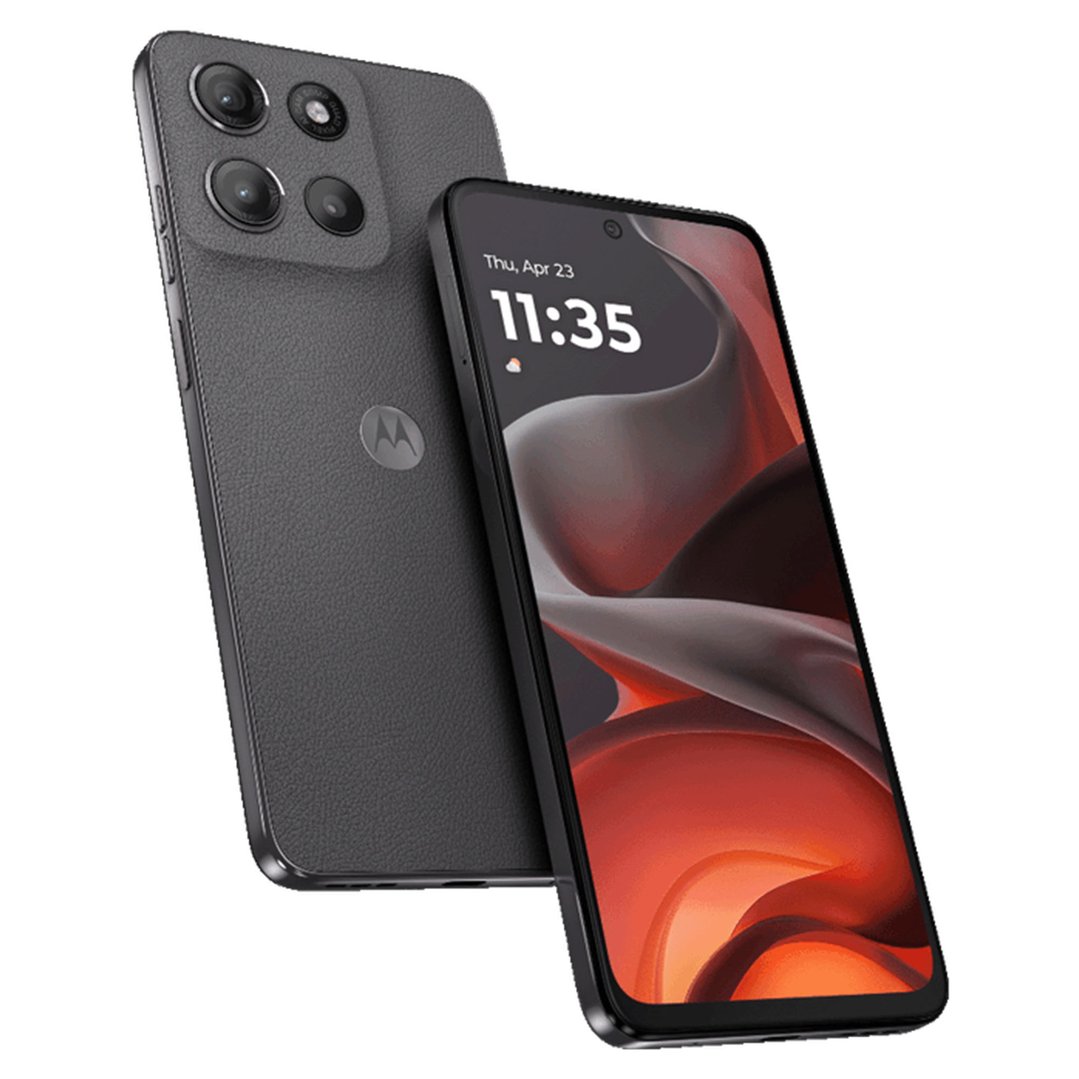
You can claim the work-related portion of your phone expenses - including the device itself, your plan costs, and data usage. This applies if you use your phone for work calls, emails, client communication, or accessing work systems remotely.
How to calculate the work percentage: Keep a 4-week usage diary tracking work versus personal calls and data usage, then apply that percentage to your total annual phone cost. The ATO accepts this method as a reasonable estimate for the full year.
Note: If your employer provides your phone or reimburses your costs, you cannot claim a deduction.


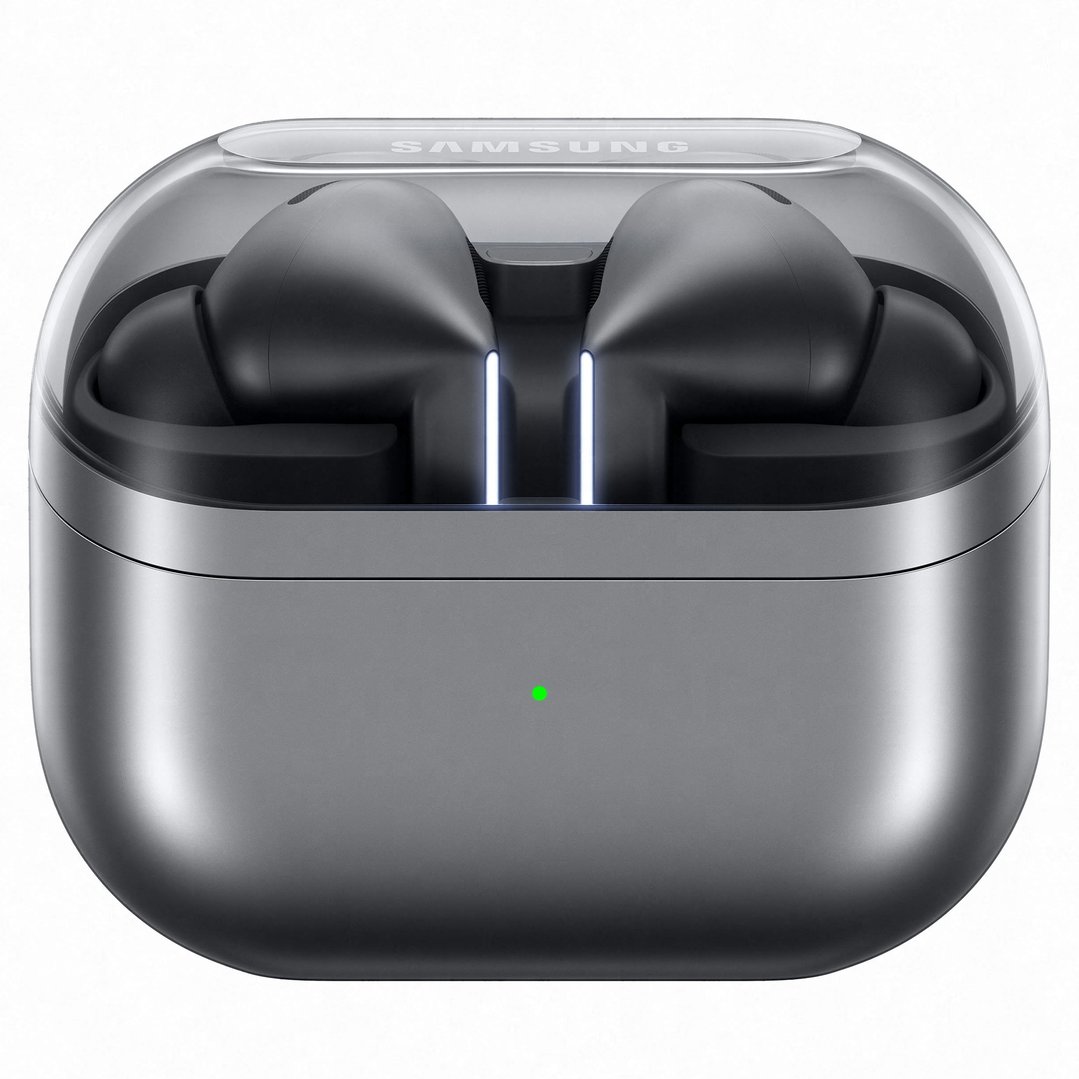
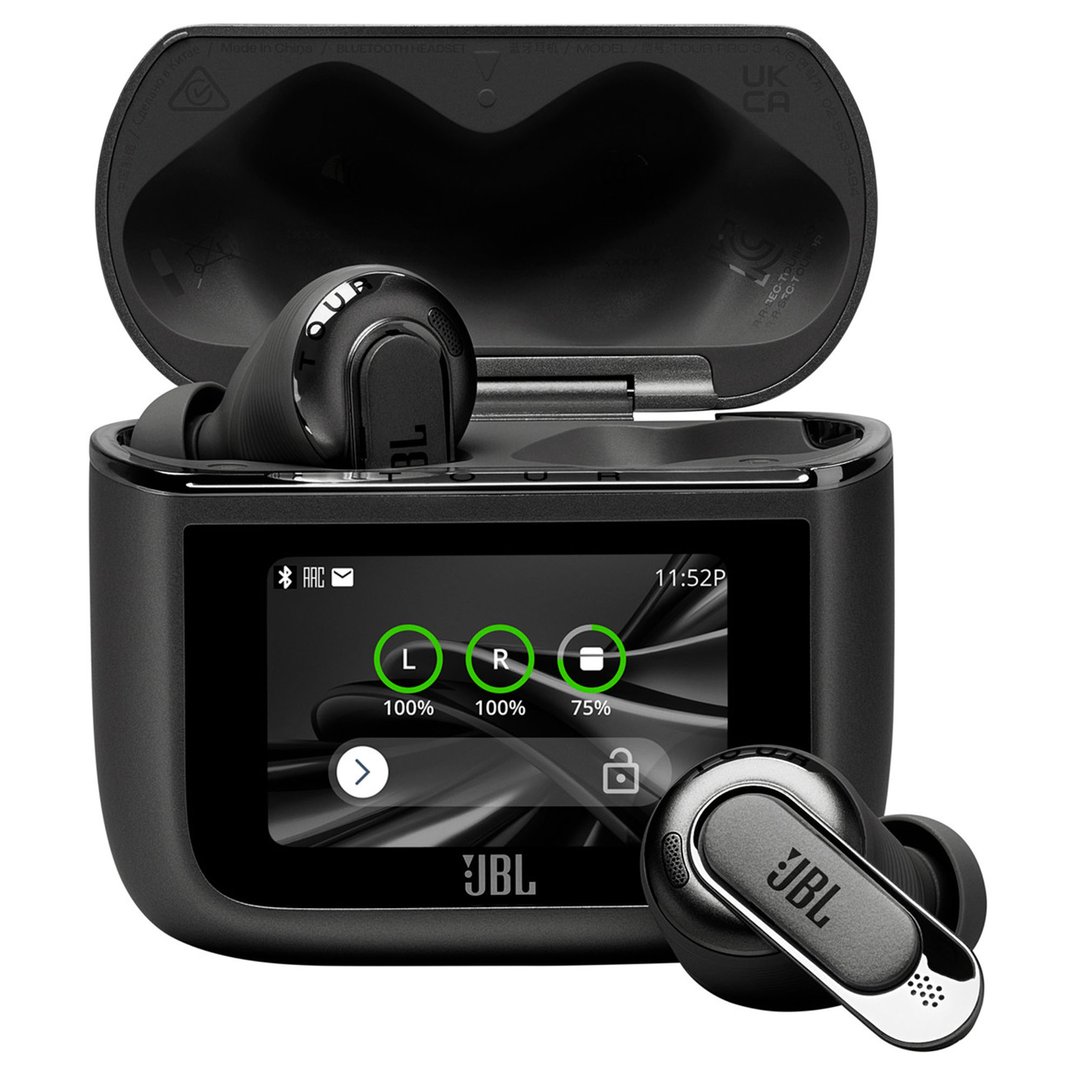
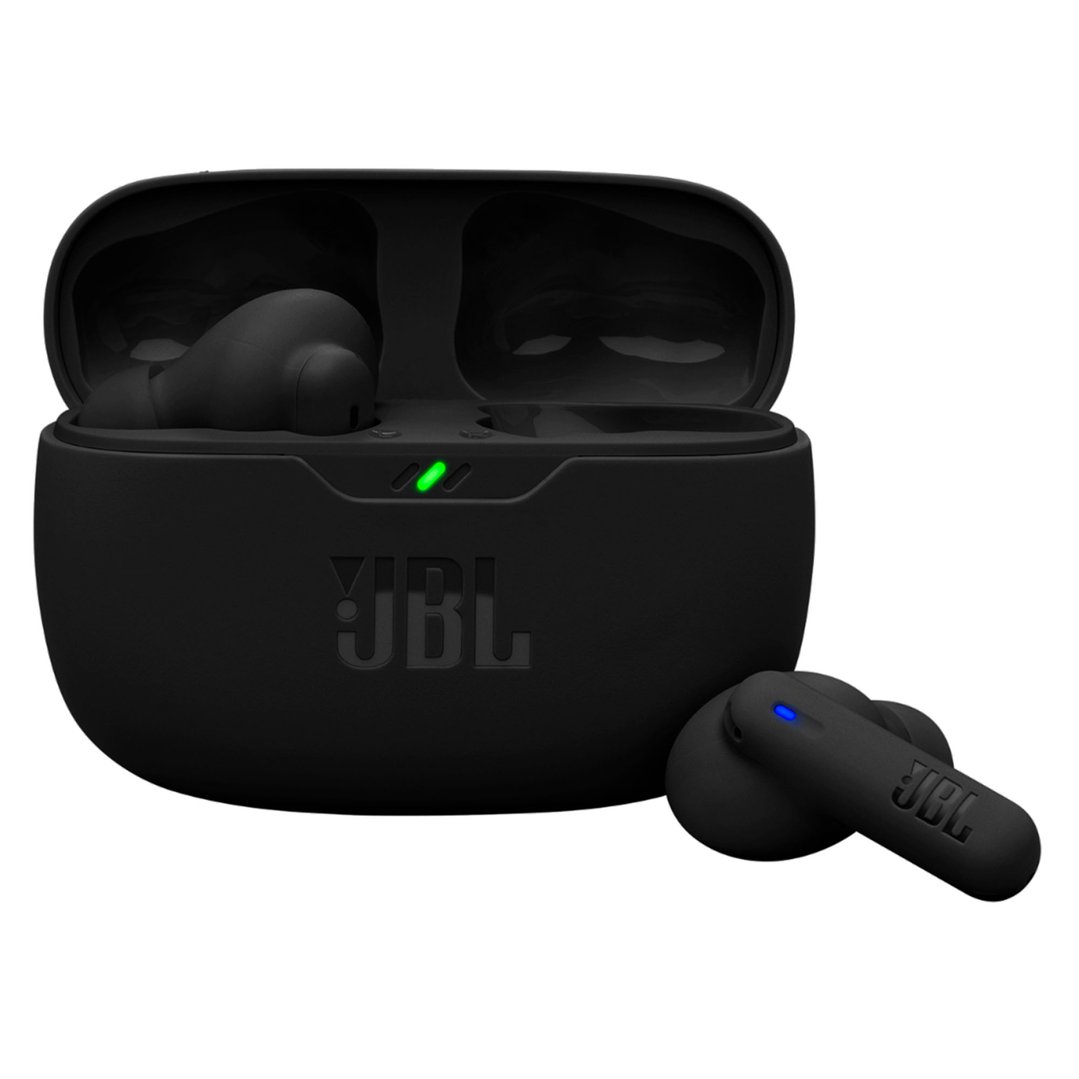
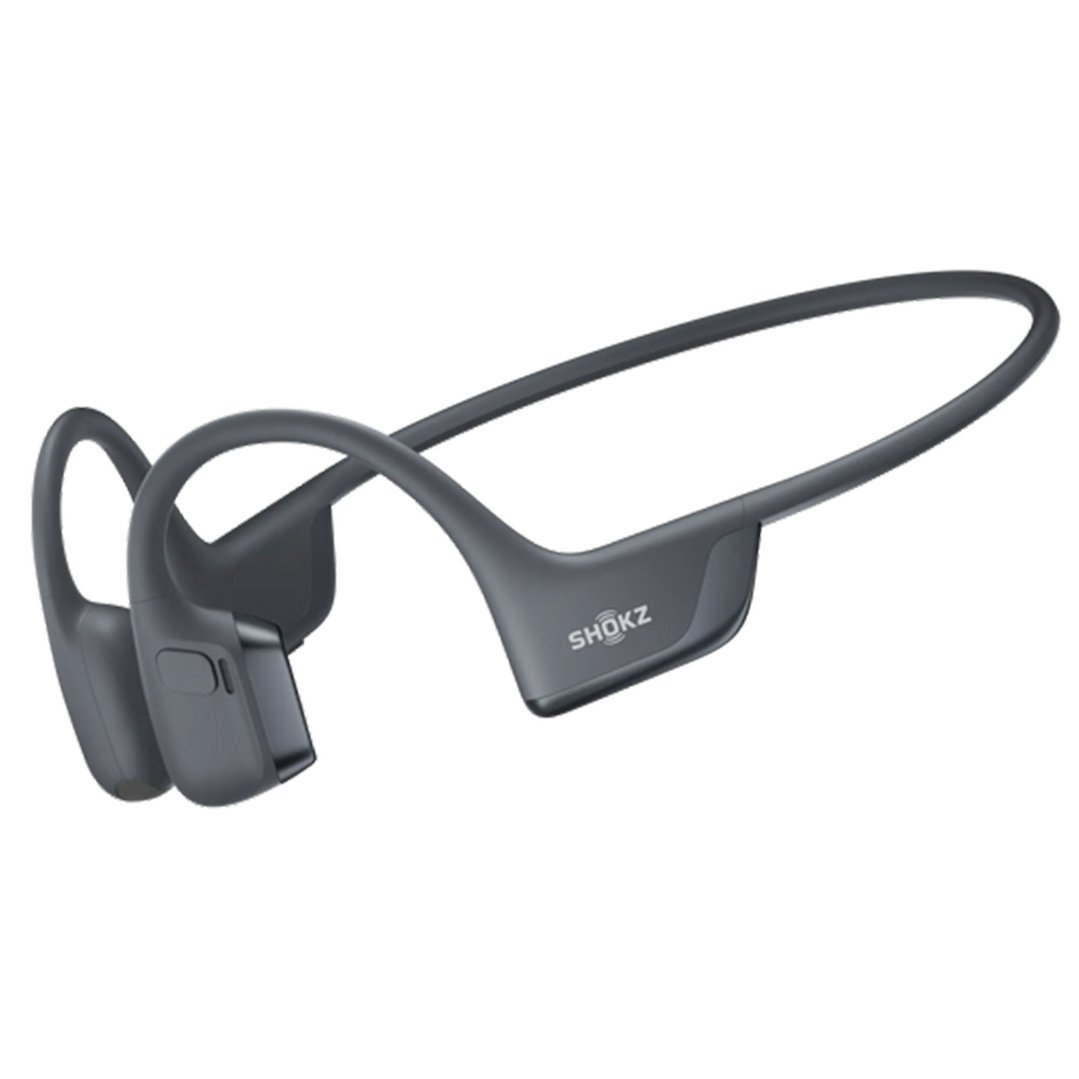
Headphones can be a legitimate work expense if you use them for work purposes - for example, taking video calls, editing audio, working in a noisy environment that requires noise cancellation, or communicating clearly with clients and colleagues. This is increasingly common for remote and hybrid workers.
If your headphones are used for both work and personal listening, claim only the work-related percentage.
$250 you
pay $164Ends in
7 Days







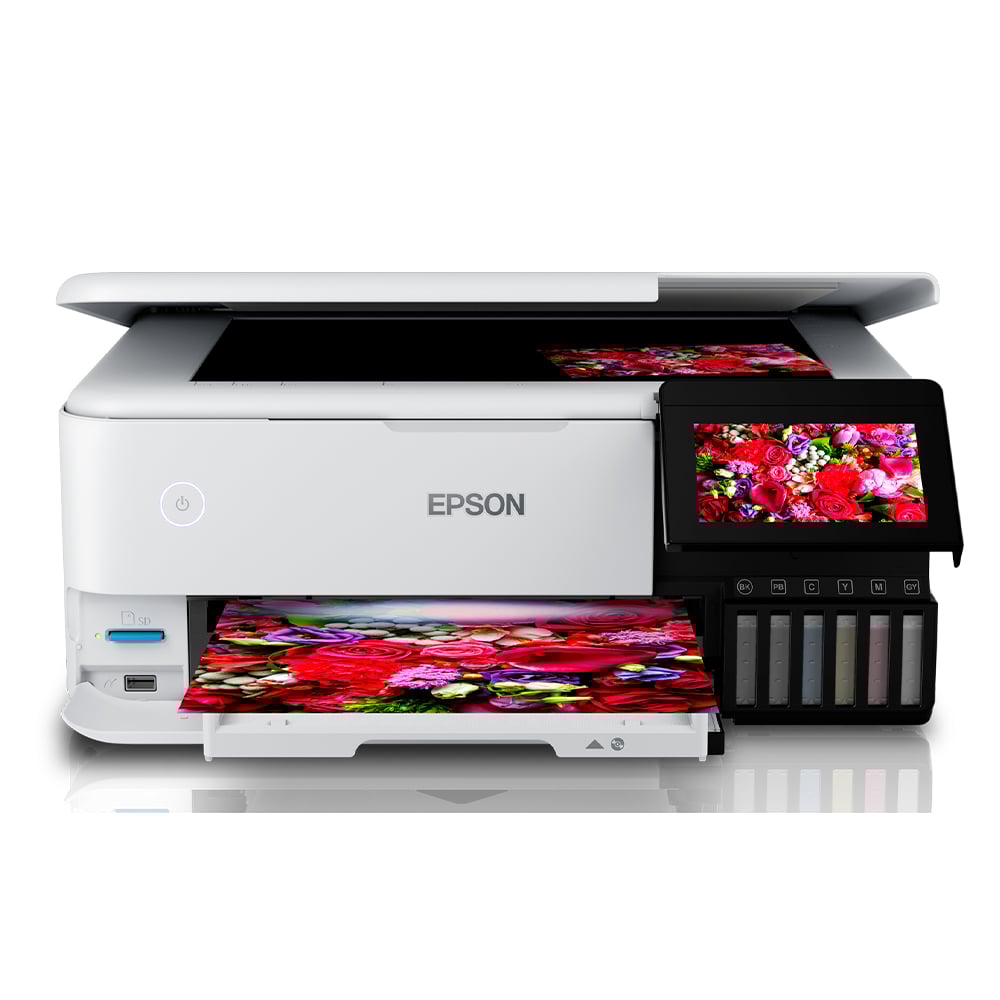
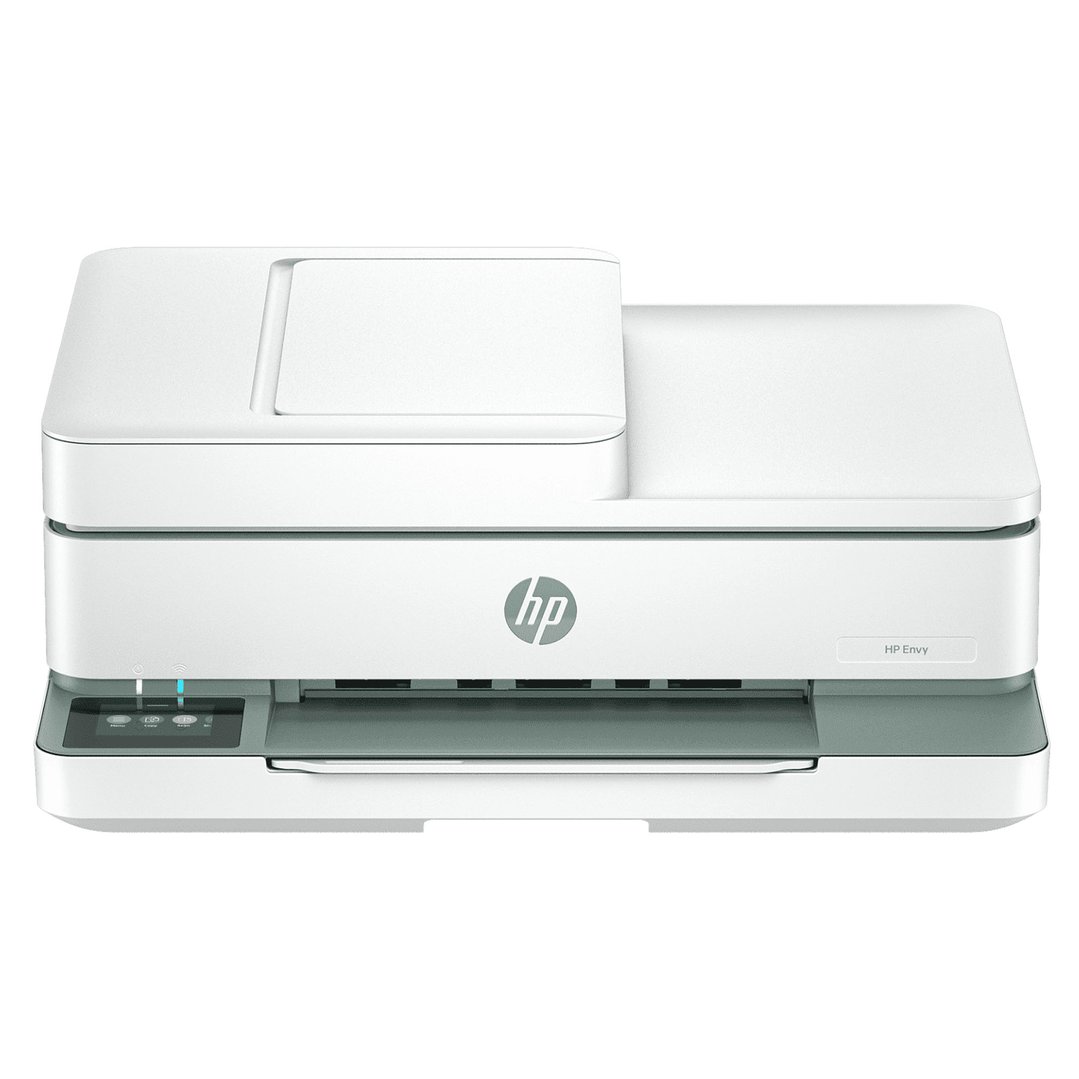
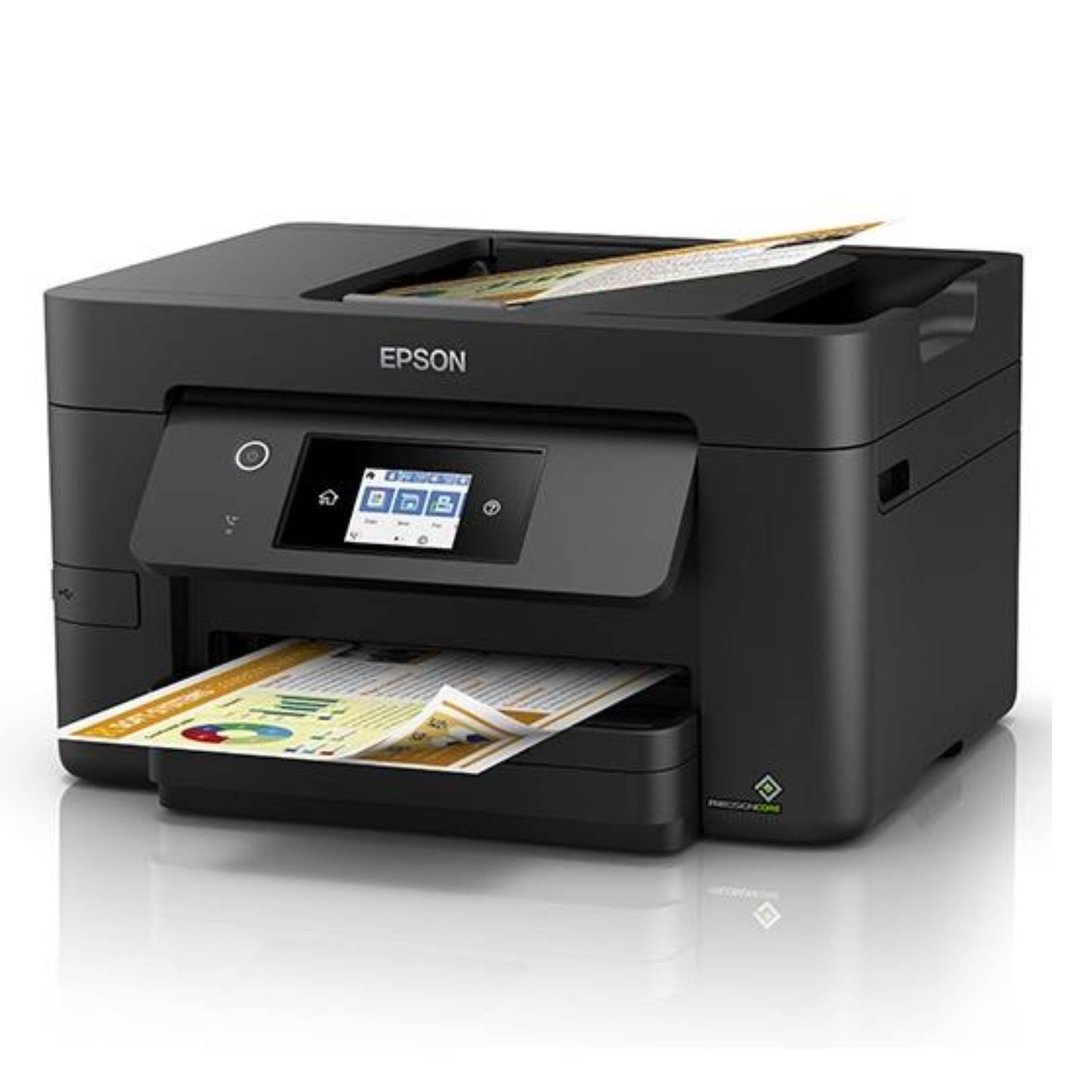
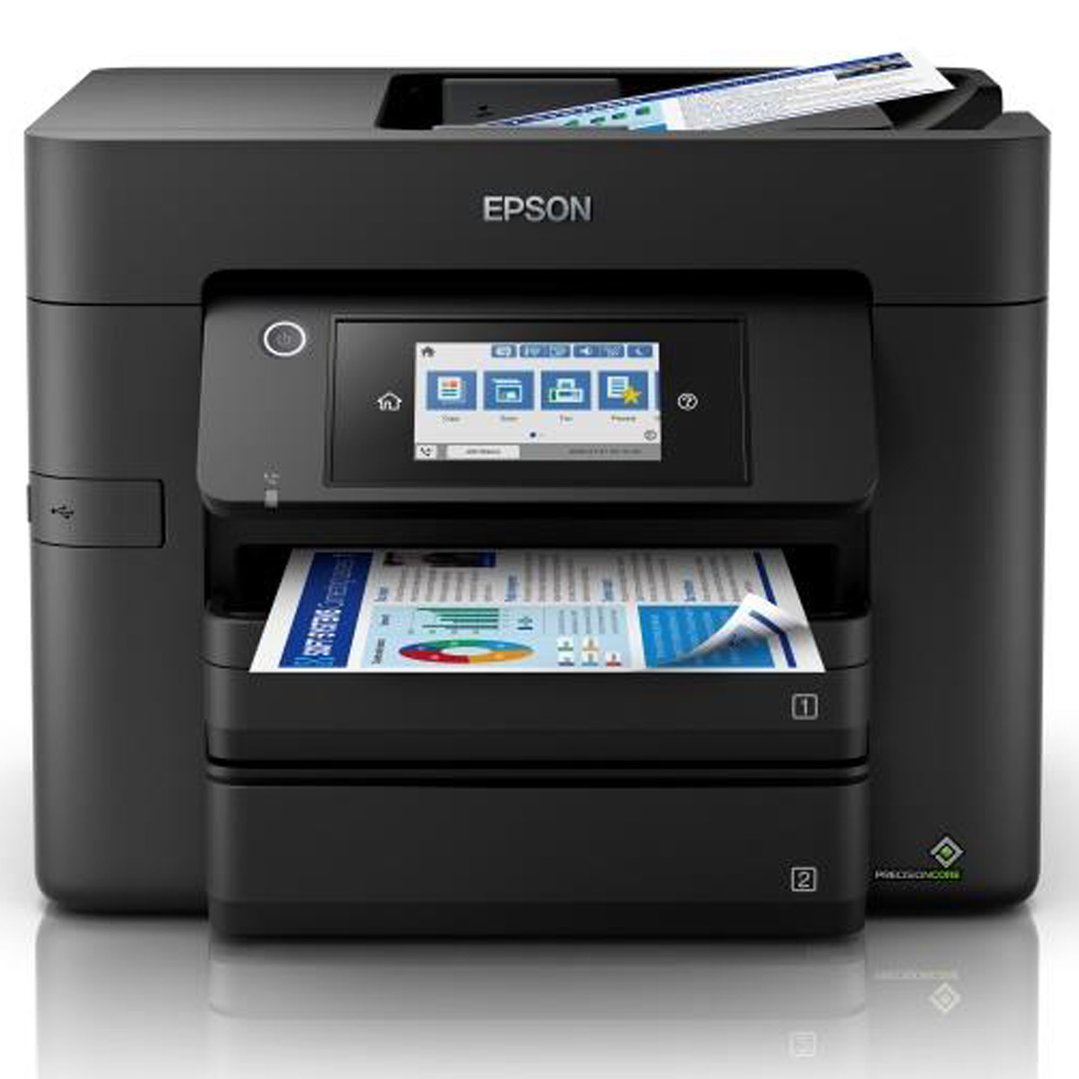
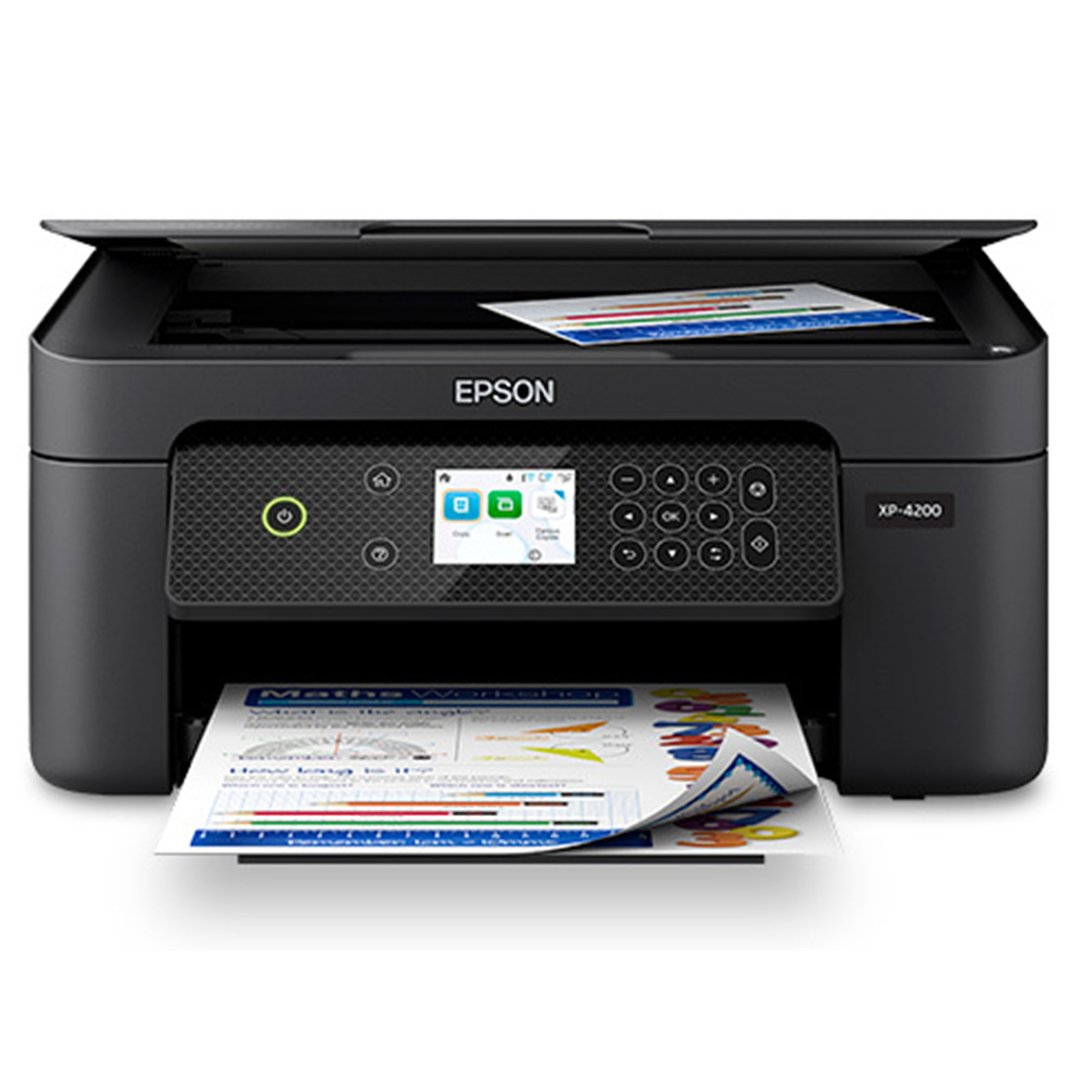
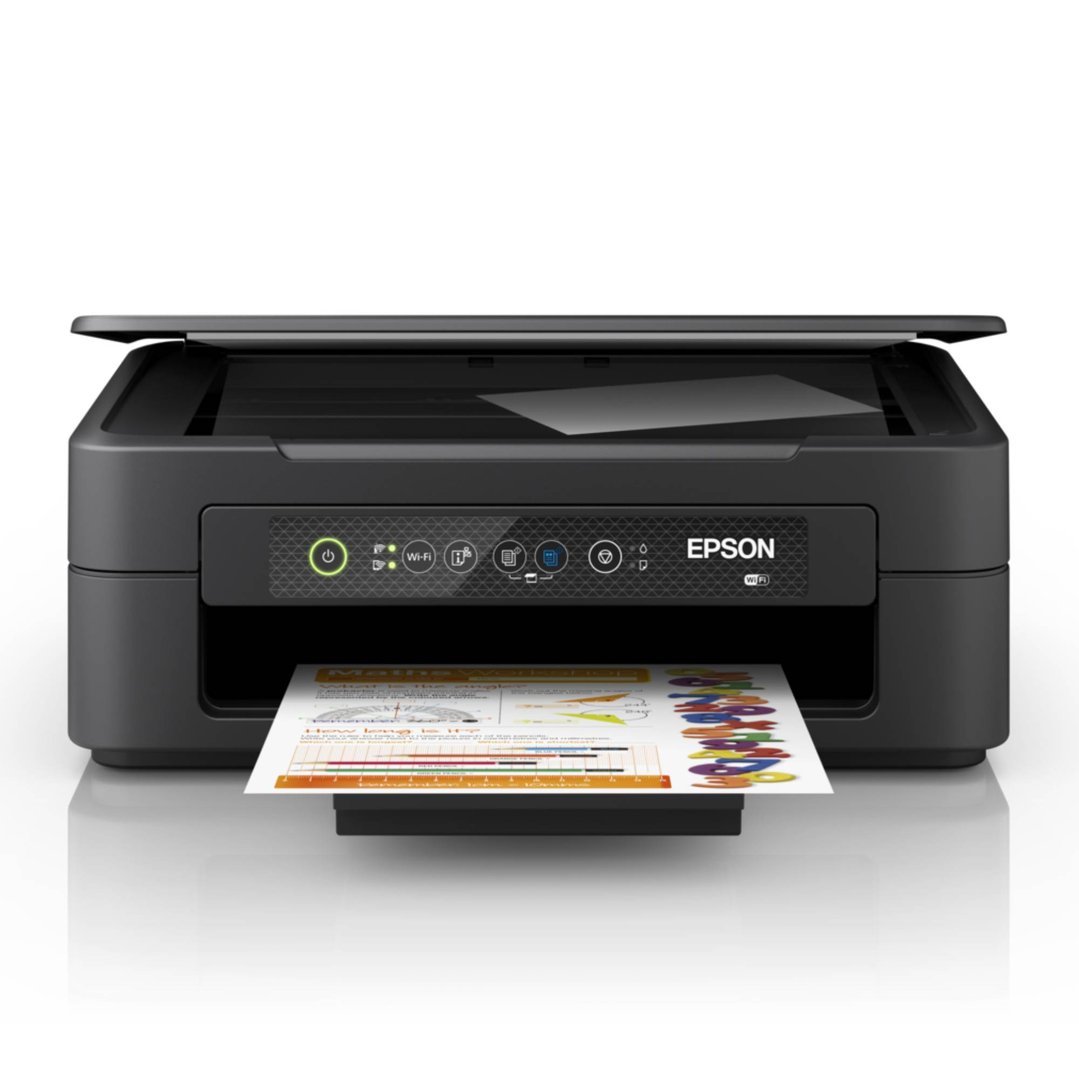
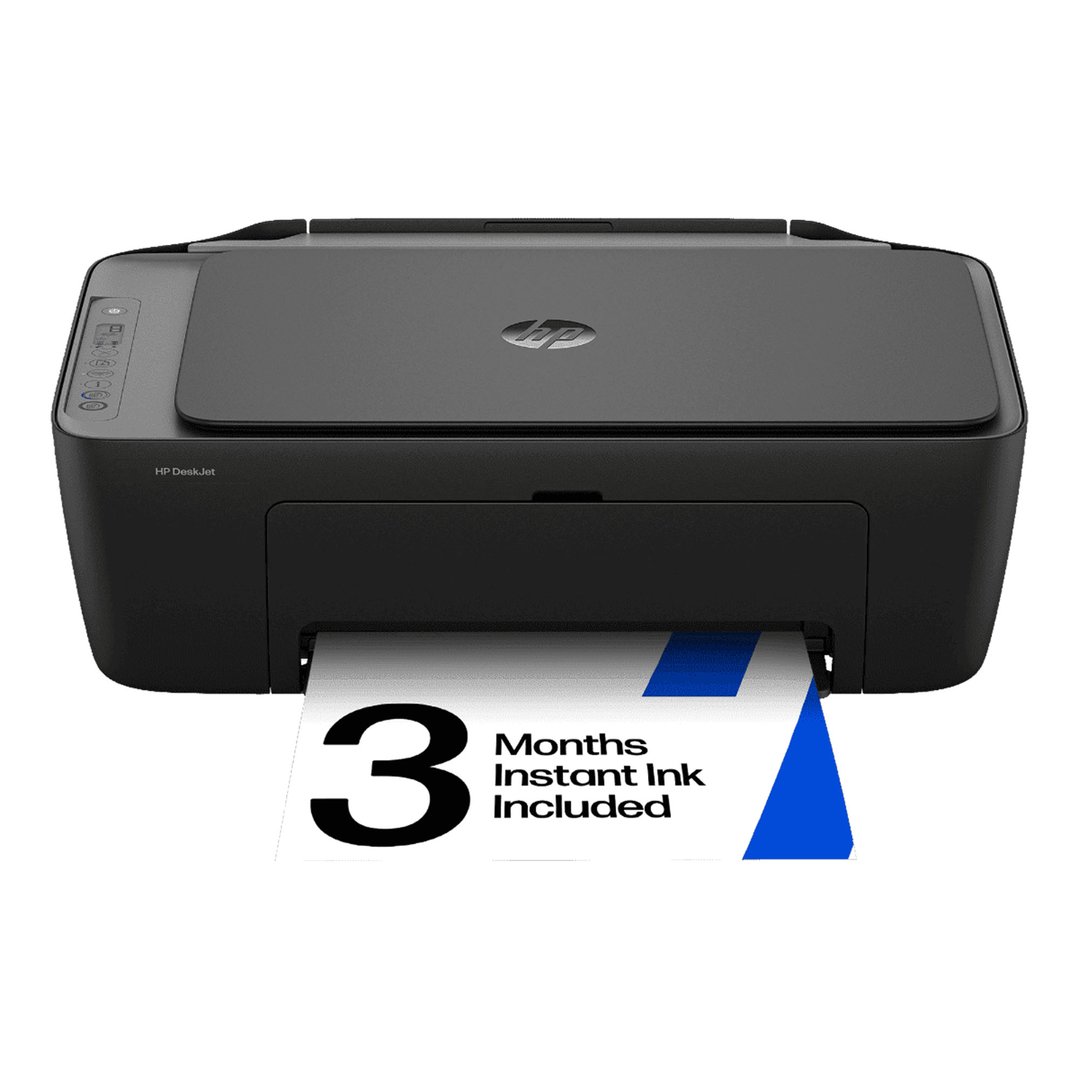
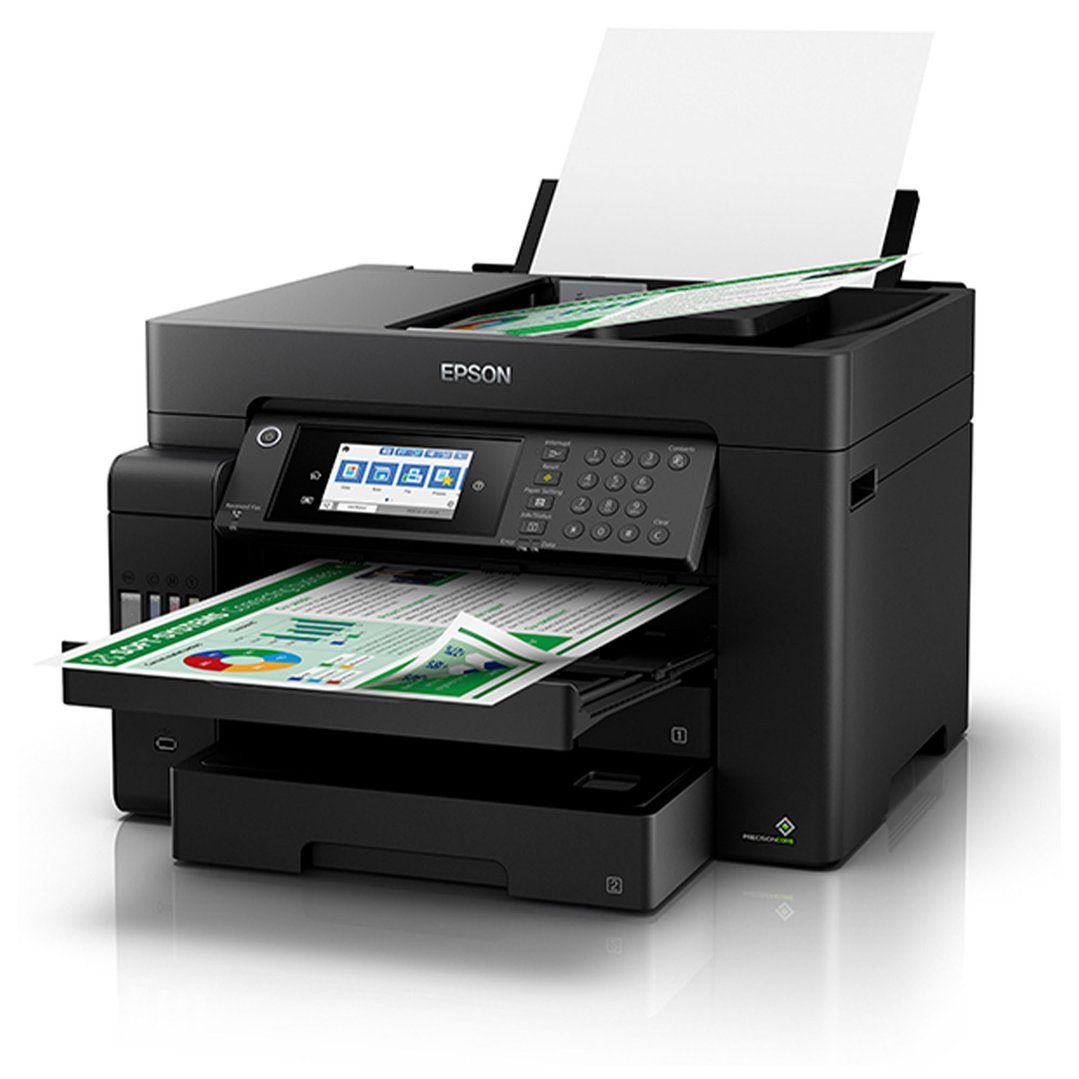
Yes - if you use a printer for work (printing contracts, invoices, reports, client documents), it's claimable. The same $300 threshold applies: under $300 with more than 50% work use, claim it immediately; over $300, depreciate over its effective life.
Don't forget that ink cartridges and paper used for work purposes are also deductible as consumables.




Yes - and this is one of the most overlooked deductions. Subscription software used for work purposes is generally fully deductible in the year you pay for it, including:
Microsoft 365 (Word, Excel, Outlook, Teams)
Adobe Creative Cloud (if used for work - design, video, photography)
Accounting software (Xero, MYOB, QuickBooks)
Project management tools (Asana, Monday.com, Notion)
Cloud storage (Dropbox, Google One - work-related portion)
Video conferencing (Zoom, if not covered by your employer)
Unlike hardware, software subscriptions don't need to be depreciated - you claim the full cost in the year it's paid. If a subscription is split between personal and work use, claim only the work proportion.
Copilot+ PCs and AI-enabled devices like Microsoft Surface Pro and Asus Zenbook AI are increasingly common in Australian workplaces. From a tax perspective, these are treated the same as any other laptop or PC - if you use the device to perform work duties and your employer doesn't cover the cost, it's claimable under the same laptop rules above.
Given their typically higher price point, most will fall into the depreciation category rather than the immediate $300 deduction.
A camera is claimable if it's essential for your job - photographers, videographers, content creators, journalists, social media managers, and real estate agents who photograph listings are common examples. The key test is whether the camera is genuinely required to perform your work, not simply useful or convenient.
Keep client briefs, project records, and content calendars alongside your receipts to substantiate the claim if audited.
More items qualify than most people realise. Beyond the main devices, the following accessories may be claimable if used for work:
Laptop bags and cases: if used to carry work equipment to and from work
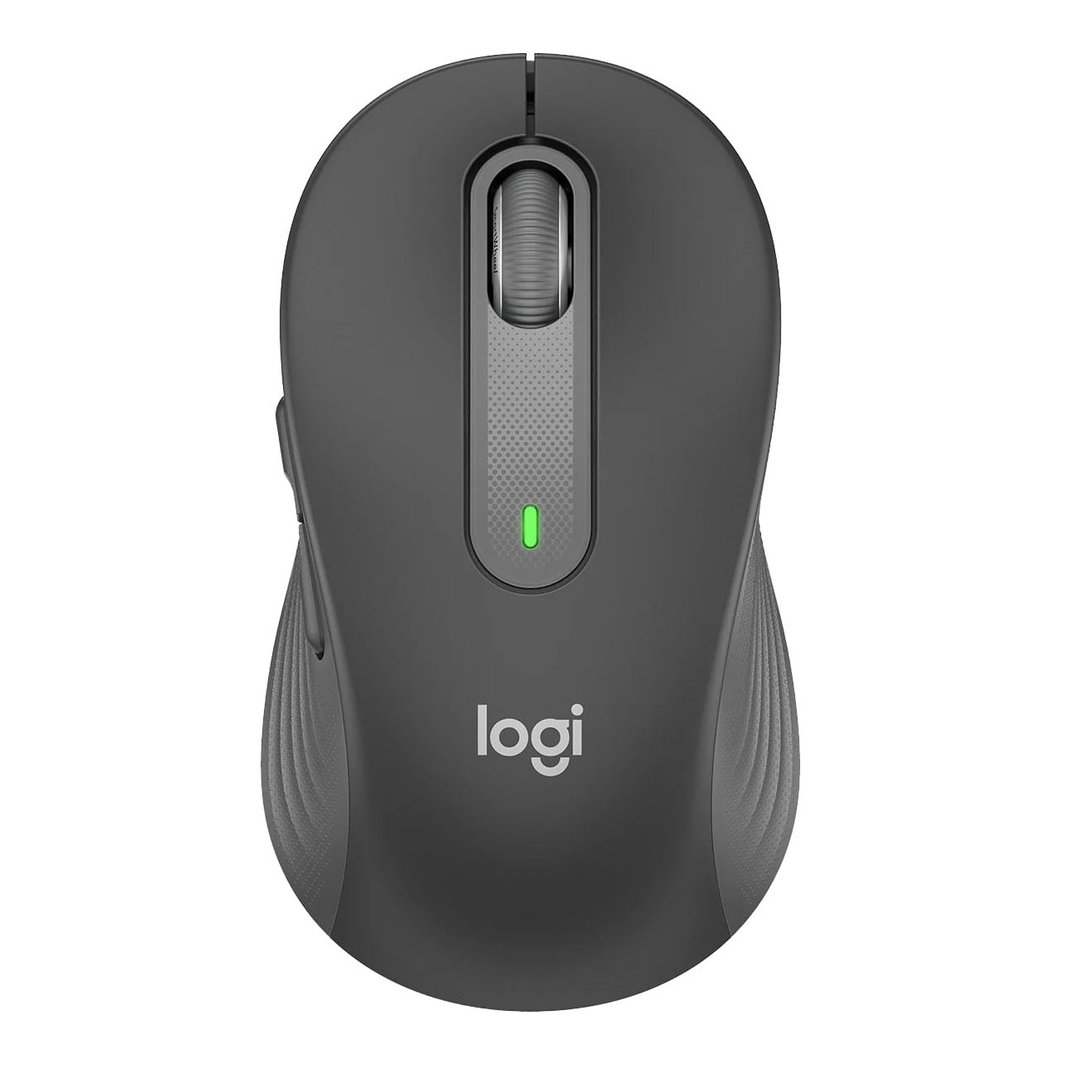
External keyboards and mice: particularly common for home office setups
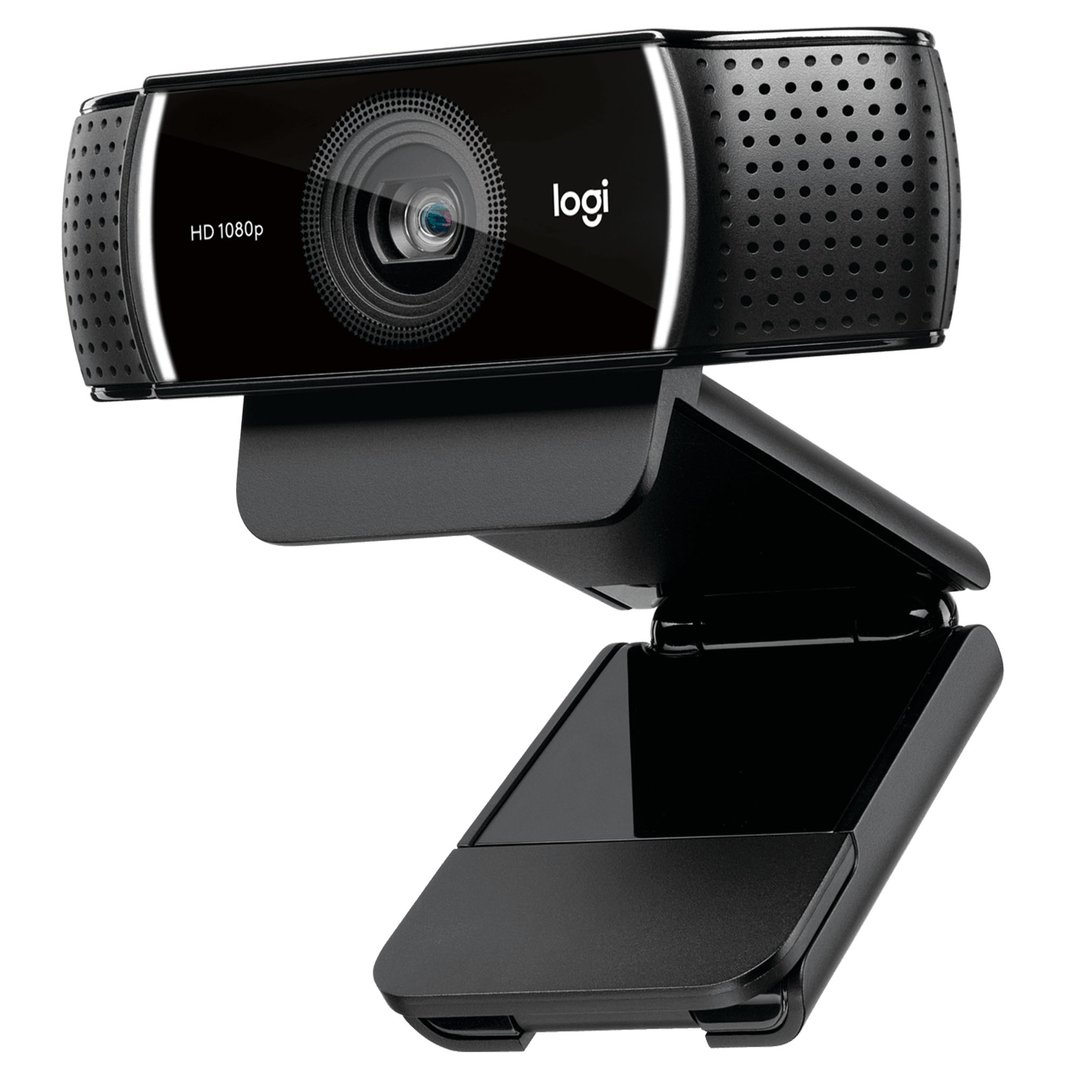
Webcams: for video calls and remote meetings
USB hubs and docking stations
Cable organisers and surge protectors
Drawing tablets: if used in a creative or design role
Laptop stands and monitor arms: see office furniture in the remote workers section
$377 you
pay $197Ends in
6 Days



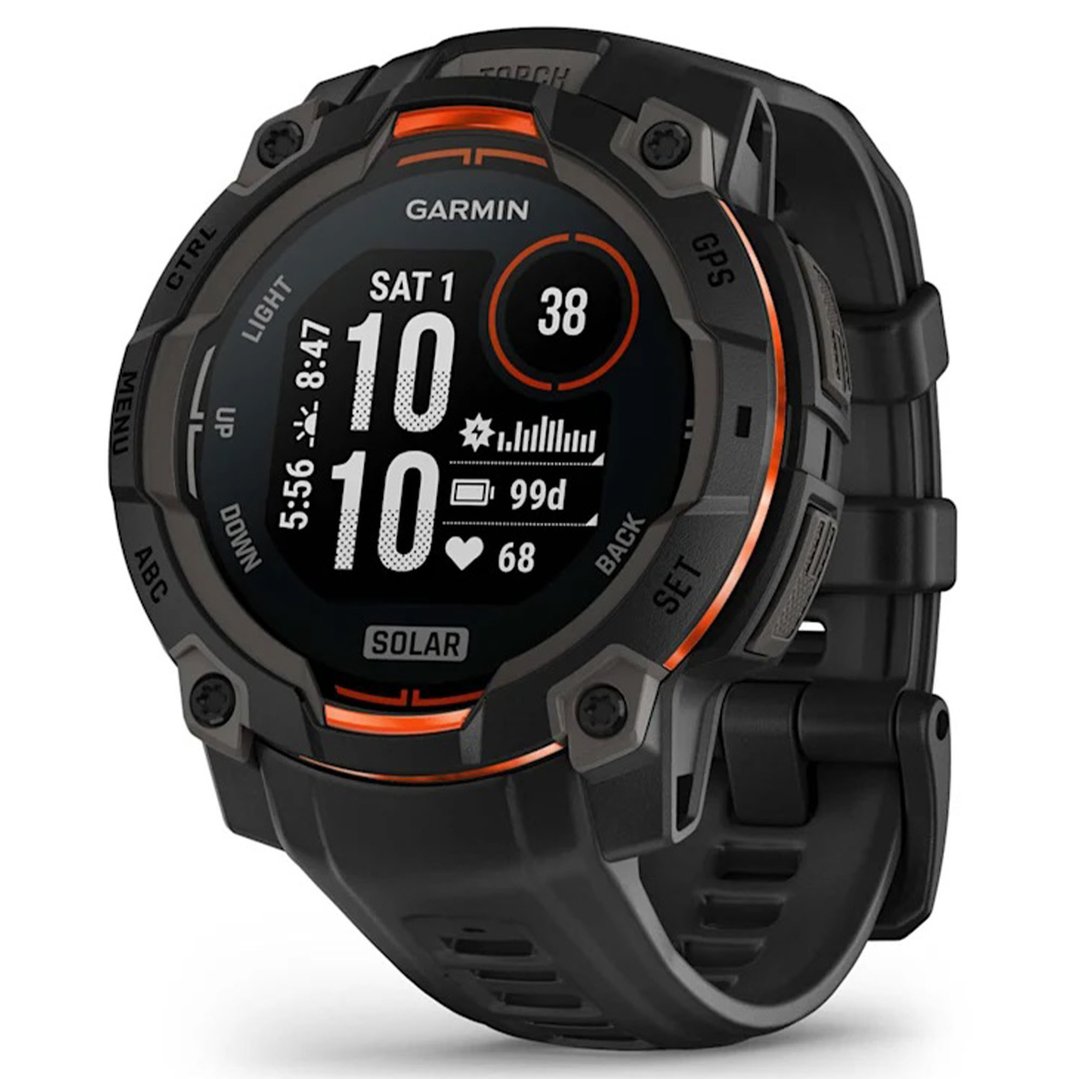
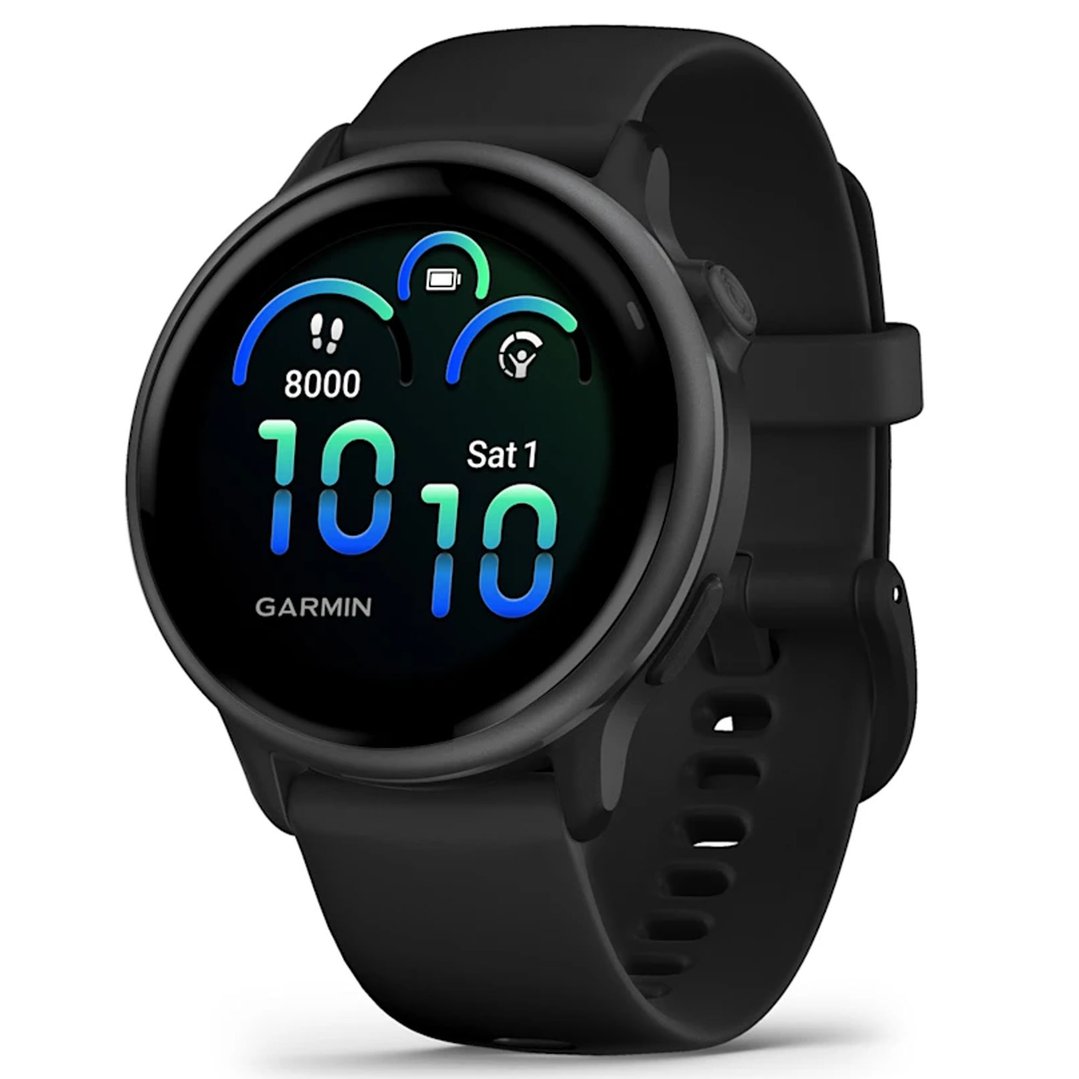
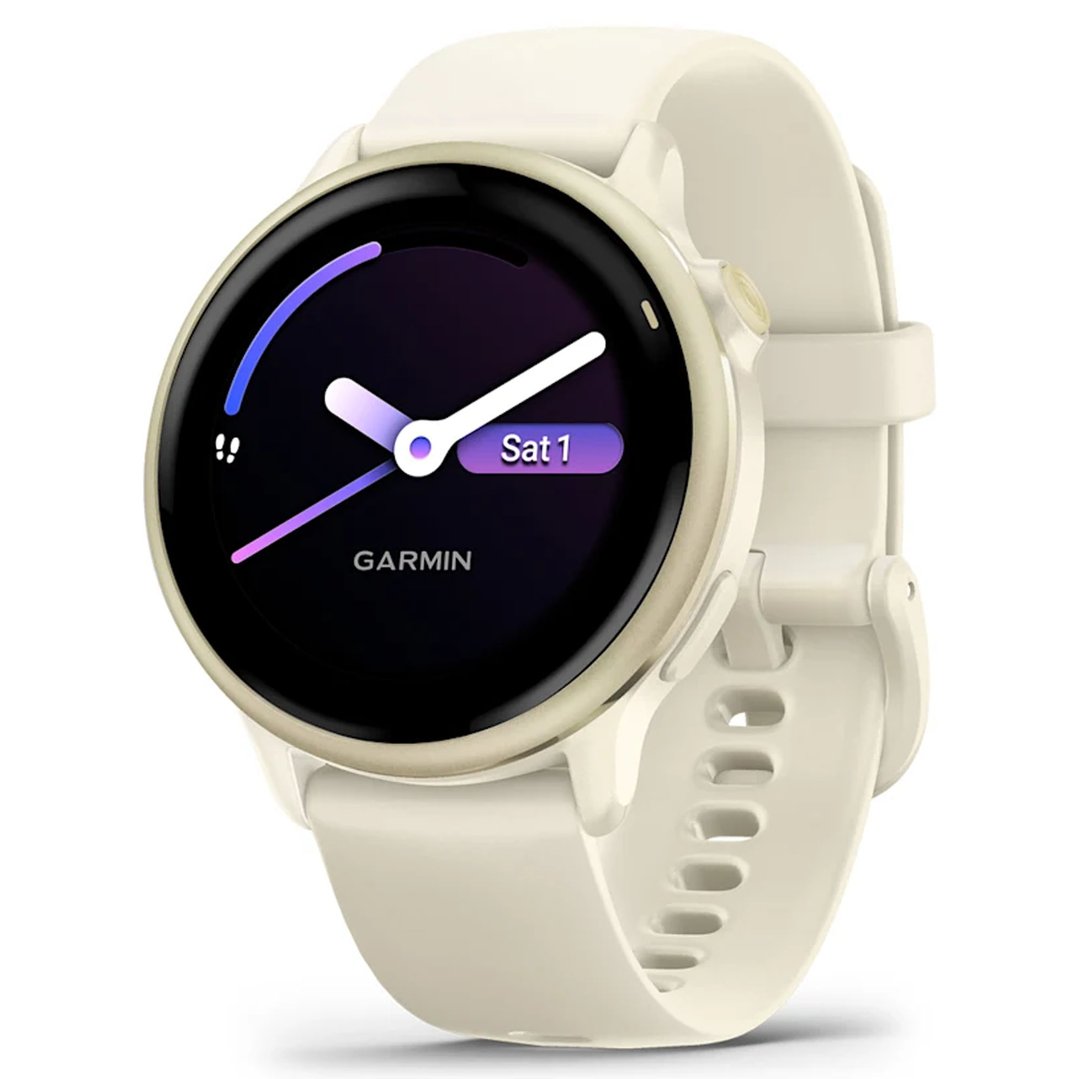
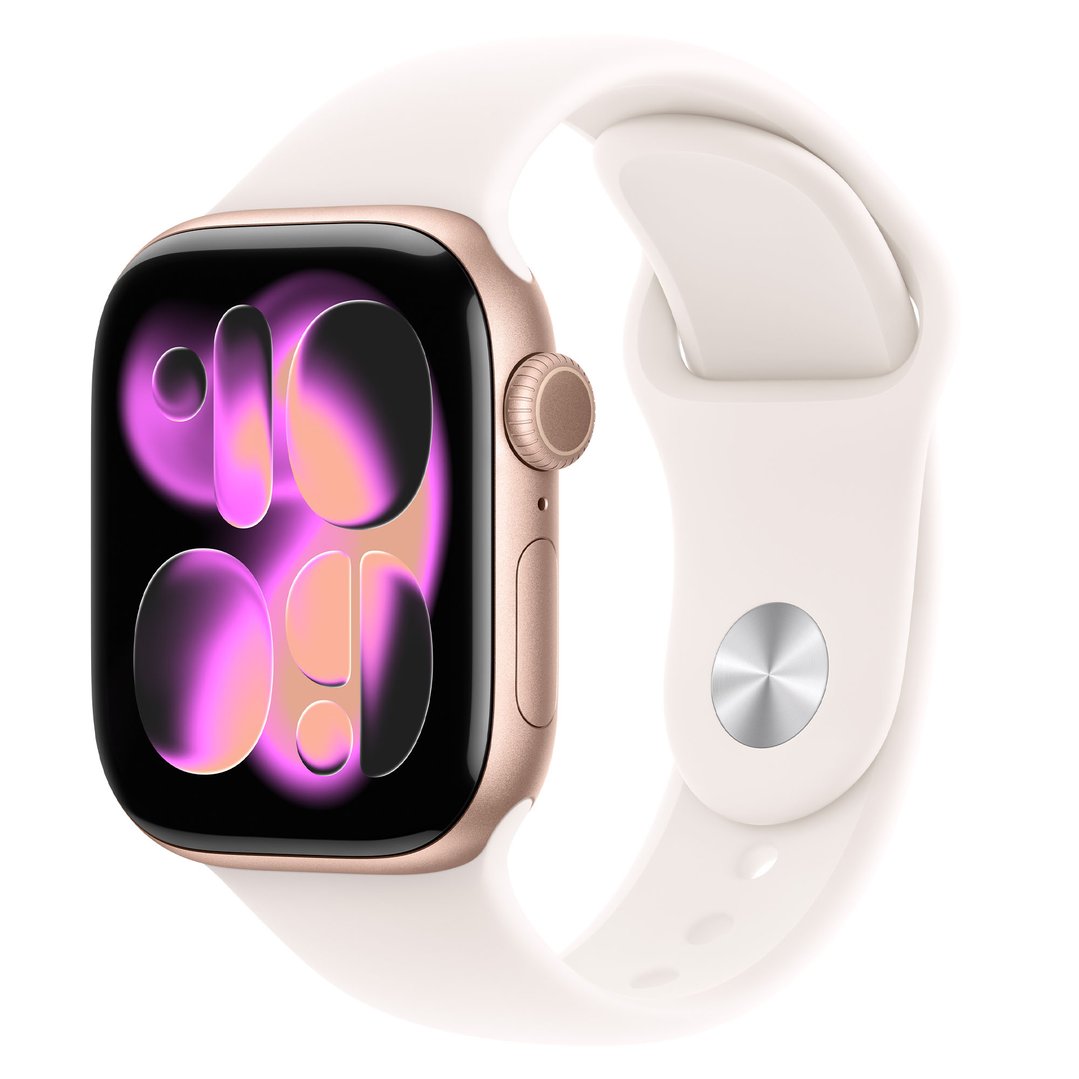
Unlike most electronics, smartwatches are generally considered a personal expense by the ATO and are not tax-deductible for most workers. The exception is where a smartwatch is primarily used for work purposes - for example, a personal trainer monitoring client performance, a tradie using job-tracking or timer apps, or a healthcare worker using health monitoring functions as part of their duties.
For most office-based workers, an Apple Watch or Garmin is unlikely to pass the ATO's "essential for work" test.
$427 you
pay $398Ends in
6 Days







If you work from home - even part of the time - you may be able to claim a portion of your running costs on top of any equipment deductions.
The ATO currently offers two methods:
Revised fixed rate method: 70 cents per hour worked from home (as of 2024–25). This covers electricity, internet, phone usage and stationery. You must keep a record of actual hours worked from home (time sheets, rosters or a diary).
Actual cost method: Claim the actual work-related portion of each expense individually. More complex to calculate but potentially higher return for those with significant home office costs.
Note: Under the fixed rate method, you cannot also separately claim depreciation on furniture and equipment, but you can still claim devices like laptops separately.
Home office equipment that may be claimable:
Laptops, PCs, monitors, tablets
Headphones and webcams for video calls
Office desks and chairs (work-related portion)
Monitor arms and laptop stands
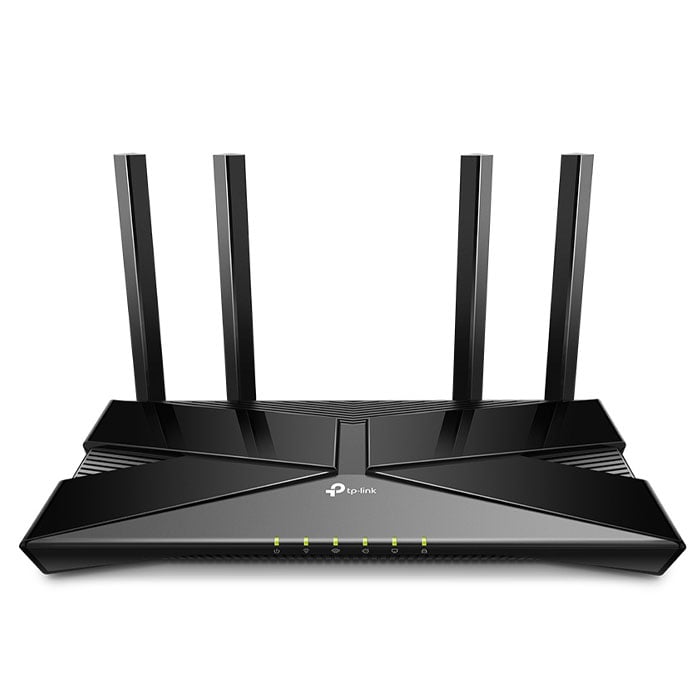
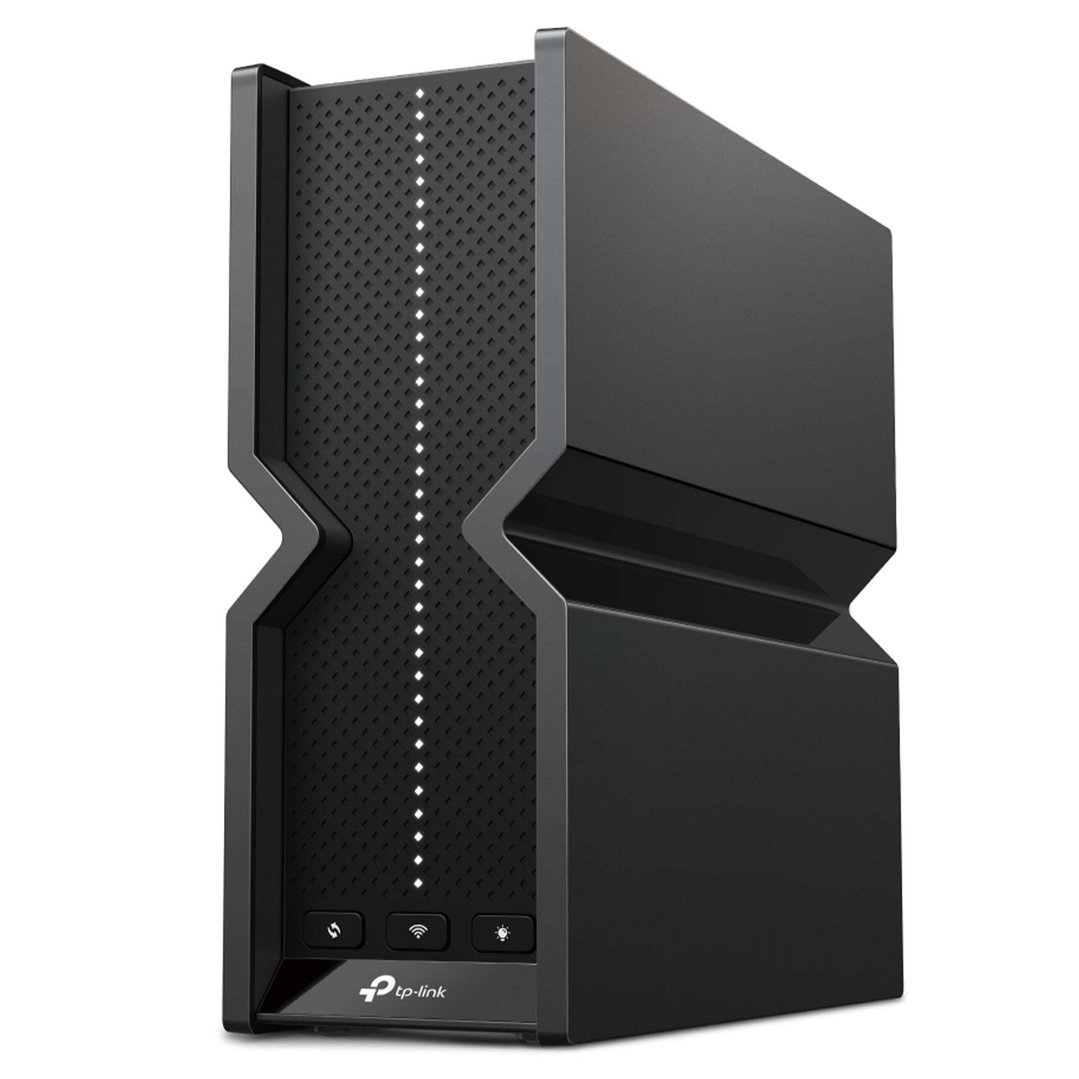
Routers and network equipment if your home internet is used for work
And if you’re wondering, “Can I claim a coffee machine for work?”, we hate to be the bearer of bad news, but the Australian Tax Office (ATO) is usually quite strict with this one. It is considered a private expense, not a work must-have, so it’s not typically claimable.
If you're a small business owner, the rules are different - and often more generous.
Under the ATO's small business instant asset write-off, eligible businesses with an aggregated turnover of less than $10 million can immediately deduct the cost of eligible depreciating assets in the year they're first used or installed ready for use.
For the 2024–25 and 2025–26 financial years, the threshold has been the subject of ongoing legislation - check the ATO's small business deductions page for the confirmed current limit before purchasing.
What this means in practice: Rather than depreciating a $2,000 laptop over 3 years, an eligible small business may be able to claim the full $2,000 in the year of purchase - a significant cash flow benefit.
Eligible assets commonly purchased at EOFY include:
Laptops and desktop computers
Monitors and display screens
Printers and scanners
Phones and tablets
Point-of-sale systems
Work vehicles and tools (outside Bing Lee's range, but worth noting)
Always confirm eligibility with your accountant before making a purchase decision based on the write-off.
Whether you're upgrading your home office before June 30, equipping your business, or finally pulling the trigger on that laptop you've been holding off on, Bing Lee has a huge range of work-ready tech across all budgets.
Sign up to our email list to be the first to know when our EOFY sale goes live - subscribers get early access to deals before they're open to the public.
Sources:
ATO - Computers, laptops and software: https://www.ato.gov.au/individuals-and-families/income-deductions-offsets-and-records/deductions-you-can-claim/tools-computers-and-items-you-use-for-work/computers-laptops-and-software
ATO - Mobile phones and devices: https://www.ato.gov.au/individuals-and-families/income-deductions-offsets-and-records/deductions-you-can-claim/tools-computers-and-items-you-use-for-work/mobile-phone-mobile-internet-and-other-devices
ATO - Tools and equipment: https://www.ato.gov.au/individuals-and-families/income-deductions-offsets-and-records/deductions-you-can-claim/tools-computers-and-items-you-use-for-work/tools-and-equipment-to-perform-your-work
ATO - Working from home deductions: https://www.ato.gov.au/individuals-and-families/income-deductions-offsets-and-records/deductions-you-can-claim/working-from-home-expenses
ATO - Small business depreciation: https://www.ato.gov.au/businesses-and-organisations/income-deductions-and-concessions/depreciation-and-capital-expenses-and-allowances/simpler-depreciation-for-small-business/instant-asset-write-off
ATO - Instant write-off for eligible businesses
Always consult a registered tax professional to confirm your eligibility before making a claim.