
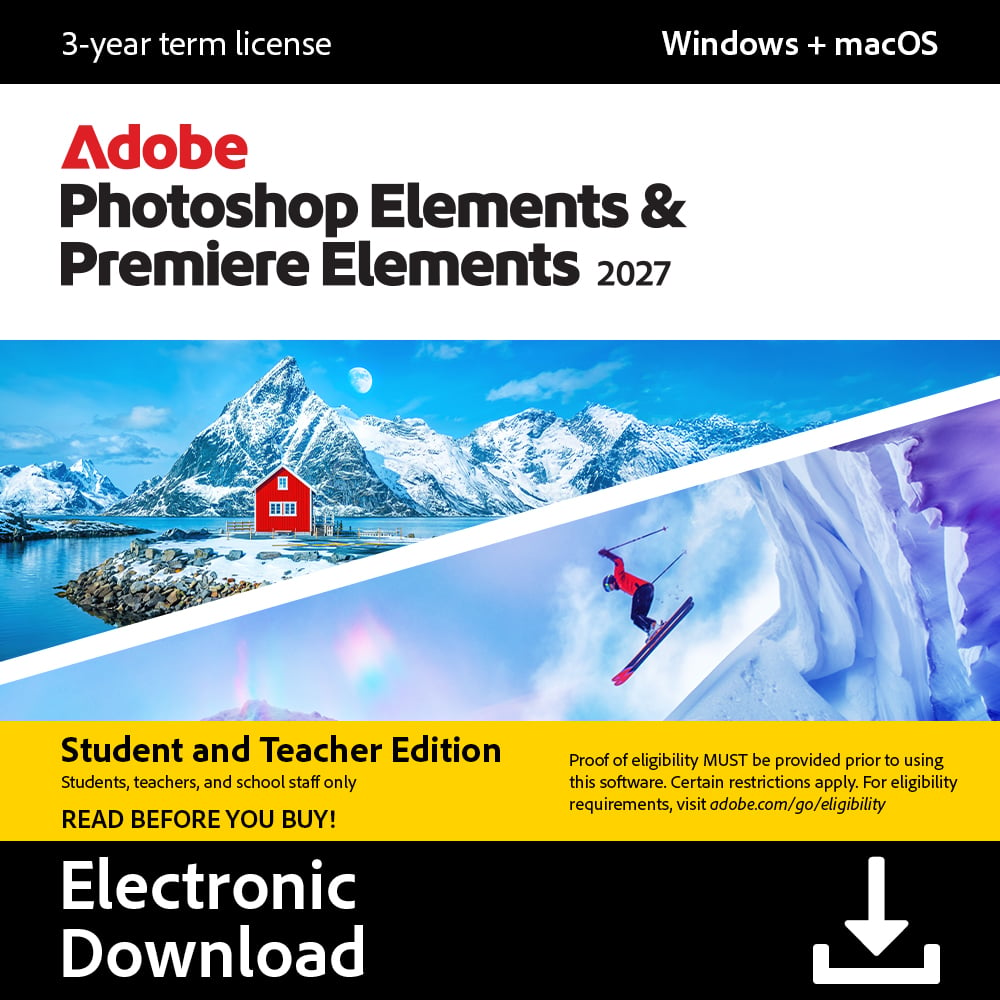
Adobe Photoshop & Premiere Student and Teacher 2027 ESD 9337694090552
9337694090552
IN STOCK
Pay in 4 interest-free payments of $48.75
Key Features
- Quick, Guided, and Advanced modes help you build editing skills
- Generative AI extends photo edges or sharpens low-res images
- Create custom images or video title art from text with AI
- AI tools erase distractions, replace backgrounds, and touch up faces
- Trim videos, reframe for social media, and remix music easily
- Organise, sort, and backup photos/videos with automatic tagging
Photoshop Elements & Premiere Elements 2027
Elevate your photo and videos.
Do more with AI-powered features.
Add creative style to match your vision.
Top Overall Features and Benefits
• Get started fast and keep growing your photo and video editing skills with Quick, Guided, and Advanced modes.
• Automatically extend the edges of any photo or sharpen details in low-resolution photos with the power of generative AI.
• Type a description to create custom images or title art for your videos with generative AI.
• Count on AI and automation to easily erase distractions, replace backgrounds, touch up faces, and change colors in your photos.
• Quickly trim and adjust video footage, automatically reframe clips for social media, remix music to match the length of your videos, and more.
• Explore popular AI-powered photo editing tools in one convenient place.
• Enhance your photos with creative filters, effects, text, graphics, and animation.
• Amp up the action in your videos with effects, transitions, text, motion titles, music, and color grading presets.
• Effortlessly organize your photos and videos with quick import from popular cloud services plus automatic sorting and backup, and find them fast with automatic tagging, curation, and face recognition.
Specifications
Global
- EAN:
- 9337694090552
Why Buy?
AI-powered photo and video editing made simple for students
This student and teacher edition of Photoshop Elements and Premiere Elements 2027 gives you the same creative tools professionals use, at a price built for study. It is suited to anyone learning photo and video editing for assignments, projects, or personal creative work.
Quick, Guided, and Advanced modes mean you can start editing straight away and pick up new skills as you go, without getting lost in menus. Generative AI tools handle the fiddly parts for you, extending the edges of a photo, sharpening a blurry image, or removing distractions and unwanted objects from the background. You can even type a description to generate custom images or title art for a video project. For video, trimming footage, reframing clips for social media, and matching music to the length of a clip all happen in a few clicks rather than hours of manual work.
Everything is organised in one place, with automatic sorting, tagging, and face recognition so photos and clips from your phone or cloud storage are easy to find later. It suits a student laptop or home computer used for coursework, hobby projects, or family videos, without demanding advanced technical know-how.
Buy this if…
- You are a student or teacher wanting professional-style editing tools at a lower cost
- You want to fix and enhance photos without learning complicated software
- Your assignments or projects involve editing video clips for presentations or social media
- You like the idea of AI handling repetitive edits like background removal or reframing
- You need an easy way to organise and find your growing library of photos and videos