
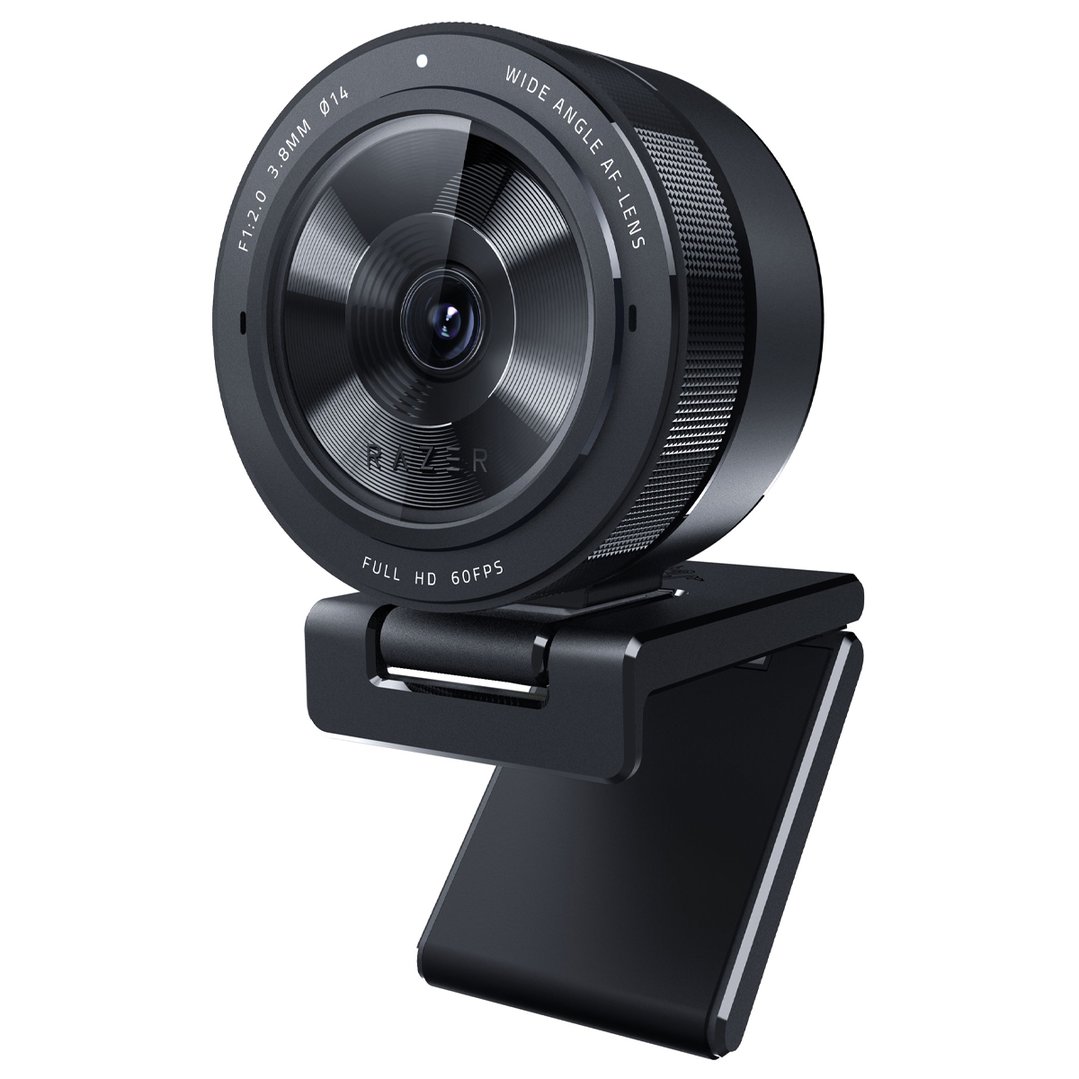
Razer Kiyo Pro Webcam RZ19-03640100
RZ19-03640100
OUT OF STOCK
Pay in 4 interest-free payments of $43.75
Own it from $10 per week
Include a Back Up Plan?
Product Highlights
- Built In Microphones: No
- Face Tracking: No
- Video Resolution (Pixel): 1080p @ 60 / 30 / 24 FPS / 720p @ 60 FPS / 480p @ 30 FPS / 360p @ 30 FPS

ADVANCED IMAGING. ABSOLUTE FIDELITY.
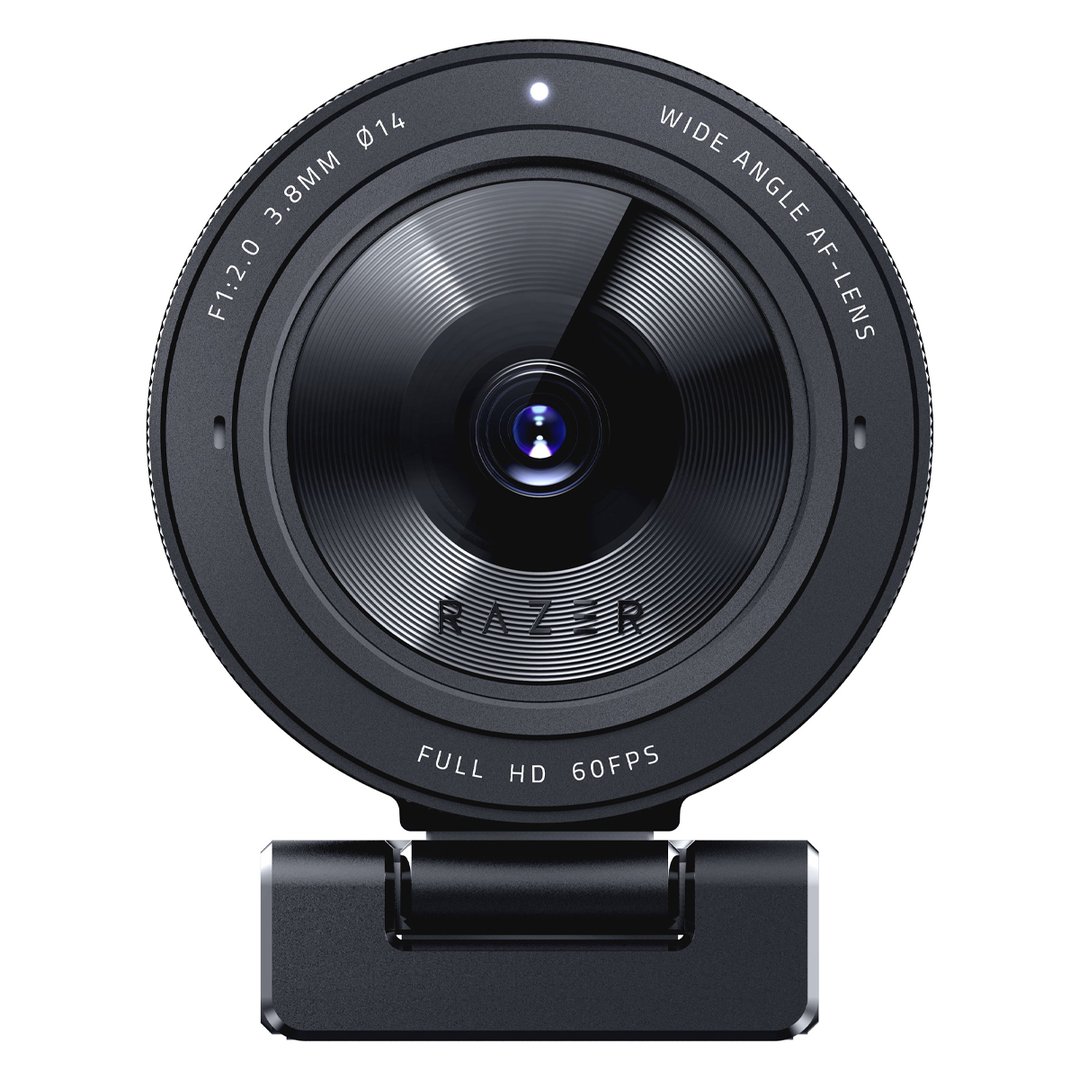
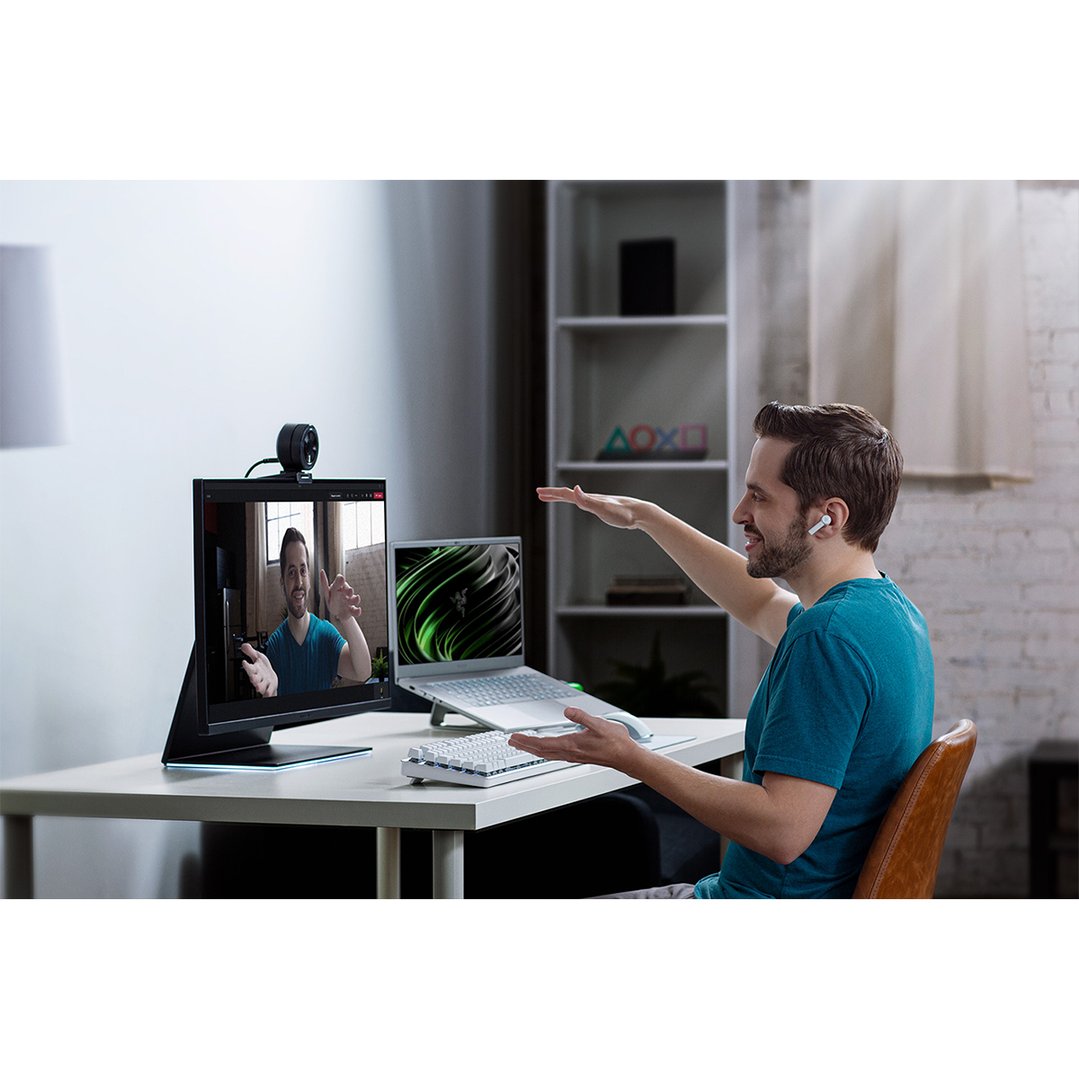
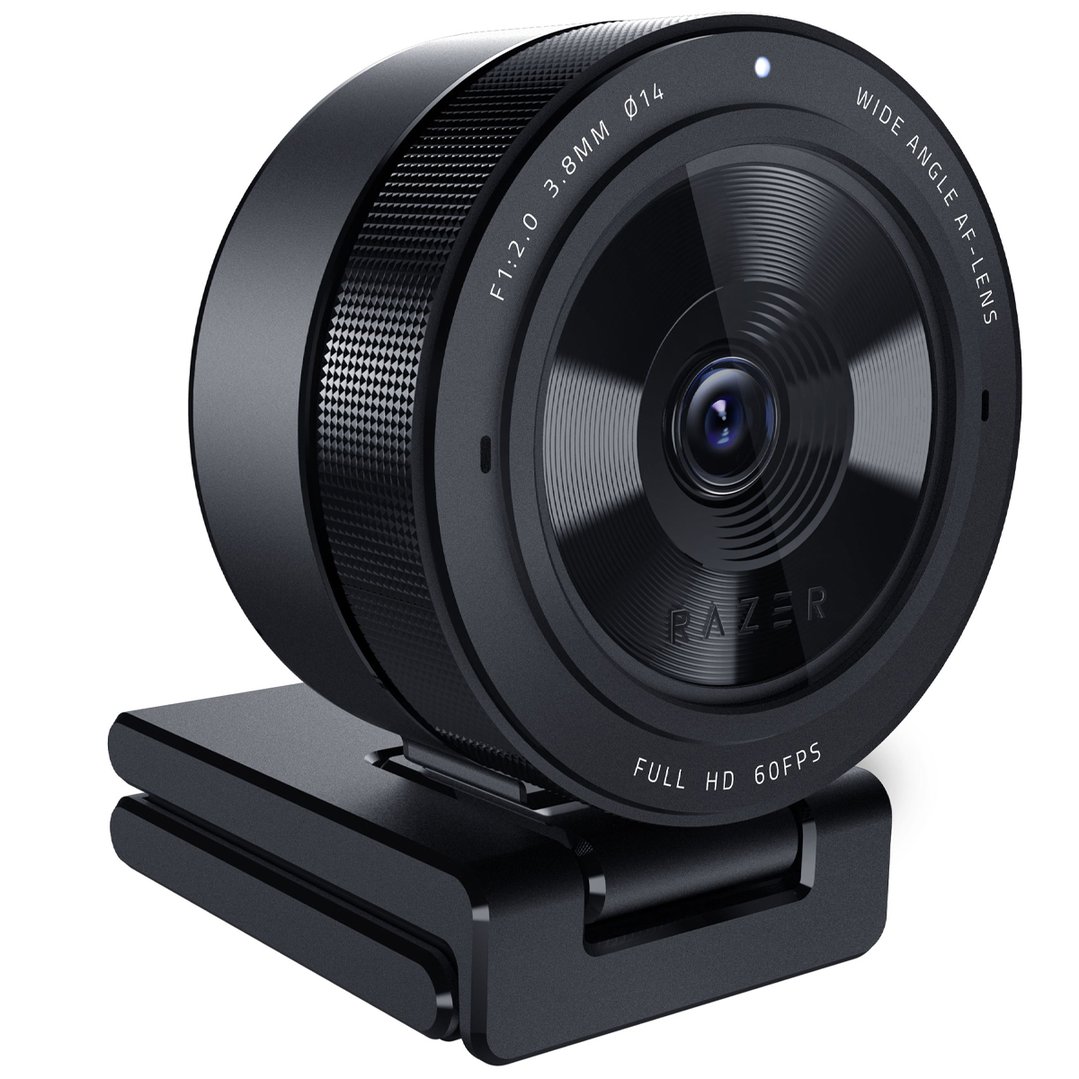
Achieve professional video standards for streaming and video conferencing with the Razer Kiyo Pro—an FHD USB webcam that has a high-performance adaptive light sensor, so you can enjoy crisp, clear quality in any setup and lighting condition.
ADAPTIVE LIGHT SENSOR
Fitted with a larger Type 1/2.8 ultra-sensitive CMOS sensor with STARVIS™* technology, this FHD USB webcam can detect how bright or dark its surroundings are and adjust accordingly for picture-perfect clarity every time.

UNCOMPRESSED 1080P 60FPS
As an FHD USB webcam, the Razer Kiyo Pro offers a level of visual fidelity that’s as sharp as it is smooth, for the most optimal video quality and viewer experience you can get.
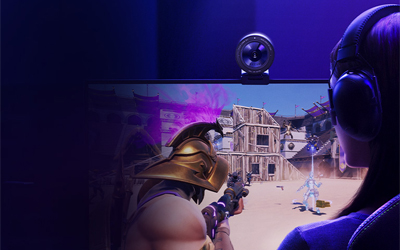
HDR-ENABLED AT 30FPS
Make your stream pop with more vibrant colors by activating HDR at 30FPS, which ramps up your video’s dynamic range while correcting over and underexposed areas.
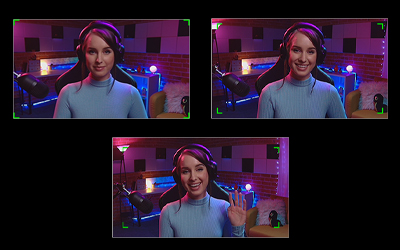
WIDE-ANGLE LENS WITH ADJUSTABLE FOV
From showing off more of your setup and surroundings, to capturing more people in your shot, the large aperture, wide-angle lens allows for three field-of-view options selectable via Razer Synapse.
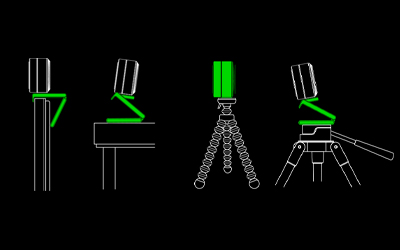
FLEXIBLE MOUNTING OPTIONS
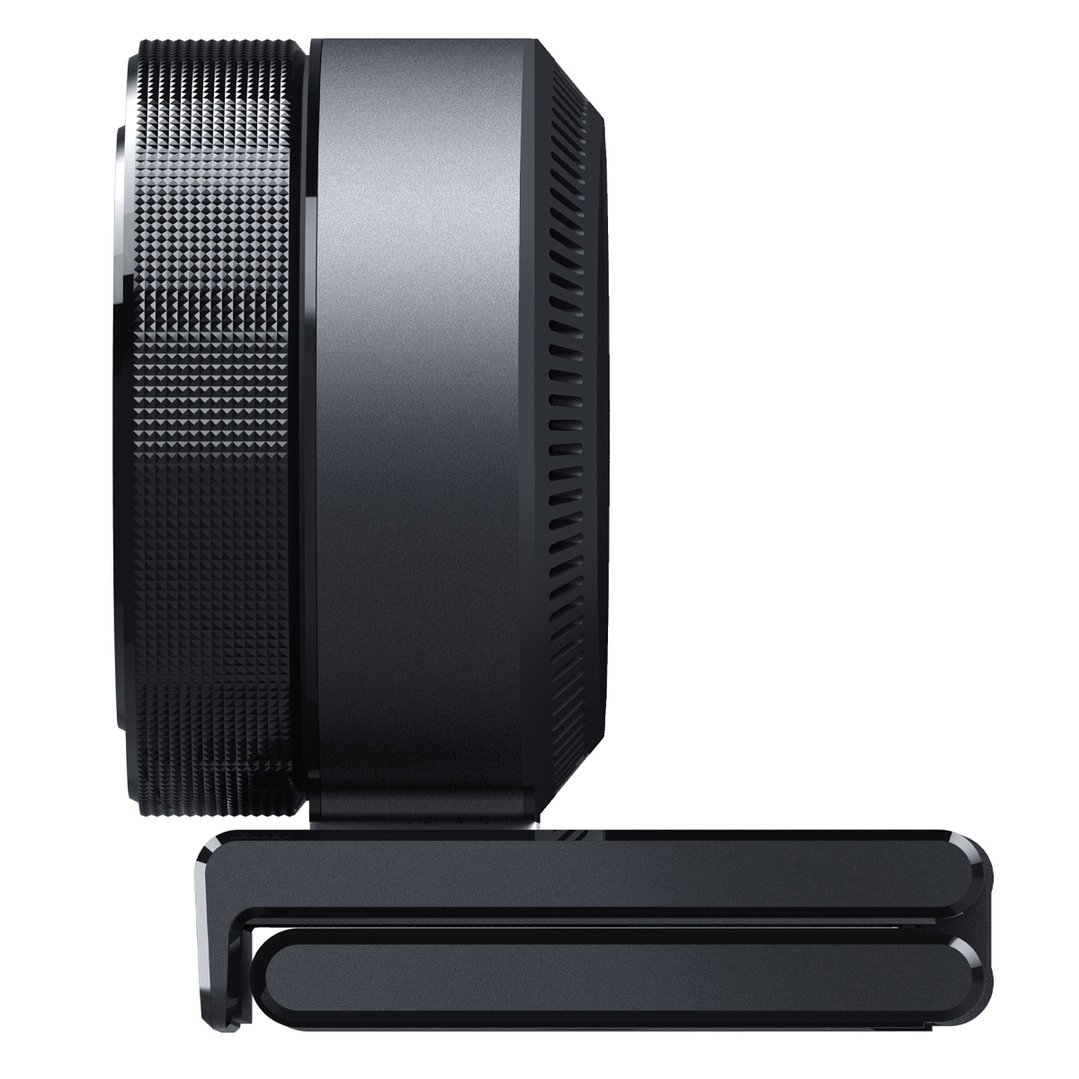
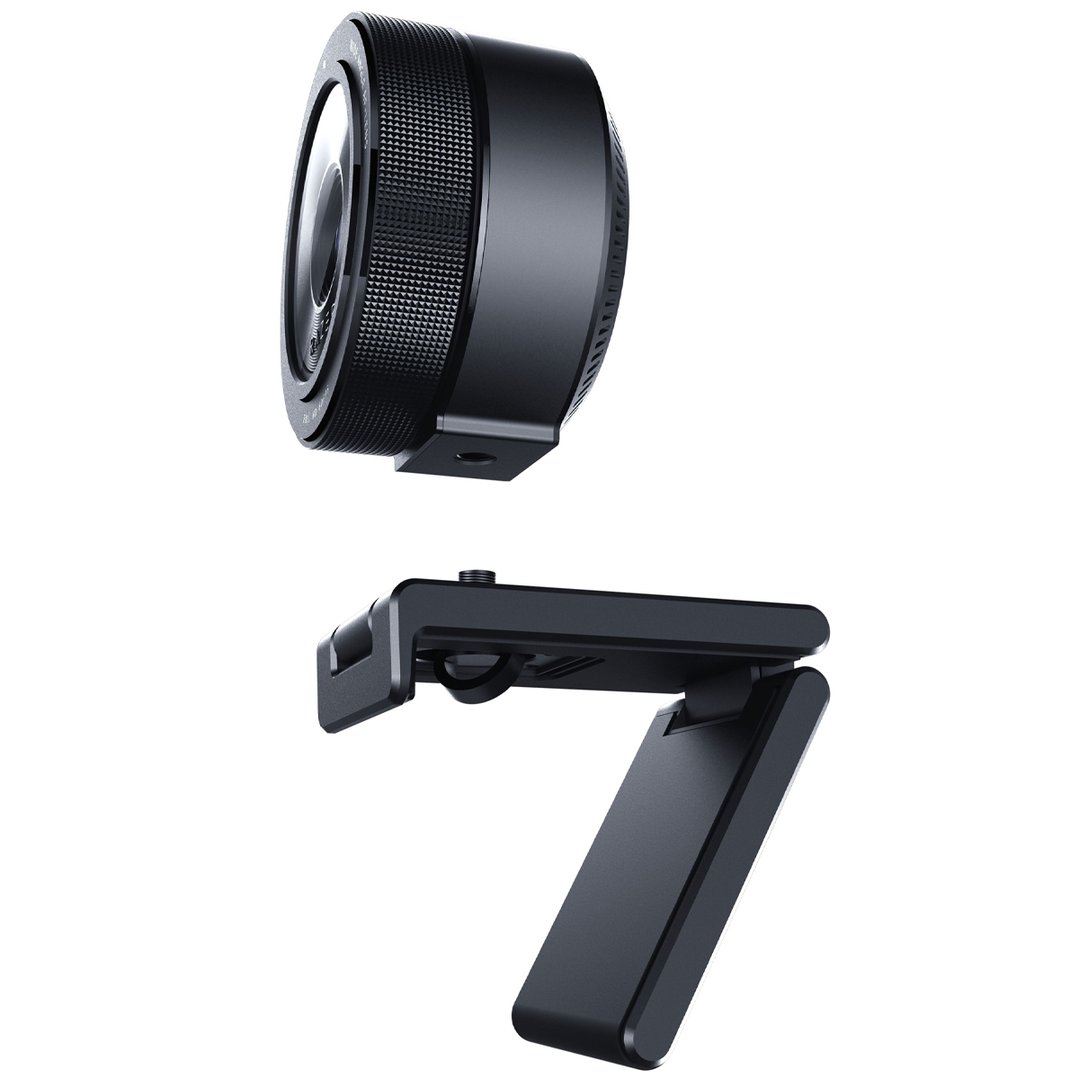
The stable webcam mount can be tilted to the perfect angle as it sits snugly on your monitor or table, but can also be detached if you prefer the webcam to be on a tripod setup. *Tripod not included
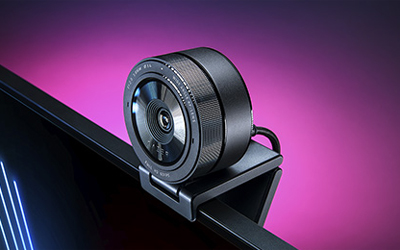
USB 3.0
With an easy plug-and-play connection, the Razer Kiyo Pro delivers a powerful 5GB/s camera signal to your stream, allowing for maximized video performance with no compression whatsoever.
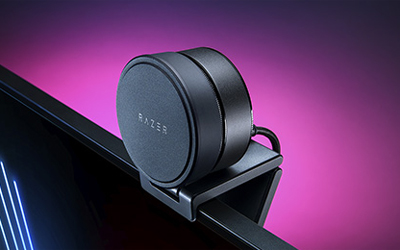
PRIVACY COVER
The Razer Kiyo Pro comes with a cover that protects the webcam’s lens and gives you the assurance of privacy when not in use.
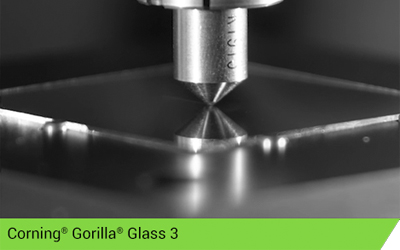
DESIGNED WITH CORNING® GORILLA® GLASS 3
To improve the image quality, durability and longevity of the Razer Kiyo Pro, its lens is designed with damage- and scratch-resistant Corning Gorilla® Glass 3. In lab tests, Gorilla Glass 3 provides up to 4x improvement in scratch resistance when compared to competitive aluminosilicate glasses from other manufacturers.
Specifications
Description
- Search Snippet: The Razer Kiyo Pro webcam features adaptive light sensor technology and captures uncompressed 1080p video at 60FPS.
Global
- EAN: 8886419377146
- Model Number: RZ19-03640100
General
- Colour: Black
Features
- Autofocus: No
- Built In Microphones: No
- Face Tracking: No
- Motion Detection: No
- Noise Reduction: No
Lens
- Field Of View (°): 103°, 90°, 80°
- Lens Type: GORILLA GLASS 3
Compatibility
- Os Compatibility: Windows® 8 (or higher)
Video
- Video Resolution (Pixel): 1080p @ 60 / 30 / 24 FPS / 720p @ 60 FPS / 480p @ 30 FPS / 360p @ 30 FPS
Electrical Requirements
- Cord Length: 1.5
In The Box & Warranty
- Included: Razer Kiyo Pro, Detachable stand, USB3.0 Type A to C cable, Important Product Information Guide
- Warranty (Years): 1
Why Buy?
Sharp, professional video calls and streaming without lighting worries
Get consistently clear video quality in any room lighting with an adaptive sensor that automatically adjusts to bright or dim conditions. No more fiddling with settings or looking washed out on important calls.
Enjoy smooth, detailed footage at 1080p 60fps that makes your presentations and streams look professional, while HDR mode adds vibrant colours and balanced exposure. The wide-angle lens adapts to show just you or include multiple people in frame, controlled through simple software settings. USB 3.0 delivers uncompressed video with zero lag or pixelation.
Mount securely on your monitor or desk with the adjustable stand, or detach for tripod use. The scratch-resistant Corning Gorilla Glass lens stays crystal clear through daily use, while the privacy cover slides over when you need complete security. Simple plug-and-play setup works instantly with your computer.
Buy this if...
- You want professional video quality without adjusting camera settings manually
- Your workspace has changing light conditions throughout the day
- You stream content or host important video conferences regularly
- You need flexible framing options for solo work or group meetings
- You value reliable hardware with durable, scratch-resistant construction