
Logitech MX Master 3S for Mac 910-006574
910-006574


OUT OF STOCK
Pay in 4 interest-free payments of $32
Own it from $10 per week
Include a Back Up Plan?
Product Highlights
- Adjustable Dpi: Yes
- Bluetooth: Yes
- Number Of Buttons: 3
- Os Compatibility: macOS and Windows®
- Scroll Wheel: Yes
- Wireless: Yes
Logitech MX MASTER 3S FOR MAC, Space Gray/ Pale Gray 910-006574
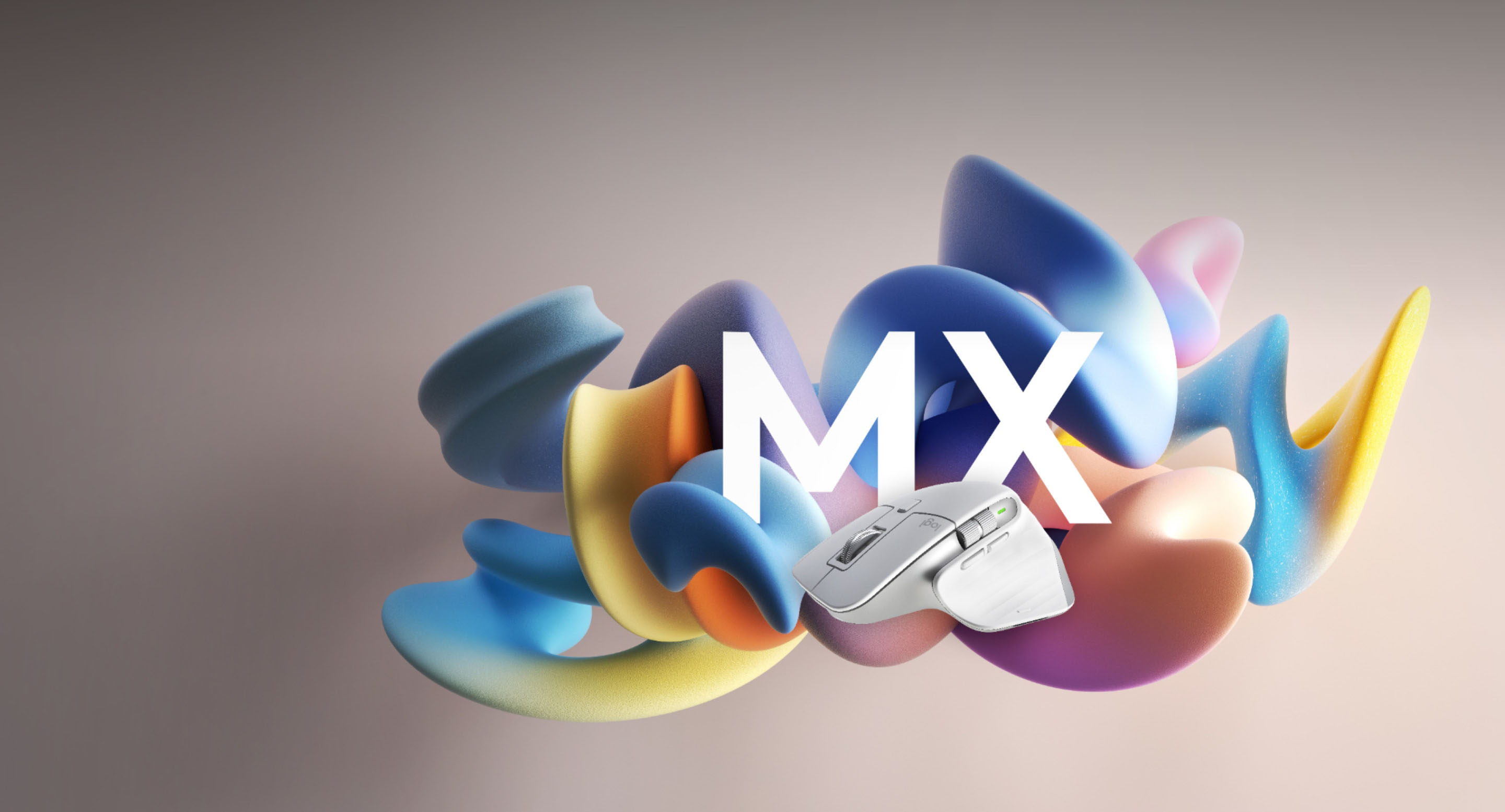
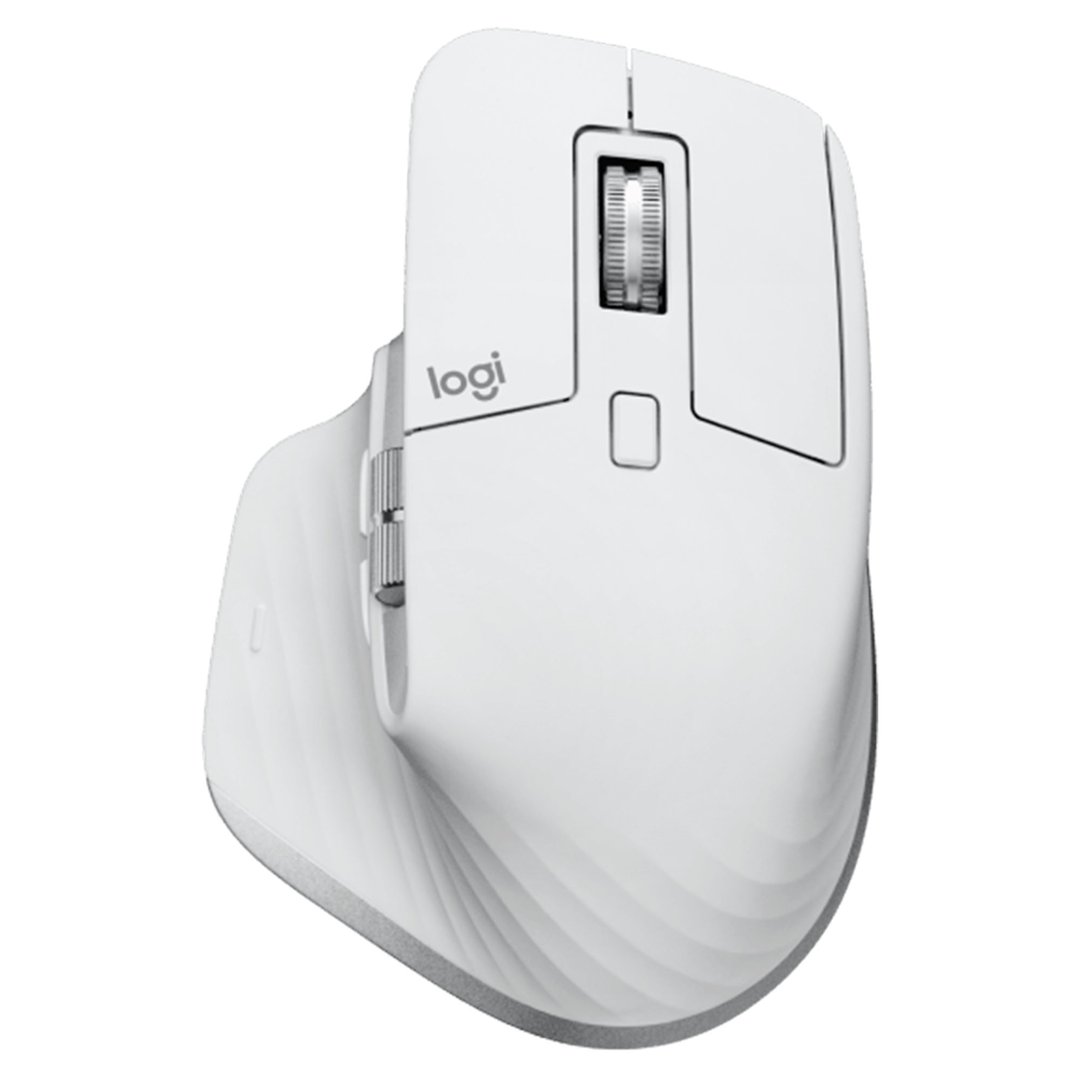
Meet MX Master 3S for Mac – an iconic mouse remastered. Compatible with macOS, iPadOS1 and seamlessly integrated into the Apple ecosystem for performance, with Mac-inspired colors, Quiet Clicks, and an 8K DPI track-on-glass sensor2.
Key Features:
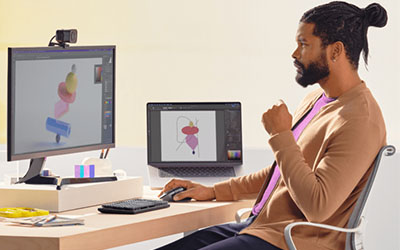
PRECISION TO THE PIXEL WITH 8K DPI TRACKING
MX Master 3S for Mac is outfitted with our most accurate sensor for next-gen precision and responsiveness. Work on large resolution monitors with a pixel-precise 8,000 DPI optical sensor that tracks virtually anywhere – even on glass3. Adjust your tracking sensitivity in Logi Options+4and set it to your preference.
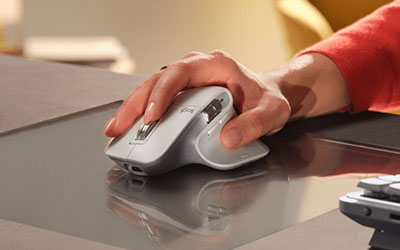
COMFORT MEETS QUIET CLICKS
Create, make and do with the same click feel, but less noise. Quiet Clicks deliver satisfying, soft tactile feedback with 90% less click noise5. With an iconic silhouette contoured for your hand, the unique tilt angle of MX Master 3S for Mac positions your arm in a more natural posture for better comfort.

SCROLL 1,000 LINES PER SECOND
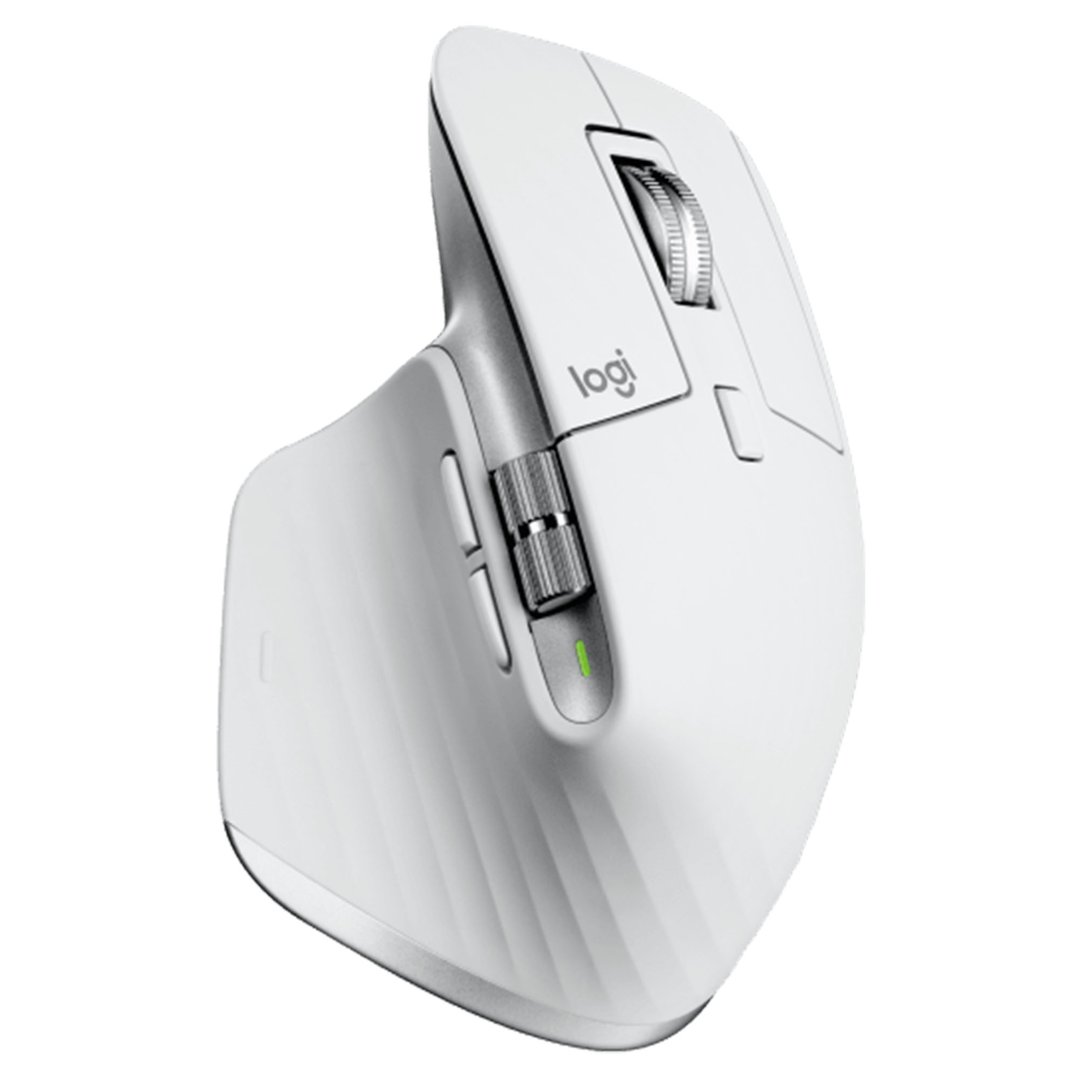
MagSpeed Electromagnetic scrolling is precise enough to stop on a pixel and quick enough to scroll 1,000 lines per second. Oh, and it’s nearly silent. The wheel’s machined steel gives it a premium tactility and enough weight to offer dynamic inertia you feel – but don’t hear.
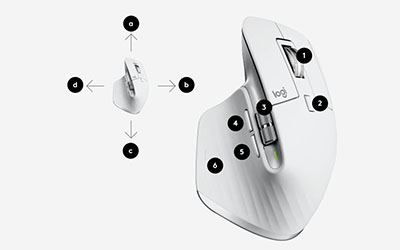
APP-SPECIFIC CUSTOMIZATIONS
MX Master 3S for Mac is fully customizable in virtually every app you use with Logi Options6You’ll work faster with predefined customizations optimized for your favorite apps such as Adobe Photoshop®, Adobe Premiere Pro, Final Cut Pro, Google Chrome™, Safari, Zoom®, and Microsoft Teams®, Word®, Excel®, PowerPoint®, and Edge.
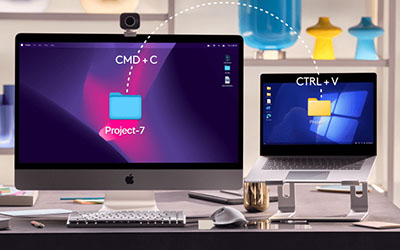
MULTI MAC CONNECTIVITY
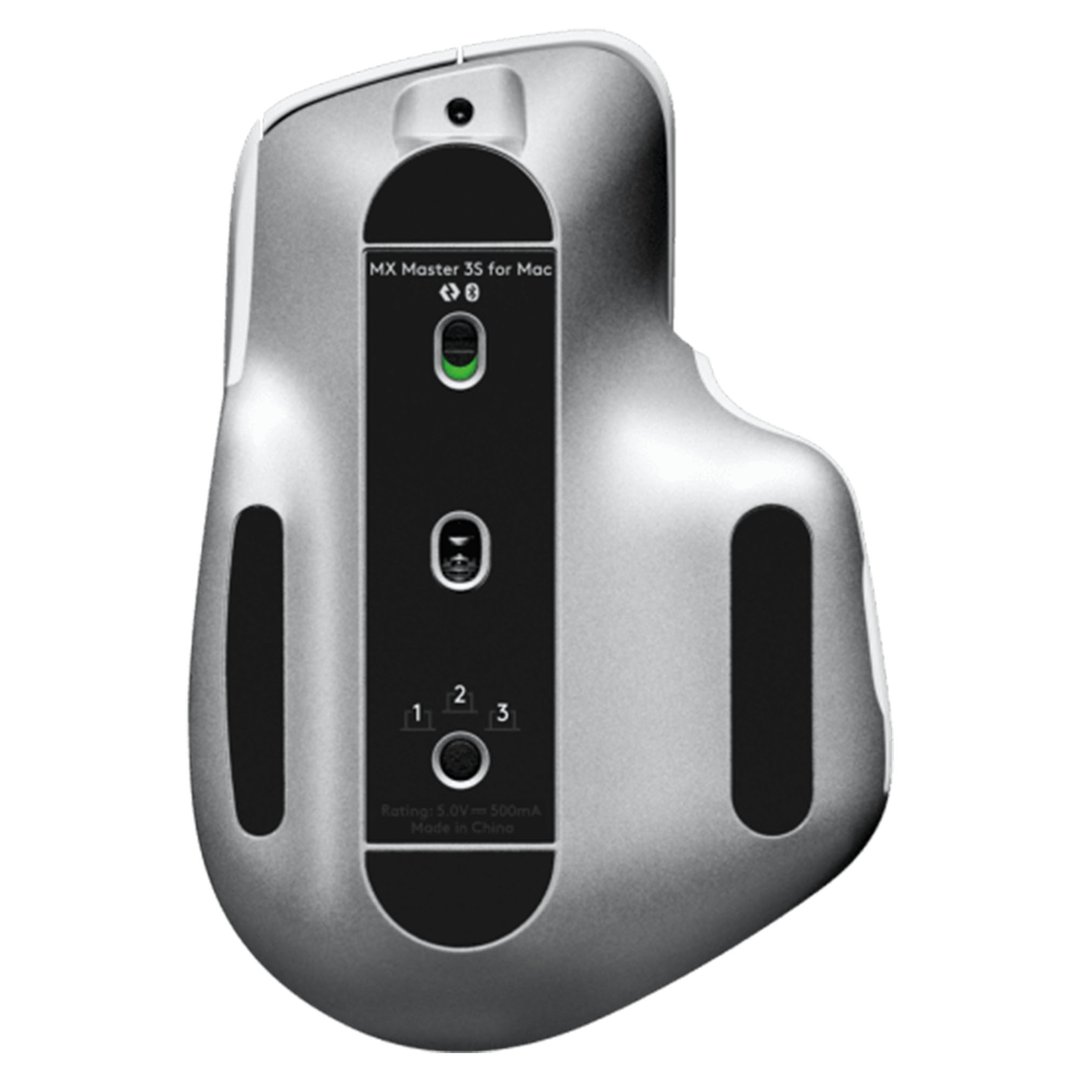
asily pair your MacBook, iMac and iPad via Bluetooth® Low Energy and switch between them at the push of a button - connecting up to 3 devices has never been easier. our MX keyboard follows your Flow technology-enabled MX mouse from one Mac computer or laptop to another, meaning you can work on multiple Mac computers in one fluid workflow. Transfer files, documents, and images across devices and macOS and Windows® operating systems with Logi Options+7.
New Feature
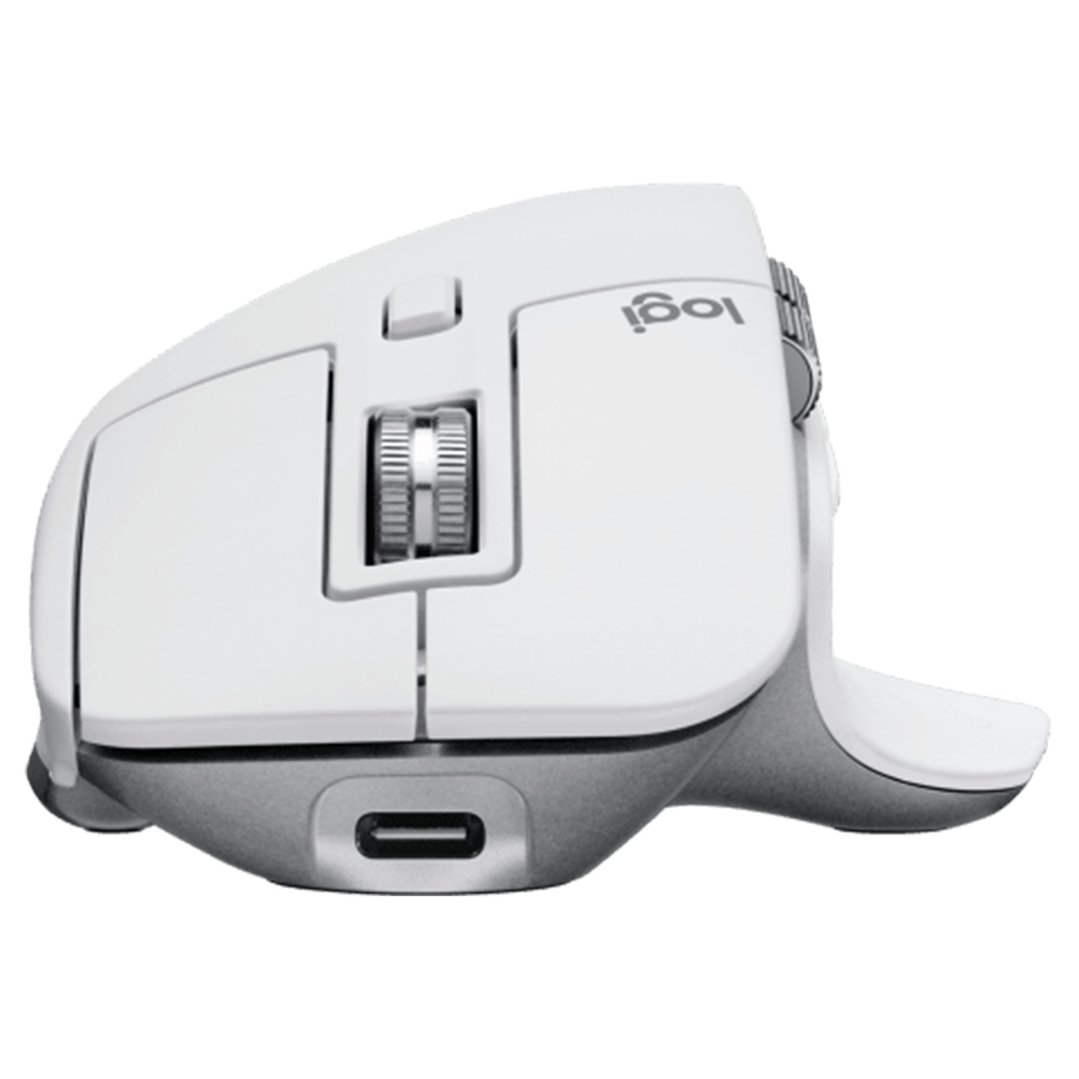
MX Master 3S for Mac stays powered for up to 70 days on a full charge – and gets three hours of use from a one-minute quick charge8. Use the included USB-C to USB-C charging cable to top up the power.

ADOBE CREATIVE CLOUD WITH YOUR MX CREATIVE TOOLS
Introducing a partnership empowering creators, makers and doers to explore their full capability. Learn how MX and Adobe can unlock true creative flow, and claim an Adobe® Creative Cloud® subscription – on us.
1 Device basic functions will be supported without software for operating systems other than Windows and macOS
2 4 mm minimum glass thickness
3 4 mm minimum glass thickness.
4 Available on Windows and macOS at logitech.com/optionsplus
5 Compared to MX Master 3 for Mac, MX Master 3S for Mac has 90% less Sound Power Level left and right click, measured at 1m.
6 Available on Windows and macOS at logitech.com/optionsplus
7 Requires Logi Options+ app available on Windows and macOS at logitech.com/optionsplus
8 Battery life may vary based on user and computing conditions.
Specifications
Global
- EAN: 0097855175403
- Mice Type: Optical
- Model Number: 910-006574
General
- Colour: Gray
- Number Of Buttons: 3
Features
- Adjustable Dpi: Yes
- Ergonomic: Yes
- Scroll Wheel: Yes
- Touch: Yes
Battery
- Battery Type: Li-Po
- Estimated Battery Life (h): 1,680
Compatibility
- Os Compatibility: macOS and Windows®
Connectivity
- Bluetooth: Yes
- Infrared: No
- USB: Yes
- Wireless: Yes
Dimensions
- Depth: 51mm
- Height: 124.9mm
- Width: 84.3mm
Weight
- Weight (Kg): 0.141
In The Box & Warranty
- Included: Mouse, USB-C charging cable (USB-C to USB-C), User documentation
- Warranty (Years): 1
Manuals
Why Buy?
The Mouse That Makes Working on Your Mac Feel Effortless
If you spend long hours at your Mac, the right mouse makes a surprising difference — and the MX Master 3S is genuinely one of the best you can use.
The scrolling experience alone is worth it. Whether you're moving through long documents, spreadsheets, or web pages, it feels smooth and precise in a way that cheaper mice simply don't match. You can fine-tune the tracking sensitivity to suit exactly how you work — whether that's detailed creative work or quickly moving between applications. It connects wirelessly via Bluetooth, so there's no dongle to lose and no cable cluttering your desk.
It's built with Mac users specifically in mind, meaning it plays nicely with macOS straight out of the box — no fiddly setup required. The shape is comfortable enough for full workdays without your hand feeling fatigued, and the wireless connection keeps your workspace clean and simple.
Buy This If…
- You use your Mac for work every day and want a more comfortable, capable mouse
- You're tired of laggy or imprecise tracking slowing you down
- You want a clutter-free desk without cables
- You do creative, design, or detailed document work that needs accuracy
- You want something that just works with macOS without any hassle