TV Wall Brackets
38 products

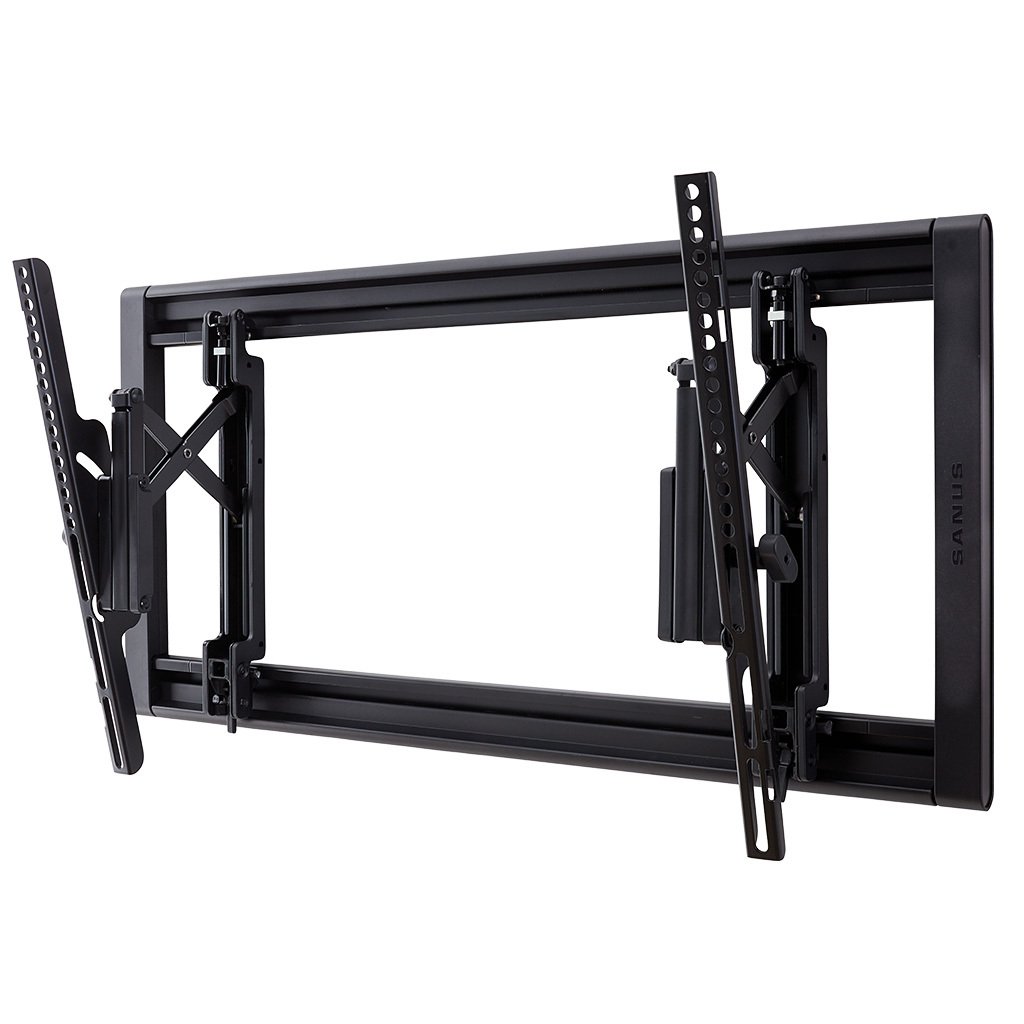

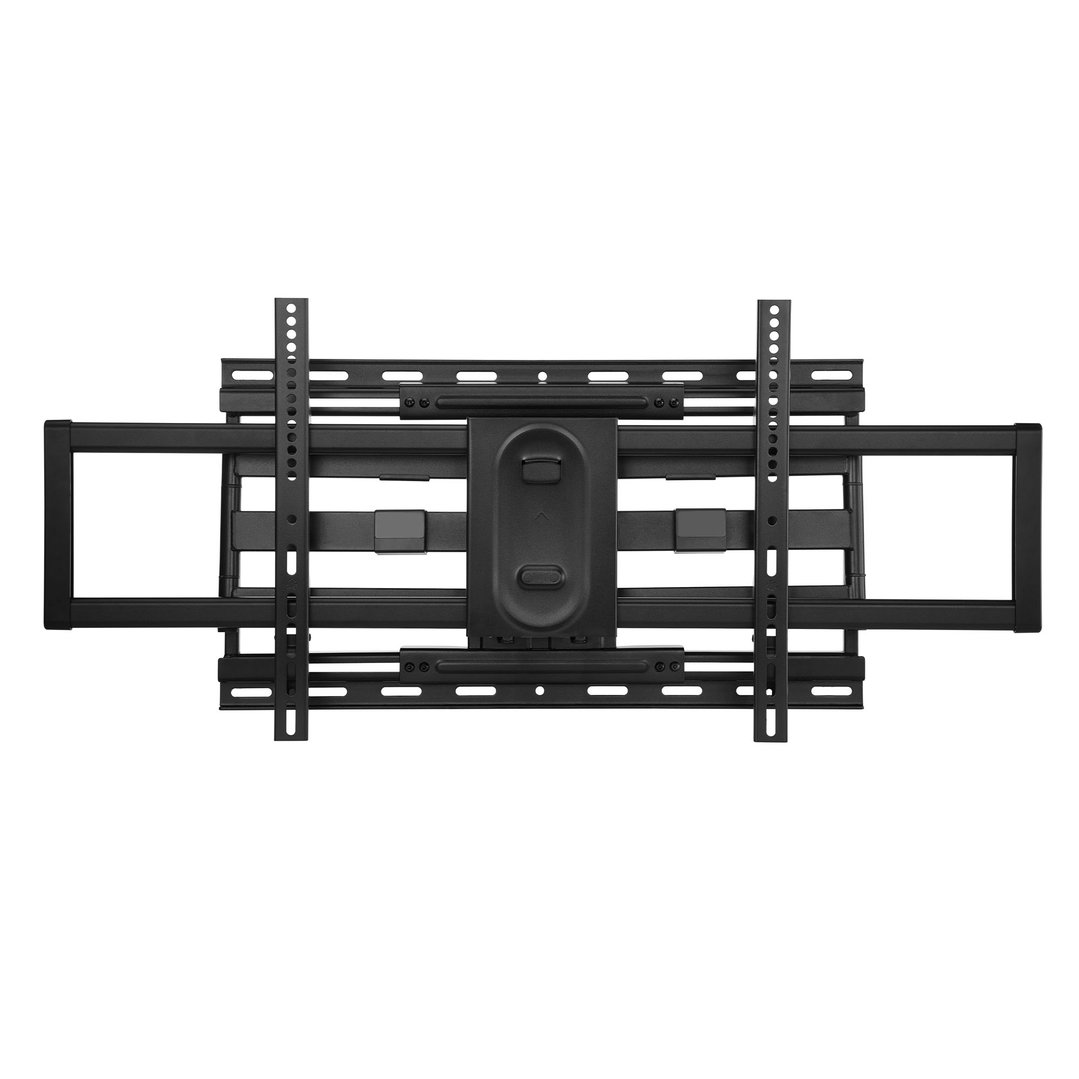
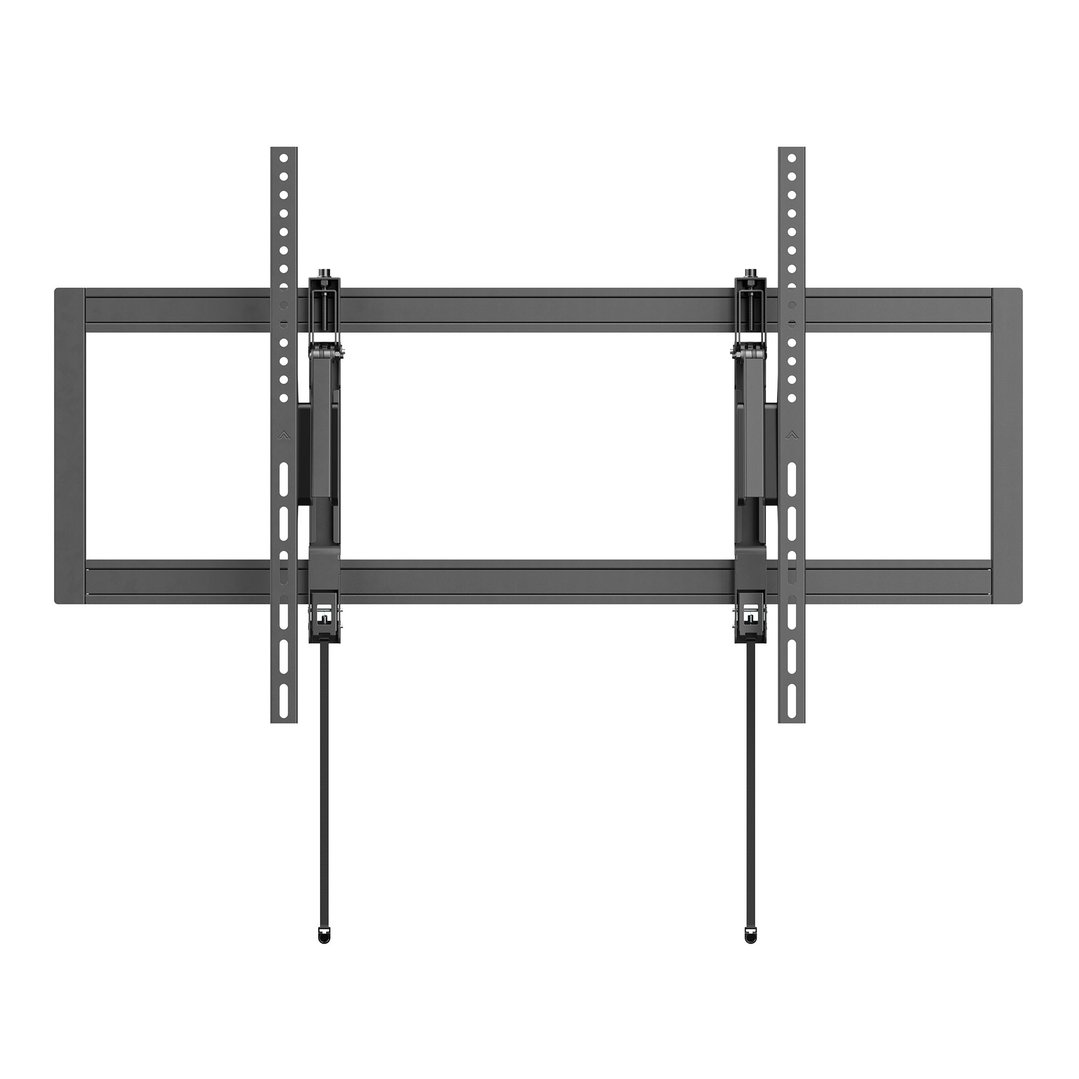

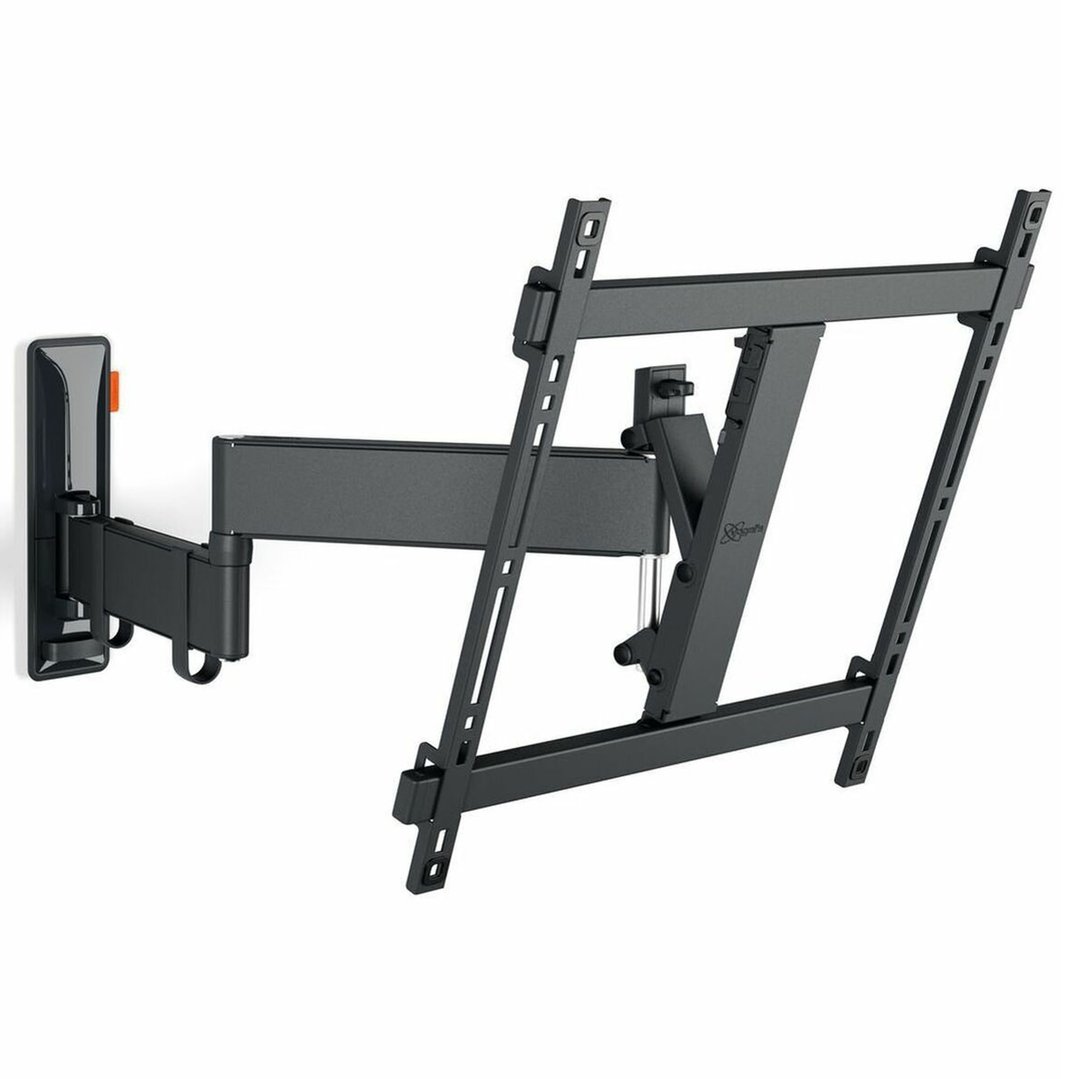
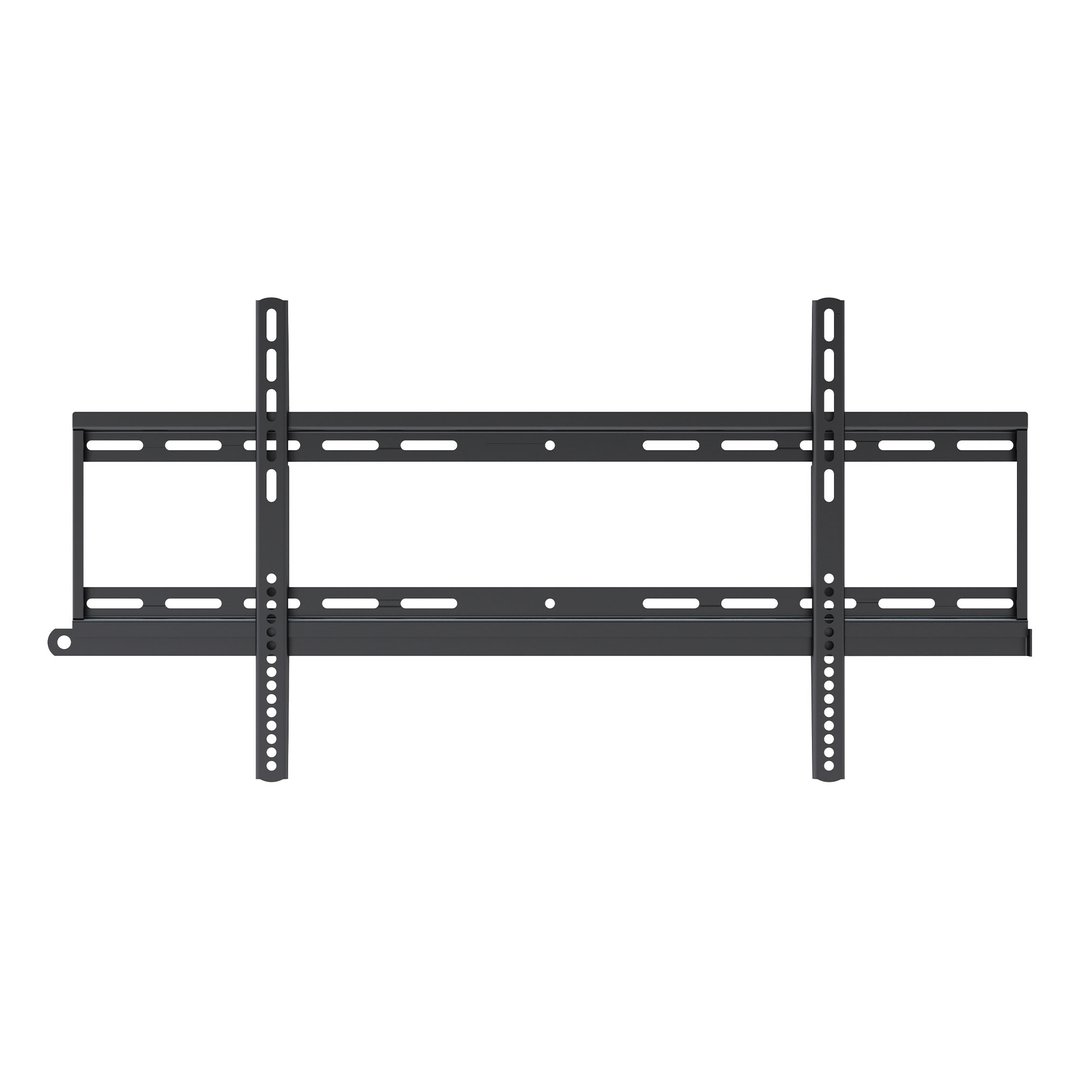
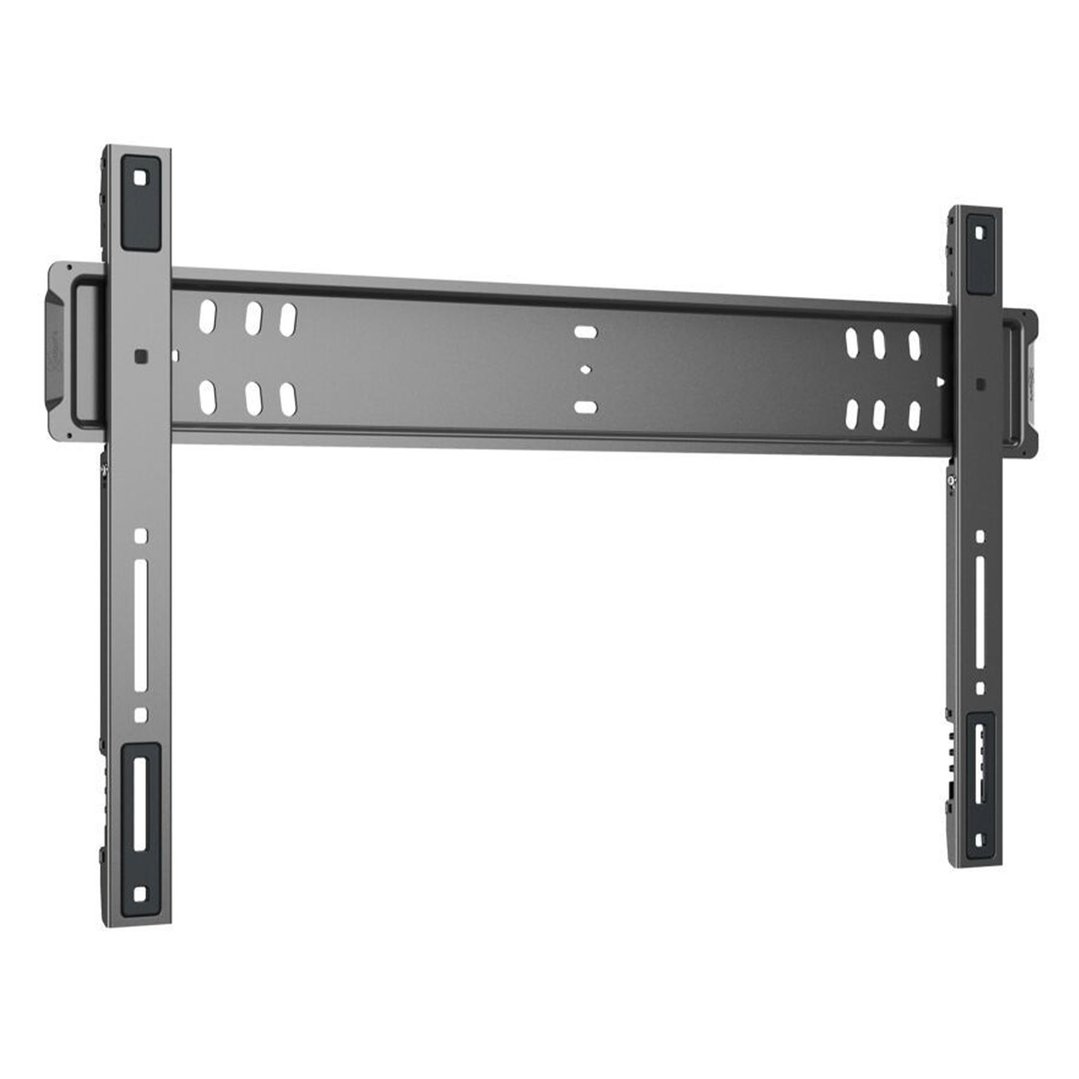

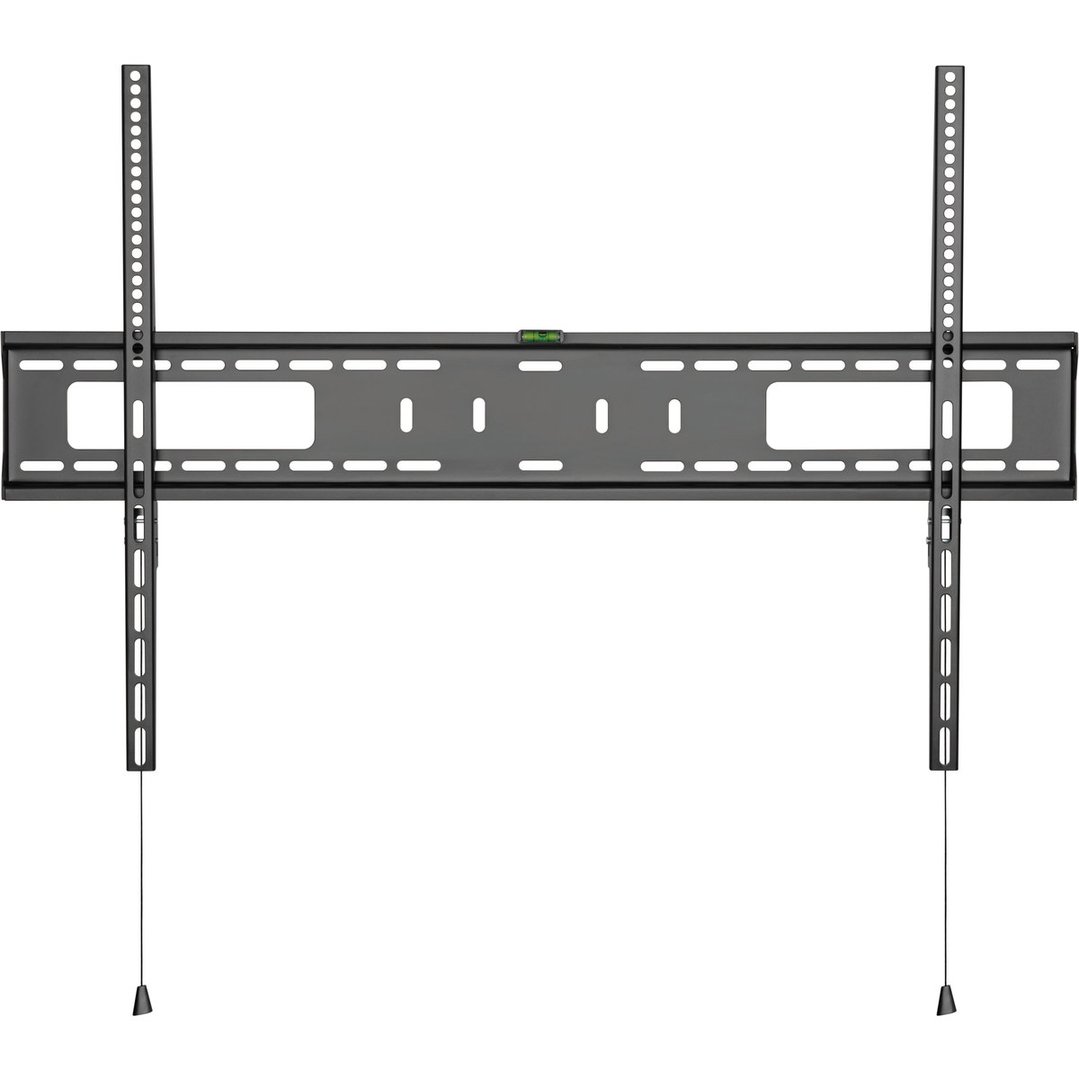
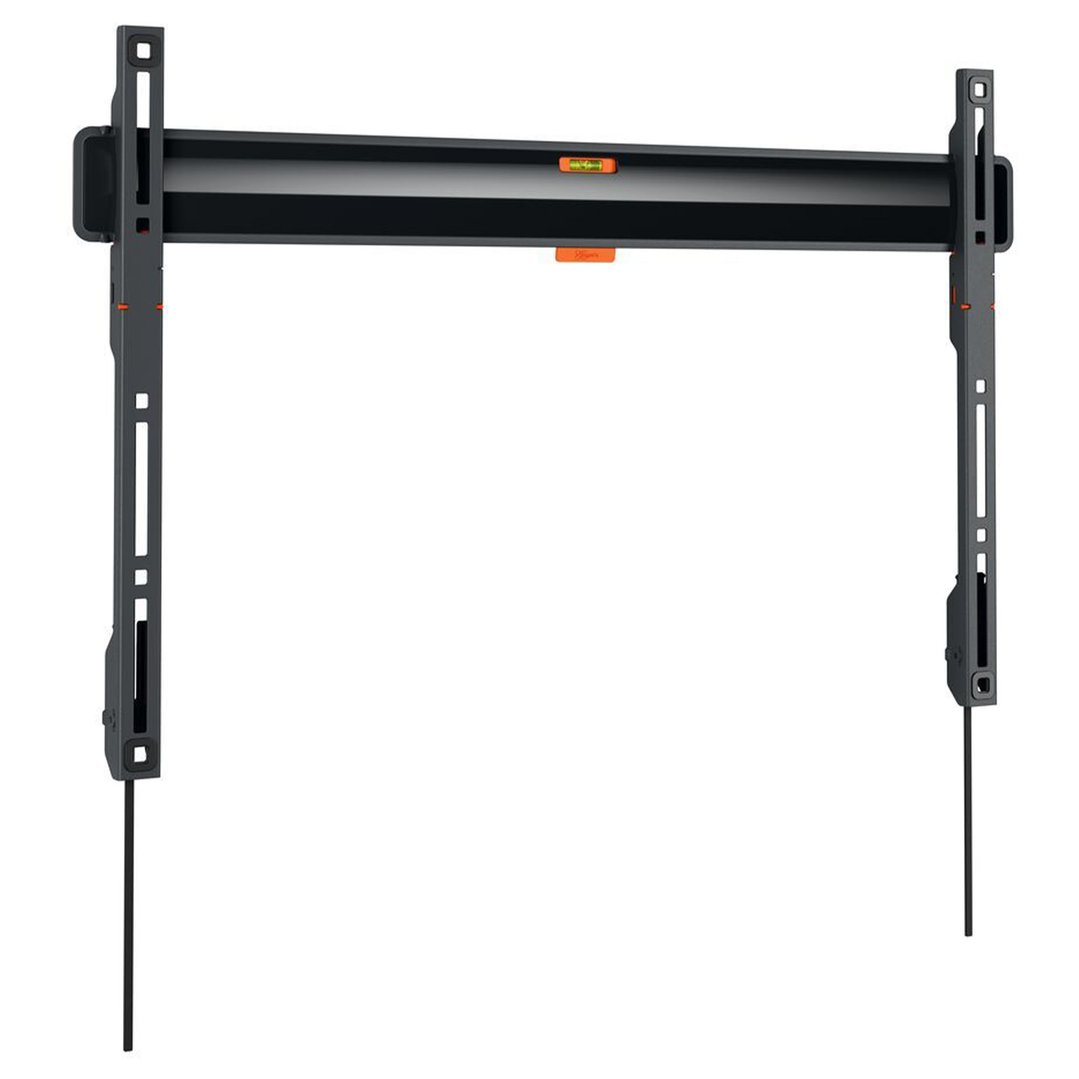
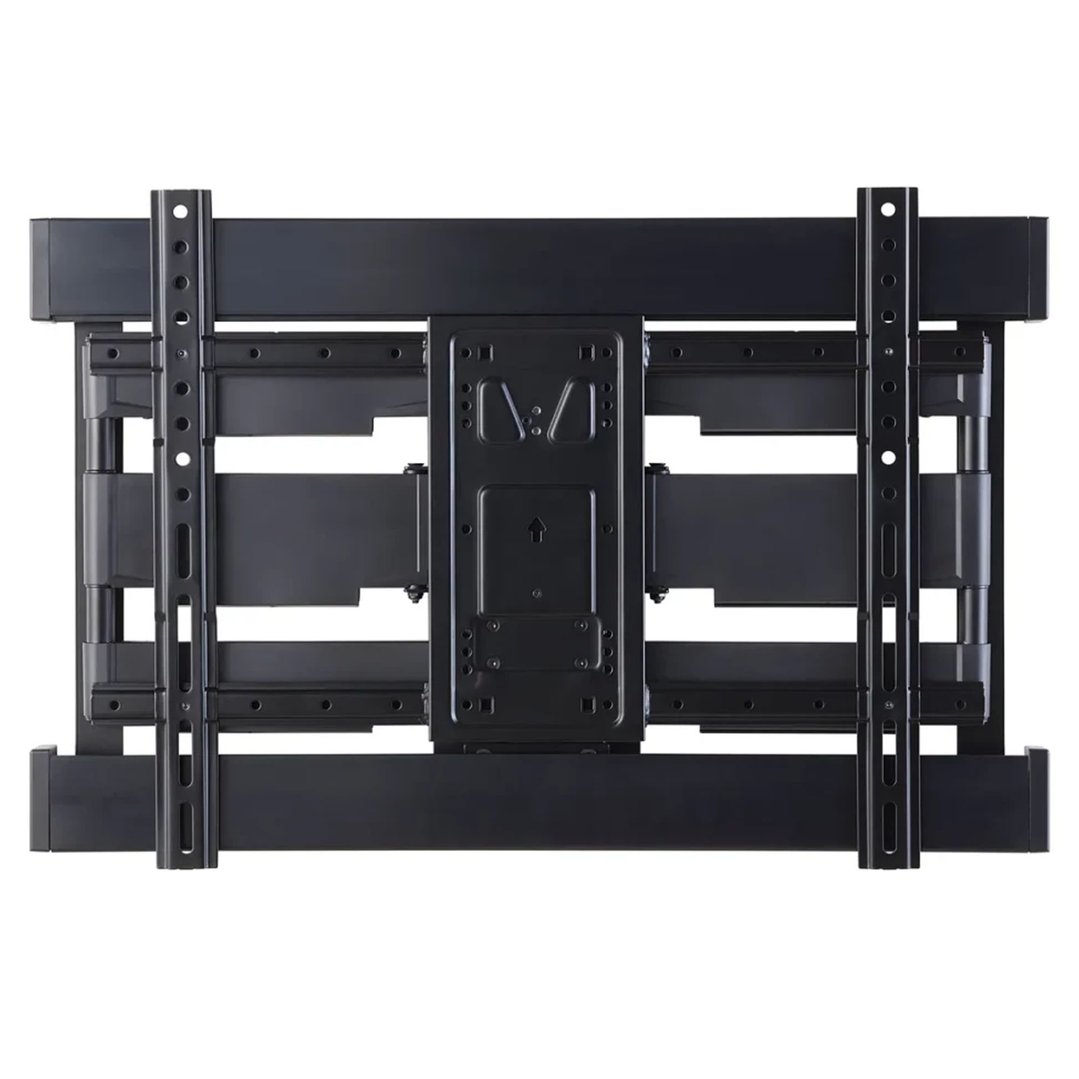
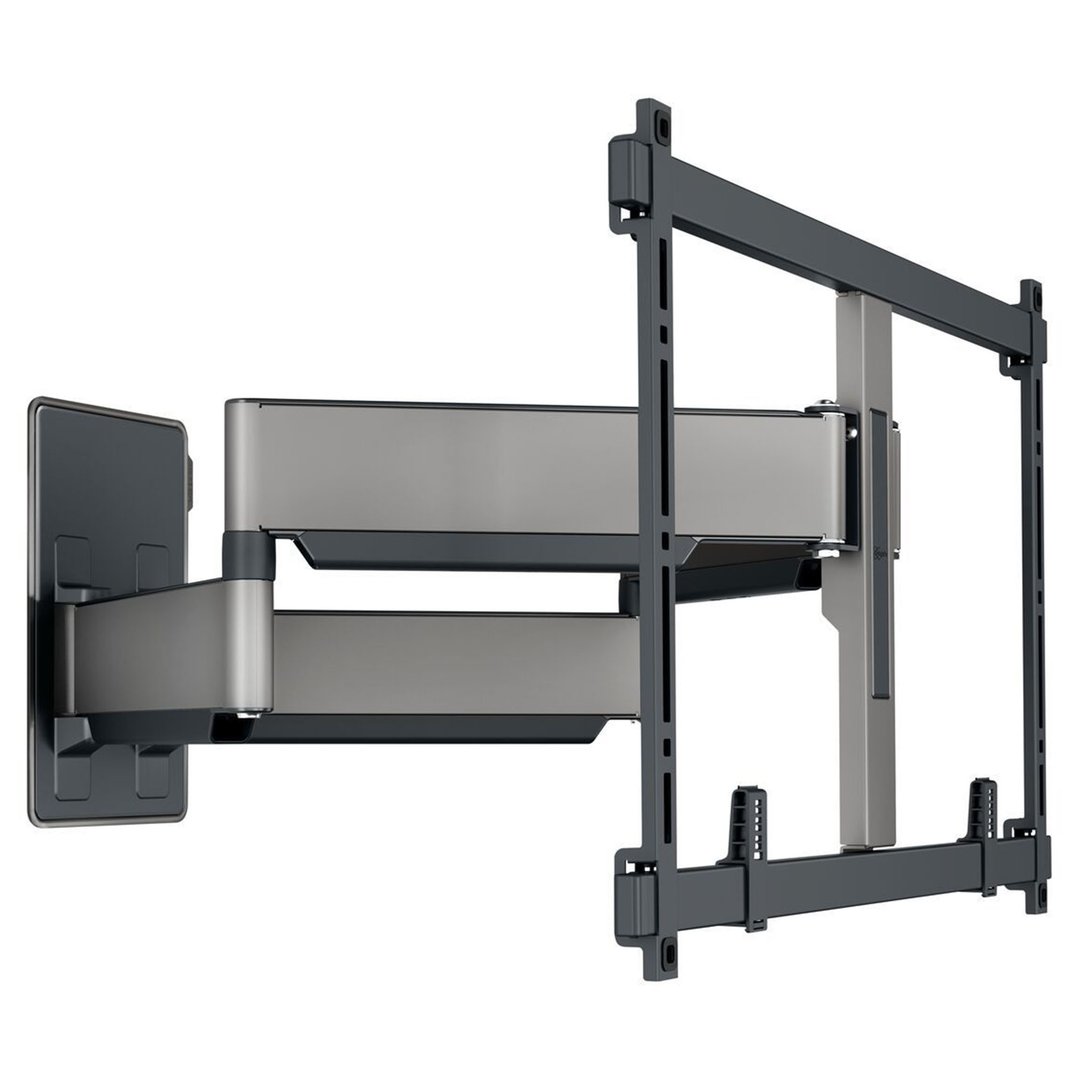
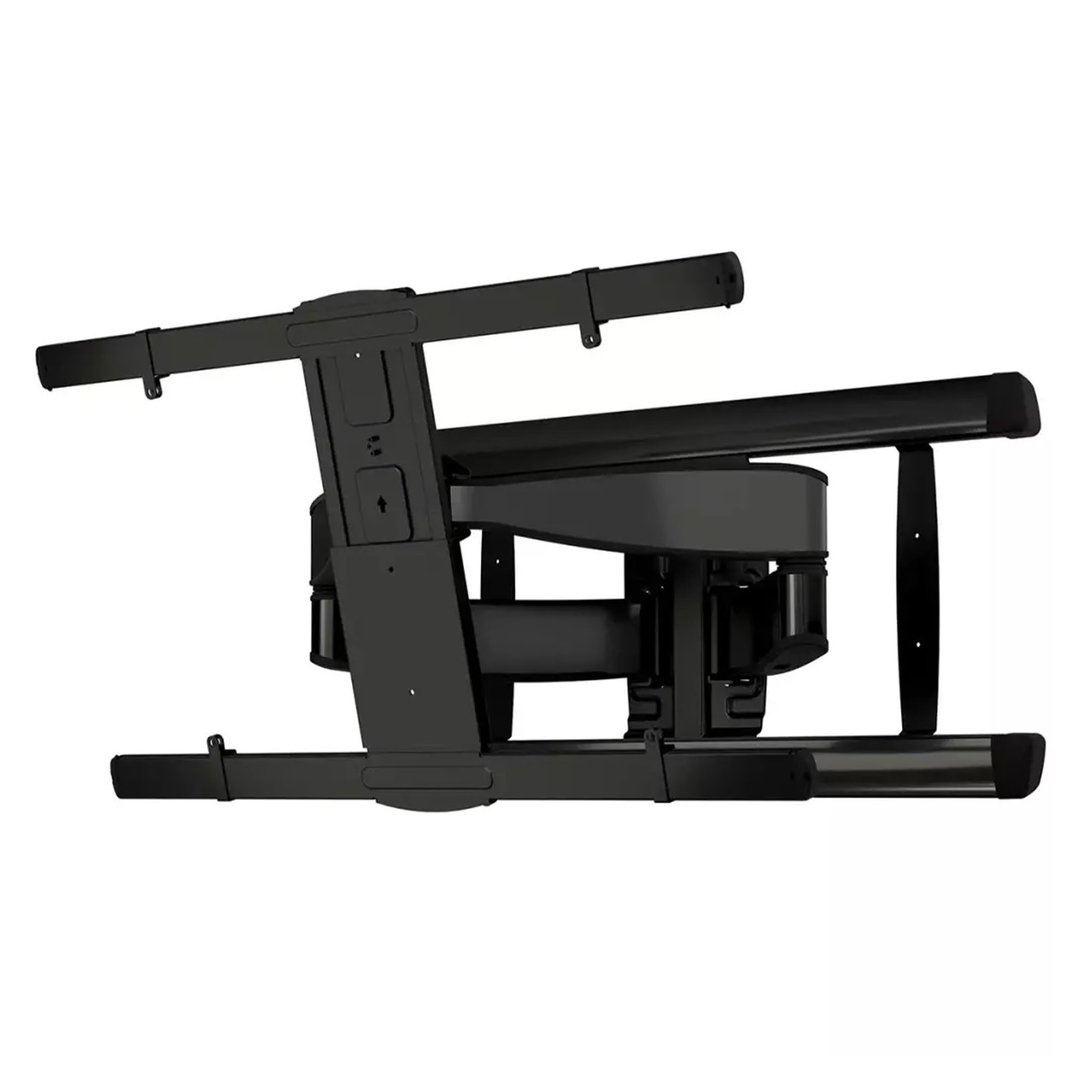
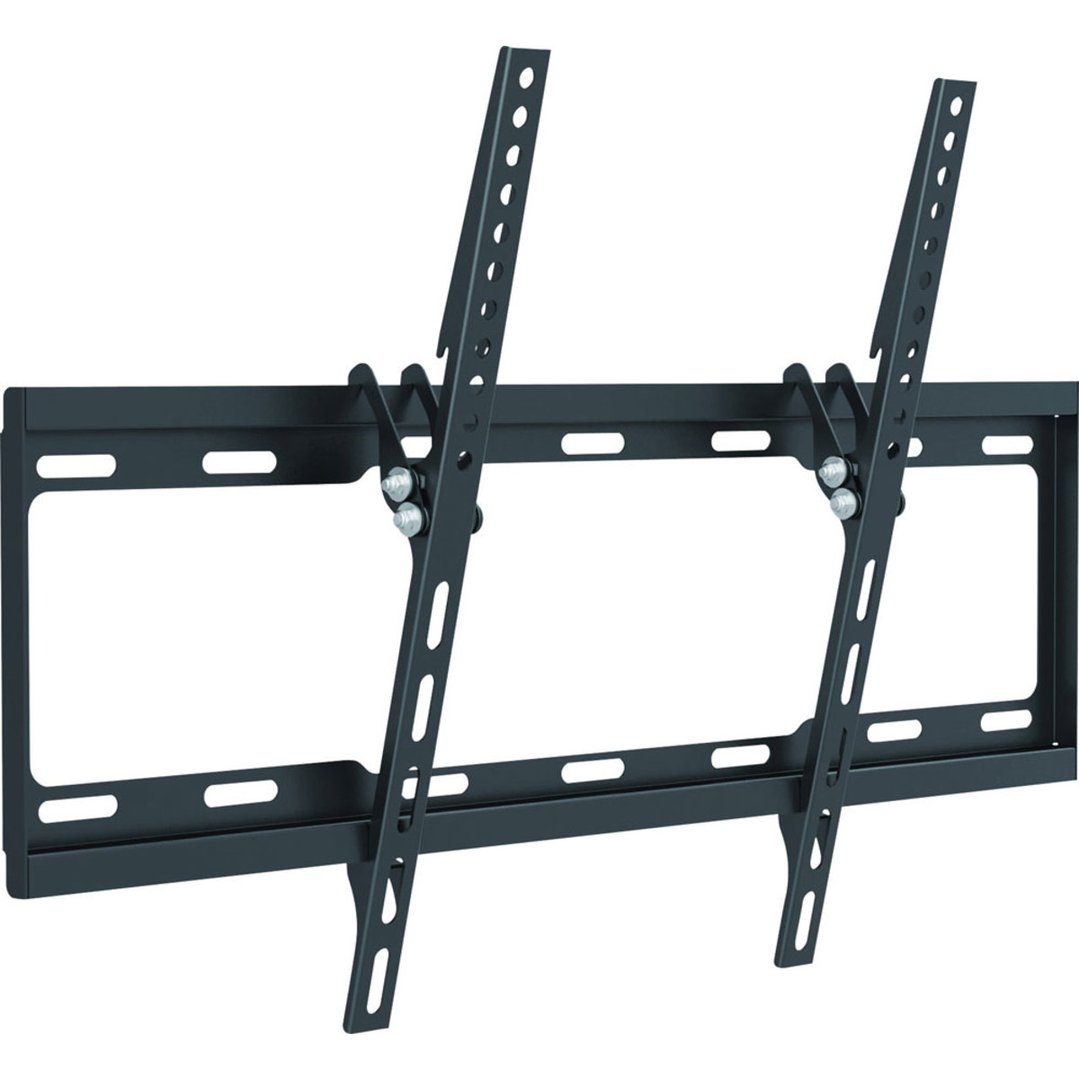
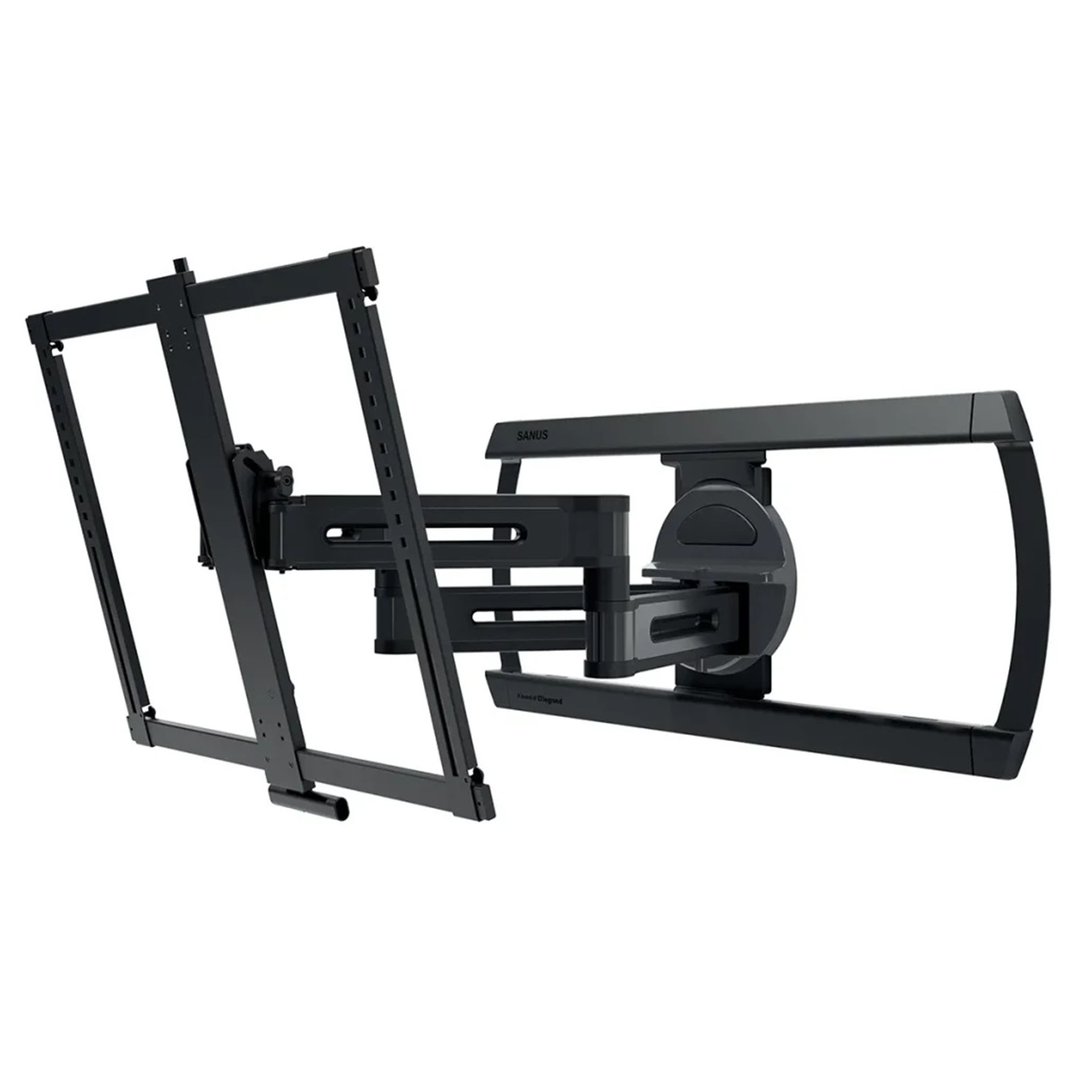
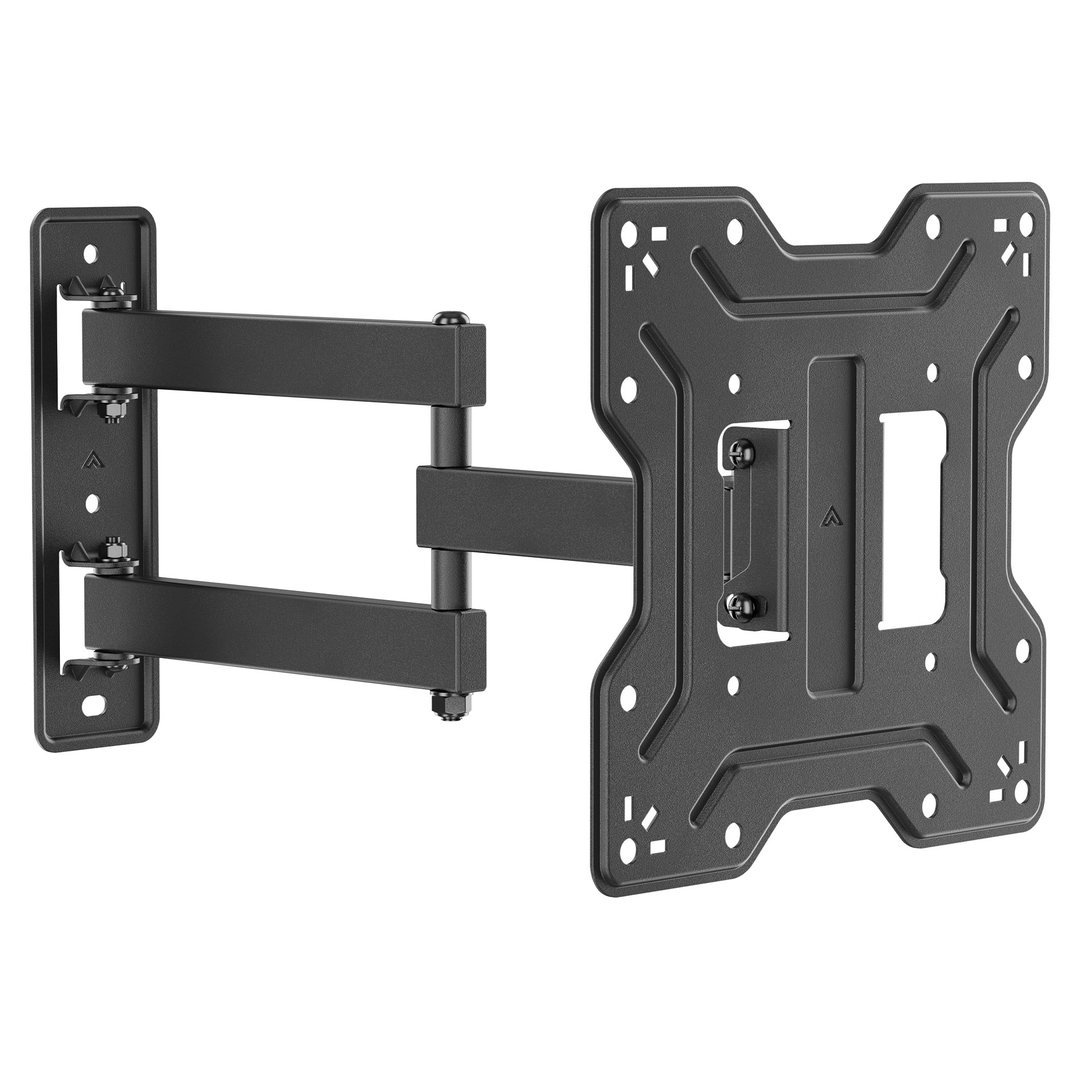
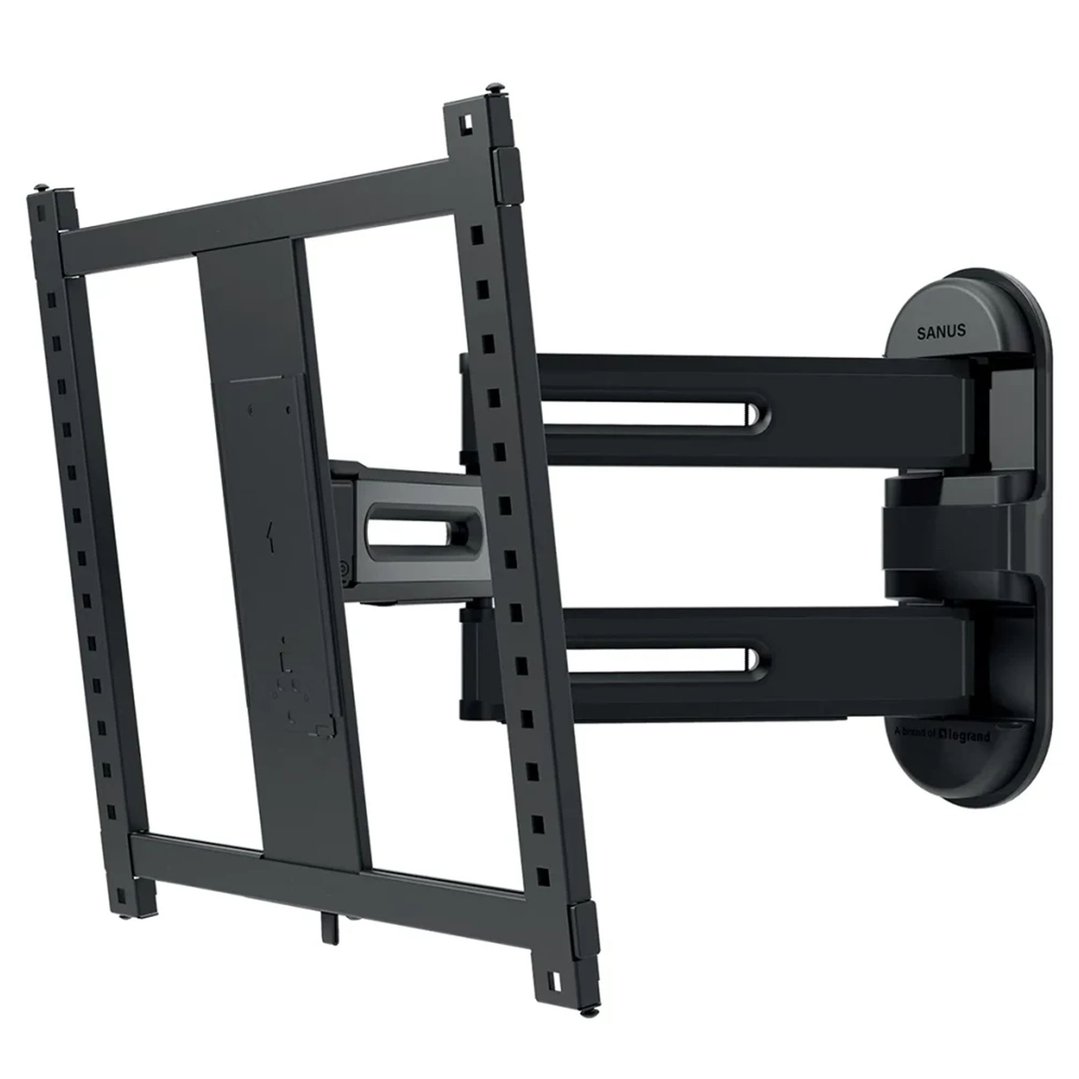

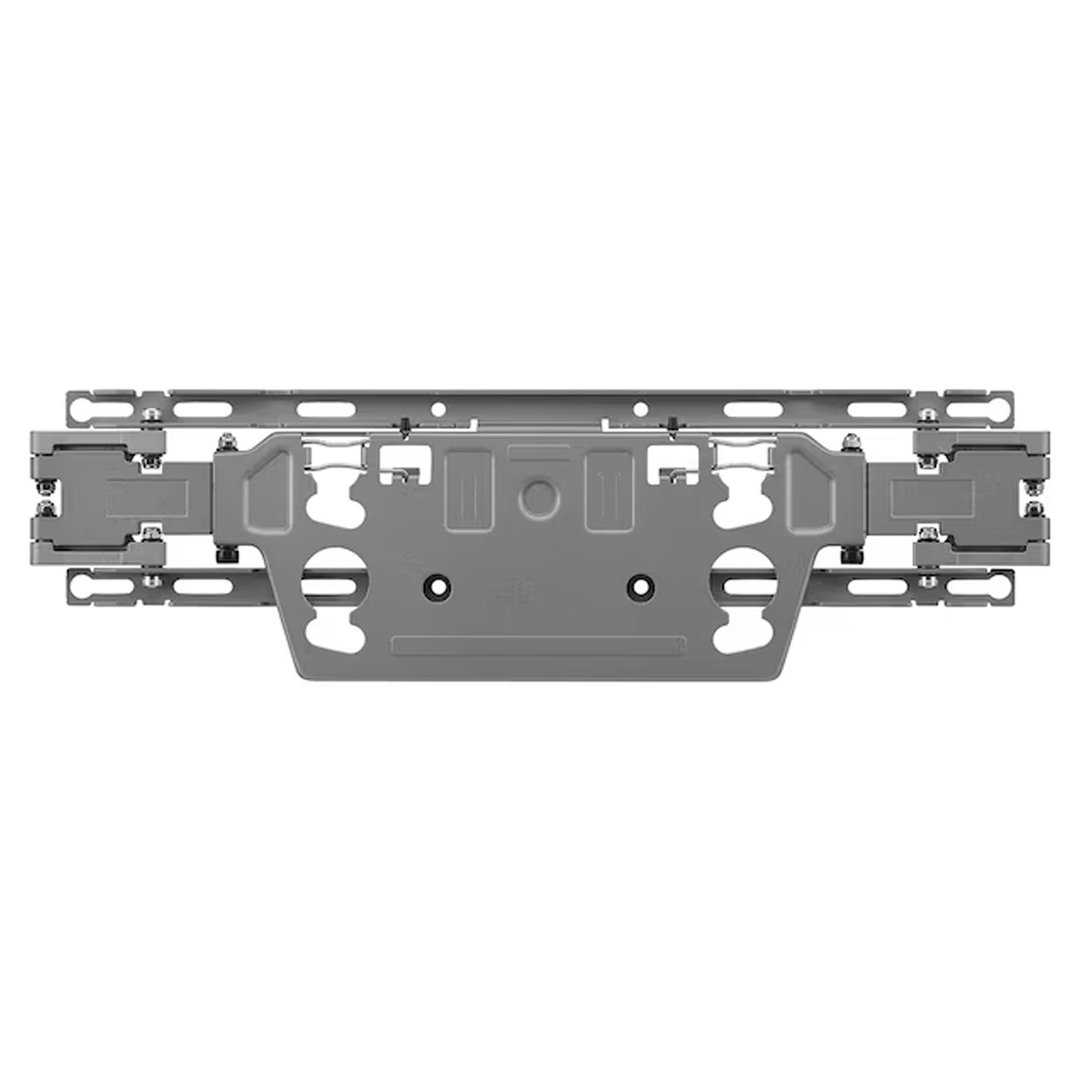
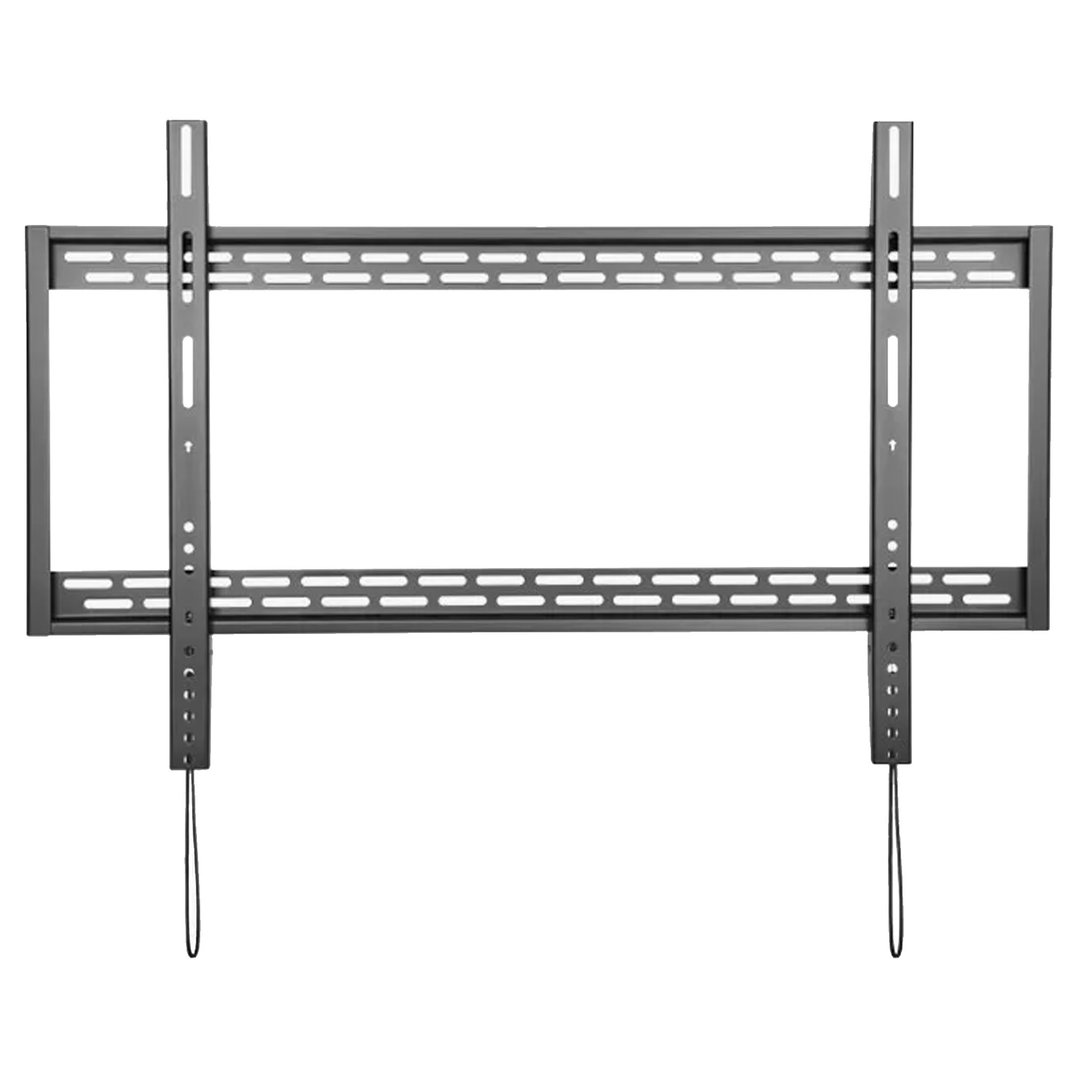

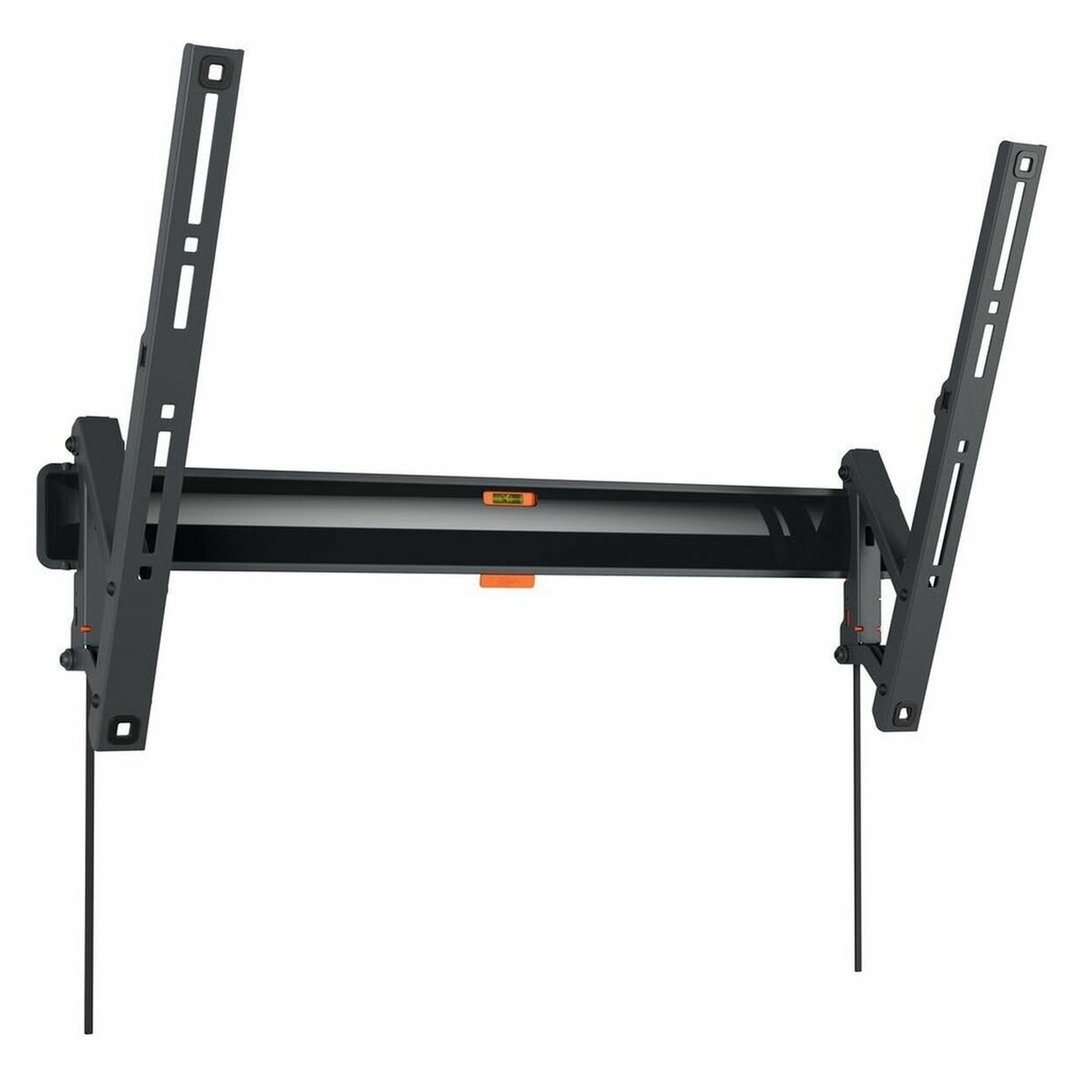
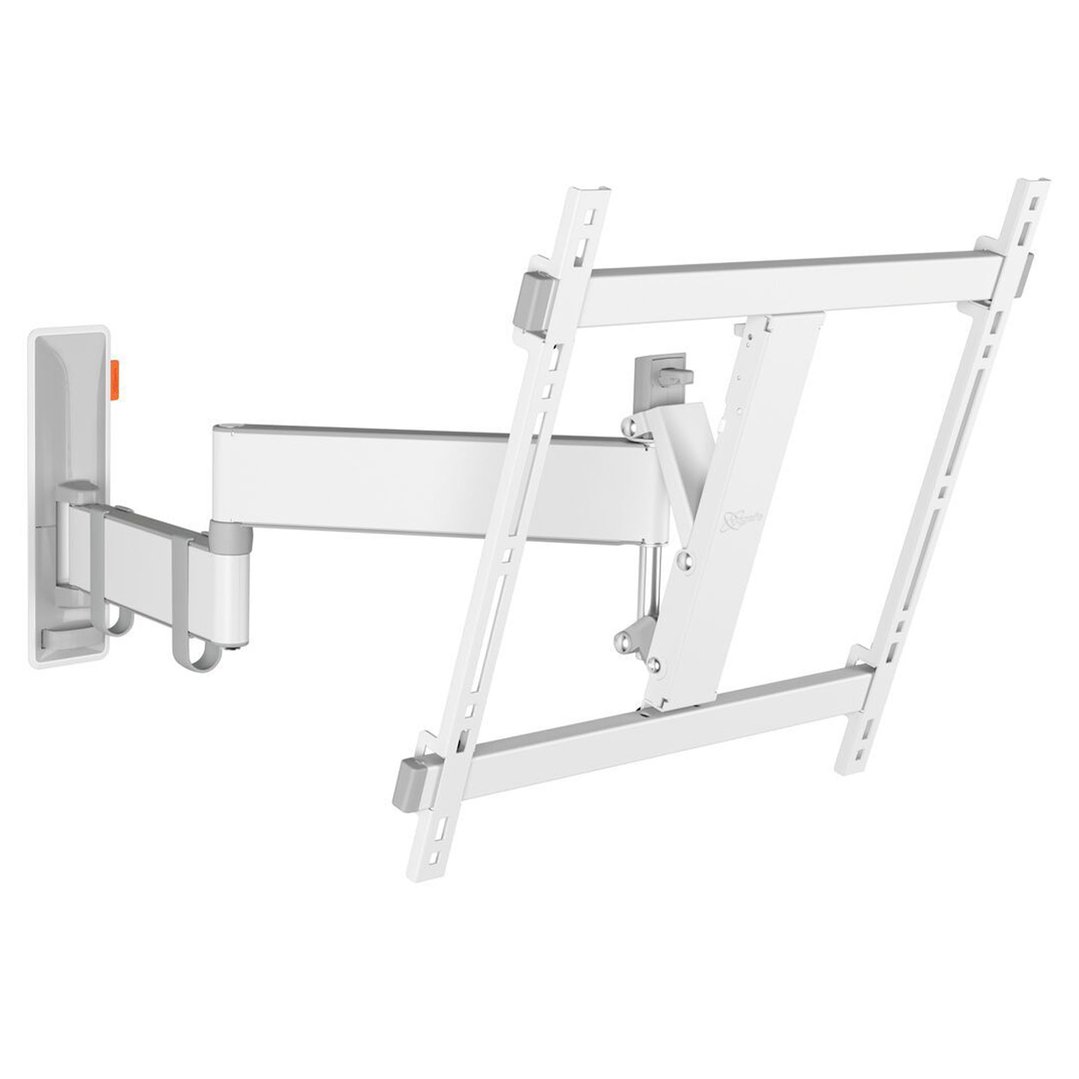
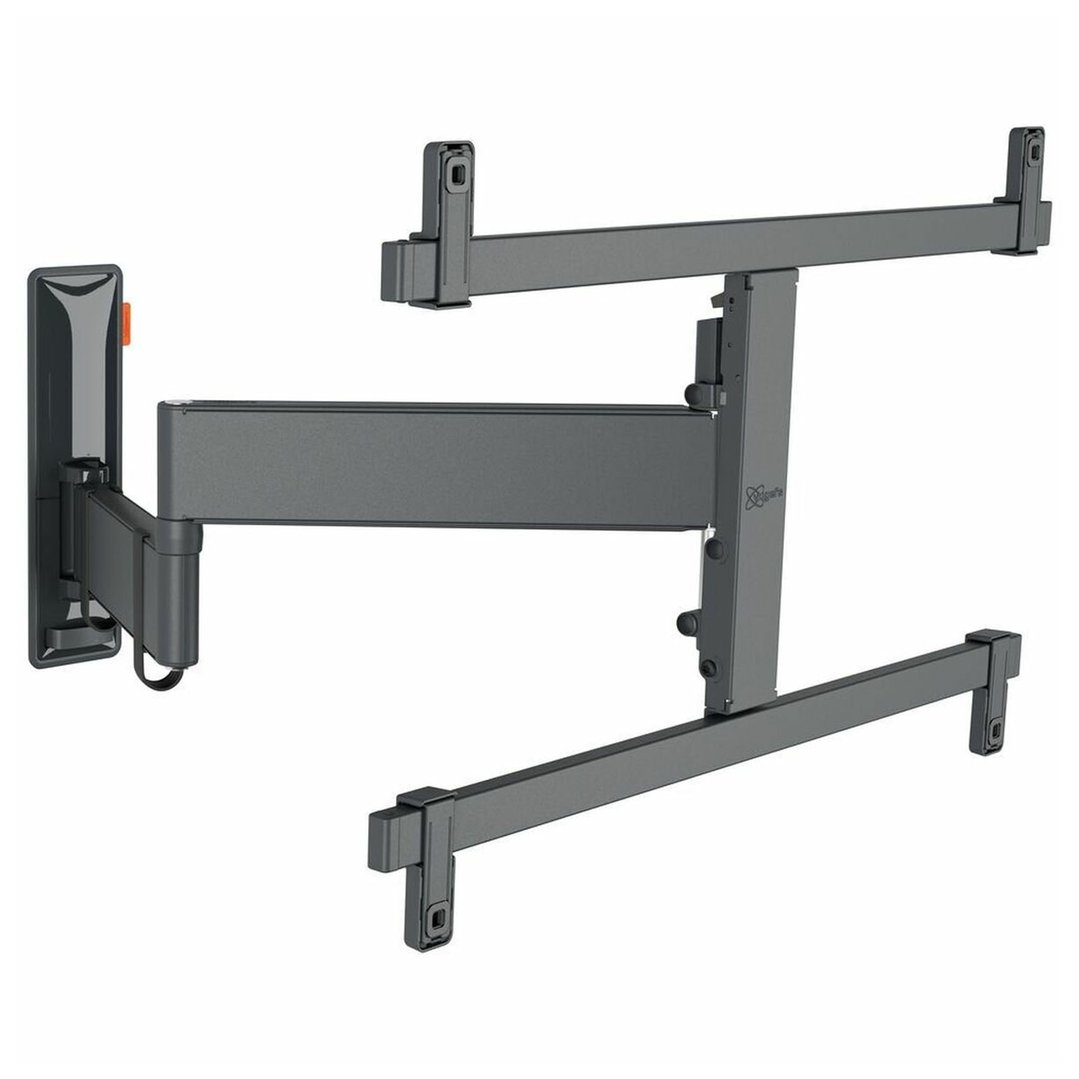

Wall mounting your TV is one of the easiest ways to transform your living space - freeing up furniture, reducing clutter, and giving your setup a clean, built-in look. At Bing Lee, we stock a full range of TV wall mounts to suit every screen size, wall type, and room setup.
FAQs
1. What are the different types of TV wall mounts?
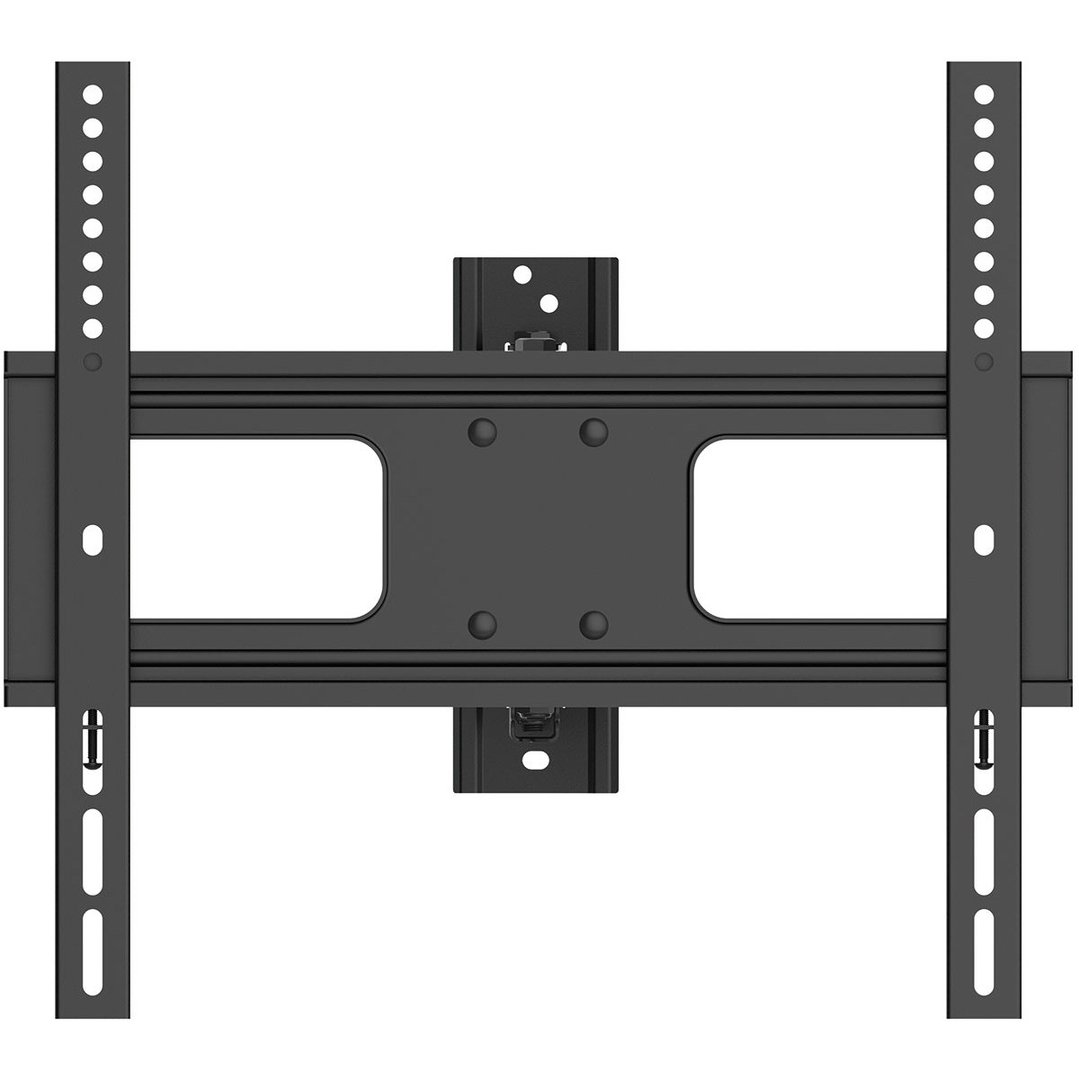
Flush / Low Profile - Sits closest to the wall for a picture-frame effect. Fixed position, no adjustment. Best when your TV is already at the perfect viewing height and angle
Tilting - Sits close to the wall but allows you to tilt the screen up or down. Ideal for TVs mounted higher up the wall, or rooms with sunlight glare
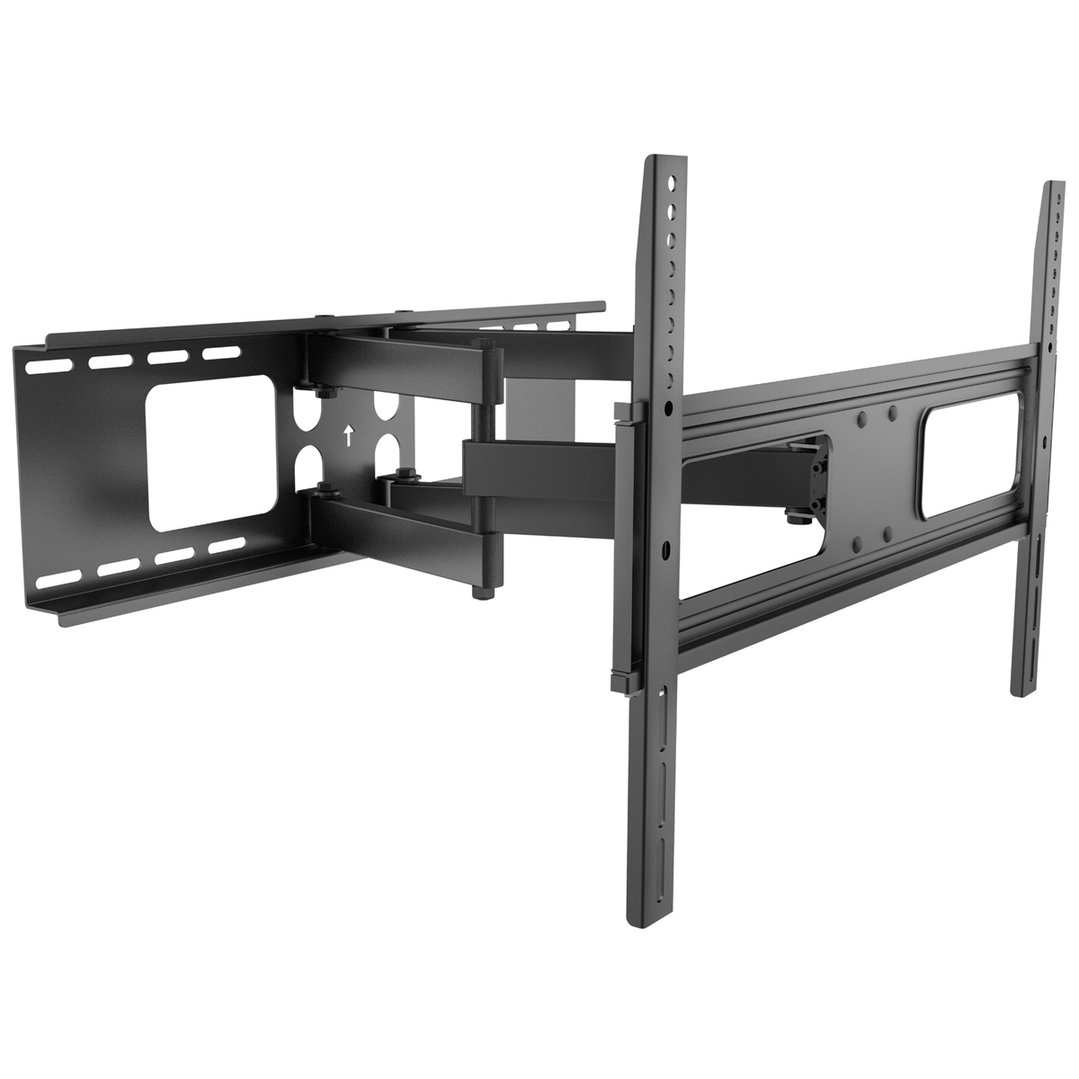
Extending / Dual Pivot - Full flexibility. Pull the TV out from the wall, swivel left and right, and tilt up and down. Best for corners, recesses, or rooms where you watch from multiple positions
2. How do I know if a wall mount will fit my TV?
Before buying a wall mount, you'll need to know three things about your TV:
- Weight (without the stand)
- Dimensions (width and height)
- VESA bolt hole spacing - the distance between the mounting holes on the back of your TV, measured centre to centre
You can find these in your TV's manual or on the manufacturer's website. Make sure the mount's weight rating exceeds your TV's weight, and that the VESA pattern matches.
3. Will my wall support a TV wall mount?
Most walls will support a TV mount, but larger TVs require more structural support. Key things to check:
- Timber frame walls - the mount must be secured into wall studs. For wider brackets, you'll need two studs that align with the mount's fixing points
- Solid timber, concrete or masonry walls - generally compatible with most mounts without the same stud limitations
- If your studs don't align with your preferred bracket, you can choose a different mount width or install a load-bearing panel between studs as an anchor point
For large TVs or if you're unsure, professional installation is recommended.
4. What else should I consider before buying a wall mount?
- Rear clearance - make sure there's enough space between the wall and the TV for power cables, HDMI leads, and any wall plates
- Cable management - flush mounts offer limited cable access, so check that your TV's ports face downward or sideways rather than directly into the wall. Right-angle HDMI adaptors and wall cable covers can help keep things tidy
- Extending mounts - ensure cables have enough slack to move with the TV at full extension without pulling out of the ports