
LG 32” QHD IPS Monitor with USB-C 32U631A
32U631A




IN STOCK
Pay in 4 interest-free payments of $67.25
Own it from $10 per week
Include a Back Up Plan?
Shipping Options
Enter your suburb and/or postcode below for delivery information:
Key Features
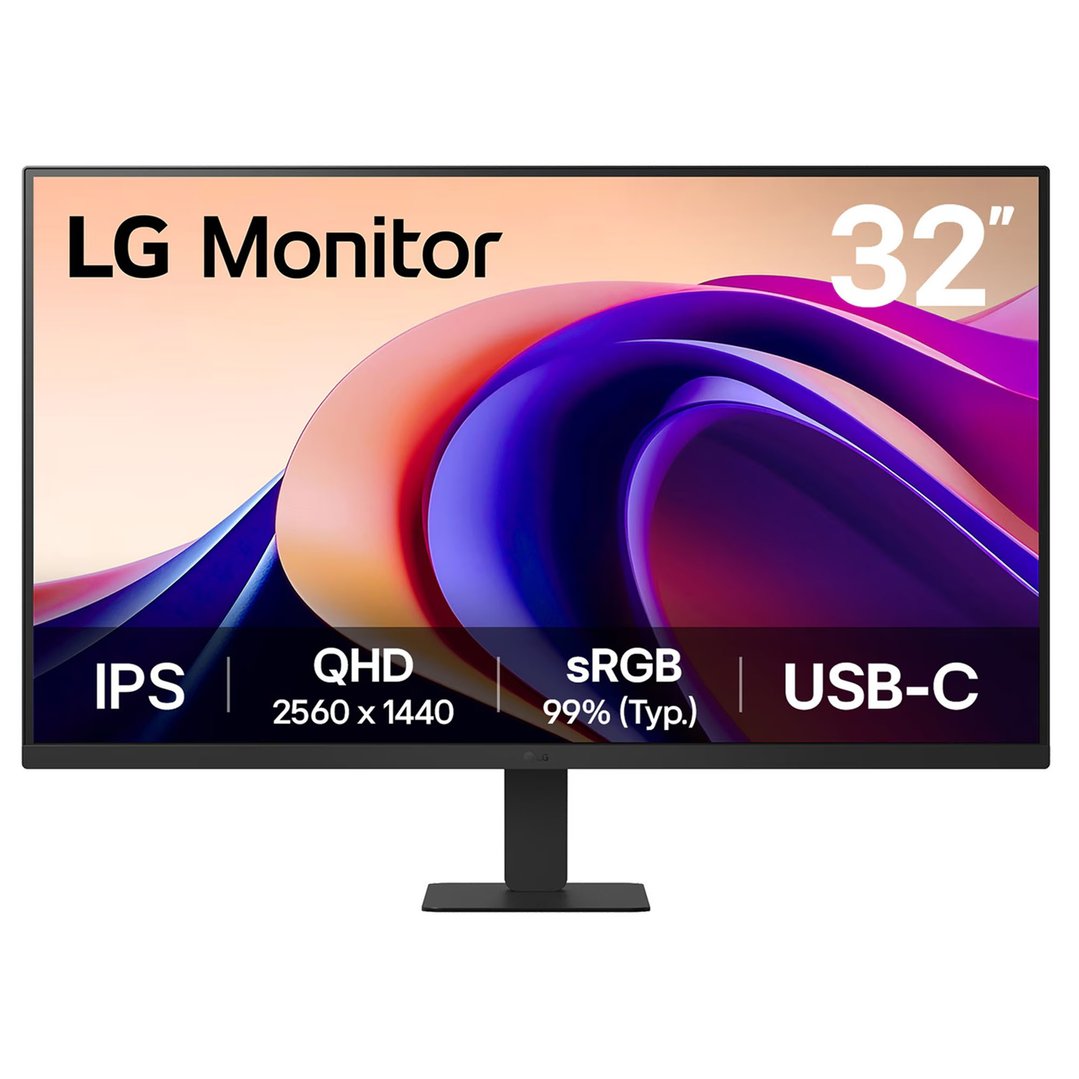
- 32” QHD (2560 x 1440) IPS display
- sRGB 99% (Typ.) / 100Hz refresh rate
- USB-C (PD 15W)
- Reader Mode & Flicker Safe
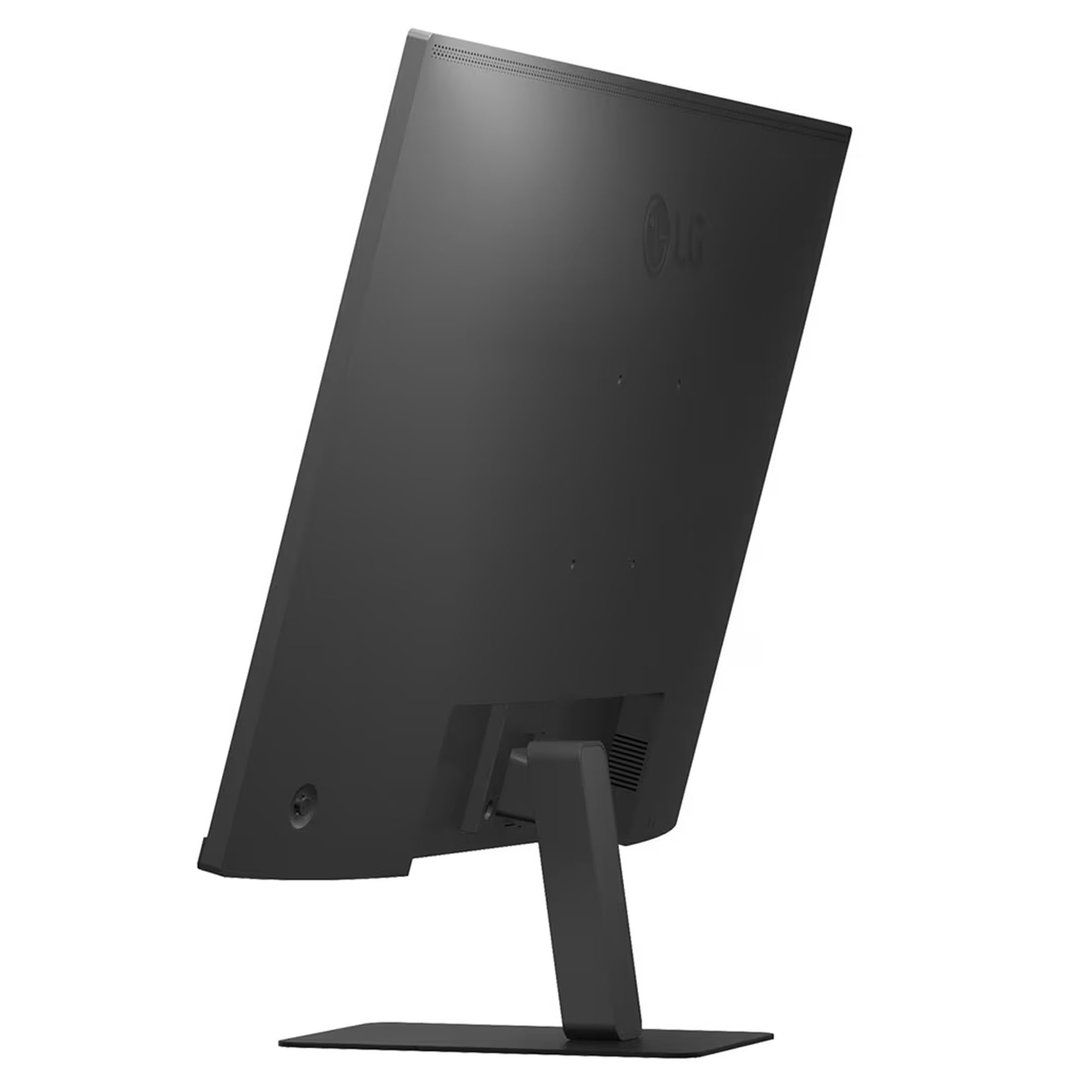
- Tilt adjustable stand
LG 32” QHD IPS Monitor with USB-C, 32U631A
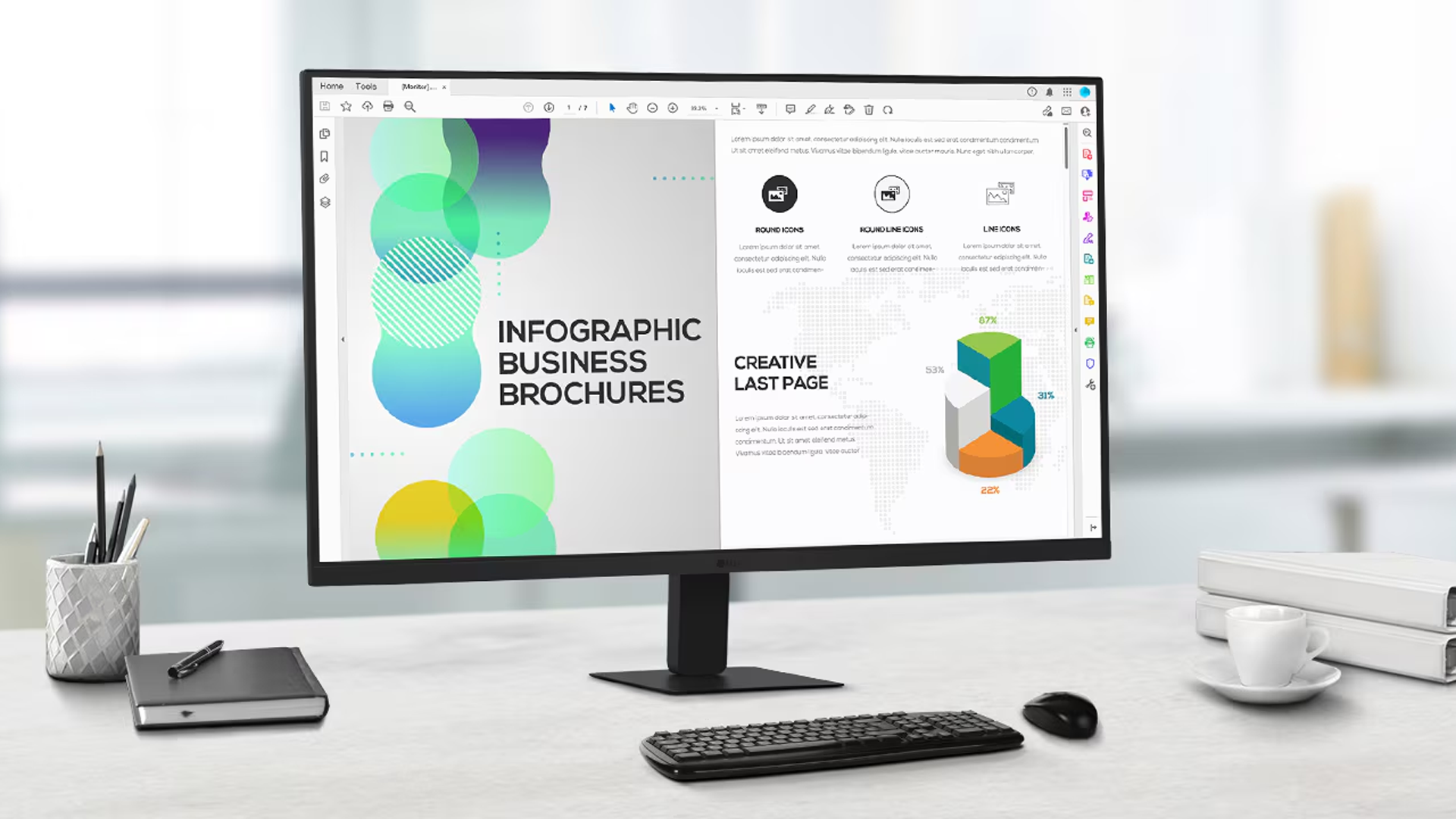
LG QHD (2560 x 1440) monitor with IPS technology delivers a clear and consistent colour. It can provide vivid colour reproduction and help users to view the screen at a wide angle.
Key Features:
Fluid visuals. Seamless workflow.
A fast 100Hz provides smooth frame loading in various programs. Also, you can enjoy realistic gameplay with less screen stuttering and motion blur1

True colours and wide view
Our IPS display offers a wide viewing angle and covers 99% of the sRGB spectrum, delivering impeccable colour accuracy.
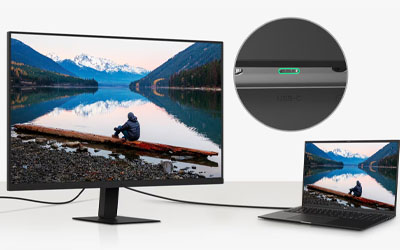
One port to meet your needs
Connect your laptop to the monitor with a USB-C cable2 for up to 15W of power delivery and display connectivity.

Fully utilise your desk space
The super slim stand minimises desk space usage, allowing you to make efficient use of your workspace.
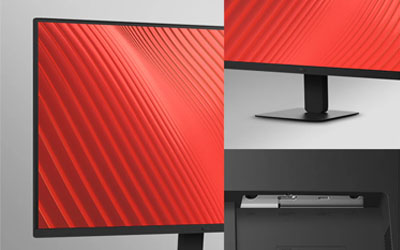
Comfortable workstation
Featuring a slim bezel on three sides, a sleek stand and a convenient tilt adjustment, our QHD monitor lets you create an ideal workspace.
1 This is compared to models with a refresh rate of less than 100Hz.
2 To work properly, the USB-C cable is required to connect the USB-C port to the monitor. The USB-C cable is not included in the package and should be purchased separately.
Specifications
Description
- Search Snippet: The LG 32U631A QHD monitor delivers 2560x1440 resolution with 100Hz refresh rate and USB-C connectivity with 15W power delivery.
Global
- EAN: 8806096409077
- Model Number: 32U631A
General
- Colour: Black
Features
- Adjustable Stand Height: Yes
- Flicker Safe: Yes
- 4 Screen Split: Yes
- Freesync: No
- Reader Mode: Yes
- Tiltable: Yes
- Wall Mountable: Yes
Display
- Aspect Ratio: 16:9
- Brightness: 250 (Typ.) [cd/m²], 200 (Min.) [cd/m²]
- Contrast Ratio: 1000:1
- Display Colours (M): 16.7
- Display Resolution: 2560 x 1440
- Display Type: QHD
- Refresh Rate (Hz): 100(Hz)
- Response Time (Ms): 5
- Screen Size (in): 32"
- Viewing Angle: 178º(R/L), 178º(U/D)
Connectivity
- Headphones: Yes
Interfaces/Ports
- HDMI: YES(1ea)
- USB Type-C: Yes
Dimensions
- Depth: 235mm
- Dimensions without Stand (WxDxH) (mm): 714.2 x 419.4x 46.8
- Dimensions with Stand (WxDxH) (mm): 714.2 x 512.6 x 235
- Height: 512.6mm
- Width: 714.2mm
Weight
- Box Weight (Kg): 8.8
- Weight (Kg): 6.5
- Weight without Stand (Kg): 5.4
- Weight with Stand (Kg): 6.5
In The Box & Warranty
- Included: HDMI Cable
- Warranty (Years): 1
Manuals
Why Buy?
More screen space and sharper detail for comfortable all-day work
This 32-inch QHD monitor gives you four times the detail of standard HD displays, making text crisp and images vivid while providing room to work with multiple windows without feeling cramped. The lg usbc monitor connection simplifies your desk setup with a single cable for both display and laptop charging.
The IPS technology delivers accurate colours that stay consistent from any viewing angle, making photo editing and creative work more reliable. The 100Hz refresh rate keeps scrolling smooth and responsive, while the flicker-free design reduces eye strain during long work sessions. You get genuinely sharper text for reading documents, better colour accuracy for creative projects, and smoother performance for everyday computing.
The super slim stand takes up minimal desk space, leaving more room for your work materials. The tilt adjustment helps you find the most comfortable viewing position, while the near-borderless design on three sides creates a clean, modern look. The single USB-C connection reduces cable clutter and provides up to 15W power delivery to keep your laptop charged while you work.
Buy this if…
- You spend long hours at your computer and want less eye strain
- You need more screen space for multitasking or detailed work
- You want accurate colours for photo editing or creative projects
- You prefer a single USB-C cable connection to your laptop
- You are upgrading from a smaller or lower-resolution display