Streaming Devices
7 products

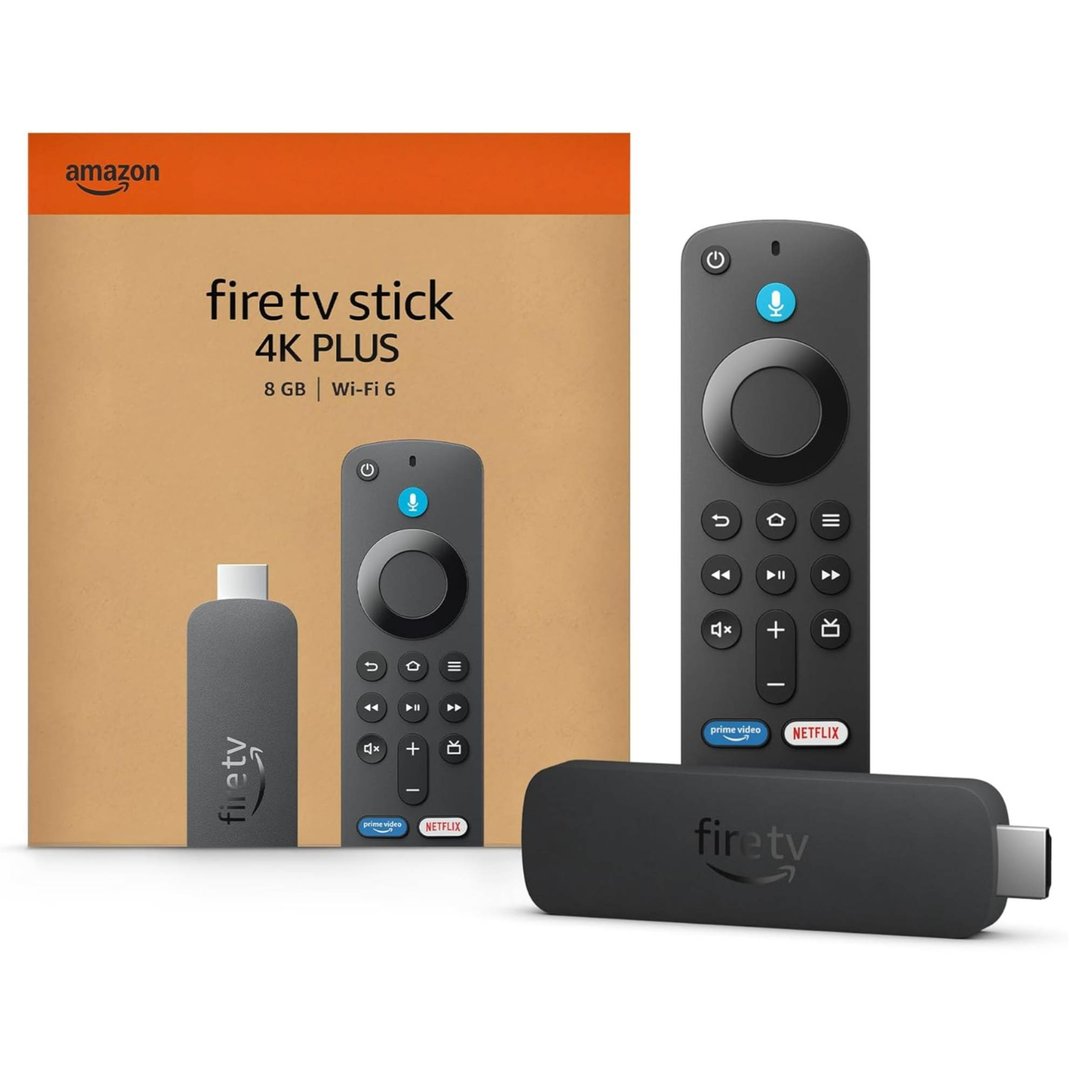

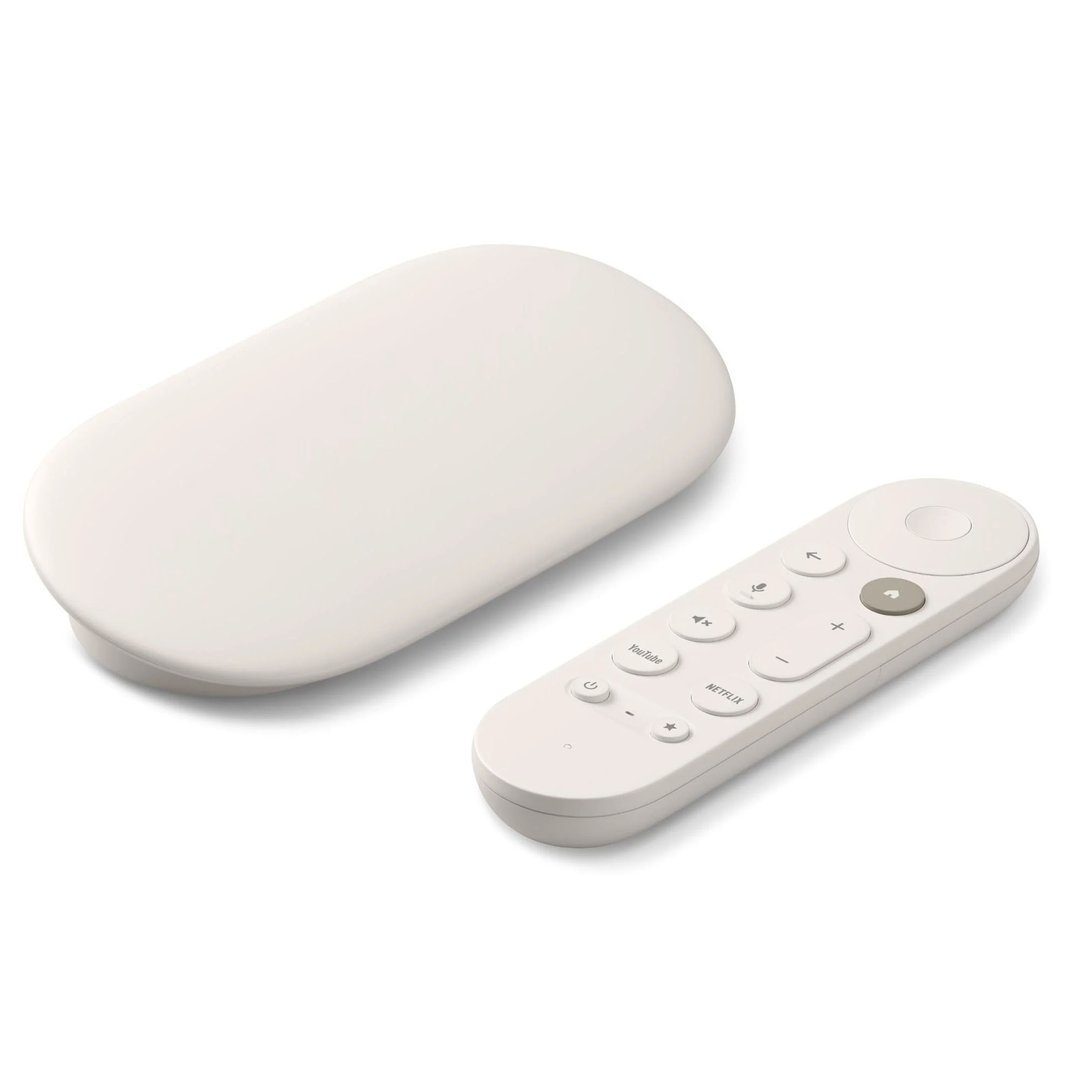

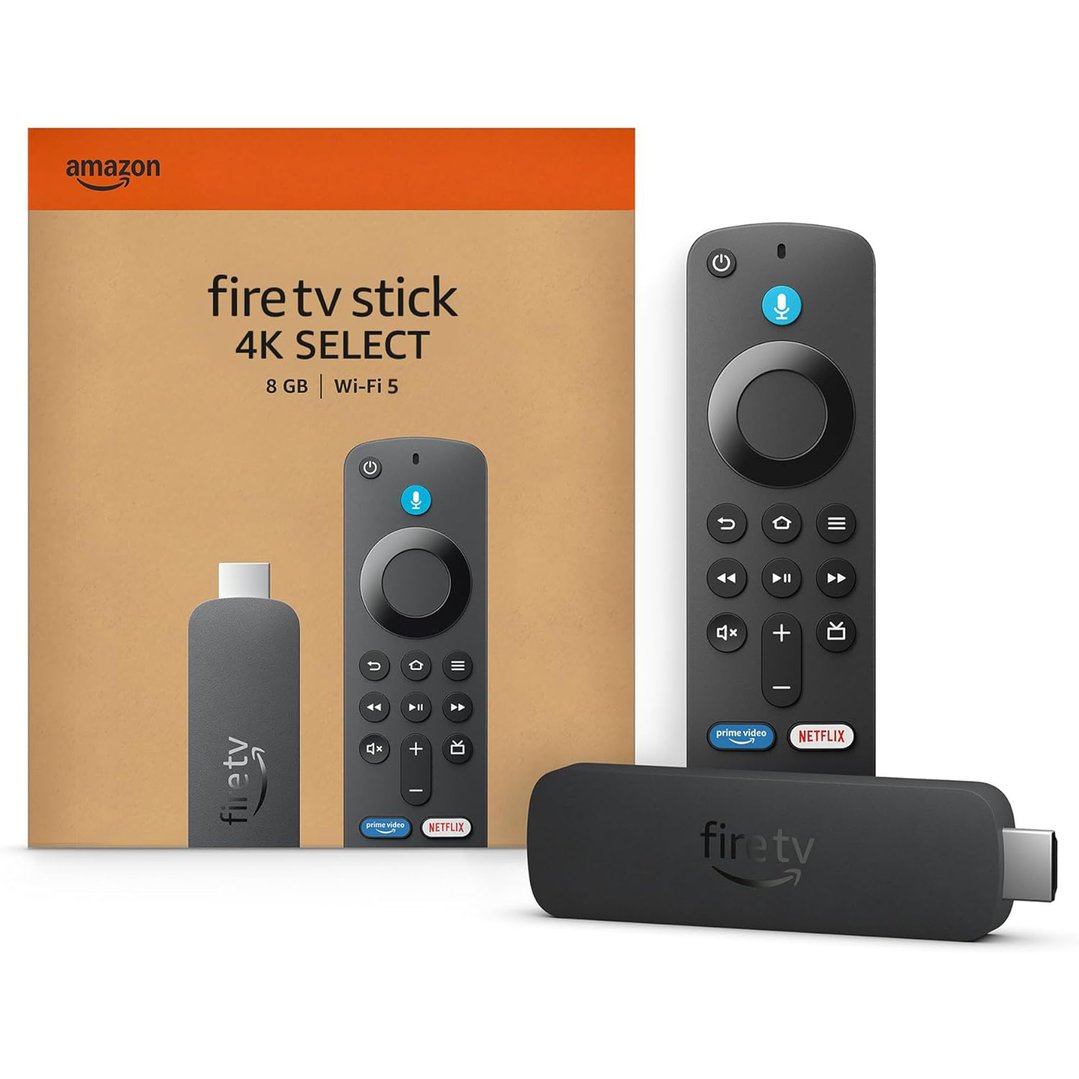
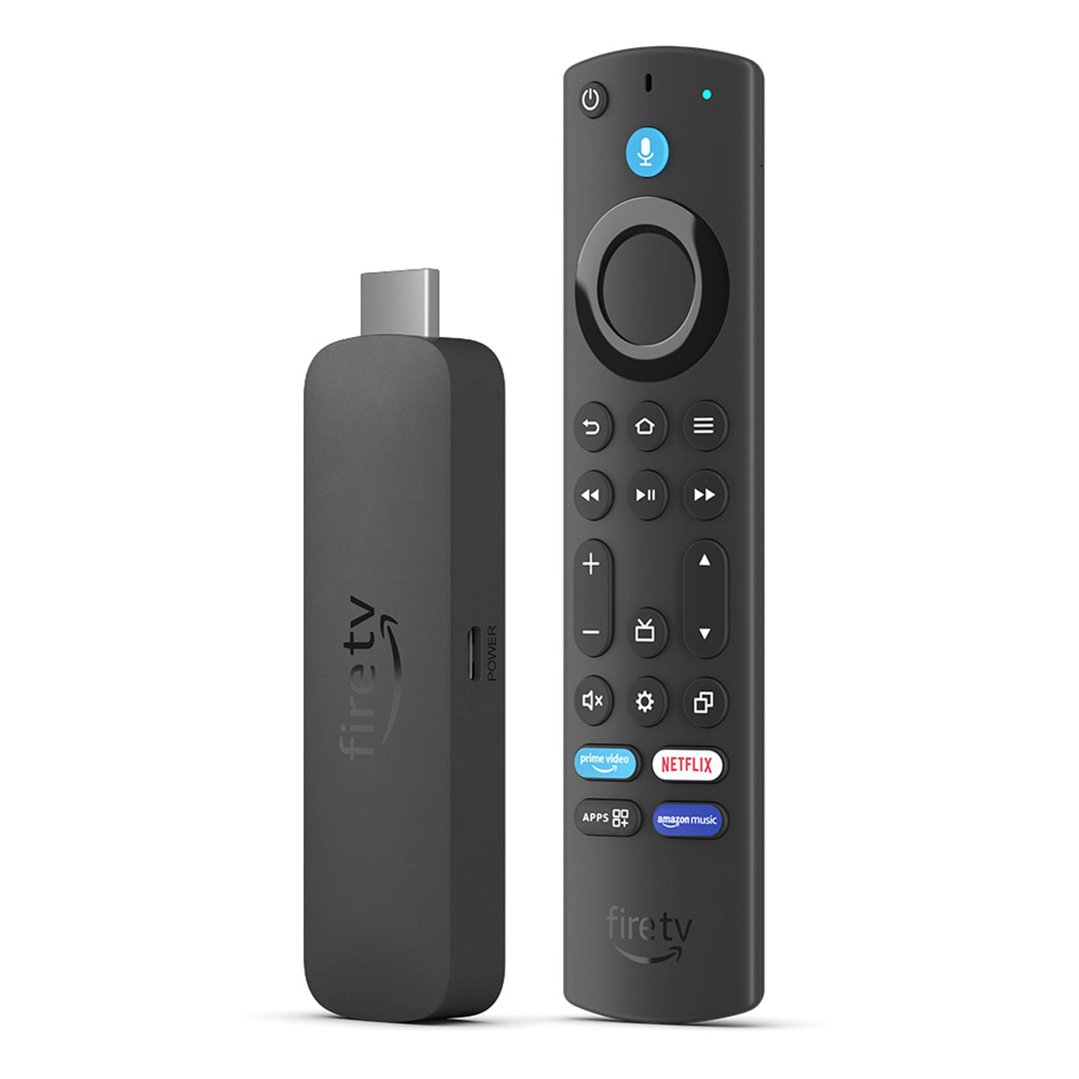


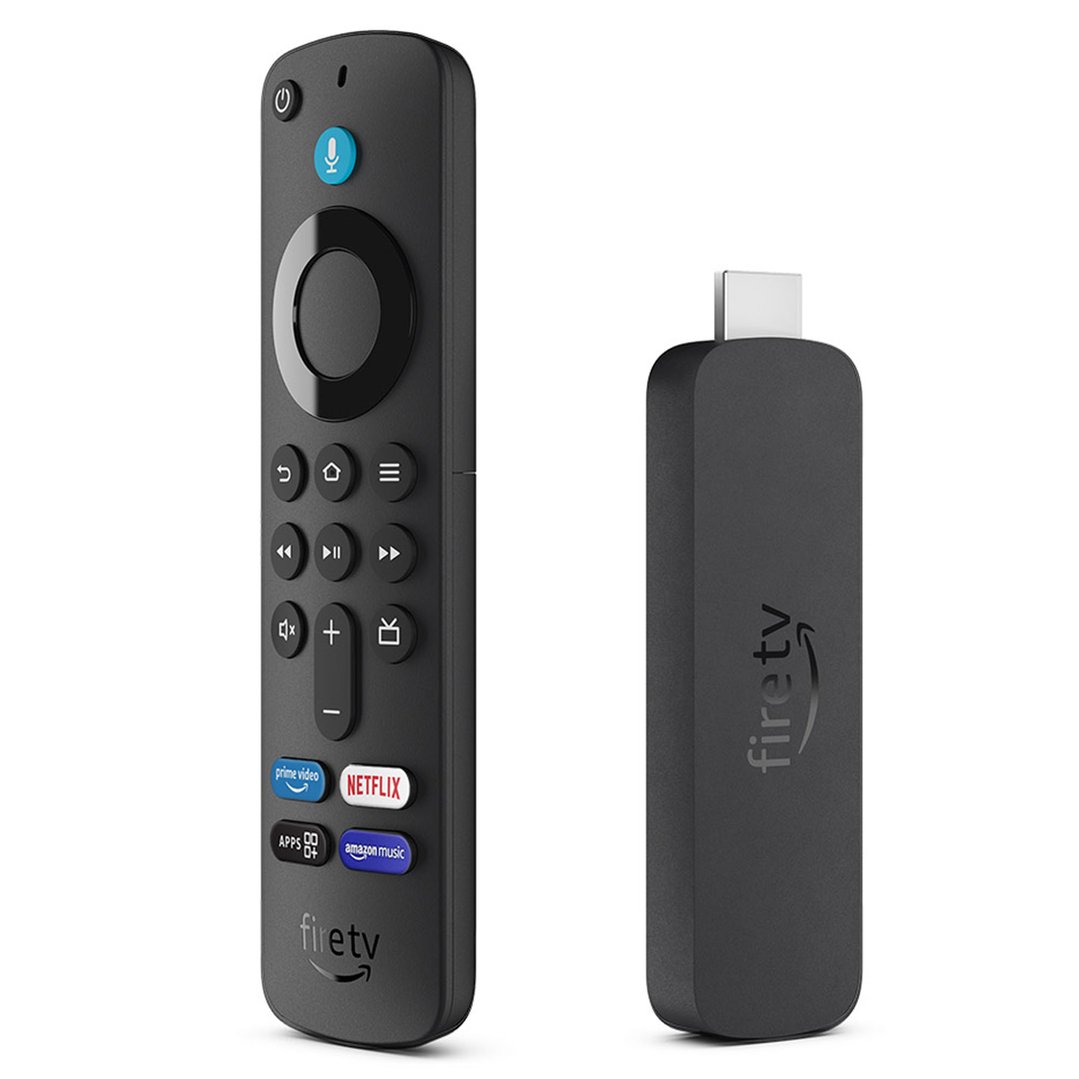
A media player is the simplest way to unlock the full streaming experience on any TV. At Bing Lee, we stock a full range of streaming sticks, TV boxes, and media players from Apple, Google, Amazon and more, giving you instant access to Netflix, Disney+, Stan, Kayo, YouTube and every major Australian streaming platform.
FAQs
1. What is a media player and do I need one?
A media player is a device that connects to your TV and streams content directly from the internet — movies, TV shows, sport, music and more. If your TV is already a smart TV, you may not need one. But if your TV is older and lacks built-in streaming, or if you want a faster, more responsive streaming experience than your TV's built-in system offers, a dedicated media player is a worthwhile upgrade.
2. What are the different types of media players?
Google TV (Chromecast) - Personalised recommendations, Google Assistant voice control, and broad app support. Available in HD and 4K. Works with both Android and iPhone householdsAmazon Fire TV Stick - Compact and fast with Alexa voice control. Ideal for Amazon Prime Video users but supports all major Australian streaming services. Available in HD and 4KApple TV - Premium streaming experience with AirPlay, Siri Remote, and deep integration with Apple devices. Supports HDR and Dolby Vision on compatible TVsAndroid TV Boxes - Most flexible option. Support 4K, USB ports, local file playback, web browsing, and a wide range of file formats. Ideal for users with personal media libraries.
3. What streaming services are available in Australia?
Most media players support all major Australian streaming platforms including Netflix, Disney+, Stan, Amazon Prime Video, Binge, Kayo Sports, Apple TV+, YouTube and free-to-air catch-up apps. Before buying, confirm your preferred apps are available on the device you're considering.
4. Do media players support 4K?
Yes, most modern media players support 4K Ultra HD. The Google Chromecast 4K, Amazon Fire TV Stick 4K, and Apple TV 4K all support 4K resolution along with HDR10 and Dolby Vision for the best possible picture quality. If you own a 4K TV, choosing a 4K-capable media player is recommended.
5. Can a media player access files stored on a USB drive?
It depends on the device. Android TV boxes typically offer the most flexibility here, with USB ports and support for a wide range of file formats including MKV, AVI, and MP4. Apple TV and Google TV support local file playback through apps like Plex. If you have a large personal media library, check the local file support of the device before buying.
6. What internet speed do I need for streaming?
SD streaming: 3 Mbps HD streaming: 5–10 Mbps 4K streaming: 25 Mbps or more For households with multiple people streaming at the same time, a plan of 50 Mbps or above is recommended for a smooth, buffer-free experience.